Browse
Category: Tutorials
Premiere Pro & After Effects tutorials from Adobe Video World instructors.
-
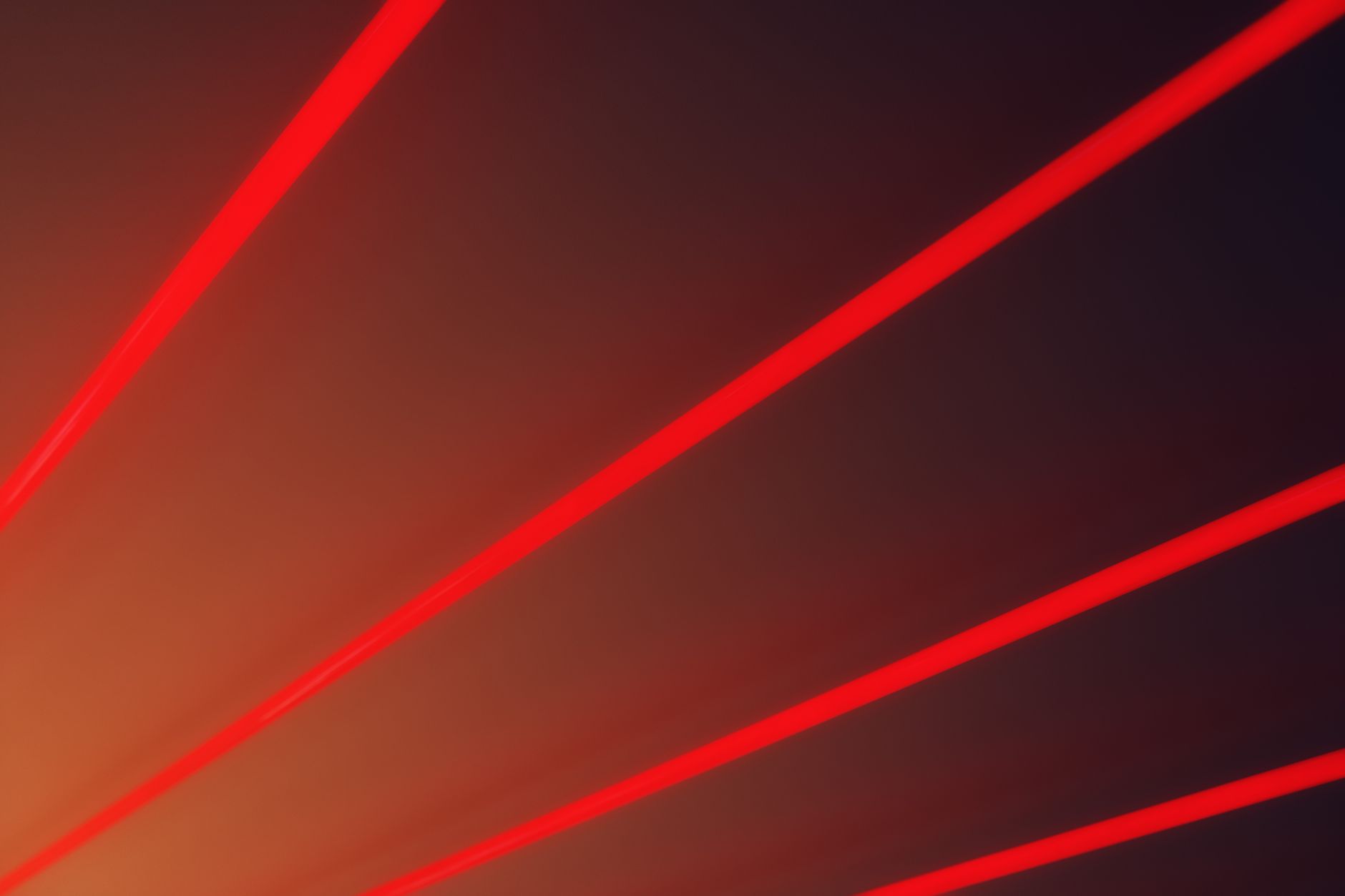
How to Create a Laser Beam Effect in After Effects
Create a laser beam effect in After Effects — use the Beam effect, add glow and core, animate the beam firing, add…
-
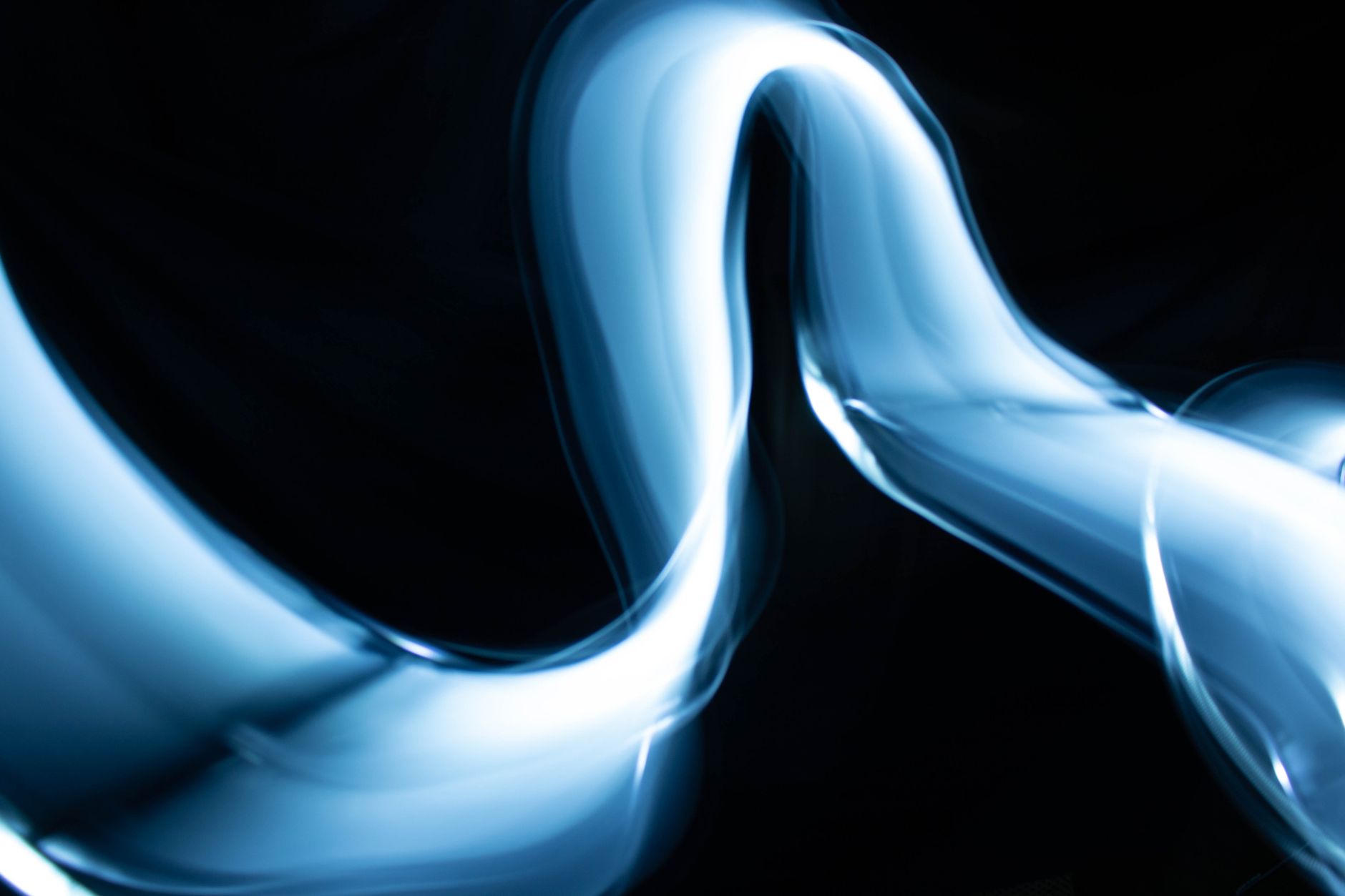
How to Create a Force Field Effect in After Effects
Create a force field effect in After Effects — build a glowing energy shield, add ripples on impact, distortion, and animation for…
-
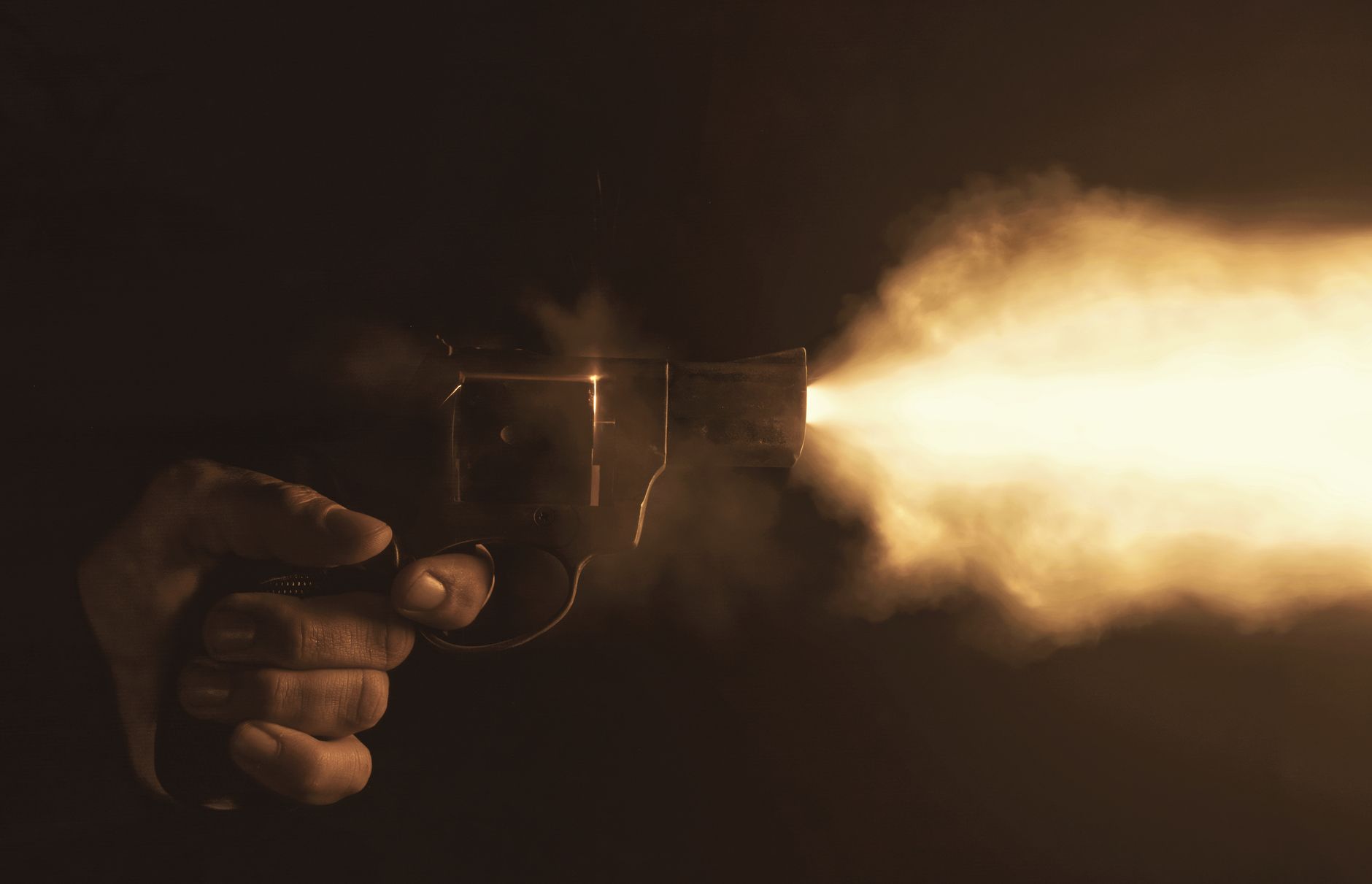
How to Create a Muzzle Flash Effect in After Effects
Create a muzzle flash effect in After Effects — add gunfire flashes, sync them to action, add light, smoke, and shells, and…
-
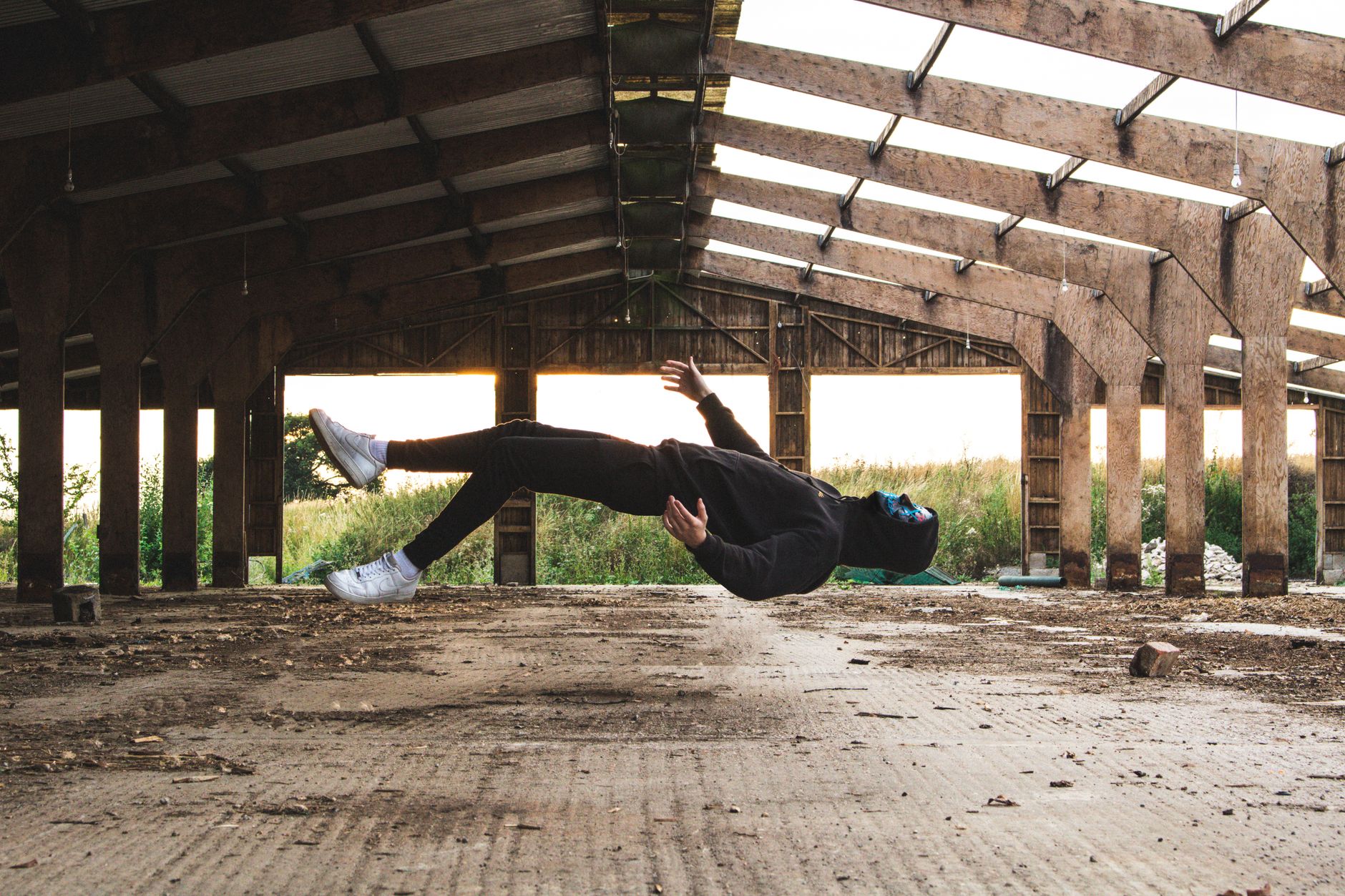
How to Create a Levitation Effect in Video
Create a levitation effect — film a person or object on a support, remove the support with a clean plate, and make…
-
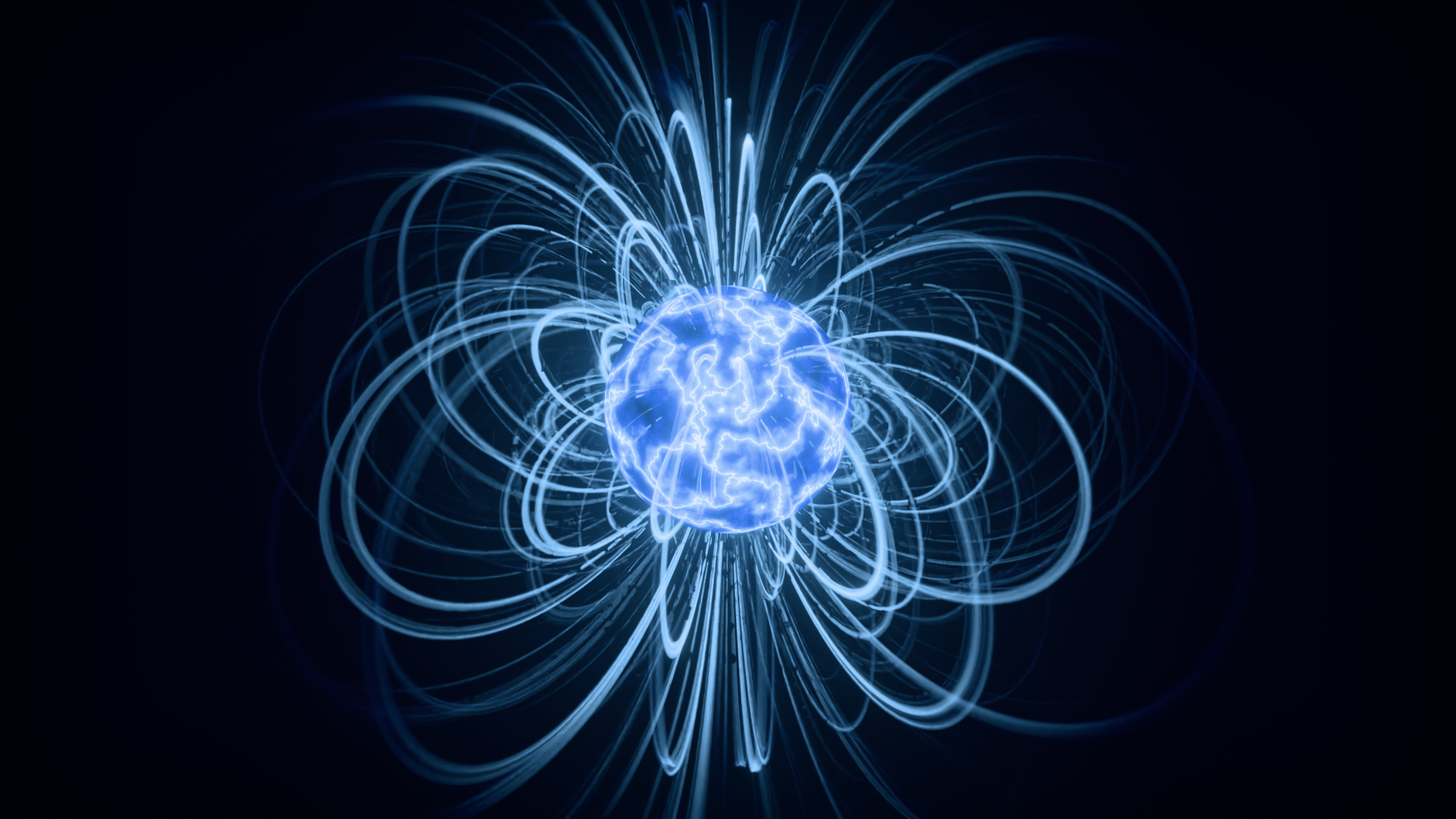
How to Create a Teleport Effect in After Effects
Create a teleport effect in After Effects — film a clean plate, make a person vanish and reappear, add particles and distortion,…
-
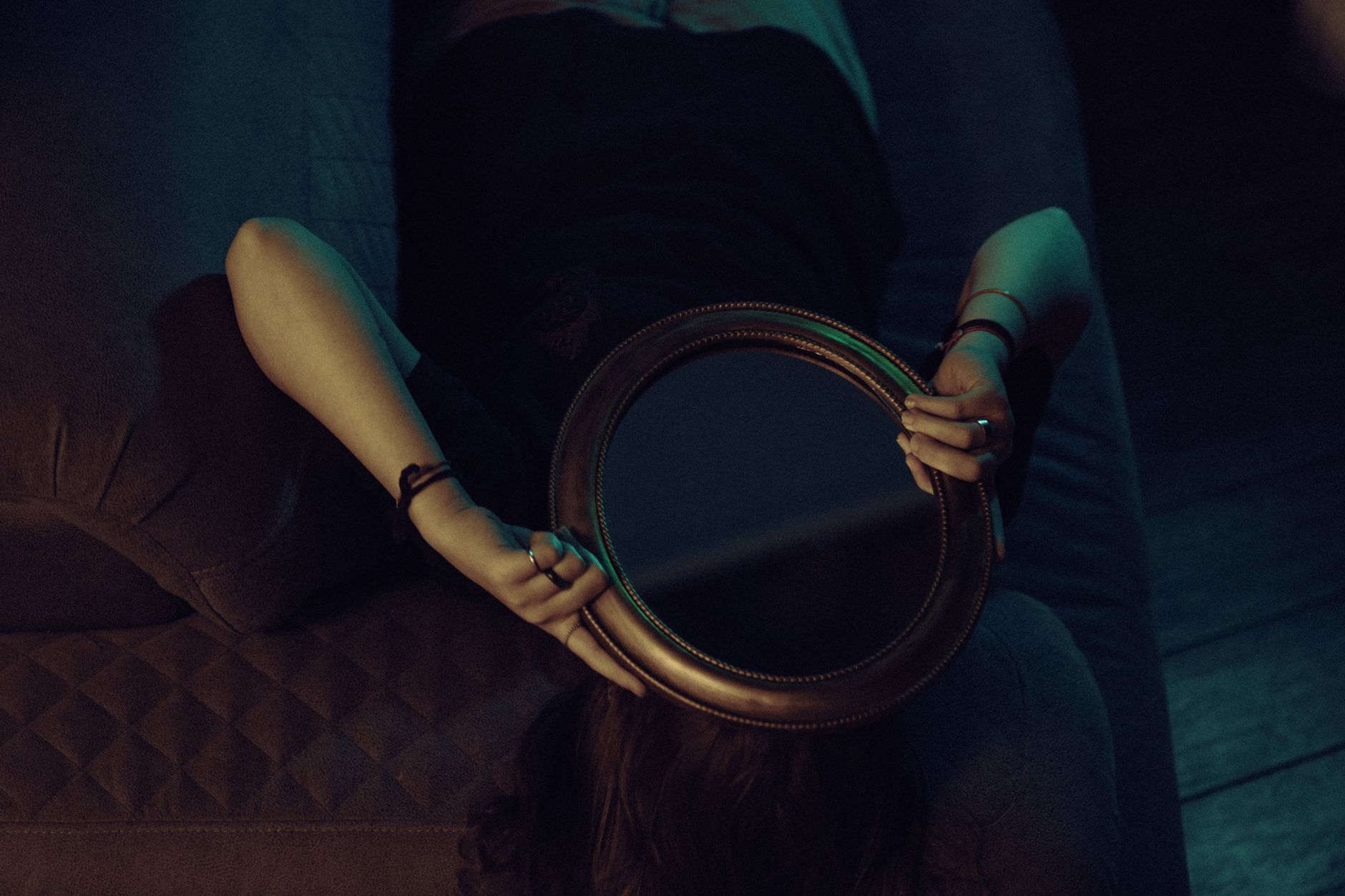
How to Create an Invisibility Cloak Effect in After Effects
Create an invisibility cloak effect in After Effects — film a clean plate, composite the background over a subject, and make a…
-
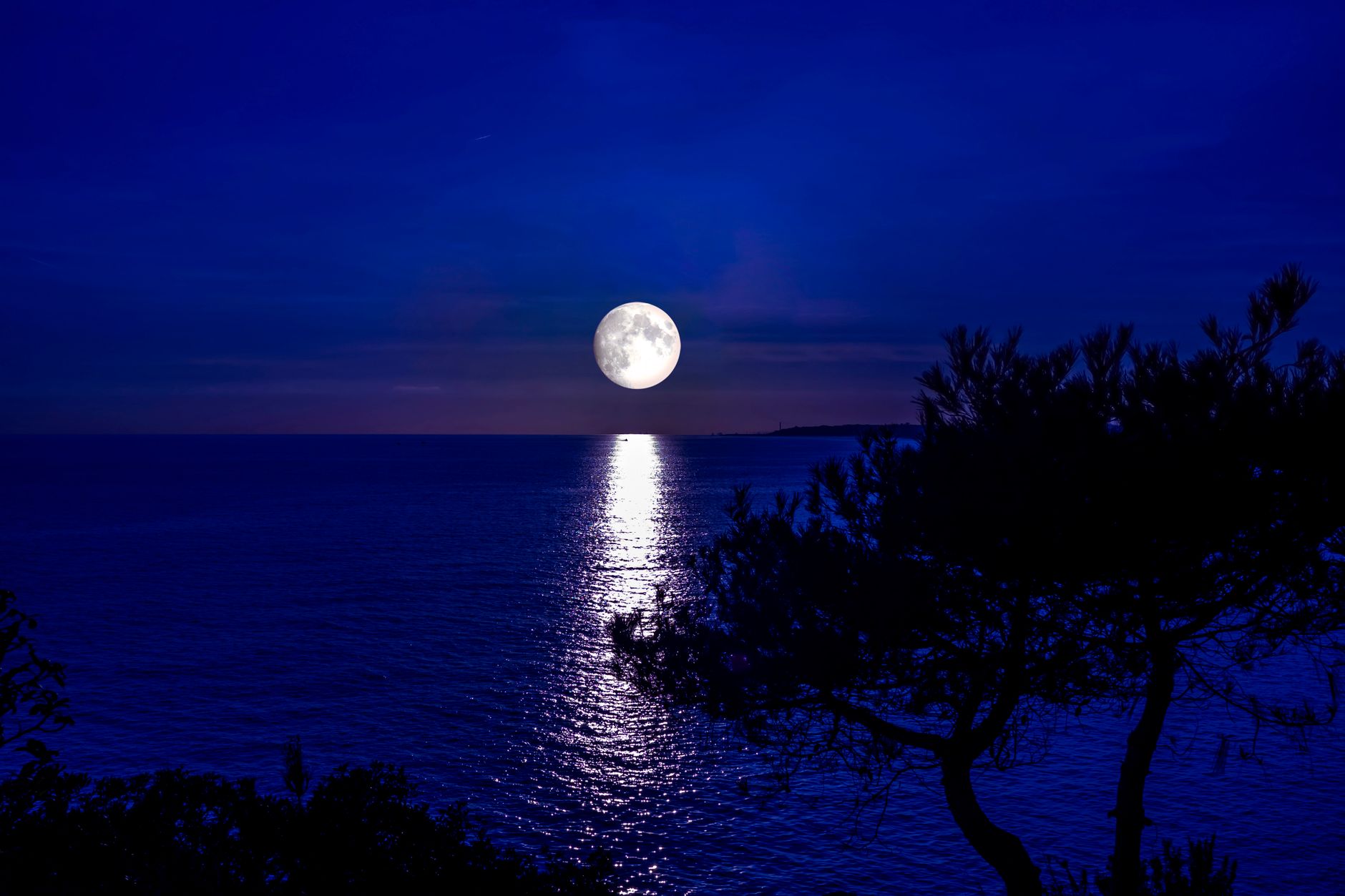
How to Create a Day-to-Night Effect in After Effects
Create a day-to-night effect in After Effects — grade daytime footage to look like night, darken and cool the image, add blue…
-
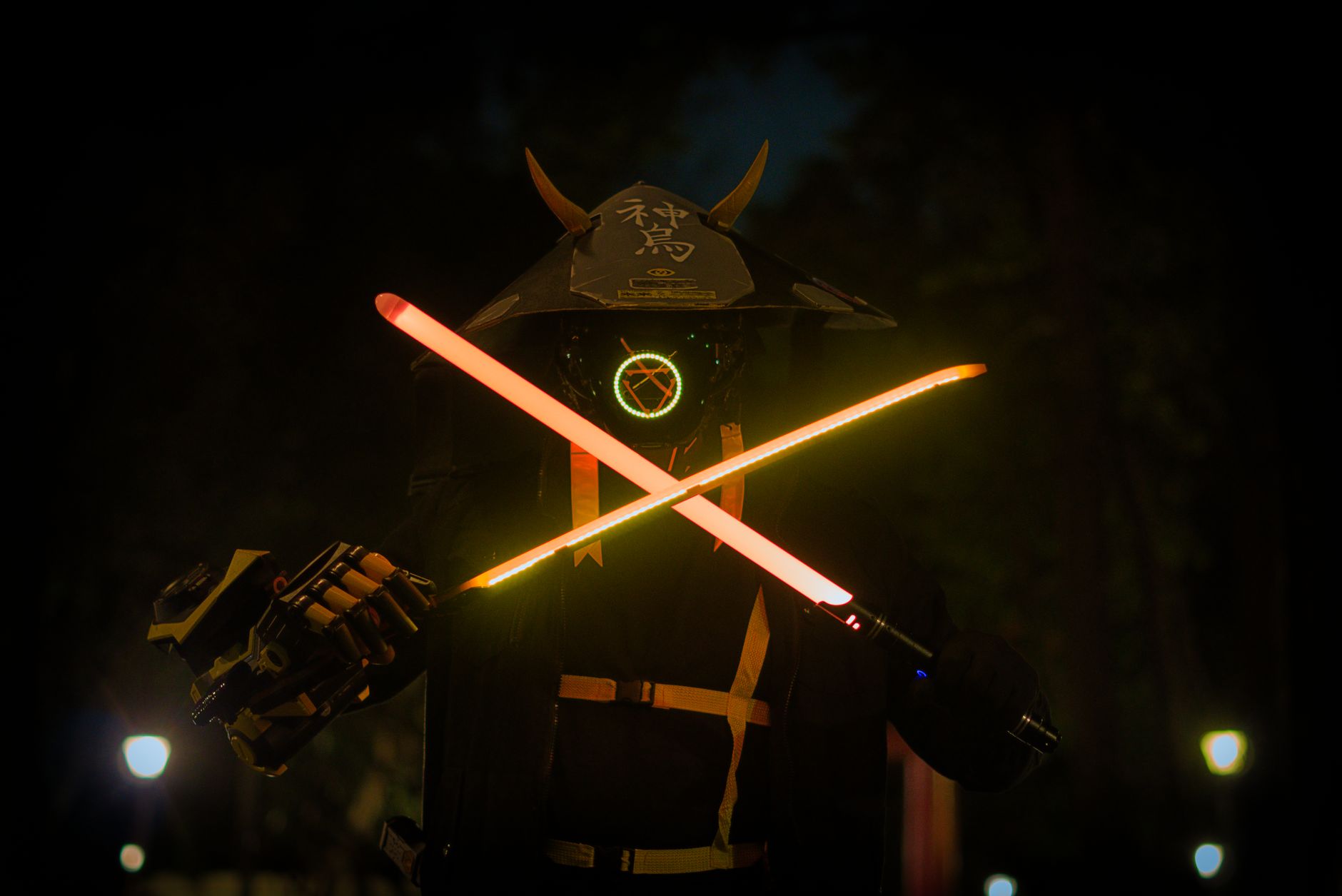
How to Create a Lightsaber Effect in After Effects
Create a lightsaber effect in After Effects — roto or mask the blade, add a glowing core and colored glow, track it…
-
How to Replace the Sky in After Effects
Replace the sky in After Effects — mask or key out a dull sky, composite a dramatic new one, match lighting and…
-

How to Create a Clone Effect in After Effects
Create a clone effect in After Effects — film the same person twice, use masking to composite them into one shot, match…