Browse
Category: Tutorials
Premiere Pro & After Effects tutorials from Adobe Video World instructors.
-

How to Edit an Event Video
Edit an event video — capture the highlights and energy, structure the day, sync multi-camera footage, add music and graphics, and create…
-
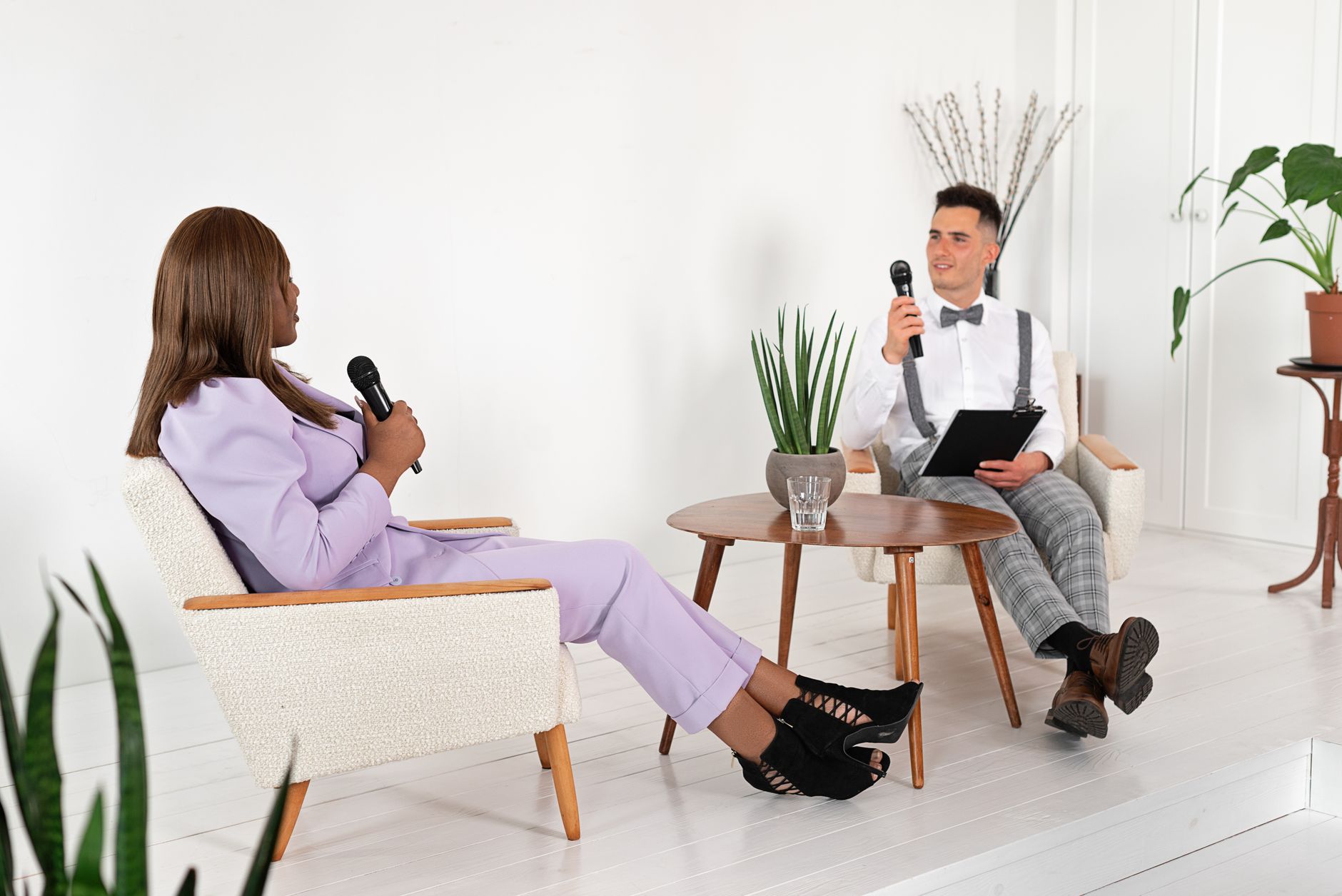
How to Edit a Testimonial Video
Edit a testimonial video — shape authentic customer stories, cut interviews tight, add b-roll and branding, keep it genuine and persuasive, and…
-
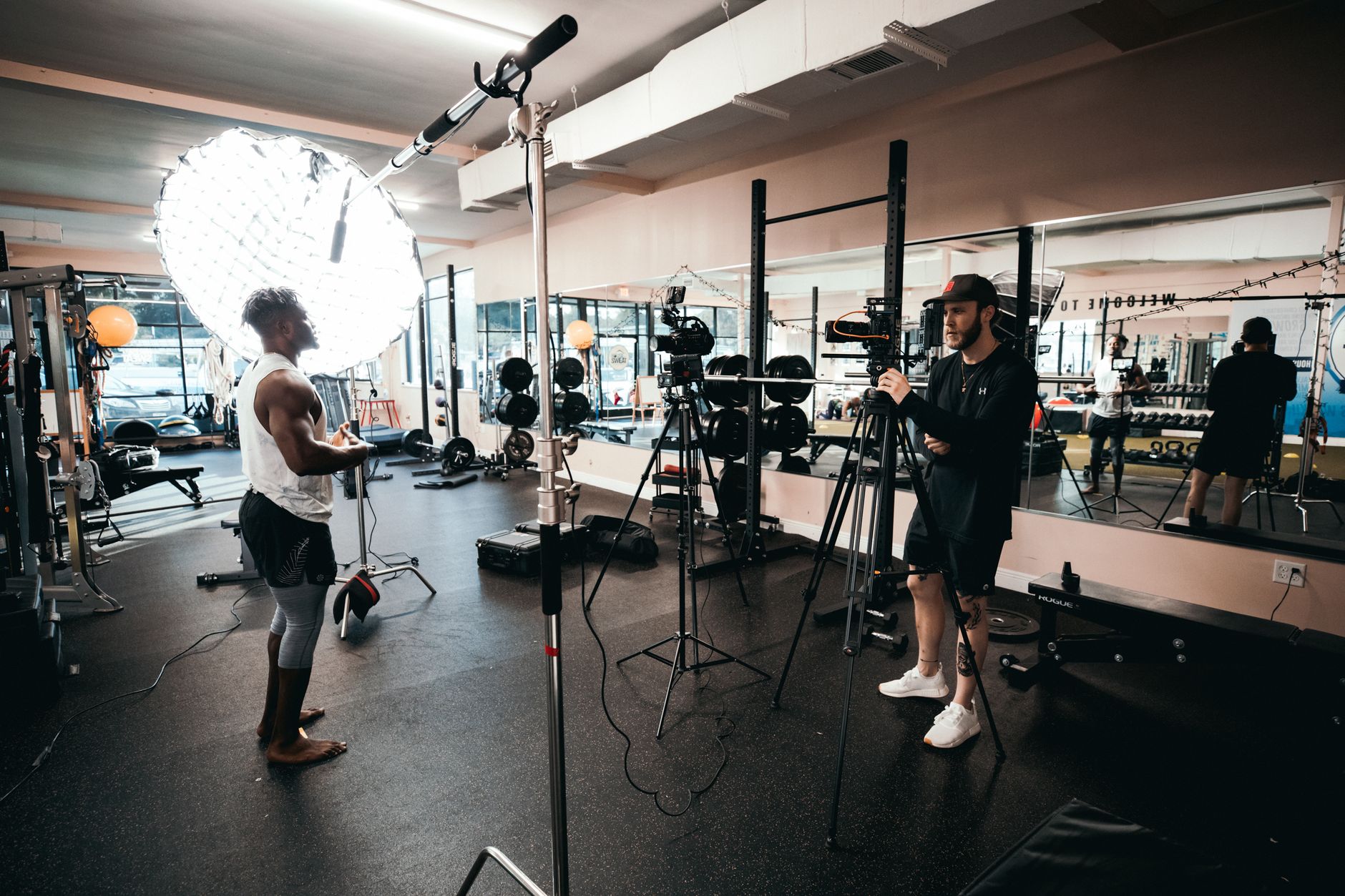
How to Edit a Fitness Video
Edit a fitness or workout video — show exercises clearly, sync to energetic music, add timers and form cues, keep the energy…
-
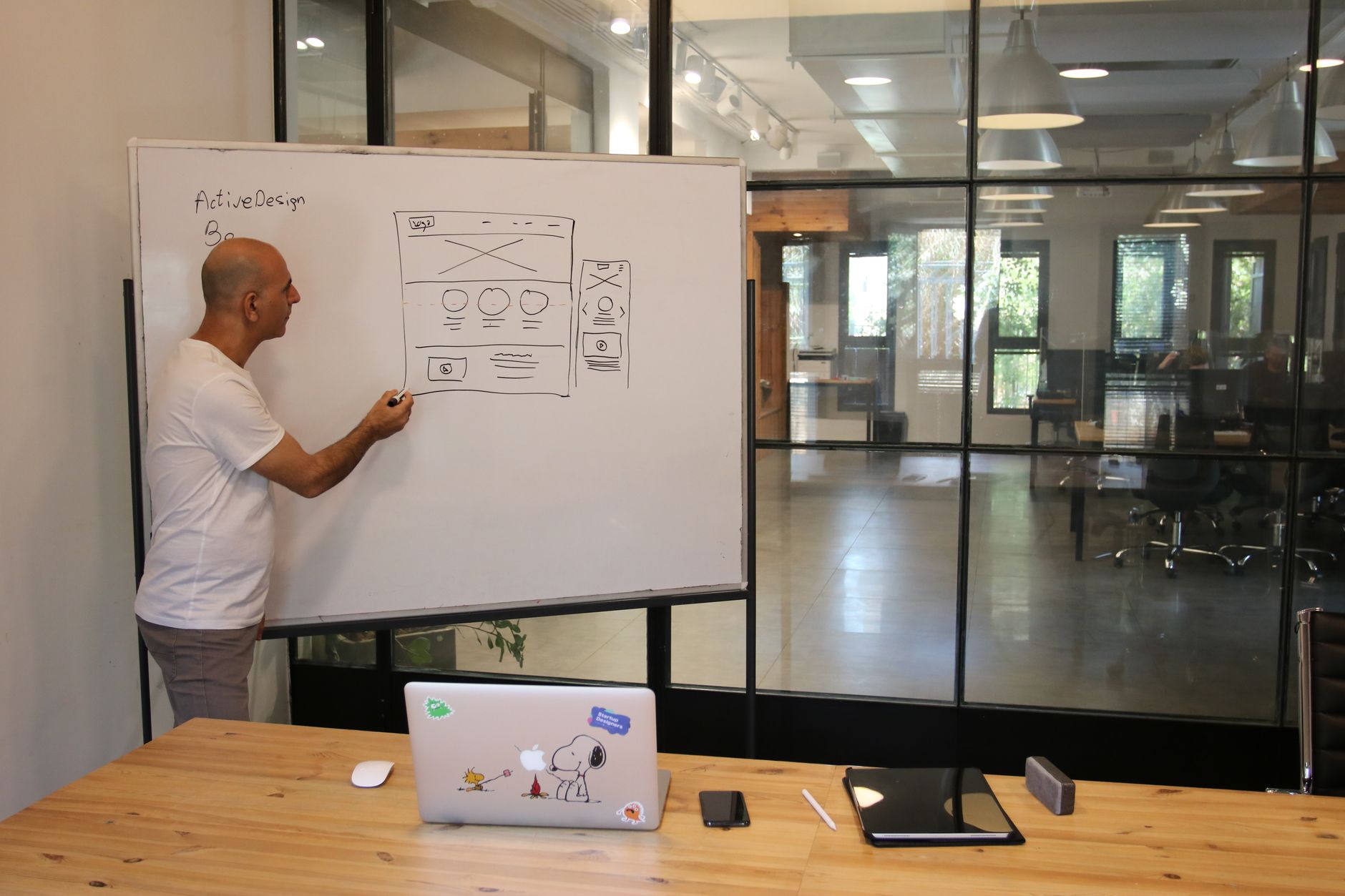
How to Edit an Explainer Video
Edit an explainer video — structure a clear message, sync narration to visuals and graphics, pace for comprehension, and create an engaging…
-

How to Edit a Reaction Video
Edit a reaction video — sync reactor and content, frame both clearly, cut for the best moments, respect fair use, and create…
-
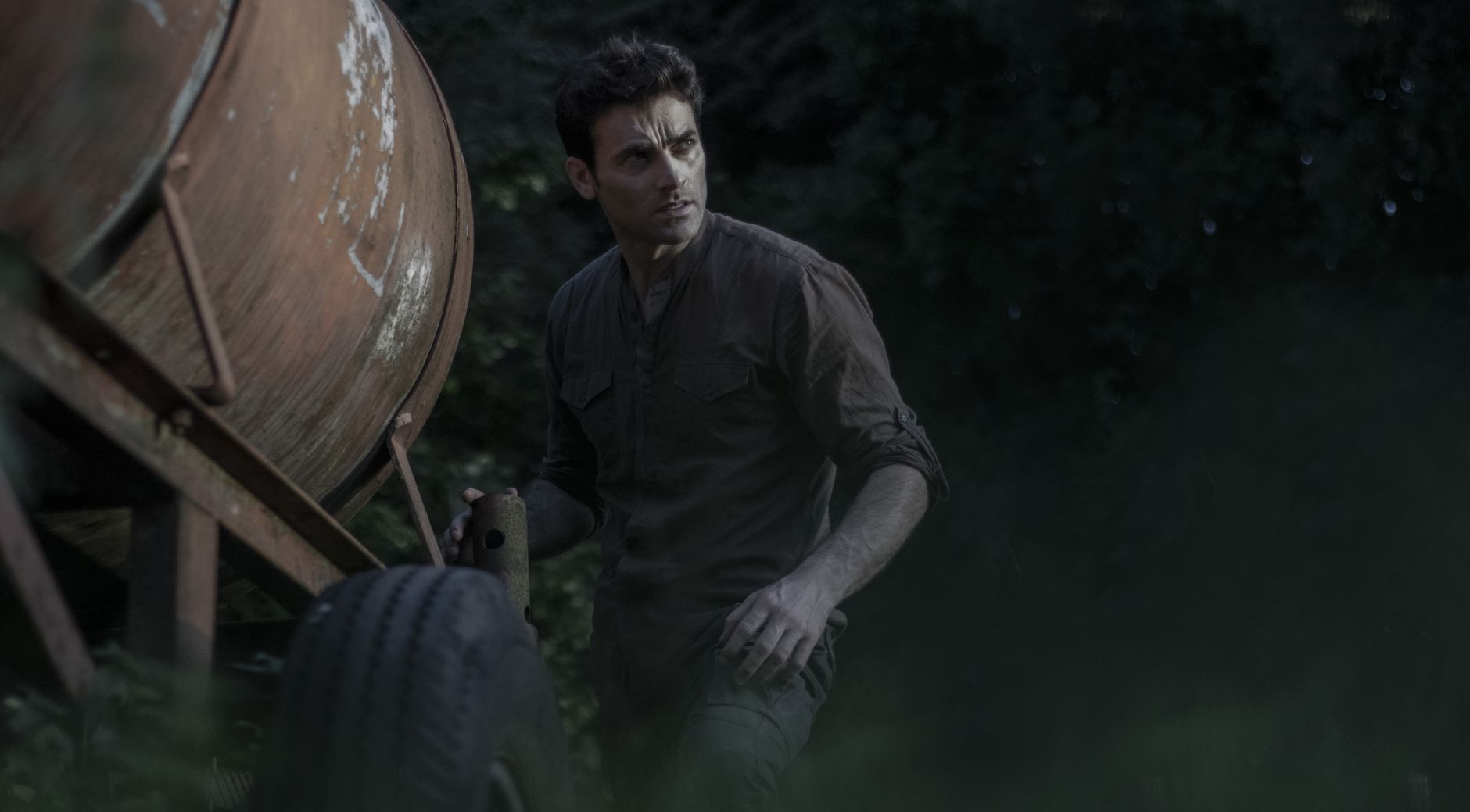
How to Edit a Trailer
Edit a trailer — build tension and excitement, structure the three-act trailer, cut to music and beats, tease without spoiling, and create…
-
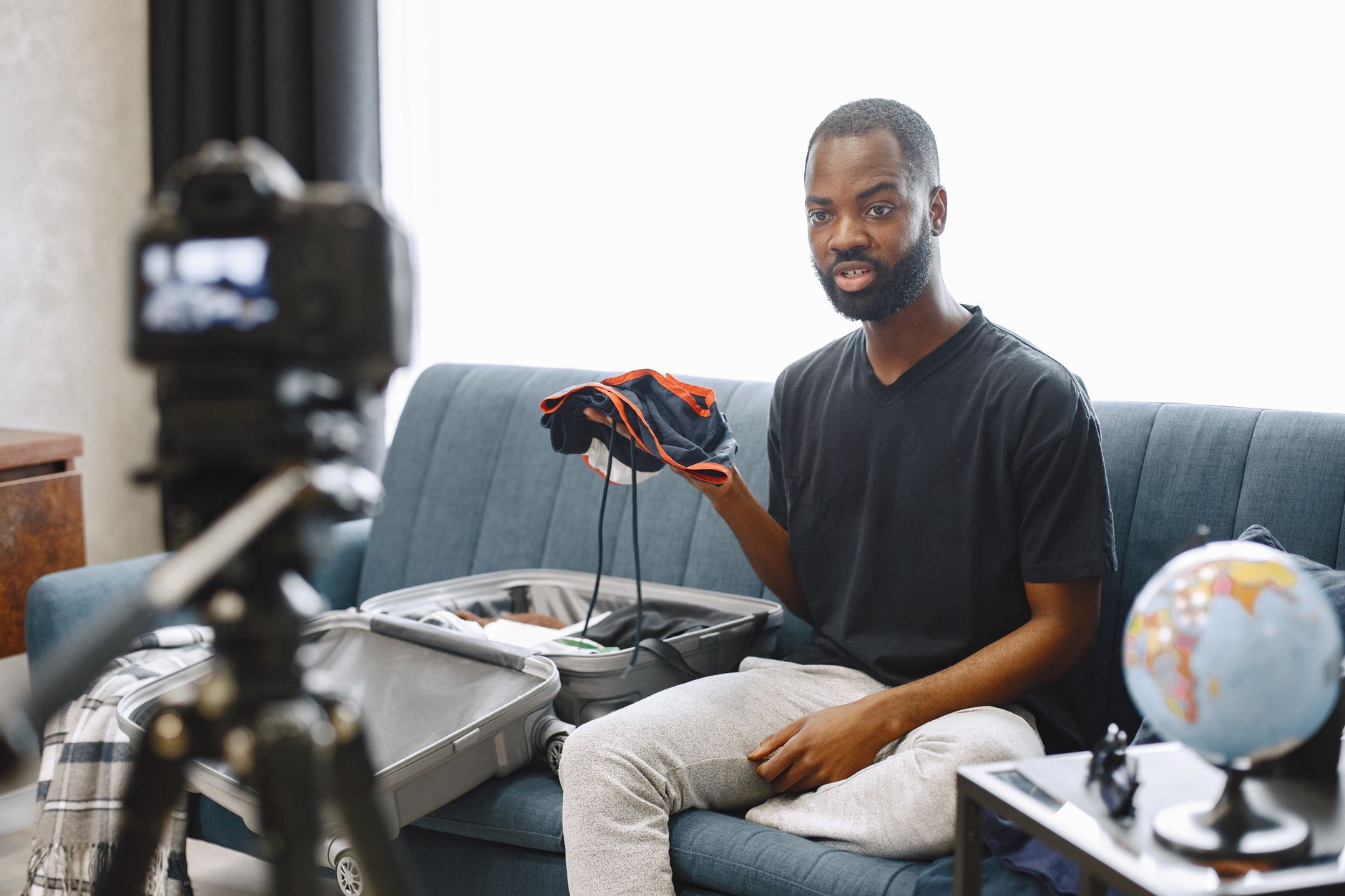
How to Edit a Vlog
Edit a vlog — tell a day’s story, cut tight with jump cuts, add b-roll, music, and graphics, build personality and pace,…
-
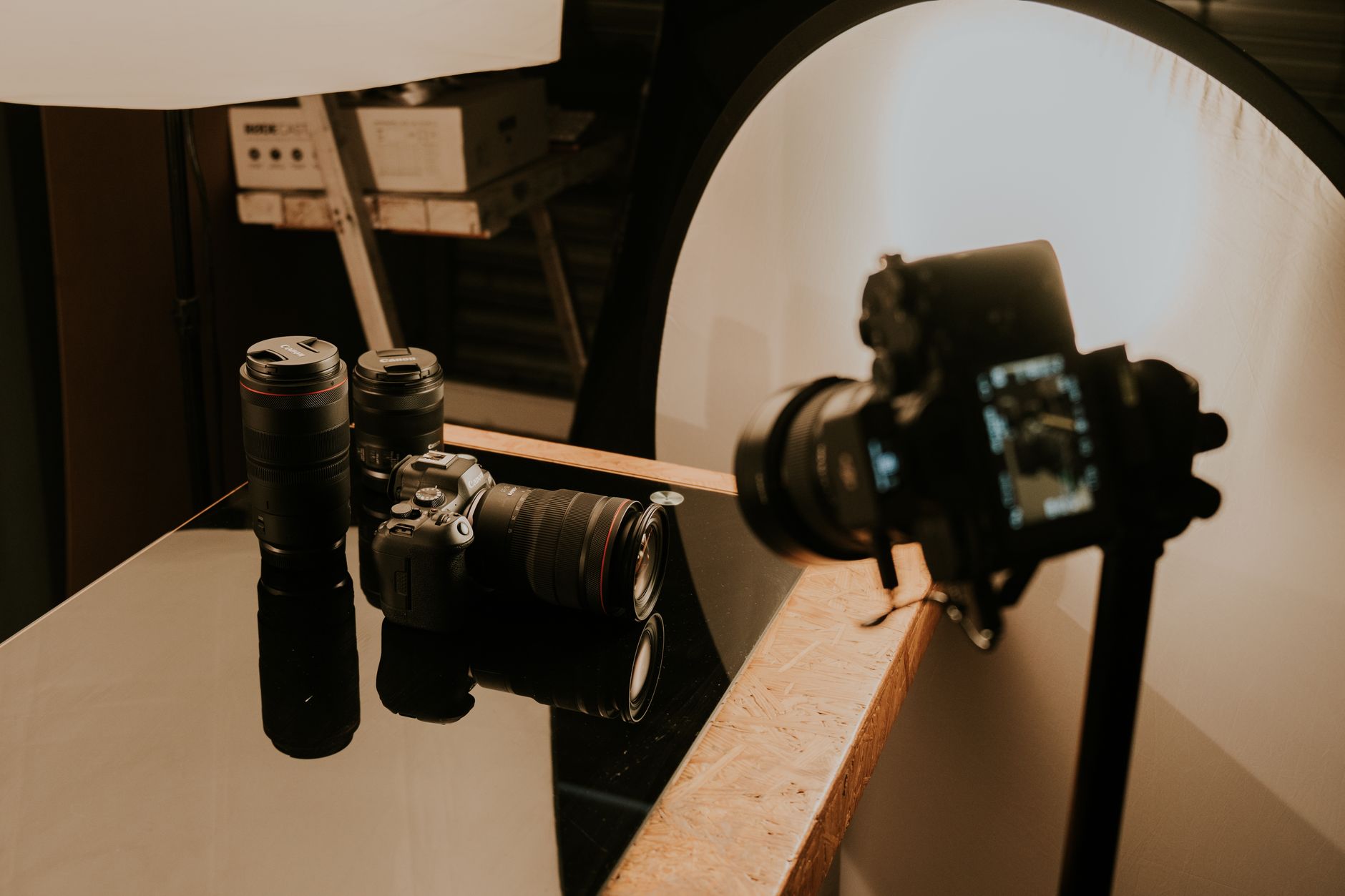
How to Edit a Product Video
Edit a product video — showcase features clearly, use beautiful close-ups and motion, build to benefits, add graphics, and create a polished…
-
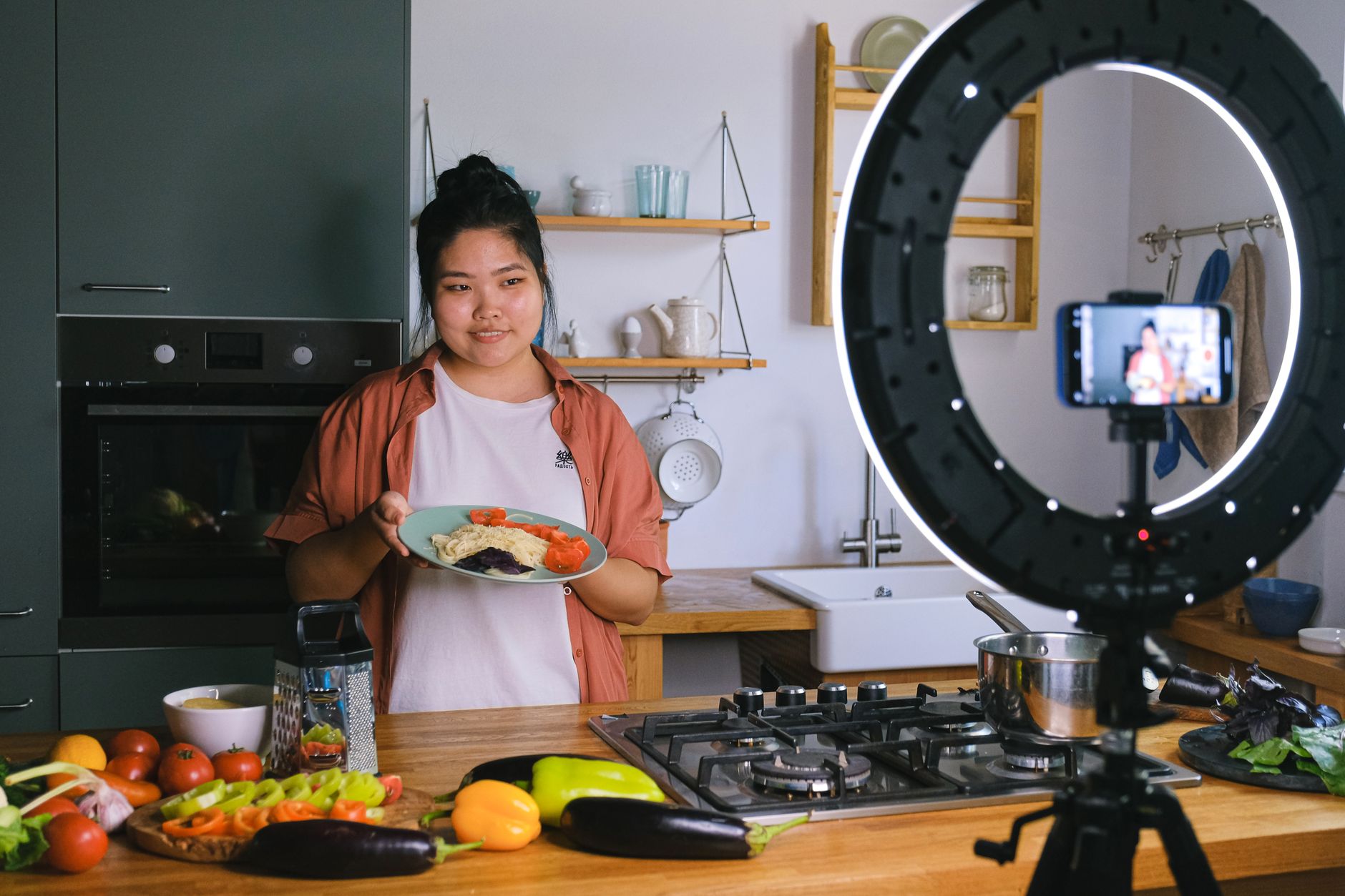
How to Edit a Cooking Video
Edit a cooking video — pace the steps clearly, sync sizzle and sound, use close-ups and overhead shots, add text and timers,…
-
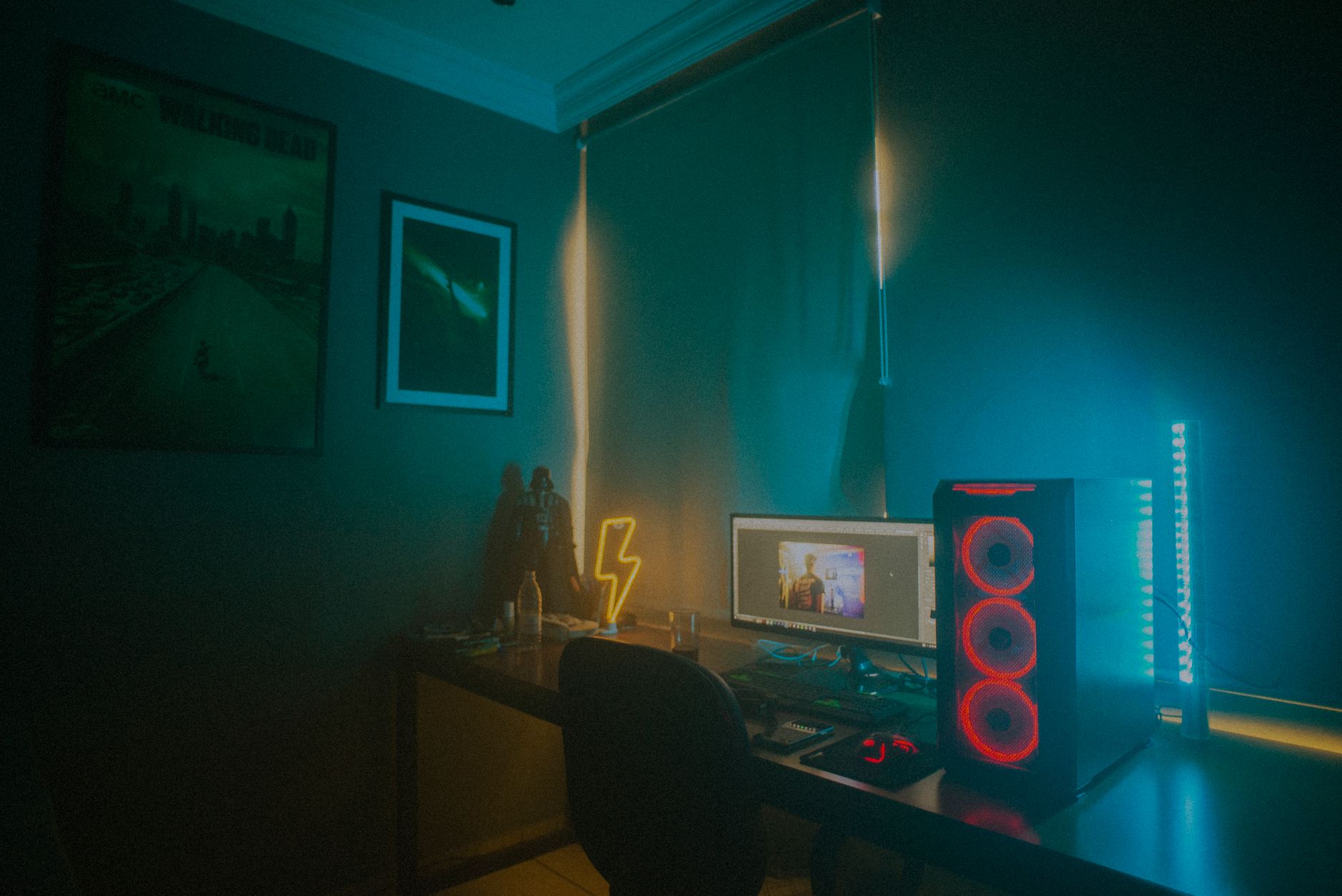
How to Edit a Gaming Video
Edit a gaming video — cut highlights for pace, sync facecam and gameplay, add effects and sound, build energy and humor, and…