A workflow taught by Adobe Certified Instructors at Adobe Video World.
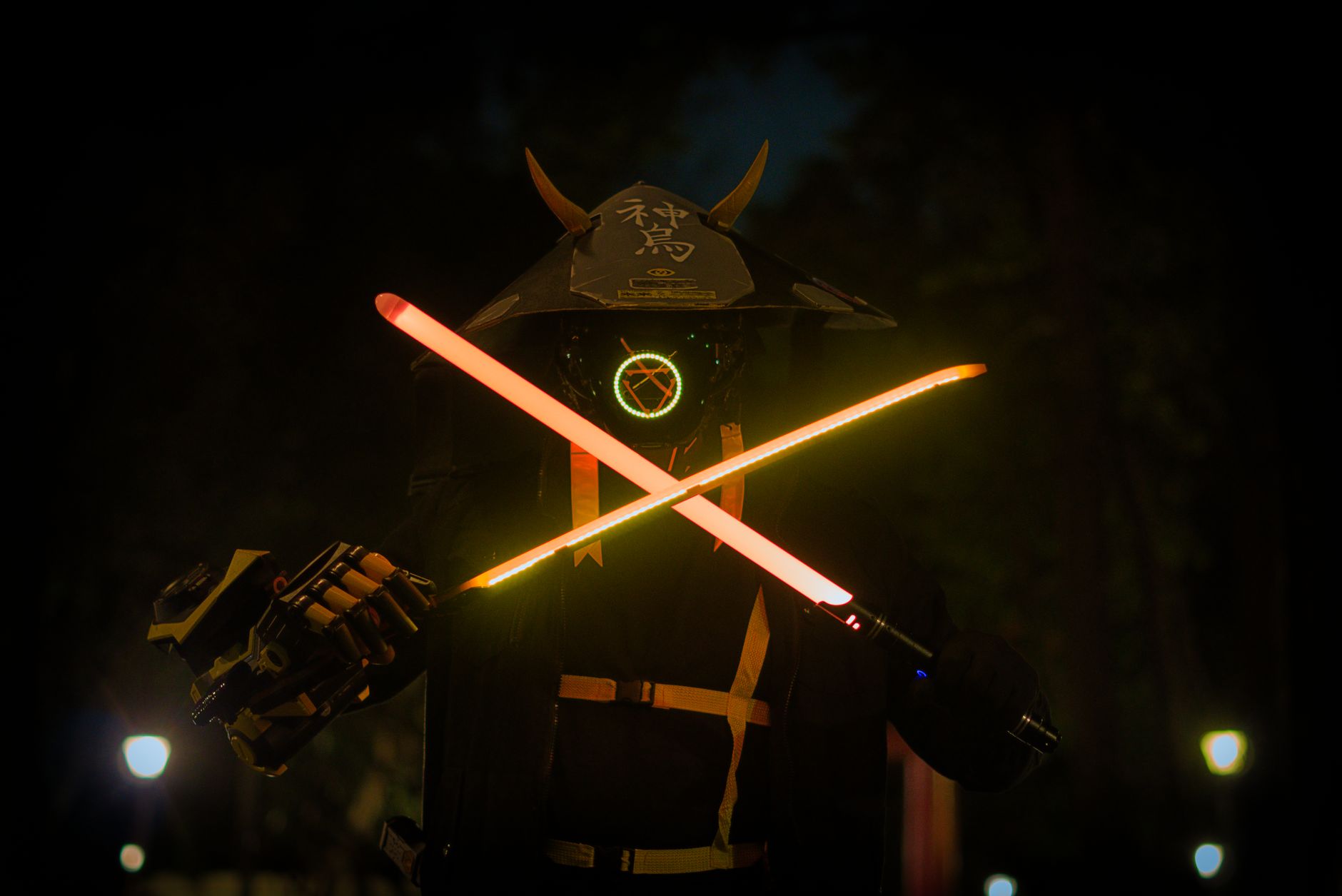
The lightsaber effect — a glowing energy blade — is a rite of passage for VFX learners and a genuinely useful technique for sci-fi and action content. It’s built by masking a blade shape and adding glow, frame by frame. This guide covers creating a convincing lightsaber, from the prop to the glow to tracking it through motion.

How the Lightsaber Effect Works
A lightsaber is created by drawing a glowing blade onto a prop hilt or rod, frame by frame, then adding a bright core and a colored outer glow. The effect tracks the blade through the footage so it follows the actor’s movements.
The illusion comes from a bright white-hot core surrounded by a saturated colored glow, just like the films. Because the blade moves, the main work is masking or rotoscoping its position across every frame, which is what makes the technique a patience exercise.
Film with a Prop
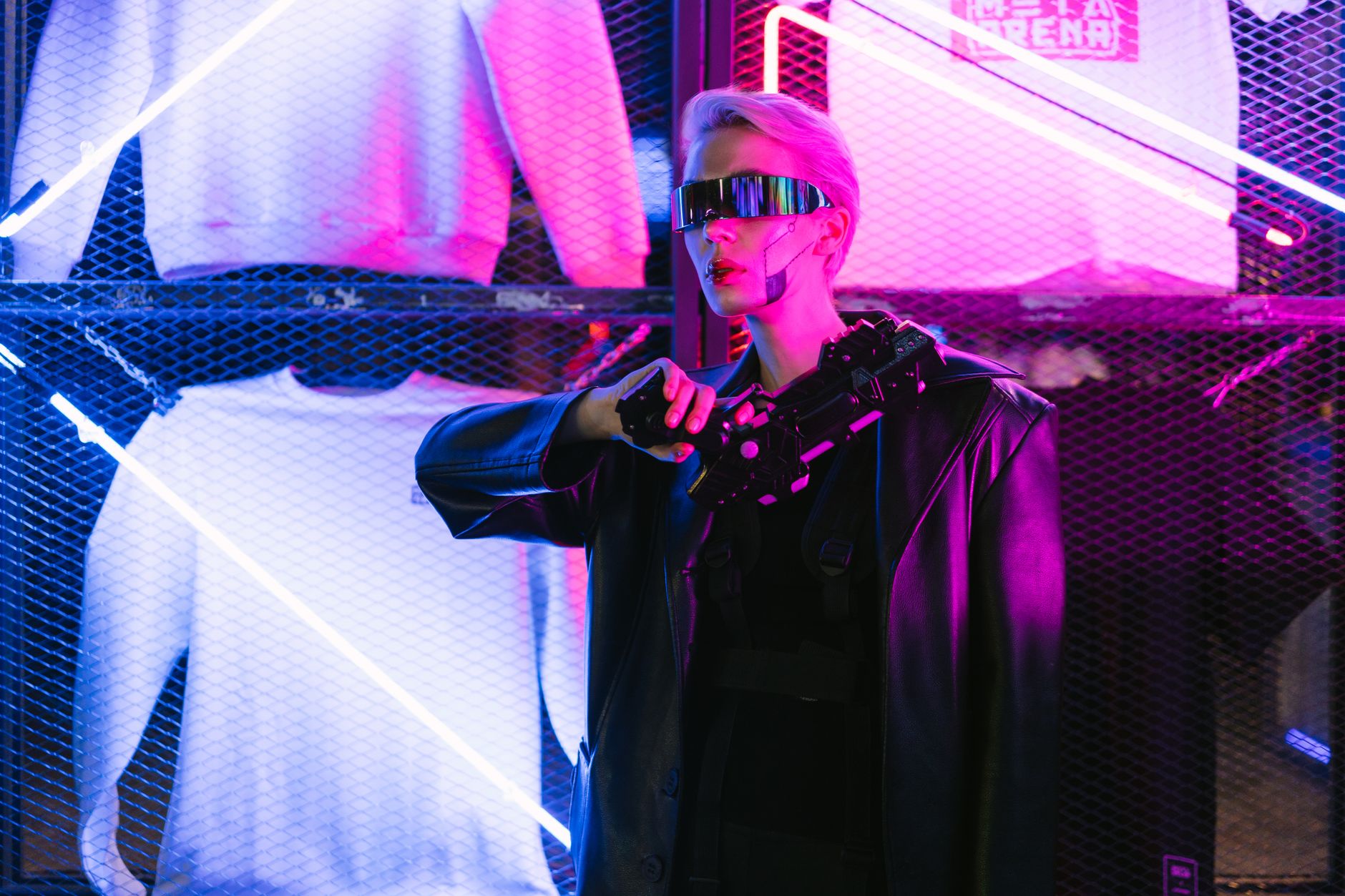
Shooting with a physical prop makes the effect far easier. Using a rod, dowel, or toy saber of a solid, contrasting color gives you a clear shape to trace and helps the actor interact naturally with the blade’s position and length.
A brightly colored prop, distinct from the background, is easiest to mask or key. Filming the action with a real prop, ideally one that contrasts with the scene, gives you a tangible blade to build the glowing energy onto in post.
Mask the Blade
In After Effects, draw a mask in the shape of the blade on a solid layer, matching the prop’s position. This mask defines the blade’s core, which you’ll animate to follow the prop as it moves through the shot.
The blade mask needs adjusting on every frame as the prop moves, the most time-consuming part of the effect. Tracing the blade accurately frame by frame, keeping its length and angle matching the prop, builds the foundation for the glow.
Build the Glowing Core
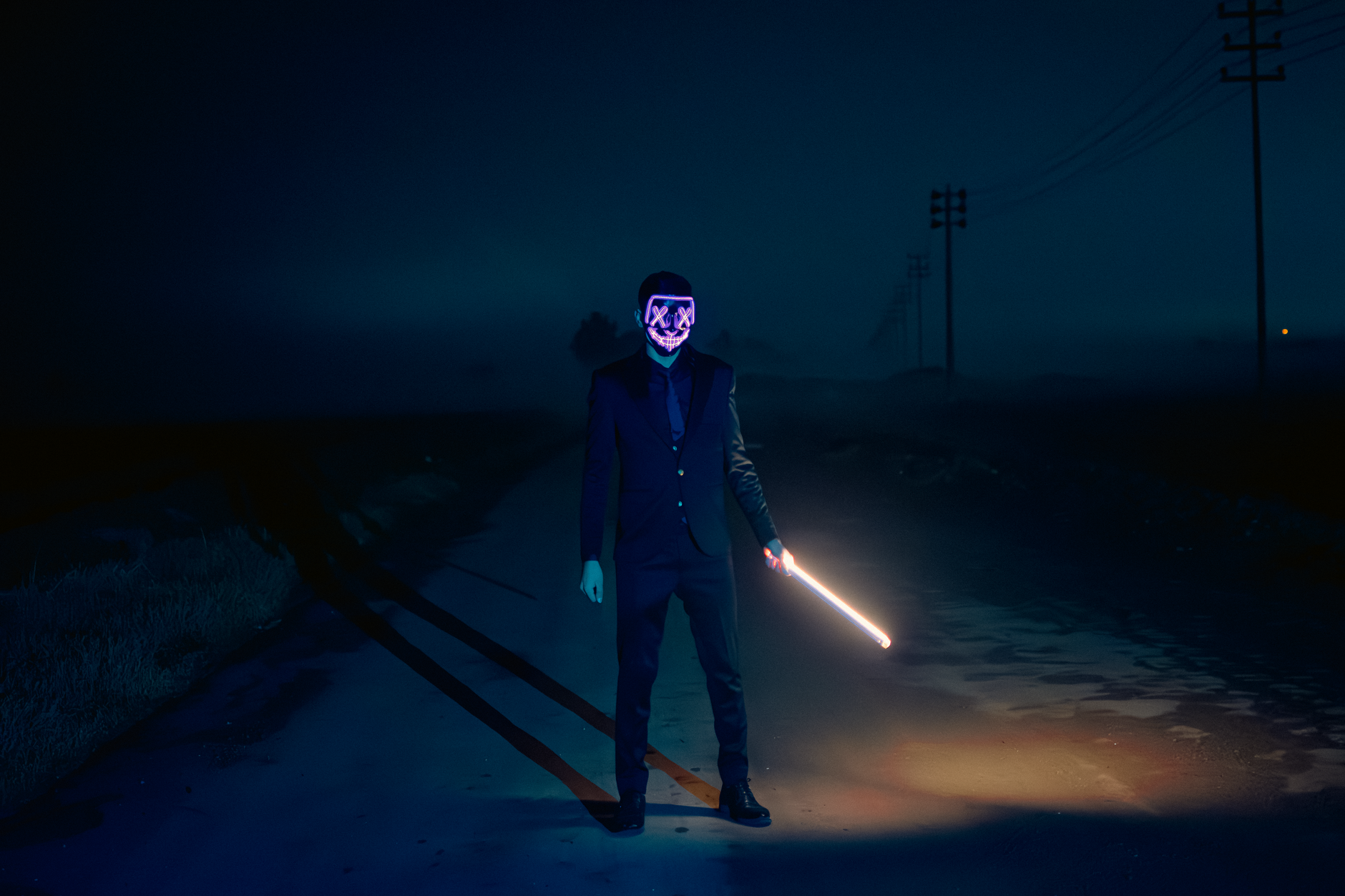
The blade’s core should be bright, almost white. Filling the masked blade with a near-white color, slightly tinted toward the saber’s color, creates the intense hot core that real lightsabers have at their center.
This white-hot center is what makes the blade read as energy rather than a colored stick. Keeping the core bright and slightly blurred gives it the glowing, plasma-like quality that the surrounding colored glow then builds on.

Add the Colored Glow
The signature look comes from a glow effect in the saber’s color — blue, green, red, or any hue. Applying glow, often layered for depth, makes the blade radiate colored light outward from the bright core.
Layering a tight inner glow and a wider soft glow creates the characteristic bloom. This colored radiance around the white core is the heart of the lightsaber look, transforming the masked blade into a glowing energy weapon.
Track the Blade Through Motion
As the actor swings the saber, the blade mask must follow precisely. Adjusting the mask on each frame, or using tracking to help, keeps the blade locked to the prop through fast, dynamic motion.
Fast swings add motion blur and rapid position changes that make tracking challenging. Patiently keyframing the blade’s position, length, and angle through every frame of action is what makes the saber move convincingly with the performance.
Add Light Interaction
A real lightsaber casts colored light on its surroundings. Adding a glow of the saber’s color onto the actor’s face, hands, and nearby surfaces, especially in darker scenes, grounds the blade in the environment and dramatically boosts realism.
This light spill is often what separates a convincing saber from a flat one. Animating the colored light on surfaces to match the blade’s movement, brightest when it’s close, makes the energy blade feel like it’s genuinely illuminating the scene.
Add Flicker and Sound
Lightsabers hum and flicker, so finishing touches complete the effect. A subtle flicker in the glow’s intensity, plus the iconic hum and swing sound effects synced to the action, bring the blade to life convincingly.
The sound design is half the magic, with the hum, ignition, and clash sounds instantly recognizable. Adding a gentle energy flicker and syncing classic saber sounds, using our audio techniques, makes the effect feel complete and alive.
Lightsaber Best Practices
- Film with a solid, contrasting prop for an easy blade to trace.
- Mask the blade and adjust it on every frame.
- Build a white-hot core with a layered colored glow.
- Add light spill on surfaces and sync saber sounds.
Common Lightsaber Mistakes
- A blade mask that lags or drifts off the prop.
- A colored core with no bright white center.
- No light spill, leaving the blade looking flat.
- Forgetting the hum and clash sounds that sell it.
A Real Lightsaber Example
Picture a backyard duel filmed with two brightly colored dowels. In After Effects you mask each blade frame by frame, fill them with near-white cores, and add layered blue and red glows so they radiate energy. As the fighters swing, you keyframe the blade masks through every frame, adding a soft colored light onto their faces whenever a blade sweeps close.
Finished with humming and clashing sound effects synced to the action, the homemade footage transforms into a convincing saber battle. The bulk of the work was patient frame-by-frame masking of the blades, which is exactly where the lightsaber effect demands its effort — the glow and sound are quick, but tracking the blade through motion is the craft.
Lightsaber Tips for Cleaner Results
A few choices make the saber effect far easier. Filming against a contrasting background, keeping swings at a moderate speed to limit extreme motion blur, and using a rod the exact length of the intended blade all reduce the masking burden and improve the final look.
Planning the choreography so blades rarely cross the performers’ bodies also simplifies the rotoscoping. These practical filming decisions, made with the post work in mind, mean less frustration tracing blades later and a cleaner, more convincing energy weapon, proving again that good VFX starts on set.
Key Takeaways
- A lightsaber is a masked blade with a white core and colored glow.
- Film with a contrasting prop to trace easily.
- Animate the blade mask through every frame of motion.
- Add light spill and saber sounds to complete it.
Frequently Asked Questions
How do I create a lightsaber effect in After Effects?
Film with a solid colored prop, draw a mask in the blade’s shape on a solid layer and animate it to follow the prop, fill it with a white-hot core, add a layered colored glow, and track the blade through every frame of motion.
Why does my lightsaber look flat?
It likely lacks a bright white core, layered glow, or light spill. Keep the core near-white, layer a tight inner glow and a wider outer glow in the saber’s color, and add colored light onto faces and surfaces to ground it in the scene.
What’s the hardest part of the lightsaber effect?
Tracking the blade through motion — the mask must be adjusted on every frame to follow the prop, especially during fast swings with motion blur. Patient frame-by-frame masking is what makes the blade move convincingly.
Sources: Wikipedia’s overview of rotoscoping.
Wield the saber at Adobe Video World
Train hands-on with Adobe Certified Instructors across 100+ Premiere Pro & After Effects sessions.



