Browse
Category: Tutorials
Premiere Pro & After Effects tutorials from Adobe Video World instructors.
-

How to Edit a Commercial or Ad
Edit a commercial or ad — hook fast, deliver a clear message, build to a call to action, cut tight, and craft…
-

How to Edit a Documentary
Edit a documentary — shape a story from interviews and footage, build narrative structure, weave b-roll and archival material, pace for impact,…
-

How to Edit a Corporate Video
Edit a corporate video — structure a clear message, balance interviews and b-roll, add branding and graphics, keep it professional and on-brand,…
-
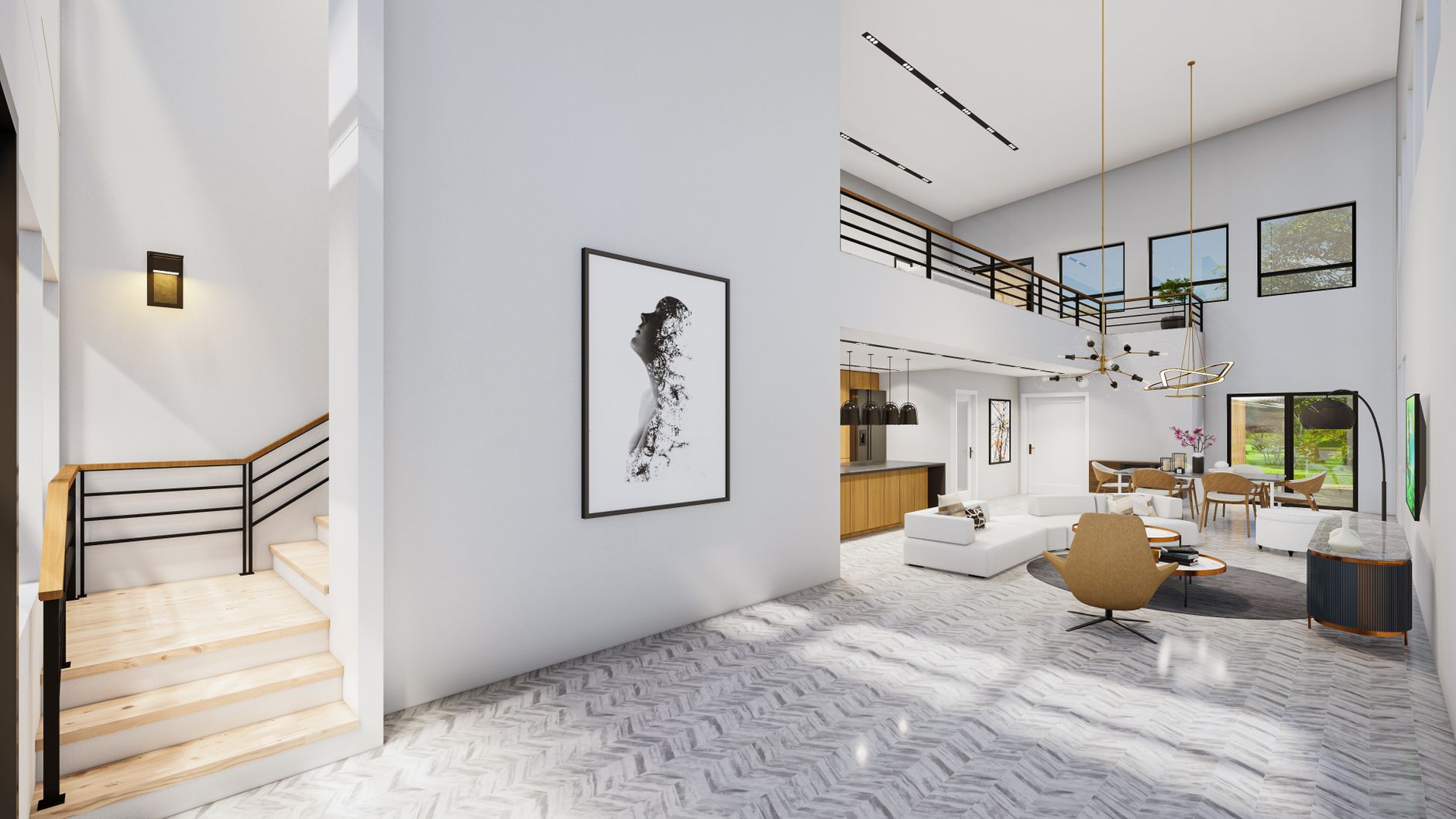
How to Edit a Real Estate Video
Edit a real estate video — showcase a property’s flow and best features, use smooth movement and bright grading, pace it well,…
-
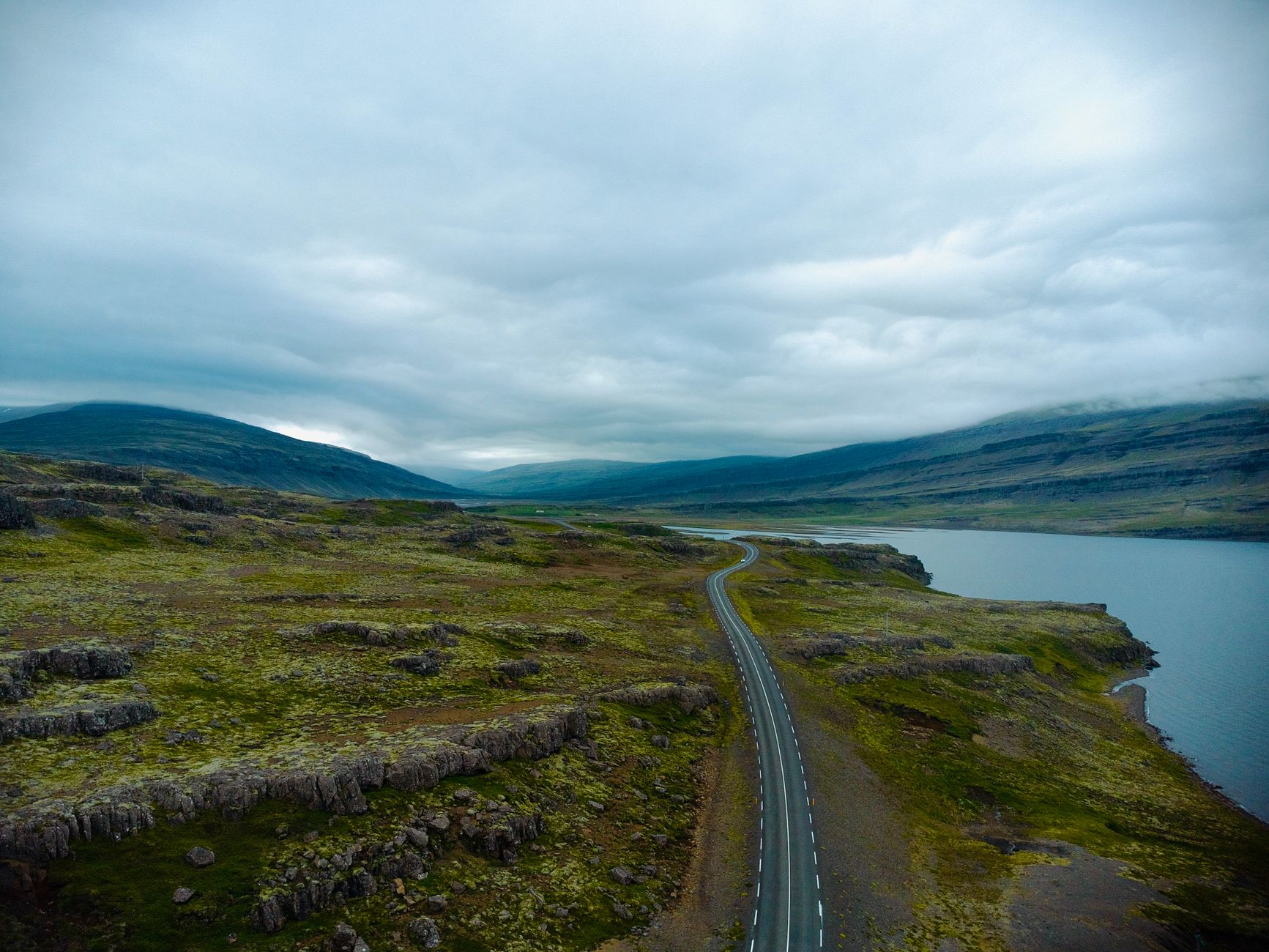
How to Edit a Travel Video
Edit a travel video — tell the story of a trip, cut to music, mix shot types, add b-roll and transitions, and…
-
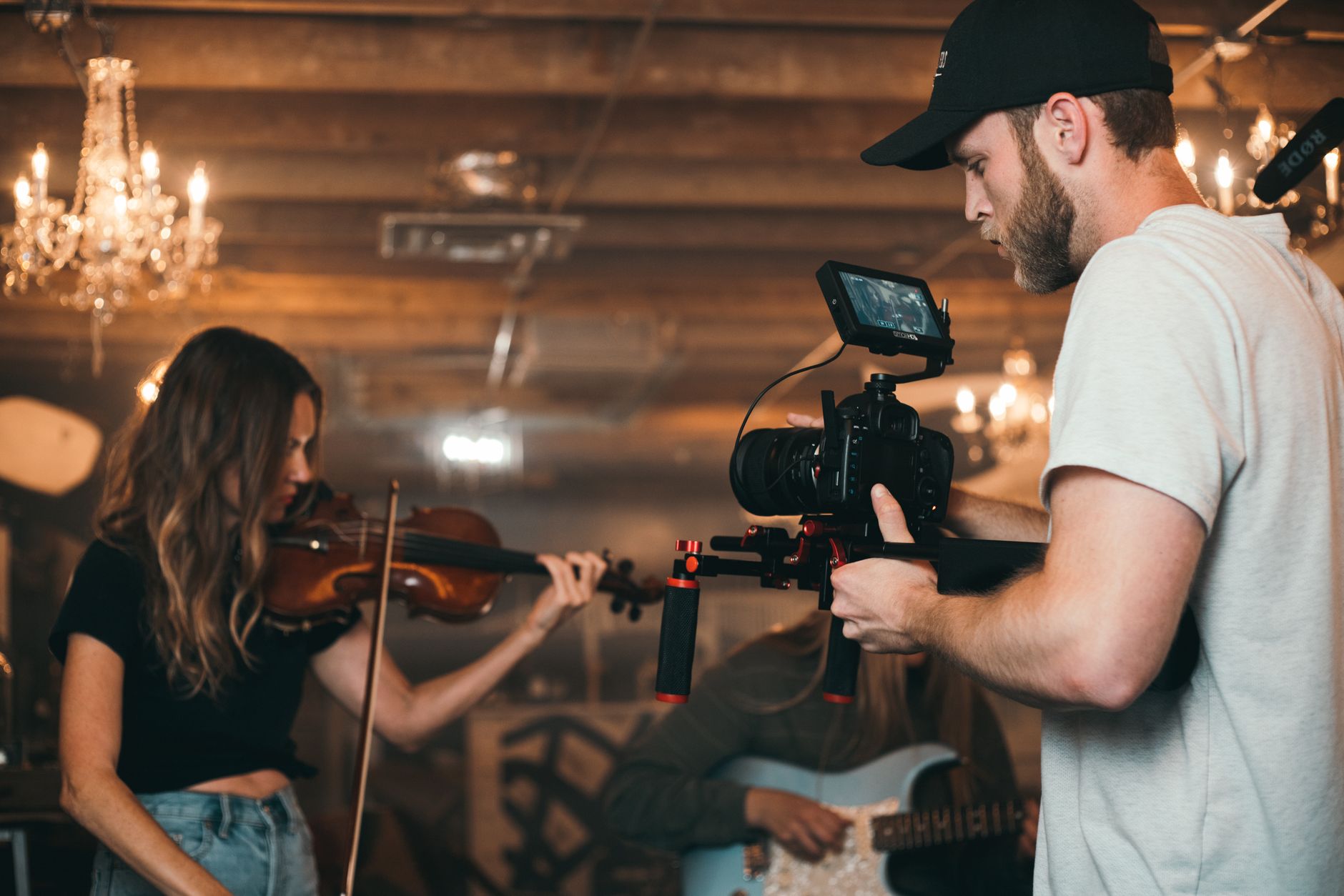
How to Edit a Music Video
Edit a music video — sync footage to the track, cut to the beat, build energy and rhythm, use effects and color,…
-
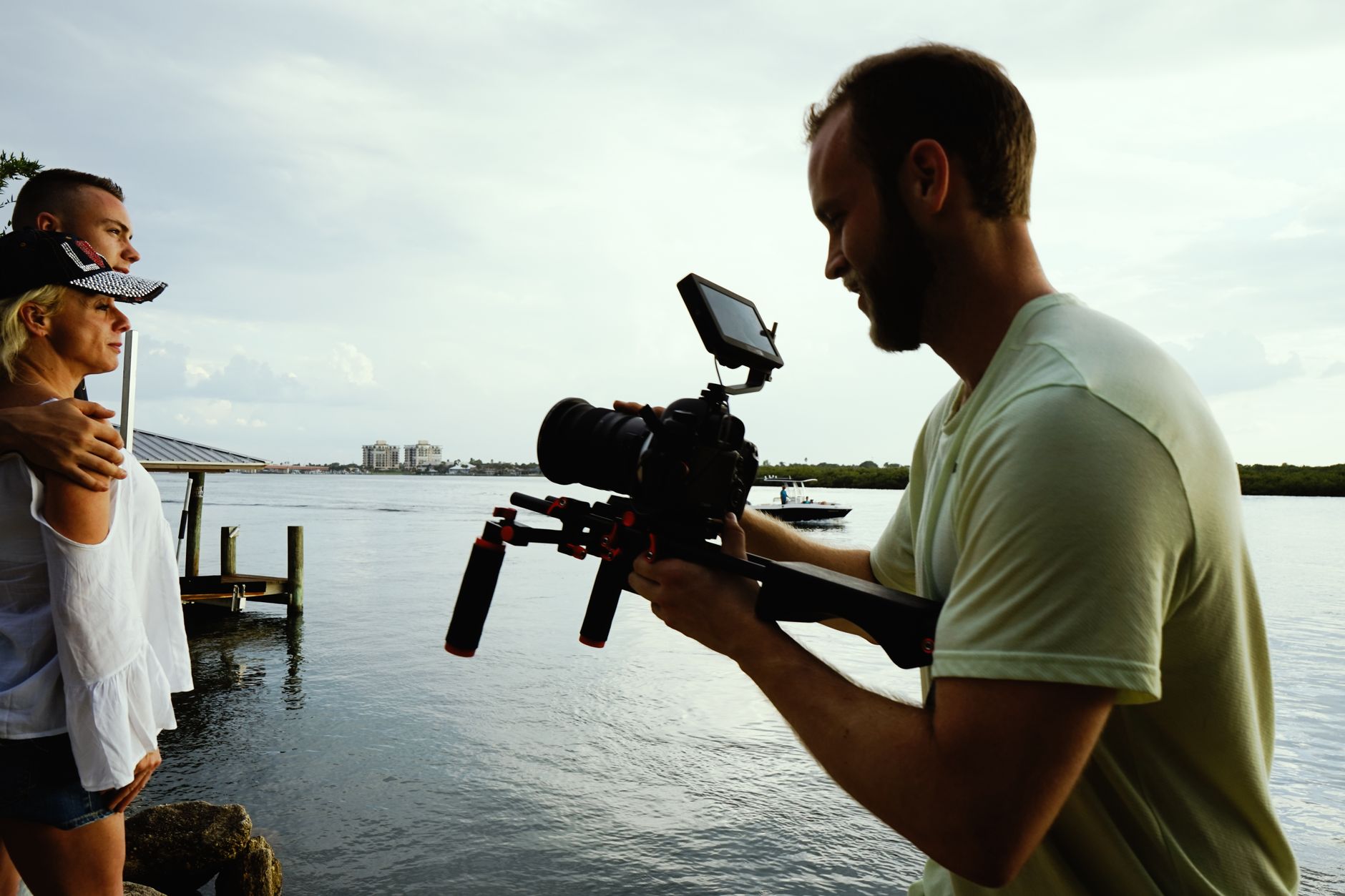
How to Edit a Wedding Video
Edit a wedding video — structure the day’s story, sync multi-camera footage, cut the ceremony and speeches, build an emotional highlight film,…
-

How to Create a Portal Effect in After Effects
Create a portal effect in After Effects — build a glowing doorway, reveal another scene through it, add energy and distortion, and…
-
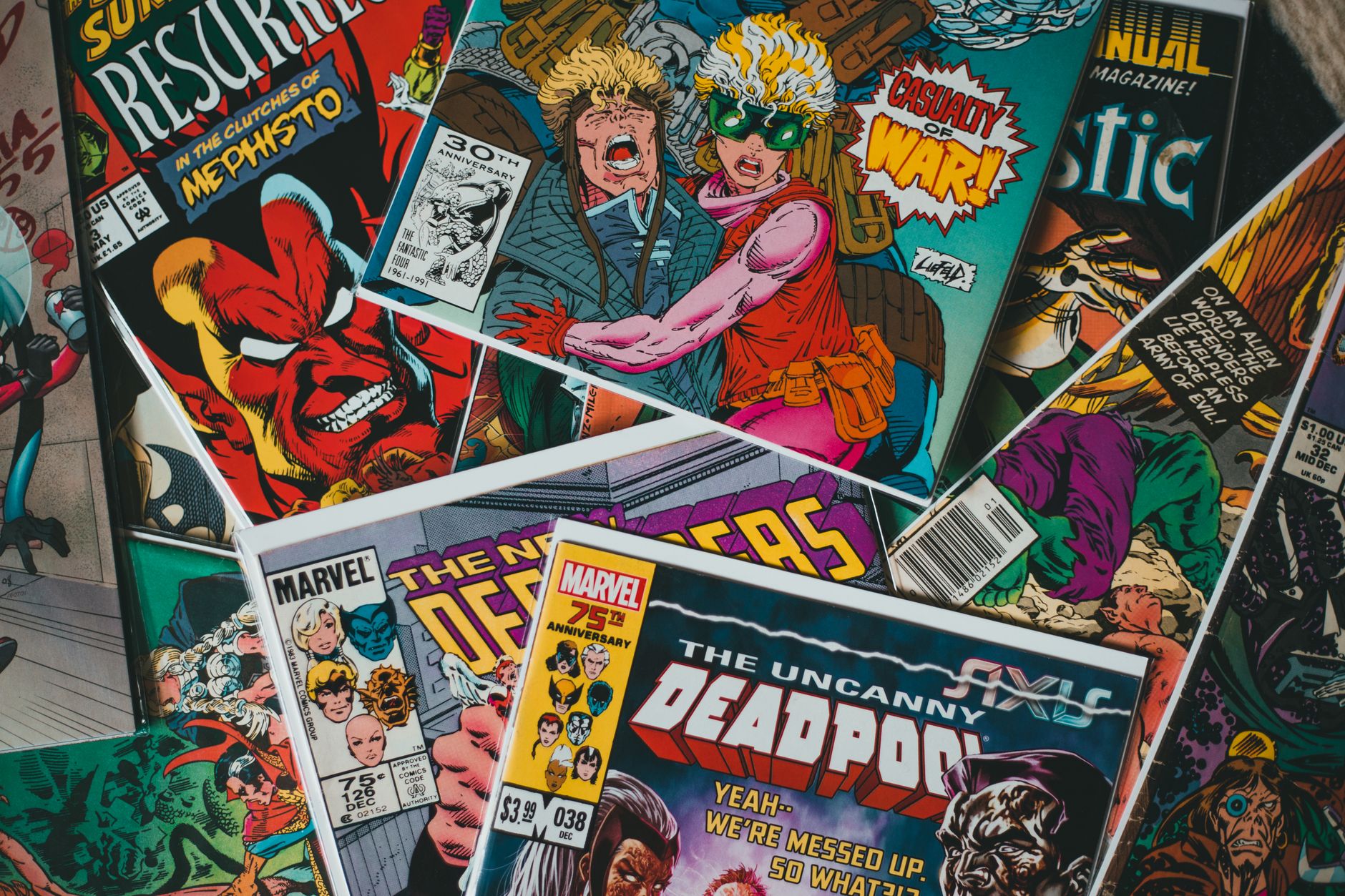
How to Create a Comic Book Effect in After Effects
Create a comic book effect in After Effects — posterize colors, add halftone dots and bold outlines, and turn footage into stylized…
-

How to Create Anime Speed Lines in After Effects
Create anime speed lines in After Effects — build radial and horizontal motion lines, animate them for impact, add color, and create…