Browse
Category: Tutorials
Premiere Pro & After Effects tutorials from Adobe Video World instructors.
-
How to Edit a Montage
Edit a compelling montage — choose a track, select your best shots, cut to the beat, build energy and variety, and tell…
-

How to Organize and Manage Your Video Footage
Organize and manage video footage — set up a folder structure, label and bin clips, back up your media, and keep projects…
-
How to Set White Balance for Video
Set white balance for video — understand color temperature, use presets and custom white balance, fix color casts, and capture accurate, natural-looking…
-
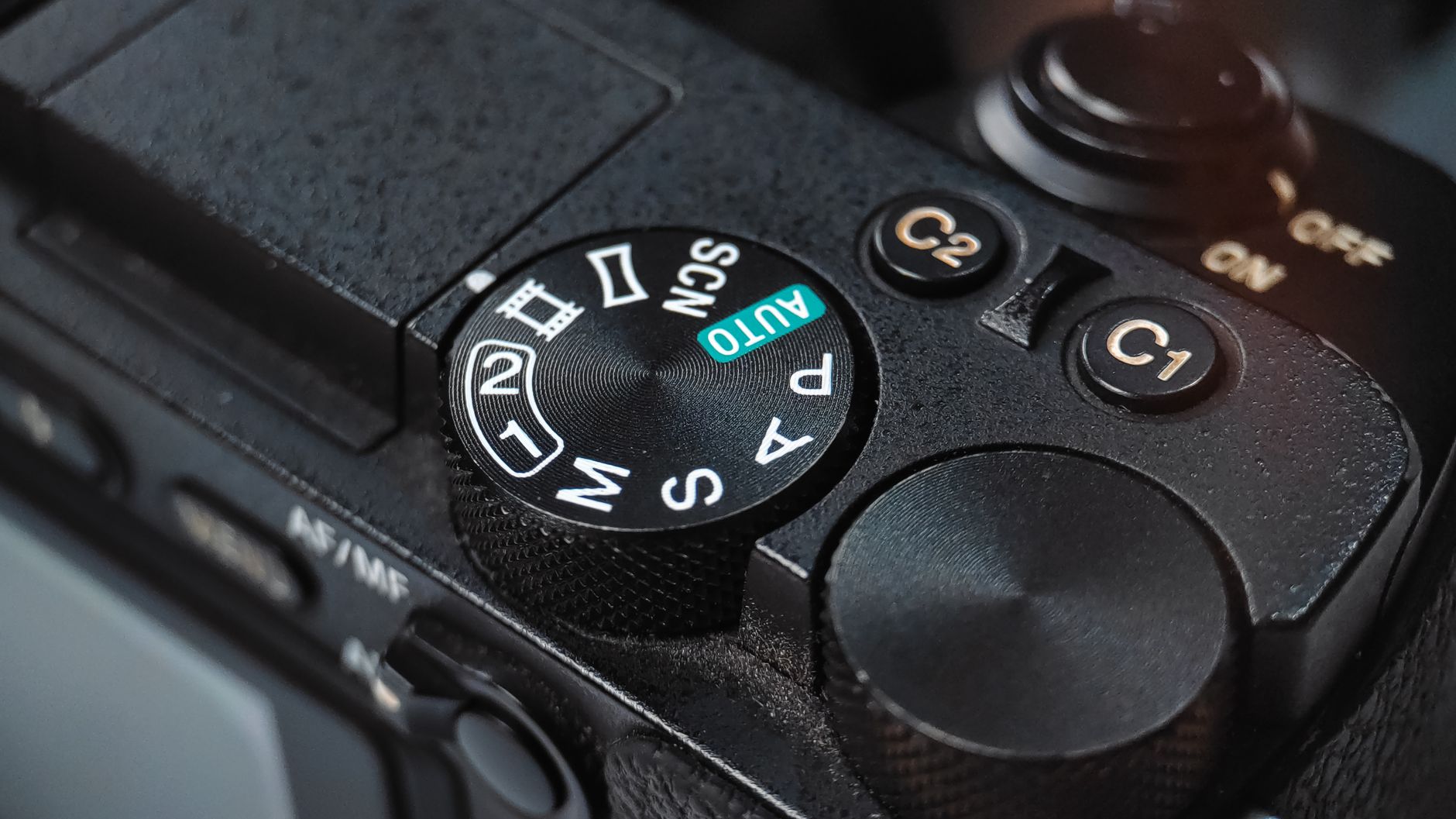
Camera Settings for Video: Shutter, ISO, and Aperture
Master camera settings for video — understand shutter speed, ISO, aperture, and the exposure triangle, plus the 180-degree shutter rule for cinematic,…
-

How to Pace and Time Your Video Edit
Pace and time your video edit — control rhythm with shot length, cut to the beat, match pacing to emotion, and use…
-
How to Use Jump Cuts, J-Cuts, and L-Cuts
Master jump cuts, J-cuts, and L-cuts — learn what each editing cut does, when to use them, and how these techniques control…
-

Aspect Ratios in Video Explained
Aspect ratios in video explained — understand 16:9, 9:16 vertical, 1:1 square, and cinematic 2.39:1, when to use each, and how to…
-
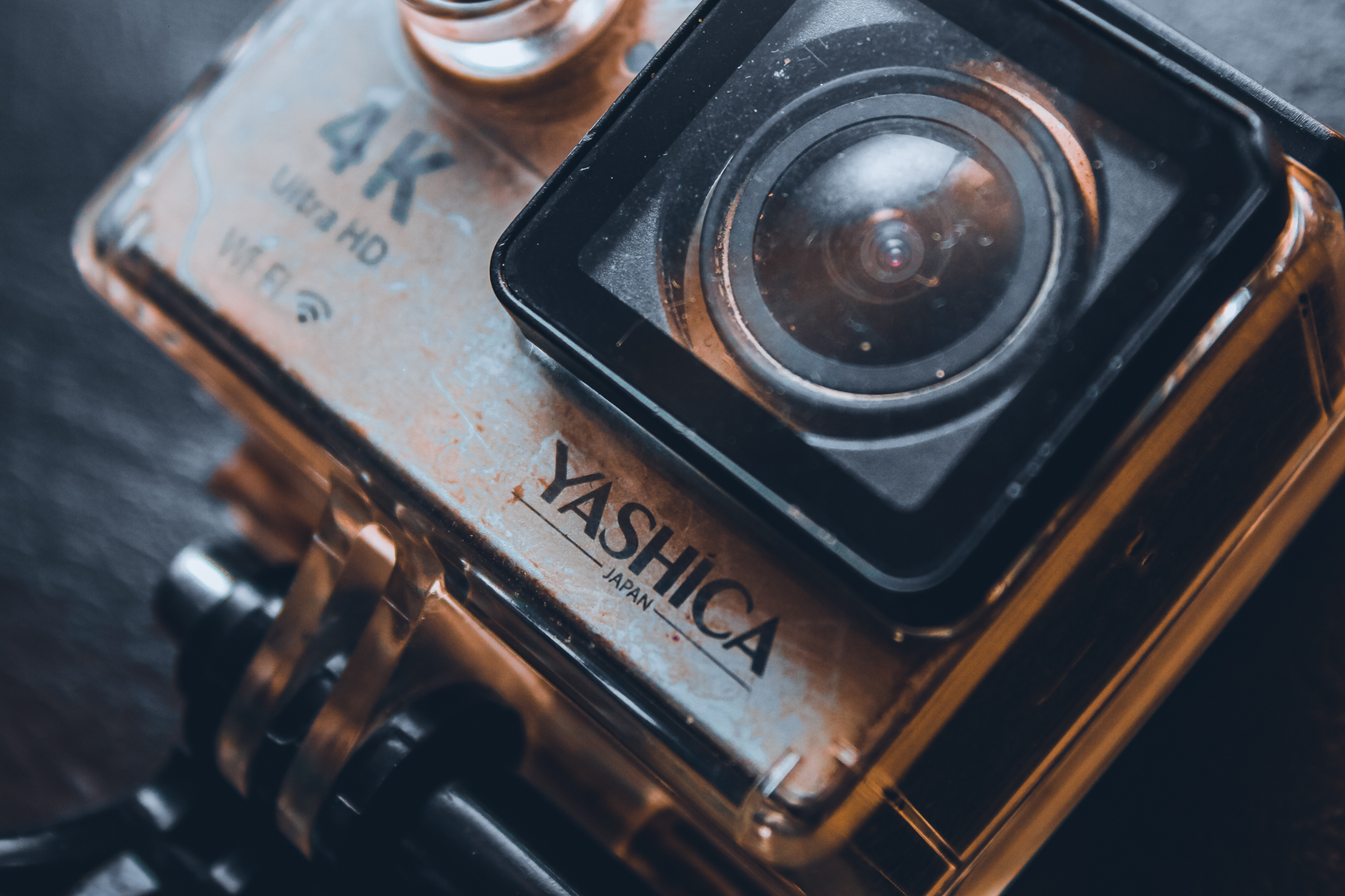
Video Resolution Explained: 1080p, 4K, and 8K
Video resolution explained simply — understand 1080p, 4K, and 8K, what the numbers mean, when higher resolution matters, and how to choose…
-

How to Use Motion Tile in After Effects
Use Motion Tile in After Effects to extend backgrounds, create seamless tiles, fill the frame when moving layers, and build infinite patterns…
-
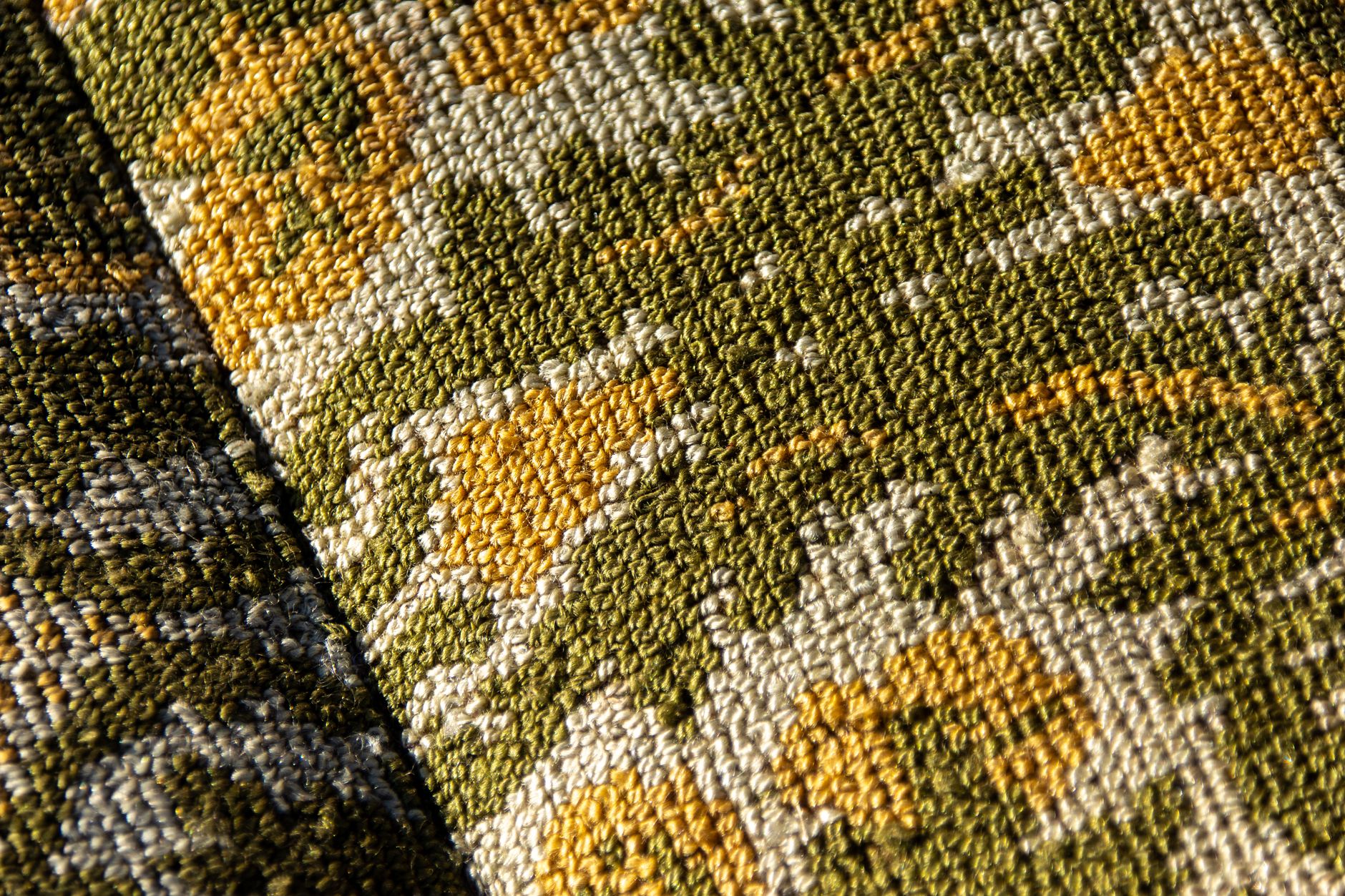
How to Use Displacement Maps in After Effects
Use displacement maps in After Effects — wrap graphics onto textured surfaces, create realistic distortion, fit text to fabric and water, and…