Browse
Category: Tutorials
Premiere Pro & After Effects tutorials from Adobe Video World instructors.
-
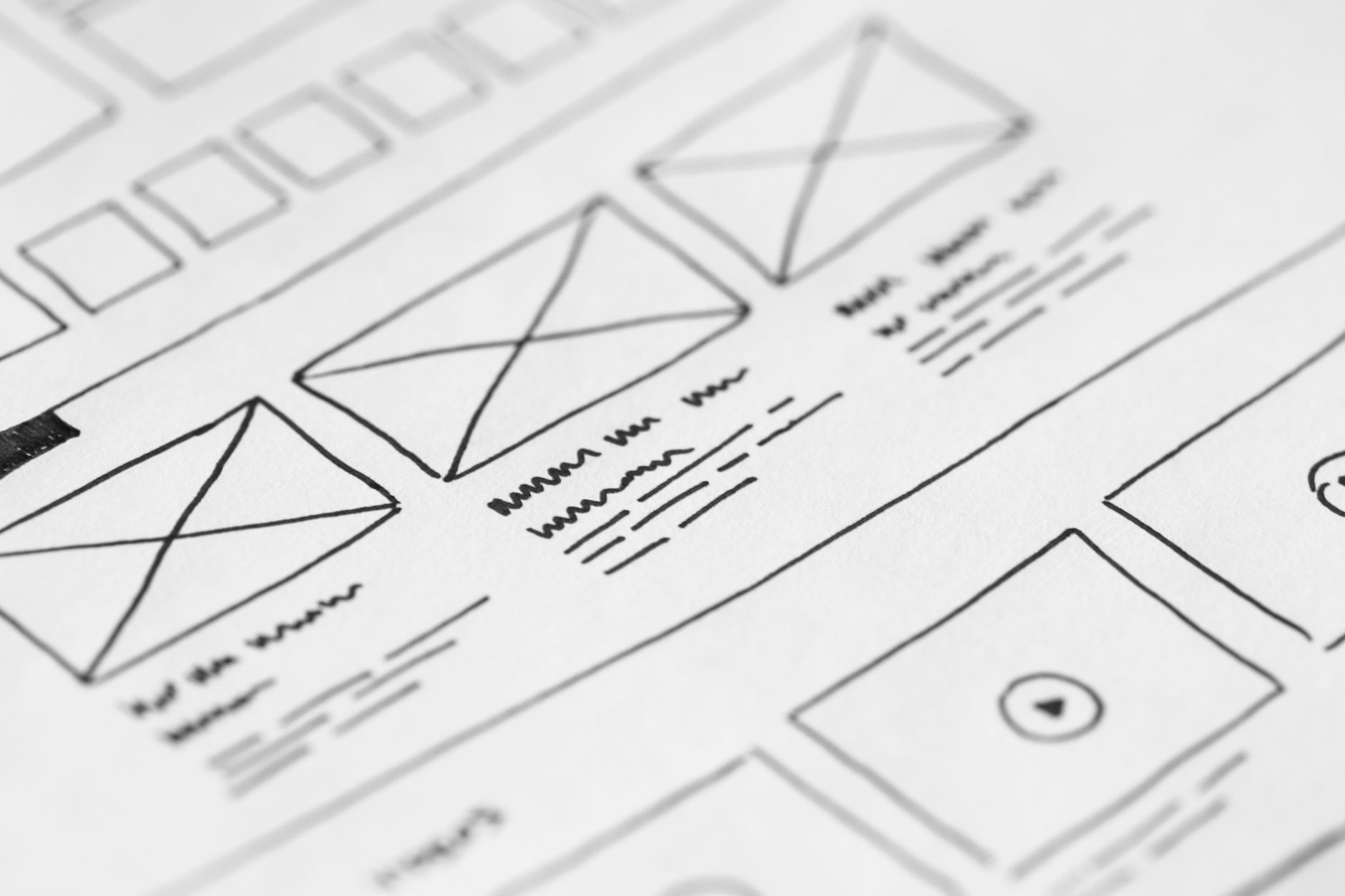
How to Storyboard and Plan a Video
Storyboard and plan a video — sketch shots, plan sequences, write a shot list, and map your story before filming to shoot…
-
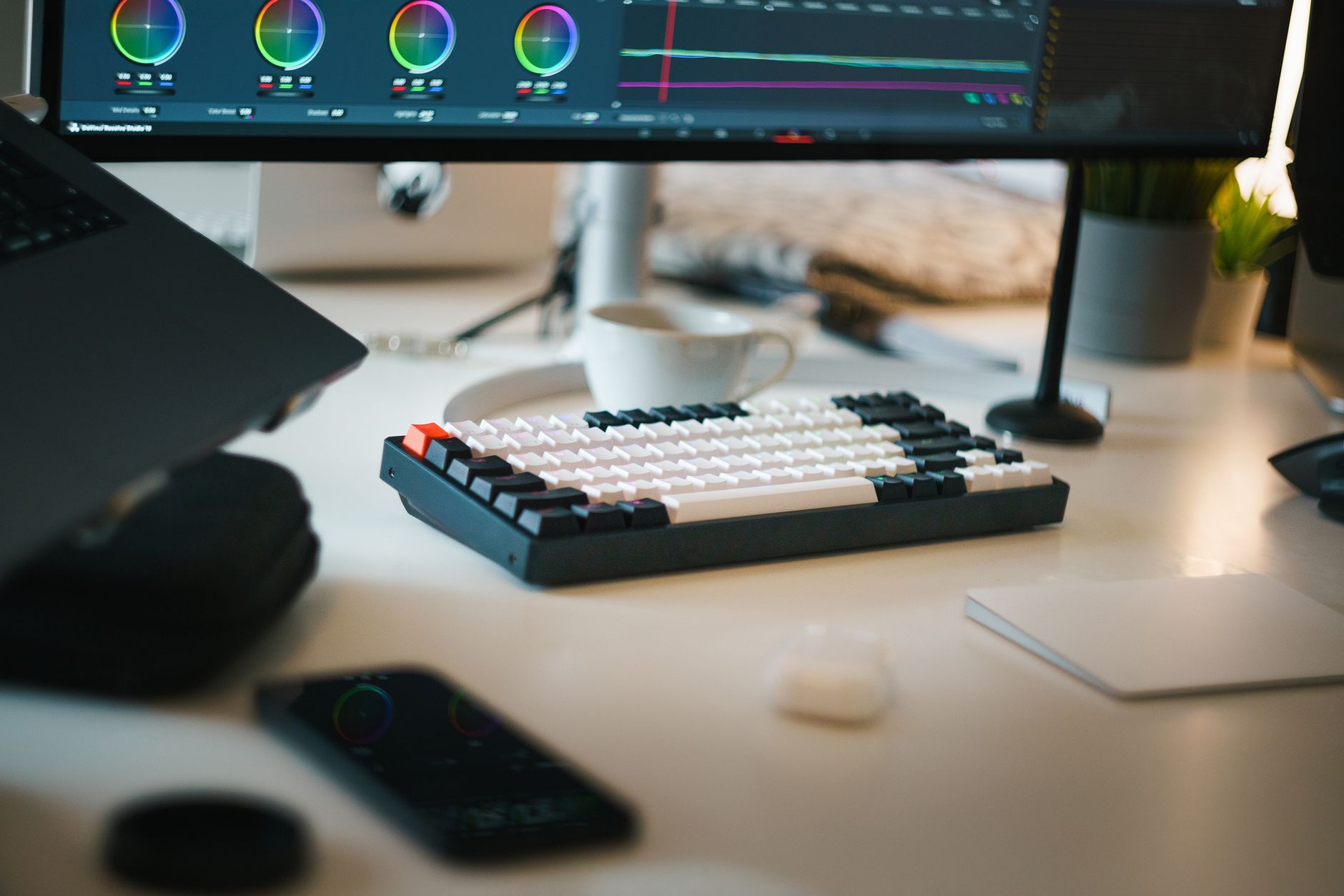
How to Choose a Computer for Video Editing
Choose a computer for video editing — understand CPU, GPU, RAM, and storage priorities, what specs matter for Premiere Pro and After…
-
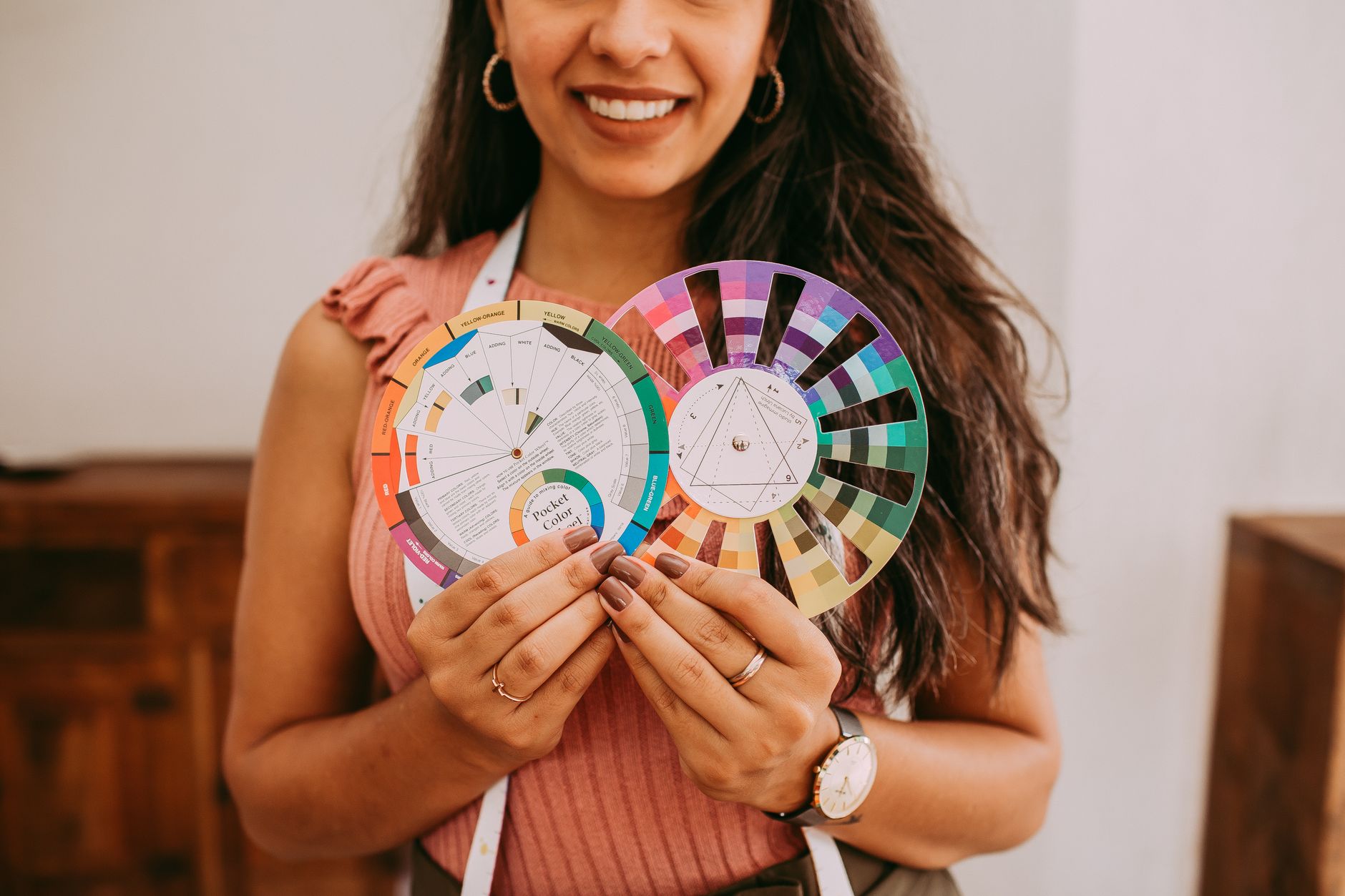
Color Theory for Video Editors
Color theory for video editors — use the color wheel, complementary schemes, warm and cool tones, and color psychology to grade footage…
-
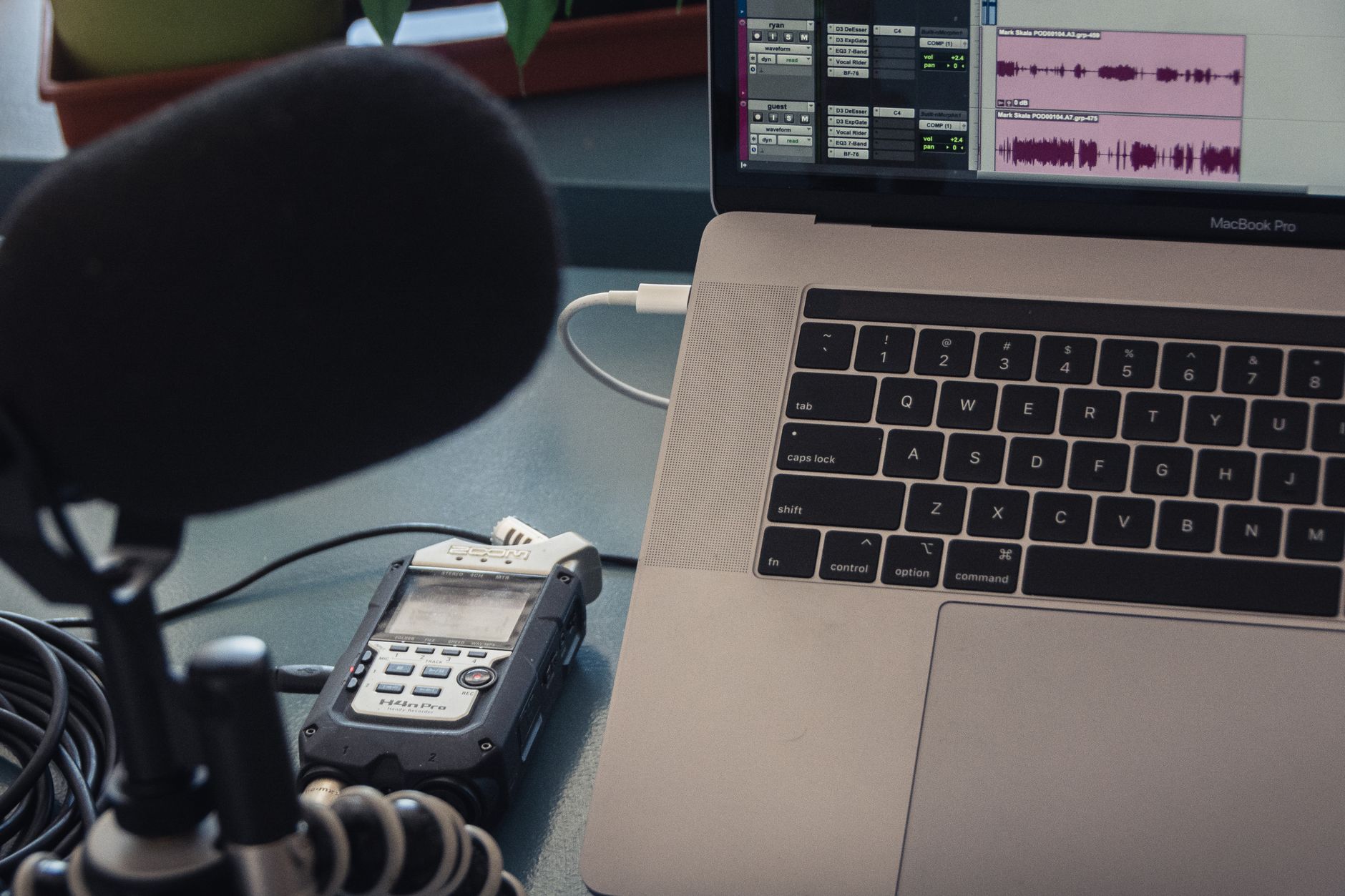
How to Record Better Audio for Video
Record better audio for video — choose the right microphone, get the mic close, control your room, monitor levels, and capture clean…
-
Video Codecs and Formats Explained
Video codecs and formats explained simply — understand H.264, H.265, ProRes, codecs vs containers, bitrate, and which to use for editing, delivery,…
-
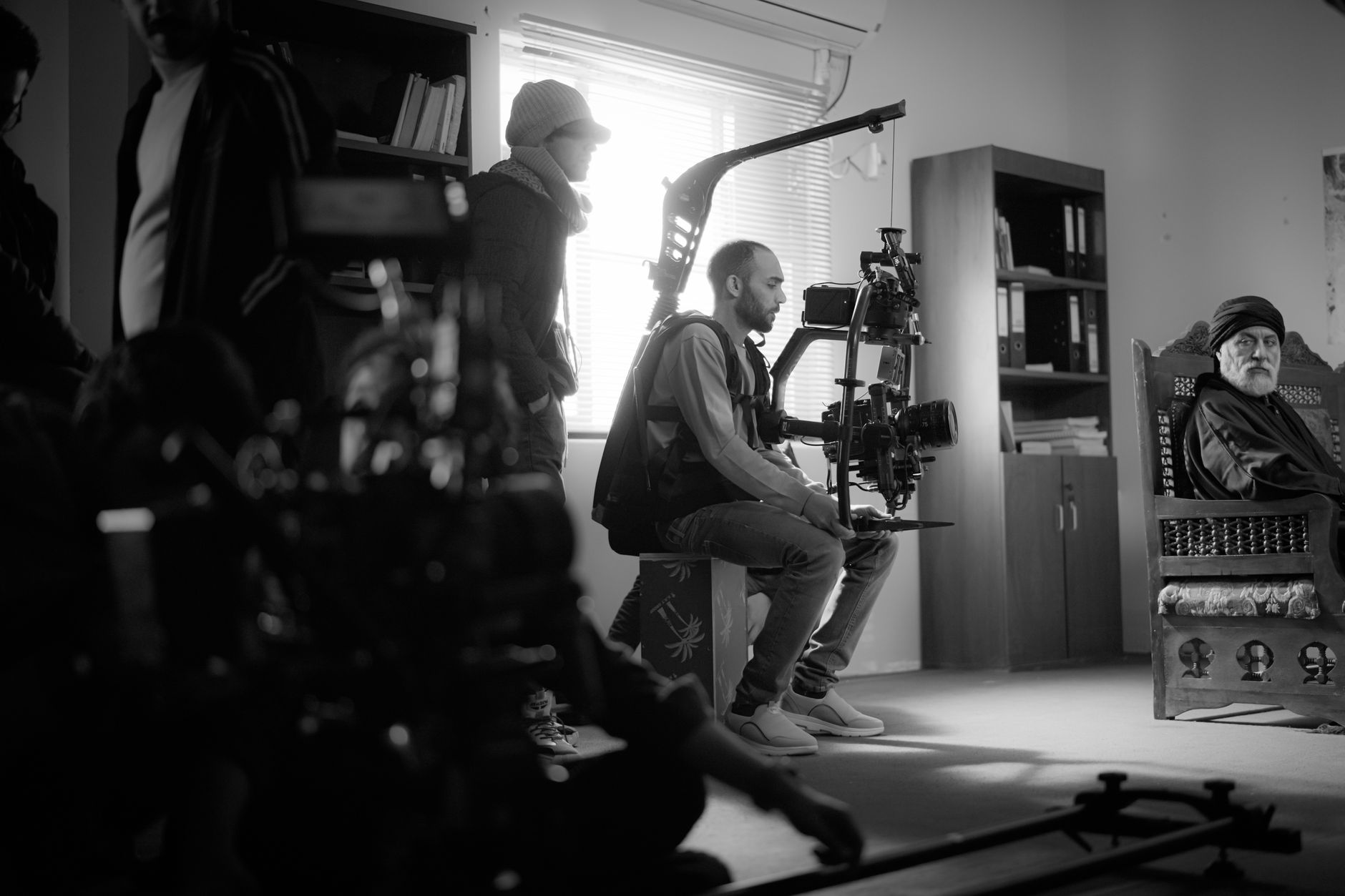
How to Shoot and Use B-Roll Footage
Learn what B-roll is and how to shoot and use it — gather supporting footage, cover cuts, add visual interest, and edit…
-

How to Create a Hologram Effect in After Effects
Create a hologram effect in After Effects — add scan lines, glitch, glow, transparency, and flicker to build a futuristic sci-fi holographic…
-

How to Create a Light Sweep on a Logo in After Effects
Create a light sweep on a logo in After Effects — use the CC Light Sweep effect or a masked gradient to…
-

How to Replace a Screen with Corner Pin in After Effects
Replace a phone, laptop, or TV screen in After Effects — use Corner Pin and motion tracking to insert new content onto…
-

How to Create Rain in After Effects
Create a rain effect in After Effects — use CC Rain and particles, composite rain overlays, add splashes and atmosphere, and make…