Browse
Category: Tutorials
Premiere Pro & After Effects tutorials from Adobe Video World instructors.
-
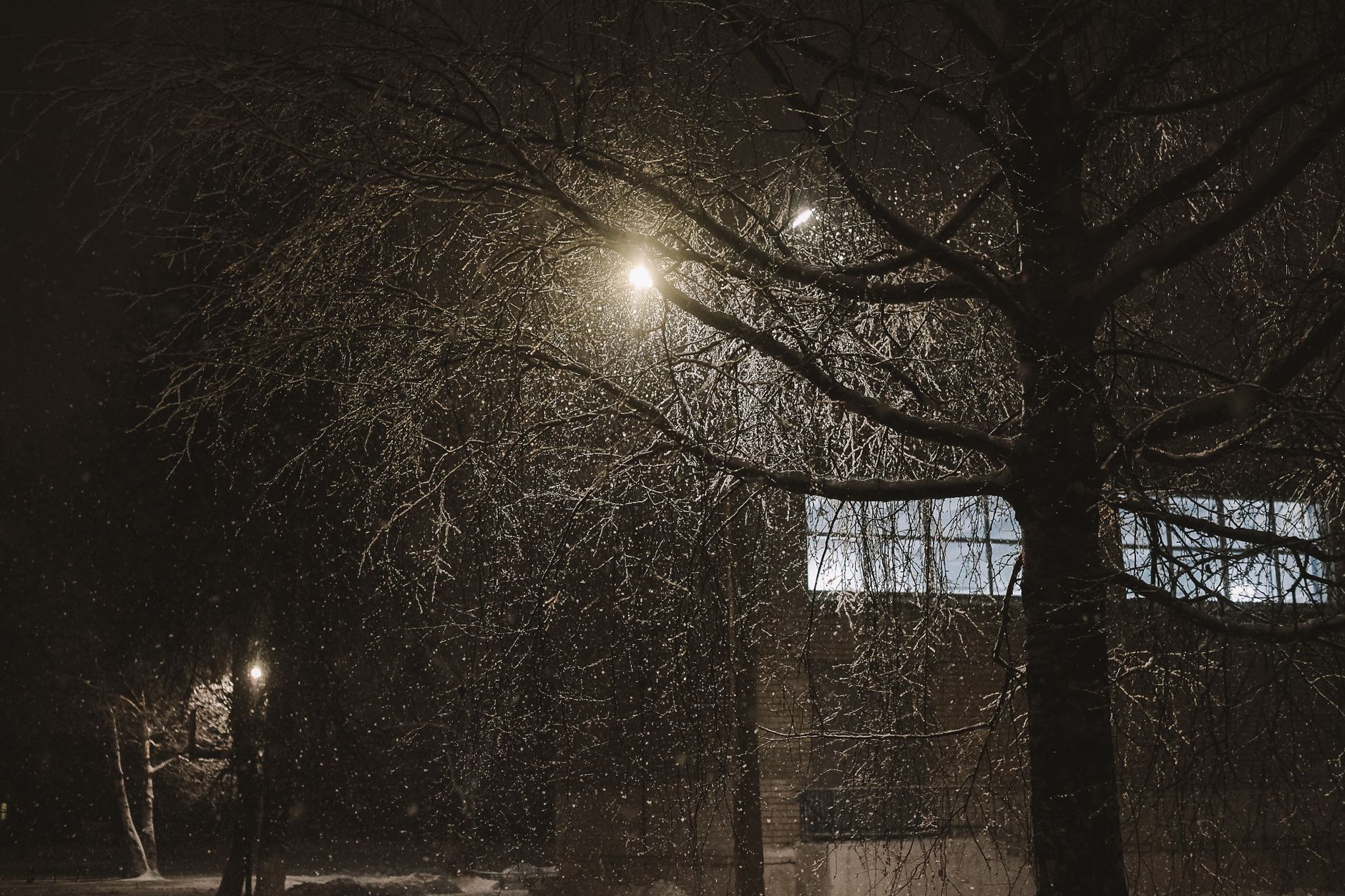
How to Create Snow in After Effects
Create a snow effect in After Effects — use CC Snowfall and particles, add depth and drift, composite snow overlays, and build…
-
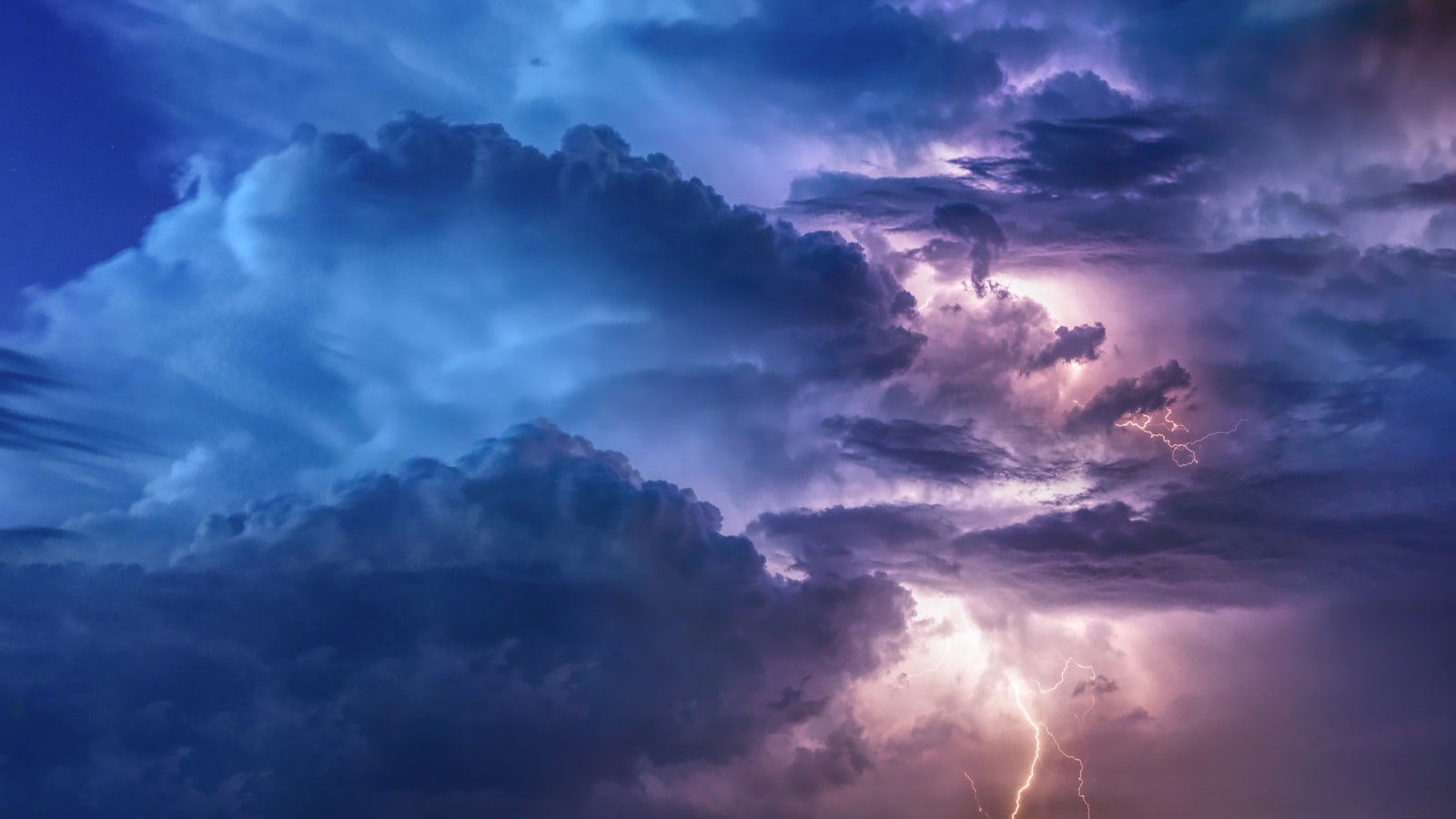
How to Create Lightning in After Effects
Create lightning in After Effects — use the Advanced Lightning effect, animate strikes and electricity, add glow and flash, and build dramatic…
-
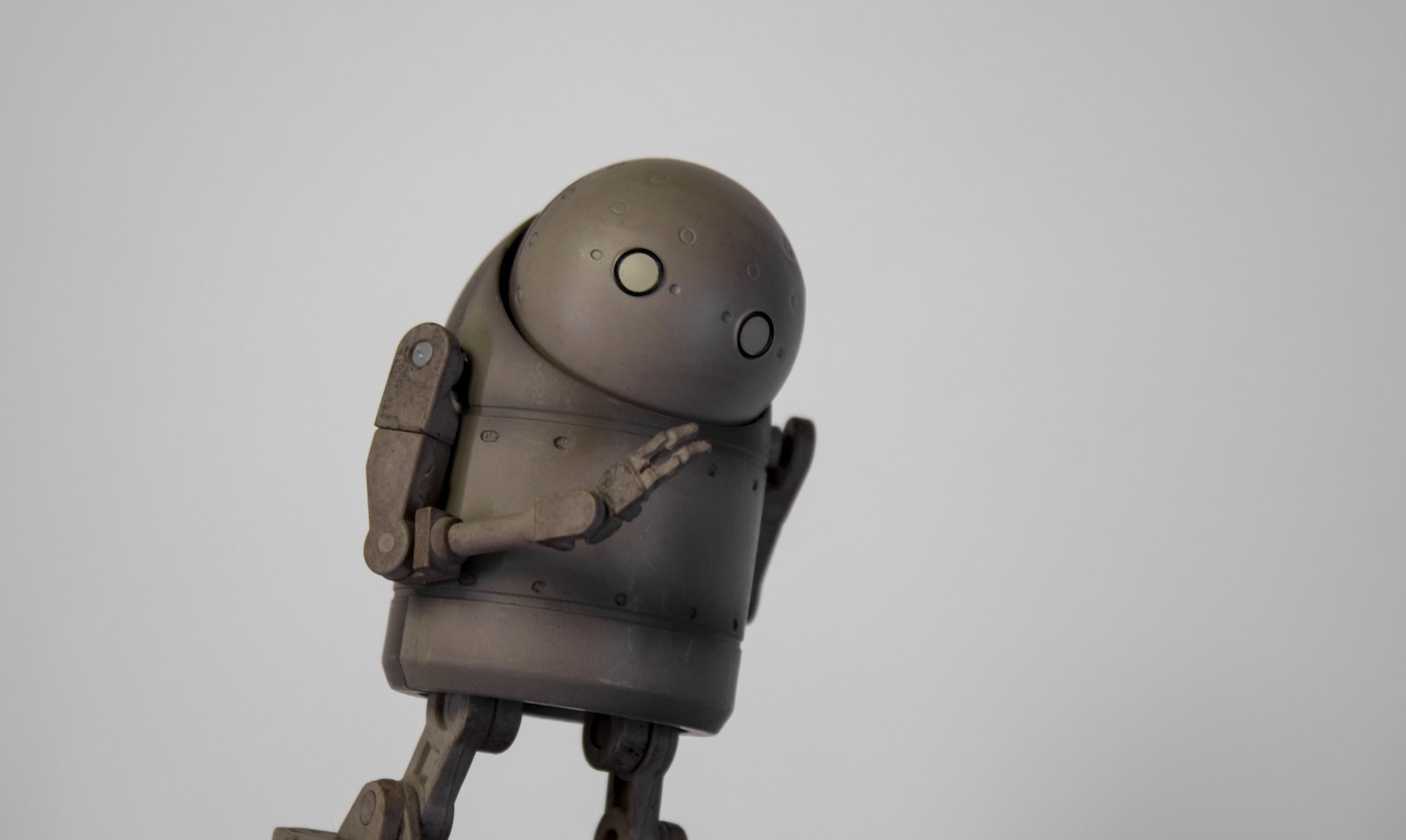
How to Animate a Character in After Effects
Animate a character in After Effects — rig with parenting and the puppet tool, build a walk cycle, use the 12 principles…
-
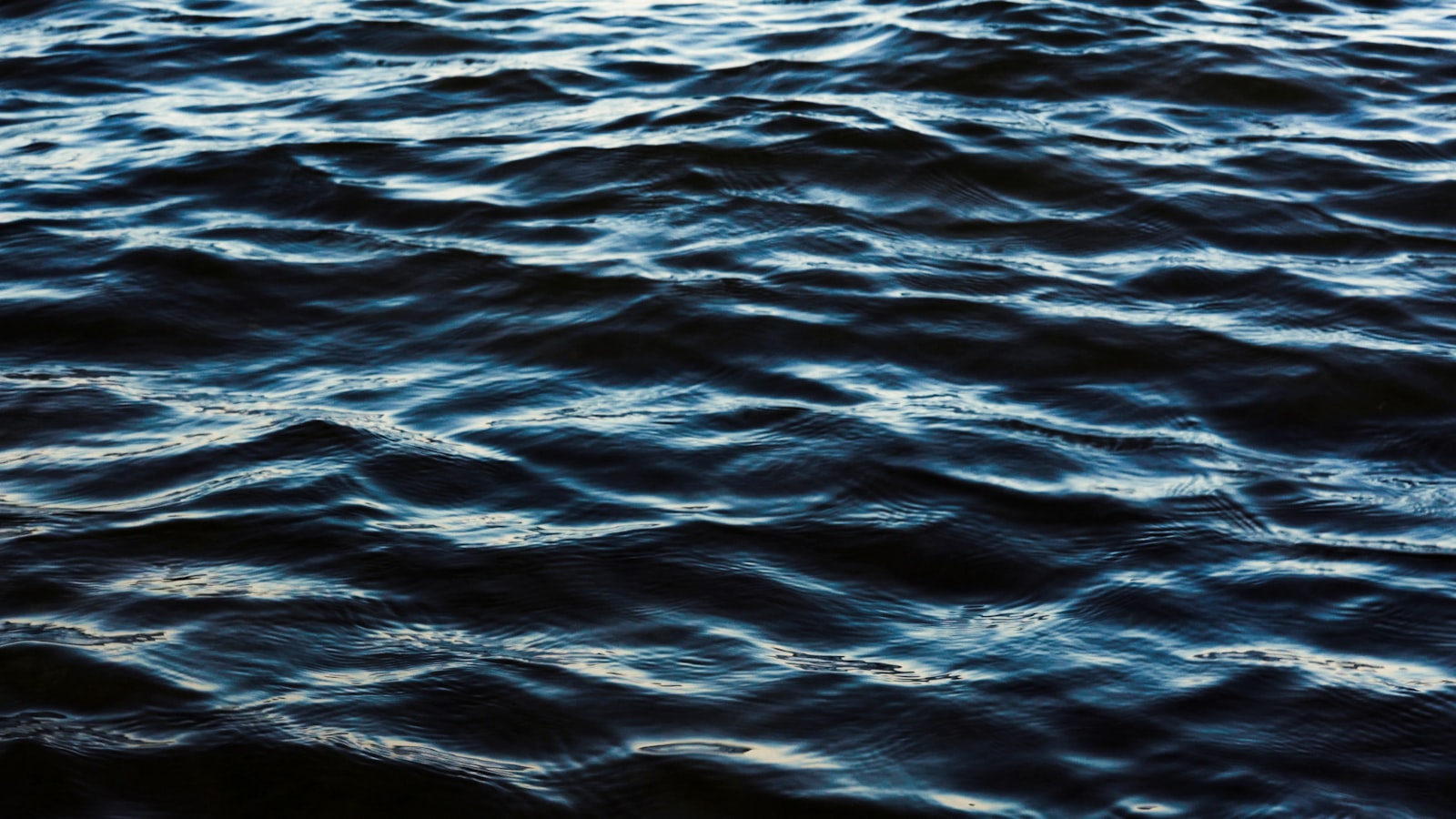
How to Use the Wave Warp Effect in After Effects
Use the Wave Warp effect in After Effects to create rippling waves — make flags, water surfaces, wavy text, and rhythmic distortion…
-

How to Use Turbulent Displace in After Effects
Use Turbulent Displace in After Effects to add organic distortion — create flowing flags, liquid text, heat haze, and natural movement with…
-
How to Add a Vignette in Premiere Pro
Add a vignette in Premiere Pro — use Lumetri’s vignette controls or a custom mask to darken the edges, draw focus to…
-
How to Use Text Animation Presets in Premiere Pro
Use text animation presets in Premiere Pro to animate titles fast — apply built-in presets, customize them, save your own, and add…
-
How to Use the Remix Tool in Premiere Pro
Use the Remix tool in Premiere Pro to automatically retime music to any length — fit a song to your edit, shorten…
-
How to Create Lower Thirds in Premiere Pro
Create lower thirds in Premiere Pro — use the Essential Graphics panel and text tool to build name titles, style them, animate…
-
How to Use Three-Point Editing in Premiere Pro
Master three-point editing in Premiere Pro — set in and out points in the source and timeline, use insert and overwrite, and…