Browse
Category: Tutorials
Premiere Pro & After Effects tutorials from Adobe Video World instructors.
-
How to Create a Stop-Motion Look with Posterize Time
Create a stop-motion look in After Effects with Posterize Time — lower the effective frame rate, give animation a choppy handcrafted feel,…
-
How to Use the Liquify Effect in After Effects
Use the Liquify effect in After Effects to warp and reshape — push, twist, and bloat pixels, create smooth morphs and organic…
-

How to Create a Long Shadow in After Effects
Create a long shadow in After Effects — build the popular flat-design long shadow effect for text, icons, and logos using duplication,…
-

How to Create Light Rays (God Rays) in After Effects
Create light rays and god rays in After Effects — use CC Light Rays and volumetric light, beam light through gaps, add…
-
How to Create 3D Text in After Effects
Create 3D text in After Effects — extrude type with the Cinema 4D renderer, add depth, bevels, materials, and lighting, and animate…
-
How to Use Color Wheels in Premiere Pro
Use the color wheels in Premiere Pro to grade shadows, midtones, and highlights — balance color, create cinematic looks, and master the…
-
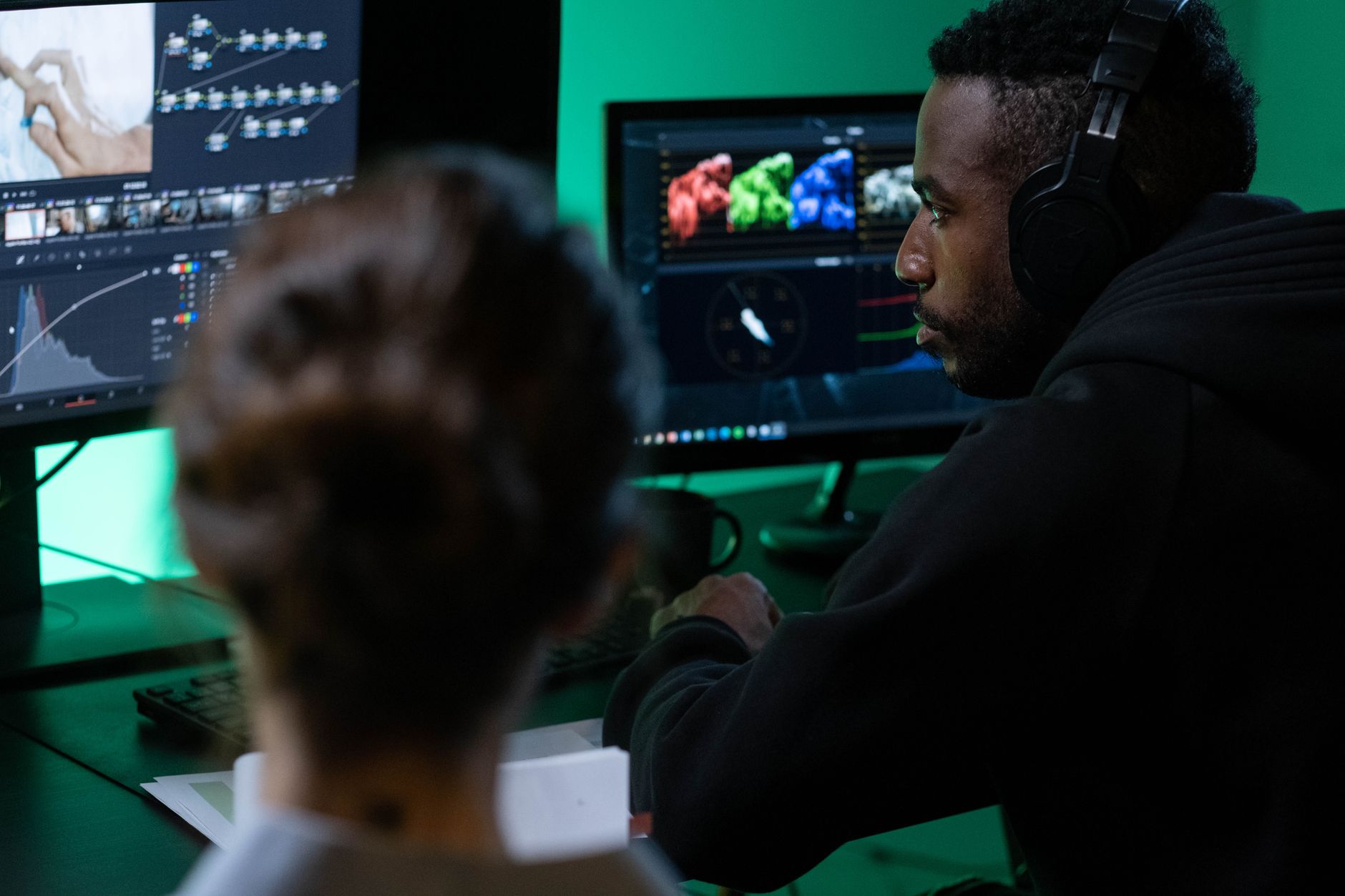
How to Use HSL Secondary in Premiere Pro
Use HSL Secondary in Premiere Pro to grade specific colors — isolate and adjust a single color or skin tones, refine the…
-

How to Use Auto Reframe in Premiere Pro
Use Auto Reframe in Premiere Pro to convert video between aspect ratios — turn horizontal footage vertical or square, keep the action…
-
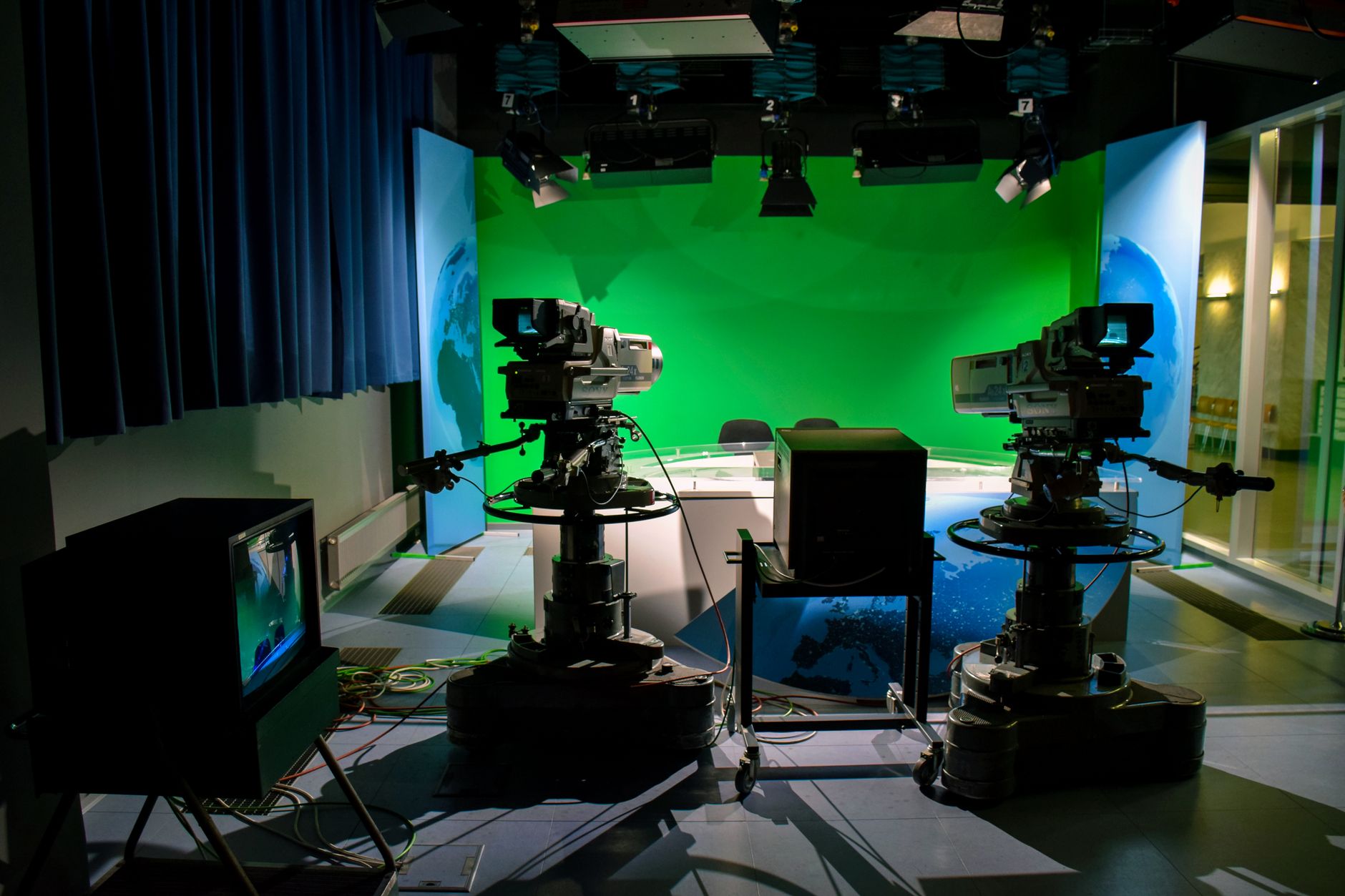
How to Use Ultra Key for Green Screen in Premiere Pro
Use the Ultra Key effect in Premiere Pro for green screen — key out the background, refine the matte, fix edges and…
-
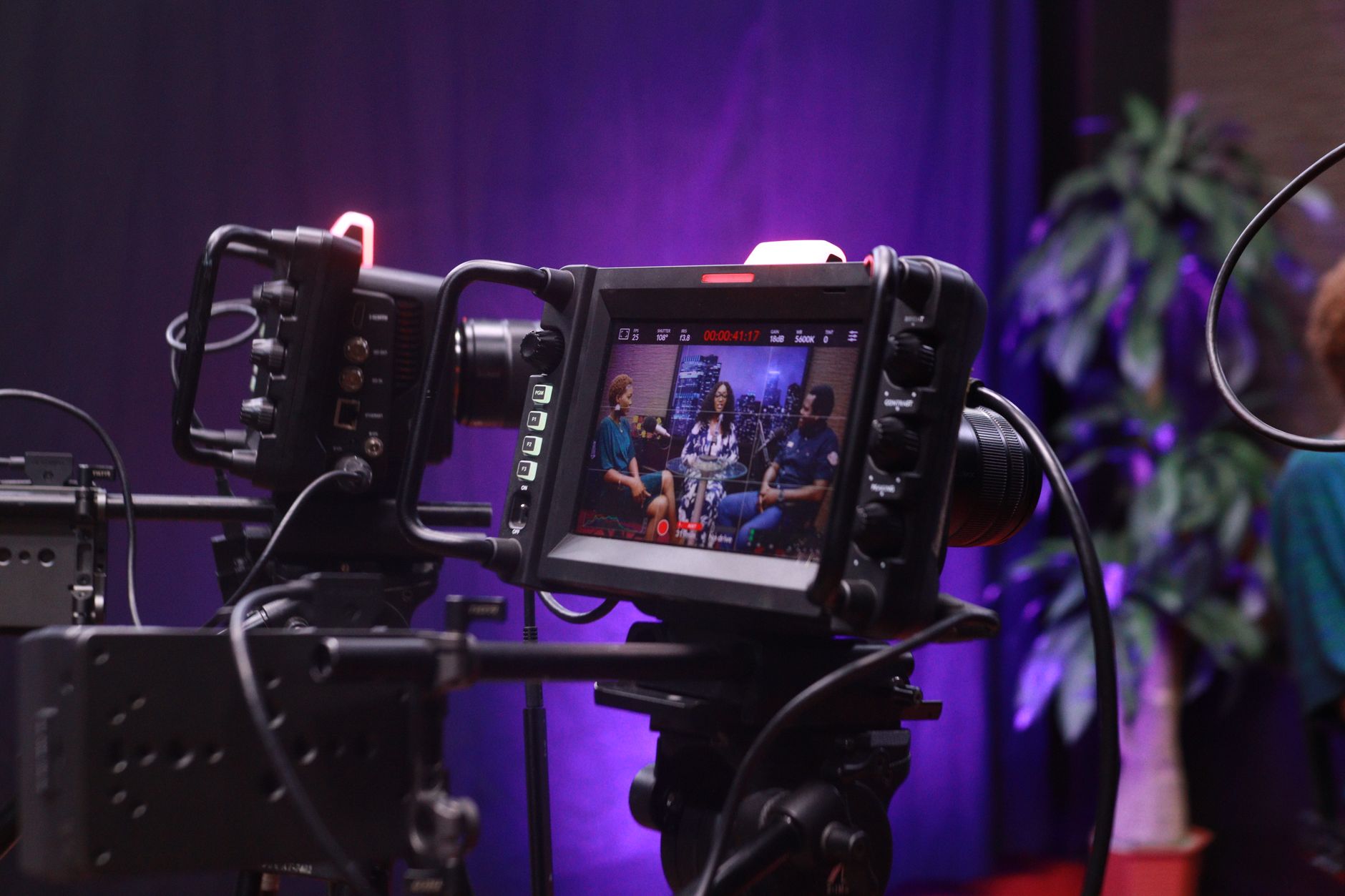
How to Use Morph Cut in Premiere Pro
Use Morph Cut in Premiere Pro to hide jump cuts in interviews — smooth out edits between talking-head clips, remove ums and…