A workflow taught by Adobe Certified Instructors at Adobe Video World.
Resolution is one of the most talked-about video specs — 1080p, 4K, 8K — but what do the numbers actually mean, and when does more resolution matter? Understanding resolution helps you shoot, edit, and deliver wisely without wasting storage or effort. This guide explains resolution in plain terms and how to choose the right one.
What Resolution Means
Resolution is the number of pixels that make up your video image, usually written as width by height — like 1920×1080. More pixels mean more detail and a sharper image, but also larger files and more demanding editing.
The pixels are the tiny dots that form the picture, so a higher-resolution video packs in more of them. Understanding that resolution is simply pixel count is the foundation for making sense of all the resolution terms you’ll encounter.
Understanding 1080p (Full HD)
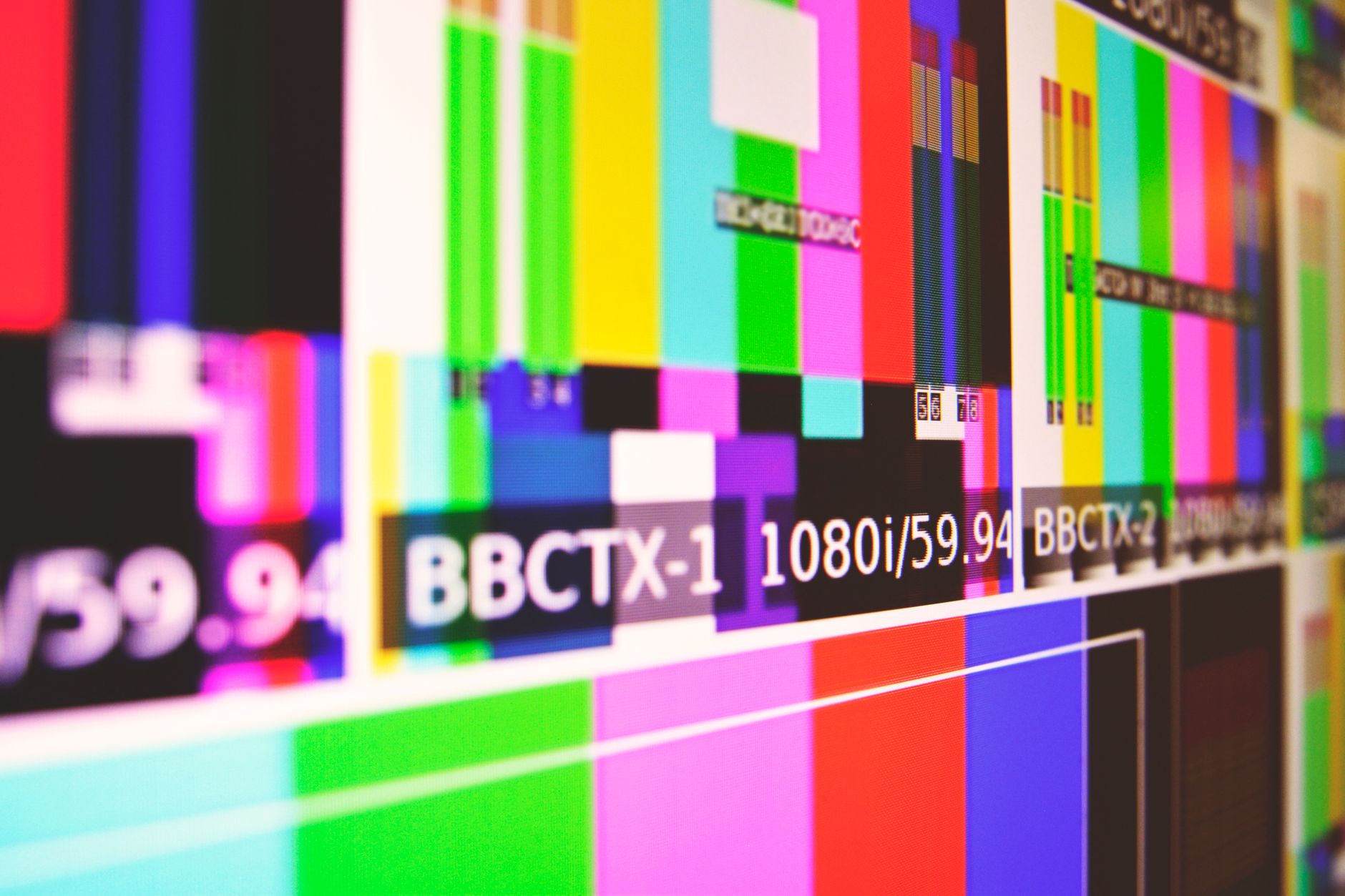
1080p, or Full HD, is 1920×1080 pixels — long the standard for video. The ‘p’ stands for progressive scan, meaning each frame is drawn completely, and 1080p remains a perfectly good resolution for most online and broadcast video.
It offers a sharp image at manageable file sizes, which is why it’s still widely used. For many creators, 1080p delivers excellent quality without the storage and processing demands of higher resolutions, making it a sensible default.
Understanding 4K
4K is roughly 3840×2160 pixels — four times the pixels of 1080p. This extra detail makes 4K noticeably sharper, especially on large screens, and it has become the standard for high-quality content and modern cameras.
4K’s bigger benefit may be the flexibility it gives in editing. Even when delivering in 1080p, shooting 4K lets you crop, zoom, and reframe while keeping a sharp final image, a major advantage covered in our crop and resize guide.
Understanding 8K
8K is around 7680×4320 pixels — four times 4K and sixteen times 1080p. It offers extraordinary detail, but the benefits are hard to see on most screens, and the file sizes and processing demands are enormous.
For now, 8K is mainly used for high-end production, large-format displays, and the same reframing flexibility 4K provides, taken further. Most creators don’t need 8K, but like 4K before it, it may become more common as technology advances.

Resolution vs. Quality
A crucial point: resolution isn’t the same as quality. A well-shot, well-lit 1080p video looks far better than a poorly shot 4K one, because lighting, focus, exposure, and bitrate matter as much as pixel count.
Chasing resolution while neglecting these fundamentals is a common mistake. More pixels only help when everything else is done well, so investing in good lighting and technique often improves your video more than a resolution bump.
When Higher Resolution Matters
Higher resolution genuinely helps in specific situations: viewing on large screens where detail shows, cropping and reframing in the edit, future-proofing your footage, and professional delivery requirements. In these cases, the extra pixels earn their cost.
For everyday online video viewed on phones and laptops, the difference is far less noticeable. Matching your resolution to how the video will actually be seen, and whether you need editing flexibility, prevents both overspending and underdelivering.
Resolution, Storage, and Performance
Higher resolution carries real costs. 4K and 8K files are dramatically larger than 1080p, eating storage fast, and they demand more powerful computers to edit smoothly, as covered in our editing computer guide.
These practical demands matter as much as the visual benefit. Weighing the storage and performance cost against the actual need for resolution helps you choose sensibly, rather than defaulting to the highest number and struggling with the consequences.
Video Resolution Best Practices
- Match resolution to how the video will be viewed.
- Shoot 4K for editing flexibility, even when delivering 1080p.
- Remember resolution isn’t quality — lighting matters more.
- Weigh higher resolution against storage and performance costs.
Common Resolution Mistakes
- Chasing resolution while neglecting lighting and exposure.
- Shooting 8K with no need, overwhelming storage and computers.
- Assuming more pixels always means better video.
- Delivering higher resolution than the audience can see.
How Resolution Affects Different Screens
The benefit of higher resolution depends entirely on the screen and viewing distance. On a large television or a cinema screen viewed up close, the extra detail of 4K is clearly visible, while on a phone held at arm’s length, the difference between 1080p and 4K is genuinely hard to perceive. The same video can look identical or noticeably sharper depending on where it plays.
This is why matching resolution to the audience matters so much. If most of your viewers watch on phones, the storage and processing cost of 4K may buy little visible improvement, whereas content destined for big screens or detailed display genuinely benefits — a calculation worth making before every project.
Upscaling and Downscaling
Resolutions can be converted, but the direction matters. Downscaling 4K footage to a 1080p timeline actually sharpens the result, because all that extra detail is packed into fewer pixels, which is one reason shooting higher than you deliver looks so good. Upscaling 1080p to 4K, by contrast, can’t invent detail that was never captured.
Modern AI upscaling tools have improved how convincingly footage can be enlarged, but they’re a rescue, not a substitute for capturing resolution in camera. Understanding that downscaling enhances while upscaling only stretches helps you plan a workflow — like the editing approach in our crop and resize guide — that always works in your favor.
Resolution and Your Delivery Platform
Every platform handles resolution differently, re-compressing your upload to its own specifications. Uploading a higher-resolution file often results in better final quality even when viewers watch at lower resolutions, because platforms allocate more data to higher-resolution sources during their compression.
This is why many creators upload 4K even for audiences watching in 1080p — the platform’s processing tends to preserve more detail and apply a higher bitrate. Pairing the right upload resolution with sensible export settings gives your video the best possible quality after the platform has had its way with it.
Key Takeaways
- Resolution is the pixel count of your video image.
- 1080p is a solid standard; 4K adds detail and edit flexibility.
- 8K offers extreme detail but huge demands and little visible gain.
- Resolution isn’t quality — technique and lighting matter more.
Frequently Asked Questions
What’s the difference between 1080p, 4K, and 8K?
1080p (Full HD) is 1920×1080 pixels, 4K is about 3840×2160 (four times the pixels), and 8K is around 7680×4320 (sixteen times 1080p). More pixels mean more detail but larger files and heavier processing.
Should I shoot in 4K or 1080p?
Shoot 4K if you want editing flexibility — it lets you crop, zoom, and reframe while keeping a sharp 1080p final image — or need the detail for large screens. 1080p is fine for most online video with smaller files.
Does higher resolution mean better quality?
No. Resolution is just pixel count. A well-shot, well-lit 1080p video looks far better than a poorly shot 4K one, because lighting, focus, exposure, and bitrate matter as much as resolution.
Sources: Wikipedia’s article on display resolution.
Understand the pixels at Adobe Video World
Train hands-on with Adobe Certified Instructors across 100+ Premiere Pro & After Effects sessions.



