A workflow taught by Adobe Certified Instructors at Adobe Video World.
A montage condenses time, builds energy, and tells a story through a fast sequence of shots set to music — from a training sequence to a travel recap to a highlight reel. A great montage feels effortless but relies on real technique. This guide covers choosing music, selecting shots, cutting to the beat, and building a montage that captivates.

What a Montage Does
A montage is a sequence of shots, usually set to music, that compresses time and conveys a feeling or story without dialogue. It can show progress, capture a mood, recap an event, or build excitement, all through the rhythm of images and sound.
Montages are everywhere — training sequences, travel videos, wedding recaps, sports highlights. Their power comes from combining well-chosen shots with music into something emotionally greater than the individual clips, which is what makes them so effective.
Start with the Music
Music is the backbone of a montage, so choose your track first. The song’s energy, tempo, and structure will drive your entire edit, dictating the pace and emotion, so pick music that matches the feeling you want to create.
Building the montage around the music, rather than adding music after, ensures the two work together. Use a properly licensed track, as covered in our royalty-free music guide, and let its rhythm and builds shape your cutting.
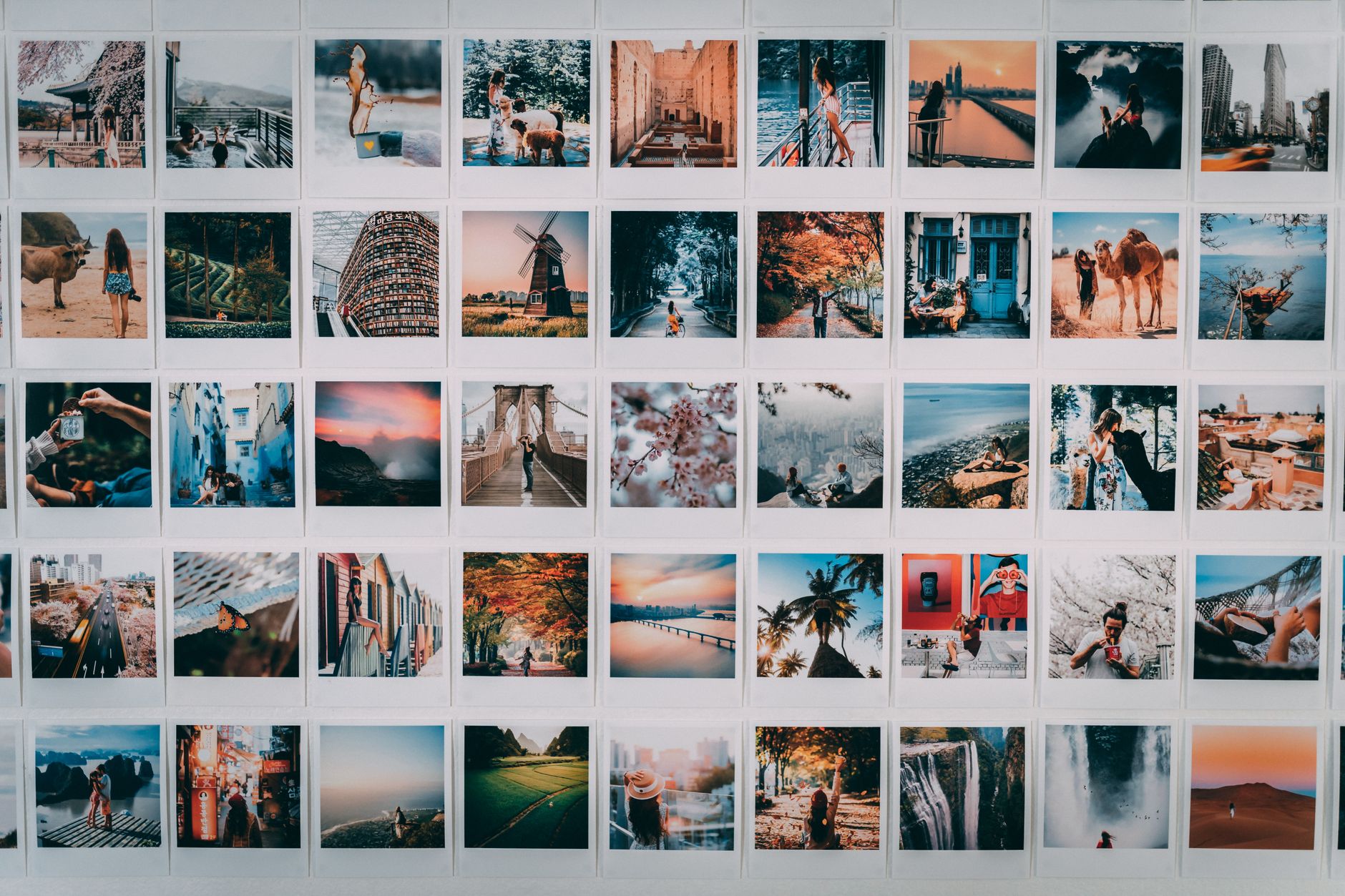
Select Your Best Shots
A montage demands your strongest footage. Go through your clips and choose the most visually interesting, varied, and relevant shots, since a montage moves quickly and every shot needs to earn its brief moment on screen.
Be selective — a montage of mediocre shots falls flat, while a tight selection of great ones captivates. Gathering your best material, including plenty of B-roll and detail shots, gives you the raw ingredients for a compelling sequence.

Cut to the Beat
The signature technique of montage editing is cutting on the beat. Aligning your shot changes to the music’s beats and phrases makes the montage feel rhythmic, synchronized, and satisfying, with the visuals dancing to the audio.
Mark the beats first, using the techniques from our pacing guide, then place your cuts on them. This musical synchronization is what gives a montage its energy and polish, transforming a series of clips into a unified, flowing piece.
Build Energy and Variety
A great montage builds and varies rather than staying flat. Mix wide and close shots, vary the action and angles, and let the energy rise with the music, often accelerating the cutting as the track builds toward its peak.
Variety keeps the montage engaging — repetitive shots or pacing lose the viewer. Following the music’s dynamics, with calmer sections and energetic peaks, gives your montage a shape that carries the audience through it.
Tell a Story or Arc
The best montages have an arc, even without narrative. Ordering your shots to show progression — a beginning, development, and climax — gives the montage meaning beyond a random collection of clips, whether it’s a journey, a transformation, or a build of excitement.
Think about what story or feeling the sequence conveys and order your shots to support it. This sense of progression, matched to the music’s build, is what elevates a montage from a pretty slideshow to something that genuinely moves the viewer.
Add Speed Effects and Transitions
Montages often use dynamic techniques to add energy. Speed ramps, slow motion on key moments, and smooth or whip-pan transitions inject excitement and flow, matching the kinetic feel a montage wants.
These effects, used purposefully, enhance the rhythm and energy. A well-timed slow-motion shot at a musical peak, or a speed ramp into a beat, adds the polish and dynamism that make montages feel exciting and professionally produced.
Refine the Timing
Once assembled, watch your montage repeatedly and refine the timing. Tighten cuts that feel slightly off the beat, swap shots that don’t work, and adjust the pacing until the whole sequence flows seamlessly with the music.
This refinement is where a montage goes from good to great. Small timing adjustments make a big difference in how satisfying the montage feels, so playing it through and fine-tuning until every cut lands perfectly is well worth the effort.
Montage Editing Best Practices
- Choose your music first and build the edit around it.
- Select only your strongest, most varied shots.
- Cut to the beat for rhythmic, synchronized energy.
- Build an arc and refine the timing until it flows.
Common Montage Mistakes
- Cuts that don’t align with the music’s beats.
- Repetitive shots or pacing that lose the viewer.
- Weak shot selection that makes the montage fall flat.
- No arc or progression, just random clips.
A Real Montage Walkthrough
Picture building a fitness transformation montage. You pick an upbeat track that builds across ninety seconds, then choose your sharpest clips — early struggle, steady progress, a triumphant finish — and lay them roughly to the music. You mark every beat, snap each cut onto it, and let the shots get quicker and more intense as the song climbs toward its drop.
At the peak you drop in a slow-motion hero shot, then settle on a strong final image as the music resolves. The ordered arc tells the story, the beat-synced cuts give it drive, and the speed effect punctuates the climax — the full montage recipe turning a folder of gym clips into a genuinely motivating piece.
Montages for Social and Highlight Reels
The montage format thrives on social media and in highlight reels, where short, punchy, music-driven sequences grab attention fast. A fifteen-second montage of your best moments, cut tightly to a trending track and built for vertical viewing, can outperform far longer videos because it delivers energy and payoff immediately.
Tailoring the montage to its platform — the right aspect ratio, length, and pacing — maximizes its impact wherever it lives. Whether it’s a travel reel, a sports highlight, or a brand sizzle, the same beat-driven, story-arc principles scale down to bite-sized clips that are made to be watched, shared, and replayed.
Key Takeaways
- A montage condenses time and builds emotion through shots and music.
- Choose the music first and select your best, most varied shots.
- Cut to the beat and build energy with the track.
- Give the montage an arc and refine the timing.
Frequently Asked Questions
How do I edit a montage?
Choose your music first and build around it, select your strongest and most varied shots, cut on the beat for rhythmic energy, build an arc that follows the music’s dynamics, and refine the timing until it flows seamlessly.
Why should I choose the music first for a montage?
The song’s energy, tempo, and structure drive the entire edit, dictating pace and emotion. Building the montage around the music ensures the visuals and audio work together, rather than forcing music onto a finished cut.
How do I cut a montage to the beat?
Mark the music’s beats first, then place your shot changes on them. Aligning cuts to the beats and phrases makes the montage feel rhythmic and synchronized, which gives it energy and a polished, professional flow.
Sources: Wikipedia’s article on montage in filmmaking.
Build dynamic montages at Adobe Video World
Train hands-on with Adobe Certified Instructors across 100+ Premiere Pro & After Effects sessions.



