Browse
Category: Tutorials
Premiere Pro & After Effects tutorials from Adobe Video World instructors.
-
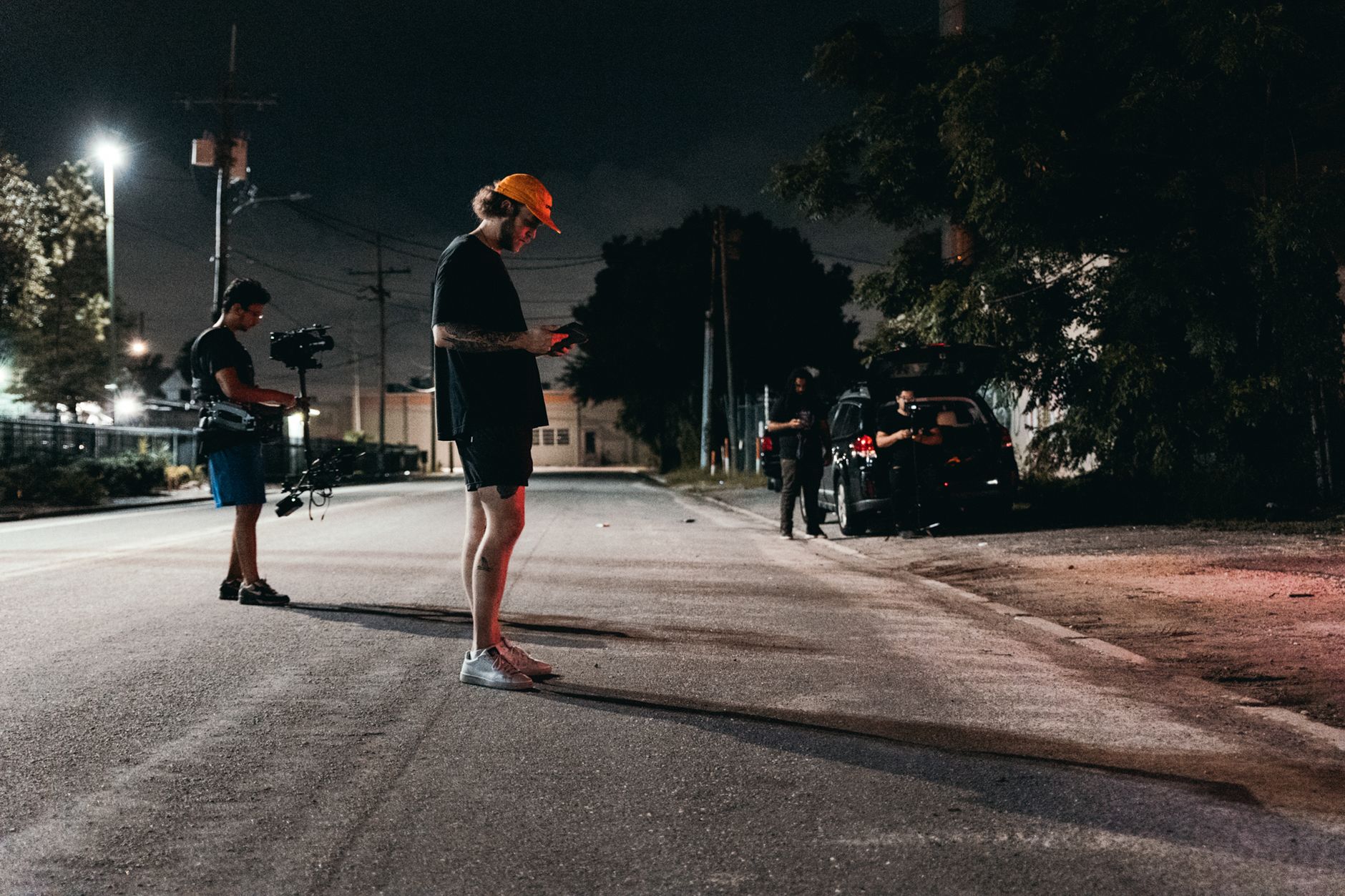
Continuity Editing and the 180-Degree Rule
Understand continuity editing and the 180-degree rule — keep edits seamless, maintain screen direction and eyelines, match action across cuts, and avoid…
-
How to Create a Video Intro That Hooks Viewers
Create a video intro that hooks viewers — open with a strong hook, cut a tight intro, avoid long branding, tease value,…
-

How to Write a Video Script
Write a video script that works — structure your message, write a strong hook, format the script, write for the ear, and…
-
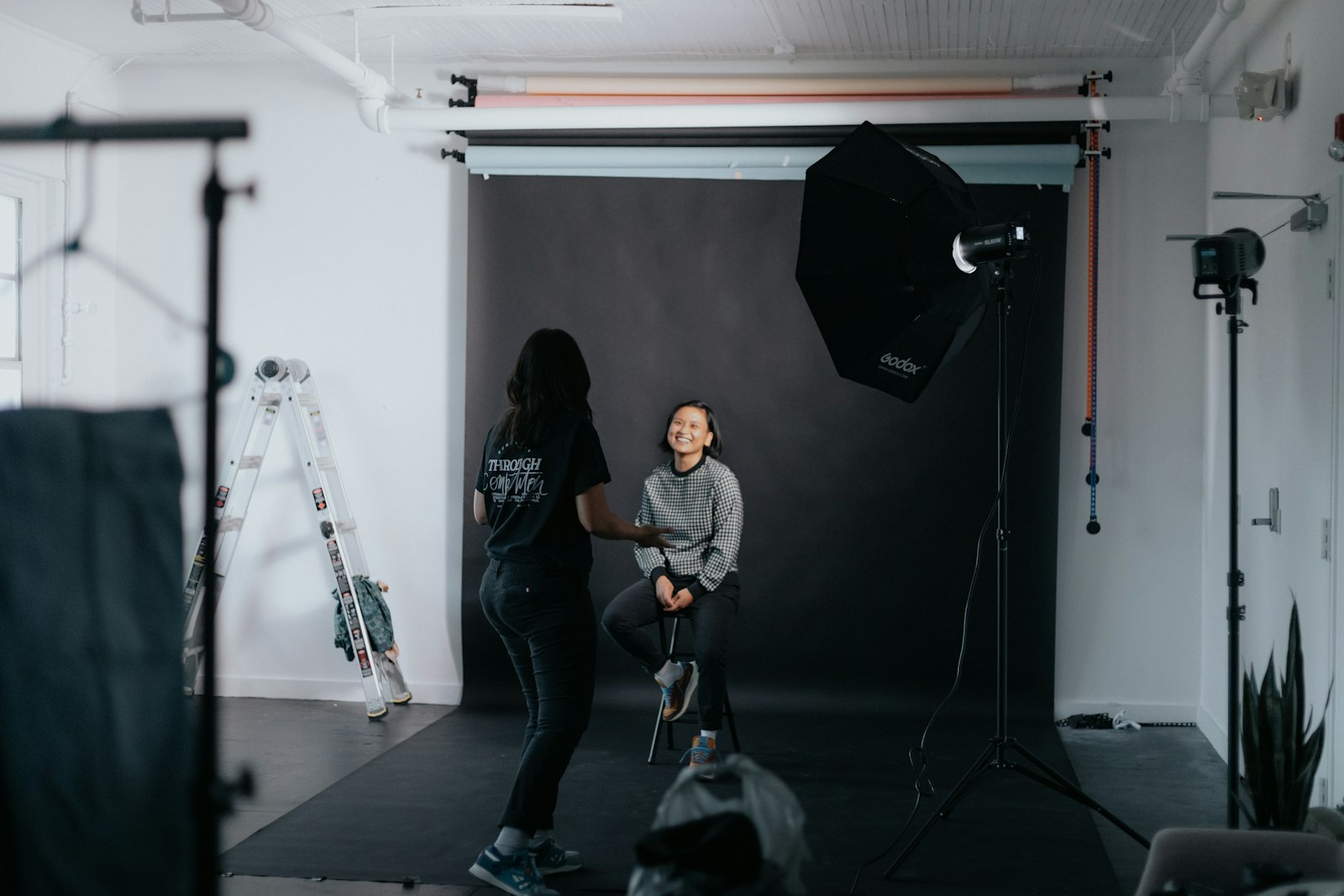
How to Shoot a Professional Interview
Shoot a professional interview — frame the subject, light them well, capture clean audio, set up two cameras, and direct your subject…
-
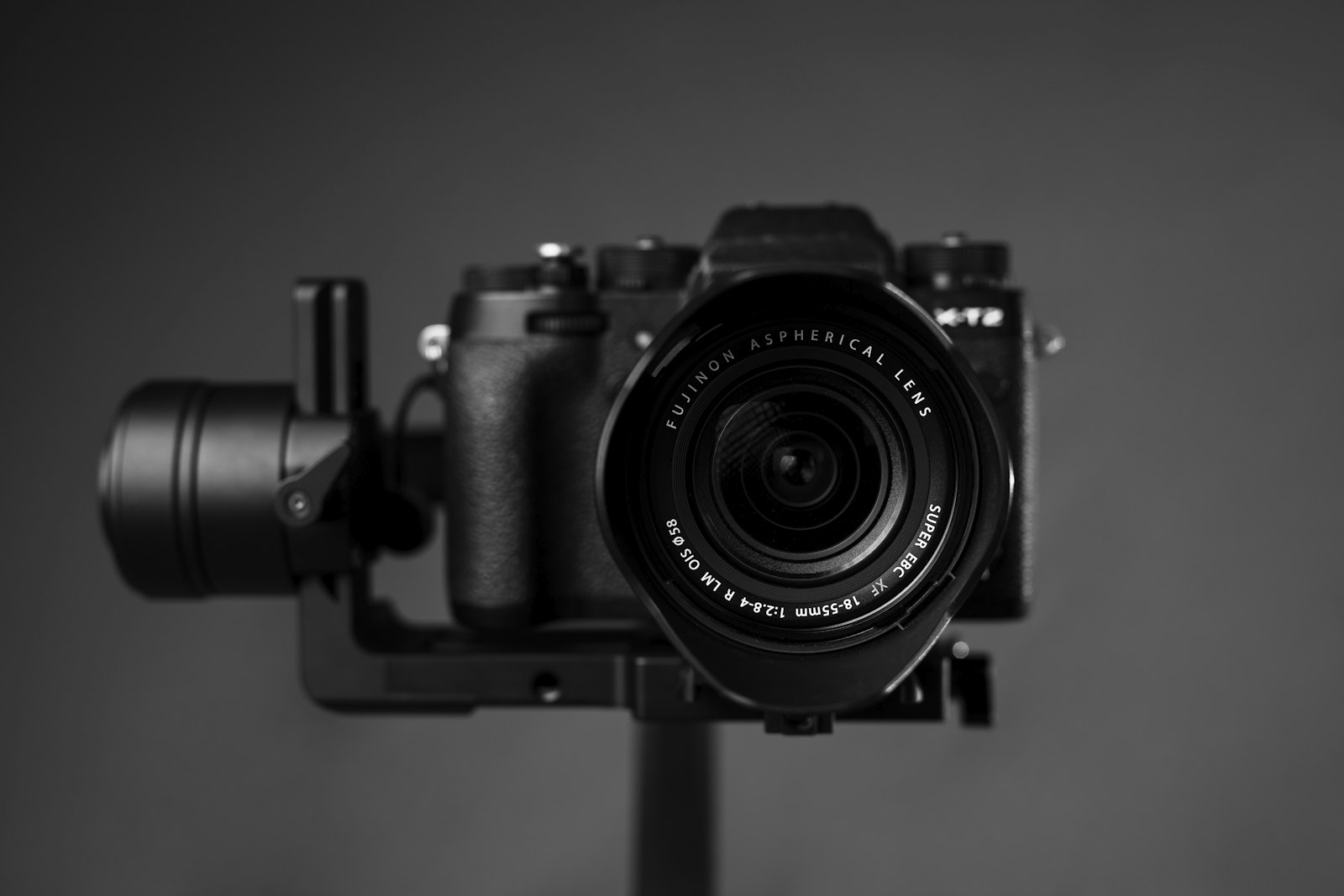
Camera Movement Techniques for Video
Master camera movement techniques for video — pans, tilts, tracking, dolly, crane, and handheld moves, plus when to use each and how…
-
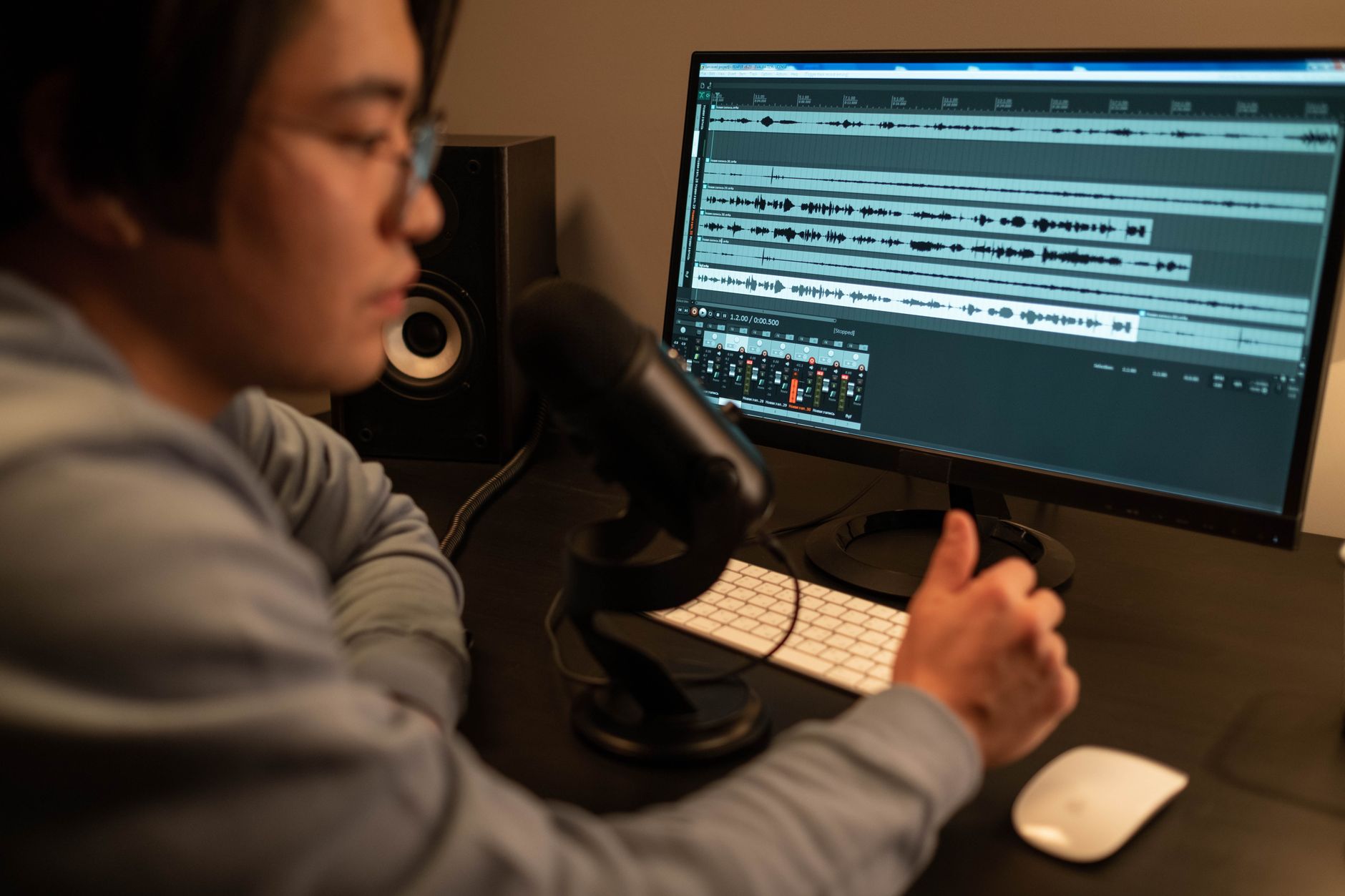
How to Use Sound Design and Effects in Video
Use sound design in video — add sound effects, build atmosphere with ambience, use whooshes and impacts, layer audio, and create an…
-

How to Record a Professional Voiceover
Record a professional voiceover for video — choose a mic, treat your space, deliver with energy, control levels, and edit a clean…
-
How to Compress Video and Reduce File Size
Compress video and reduce file size without losing quality — adjust bitrate, resolution, and codec, use two-pass encoding, and balance quality against…
-

How to Create a Confetti Effect in After Effects
Create a confetti effect in After Effects — use CC Particle World and particle systems to make colorful falling confetti, control the…
-

How to Create a Gradient Background in After Effects
Create a gradient background in After Effects — use Gradient Ramp and 4-Color Gradient, build smooth and animated gradients, add grain to…