A workflow taught by Adobe Certified Instructors at Adobe Video World.
Displacement maps are a powerful way to distort one layer using the detail of another — wrapping a logo onto a wrinkled flag, fitting text to a water surface, or adding realistic texture-based distortion. The technique looks advanced but follows a simple principle. This guide explains how displacement maps work and how to use them for convincing effects.
What a Displacement Map Is
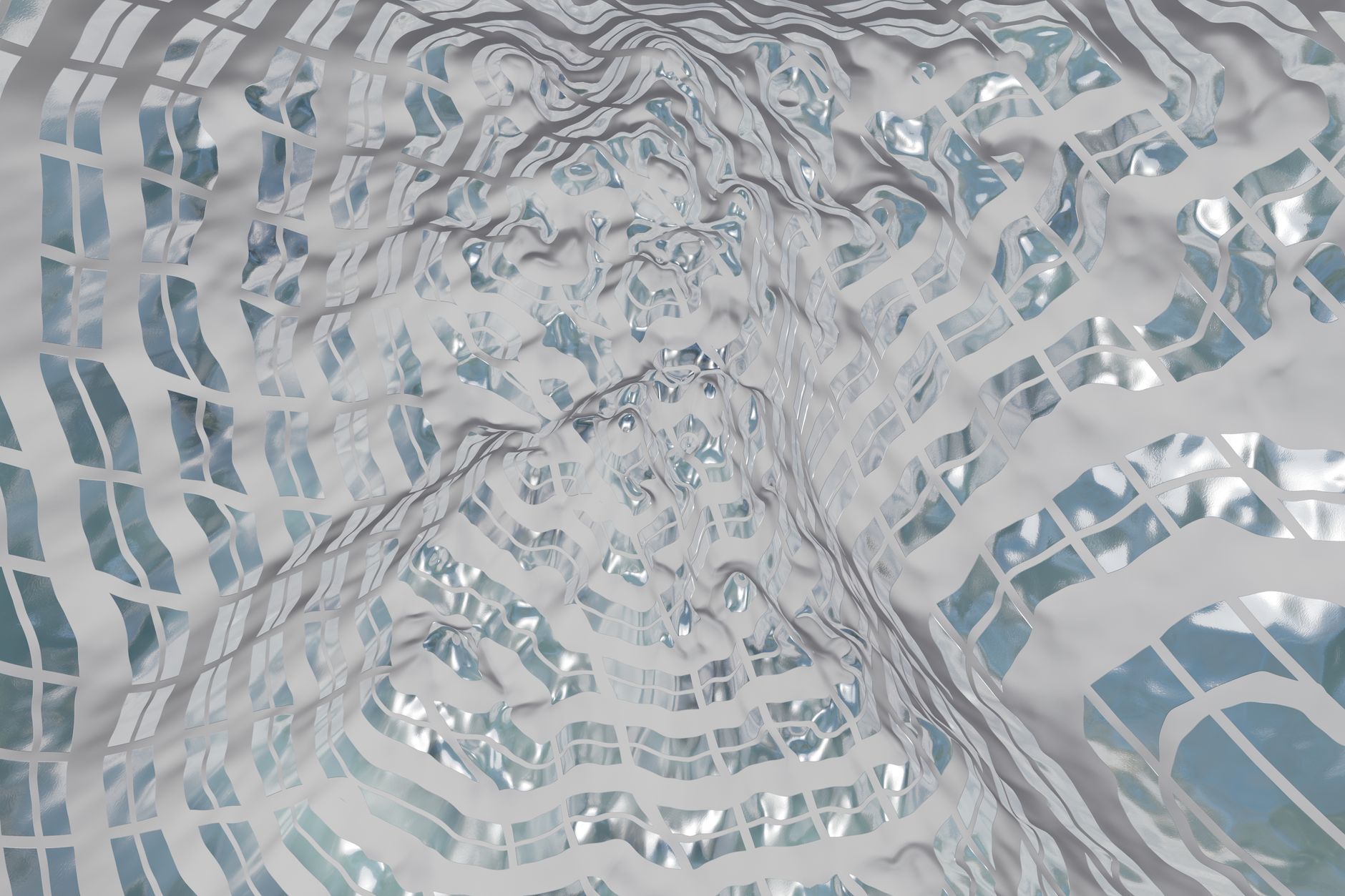
A displacement map uses the brightness of one layer to push and pull the pixels of another. Light and dark areas of the map layer shift the target layer in different directions, distorting it to follow the map’s contours and detail.
This means you can make a flat graphic conform to a textured surface, as if it were physically wrapped onto it. The principle — using one image’s values to distort another — underlies many realistic effects, from cloth to water to glass.
Apply the Displacement Map Effect
After Effects’ Displacement Map effect (under Distort) does this. Apply it to the layer you want to distort, then choose another layer as the Displacement Map Layer, and that map’s brightness warps your layer based on the controls you set.
The map layer can be a texture, footage, or a generated pattern, and it doesn’t need to be visible in the final render. Selecting the right map layer is the key decision, since its detail determines exactly how your target layer distorts.
Control the Displacement Amount
The effect’s Max Horizontal and Max Vertical Displacement controls set how strongly the map distorts your layer. Higher values push pixels further, creating dramatic warping, while lower values give subtle, realistic distortion.
You can also choose which channel of the map drives the displacement — luminance, red, green, or blue — for finer control. Tuning these so the distortion matches the surface you’re imitating is what separates a convincing effect from an obvious one.
Wrap a Graphic onto a Surface
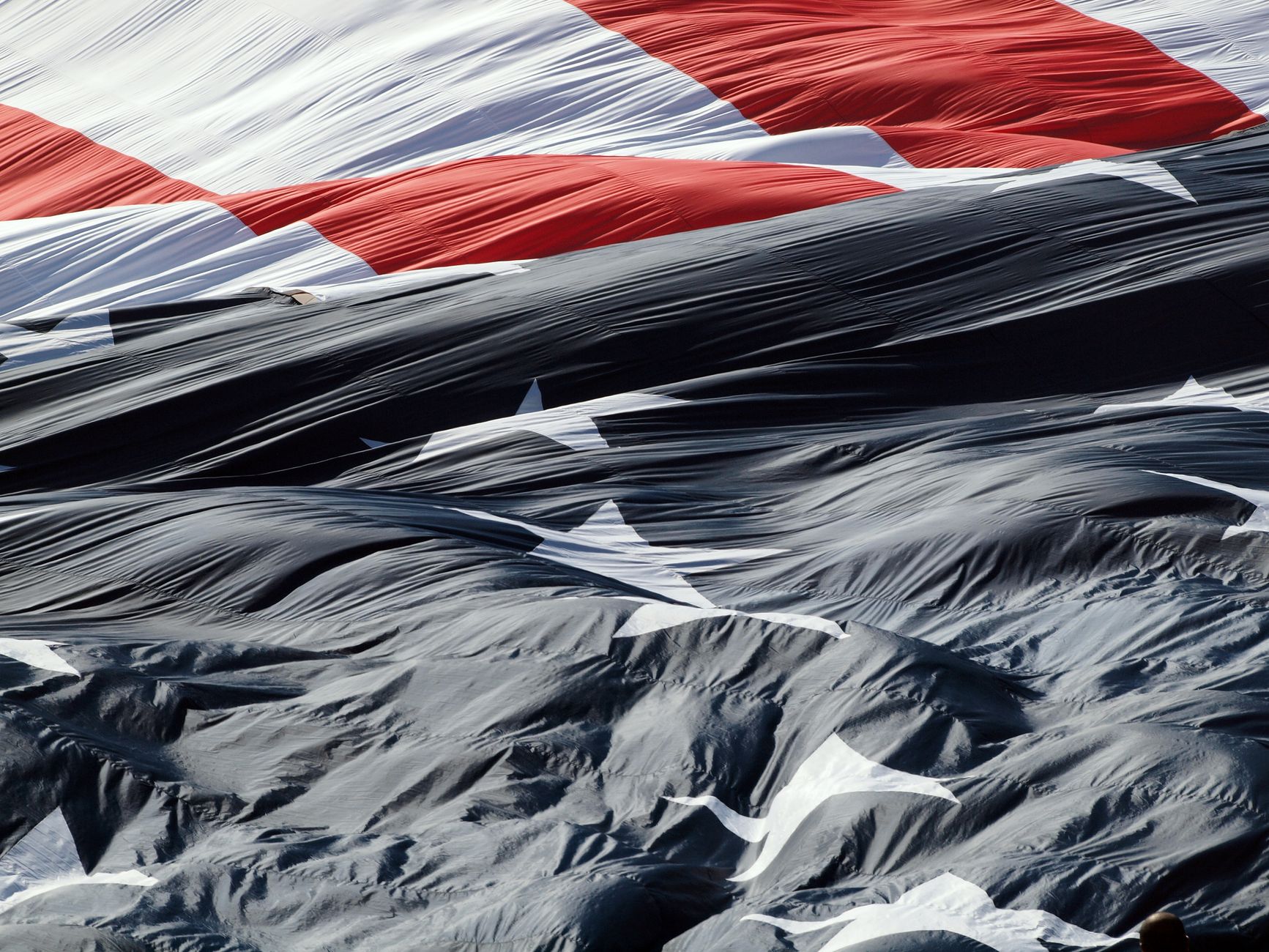
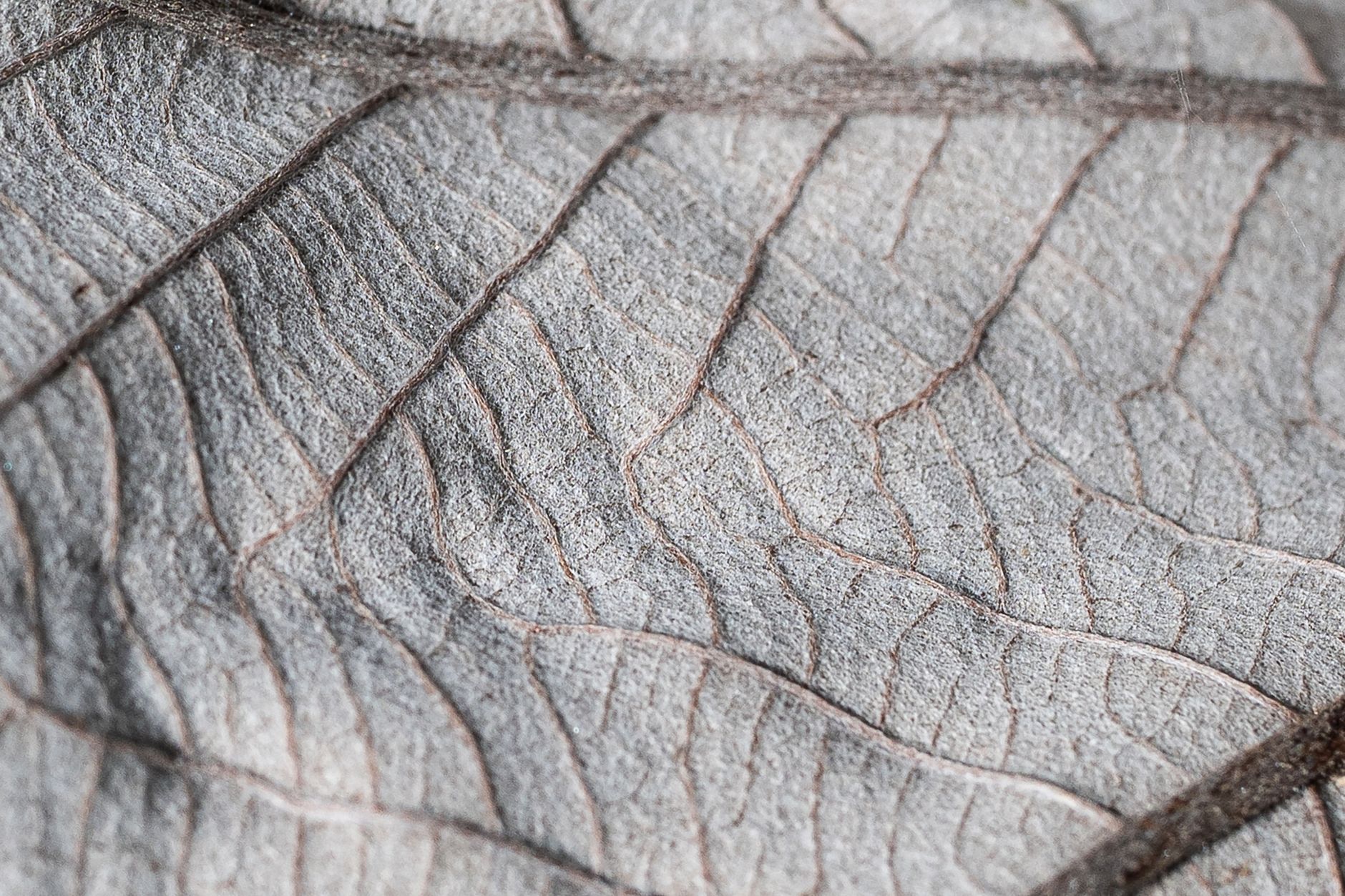
A classic use is wrapping a logo or text onto a textured surface like a flag or fabric. By using the surface’s own image as the displacement map, your graphic distorts to follow its wrinkles and folds, appearing genuinely printed onto it.
Combined with a blending mode so the graphic picks up the surface’s shading, this creates a highly convincing result. The displacement makes the graphic conform to the texture, while the blend integrates its light and shadow, selling the illusion.
Fit Text to Water or Cloth
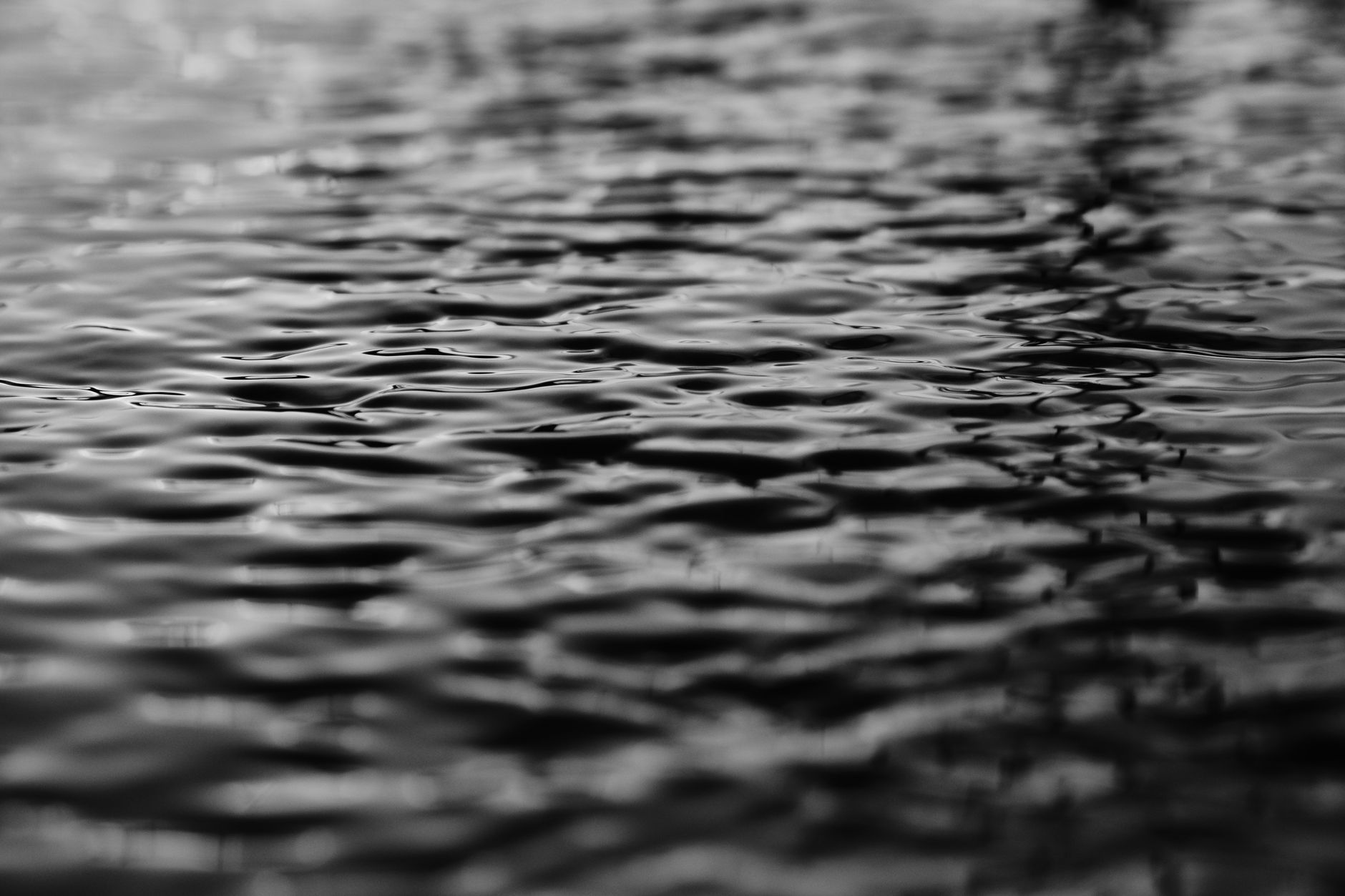
Displacement maps make text or graphics ripple with a surface. Using a water or cloth layer as the map, your text distorts to follow the ripples or folds, and animating the map makes the text move with the surface.
This is how you place a reflection-like graphic on water or text that flutters on fabric. Because the map can animate, the distortion moves continuously, making the text feel genuinely attached to a living, moving surface.
Create Realistic Distortion
Beyond wrapping, displacement maps create realistic distortion effects — heat haze, glass refraction, and water disturbance. Using a noise or turbulence layer as the map, similar to Turbulent Displace, distorts a layer organically.
The advantage of a displacement map is precise control over what drives the distortion. By designing or choosing the map layer, you control exactly how and where your layer warps, which is more deliberate than a purely procedural effect.
Animate the Displacement
Animating the map layer brings the effect to life. If your displacement map is moving footage or an animated texture, the distortion it creates changes over time, so your wrapped graphic ripples and shifts along with the surface.
You can also animate the displacement amount to make an effect build or fade. This animation is what turns a static distortion into a dynamic one, letting graphics flow with water, flutter with cloth, or shimmer with heat as the map evolves.
Prepare a Good Map Layer
The quality of a displacement effect depends heavily on the map layer. A map with smooth gradients gives gentle distortion, while sharp contrast gives abrupt warping, so choosing or preparing a map with the right detail and contrast is crucial.
Often you’ll blur or adjust the map layer to get smoother, more natural distortion. Thinking of the map as the controller of your effect, and shaping it deliberately, is the key to professional-looking results rather than chaotic warping.
Displacement Map Best Practices
- Choose a map layer whose brightness drives the distortion you want.
- Tune the horizontal and vertical displacement amounts.
- Wrap graphics onto surfaces using the surface as the map.
- Animate the map for moving, living distortion.
Common Displacement Map Mistakes
- A map with too much contrast, causing harsh warping.
- Displacement amount too high, destroying the image.
- Forgetting a blending mode when wrapping onto a surface.
- Using a static map where animation would sell the effect.
A Real Displacement Map Example
Imagine placing a sponsor’s logo onto a waving fabric banner in a stadium shot. You set the banner footage as the displacement map for the logo, so the logo’s pixels push and pull along the fabric’s folds, then set it to a Multiply blend so it picks up the banner’s shadows and highlights. The flat logo suddenly looks printed into the cloth.
Because the banner footage moves, the displacement animates with it, and the logo ripples convincingly as the fabric flutters. That combination of map-driven distortion and shading is what makes the graphic feel genuinely part of the surface rather than pasted on top — the everyday magic of displacement mapping in real compositing work.
Displacement vs. Other Distortion Tools
After Effects offers several distortion effects, and knowing when to reach for a displacement map matters. Turbulent Displace and Wave Warp generate their own procedural distortion, ideal for generic ripples and waves, while a displacement map distorts based on a specific image you supply, giving you precise, content-driven control.
Use a displacement map when the distortion needs to follow a real surface — wrapping onto cloth, matching water, fitting glass — and the procedural effects when you just need organic movement. Combined thoughtfully with our Turbulent Displace guide, these tools cover nearly any distortion challenge you’ll face.
Key Takeaways
- A displacement map uses one layer’s brightness to distort another.
- The Displacement Map effect wraps and warps layers.
- Wrap graphics onto surfaces and fit text to water or cloth.
- Animate the map for dynamic, living distortion.
Frequently Asked Questions
What is a displacement map in After Effects?
A displacement map uses the brightness of one layer to push and pull the pixels of another, distorting it to follow the map’s contours. It’s used to wrap graphics onto surfaces and create realistic distortion.
How do I use the Displacement Map effect?
Apply the Displacement Map effect to the layer you want to distort, choose another layer as the Displacement Map Layer, and adjust the Max Horizontal and Vertical Displacement so the map’s brightness warps your layer.
How do I wrap a logo onto a flag in After Effects?
Use the flag’s own image as the displacement map for your logo, so the logo distorts to follow the flag’s wrinkles and folds. Add a blending mode so the logo picks up the flag’s shading for a printed-on look.
Sources: Wikipedia’s article on displacement mapping.
Wrap and distort realistically at Adobe Video World
Train hands-on with Adobe Certified Instructors across 100+ Premiere Pro & After Effects sessions.



