
A workflow taught by Adobe Certified Instructors at Adobe Video World.
Reaction videos — someone reacting to content — are hugely popular, and editing them well means capturing genuine moments while keeping the pacing tight. From syncing the reaction to the content to framing both clearly, reaction editing has its craft. This guide covers editing engaging, entertaining reaction videos that hold viewers.
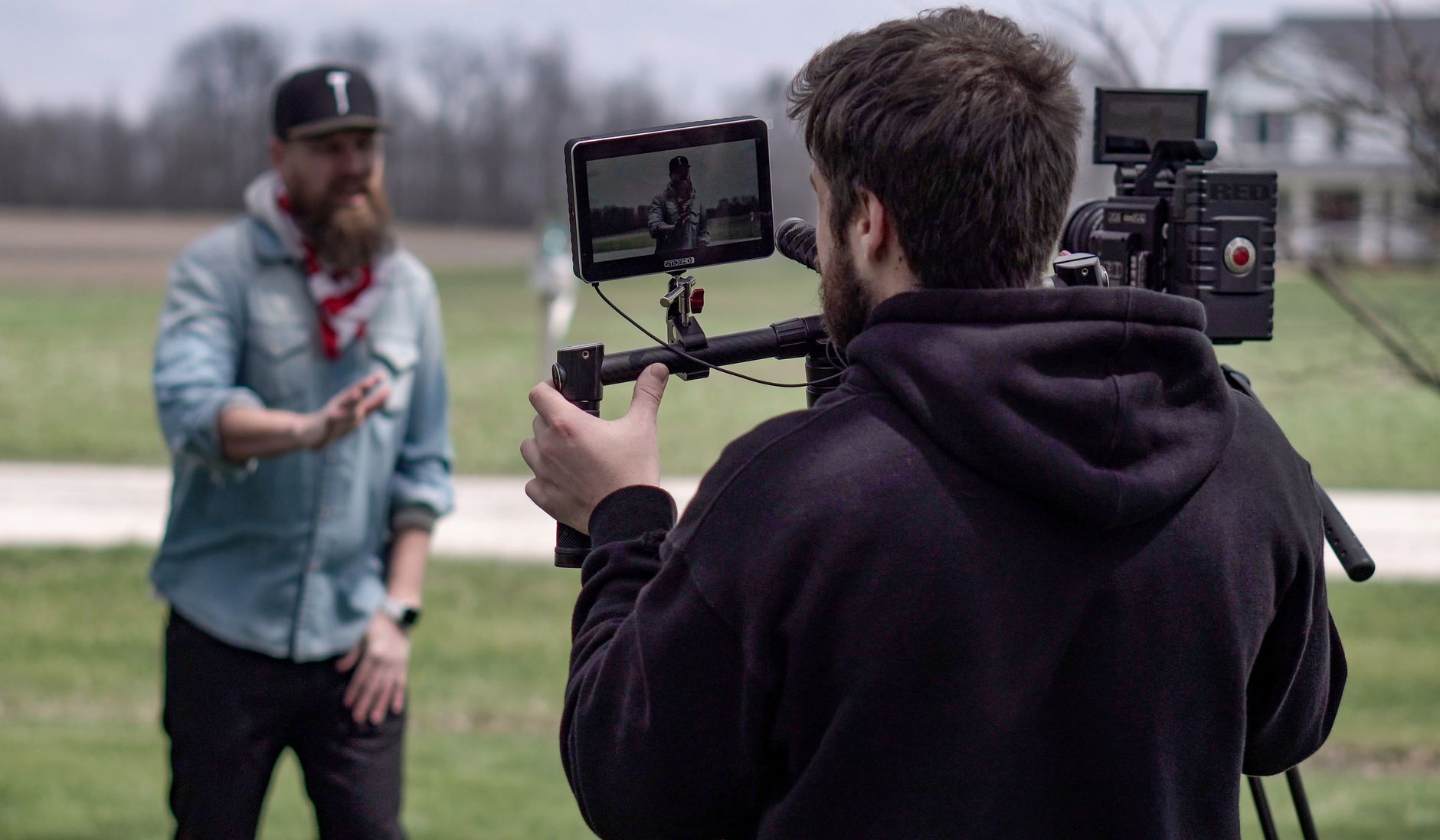
The Reaction Video Format
Reaction videos show a person reacting to something — a video, music, or event — with their genuine responses being the appeal. The editing must capture and showcase these authentic reactions while keeping the video tight and entertaining.
The genuine, often funny or emotional reactions are why viewers watch. Editing to highlight the best responses, sync them to the content, and maintain pace is what makes a reaction video engaging rather than a slow, unedited recording.

Frame Both Elements
Reaction videos show both the reactor and the content. Arranging the frame so viewers see the person’s reaction and what they’re reacting to — often a picture-in-picture or split layout — lets the audience experience both together.
This dual framing, using our picture-in-picture techniques, is essential to the format. Sizing and positioning the reactor and the content clearly, so both are visible and the reactions connect to the moments, is the foundation of a reaction video.
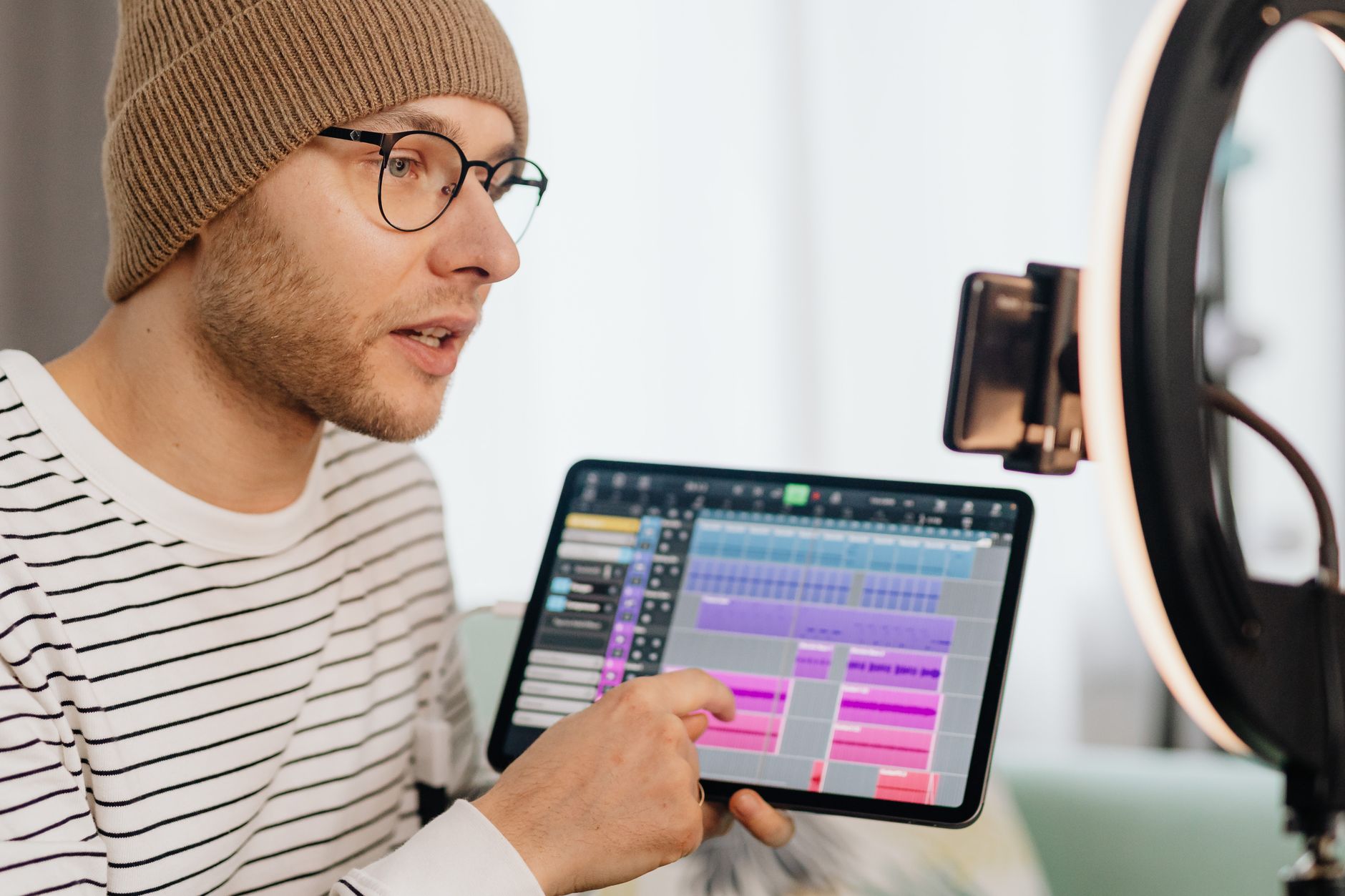
Sync the Reaction to the Content
The reaction must align with what’s being reacted to. Syncing the reactor’s responses precisely to the moments in the content, so the laughs, shocks, and reactions land on the right beats, is critical for the video to make sense.
Aligning the reaction to the content, using our sync techniques, ensures viewers see the cause and effect. When the reaction matches the moment that triggered it, the video is satisfying and clear, which is the heart of reaction content.
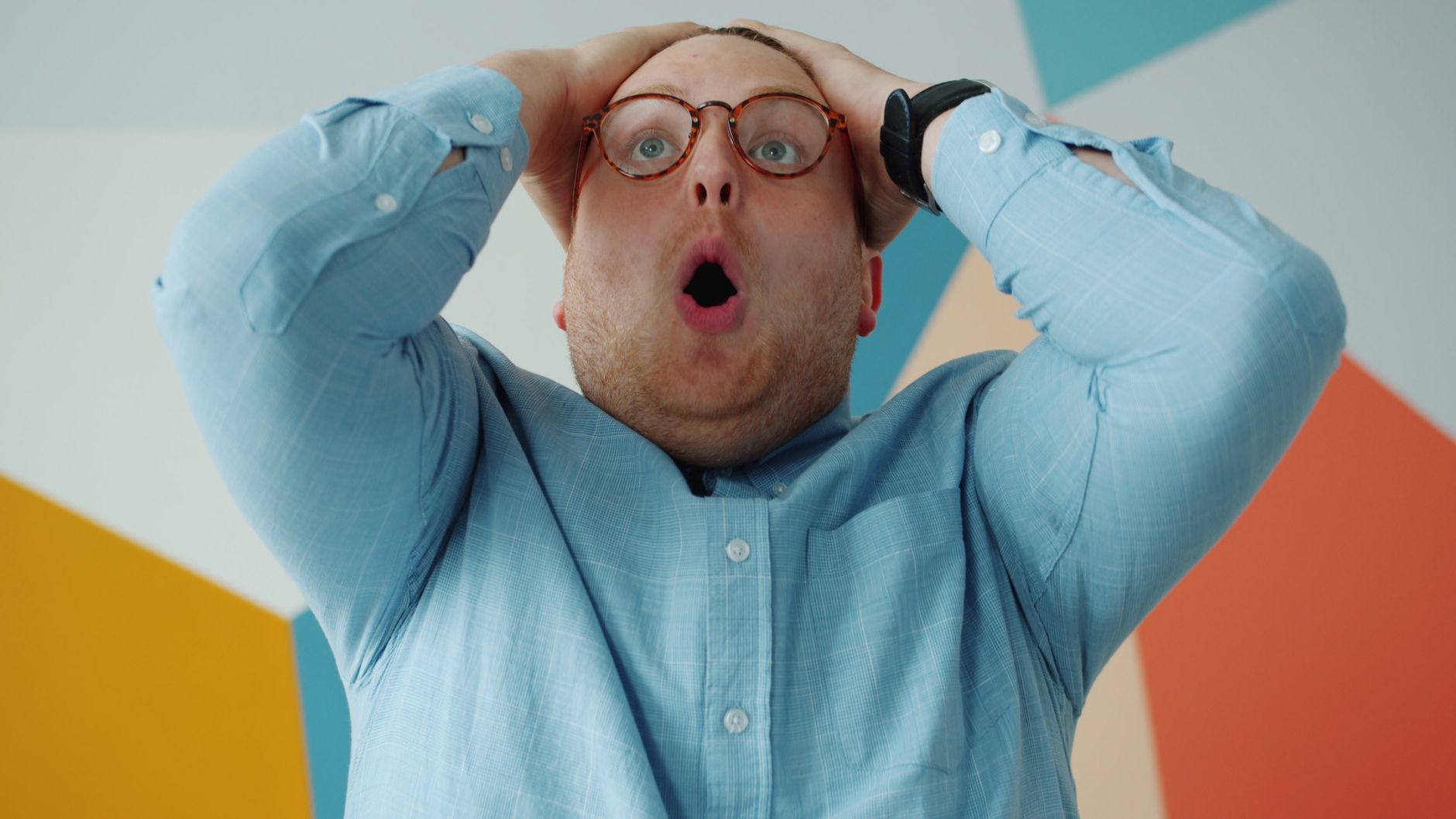
Cut to the Best Moments
Reaction footage has slow stretches, so tightening is key. Cutting to the most entertaining reactions — the big laughs, the genuine shocks, the emotional moments — and trimming the dead time keeps the video engaging.
This tightening, using our pacing techniques, removes the lulls between reactions. Focusing on the highlight moments where the reactor responds notably, and cutting the rest, gives reaction videos the pace and entertainment that hold viewers.
Respect Fair Use and Copyright
Reaction videos use others’ content, raising copyright considerations. Understanding fair use, adding genuine commentary and value, and being mindful of how much content you show helps keep reaction videos on the right side of the rules.
Reaction content exists in a complex legal area, so caution matters. Adding real reaction and commentary rather than just replaying content, and being aware of copyright and platform policies, protects your reaction videos from claims and takedowns.
Keep the Energy Up
Reaction videos thrive on energy and personality. Maintaining momentum, highlighting the reactor’s character, and keeping the pace lively prevents the video from dragging, since slow reaction content loses viewers quickly.
The reactor’s personality and the editing’s energy together make the video entertaining. Keeping the pace up, emphasizing the best reactions, and letting the reactor’s character shine maintains the engagement that reaction audiences come for.
Balance the Audio
Reaction videos mix the reactor’s voice and the content’s audio. Balancing these so the reactor’s commentary is clear while the content audio is audible but not overwhelming keeps the mix clean and the video easy to follow.
A muddy mix where the reaction or content is lost frustrates viewers. Using our mixing techniques to keep the reactor’s voice clear over the content audio, ducking the content when they speak, ensures both elements come through cleanly.
Reaction Video Editing Best Practices
- Frame both the reactor and the content clearly.
- Sync the reactions precisely to the content moments.
- Cut to the best reactions and trim the dead time.
- Respect fair use and balance the audio.
Common Reaction Video Mistakes
- Reactions out of sync with the content.
- Leaving in slow, low-energy stretches.
- A muddy mix where commentary or content is lost.
- Ignoring copyright and fair use considerations.
A Real Reaction Edit Example
Picture editing a music reaction video. You frame the reactor large with the music video in a picture-in-picture corner, sync their first genuine head-bob and wide-eyed surprise precisely to the song’s drop, then cut tightly past the verses to land on every big reaction. The content audio ducks under their commentary so both stay clear, and a meme sound punctuates a hilarious moment.
The two-hour first-listen becomes a snappy, entertaining ten minutes built around the best genuine moments. That combination of clear dual framing, tight syncing, ruthless cutting to the highlights, and clean audio balance is exactly what turns a long raw reaction into engaging content viewers watch to the end.
Add Value to Reaction Content
The most successful reaction videos add genuine value beyond just watching. Offering real insight, analysis, expertise, or strong personality gives viewers a reason to watch your reaction over simply watching the original content, and it strengthens your fair-use position by being transformative.
Whether it’s a musician breaking down a song, an expert analyzing a scene, or a personality whose takes are entertaining in themselves, this added value is what makes a channel stand out. Combining transformative commentary with the tight editing the format demands turns reaction content from passive replay into something genuinely worth watching.
Reaction Content and Authenticity
Reaction videos live or die on authenticity, since viewers want genuine, unscripted responses. Editing that preserves the real reactions while tightening the pace keeps this authenticity, whereas anything that feels staged or fake undermines the whole appeal.
This means the editing should enhance and showcase genuine moments, not manufacture them. Highlighting the authentic laughs, shocks, and emotions, while cutting the dead time, gives viewers the real reactions they came for in an engaging form.
Building a reaction channel on genuine personality and honest responses, presented through tight editing, creates the connection that grows an audience. Understanding that authenticity is the foundation of reaction content shapes editing that preserves the real while keeping it watchable.
Reaction creators usually also post daily life content, making editing engaging vlogs a natural companion skill.
Streamers reacting to a match blend gameplay and facecam, the core of editing gaming videos.
Cutting together captured screens and a webcam feed is the same job as editing screen recordings.
Showing a streamer beside their content is a classic use of the Premiere Pro split screen.
Key Takeaways
- Reaction videos showcase genuine responses to content.
- Frame both elements and sync the reactions to the content.
- Cut to the best moments and keep the energy up.
- Respect fair use and balance the audio.
Frequently Asked Questions
How do I edit a reaction video?
Frame both the reactor and the content clearly (often picture-in-picture), sync the reactions precisely to the content moments, cut to the best reactions and trim dead time, respect fair use, and balance the audio so commentary stays clear.
How do I sync a reaction to the content?
Align the reactor’s responses precisely to the moments in the content using the audio waveform, so the laughs, shocks, and reactions land on the right beats. This cause-and-effect alignment is what makes a reaction video make sense.
Are reaction videos legal?
They exist in a complex copyright area. Understanding fair use, adding genuine reaction and commentary rather than just replaying content, being mindful of how much you show, and following platform policies helps keep reaction videos compliant.
Sources: Wikipedia’s overview of reaction videos.
Capture genuine reactions at Adobe Video World
Train hands-on with Adobe Certified Instructors across 100+ Premiere Pro & After Effects sessions.



