A workflow taught by Adobe Certified Instructors at Adobe Video World.
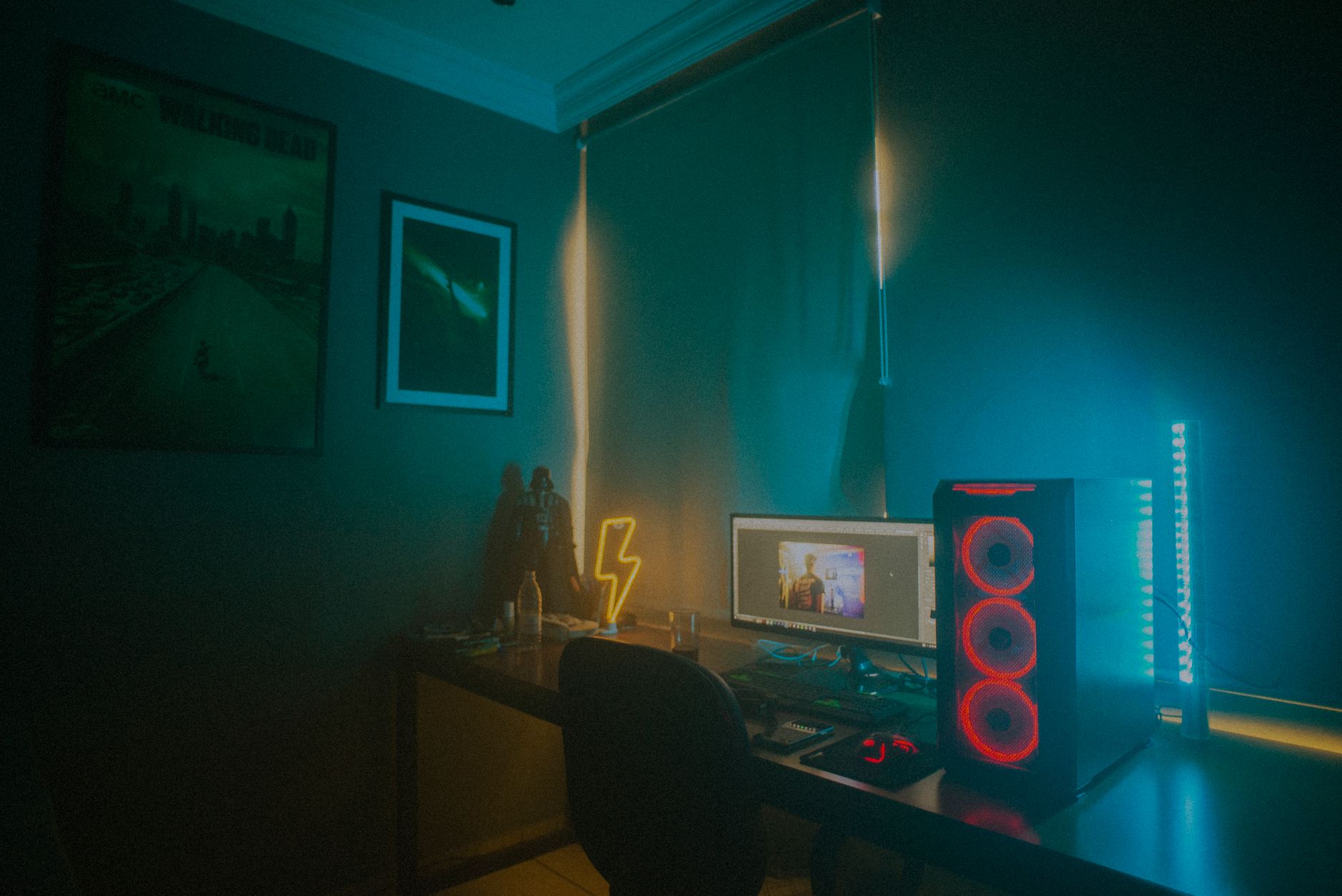
Gaming videos — highlights, montages, let’s-plays, and commentary — are hugely popular, and editing them well keeps viewers watching. From tight pacing to facecam sync to punchy effects, gaming editing has its own style. This guide covers editing gaming videos that are energetic, funny, and engaging, holding attention through the action.
The Gaming Video Style
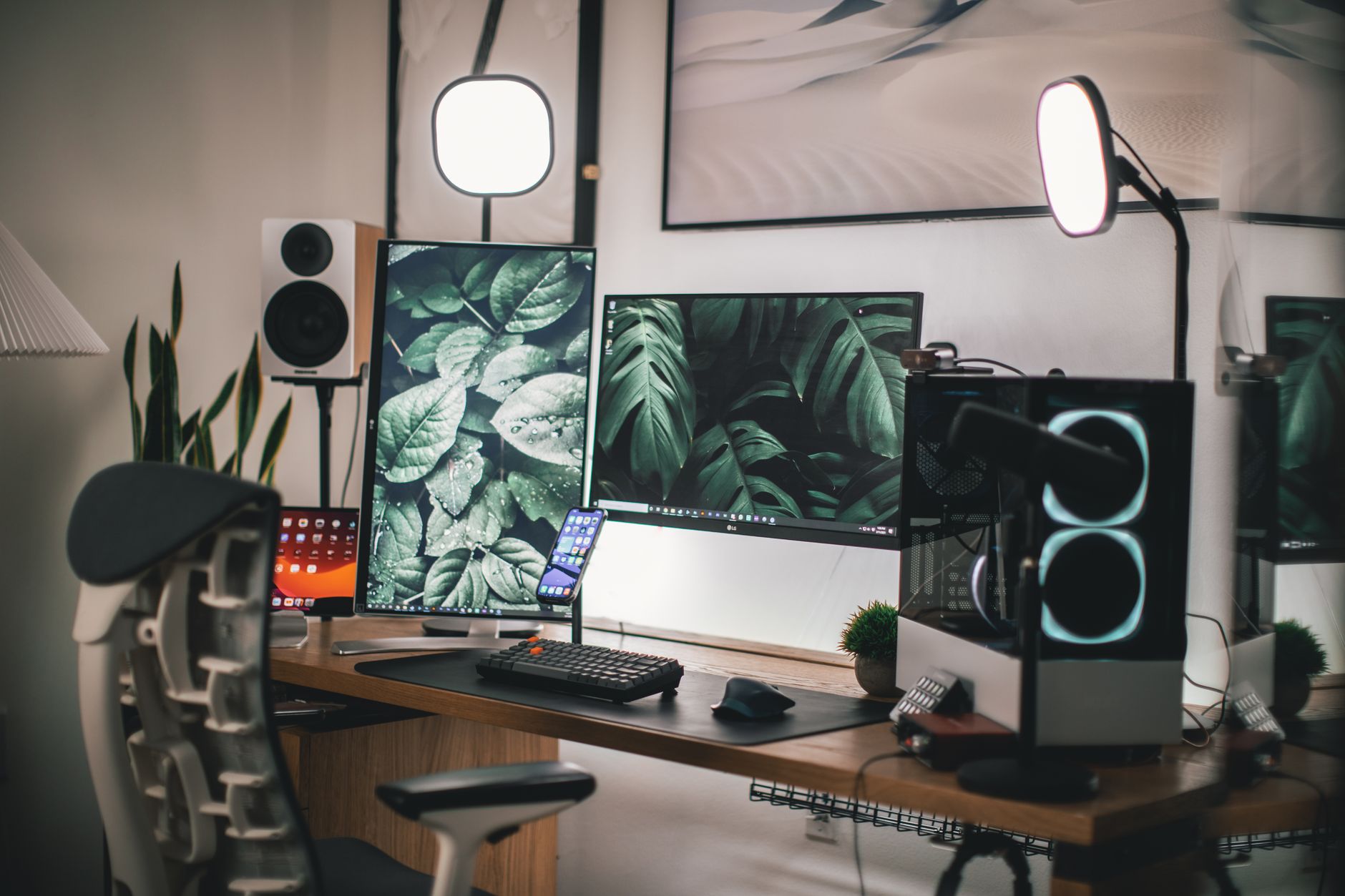
Gaming videos have a distinct, fast-paced, high-energy editing style. Viewers expect tight pacing, punchy effects, humor, and constant momentum, so gaming editing leans into energy and entertainment far more than restraint.
Understanding this style — snappy cuts, sound effects, memes, and reactions — is key to gaming content. Editing to keep the energy high and the entertainment constant, matching the conventions viewers love, is what makes gaming videos engaging and shareable.
Cut the Highlights
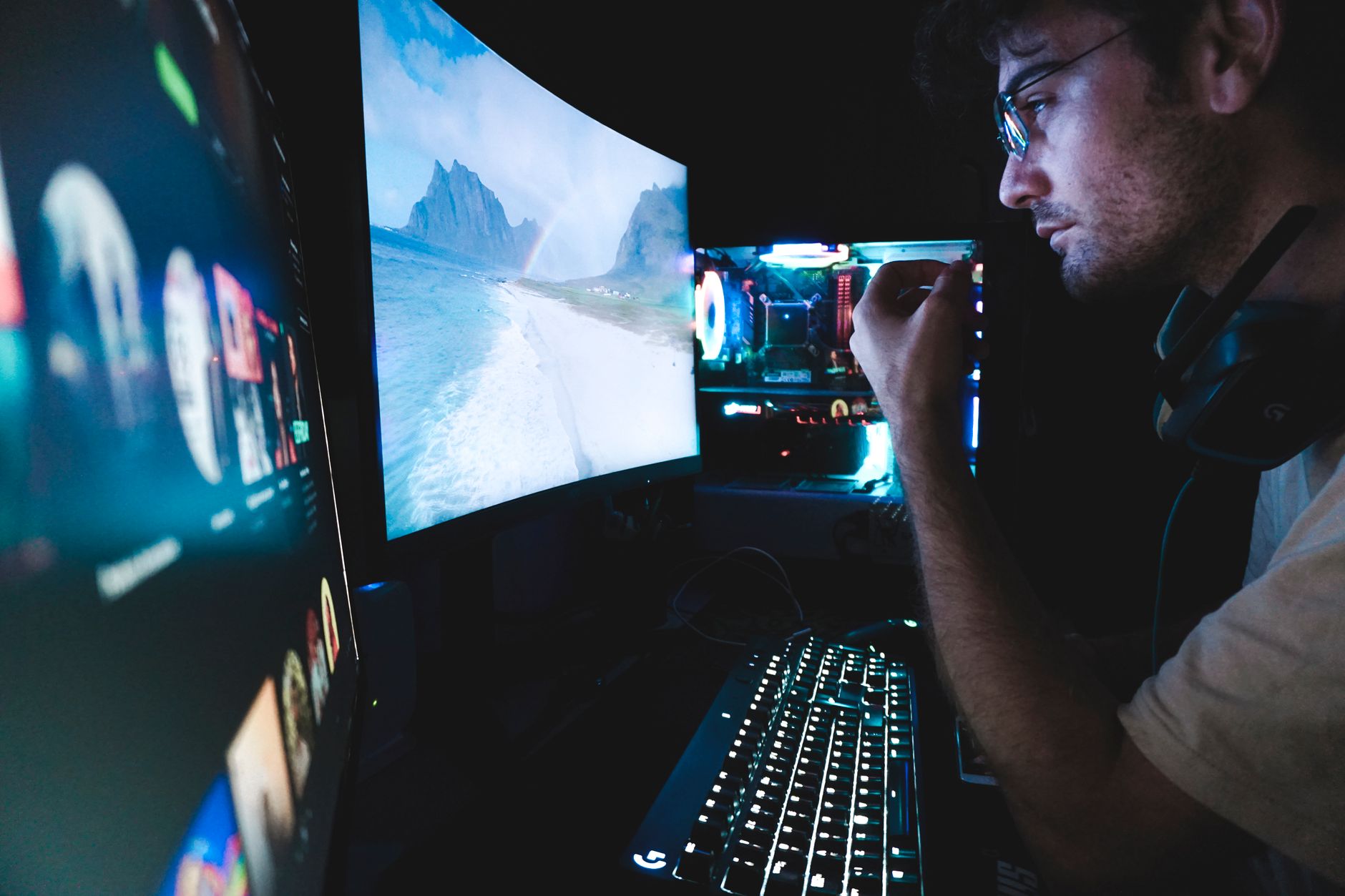
Gaming footage is long, so cutting to the highlights is essential. Trimming hours of gameplay down to the best, funniest, and most exciting moments keeps the video tight and entertaining, removing the slow stretches that lose viewers.
This ruthless tightening, using our pacing techniques, is the foundation of good gaming content. Cutting straight to the action and the entertaining moments, with no dead time, gives gaming videos their fast, engaging pace.
Sync the Facecam
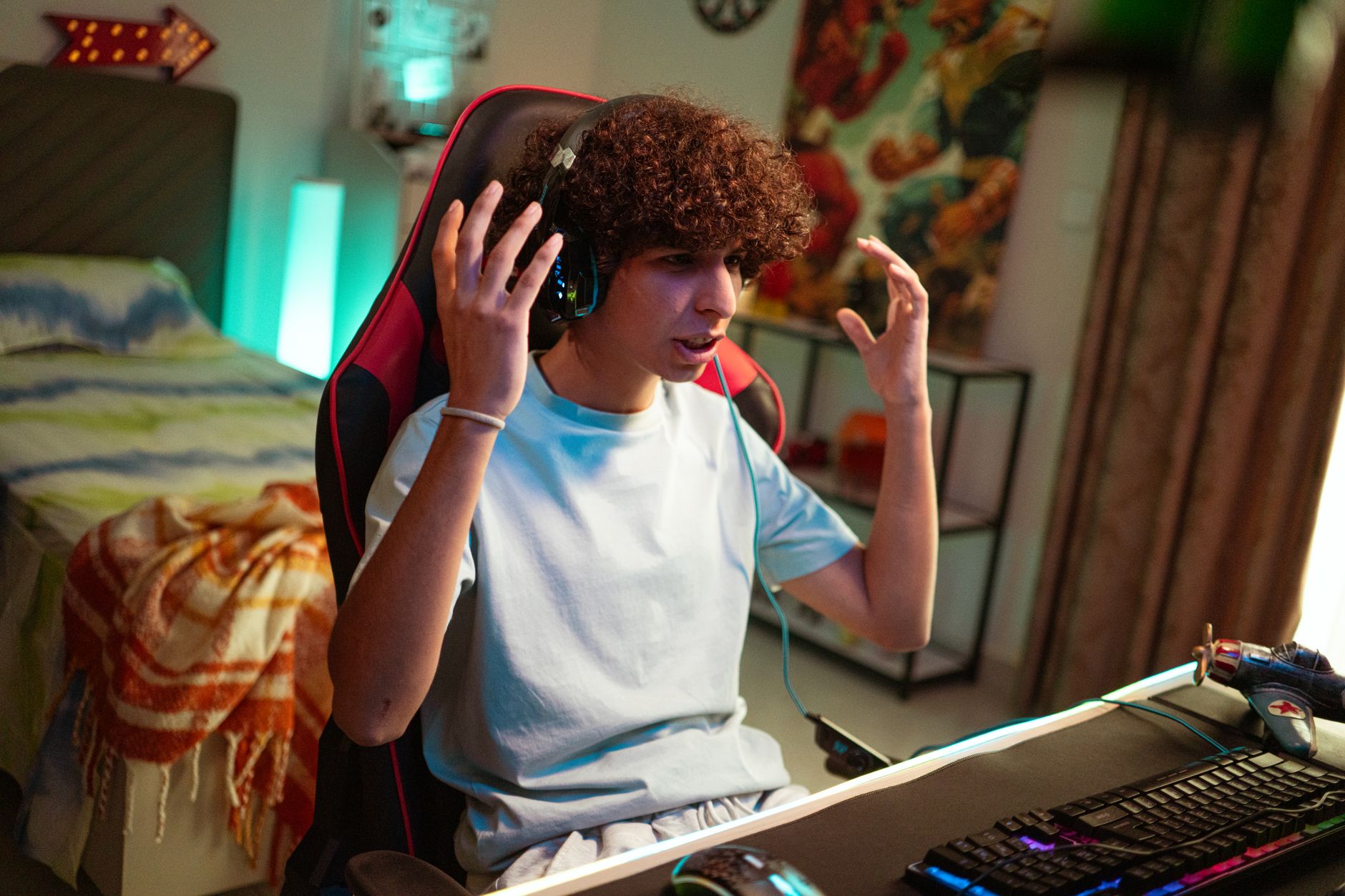
Many gaming videos include a facecam showing the player’s reactions. Syncing the facecam to the gameplay so the reactions match the action, and sizing it well in the frame, adds personality and connection that pure gameplay lacks.
The player’s reactions — excitement, frustration, laughter — are a big part of the appeal. Aligning the facecam to the gameplay moments, using our sync techniques, lets the editor cut to reactions at the perfect times for entertainment.
Add Effects and Zooms
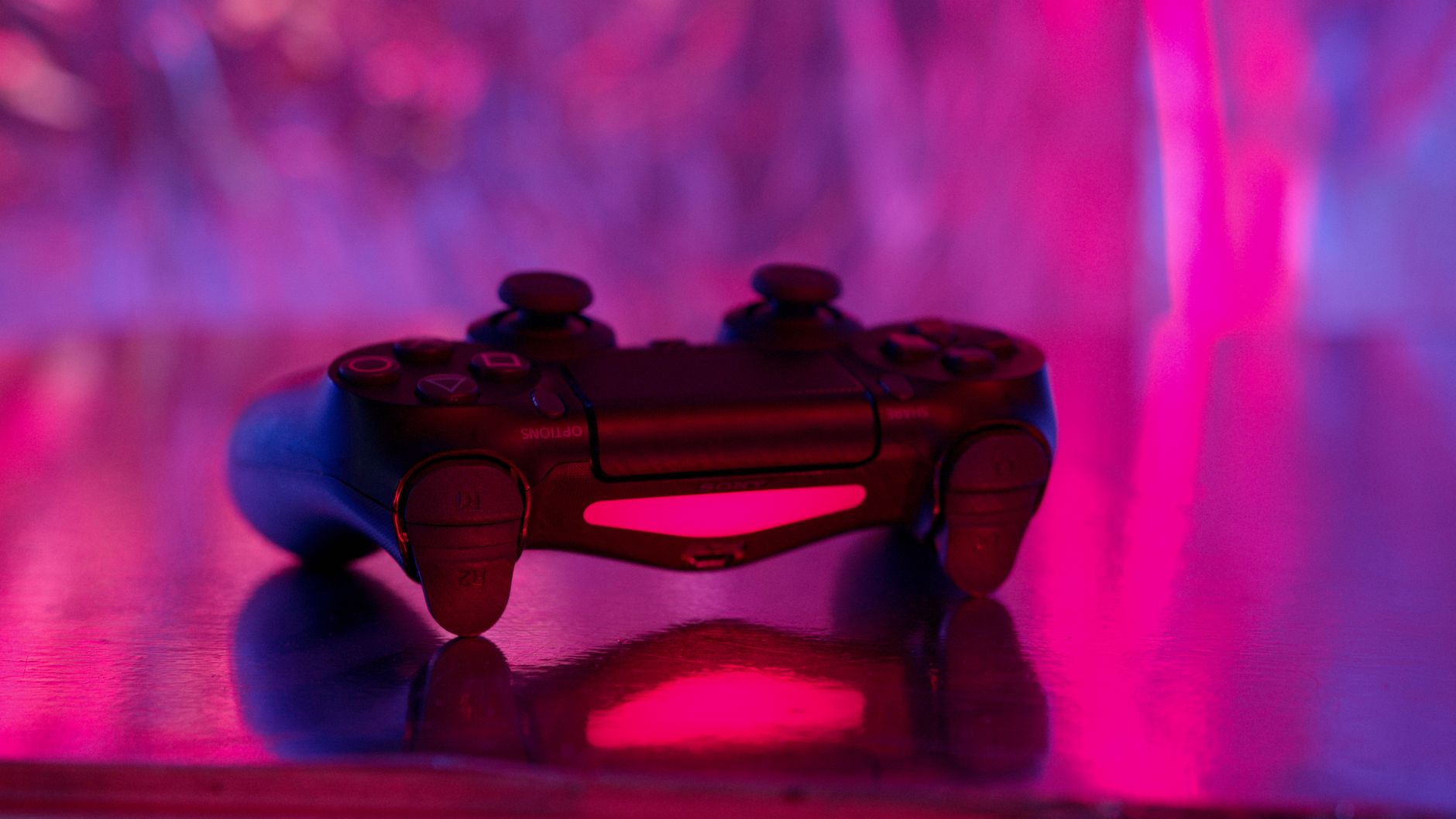
Gaming videos use punchy effects to add energy. Zooms on key moments, fast transitions, screen shakes on impacts, and visual emphasis on the action heighten the excitement and keep the visuals dynamic.
These effects, used to punctuate exciting and funny moments, give gaming content its kinetic feel. Adding a quick zoom on a clutch play or a shake on a big hit, using our zoom techniques, amplifies the energy viewers come for.
Use Sound Effects and Memes
Sound effects and memes are signatures of gaming videos. Adding comedic sound effects, meme sounds, and pop-up graphics on funny or notable moments injects humor and entertainment that defines the gaming style.
These elements, layered on reactions and highlights, drive the humor gaming audiences love. Punctuating moments with the right sound effect or meme, using our sound design techniques, adds the comedic energy that keeps gaming content fun and engaging.
Build Energy and Pacing
Gaming videos thrive on momentum. Maintaining high energy with tight cuts, varying the pace around big moments, and never letting the video drag keeps viewers locked in through the action and entertainment.
This relentless energy, with acceleration into exciting peaks, mirrors the games themselves. Keeping the pacing fast and the momentum constant, building to clutch moments and funny beats, is what holds gaming viewers’ attention to the end.
Polish Audio Balance
Gaming audio has many layers — game sound, commentary, music, and effects. Balancing these so the commentary is clear, the game audio supports it, and music and effects punch through without overwhelming keeps the mix clean and engaging.
A muddy mix where commentary is lost ruins gaming content. Using our mixing techniques to keep the player’s voice clear over the game and effects ensures the entertainment lands and the video sounds professional.
Gaming Video Editing Best Practices
- Cut to the highlights, removing slow stretches.
- Sync the facecam to capture reactions at the right moments.
- Add zooms, effects, sound effects, and memes for energy.
- Build constant momentum and balance the audio layers.
Common Gaming Video Mistakes
- Leaving in slow, boring gameplay stretches.
- Facecam out of sync with the gameplay.
- A muddy mix where the commentary is lost.
- Flat pacing with no energy or humor.
A Real Gaming Edit Example
Picture editing a two-hour gameplay session into a ten-minute highlight video. You cut straight to the clutch plays, hilarious fails, and big reactions, dropping the slow stretches entirely. On each epic moment you punch in with a zoom and a screen shake, sync the facecam laugh to a funny death, and drop a meme sound effect on a ridiculous moment.
The commentary stays crisp over the balanced game audio, and the relentless pace never lets the energy dip. The bloated session becomes a tight, funny, high-energy video viewers watch to the end — exactly the transformation gaming editing delivers, where the entertainment lives in the cutting and the effects far more than the raw gameplay.
Build a Gaming Edit Template
Because gaming videos use recurring elements — intros, outros, sound effects, meme overlays, and transition styles — building a template and a sound library speeds up production enormously. Dropping in your established intro, go-to sound effects, and signature transitions lets you focus on finding the best moments rather than rebuilding the format each time.
This template approach, combined with a consistent style, also gives your channel a recognizable identity viewers come to know. Pairing reusable assets with the efficient workflow in our YouTube workflow guide is how gaming creators publish frequently without burning out, which is essential for growth in a fast-moving space.
Gaming Content and Community
Gaming videos thrive on community and personality as much as gameplay. Viewers follow creators for their humor, reactions, and connection, so the editing should amplify the creator’s character and the sense of shared experience with the audience.
This community focus means the editing serves not just entertainment but a relationship between creator and viewers. Emphasizing the personality, inside jokes, and engaging moments builds the loyal following that sustains a gaming channel.
Encouraging engagement — reactions, comments, shared moments — through the editing strengthens this community. Understanding that gaming content is about connection and personality, not just gameplay highlights, is what helps a channel grow a devoted audience over time.
Cutting between the gameplay and the streamer’s face is the same skill behind editing reaction videos.
Even the best montage needs discovery, so ranking your videos on YouTube deserves as much attention as the cut itself.
Trimming and pacing captured gameplay is essentially editing screen recording footage.
Key Takeaways
- Gaming videos are fast-paced, energetic, and entertaining.
- Cut to the highlights and sync the facecam reactions.
- Add zooms, effects, sound effects, and memes.
- Build momentum and keep the audio mix clean.
Frequently Asked Questions
How do I edit a gaming video?
Cut hours of gameplay down to the best and funniest highlights, sync the facecam to capture reactions, add zooms, effects, sound effects, and memes for energy, build constant momentum with tight pacing, and balance the audio so commentary stays clear.
How do I make a gaming video more entertaining?
Cut to the action and funny moments with no dead time, sync facecam reactions, add comedic sound effects and meme graphics on notable moments, use zooms and screen shakes for energy, and keep the pacing fast and momentum constant.
How do I balance audio in a gaming video?
Gaming audio has layers — game sound, commentary, music, and effects. Keep the commentary clear and prominent, let the game audio support it, and make music and effects punch through without overwhelming, using a clean mix.
Sources: Wikipedia’s overview of let’s play and gaming videos.
Level up your edits at Adobe Video World
Train hands-on with Adobe Certified Instructors across 100+ Premiere Pro & After Effects sessions.



