A workflow taught by Adobe Certified Instructors at Adobe Video World.
Event videos — conferences, concerts, parties, corporate events — capture and relive the energy and key moments of an occasion. Editing them well means conveying the atmosphere and highlights compellingly. From multi-camera footage to highlight reels, event editing has its craft. This guide covers editing an event video that captures the energy and tells the story.
The Event Video Goal
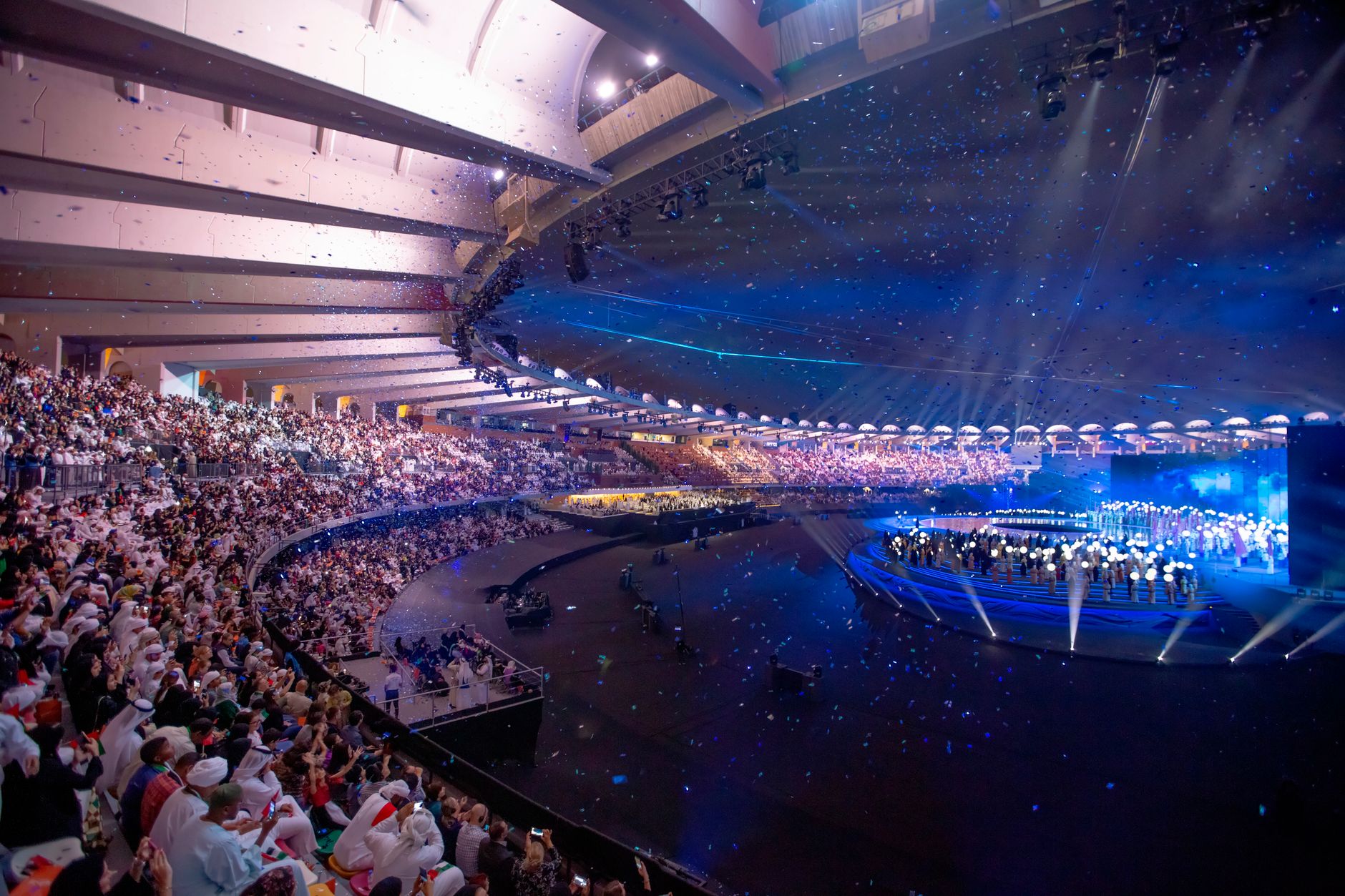
An event video captures the energy, highlights, and feeling of an occasion, letting viewers relive or experience it. Whether a recap or full coverage, the editing should convey the atmosphere and showcase the key moments compellingly.
Capturing the energy and essence of the event is the core goal. Editing the footage to convey what it felt like to be there — the highlights, the emotion, the atmosphere — is what makes an event video resonate with attendees and those who missed it.
Capture the Energy
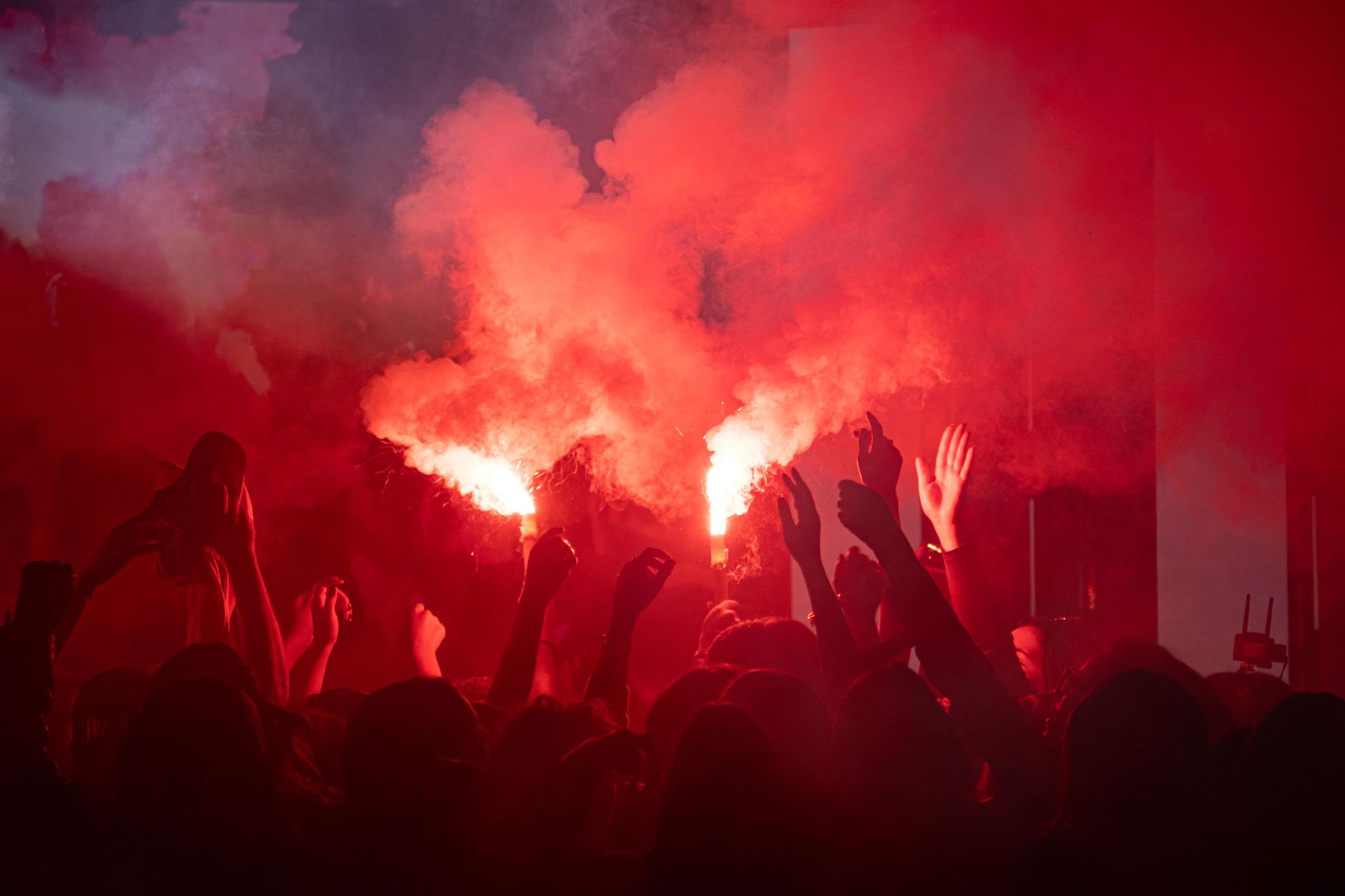
Events have a distinct energy that the edit must convey. Cutting to the crowd, the excitement, the key moments, and the atmosphere, paced to match the event’s energy, lets viewers feel the occasion rather than just observe it.
This energy, conveyed through dynamic cutting and atmospheric footage, is what makes an event video exciting. Capturing the buzz, the reactions, and the peak moments, and editing them to feel alive, recreates the experience of being at the event.
Structure the Event’s Story
Event videos benefit from a narrative shape. Structuring the footage to tell the event’s story — the build-up, the main moments, the climax, and the wind-down — gives the video an arc that pulls viewers through the occasion.
This structure, often following the event’s chronology or building to its highlights, makes the video engaging. Shaping the footage into a story rather than a random recap gives the event video a satisfying flow that captures the occasion’s journey.
Sync Multi-Camera Footage
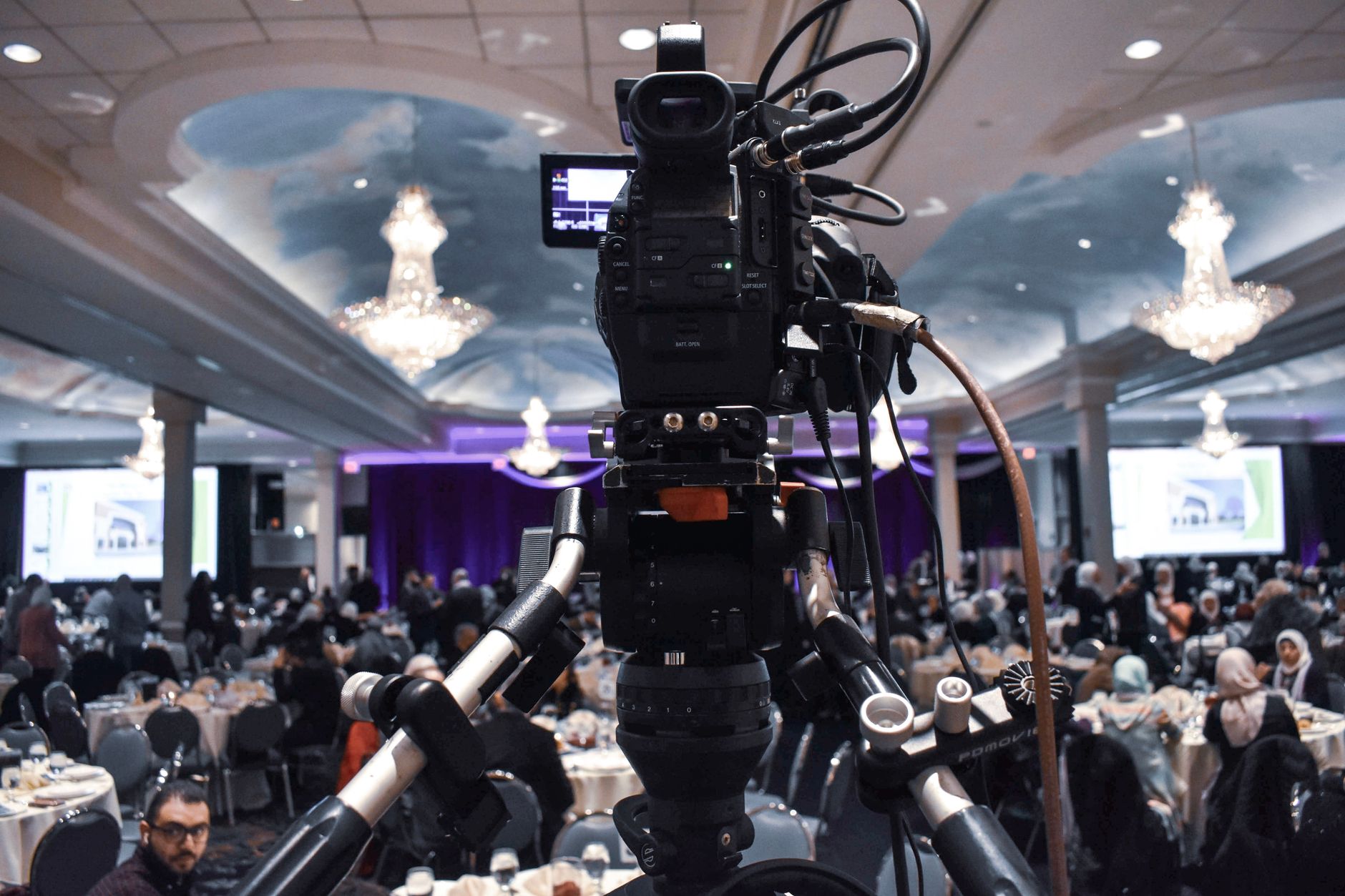
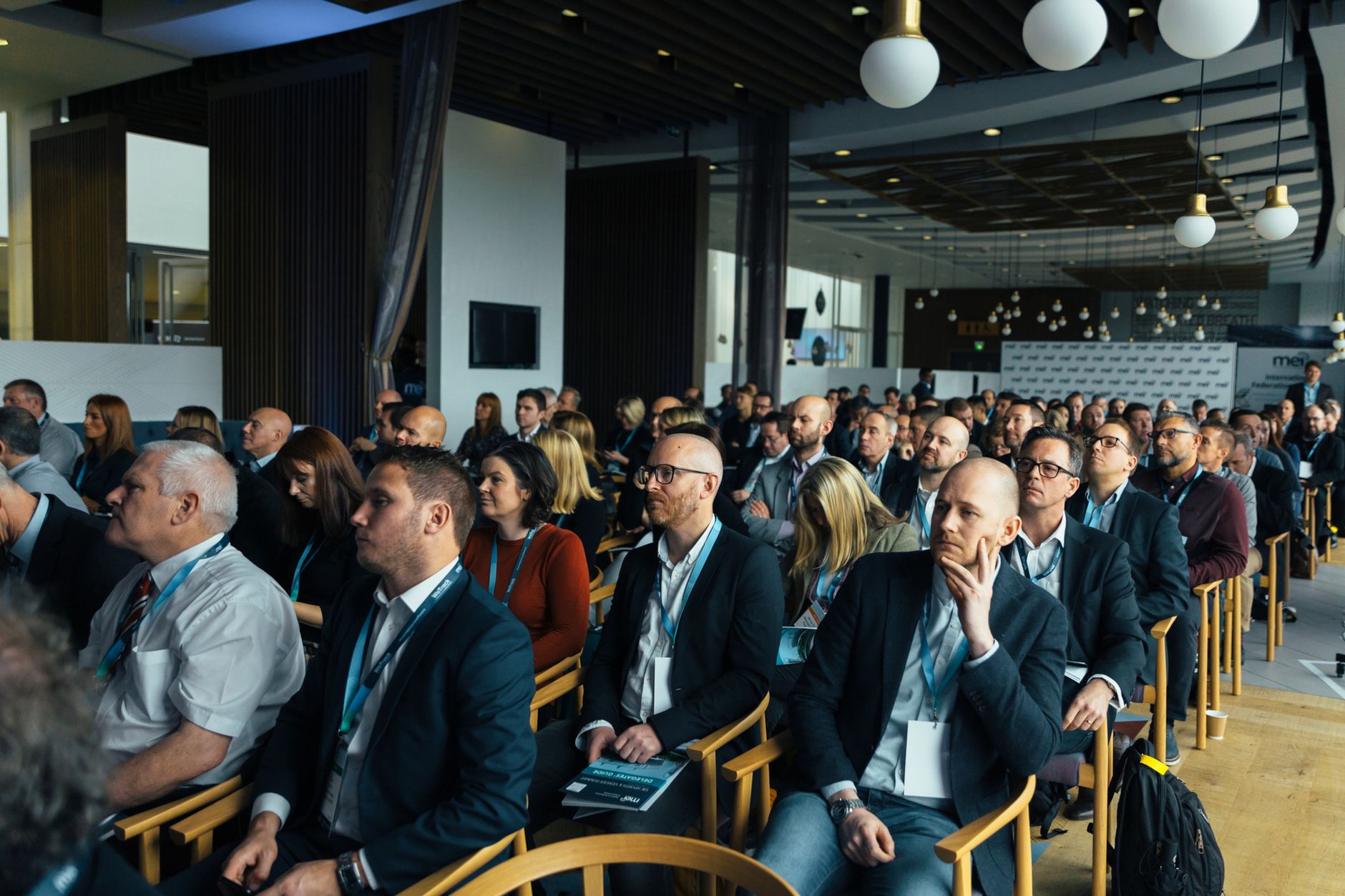
Events are often covered by multiple cameras. Syncing the cameras and cutting between angles, using our multicam editing, captures the event dynamically and lets you show key moments from the best perspectives.
This multi-angle coverage, synced and cut together, gives the event video visual variety and energy. Switching between wide shots of the scene, close-ups of key moments, and crowd reactions keeps the coverage dynamic and comprehensive.
Cut a Highlight Reel
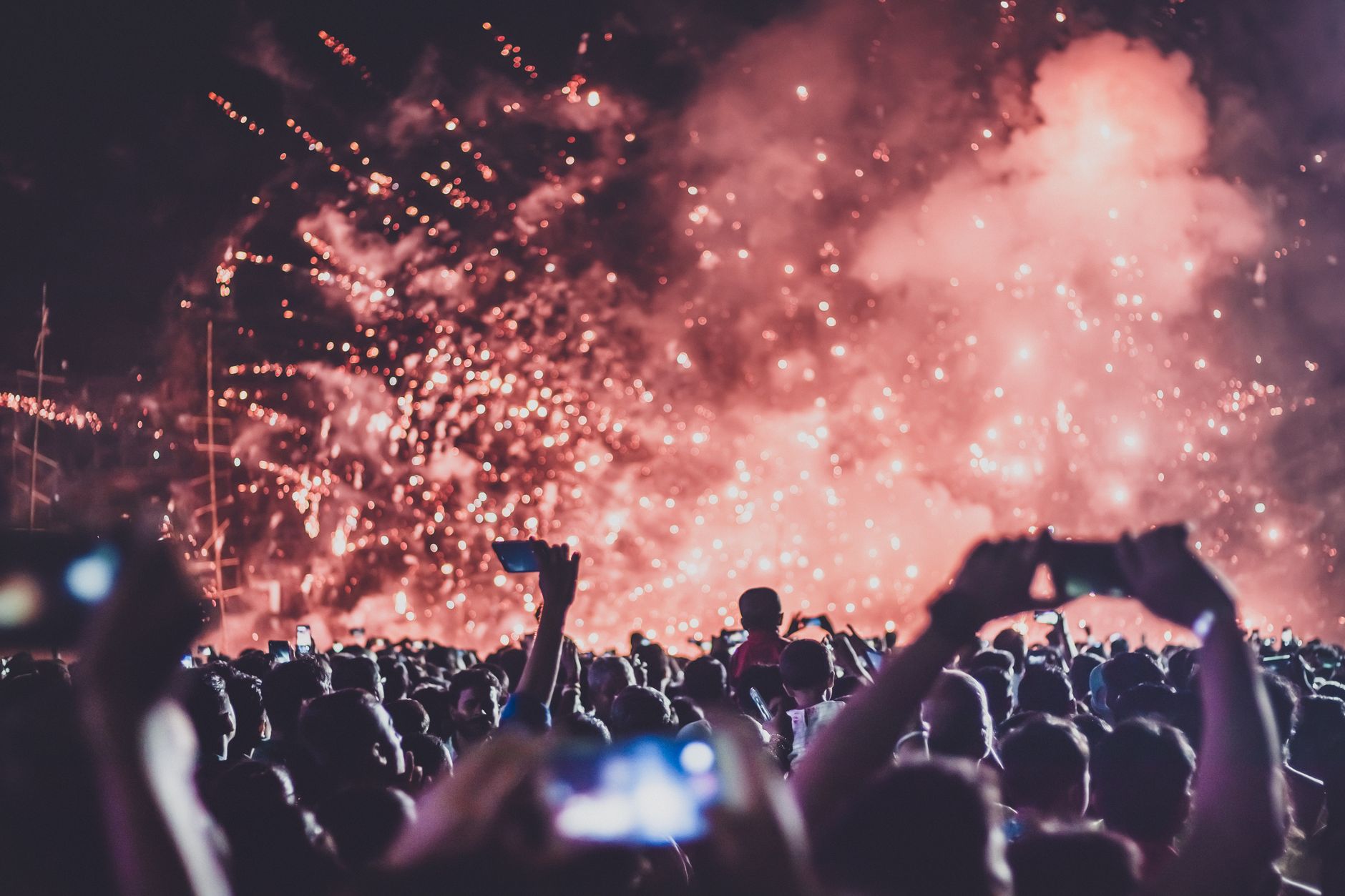
A short highlight reel is often the key deliverable. Condensing the event’s best moments into an energetic, music-driven recap, using our montage techniques, creates a shareable, exciting summary of the occasion.
This highlight reel captures the event’s essence in a compelling, watchable form. Selecting the peak moments, cutting them to driving music, and building energy creates the recap that attendees love to relive and that promotes the event to others.
Add Music and Graphics
Music and graphics complete an event video. An energetic licensed track sets the mood and drives the recap, while graphics — the event name, dates, speakers, or sponsors — add professionalism and context.
The music, using our music guide, gives the event video its energy and emotion, while clean graphics provide useful information. Together they frame the event professionally and amplify the atmosphere captured in the footage.
Capture the Atmosphere with Sound
Beyond music, ambient sound immerses viewers in the event. Layering the crowd’s energy, the speeches, the music, and the atmosphere of the occasion under the edit brings the event to life and conveys what it felt like to be there.
This ambient sound, captured at the event, grounds the video in the real occasion. Combined with the music, this sound design recreates the atmosphere, making viewers feel the energy and presence of the event rather than just watching it.
Event Video Editing Best Practices
- Capture and convey the event’s energy and atmosphere.
- Structure the footage into the event’s story.
- Sync multi-camera footage and cut between angles.
- Cut a highlight reel and add music and graphics.
Common Event Video Mistakes
- A flat recap that doesn’t convey the energy.
- No story or structure, just random footage.
- Static single-angle coverage.
- No ambient sound to capture the atmosphere.
A Real Event Edit Example
Picture editing a recap for a tech conference. You sync three cameras, then build a two-minute highlight reel: the buzzing arrival, keynote moments cut to the speaker’s biggest lines, attendees networking and reacting, and the closing party. Driving music carries the energy, ambient crowd sound and applause ground it in the real room, and clean graphics show the event name and dates.
Watching it, attendees relive the buzz and those who missed it wish they’d been there — exactly what an event recap is meant to achieve. That combination of energy, story structure, multi-camera coverage, a tight highlight reel, and immersive sound is what captures the feeling of an occasion rather than just documenting it.
Event Videos for Promotion
Event videos are powerful promotional tools for future occasions. A compelling recap showing the energy, value, and experience of this year’s event becomes the best marketing for next year, giving potential attendees a vivid sense of what they’d be part of and driving registrations.
Editing the recap with promotion in mind — showcasing the highlights, the atmosphere, and attendee enthusiasm — turns documentation into marketing. Combined with short social clips pulled from the footage using our short-form techniques, a single event’s coverage fuels a whole promotional campaign for the next one.
Event Videos and FOMO
Event videos are powerful because they create FOMO — the fear of missing out — making viewers wish they’d attended and eager to attend next time. Capturing the energy, excitement, and value of the occasion compellingly is what generates this effect.
Editing to convey how great the event was, with its highlights and atmosphere, makes the recap a powerful promotional tool for future events. A recap that makes viewers feel they missed something special drives registrations and interest.
This promotional power, beyond documenting the occasion, is a key value of event video. Editing the recap to maximize the sense of energy and experience, so viewers want to be part of it next time, turns coverage into effective marketing.
A ceremony and reception are really a specialized event, so the workflow carries straight into wedding video editing.
Key Takeaways
- Event videos capture and relive the energy of an occasion.
- Convey the energy and structure the event’s story.
- Sync multi-camera footage and cut a highlight reel.
- Add music, graphics, and ambient sound for atmosphere.
Frequently Asked Questions
How do I edit an event video?
Capture and convey the event’s energy and atmosphere, structure the footage into the event’s story, sync multi-camera footage and cut between angles, condense the best moments into a highlight reel set to music, and add graphics and ambient sound.
How do I capture the energy of an event in the edit?
Cut to the crowd, excitement, key moments, and atmosphere, pace the editing to match the event’s energy, use dynamic multi-camera cutting, drive it with energetic music, and layer ambient sound so viewers feel the occasion rather than just observe it.
What is an event highlight reel?
A highlight reel is a short, energetic, music-driven recap condensing the event’s best moments. It’s often the key deliverable — a shareable, exciting summary that attendees love to relive and that promotes the event to others.
Sources: Wikipedia’s overview of event management.
Relive the moment at Adobe Video World
Train hands-on with Adobe Certified Instructors across 100+ Premiere Pro & After Effects sessions.



