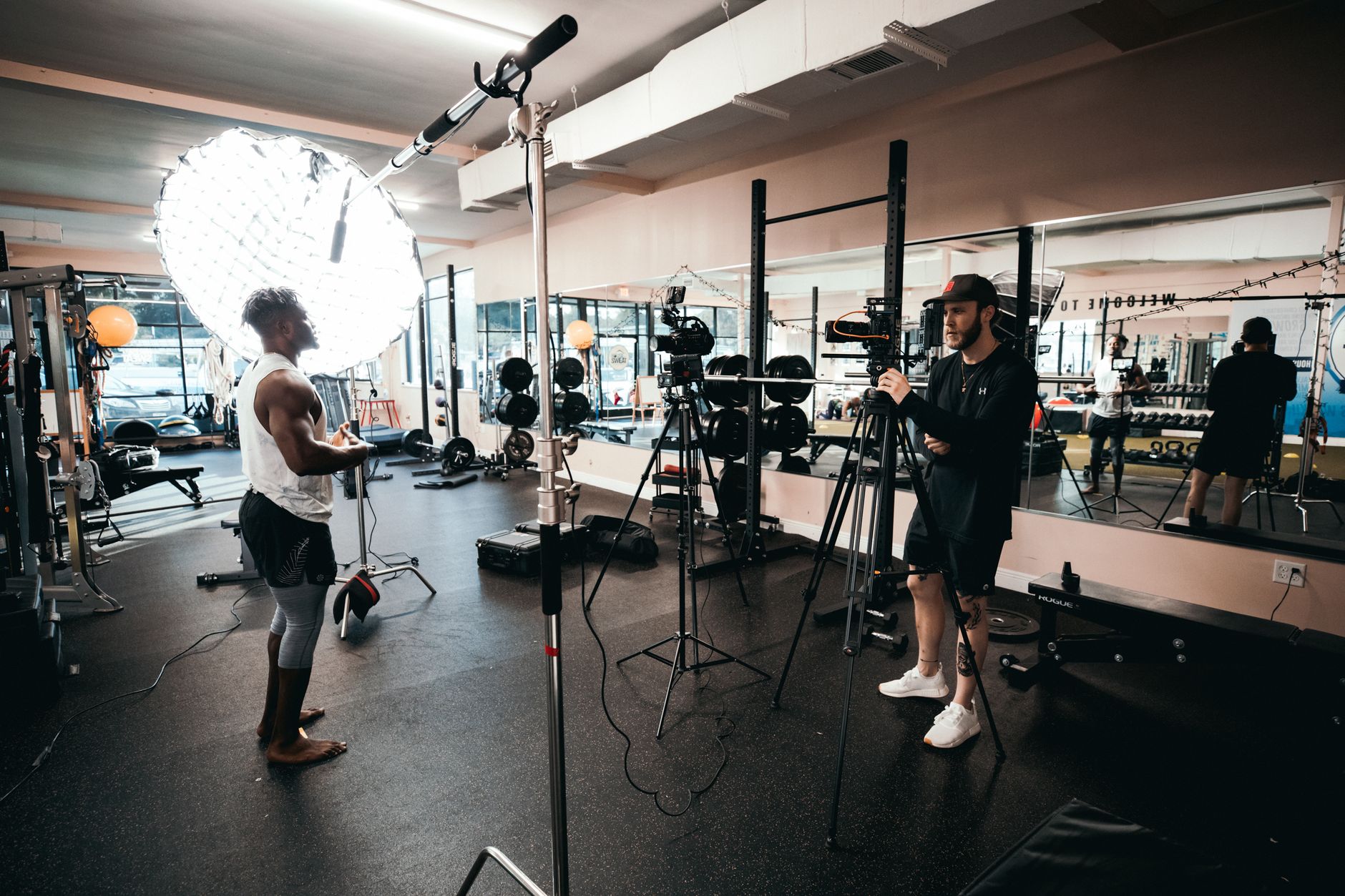
A workflow taught by Adobe Certified Instructors at Adobe Video World.
Fitness and workout videos motivate and instruct, and editing them well balances clear exercise demonstration with high energy. From form cues to timers to driving music, fitness editing has its rhythm. This guide covers editing a fitness video that’s clear, motivating, and effective at guiding viewers through a workout.
The Fitness Video Goal
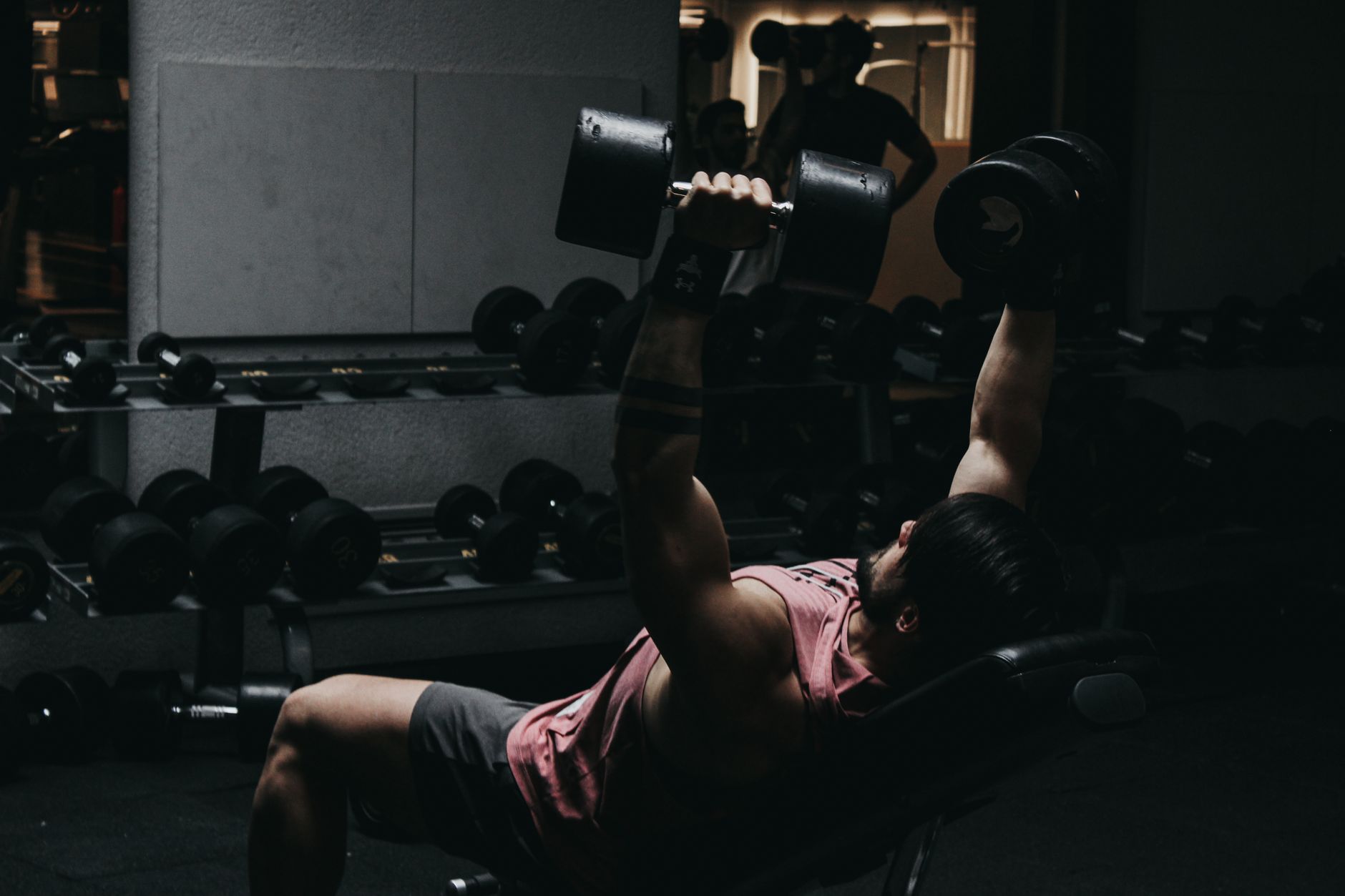
Fitness videos must clearly show exercises while motivating viewers to follow along. Balancing instructional clarity — proper form and movement — with energy and motivation is what makes a workout video both useful and inspiring to exercise to.
Whether a follow-along workout or an exercise tutorial, the editing serves these dual goals. Showing the movements clearly so viewers can replicate them, while keeping the energy high to motivate, is the core of effective fitness content.
Show Exercises Clearly
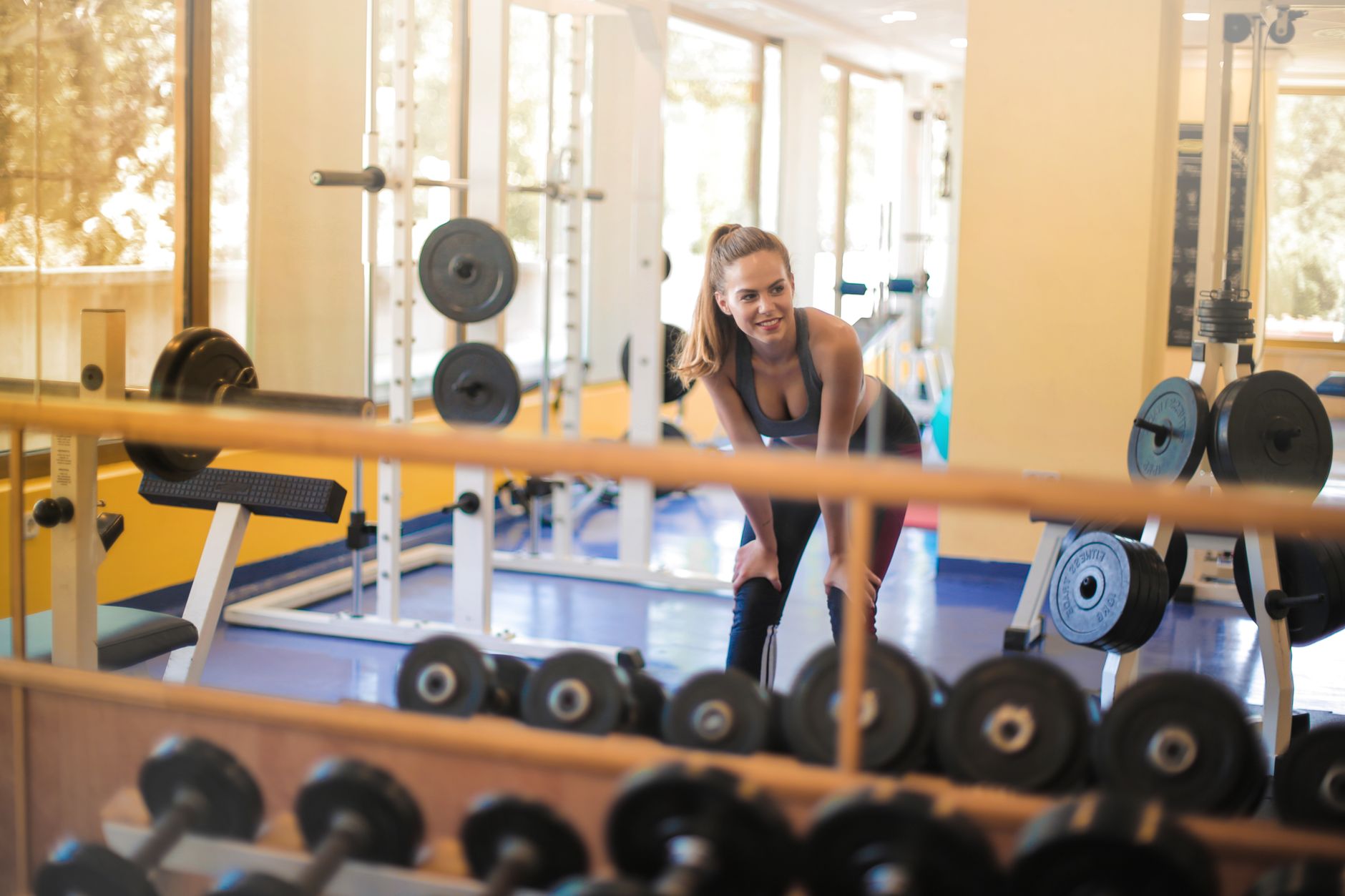
Viewers need to see exercises properly to follow them. Framing and editing the movements so the full exercise is visible, from the right angles, ensures viewers understand the form and can replicate it correctly.
Showing the complete movement clearly, perhaps from multiple angles for complex exercises, is essential for a follow-along workout. Using our shot variety to demonstrate form, while keeping the exercise readable, makes the fitness video genuinely useful.
Sync to Energetic Music
Music drives the energy and motivation of a workout. Choosing licensed, upbeat tracks that match the intensity, and editing to their rhythm, creates the energetic, motivating feel that powers viewers through the exercise.
The right music, using our music guide, sets the pace and pumps up the energy. Matching the track’s intensity to the workout’s phases, and cutting to the beat, keeps the fitness video motivating and the energy high throughout.
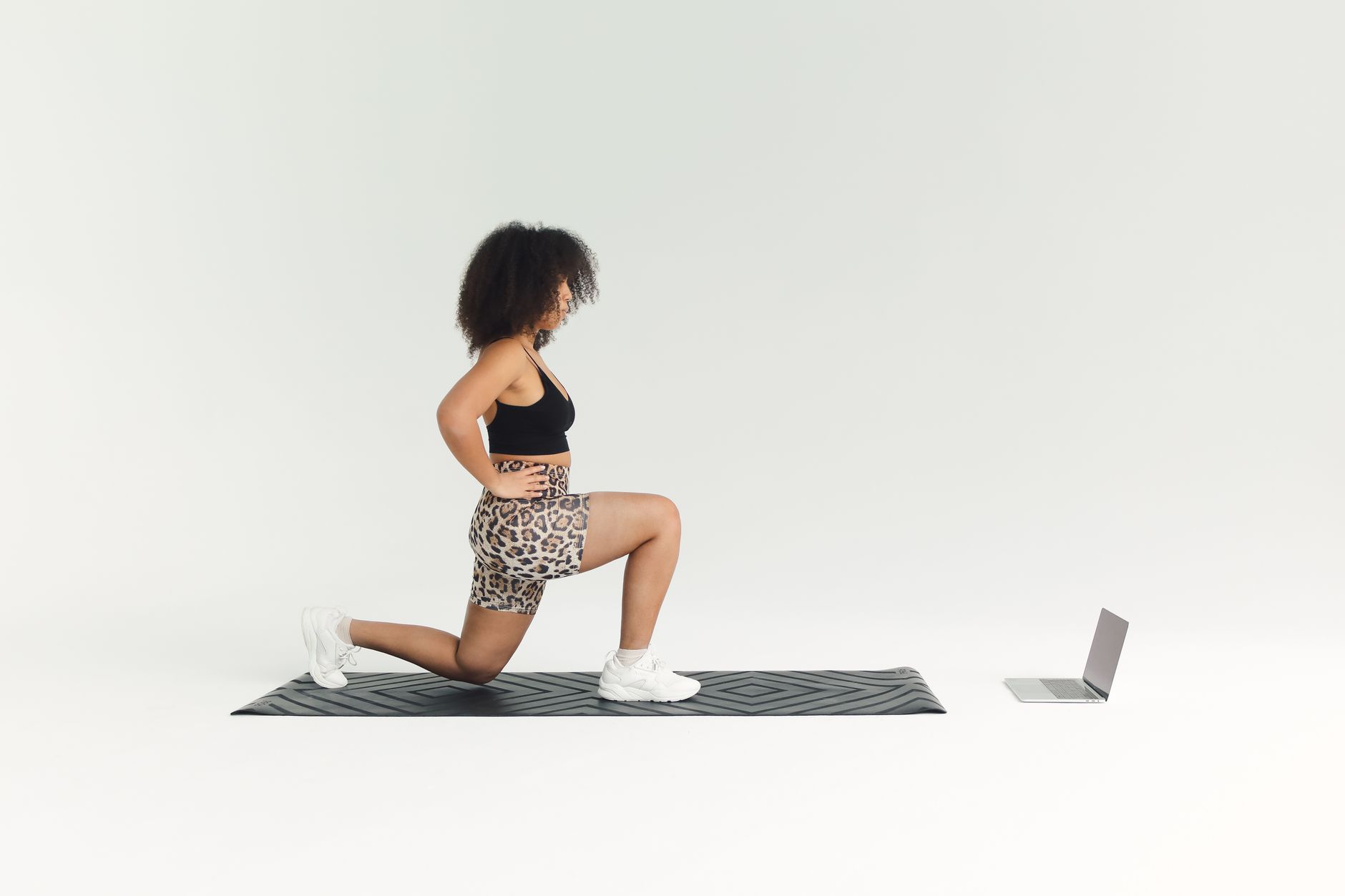
Add Timers and Counts
Workout videos rely on timers and rep counts. Adding on-screen timers for exercise intervals, rest periods, and rep counts helps viewers follow the workout structure and stay on pace, which is essential for follow-along content.
These graphics, built with our titles techniques, guide viewers through the workout’s timing. Clear countdown timers and rep counts let viewers know exactly how long to exercise and rest, making the video function as a real workout guide.
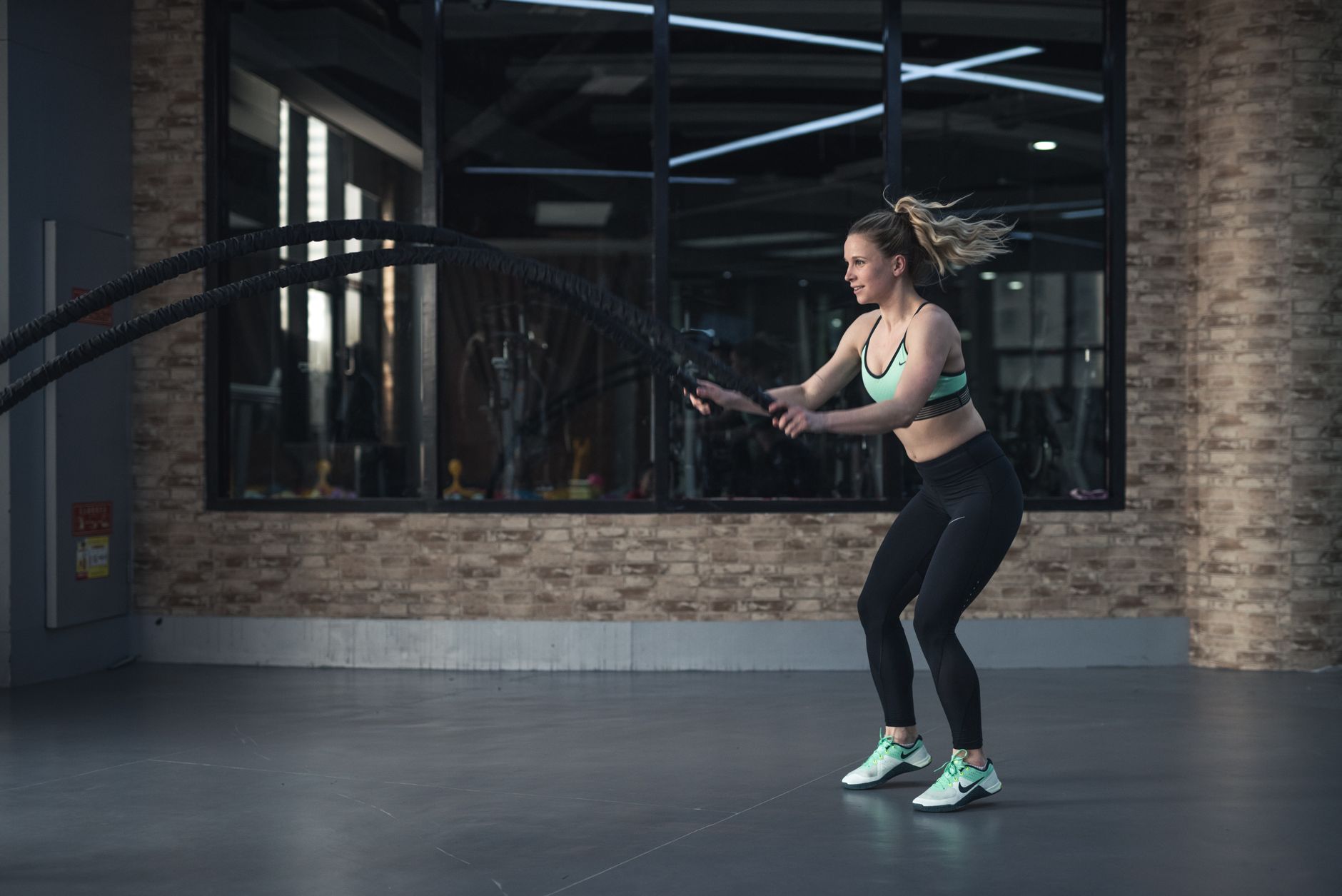
Add Form Cues and Text
Form cues help viewers exercise safely and effectively. Adding text or graphics highlighting proper form, key tips, and exercise names reinforces correct technique and guides viewers through the movements.
These cues, kept clear and timely, add instructional value. Highlighting form tips and labeling exercises, alongside the demonstration, helps viewers perform the movements correctly, which is important for both effectiveness and safety in a fitness video.
Keep the Energy High
Fitness videos must maintain motivating energy. Keeping the pace lively, the music driving, and the momentum up prevents the workout from dragging, since low energy demotivates viewers mid-exercise.
The energy of the edit directly affects motivation, using our pacing techniques. Maintaining a lively, energetic feel throughout, matched to the workout’s intensity, keeps viewers pumped and pushing through the exercise to the end.
Balance Music, Voice, and Cues
Fitness audio balances music, instruction, and motivation. Mixing the energetic music with clear instructional voiceover or cues, so viewers can hear the guidance over the driving track, keeps the workout followable and motivating.
A mix where the instruction is lost under the music leaves viewers confused. Using our mixing techniques to keep any voice cues clear over the energetic music ensures viewers get both the motivation and the guidance they need.
Fitness Video Editing Best Practices
- Show exercises clearly from the right angles.
- Sync to energetic, motivating music.
- Add timers, rep counts, and form cues.
- Keep the energy high and balance the audio.
Common Fitness Video Mistakes
- Exercises not shown clearly enough to follow.
- Low-energy music or pacing that demotivates.
- Missing timers and counts for a follow-along workout.
- Instruction lost under the music.
A Real Fitness Edit Example
Picture editing a twenty-minute HIIT workout. You show each exercise clearly from an angle that reveals the full movement, overlay a countdown timer for every interval and rest, and add a form-cue text reminding viewers to keep their core tight. A driving track matched to the high intensity keeps the energy relentless, and the instructor’s cues stay crisp over the music.
Viewers can follow along precisely, motivated by the energy and guided by the timers and cues. That blend of clear demonstration, on-screen timing, form guidance, and high-energy music is exactly what makes a follow-along fitness video both effective as a workout and motivating enough to push viewers through it.
Fitness Content for Engagement
Beyond the workout itself, fitness content thrives on motivation and community. Adding an encouraging intro that sets the goal, on-screen motivation during tough intervals, and a rewarding cooldown gives the video an emotional arc that keeps viewers coming back, turning a workout into an experience.
Consistency in style and a recognizable energy build a loyal fitness audience over time. Pairing the instructional clarity with genuine motivation, and a repeatable format using our workflow techniques, is how fitness creators grow channels where viewers return day after day to work out along with them.
Fitness Content and Consistency
Fitness videos build audiences through consistency, with viewers returning to follow along regularly. A recognizable format, energy, and instructor presence keep people coming back, so the editing should reinforce a consistent, motivating experience each time.
This consistency turns one-off viewers into regulars who incorporate the videos into their routine. Maintaining a familiar, reliable, energetic style across videos builds the habit and loyalty that sustain a fitness channel and genuinely help viewers.
Combining motivating energy with reliable, clear instruction in a consistent format creates fitness content people commit to. Understanding that the format thrives on becoming part of viewers’ routines shapes editing that’s both effective and habit-forming.
Fitness Content and Variety
While consistency builds a fitness audience, variety keeps it fresh, with different workouts, intensities, and formats preventing monotony. Mixing follow-along sessions, tutorials, and challenges gives viewers reasons to keep returning beyond a single repeated routine.
Balancing a consistent, recognizable style with genuine variety in the content sustains long-term engagement. Offering range within a familiar format, so viewers always have something new yet comfortably recognizable, is what keeps a fitness channel growing and its audience motivated.
Key Takeaways
- Fitness videos clearly show exercises and motivate viewers.
- Demonstrate movements clearly and sync to energetic music.
- Add timers, rep counts, and form cues.
- Keep the energy high and balance music with instruction.
Frequently Asked Questions
How do I edit a fitness video?
Show the exercises clearly from the right angles, sync to energetic motivating music, add on-screen timers and rep counts for the workout structure, include form cues and exercise names, keep the energy high, and balance the music with any instruction.
How do I make a workout video motivating?
Choose upbeat, energetic licensed music matched to the workout’s intensity and cut to its rhythm, keep the pacing lively and momentum up throughout, and maintain high energy in the edit so viewers stay pumped and push through the exercise.
What graphics do fitness videos need?
Timers for exercise intervals and rest periods, rep counts, exercise names, and form cues. These help viewers follow the workout’s structure, stay on pace, and perform the movements correctly, making the video function as a real workout guide.
Sources: Wikipedia’s overview of exercise videos.
Energize your edits at Adobe Video World
Train hands-on with Adobe Certified Instructors across 100+ Premiere Pro & After Effects sessions.



