A workflow taught by Adobe Certified Instructors at Adobe Video World.
Cooking videos make food look irresistible while teaching a recipe, and editing them well balances clarity with appetite appeal. From tight step pacing to sizzling sound to gorgeous close-ups, cooking editing has a recipe of its own. This guide covers editing a cooking video that’s mouthwatering, clear, and easy to follow.
The Cooking Video Goal
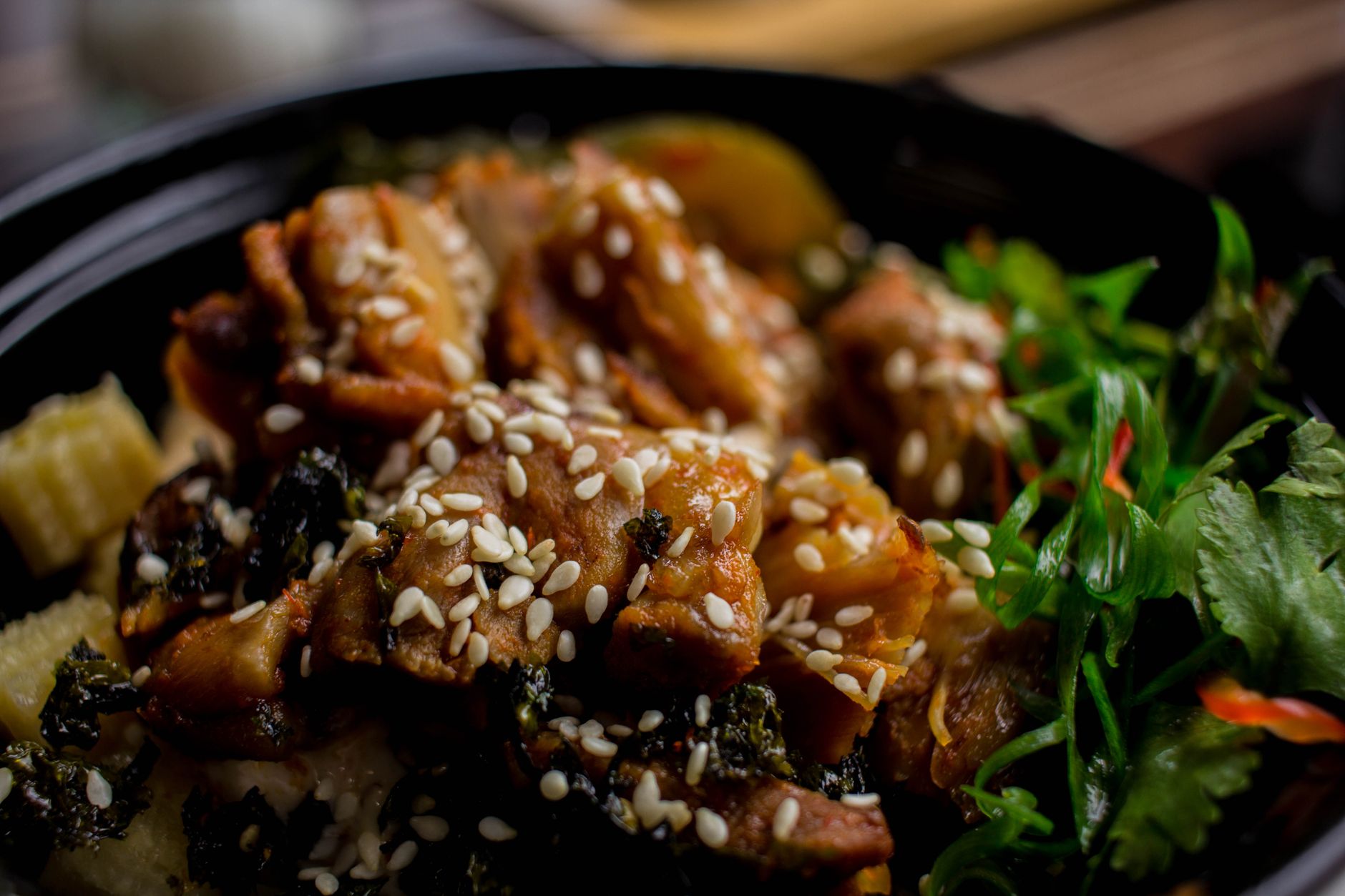
Cooking videos have two goals: making the food look delicious and teaching the recipe clearly. Balancing appetite appeal with instructional clarity ensures viewers both crave the dish and understand how to make it.
Whether a quick recipe reel or a detailed tutorial, the editing serves these dual goals. Keeping the food looking gorgeous while presenting the steps logically and clearly is what makes a cooking video both enticing and genuinely useful.
Pace the Steps Clearly
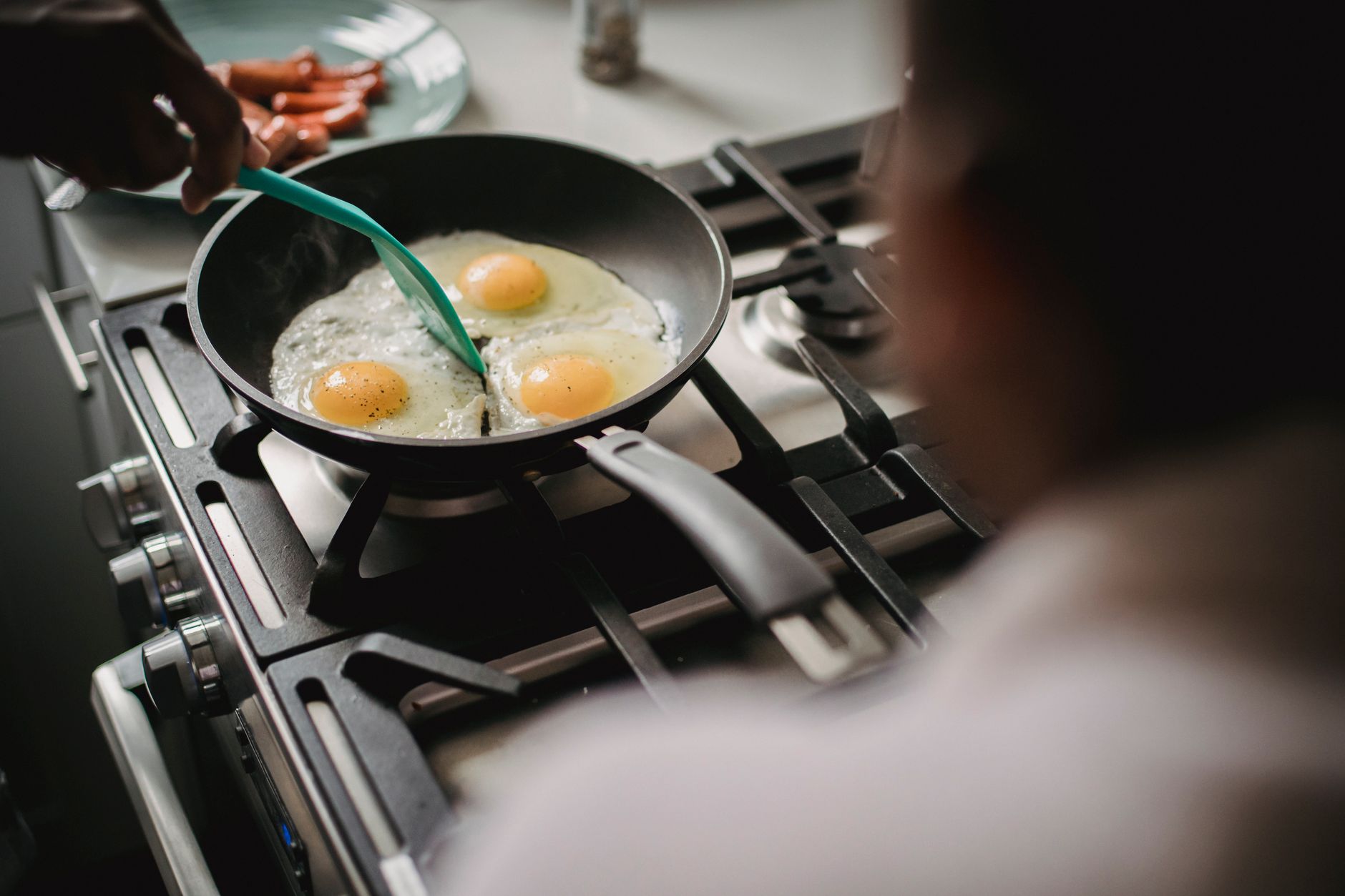
Cooking videos must present the recipe steps in a clear, followable order. Editing the process logically — prep, cooking, plating — and pacing each step so viewers can follow without rushing or dragging keeps the recipe easy to understand.
Speeding through repetitive prep while giving key techniques enough time balances clarity and pace, using our pacing techniques. A well-paced cooking video moves efficiently while ensuring viewers can actually follow and replicate the recipe.
Use Beautiful Close-Ups
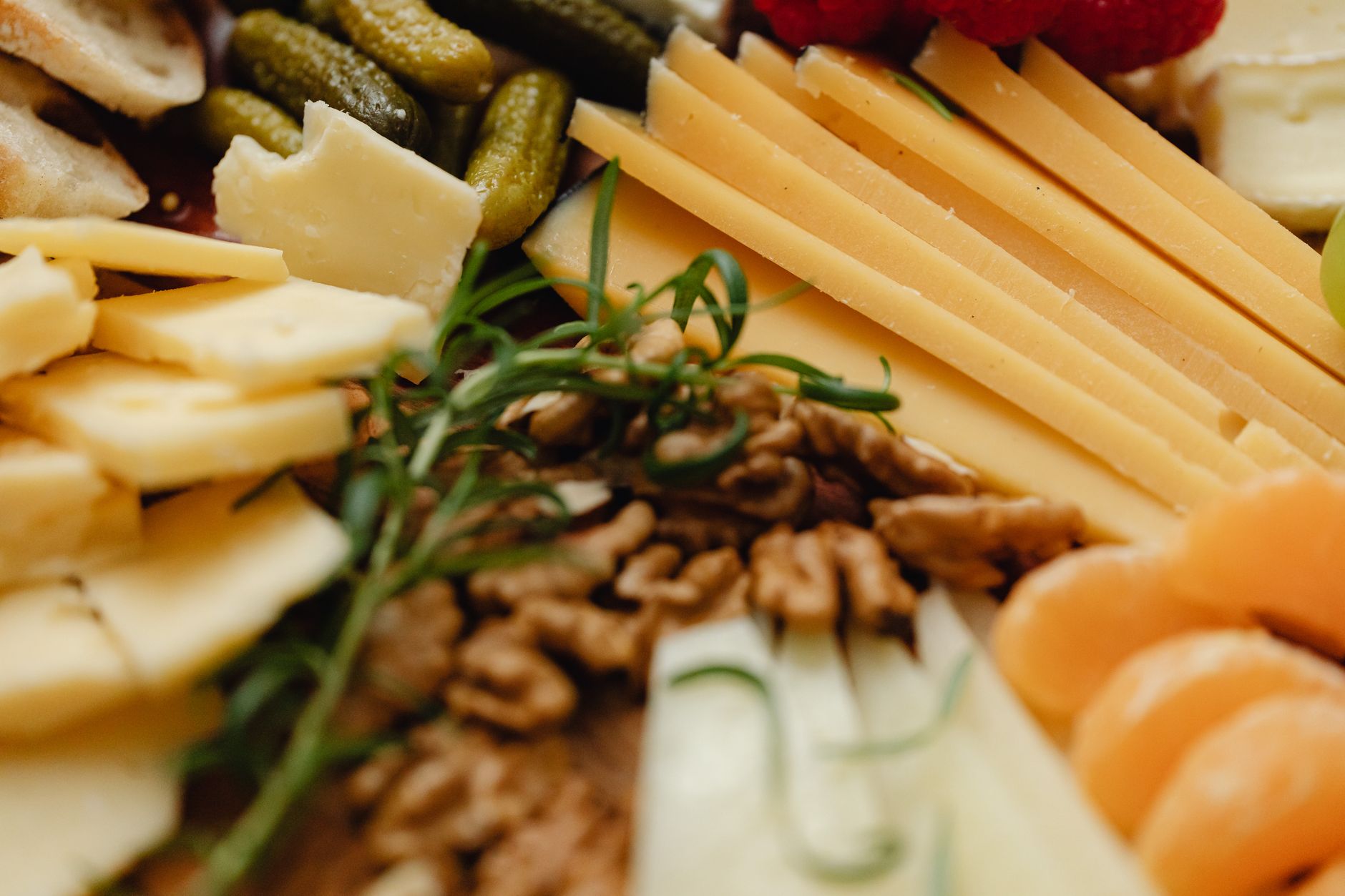
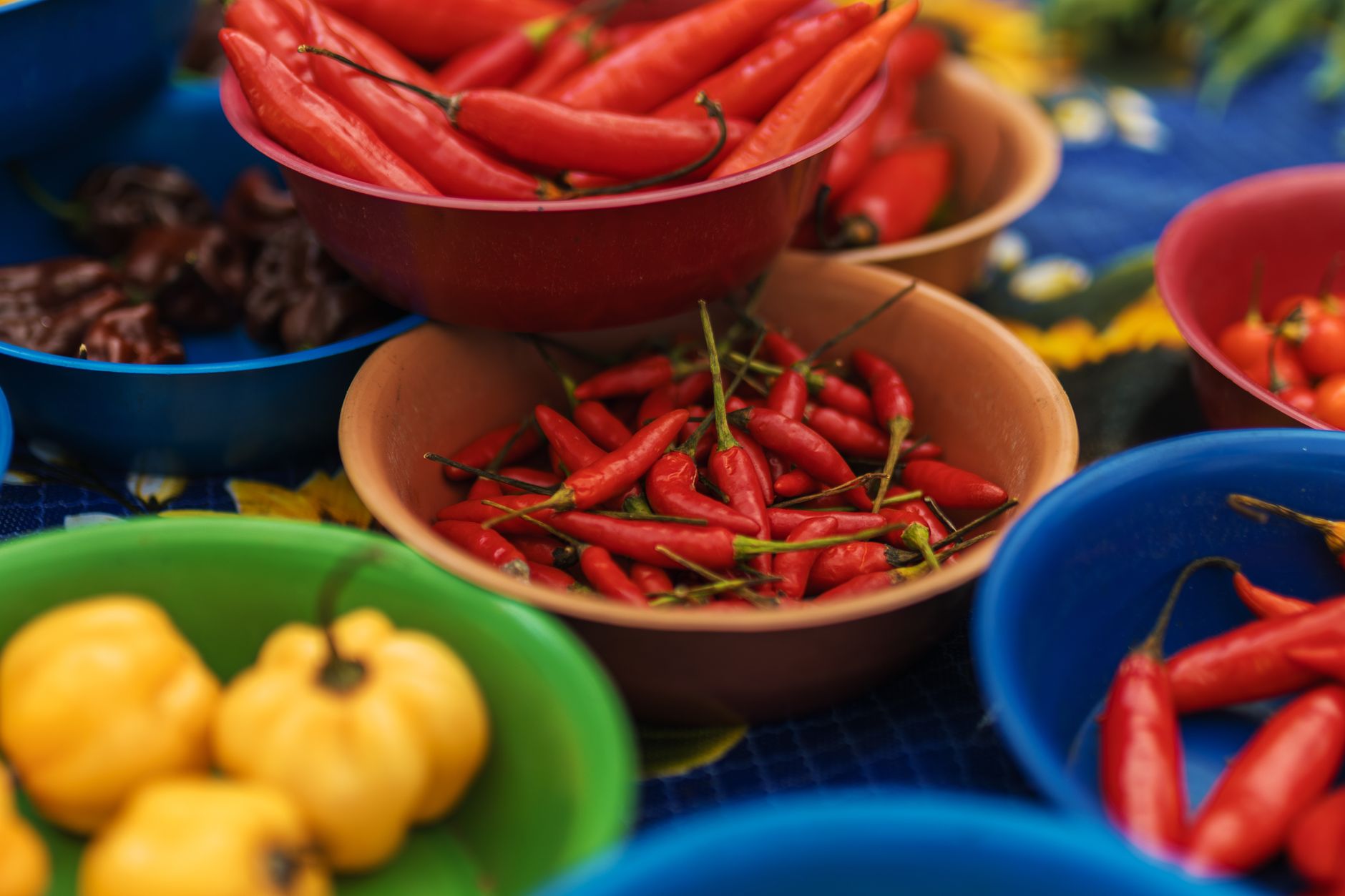
Food looks best in close-up. Cutting to tight, gorgeous shots of the ingredients, the cooking, and the textures makes the dish mouthwatering, since the detail and color of food are what create appetite appeal.
These close-ups, with shallow depth of field and rich color, are the heart of food’s visual appeal. Emphasizing the most appetizing details — bubbling sauce, melting cheese, fresh ingredients — using our depth of field techniques, makes the food irresistible.
Use Overhead and Angle Variety
Cooking videos rely on overhead shots and varied angles. The top-down overhead shot, showing the prep and cooking clearly, is a cooking staple, while mixing in side angles and close-ups adds visual variety and shows technique.
The overhead angle is perfect for showing a recipe’s steps clearly, while other angles add appeal and detail. Cutting between overhead, side, and close-up shots, using our shot variety, keeps the video engaging while clearly demonstrating the cooking.
Sync the Sizzle
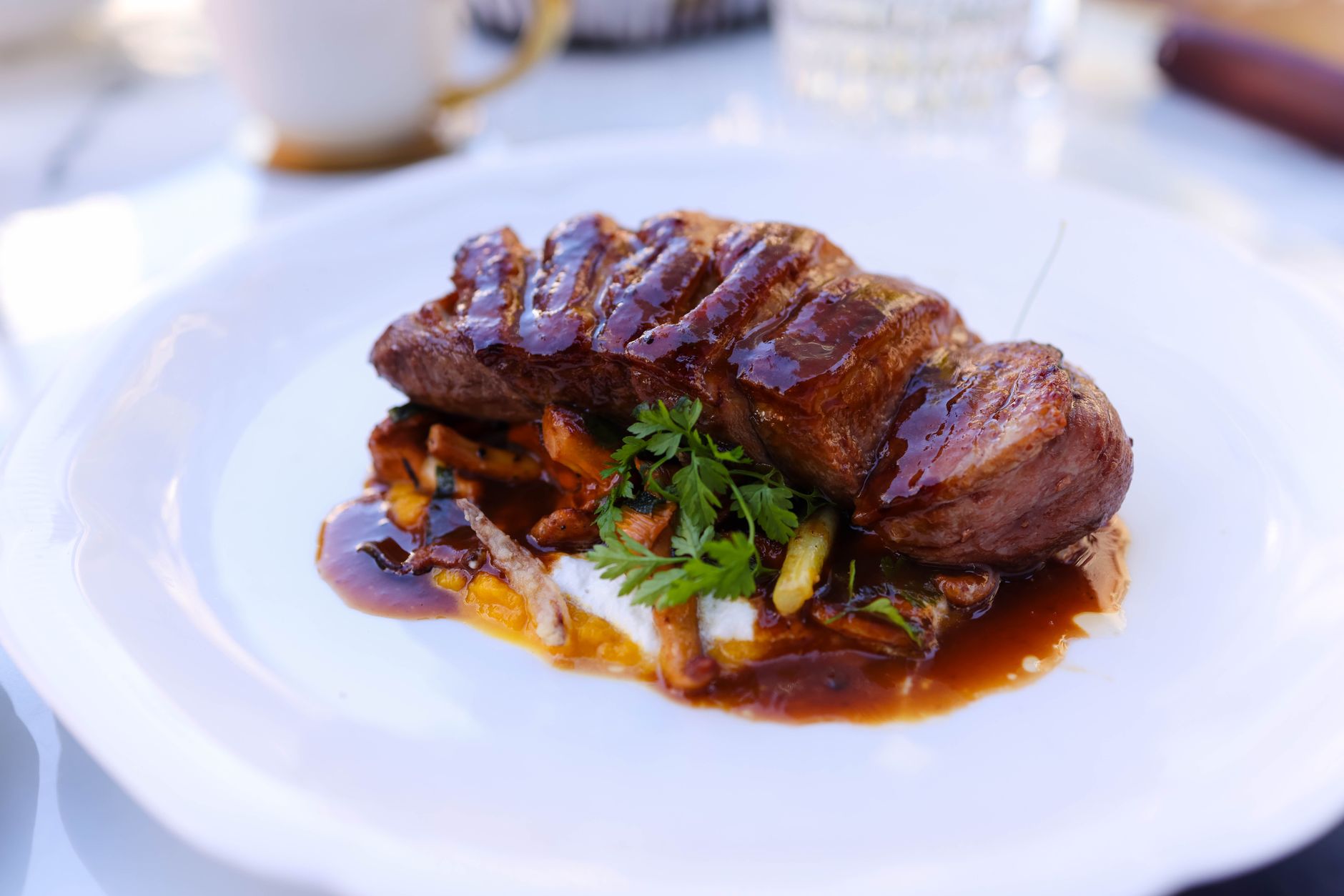
Sound makes food come alive. Syncing the sizzle of cooking, the chop of a knife, and the bubble of a sauce to the visuals creates sensory, appetizing audio that makes the food feel real and delicious.
This sound design is a secret weapon of cooking videos, where the sizzle and crunch trigger appetite. Emphasizing these cooking sounds, layered with our sound design techniques, adds a sensory dimension that makes the dish even more enticing.
Add Text and Timers
Text aids the recipe’s clarity. Adding ingredient lists, measurements, step labels, and timers as on-screen graphics helps viewers follow and replicate the recipe, reinforcing the spoken or silent instructions.
These graphics, built with our titles techniques, make a cooking video genuinely useful as a recipe. Clear text for quantities and steps, plus timers for cooking durations, ensures viewers can actually cook along and recreate the dish.
Grade for Appetite Appeal
Color makes food look delicious. A grade that enhances the food’s warm, rich, appetizing colors — vibrant vegetables, golden crusts, glistening sauces — maximizes the appetite appeal that drives cooking content.
Warm, vibrant, true-to-life food color is what makes a dish look mouthwatering, while dull or oddly-tinted footage looks unappetizing. A flattering grade that makes the food pop, using our grading techniques, is essential for cooking video.
Cooking Video Editing Best Practices
- Pace the recipe steps clearly and logically.
- Use beautiful close-ups and overhead shots.
- Sync the sizzle and cooking sounds.
- Add text and timers, and grade for appetite appeal.
Common Cooking Video Mistakes
- Unclear or out-of-order recipe steps.
- No appetizing close-ups of the food.
- Missing the sizzle and cooking sounds.
- Dull color that makes the food look unappetizing.
A Real Cooking Edit Example
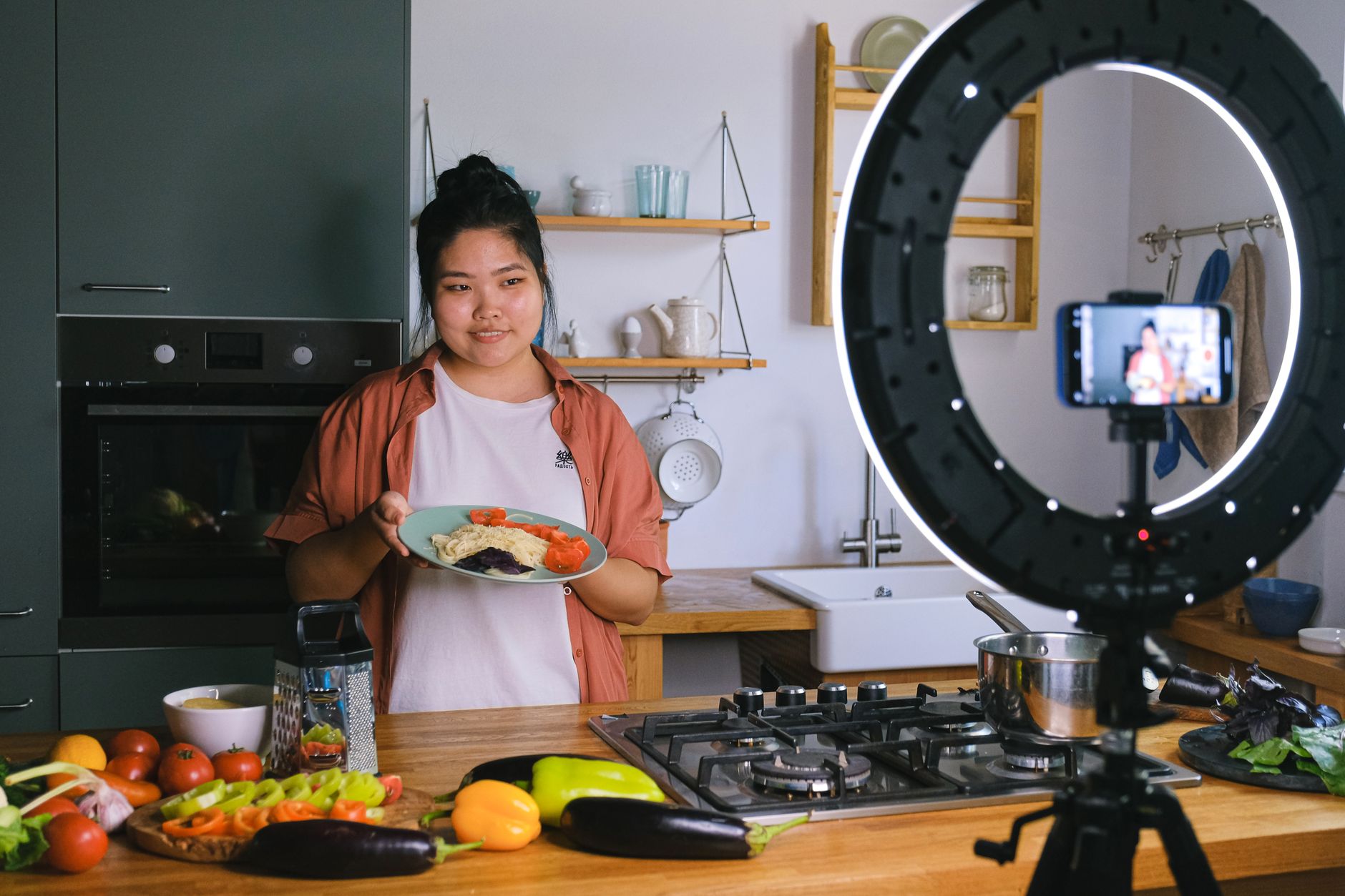
Imagine editing a pasta recipe video. You open on a mouthwatering close-up of the finished dish, then move through the steps from an overhead angle so each one is clear, cutting to tight close-ups of garlic sizzling and sauce bubbling with the sound emphasized. On-screen text shows each quantity, a timer counts the simmer, and a warm grade makes the food glow.
Paced so viewers can follow yet never bored, the video is both irresistible and genuinely useful as a recipe. That balance of appetite appeal and instructional clarity — close-ups and overheads, synced sizzle, clear text, and warm color — is exactly what makes cooking content both crave-worthy and easy to cook along with.
Cooking Videos for Different Formats
Cooking content spans formats, from quick fifteen-second recipe reels to detailed ten-minute tutorials, each edited differently. A fast vertical reel hooks with the finished dish and races through hyper-cut steps with text, while a long-form tutorial gives techniques room to breathe with fuller explanation.
Matching the pacing and detail to the format keeps each version effective on its platform. Pulling a punchy vertical reel from a longer tutorial, using our short-form techniques, lets one cooking shoot feed both a detailed video and the social clips that drive discovery, maximizing the reach of every recipe.
Cooking Videos and Trust
Cooking videos build trust by showing recipes work, with clear, honest demonstration that viewers can replicate. When a video teaches a recipe successfully, viewers trust the creator and return for more, making clarity and reliability central to the format.
This trust depends on the editing showing the real process accurately, not glossing over steps or misleading about difficulty. An honest, clear demonstration that helps viewers succeed in their own kitchens builds the credibility that grows a cooking audience.
Combining this reliable instruction with appetizing visuals and personality creates cooking content viewers both crave and trust. Balancing the mouthwatering appeal with genuine, followable teaching is what makes a cooking video both enticing and worth returning to.
A kitchen series is really a niche vlog, so the techniques in vlog editing carry straight over.
Key Takeaways
- Cooking videos make food look delicious and teach the recipe.
- Pace the steps clearly and use close-ups and overhead shots.
- Sync the sizzle and add text and timers.
- Grade for warm, appetizing food color.
Frequently Asked Questions
How do I edit a cooking video?
Pace the recipe steps clearly and logically, use beautiful close-ups and overhead shots of the food, sync the sizzle and cooking sounds, add text for ingredients and timers, and grade for warm, appetizing food color.
How do I make food look good in a video?
Use tight, gorgeous close-ups with shallow depth of field, emphasize appetizing details like bubbling sauce and golden crusts, sync the cooking sounds, and apply a grade that enhances the food’s warm, rich, vibrant colors.
What shots are best for cooking videos?
The top-down overhead shot is a staple for showing prep and cooking clearly, combined with tight close-ups of ingredients and textures for appetite appeal, plus side angles for variety. Mixing these keeps the video engaging and clear.
Sources: Wikipedia’s overview of cooking shows.
Make it mouthwatering at Adobe Video World
Train hands-on with Adobe Certified Instructors across 100+ Premiere Pro & After Effects sessions.



