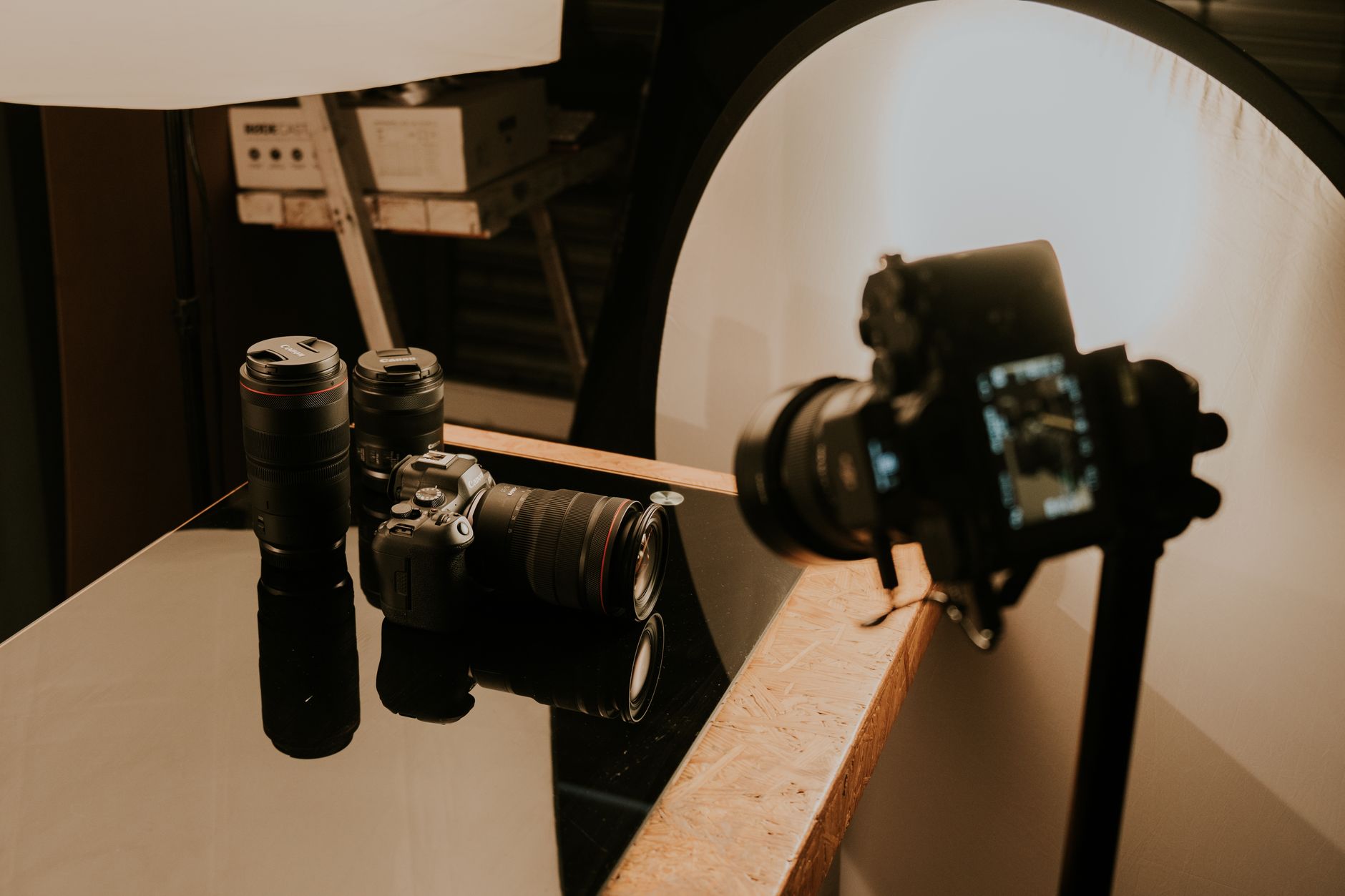
A workflow taught by Adobe Certified Instructors at Adobe Video World.
Product videos showcase what a product is, does, and why it matters, driving interest and sales. Editing them well means presenting features clearly and beautifully while building toward the benefits. From gorgeous close-ups to feature callouts, product editing has its craft. This guide covers editing a product video that’s polished and persuasive.
The Product Video Goal
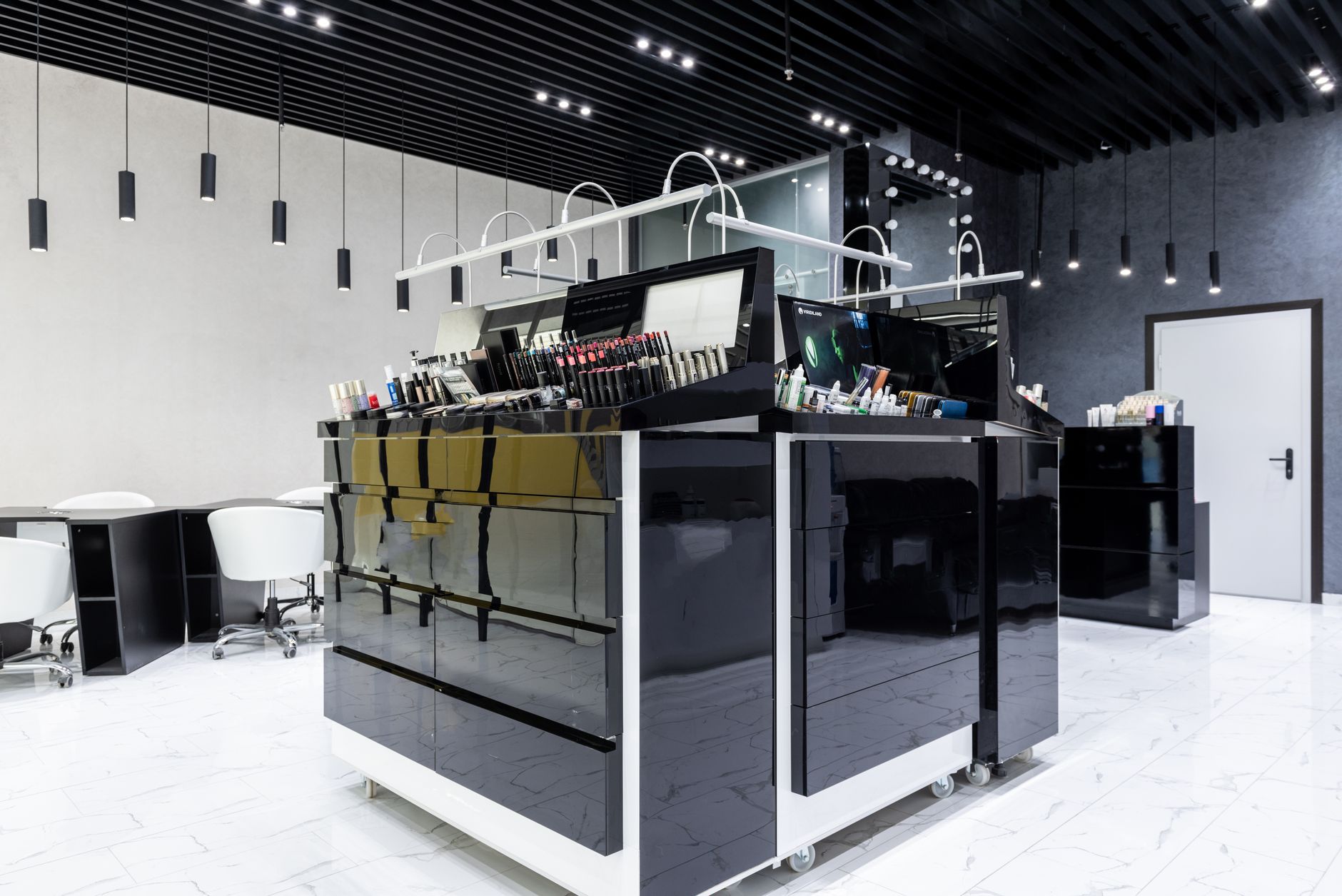
A product video exists to make viewers want the product. Showcasing its features and design beautifully, explaining its benefits clearly, and building desire drives the interest and sales the video is made to generate.
Balancing aesthetic appeal with clear communication of value is the core challenge. Presenting the product attractively while ensuring viewers understand what it does and why they need it is what makes a product video effective at selling.

Showcase with Beautiful Shots
Products look best in gorgeous, detailed shots. Cutting to beautiful close-ups, smooth reveals, and detail shots of the product’s design and features makes it desirable, since the product’s look is central to its appeal.
These hero shots, with shallow depth of field, smooth movement, and rich detail, showcase the product’s quality. Emphasizing the design and craftsmanship through beautiful imagery, using our depth of field techniques, makes the product look premium and desirable.
Highlight Key Features
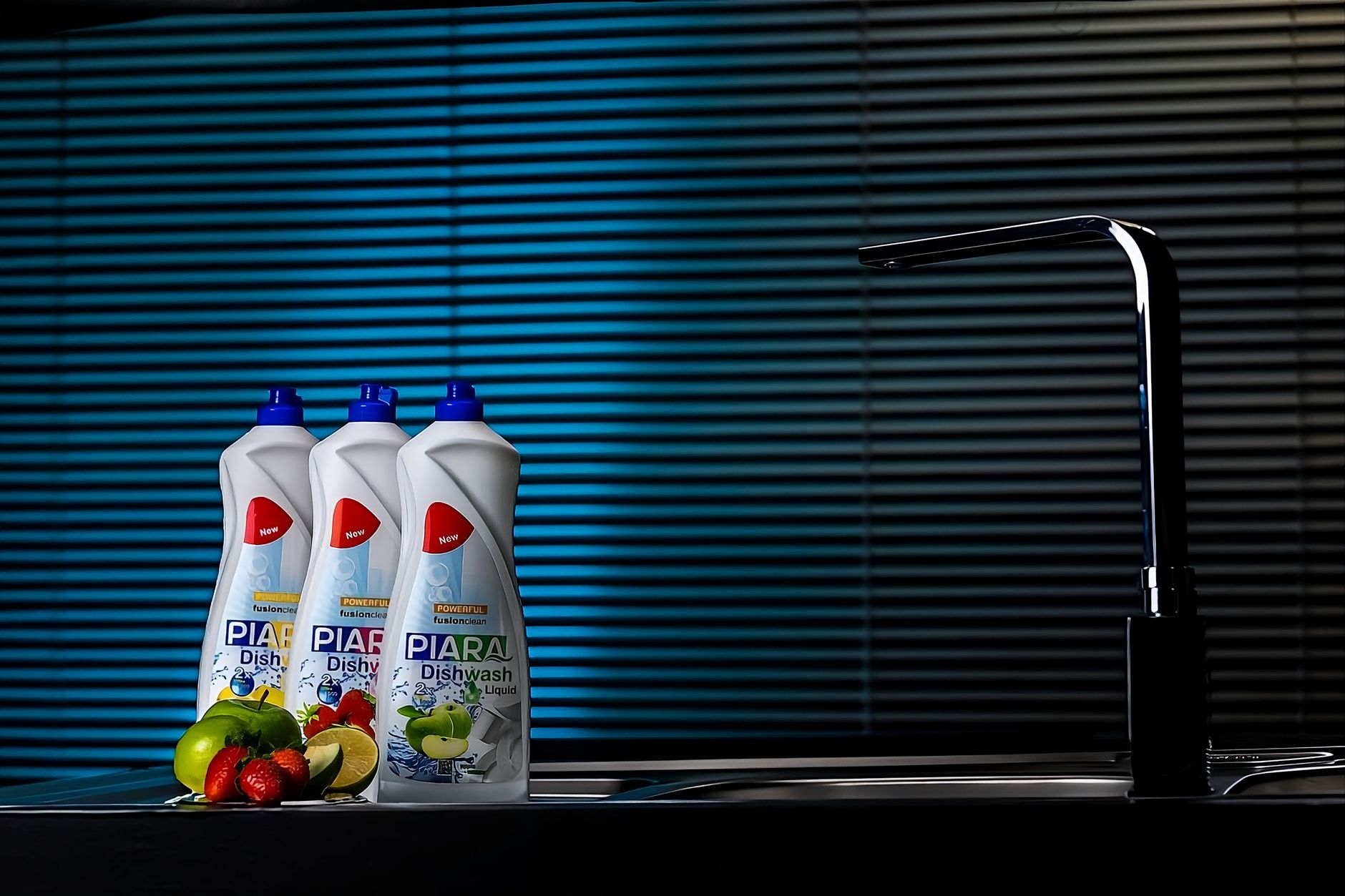
Product videos must communicate features clearly. Showing each key feature in action, with the product demonstrating what it does, helps viewers understand its value and capabilities concretely rather than abstractly.
Demonstrating features visually, and emphasizing the ones that matter most, makes the product’s value tangible. Editing to spotlight the standout features in use, so viewers see the benefits, is what turns a pretty product video into a persuasive one.
Build to Benefits
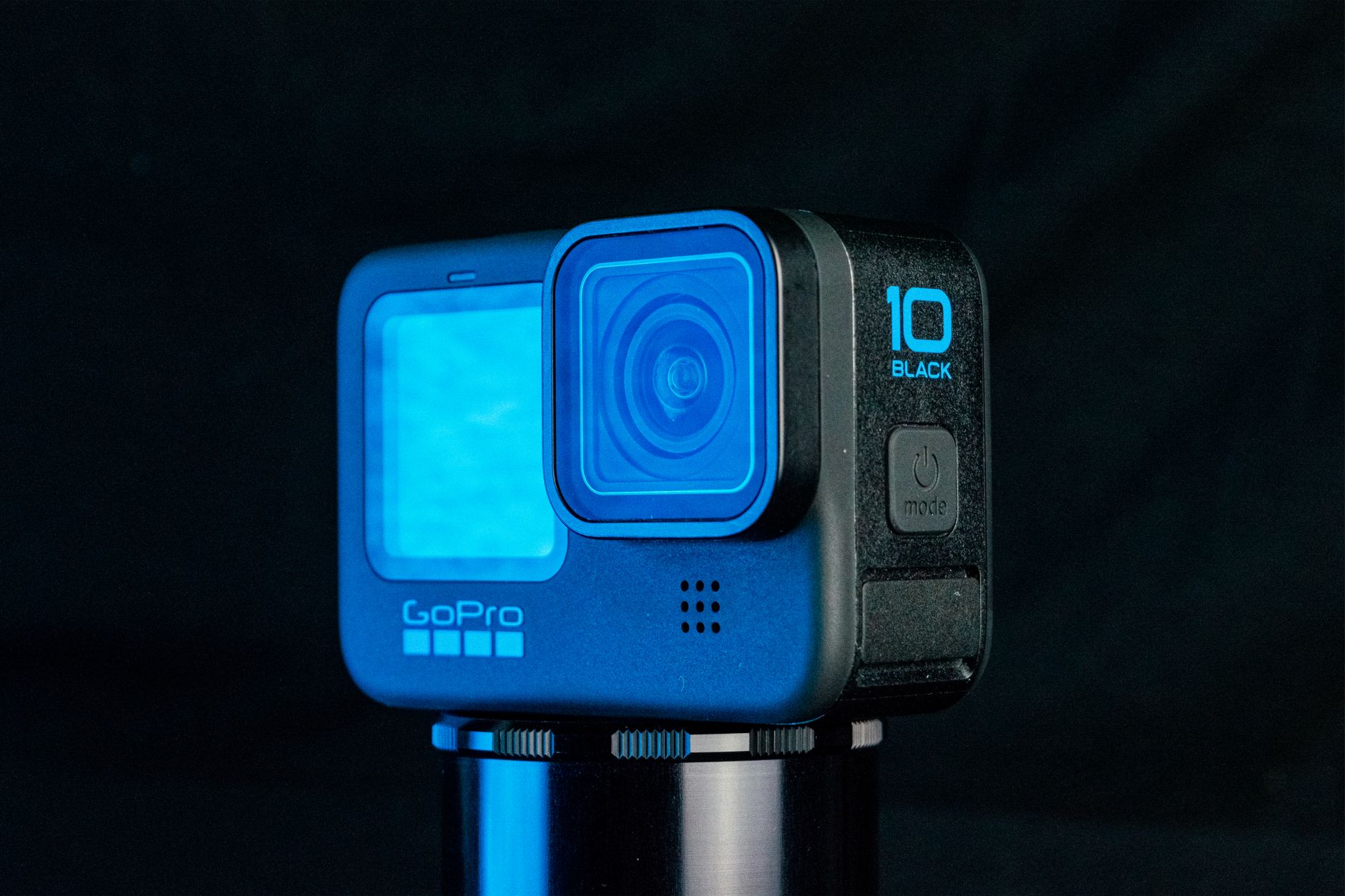
Features matter, but benefits sell. Connecting the product’s features to the benefits they deliver — what they do for the user — gives viewers a reason to want it, moving from what the product is to why it matters to them.
This benefit-focused approach is more persuasive than features alone. Editing so the video builds from showcasing features to conveying the benefits and the desire to own the product is what drives the viewer toward wanting and buying it.

Use Smooth Motion
Product videos rely on smooth, elegant movement. Slow rotations, gliding reveals, and graceful camera moves around the product give it a premium, polished feel, while static shots feel flat and cheap.
This smooth motion, from our gimbal and slider techniques, makes the product feel high-end and showcases it from flattering angles. Editing these elegant moves together creates the sophisticated, premium presentation that effective product videos use.
Add Clean Graphics
Graphics enhance product videos. Adding clean feature callouts, specifications, and the product name as on-screen text reinforces the information and adds a polished, professional layer to the presentation.
These graphics, built with our titles techniques and kept clean and on-brand, clarify the product’s features and specs. Tasteful callouts that highlight benefits and details, without cluttering the beautiful imagery, complete a professional product video.
Grade and Light for Premium Feel
Color and light make a product look premium. A clean, flattering grade that presents the product’s colors accurately and appealingly, building on good lighting, gives the video a high-end, desirable quality.
Product video especially benefits from beautiful lighting and color that flatter the product. A polished grade that makes the product look its best, with accurate, appealing color, reinforces the premium feel that makes viewers desire and trust the product.
Product Video Editing Best Practices
- Showcase the product with beautiful, detailed shots.
- Highlight key features in action.
- Build from features to the benefits that sell.
- Use smooth motion, clean graphics, and a premium grade.
Common Product Video Mistakes
- Flat, unflattering shots that don’t showcase the product.
- Listing features without conveying benefits.
- Static, cheap-feeling presentation.
- Cluttered graphics or poor color that undermine the premium feel.
A Real Product Edit Example
Picture editing a video for a premium watch. You open on a slow, gliding macro reveal of the dial, then showcase each feature — the movement, the strap, the water resistance — in beautiful close-ups with shallow depth of field, connecting each to a benefit like ‘built to last a lifetime.’ Smooth slider moves and a clean, flattering grade make it look expensive, and minimal callouts label the specs.
It builds from showcasing the craftsmanship to the desire to own it, ending on the product and a subtle call to action. That progression — gorgeous shots, features in action, benefits, premium polish — is exactly what makes a product video persuasive, turning admiration into the wish to buy.
Match the Edit to the Product
Different products call for different editing energy. A sleek tech gadget suits a modern, fast, dynamic edit with energetic music, a luxury item wants slow, elegant, sophisticated movement, and a fun consumer product invites a bright, playful style, so matching the edit’s tone to the product is essential.
Reading the product’s positioning and audience, then shaping the pacing, music, and grade to match, makes the video feel authentic to the brand. Combined with the premium grading our color techniques provide, this tailored approach ensures the product is presented in the way most likely to resonate with its ideal buyer and drive sales.
Product Videos and Conversion
Product videos are often measured by conversion — whether they drive viewers to buy. This sales focus means the editing must not just showcase the product beautifully but persuade, building desire and leading toward the purchase decision.
Editing for conversion means structuring the video to move viewers from interest to wanting the product, with clear benefits and a compelling presentation that overcomes hesitation. A beautiful product video that doesn’t persuade falls short of its purpose.
Understanding that a product video’s job is ultimately to sell shapes every choice toward that goal. Combining gorgeous showcasing with persuasive structure and a clear path to purchase is what makes product video effective at driving the conversions it exists for.
A product showcase often grows into a full advertisement, where editing commercial videos adds persuasion and polish.
Key Takeaways
- Product videos make viewers want the product.
- Showcase it beautifully and highlight features in action.
- Build from features to benefits that sell.
- Use smooth motion, clean graphics, and a premium grade.
Frequently Asked Questions
How do I edit a product video?
Showcase the product with beautiful, detailed shots, highlight key features in action, build from features to the benefits that sell, use smooth elegant motion, add clean feature graphics, and grade for a premium, flattering look.
How do I make a product look premium in a video?
Use beautiful close-ups with shallow depth of field, smooth elegant camera movement like slow rotations and gliding reveals, good lighting, a clean flattering grade with accurate color, and tasteful graphics that don’t clutter the imagery.
Should a product video focus on features or benefits?
Both — show the features in action so viewers understand what the product does, then connect them to the benefits they deliver for the user. Features make the value tangible, but benefits are what ultimately drive desire and sales.
Sources: Wikipedia’s overview of product demonstration.
Showcase the product at Adobe Video World
Train hands-on with Adobe Certified Instructors across 100+ Premiere Pro & After Effects sessions.



