Browse
Category: Tutorials
Premiere Pro & After Effects tutorials from Adobe Video World instructors.
-
How to Create a Fire Effect in After Effects
Create a fire effect in After Effects — use Fractal Noise and gradients, composite real fire overlays, add glow and distortion, and…
-
How to Use the Repeater in After Effects
Use the Repeater in After Effects to duplicate shapes — create grids, patterns, radial bursts, and complex geometric designs from a single…
-
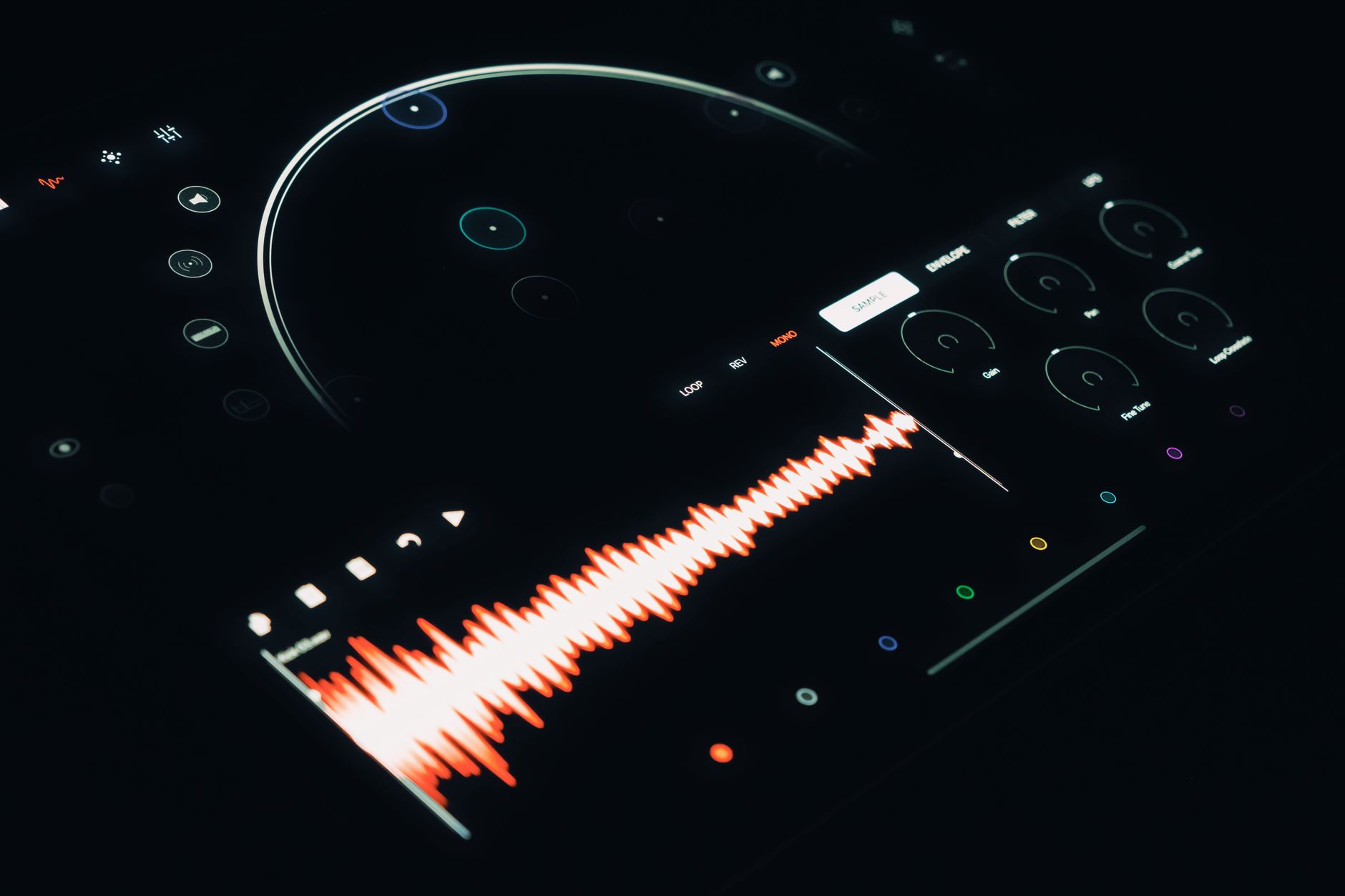
How to Create an Audio Spectrum Music Visualizer in After Effects
Create an audio spectrum music visualizer in After Effects — use the Audio Spectrum effect, link it to your track, style the…
-
How to Use the Wiggle Expression in After Effects
Use the wiggle expression in After Effects to add random motion — control frequency and amplitude, wiggle position, scale, and rotation, and…
-
How to Export a GIF from Premiere Pro
Export an animated GIF from Premiere Pro — set up the export, keep file size small, optimize length and dimensions, and create…
-

How to Use Ripple and Rolling Edits in Premiere Pro
Use ripple and rolling edits in Premiere Pro — trim clips without leaving gaps, adjust cut points between shots, and edit faster…
-

How to Use the Audio Track Mixer in Premiere Pro
Use the Audio Track Mixer in Premiere Pro — control track levels and pan, apply effects per track, automate volume, and mix…
-
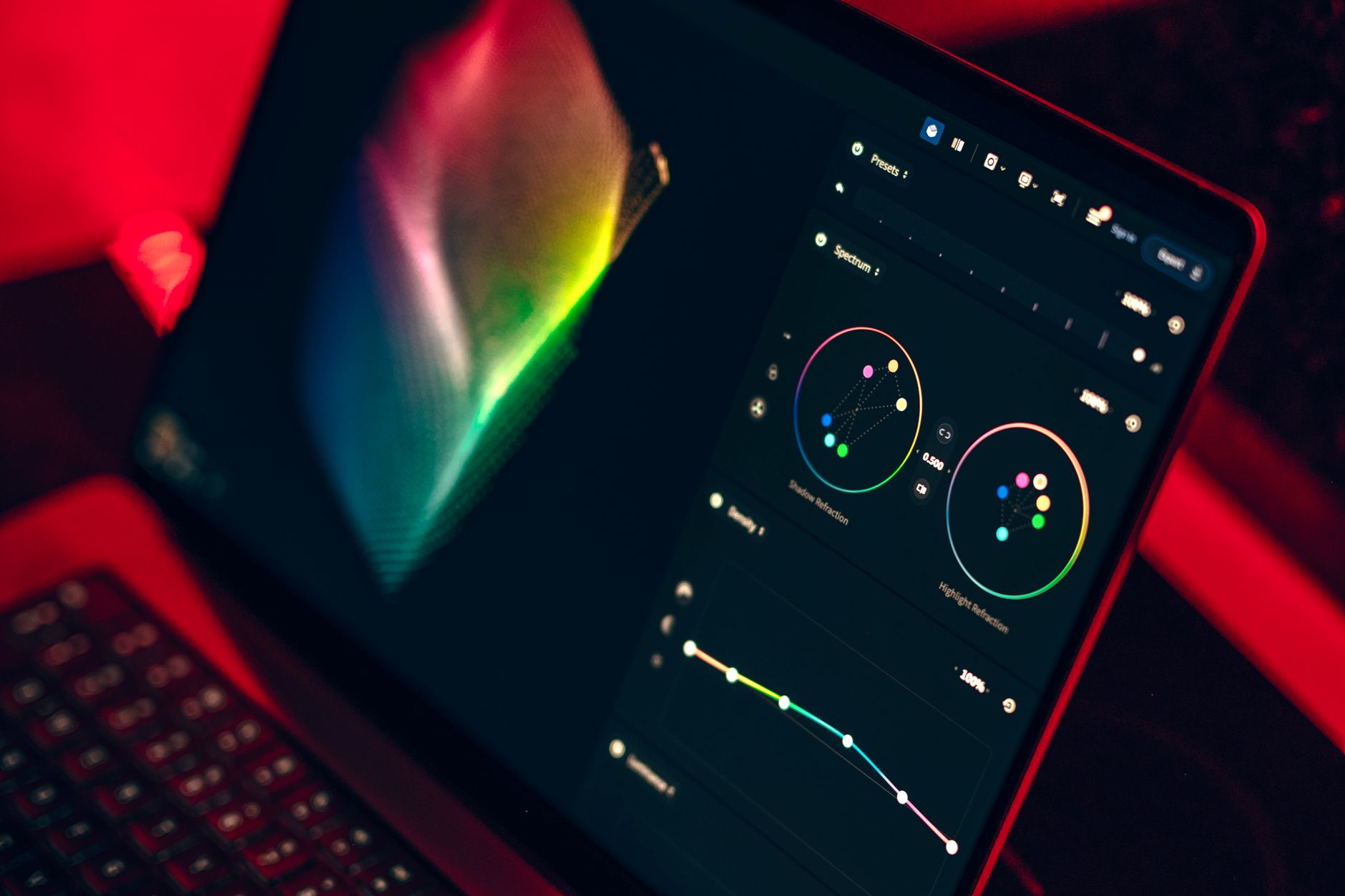
How to Use Lumetri Curves in Premiere Pro
Use Lumetri Curves in Premiere Pro — master RGB curves for contrast, hue vs saturation curves for targeted color, and shape exposure…
-
How to Use Scene Edit Detection in Premiere Pro
Use Scene Edit Detection in Premiere Pro to automatically find cuts in a flattened video — split clips at every edit, add…
-

How to Normalize and Adjust Audio Levels in Premiere Pro
Normalize and adjust audio levels in Premiere Pro — set clip gain, normalize peaks, balance dialogue and music, and hit broadcast loudness…