A workflow taught by Adobe Certified Instructors at Adobe Video World.
The best videos are planned before a single frame is shot. Storyboarding and planning map out your shots and story in advance, so you film efficiently and arrive in the edit with everything you need. This guide covers storyboarding, shot lists, and planning your sequences — the pre-production habits that save time and produce stronger videos.

Why Plan Before You Shoot
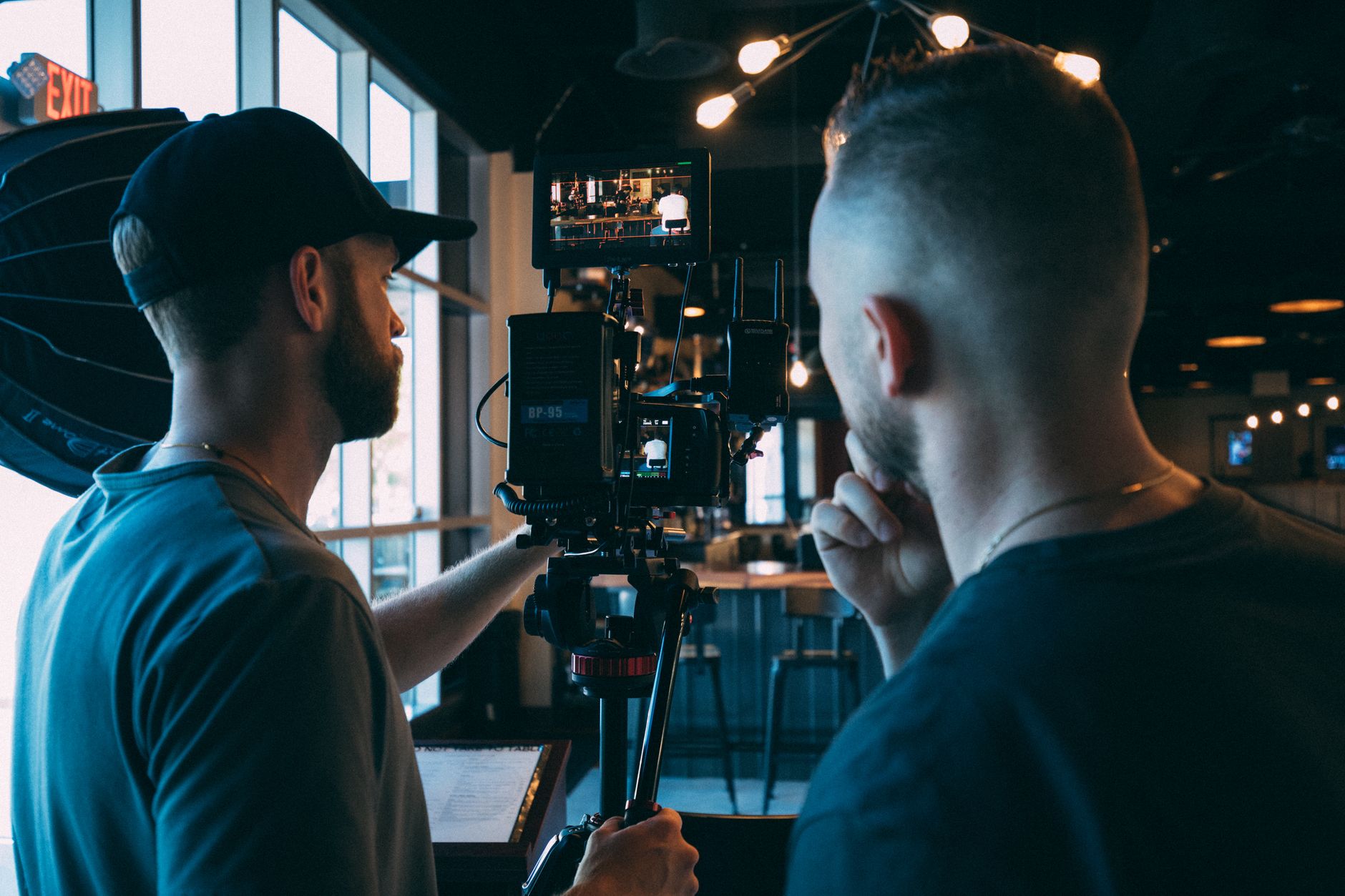
Planning prevents the most common production disasters: missing shots, wasted time on set, and footage that doesn’t cut together. Thinking through your video in advance means you shoot with purpose, capturing exactly what your edit will need.
Without a plan, you risk discovering gaps only in the edit, when reshooting is costly or impossible. A little pre-production, even for simple videos, dramatically improves efficiency and results, which is why every professional production plans before rolling.
What a Storyboard Is
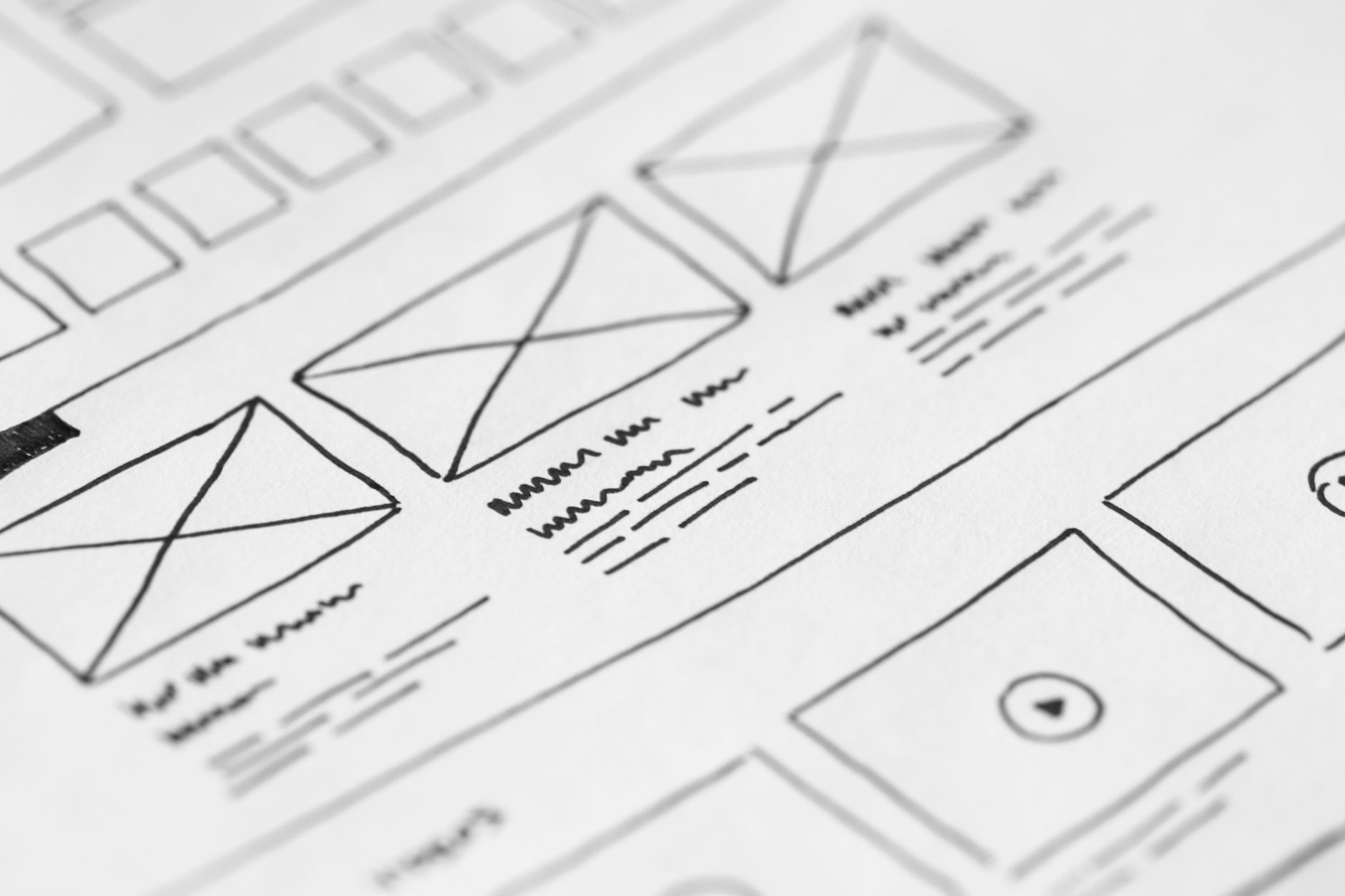
A storyboard is a sequence of sketches showing each shot of your video, like a comic strip of your planned footage. Each panel represents a shot, indicating framing, composition, and what happens, so you can see your video before filming it.
Storyboards don’t require artistic skill — simple stick figures and boxes communicate framing perfectly well. Their purpose is to visualize and plan your shots, catching problems and clarifying your vision on paper rather than on an expensive set.
Sketch Your Shots
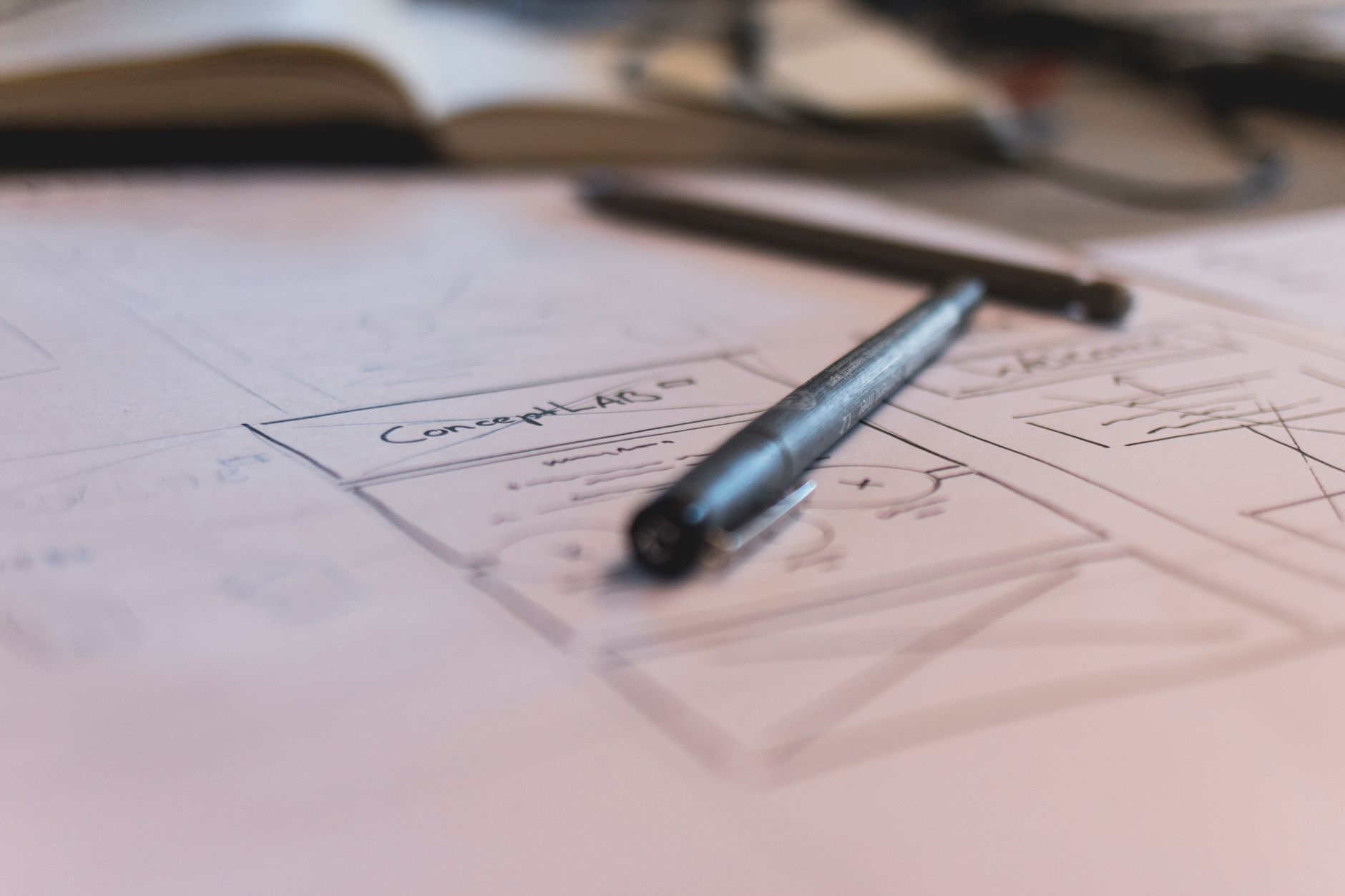
To storyboard, draw a panel for each shot, noting the framing (wide, medium, close-up), the composition, and any camera movement. Rough sketches are enough — the goal is to plan how each moment will look and how shots will flow together.
Thinking through framing and composition at this stage means you arrive on set knowing what to capture. Even loose storyboards force you to consider your visuals deliberately, leading to stronger, more intentional shots.
Write a Shot List
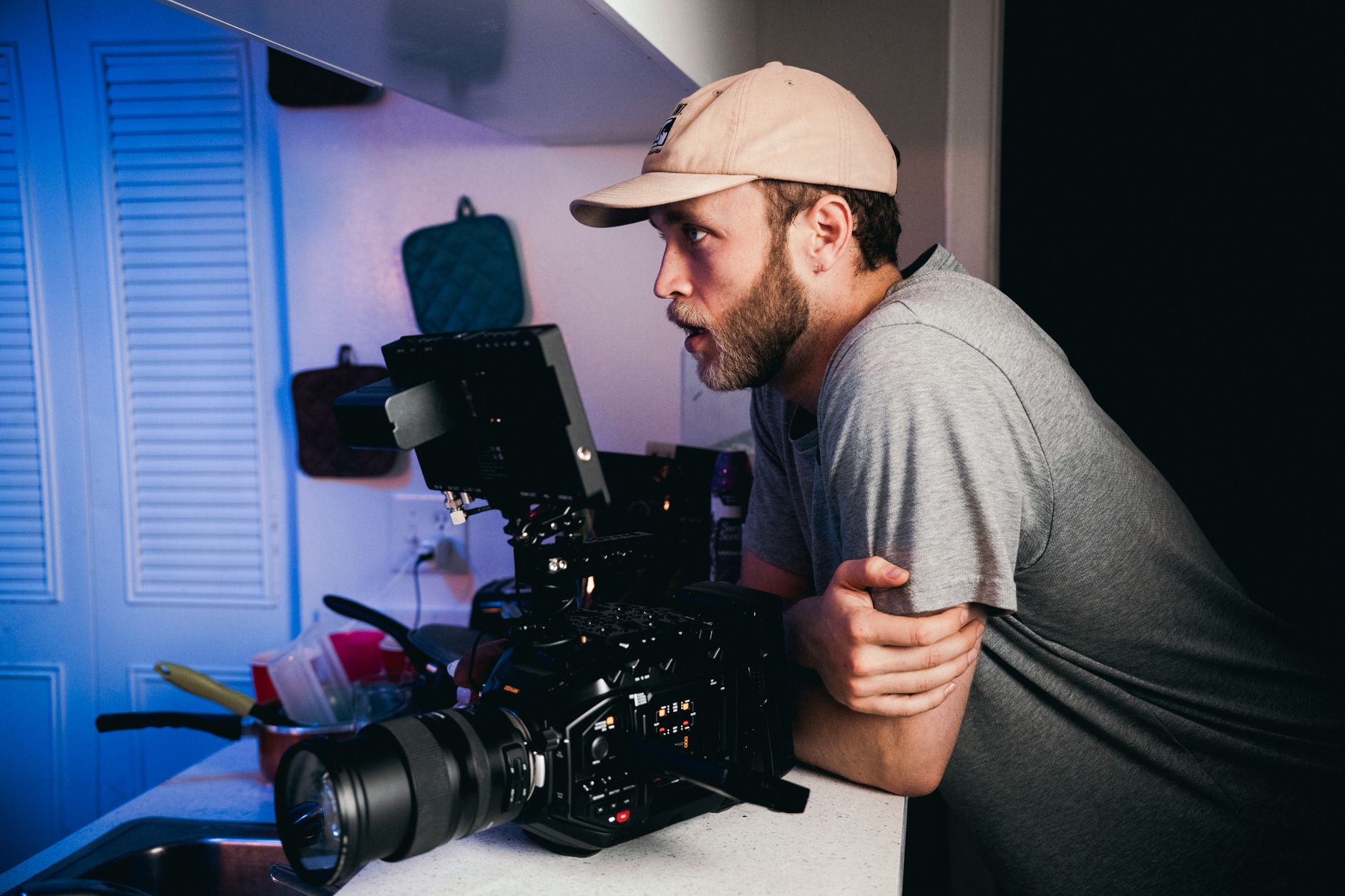
A shot list is a practical checklist of every shot you need to capture, often organized by location or scene. Where a storyboard visualizes shots, a shot list ensures you don’t forget any when you’re busy on set.
Listing each shot — including B-roll and cutaways — keeps your shoot organized and complete. Checking shots off as you film guarantees you leave with full coverage, which is one of the simplest, most effective planning tools there is.
Plan Your Sequences
Beyond individual shots, think about how they’ll cut together into sequences. Planning the variety of shots a scene needs — an establishing wide, mediums, close-ups, and cutaways — ensures you capture enough angles to edit a dynamic, flowing sequence.
Editing needs options, and a scene shot from one angle is hard to cut. Planning coverage so you have the B-roll and varied shots an edit requires is what lets you build engaging sequences rather than static ones.
Start with a Script or Outline
Most videos benefit from a script or outline written before storyboarding. For narrative or talking content, a script defines what’s said; for other videos, an outline maps the structure and key points, giving your visuals something to support.
The script or outline is the backbone the storyboard and shot list serve. Knowing what your video says and how it’s structured lets you plan visuals that reinforce the message, ensuring picture and content work together from the start.
Plan the Practical Details
Good planning extends to logistics — locations, lighting, equipment, talent, and schedule. Thinking through where you’ll shoot, what gear you need, and how long each setup takes prevents the delays and surprises that derail unplanned shoots.
Considering practical needs like lighting and audio in advance means you arrive prepared rather than improvising. This logistical planning is unglamorous but essential, turning a chaotic shoot into a smooth, productive one.
Stay Flexible on Set
A plan is a guide, not a cage. Once filming, stay open to better ideas and unexpected opportunities — a great unplanned shot, a happy accident — while using your plan to ensure you still capture the essentials.
The best approach balances preparation with flexibility: plan thoroughly so you’re covered, then adapt freely when inspiration strikes. Your storyboard and shot list guarantee the must-haves, freeing you to chase creative moments without fear of missing what matters.
Video Planning Best Practices
- Start with a script or outline as your backbone.
- Storyboard shots with simple sketches of framing and action.
- Write a shot list so you capture everything you need.
- Plan coverage and logistics, then stay flexible on set.
Common Planning Mistakes
- Shooting with no plan and missing shots in the edit.
- Capturing one angle instead of editable coverage.
- Ignoring logistics like location, lighting, and gear.
- Planning so rigidly you miss better ideas on set.
A Real Pre-Production Example
Picture planning a short brand video. You start with a one-page script outlining the message, then sketch a rough storyboard — a wide establishing shot of the storefront, mediums of the owner talking, close-ups of the product, and cutaways of customers. From those panels you build a shot list grouped by location and note the lighting and gear each setup needs.
On the shoot day you work straight down the list, checking off shots, and finish knowing the edit is fully covered. What could have been a chaotic, gap-ridden shoot becomes calm and efficient, and the editor has every shot the story needs — the quiet payoff of an hour of planning before anyone picked up a camera.
Keep Planning Documents the Editor Can Use
Good planning doesn’t end when filming starts — your storyboard, shot list, and script are just as useful in the edit. Handing the editor these documents, along with notes on which takes worked, turns assembling the footage into following a clear map rather than hunting through hours of clips to rediscover the plan.
This continuity from pre-production into editing keeps a project coherent, especially when different people shoot and cut it. Pairing your planning documents with organized footage and clear markers in the timeline means the vision you mapped on paper carries all the way through to the finished video.
Key Takeaways
- Planning before shooting prevents missing shots and wasted time.
- A storyboard sketches each shot; a shot list checklists them.
- Plan coverage so sequences cut together dynamically.
- Prepare logistics, then stay flexible for better ideas.
Frequently Asked Questions
How do I storyboard a video?
Draw a panel for each shot — a comic-strip sequence of your video — noting framing, composition, and camera movement. Simple sketches or stick figures are enough; the goal is to visualize and plan your shots before filming.
What’s the difference between a storyboard and a shot list?
A storyboard visualizes shots as sketches showing framing and action, while a shot list is a practical checklist of every shot you need to capture. The storyboard plans how shots look; the shot list ensures you don’t forget any.
Why should I plan a video before shooting?
Planning prevents missing shots, wasted time on set, and footage that won’t cut together. Thinking through your video in advance means you shoot with purpose and arrive in the edit with all the coverage you need.
Sources: Wikipedia’s article on the storyboard.
Plan before you shoot at Adobe Video World
Train hands-on with Adobe Certified Instructors across 100+ Premiere Pro & After Effects sessions.



