
A workflow taught by Adobe Certified Instructors at Adobe Video World.
The hologram effect — glowing, semi-transparent, flickering projections with scan lines — is the signature look of sci-fi interfaces and futuristic videos. After Effects builds it by layering several techniques: transparency, glow, scan lines, glitch, and flicker. This guide breaks down each ingredient and how to combine them into a convincing holographic look.
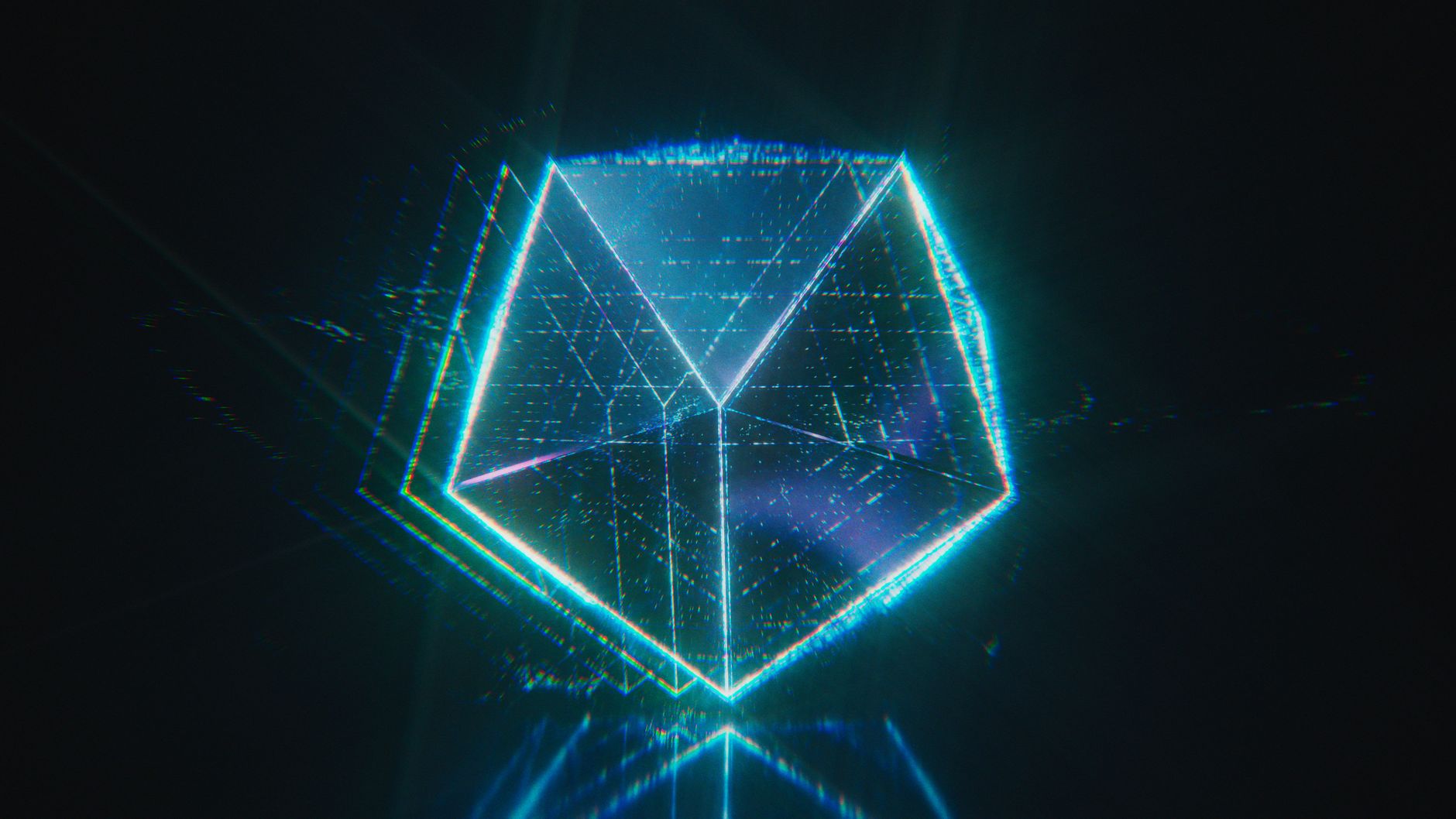
What Makes a Hologram Look
A convincing hologram combines several visual cues: a glowing, usually blue or cyan color, semi-transparency, horizontal scan lines, occasional glitching, and a subtle flicker. Together these signal a projected, immaterial image rather than a solid one.
No single effect makes a hologram — it’s the layering of these elements that sells it. Understanding each ingredient lets you build the look from scratch and adjust it, whether you’re holographing text, a logo, or footage of a person.

Start with Transparency and Color
Begin by making your element semi-transparent and tinting it a holographic color, typically cyan or blue. Lowering the opacity suggests a projection you can see through, and the cool color is strongly associated with the sci-fi hologram aesthetic.
This transparency and tint form the base of the effect. A hologram should feel immaterial, like light rather than substance, so getting the see-through, glowing-blue foundation right is the first step before adding detail.
Add Scan Lines
Horizontal scan lines are a defining hologram feature, evoking a projected or scanned image. Create thin, evenly spaced horizontal lines across your element — often with a generated grid or a lines pattern — and overlay them at reduced opacity.
Animating the scan lines drifting slowly upward or downward adds life, suggesting a refreshing projection. These lines are one of the most recognizable hologram cues, instantly reading as a digital, projected display rather than a real object.

Add Glow
Holograms emit light, so a glow effect is essential. Adding glow makes your holographic element radiate, with the light bleeding softly outward, reinforcing that it’s a luminous projection rather than a flat graphic.
Tuning the glow to bloom around the bright edges gives the hologram its characteristic ethereal shine. Combined with the transparency and blue tint, the glow is what makes the element look like it’s genuinely projecting light into the scene.
Add Glitch and Distortion
Holograms in film flicker and glitch, as if the projection is unstable. Adding occasional glitch — RGB splits, brief horizontal displacement, and digital tearing — makes the hologram feel like a live, imperfect transmission.
Keep the glitching intermittent and subtle rather than constant, so it punctuates the effect with moments of instability. This unpredictability is a big part of what makes a hologram feel high-tech and alive instead of a static blue graphic.
Add Flicker
A subtle flicker ties the look together, as if the projection’s brightness wavers slightly. Animating the opacity with a gentle wiggle, using the wiggle expression, creates a continuous, low-level flutter in the hologram’s intensity.
This flicker should be understated — a faint pulse rather than a strobe. It adds the sense of an unstable energy projection, and combined with the occasional glitch, it makes the hologram feel powered and live rather than perfectly steady.
Build a Holographic Interface
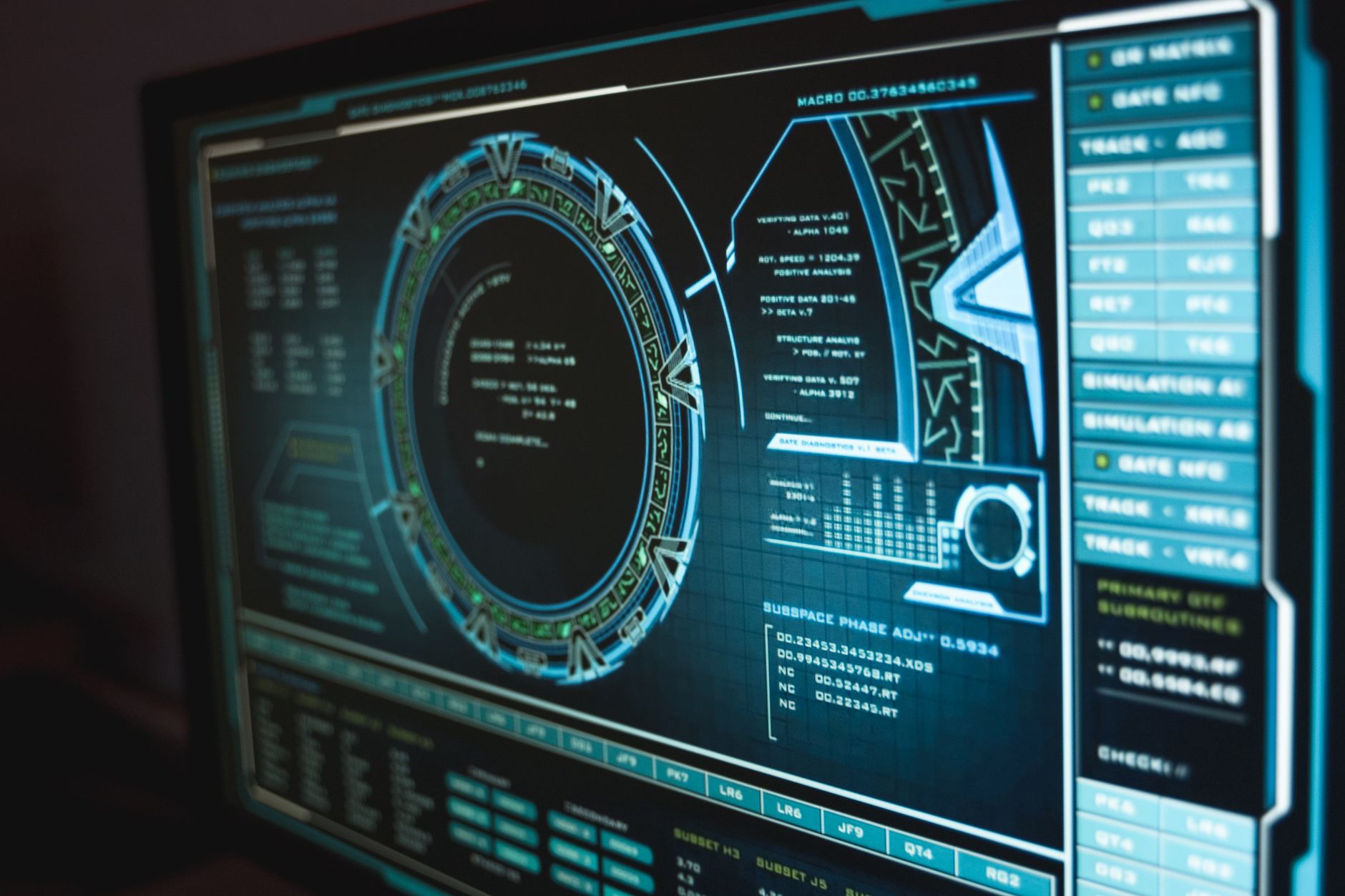
To create the classic sci-fi UI, apply the hologram treatment to shapes, text, and data elements arranged as a futuristic interface. Glowing rings, scan-lined panels, and flickering readouts together form a believable holographic display.
Animating these elements assembling and updating adds to the high-tech feel. The hologram look applied across a designed interface, rather than a single element, is what produces the immersive sci-fi computer displays seen in films.
Add 3D and Projection Cues
For extra realism, suggest the hologram is being projected. Adding a faint cone of light or projection source beneath it, and giving the element a slight 3D tilt, reinforces that it’s floating in space, beamed from a device.
These spatial cues anchor the hologram in the scene rather than floating it flatly. A projection beam and a sense of depth complete the illusion, making the hologram feel like a real volumetric display existing within your shot.
Hologram Effect Best Practices
- Start with semi-transparency and a cyan or blue tint.
- Add drifting scan lines and a strong glow.
- Use intermittent glitch and a subtle opacity flicker.
- Add projection cues and depth for a volumetric feel.
Common Hologram Mistakes
- A solid, opaque element that doesn’t read as projected.
- Constant heavy glitching instead of occasional bursts.
- Forgetting the glow that makes it emit light.
- No scan lines or flicker, leaving it a flat blue graphic.
A Real Hologram Interface Example
Imagine building a sci-fi command center display. You take simple shape rings, panels, and readout text, tint them cyan, drop their opacity, and add drifting scan lines and a strong glow to each. A subtle wiggle on the opacity makes everything flicker, and brief RGB-split glitches stutter through every few seconds.
Then you animate the panels assembling and the data updating, and add a faint projection cone beneath the whole display. What started as flat shapes becomes a convincing, flickering holographic interface floating in the scene — proof that the look comes from layering many small cues rather than any single magic effect.
Hologram People and Footage
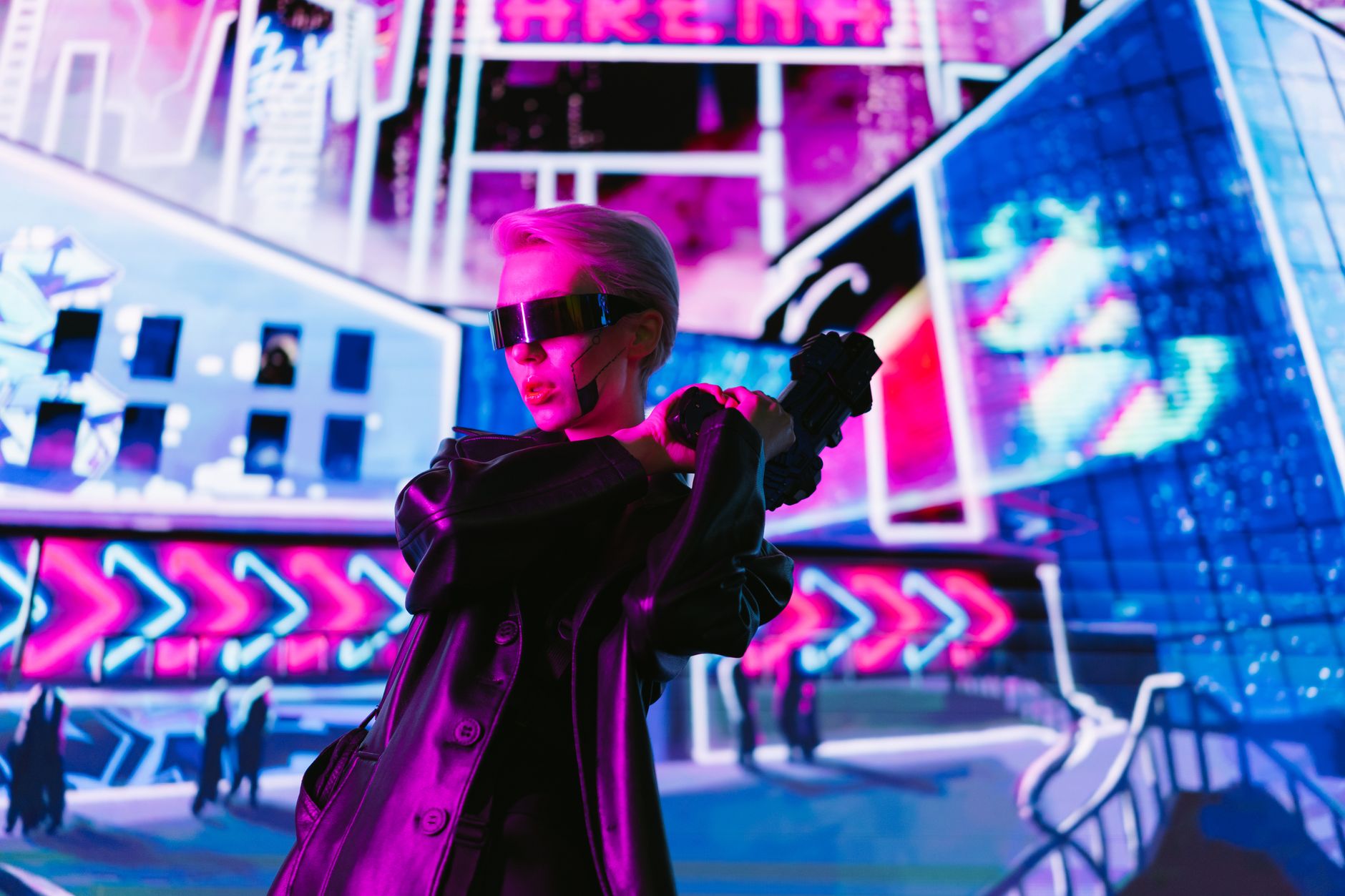
The hologram treatment works on footage of people too, creating the classic ‘projected messenger’ look from science fiction. Applying transparency, a blue tint, scan lines, glow, and glitch to a clip of a person — ideally one cut out with the Roto Brush — makes them appear as a flickering holographic projection.
Adding a projection beam beneath them and the occasional glitch as they move completes the illusion of a live, unstable transmission. This effect, a sci-fi staple, turns ordinary footage of a person into a futuristic hologram, and it’s a striking way to present a speaker or character within a stylized scene.
Animate the Hologram Coming to Life
A hologram is most convincing when it powers on rather than simply existing. Animating it flickering into being — a quick build-up of scan lines, a burst of glitch, the glow ramping up as the projection stabilizes — sells the idea of a device beaming an image into the air. The same in reverse makes it power down or collapse.
Timing this boot-up to a sound effect, a rising hum and an electric snap, ties the picture and audio into one believable moment. These entrance and exit animations, eased with the techniques from our keyframe guide, turn a static blue graphic into a living projection that feels switched on and alive within the scene.
Transparent, layered imagery connects a hologram to the After Effects double exposure effect.
Once a hologram floats in your scene, a HUD interface in After Effects fills it with readouts, graphs, and animated data.
Key Takeaways
- A hologram layers transparency, color, scan lines, glow, and glitch.
- Tint it cyan or blue and make it semi-transparent.
- Add drifting scan lines, glow, occasional glitch, and flicker.
- Add projection cues and depth for a volumetric look.
Frequently Asked Questions
How do I create a hologram effect in After Effects?
Layer several techniques: make your element semi-transparent and tint it cyan or blue, add drifting horizontal scan lines, apply a glow, add occasional glitch and a subtle opacity flicker, then add projection cues for depth.
What gives a hologram its look?
A hologram combines a glowing blue or cyan color, semi-transparency, horizontal scan lines, intermittent glitching, and a subtle flicker. It’s the layering of these cues together, not any single effect, that sells the projected look.
How do I make hologram scan lines?
Create thin, evenly spaced horizontal lines across your element with a generated grid or lines pattern, overlay them at reduced opacity, and animate them drifting slowly up or down to suggest a refreshing projection.
Sources: Wikipedia’s article on holography.
Build sci-fi visuals at Adobe Video World
Train hands-on with Adobe Certified Instructors across 100+ Premiere Pro & After Effects sessions.



