Browse
Category: Tutorials
Premiere Pro & After Effects tutorials from Adobe Video World instructors.
-
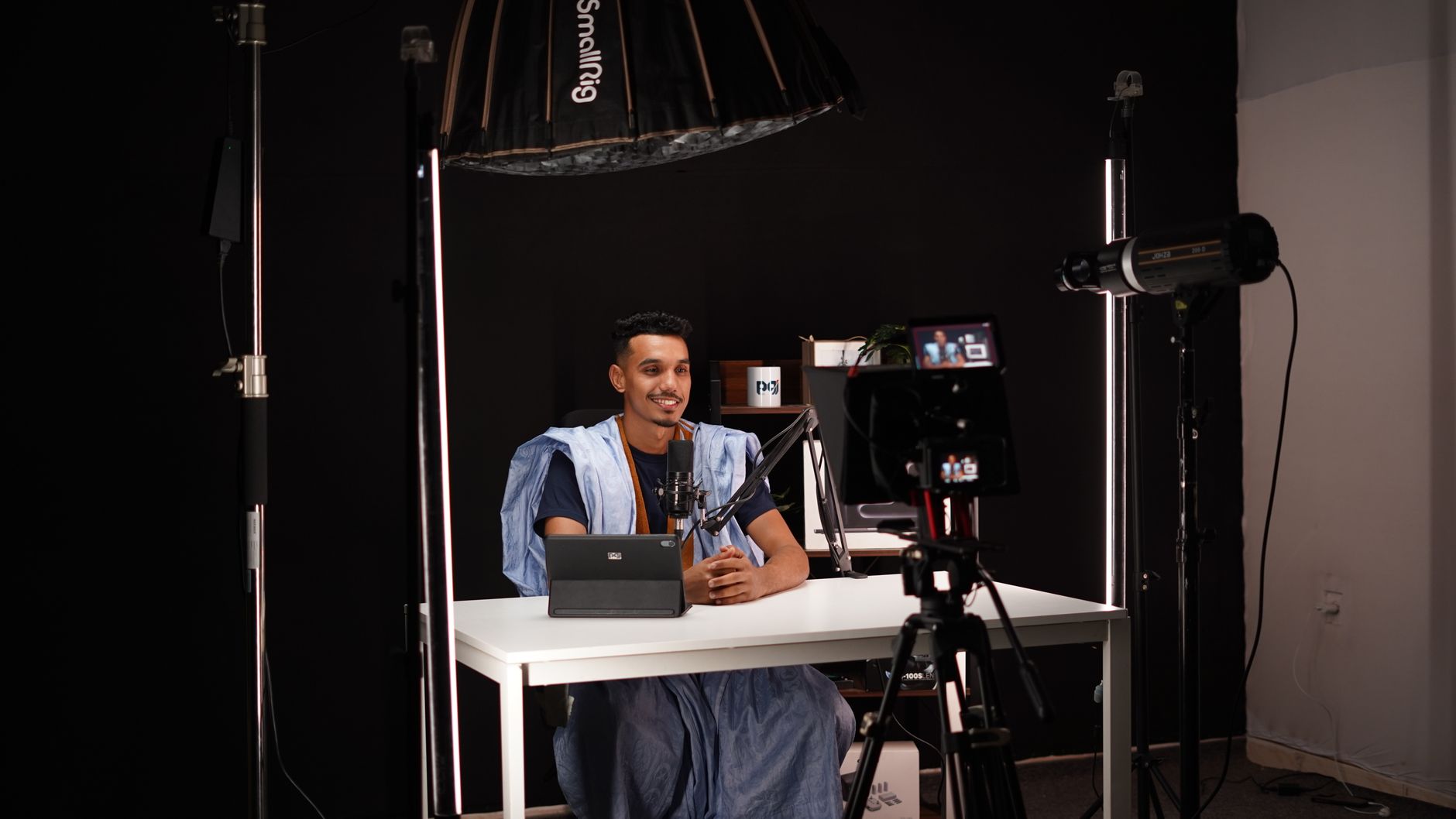
How to Light a Video Interview
Light a video interview with three-point lighting — set up key, fill, and back lights, shape soft flattering light, control shadows, and…
-
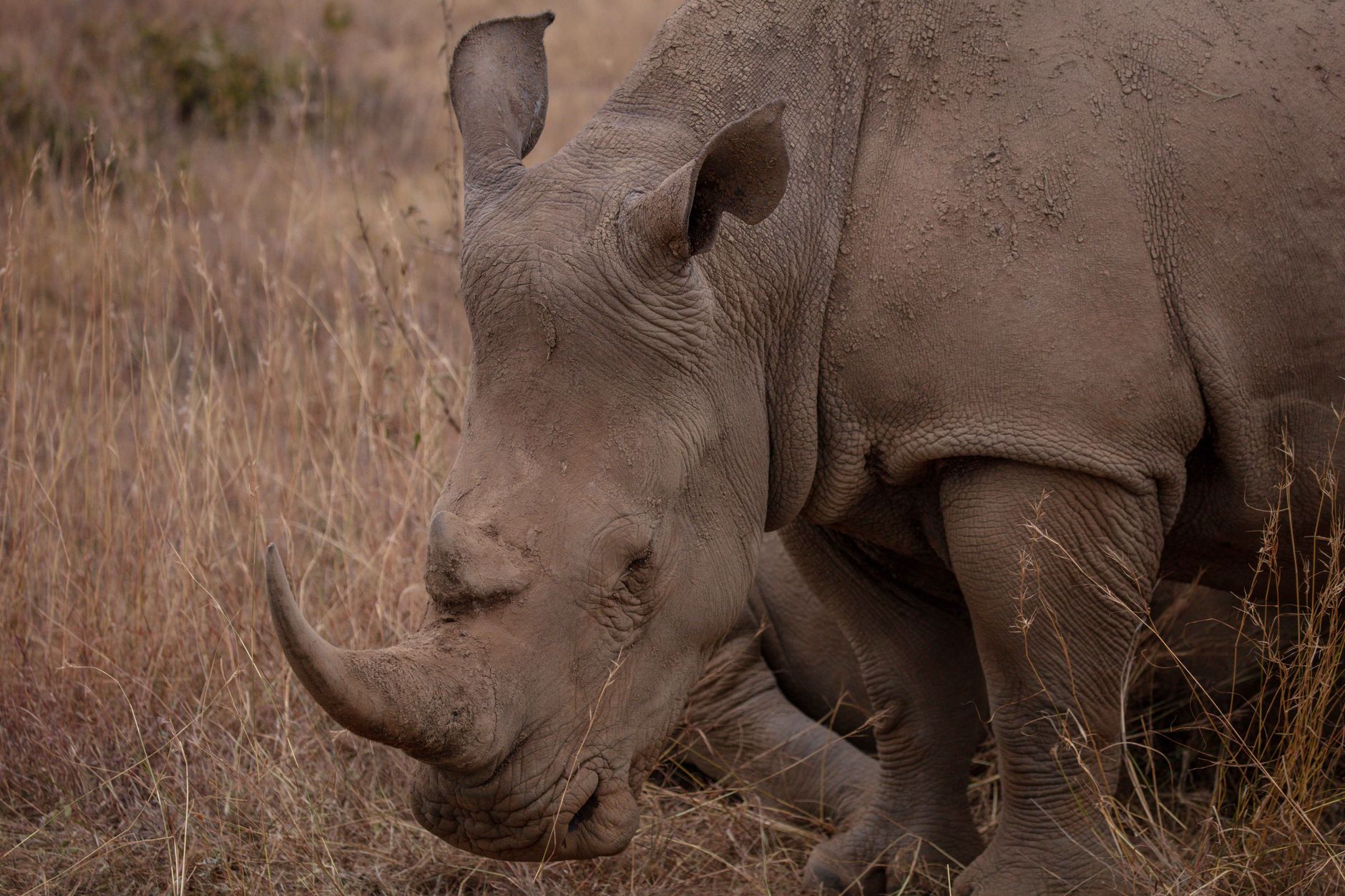
Video Composition Tips for Better-Looking Shots
Video composition tips for better shots — use the rule of thirds, leading lines, headroom, depth, and framing to make every shot…
-
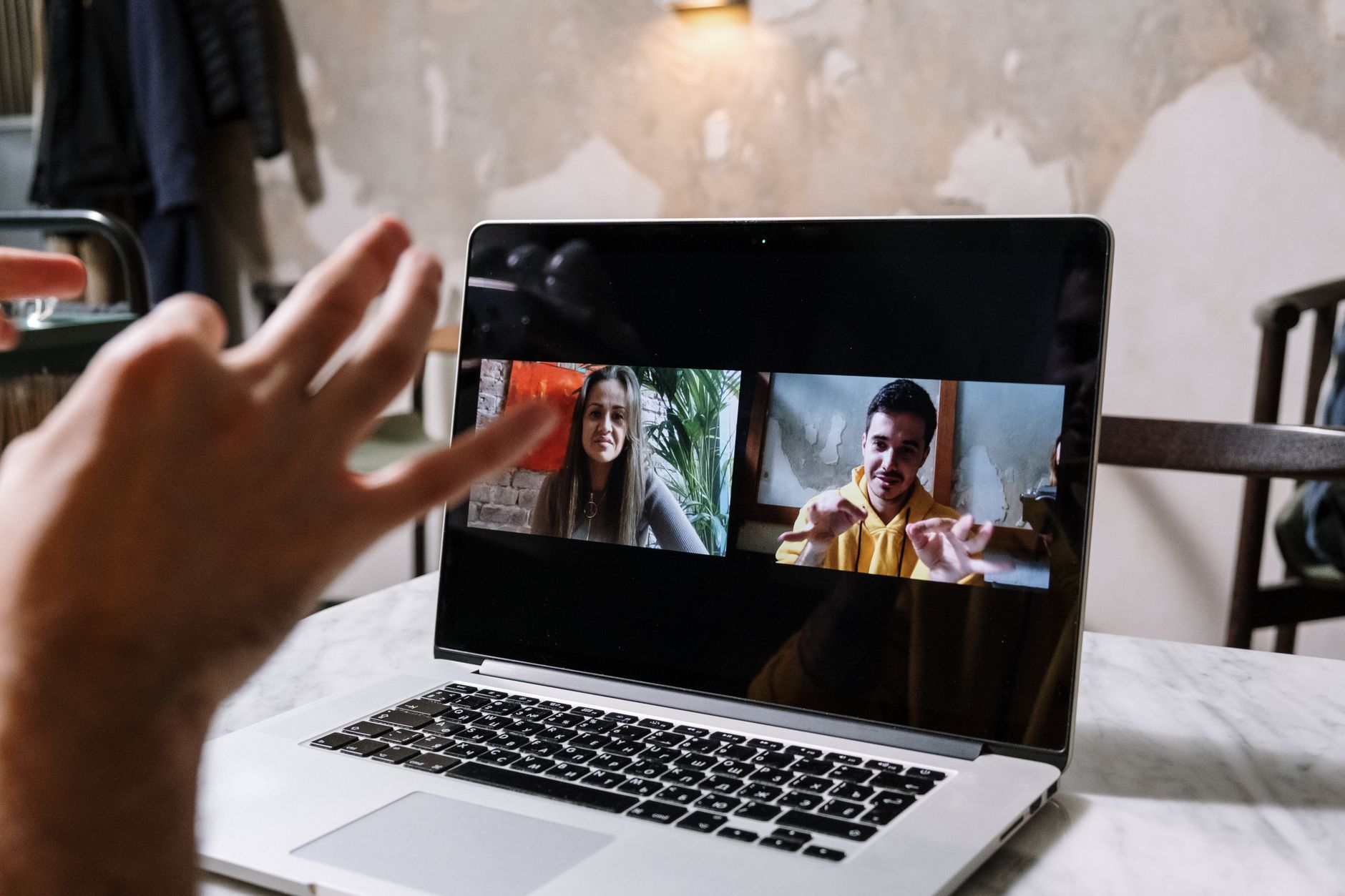
How to Use Frame.io for Video Review and Collaboration
Use Frame.io for video review and collaboration — share cuts for feedback, collect frame-accurate comments, manage versions, and streamline approvals with clients…
-
How to Change Frame Rate in Premiere Pro
Change frame rate in Premiere Pro — set sequence frame rate, interpret footage to a new rate, conform 24/30/60fps clips, and convert…
-
How to Create Rolling End Credits in Premiere Pro
Create rolling end credits in Premiere Pro — use the Essential Graphics roll feature, format names and roles cleanly, control scroll speed,…
-
How to Add Royalty-Free Music to Your Videos
Add royalty-free music to videos the right way — understand licensing, find safe music sources, avoid copyright strikes, and mix tracks under…
-
How to Clean Up Audio in Adobe Audition
Clean up audio in Adobe Audition — remove background noise, reduce hum and hiss, fix clipping, and use the spectral display to…
-
How to Use Markers in After Effects
Use markers in After Effects to sync animation to music, leave notes, navigate comps, and hit precise timing — comp markers, layer…
-
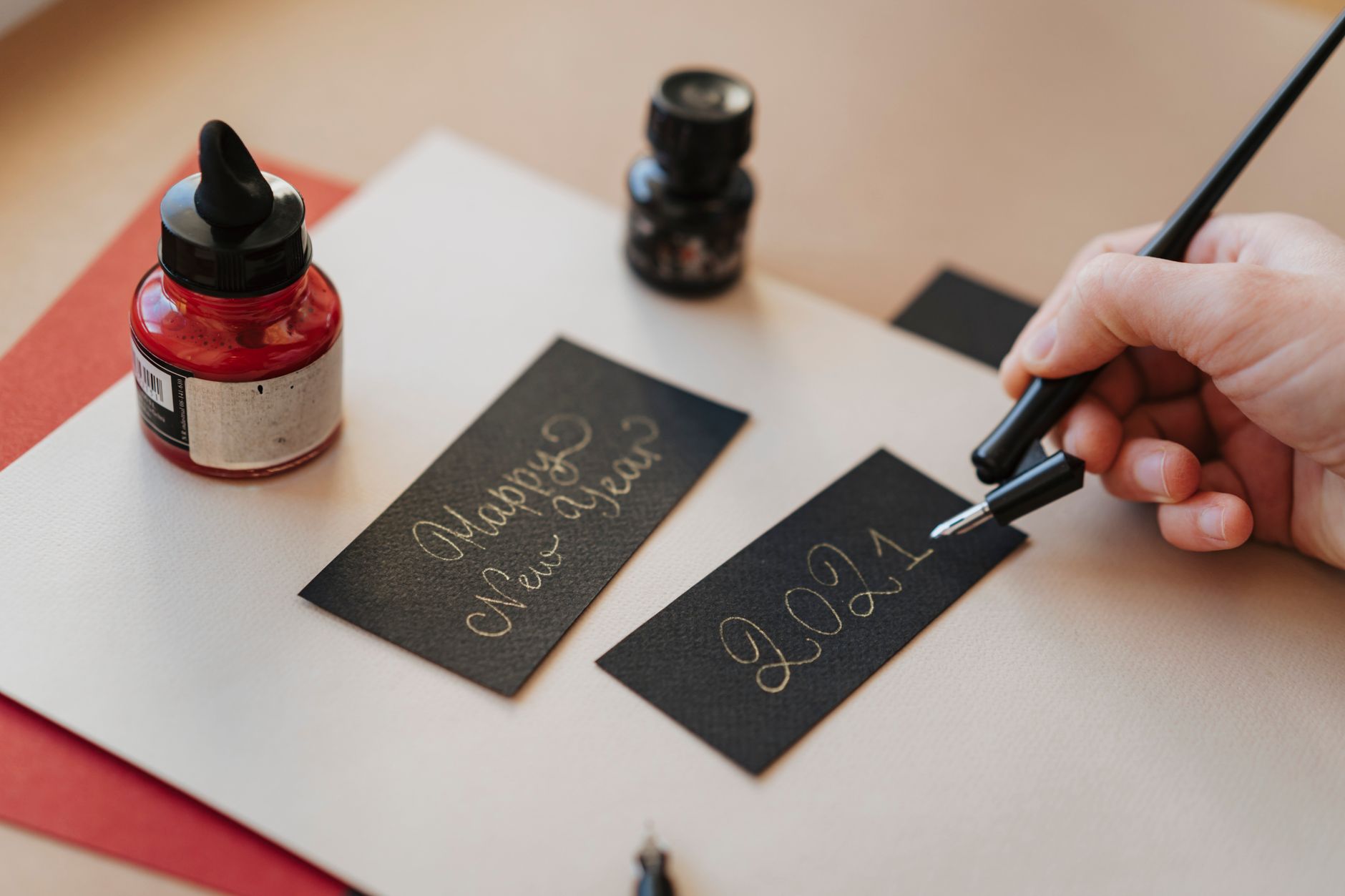
How to Create a Write-On Effect in After Effects
Create a write-on effect in After Effects — use the Write-on effect or Trim Paths to animate handwriting and signatures appearing stroke…
-
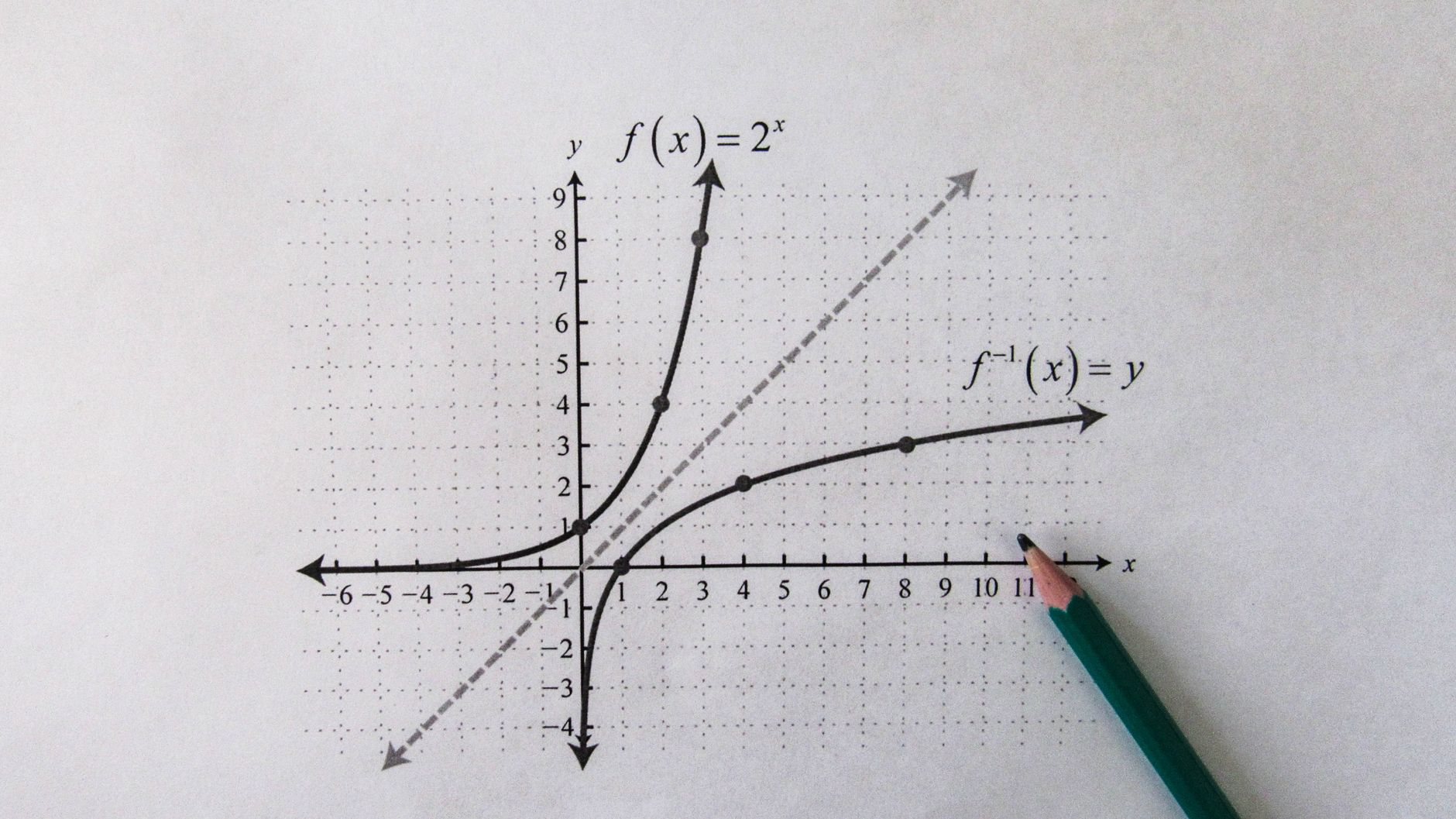
How to Use the Graph Editor in After Effects
Use the Graph Editor in After Effects to refine animation — read the speed and value graphs, shape velocity curves, and turn…