Browse
Category: Tutorials
Premiere Pro & After Effects tutorials from Adobe Video World instructors.
-
How to Create a Frosted Glass Effect in After Effects
Create a frosted glass effect in After Effects — blur a background behind a panel, add transparency and texture, and build modern…
-
How to Create a VHS Retro Effect in After Effects
Create a VHS retro effect in After Effects — add scan lines, chromatic aberration, tracking distortion, noise, and color bleed for an…
-
How to Add Film Grain in After Effects
Add film grain in After Effects to give digital footage an analog, cinematic texture — use noise and grain effects, control intensity,…
-
How to Add Light Leaks in After Effects
Add light leaks in After Effects — composite light leak overlays, create your own with gradients and blur, animate them, and add…
-
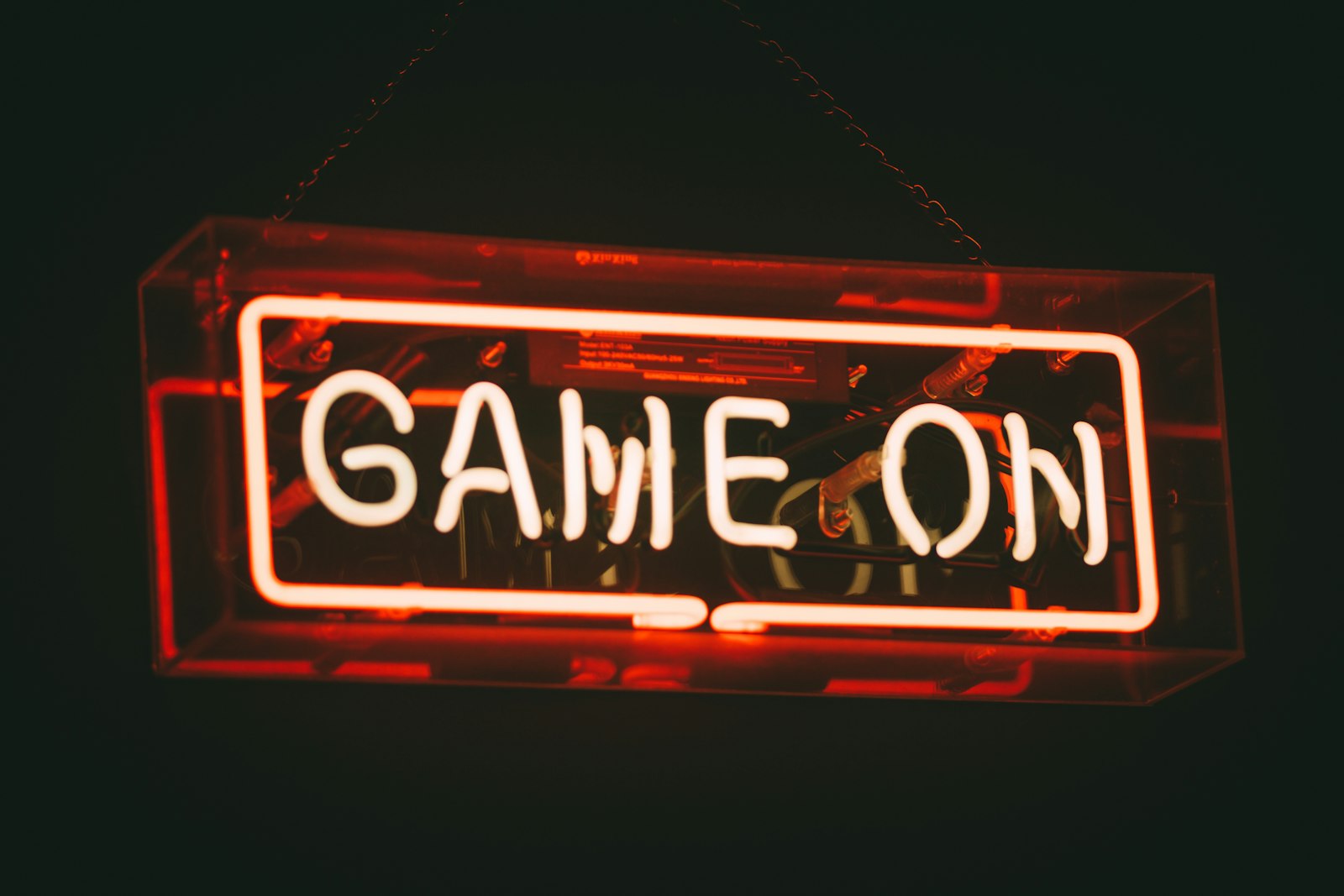
How to Create a Neon Sign Effect in After Effects
Create a neon sign effect in After Effects — make text and shapes glow like neon tubing, add flicker, color, and reflections…
-
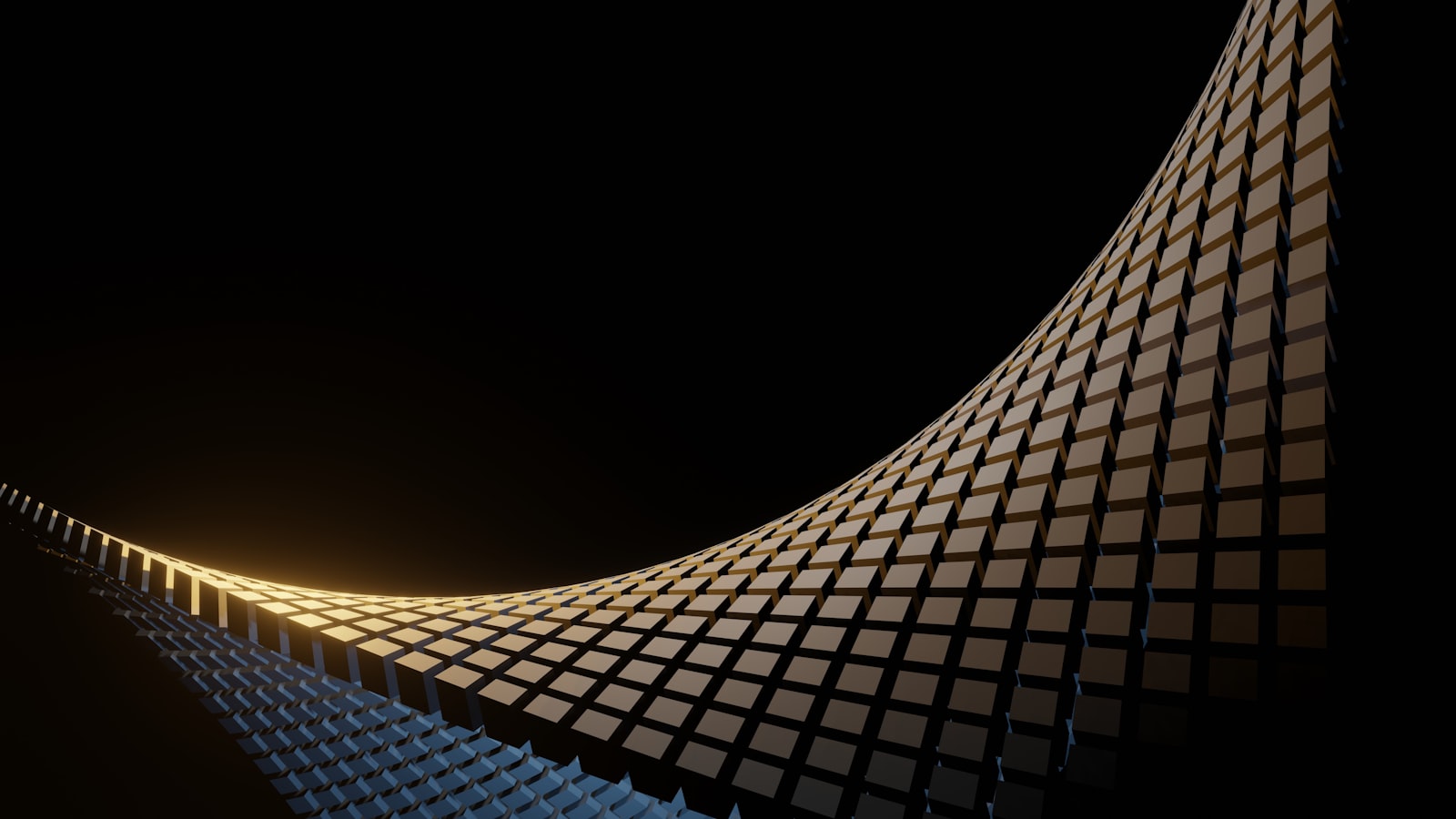
How to Use Mesh Warp in After Effects
Use Mesh Warp in After Effects to reshape and distort with a grid — bend images, animate organic warps, fix shapes, and…
-
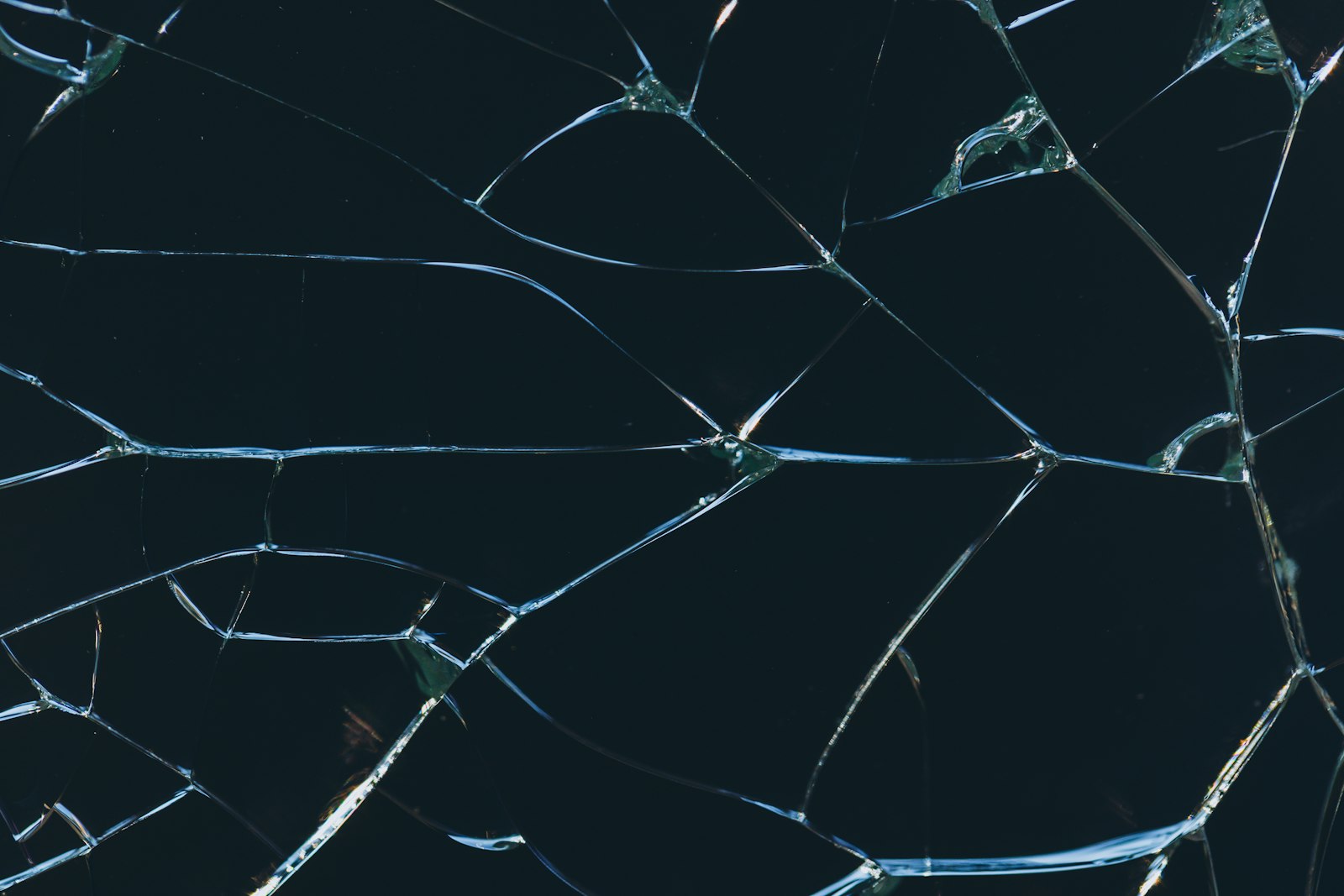
How to Use the Shatter Effect in After Effects
Use the Shatter effect in After Effects to explode and break apart text, logos, and images — control the shatter pattern, force,…
-
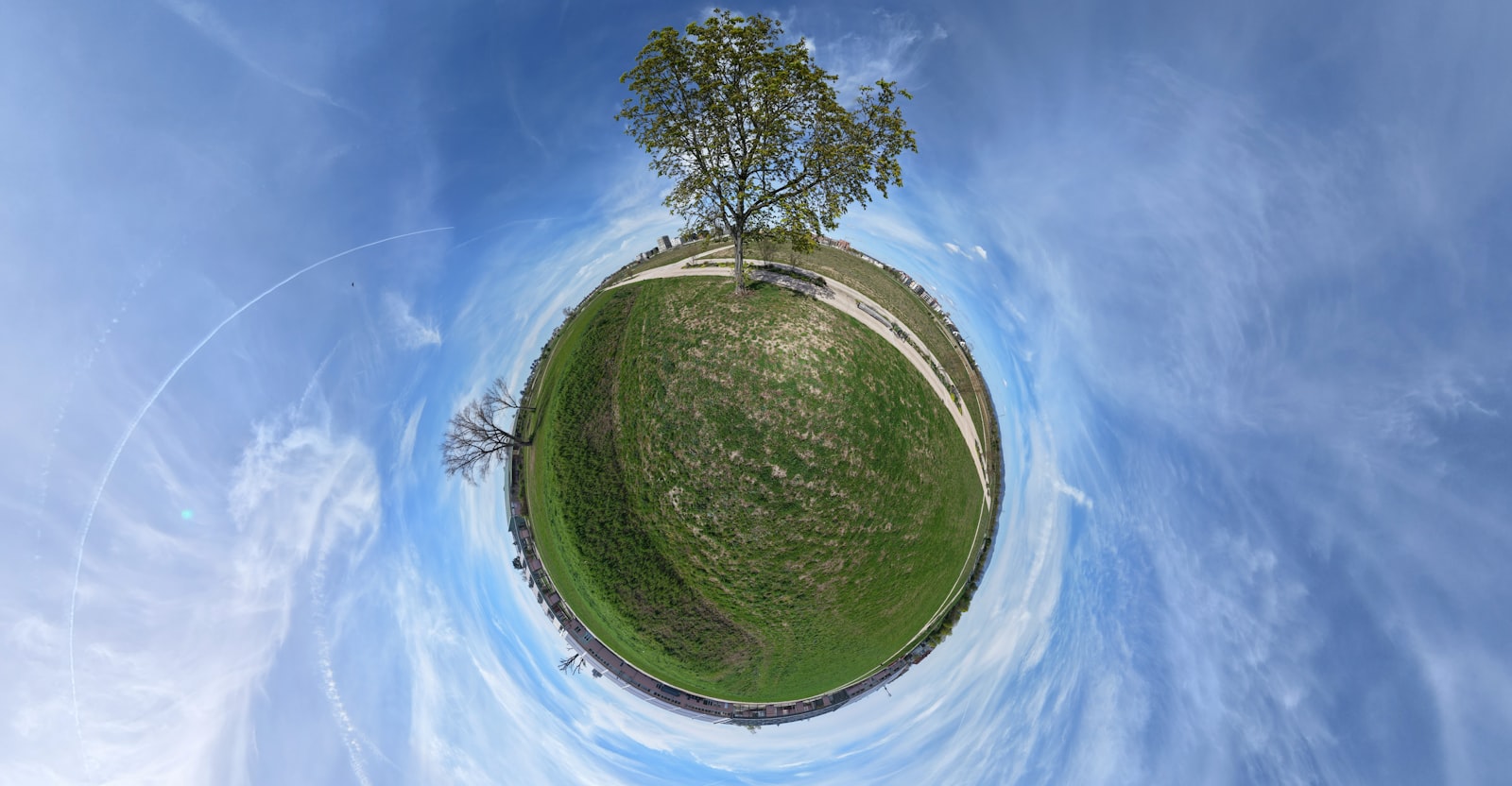
How to Use Polar Coordinates in After Effects
Use Polar Coordinates in After Effects to create tiny planet effects, circular distortions, and warps — convert between rectangular and polar to…
-
How to Use Fractal Noise in After Effects
Use Fractal Noise in After Effects to create clouds, smoke, water, textures, and backgrounds — control contrast, evolution, and complexity for endless…
-
How to Use the Echo Effect in After Effects
Use the Echo effect in After Effects to create motion trails, ghosting, and streaking — control echo time, number, and operator for…