A workflow taught by Adobe Certified Instructors at Adobe Video World.
Fractal Noise is one of the most versatile effects in After Effects, generating organic, cloud-like patterns that form the basis of smoke, water, fire, textures, and animated backgrounds. Mastering it unlocks countless effects. This guide explains how Fractal Noise works, its key controls, and the many things you can create with it.
What Fractal Noise Is
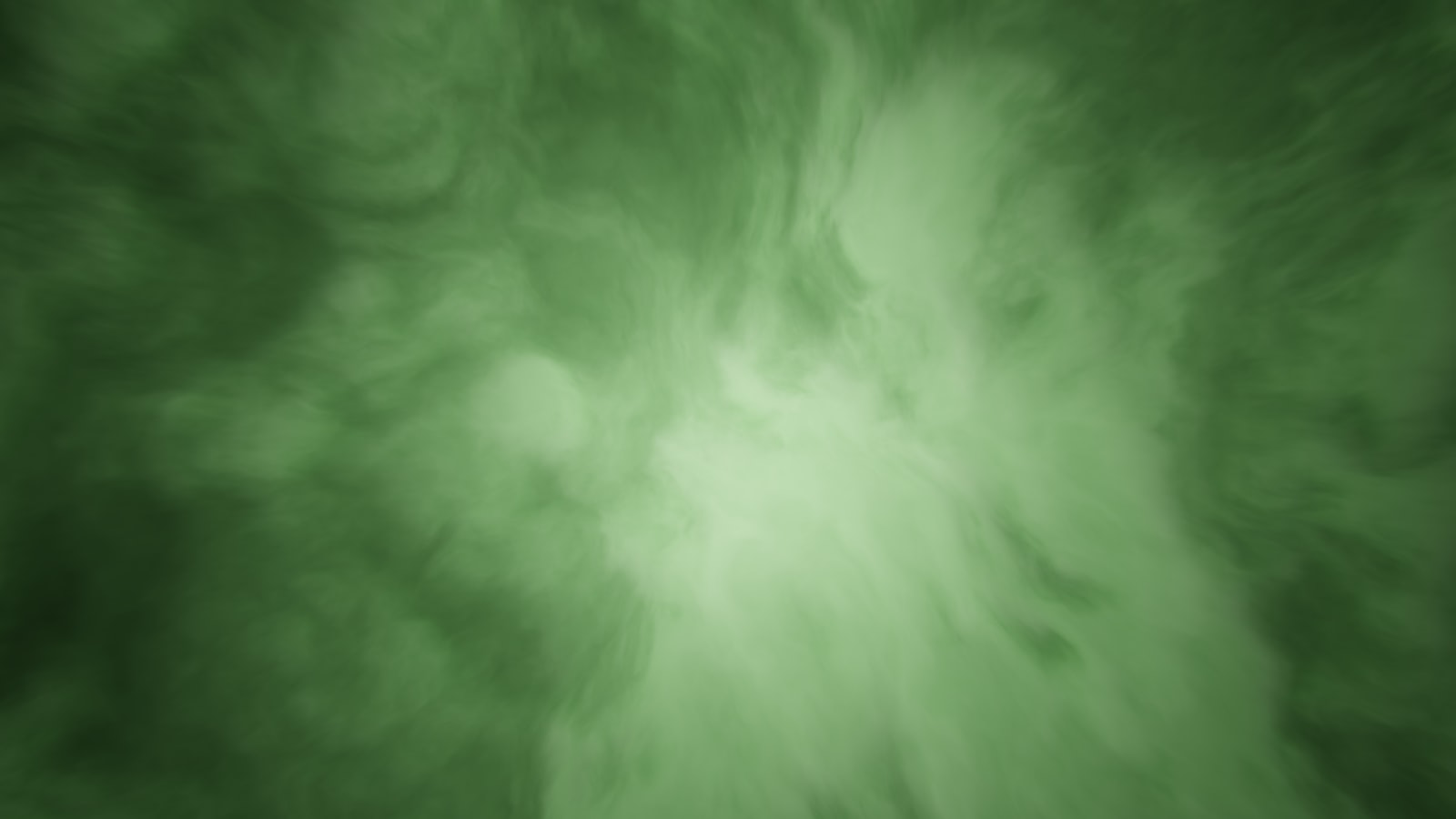
Fractal Noise generates a procedural, cloud-like pattern of light and dark values, built from layered noise. This organic texture can be shaped and animated into an enormous range of natural and abstract effects, all from a single generator.
Because it’s procedural, the pattern is infinitely adjustable and can animate endlessly without repeating. This flexibility makes Fractal Noise a foundational tool, underlying many of the atmospheric and texture effects motion designers rely on.

Apply Fractal Noise
Apply Fractal Noise from the Noise & Grain category to a solid layer, and it immediately fills the layer with its cloudy pattern. From there, its many controls let you shape that pattern into whatever you need.
The default pattern is a soft, cloudy texture, but it’s just a starting point. Adjusting the contrast, scale, and type transforms it dramatically, so applying it is only the first step toward the effect you want.
Control Contrast and Brightness
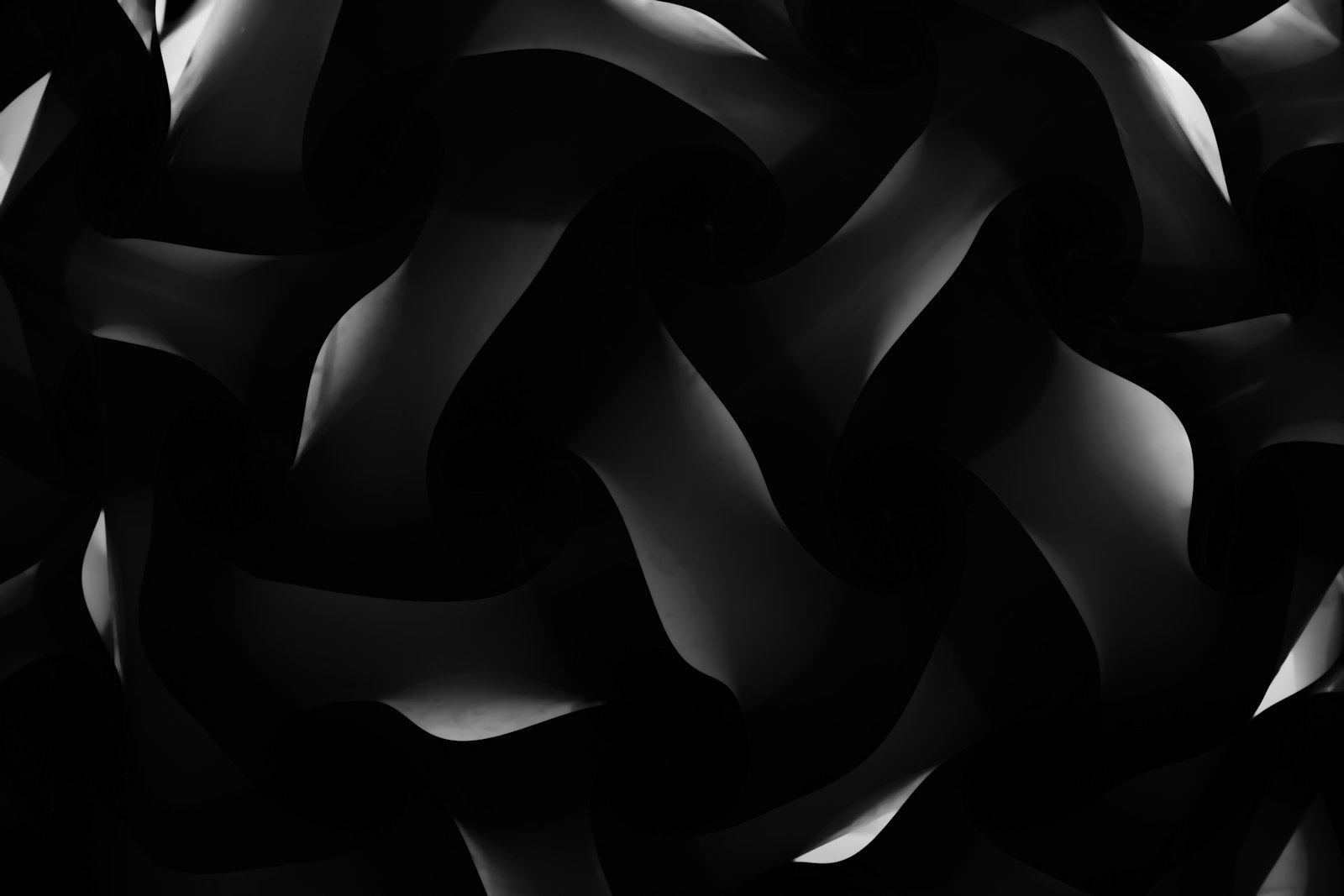
Contrast and Brightness shape the noise dramatically. High contrast turns the soft clouds into sharp, defined shapes, while low contrast keeps them smooth and hazy, and brightness shifts the overall tone.
These controls are key to turning generic noise into a specific effect. High contrast might create smoke or fire shapes, while low contrast suits gentle haze or subtle texture, so contrast is often where you start shaping the look.
Animate with Evolution
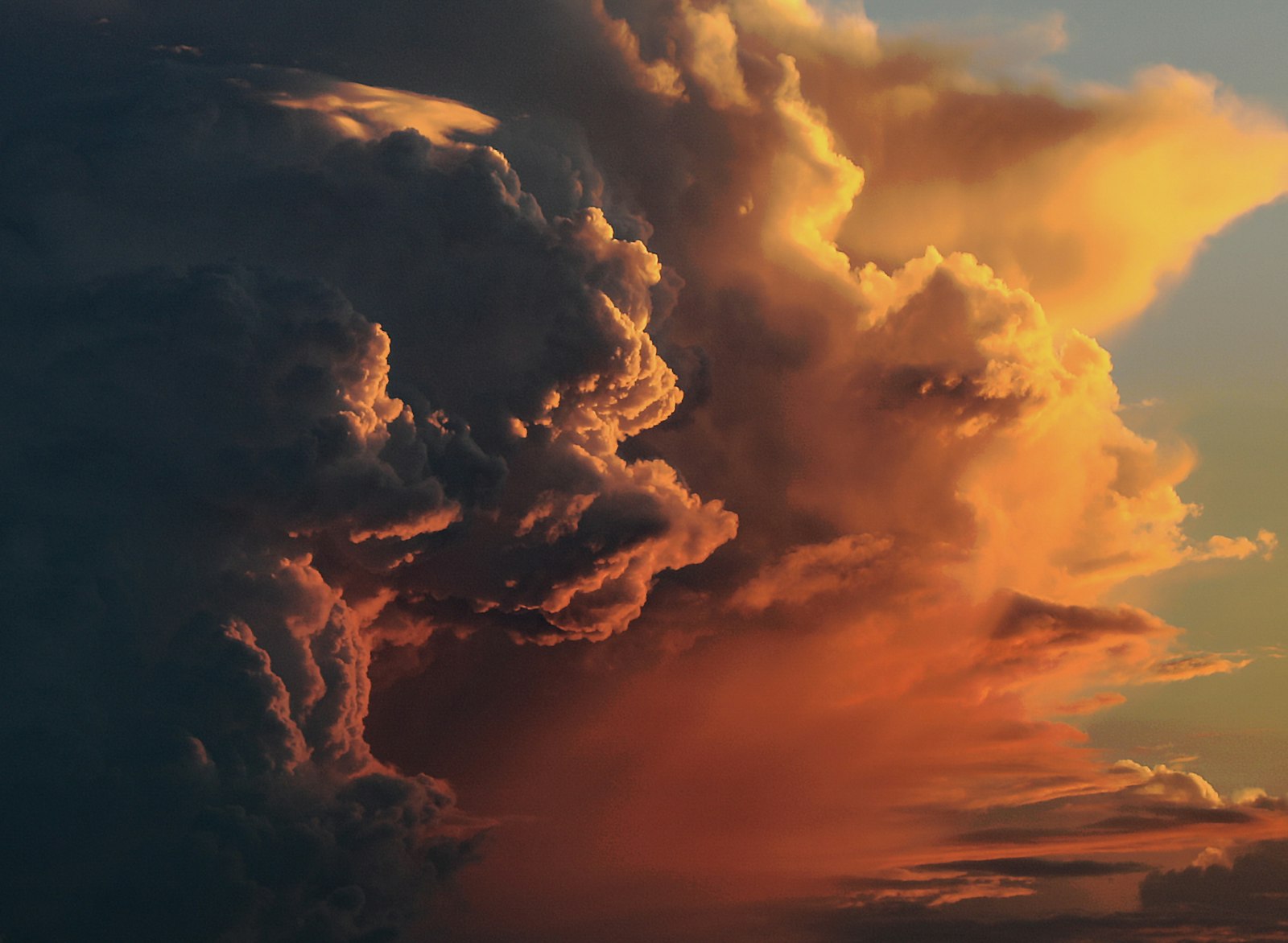
The Evolution property animates the noise, making the pattern churn and shift over time. Keyframing Evolution brings the texture to life, creating the flowing, roiling movement seen in smoke, water, and energy effects.
Evolution is what transforms a static texture into a living one. For a seamless loop, the Cycle Evolution option in Evolution Options lets the pattern repeat perfectly, ideal for endless backgrounds, as our looping guide covers.
Shape with Transform and Complexity
The Transform options scale, stretch, and offset the noise, letting you make tall flame shapes or wide cloud banks. Complexity and the sub-settings add finer detail by layering more noise, increasing the richness of the pattern.
Stretching the noise vertically, for instance, helps create flames or rising smoke, while adjusting complexity controls how detailed and turbulent it looks. These controls give you precise command over the pattern’s shape and detail.
Create Smoke, Clouds, and Water
Fractal Noise is the foundation of many natural effects. Shaped and animated appropriately, it becomes the basis of smoke and fog, drifting clouds, flowing water, and the churning movement of fire.
By adjusting contrast, stretch, evolution, and color, the same effect produces wildly different natural phenomena. Learning to shape Fractal Noise into these elements is a core skill, since it underlies so much atmospheric work in After Effects.
Use It for Textures and Backgrounds
Beyond natural effects, Fractal Noise creates textures and animated backgrounds. It can generate grunge textures, displacement maps, organic backdrops, and the subtle grain that smooths gradients.
Its procedural, animatable nature makes it perfect for living backgrounds that never repeat. Whether as a texture overlay, a displacement source, or a standalone animated backdrop, Fractal Noise is a workhorse for adding organic richness to motion graphics.
Color and Composite the Noise
Fractal Noise is grayscale by default, so coloring it unlocks more uses. Applying a gradient, tint, or color effect maps the noise to colors — fire gradients, colored energy, or tinted textures, as our color effects techniques cover.
Compositing the noise with blending modes then layers it over your scene. This combination of coloring and blending is how the raw grayscale pattern becomes a finished, integrated effect in your composition.
Fractal Noise Best Practices
- Shape the pattern with contrast, brightness, and stretch.
- Animate Evolution to make the noise churn and flow.
- Use Cycle Evolution for seamless looping backgrounds.
- Color and blend the noise to integrate it into your scene.
Common Fractal Noise Mistakes
- Leaving the default soft pattern instead of shaping it.
- Forgetting to animate Evolution for movement.
- Not stretching the noise for directional effects like flames.
- Skipping color and blending to integrate it.
A Real Fractal Noise Example
Imagine building a drifting fog bank for a forest scene. You apply Fractal Noise to a solid, lower the contrast for a soft haze, stretch it horizontally so it spreads like low-lying mist, and animate the Evolution so it slowly churns. Setting it to Screen over the footage drops the black away, leaving gentle fog rolling between the trees.
Because the noise is procedural, you can tweak the density and speed endlessly until it feels right, and Cycle Evolution makes it loop forever with no seam. That single effect, shaped and animated, becomes convincing atmosphere — a perfect illustration of why Fractal Noise underpins so much of what After Effects artists create.
Fractal Noise as a Displacement Source
One of Fractal Noise’s most powerful uses is driving other effects as a displacement map. Because it generates smooth, animatable grayscale detail, it makes an ideal source for displacement, distorting a layer organically to simulate heat haze, water refraction, or flowing fabric.
Animating the noise then animates the distortion, producing living, organic warps that procedural distortion effects alone can’t match. This pairing of Fractal Noise and displacement is a staple compositing technique, and learning to shape the noise specifically as a control source opens up a whole category of natural-looking effects.
Fractal Noise as a Creative Foundation
Beyond natural phenomena, Fractal Noise is a creative foundation for abstract motion graphics. Tinted, blended, and animated, it produces flowing organic backgrounds, energy textures, and dynamic patterns that feel alive and never repeat, giving designs an organic richness flat elements lack.
Because it responds to so many controls, two artists rarely produce the same result from it, making it a tool for developing a personal style. Combining Fractal Noise with color effects and glow, as in our motion graphics work, turns a humble noise generator into the basis of distinctive, sophisticated visuals.
Key Takeaways
- Fractal Noise generates organic, cloud-like procedural patterns.
- Contrast, brightness, and stretch shape the pattern.
- Evolution animates it; Cycle Evolution loops it seamlessly.
- It’s the basis of smoke, water, fire, textures, and backgrounds.
Frequently Asked Questions
What is Fractal Noise used for in After Effects?
Fractal Noise generates organic, cloud-like patterns that form the basis of smoke, fog, water, fire, textures, displacement maps, and animated backgrounds. It’s one of the most versatile generators in After Effects.
How do I animate Fractal Noise?
Keyframe the Evolution property, which makes the noise pattern churn and shift over time. For a seamless loop, use the Cycle Evolution option in Evolution Options so the pattern repeats perfectly.
How do I make smoke with Fractal Noise?
Apply Fractal Noise, raise the contrast and stretch the pattern, animate the Evolution so it churns, then color it and blend it over your scene with Screen. Adjusting these controls shapes the noise into drifting smoke.
Sources: Wikipedia’s article on fractal noise.
Generate organic textures at Adobe Video World
Train hands-on with Adobe Certified Instructors across 100+ Premiere Pro & After Effects sessions.



