Browse
Category: Tutorials
Premiere Pro & After Effects tutorials from Adobe Video World instructors.
-
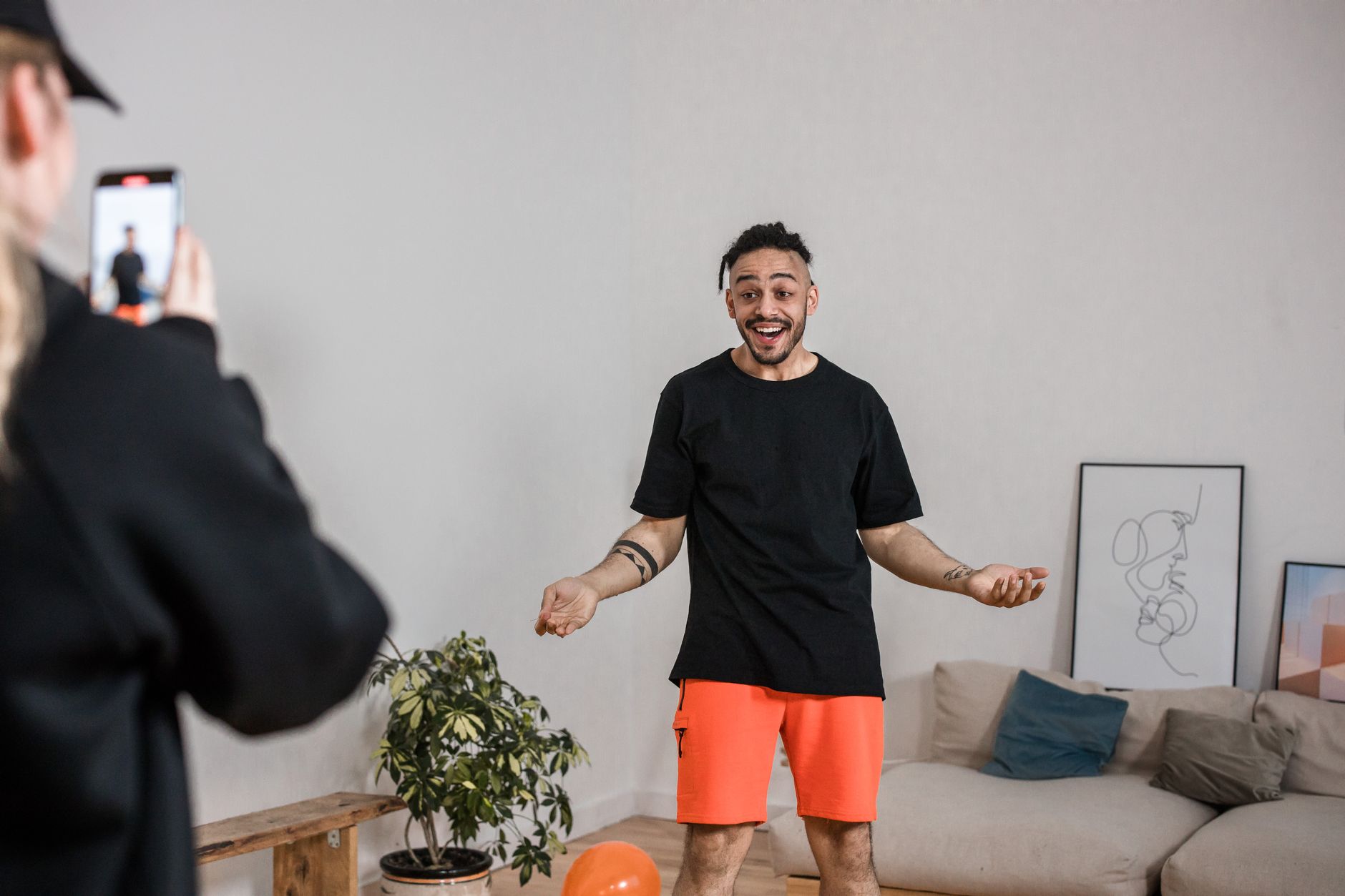
How to Edit Short-Form Vertical Video for Reels and TikTok
Edit short-form vertical video for Reels, TikTok, and Shorts — hook fast, cut tight, add captions and effects, design for vertical, and…
-
How to Edit a Screen Recording or Tutorial Video
Edit a screen recording or tutorial video — tighten the pacing, zoom into key areas, add callouts and highlights, sync narration, and…
-
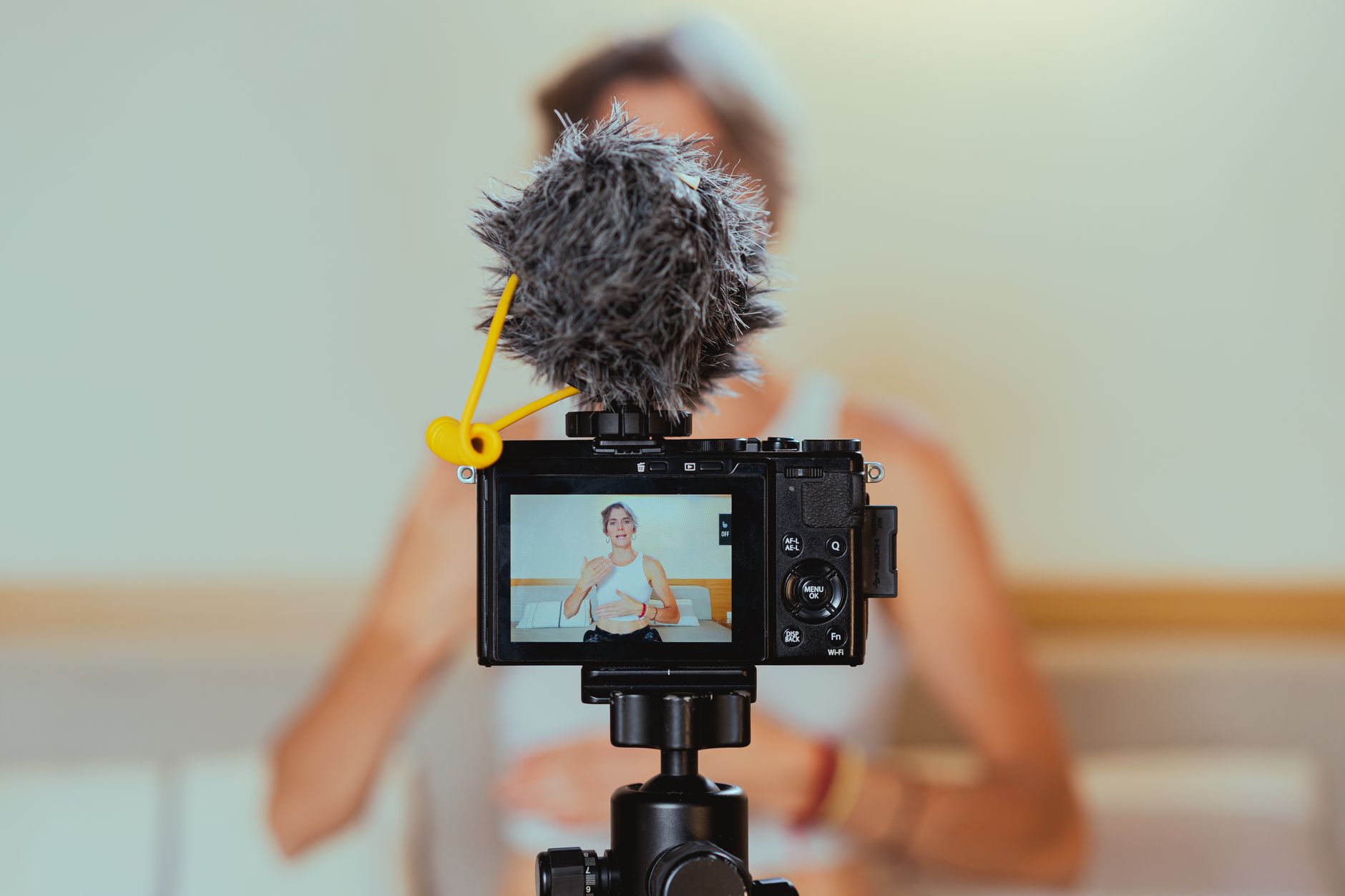
How to Edit a Talking-Head Video
Edit a talking-head video — tighten the speech with jump cuts, cover edits with B-roll, add captions and graphics, and keep a…
-
How to Match Colors with Comparison View in Premiere Pro
Use Comparison View in Premiere Pro to match shots — compare two clips side by side, use Color Match, and grade footage…
-
How to Customize Workspaces in Premiere Pro
Customize workspaces in Premiere Pro — arrange panels, save custom layouts, switch between editing and color workspaces, and set up an efficient…
-
How to Link and Unlink Audio and Video in Premiere Pro
Link and unlink audio and video in Premiere Pro — separate or join clip audio and video, edit them independently, create split…
-
How to Export a Still Frame in Premiere Pro
Export a still frame in Premiere Pro — grab a high-quality image from your video with Export Frame, choose the format, use…
-
How to Render and Preview Your Timeline in Premiere Pro
Render and preview your timeline in Premiere Pro — understand the red, yellow, and green render bar, render in to out, use…
-
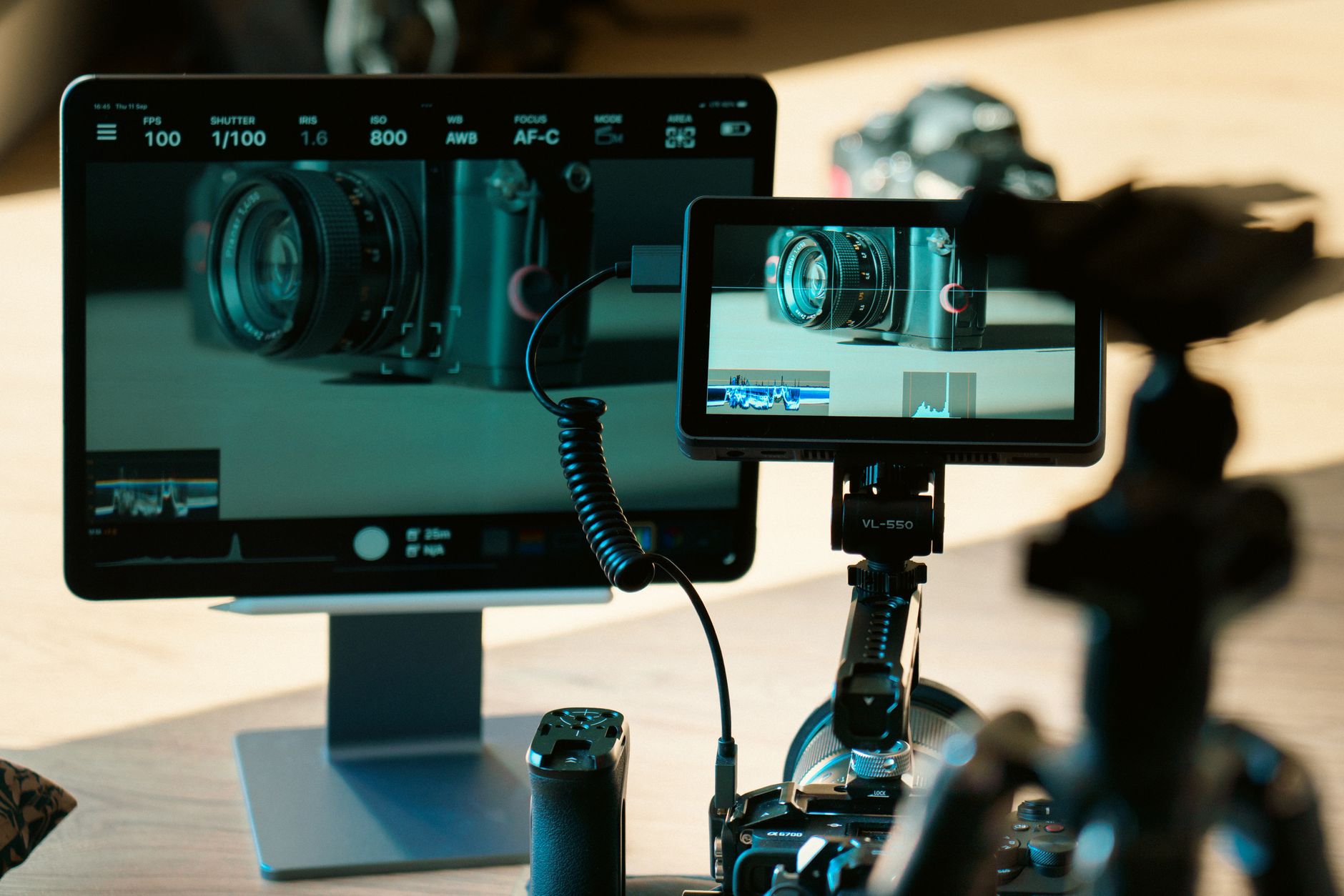
How to Use the Source and Program Monitors in Premiere Pro
Use the Source and Program monitors in Premiere Pro — preview and trim clips before editing, set in and out points, and…
-
How to Set Up Sequence Settings in Premiere Pro
Set up sequence settings in Premiere Pro — match your footage, choose resolution and frame rate, pick the right preset, and create…