Browse
Category: Tutorials
Premiere Pro & After Effects tutorials from Adobe Video World instructors.
-
How to Use Roughen Edges in After Effects
Use the Roughen Edges effect in After Effects to add rough, torn, eroded, and hand-drawn edges to text and shapes — control…
-
How to Use Set Matte in After Effects
Use the Set Matte effect in After Effects to use one layer as a matte for another without track mattes — link…
-
How to Create a Radial Wipe Transition in After Effects
Create a radial wipe transition in After Effects — use the Radial Wipe and Linear Wipe effects to reveal layers with clock-like…
-
How to Recolor Footage with Colorama and Tint in After Effects
Recolor footage in After Effects with Colorama, Tint, and Tritone — map colors creatively, create duotones, apply stylized color schemes, and transform…
-

How to Use Blur Effects in After Effects
Use blur effects in After Effects — master Gaussian, Camera Lens, Directional, and Radial blur to soften, focus, fake depth of field,…
-
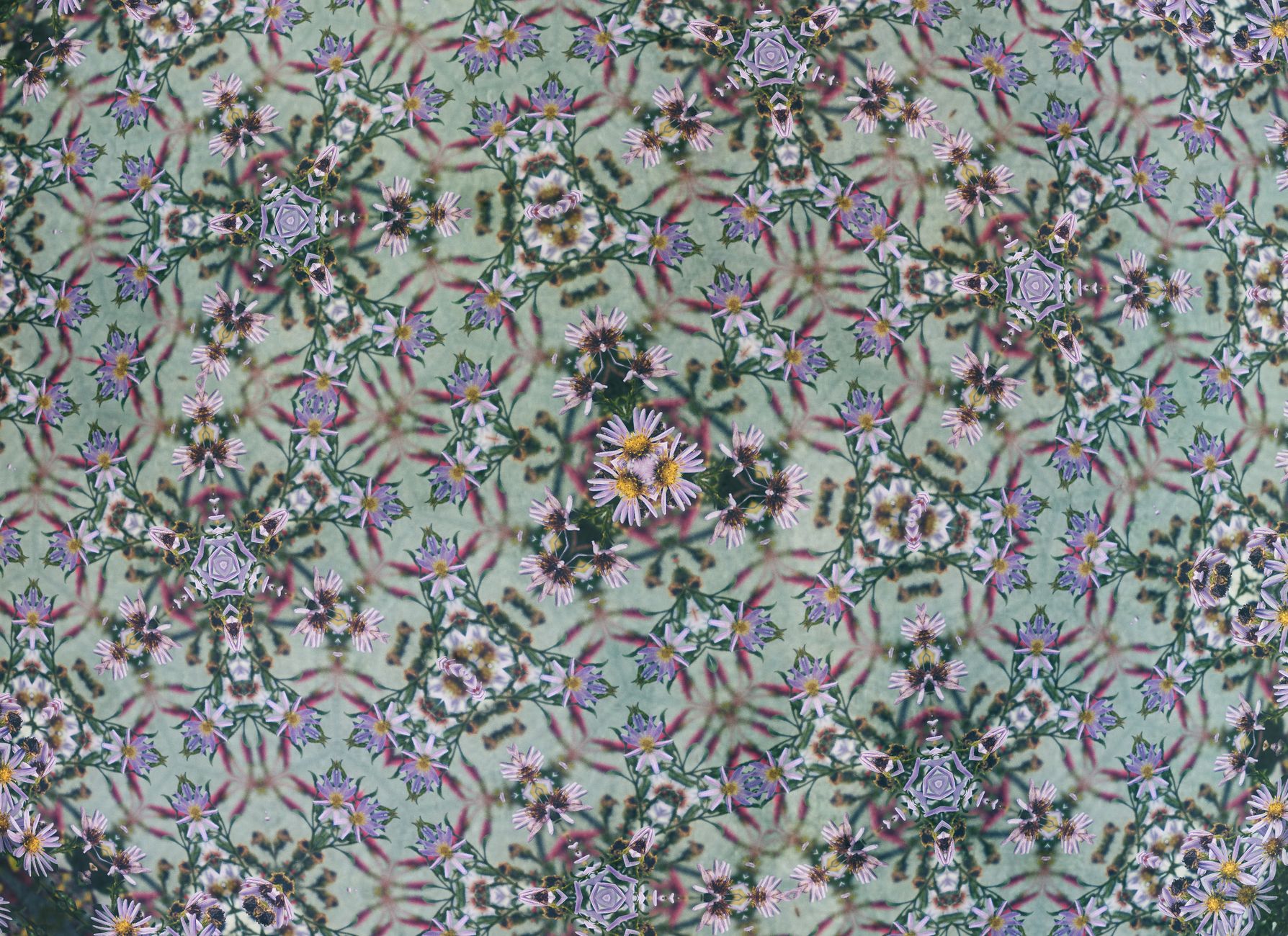
How to Create a Kaleidoscope Effect in After Effects
Create a kaleidoscope effect in After Effects — use CC Kaleida and mirroring to make symmetrical, repeating patterns, animate hypnotic visuals, and…
-

How to Use Master Properties in After Effects
Use master properties in After Effects to control pre-comps from the outside — expose properties, create flexible templates, and adjust nested compositions…
-

How to Use Layer Styles in After Effects
Use layer styles in After Effects — add drop shadows, strokes, glows, bevels, and gradient overlays to text and shapes quickly, just…
-
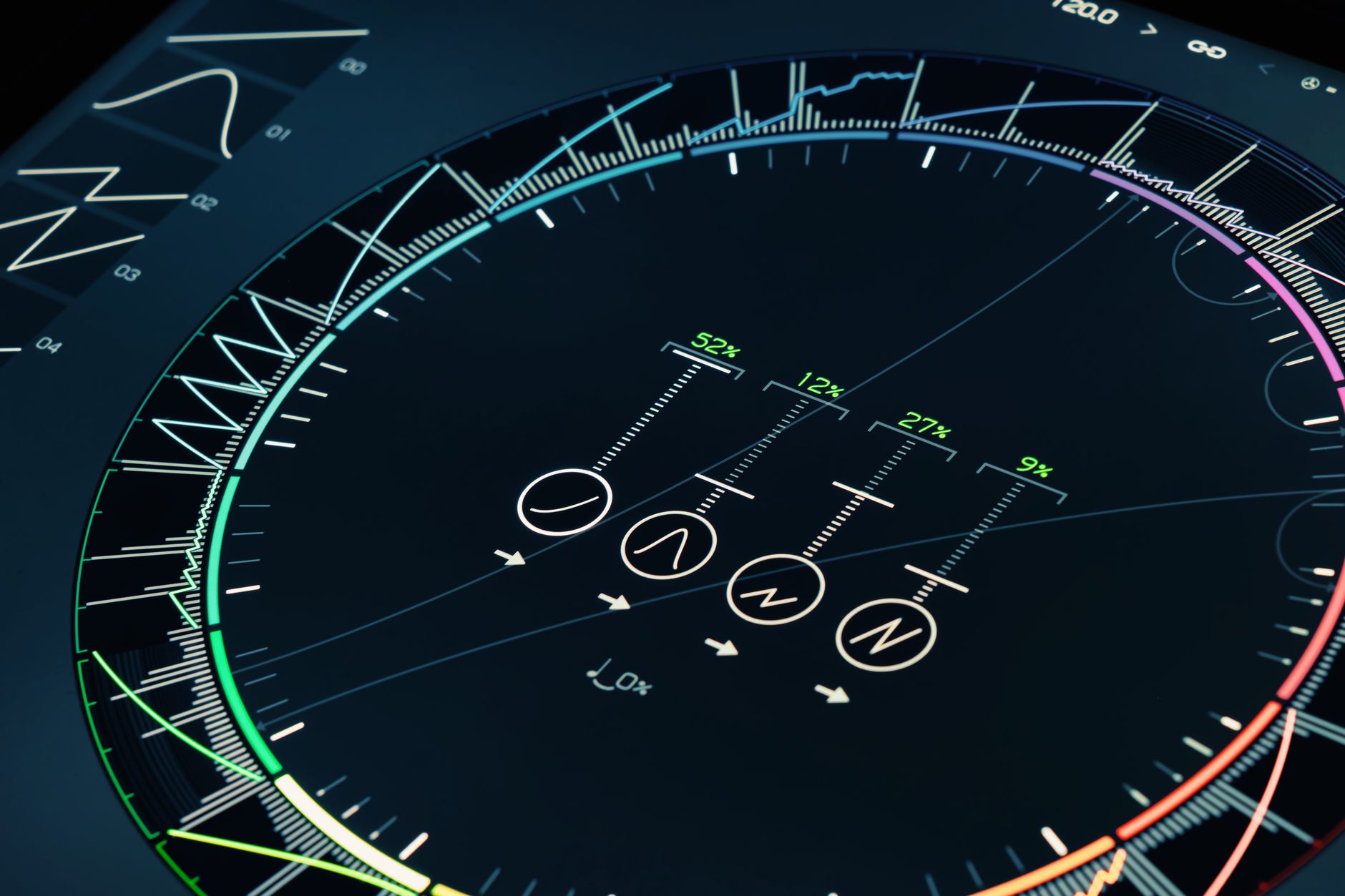
How to Create a Sci-Fi HUD Interface in After Effects
Create a sci-fi HUD interface in After Effects — build futuristic UI elements, rings, data readouts, and glowing graphics, then animate them…
-
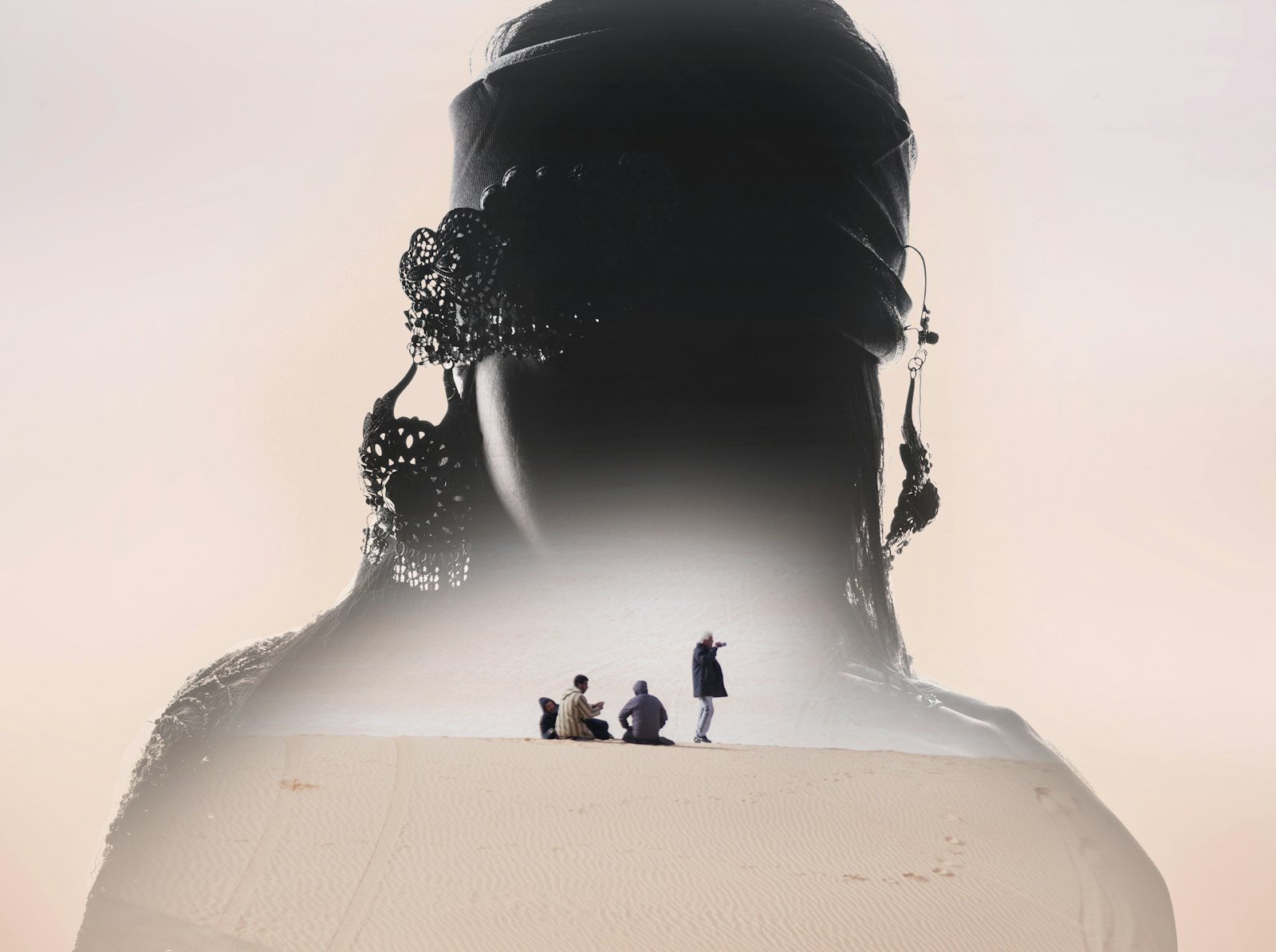
How to Create a Double Exposure Effect in After Effects
Create a double exposure effect in After Effects — blend two images or clips with blending modes and mattes, fill a silhouette…