A workflow taught by Adobe Certified Instructors at Adobe Video World.
Travel videos transport viewers to a place, capturing the energy, beauty, and feeling of a journey. Editing one well takes storytelling, rhythm, and an eye for the best moments. This guide covers editing a travel video that’s immersive and cinematic, from structuring the trip to cutting it together with music and movement.
Tell the Story of the Trip
A great travel video is a journey, not a clip dump. Structuring it with a narrative arc — arrival, exploration, highlights, and reflection — gives the video a sense of progression that pulls viewers through the experience of the trip.
Thinking about the story you want to tell about the place and journey shapes the edit. Whether chronological or themed, giving the travel video a deliberate structure, rather than stringing clips randomly, is what makes it engaging and memorable.
Choose Your Best Shots
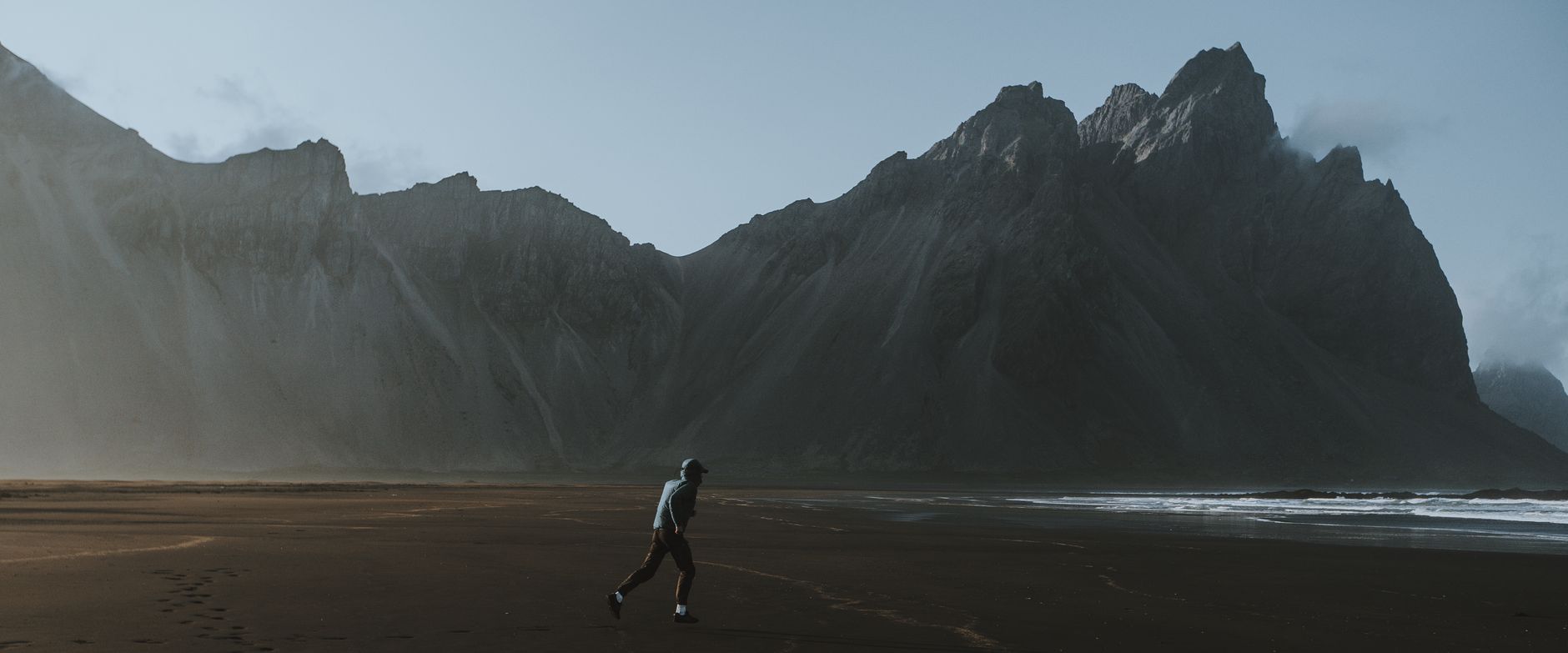
Travel footage is often plentiful, so curation is key. Selecting only the most striking, beautiful, and characterful shots — the views, the details, the moments — keeps the video compelling, since a travel film is judged by the quality of its imagery.
Being ruthless about cutting weak or repetitive footage maintains the visual impact. A tight selection of your strongest shots, with the variety to keep it fresh, is what gives a travel video its cinematic, postcard-worthy quality.
Cut to Music
Music drives travel videos, setting the energy and emotion. Choosing a licensed track that fits the mood of the trip and cutting to its rhythm and builds, using our montage techniques, creates a flowing, energetic edit.
Editing to the music’s beat and dynamics — calmer for scenic moments, energetic for action and exploration — gives the video its pulse. The right track, well synced, is central to a travel film that feels alive and emotionally engaging.
Mix Shot Types and Scales
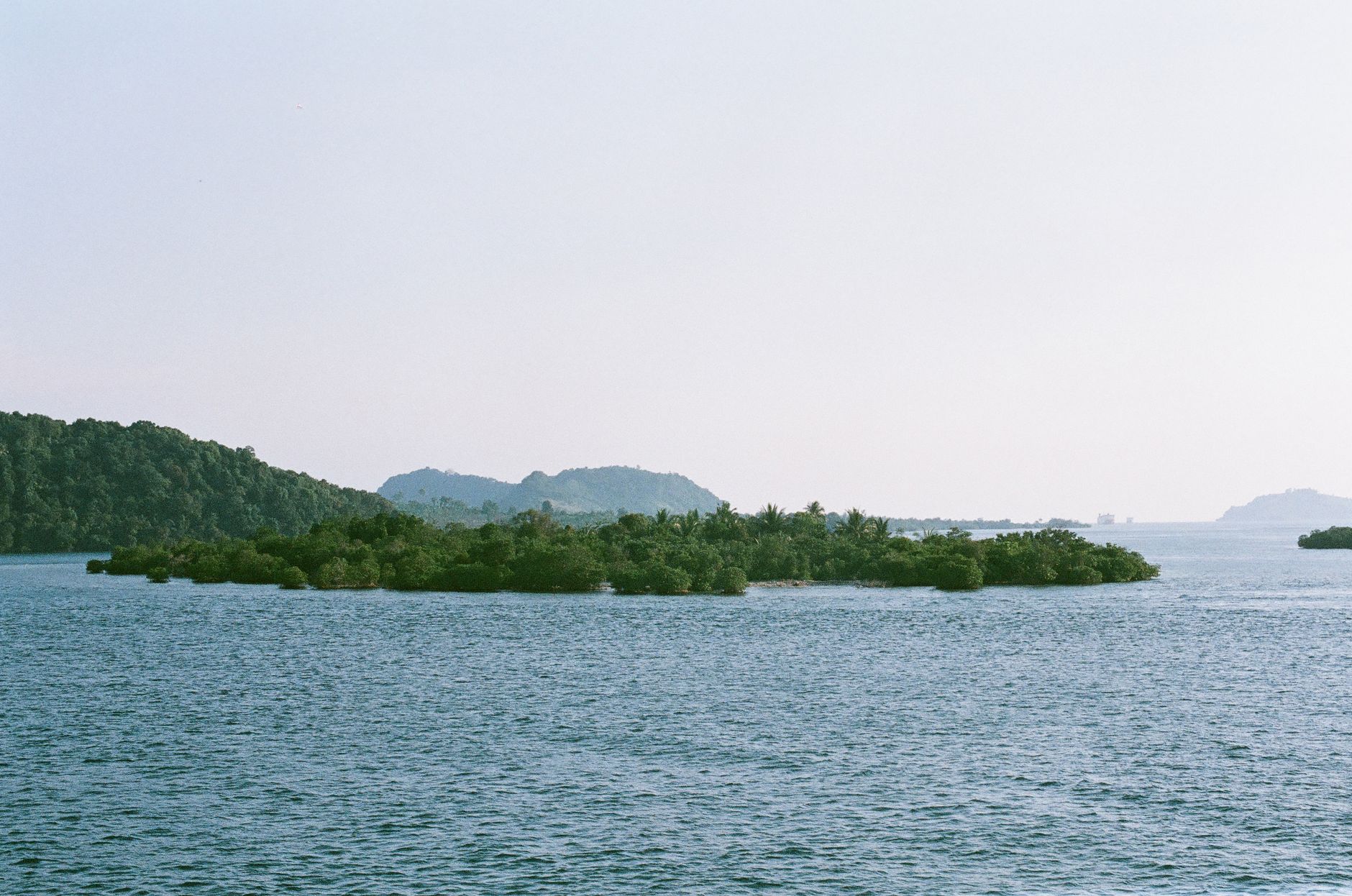
Variety keeps travel videos immersive. Mixing sweeping wide shots that establish places, medium shots of activity, and close-up details of culture and texture, using our shot variety, builds a rich sense of the destination.
This range — grand vistas alongside intimate details — captures both the scale and the character of a place. Cutting between shot types and scales gives the travel video depth and rhythm, transporting viewers more fully than wide shots alone.
Use Dynamic Transitions
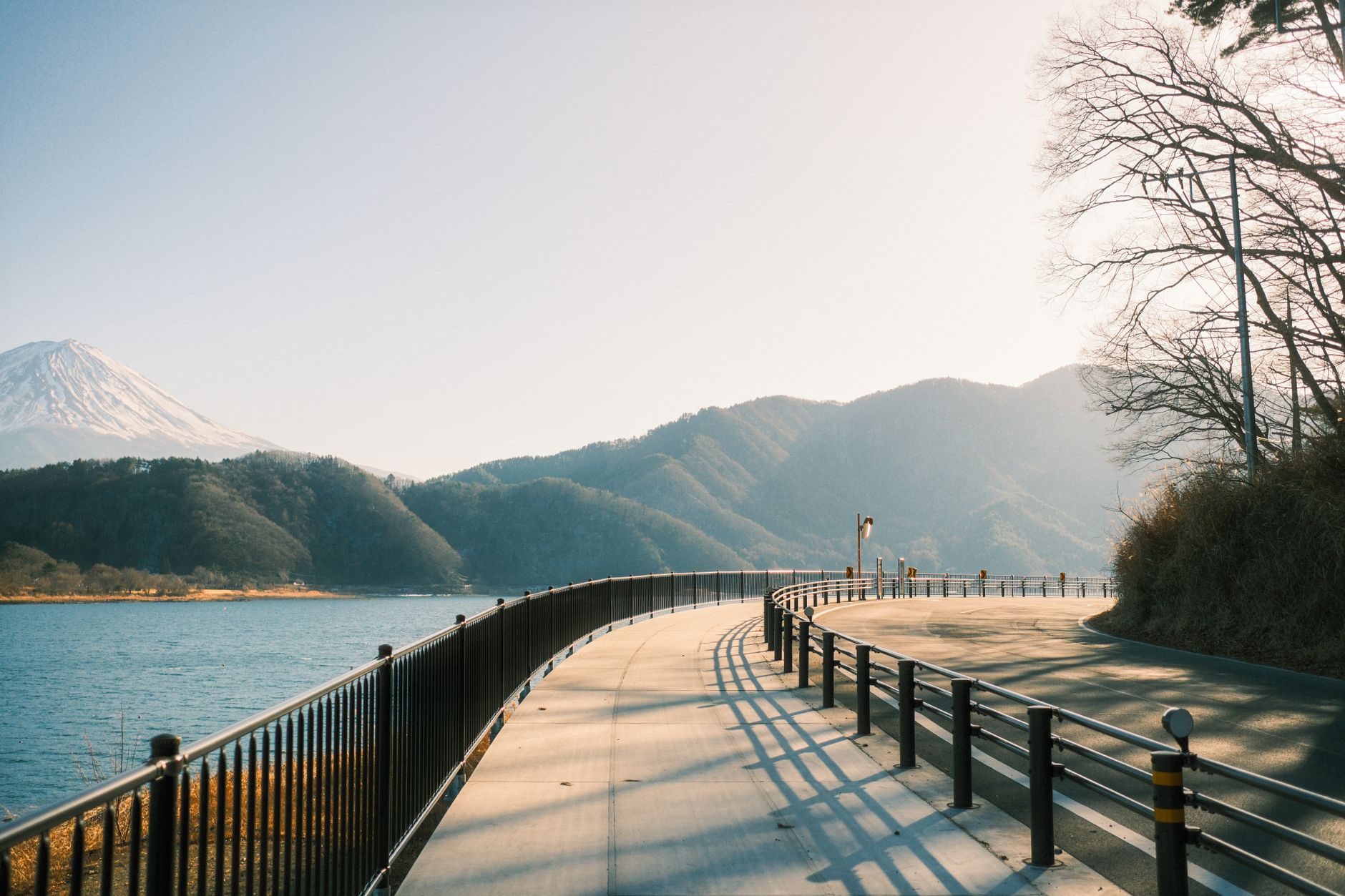
Travel videos often use creative transitions to flow between locations. Smooth or dynamic transitions — whip pans, matched motion, masked reveals — carry viewers from place to place energetically, enhancing the sense of a journey.
These transitions, used to connect scenes and locations, add polish and momentum. Combined with the music’s rhythm, well-crafted transitions, drawing on our transitions guide, give a travel video the seamless, flowing feel of an adventure unfolding.
Incorporate Movement
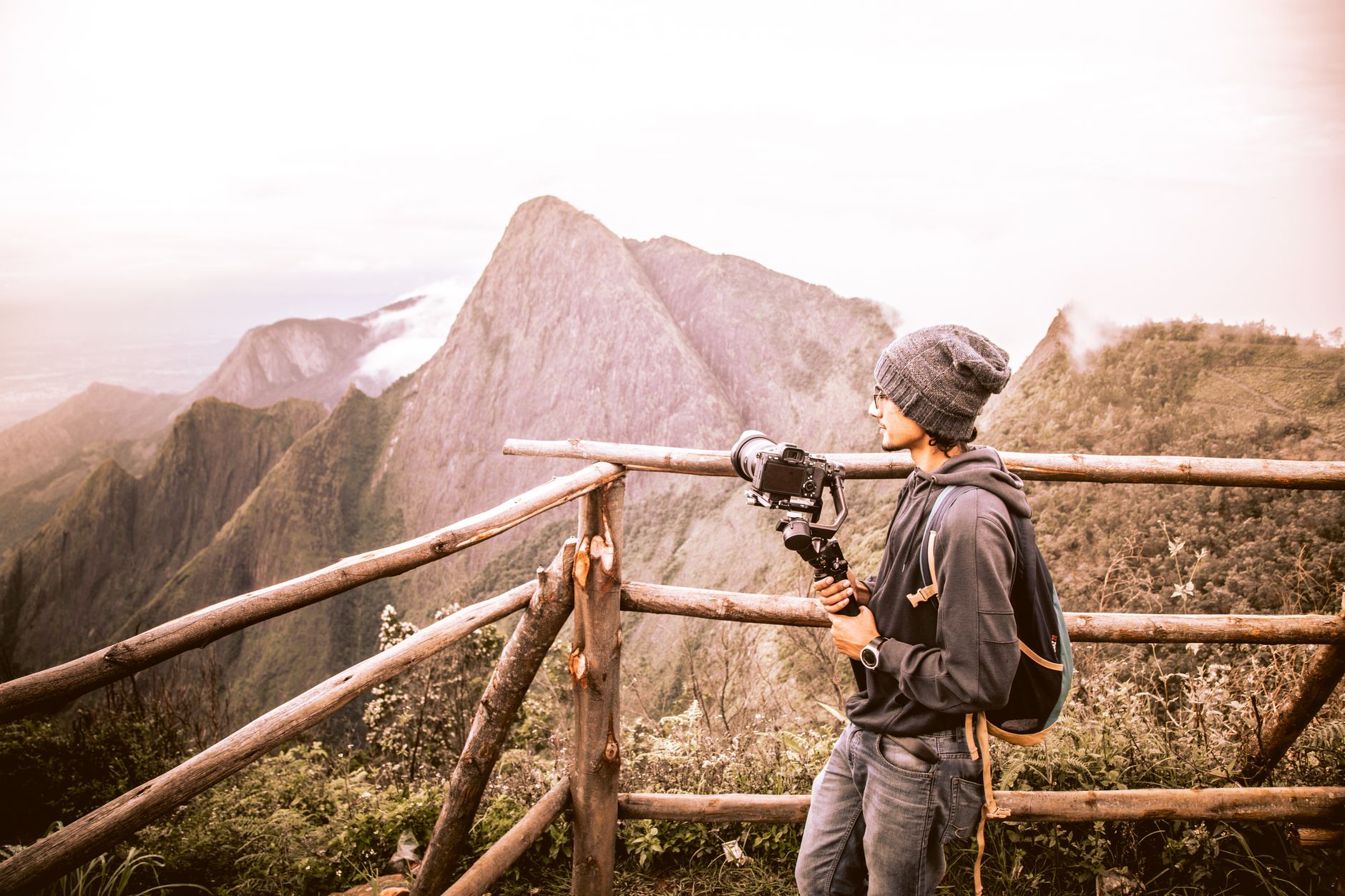
Movement adds energy to travel footage. Including drone shots, gimbal moves, and dynamic camera work, and cutting them to the music, gives the video a cinematic, kinetic quality that static shots can’t match.
Aerial and moving shots especially convey the scale and excitement of travel. Weaving this movement throughout, using footage from our drone and gimbal techniques, makes the travel video feel immersive and professionally produced.
Grade for the Location
Color sets the mood and beauty of a place. A grade that enhances the location’s colors — warm and golden for a beach, lush and green for a jungle, vibrant for a city — amplifies the destination’s appeal and unifies the footage.
Crafting a look that suits the place and the trip’s feeling, using our grading techniques, makes the travel video stunning. A consistent, flattering grade across the varied footage gives it a cohesive, cinematic, postcard-perfect quality.
Add Atmosphere with Sound
Beyond music, ambient sound immerses viewers in the place. Layering location sounds — markets, waves, city bustle, nature — under the music brings the destination to life, adding a sensory dimension to the visuals.
These ambient sounds, captured on the trip or sourced, ground the video in real places. Combined with the music, this sound design transports viewers more completely, making the travel video feel like being there rather than just watching.
Travel Video Editing Best Practices
- Structure the video as a journey with a story arc.
- Curate only your strongest, most varied shots.
- Cut to licensed music’s rhythm and dynamics.
- Mix shot types, add movement, and grade for the location.
Common Travel Video Mistakes
- A random clip dump with no story or structure.
- Including weak, repetitive footage that dilutes impact.
- Cuts that ignore the music’s rhythm.
- Flat color and no ambient sound to immerse viewers.
A Real Travel Edit Example
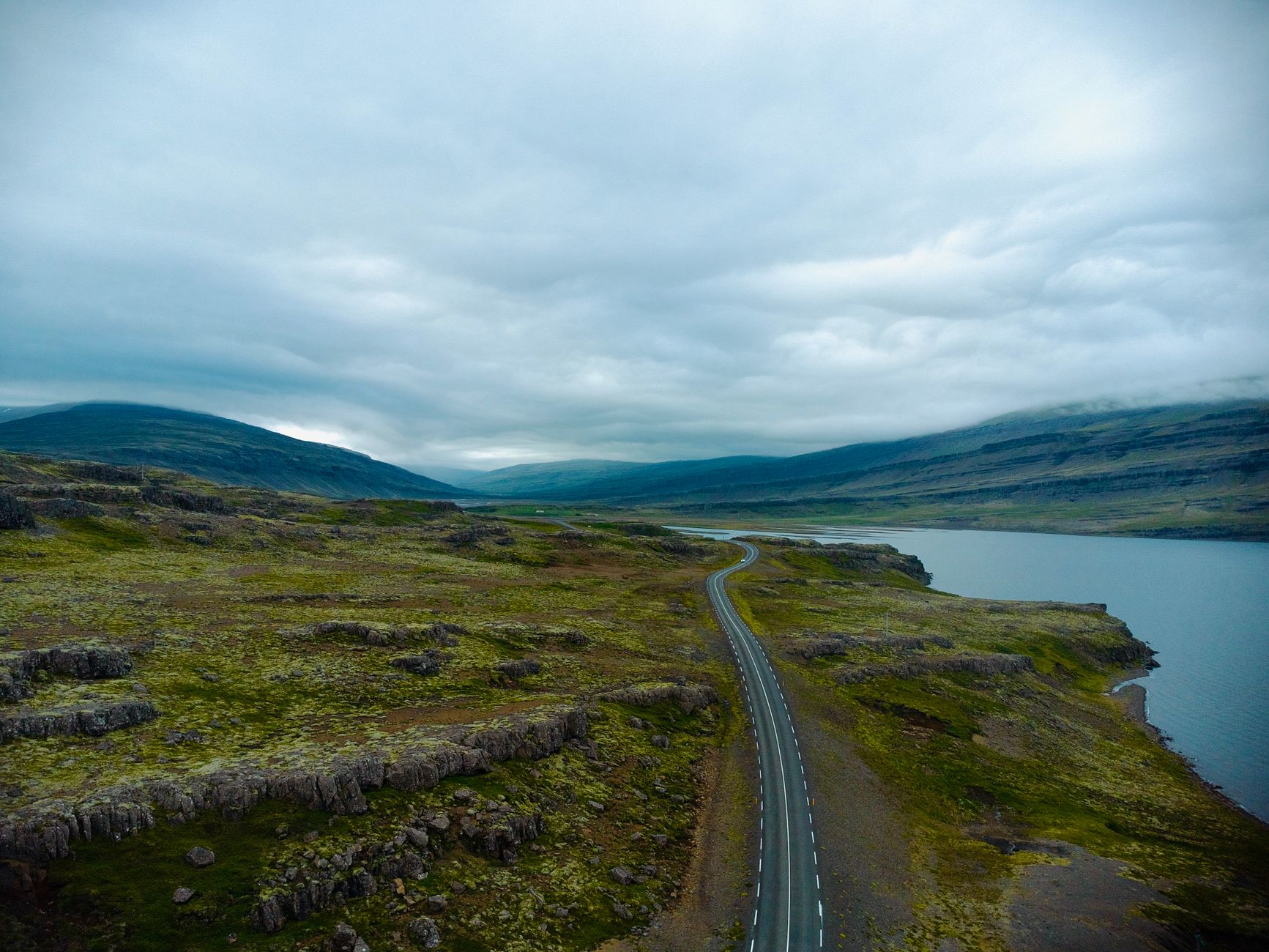
Picture editing a week in Iceland. You open with a drone rising over a black-sand beach, establishing the dramatic landscape, then cut a flowing montage to a building track — gimbal walks through mossy canyons, close-ups of geothermal steam, a waterfall in slow motion at the chorus. Ambient sound of wind and water layers under the music, and a cool, crisp grade ties the rugged scenery together.
By the end, the viewer feels like they’ve traveled the island, not just watched clips. That sense of journey came from the story arc, the curated best shots, the beat-synced cutting, and the immersive sound — exactly the ingredients that turn travel footage into a film people want to watch and share.
Repurpose Travel Footage
One trip’s footage can fuel many videos. Beyond the main travel film, the same material yields short-form vertical clips for social, location-specific highlights, and even stock-style B-roll, multiplying the value of footage you already captured and feeding the platforms that reward frequent posting.
Each format needs its own edit — a vertical reframe and tighter hook for social, a focused cut for a single location. Combined with the short-form techniques in our short-form guide, this repurposing approach turns a single adventure into weeks of content across every platform you publish to.
Trip footage often becomes a personal diary, which is exactly where editing a compelling vlog shines.
Documenting street food on the road leads straight into cooking video editing.
A trip film built around real people and places edges naturally toward editing a documentary.
Key Takeaways
- Tell the story of the trip with a clear arc.
- Curate your best shots and cut to music.
- Mix shot types, add movement, and grade for the location.
- Layer ambient sound to immerse viewers in the place.
Frequently Asked Questions
How do I edit a travel video?
Structure it as a journey with a story arc, curate only your strongest and most varied shots, cut to licensed music’s rhythm and dynamics, mix shot types, add movement like drone and gimbal shots, and grade for the location.
How do I make a travel video cinematic?
Use a variety of shot types including sweeping wides and intimate details, incorporate smooth movement and dynamic transitions, cut to music, apply a flattering grade that enhances the location, and layer ambient sound for immersion.
How do I choose music for a travel video?
Choose a properly licensed track whose energy and mood fit the trip, then cut to its rhythm and builds — calmer for scenic moments, energetic for exploration. The right track well synced gives the video its emotional pulse.
Sources: Wikipedia’s overview of travel documentary.
Capture the journey at Adobe Video World
Train hands-on with Adobe Certified Instructors across 100+ Premiere Pro & After Effects sessions.



