A workflow taught by Adobe Certified Instructors at Adobe Video World.
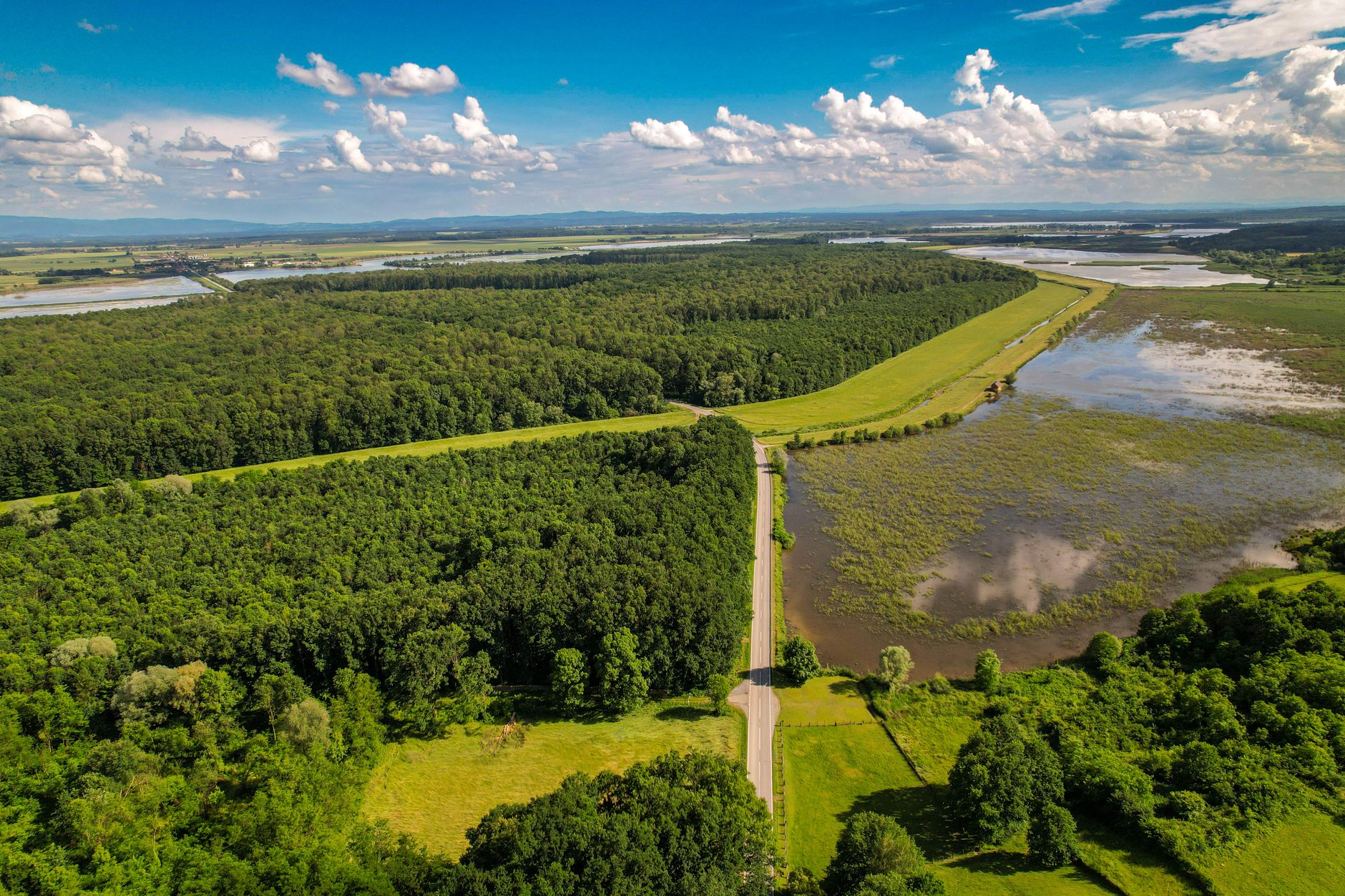
Drones unlock sweeping aerial perspectives that were once impossible without a helicopter, adding production value and scale to any video. But flying well and safely takes knowledge and practice. This guide covers drone video basics for beginners — flying safely, smooth movements, framing shots, and capturing cinematic aerial footage.
What Drones Add to Video
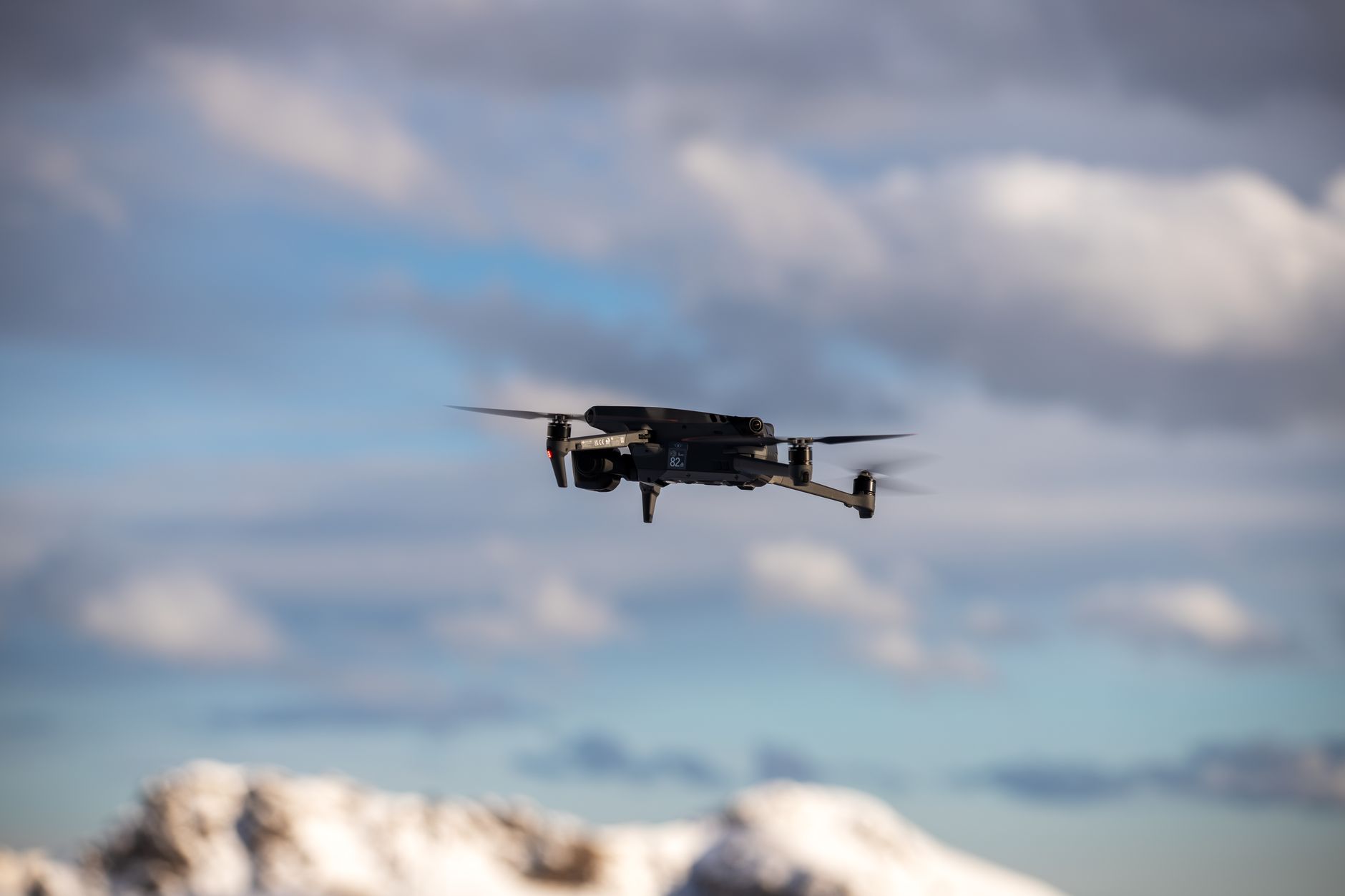
Drones provide aerial perspectives — sweeping reveals, bird’s-eye views, and dynamic flying shots — that add scale, production value, and a cinematic wow factor. They establish locations grandly and capture movement impossible from the ground.
This aerial dimension transforms footage, giving even simple subjects an epic quality. From establishing shots to dramatic reveals, drones have made these once-expensive perspectives accessible, which is why they’ve become a staple of modern video production.
Fly Safely and Legally
Before flying, understand the rules. Drone regulations vary by country and location, often requiring registration, restricting where you can fly, and prohibiting flights near airports, crowds, and certain areas, so knowing and following the law is essential.
Flying responsibly protects people, property, and your ability to keep flying. Researching local regulations, registering if required, respecting no-fly zones, and prioritizing safety are non-negotiable foundations of drone videography that every beginner must learn first.
Master Smooth Movements
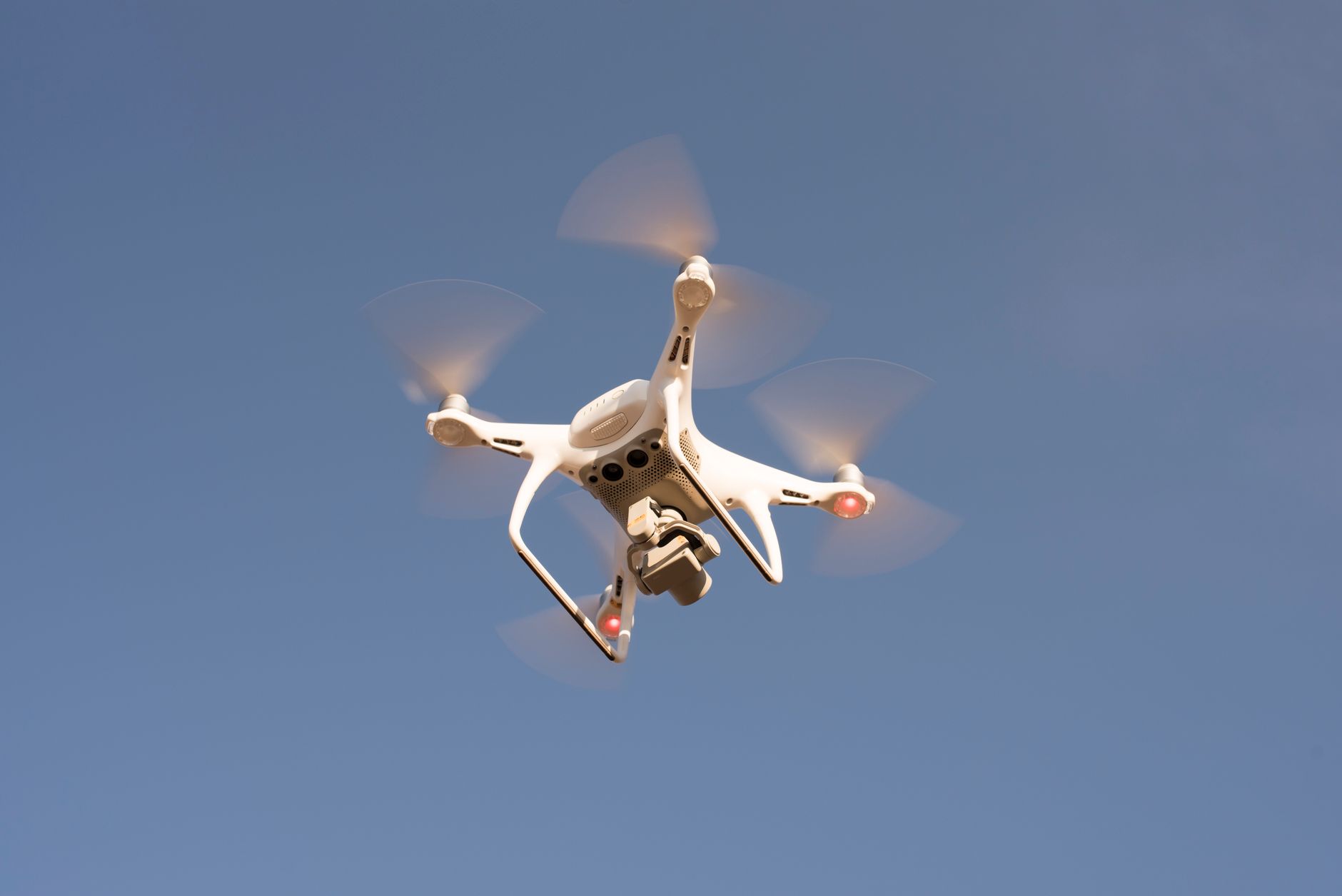
Cinematic drone footage comes from smooth, slow, deliberate movements. Flying gently — gradual stick inputs, slow flight, and steady motion — produces the fluid, floating shots that look professional, while jerky inputs create amateur-looking footage.
The key is gentle, controlled flying that lets the drone glide. Practicing smooth movements, much like the camera movement principles on the ground, is what turns a drone from a flying camera into a cinematic tool.
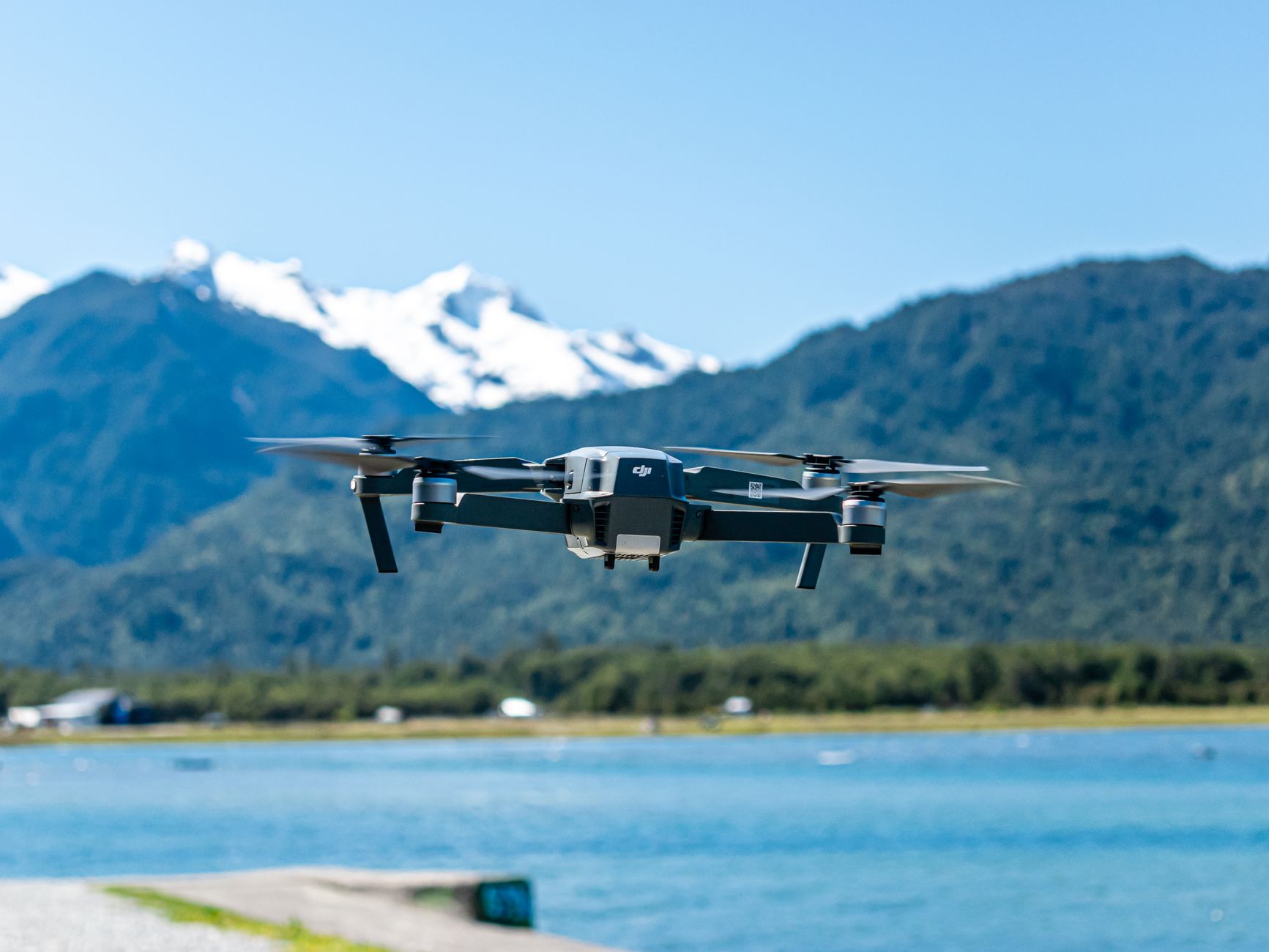
Learn the Classic Drone Shots
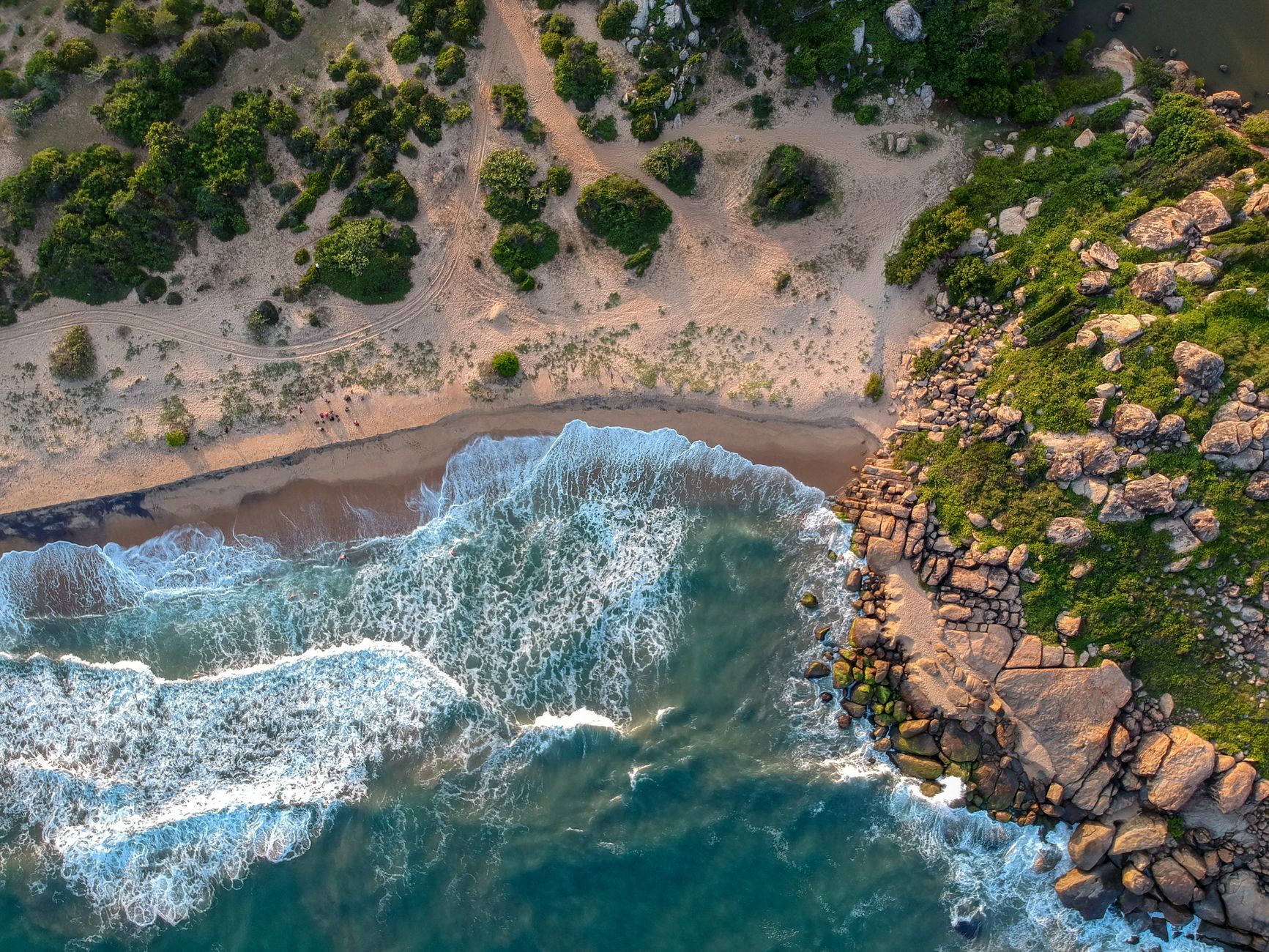
Several drone moves are staples. The reveal rises or flies forward to uncover a vista, the orbit circles a subject, the flyover passes over a scene, and the top-down looks straight down for a graphic perspective.
Learning these classic moves gives you a repertoire of cinematic shots. Many drones have automated modes that execute orbits and reveals smoothly, helping beginners capture polished moves while they develop manual flying skills.
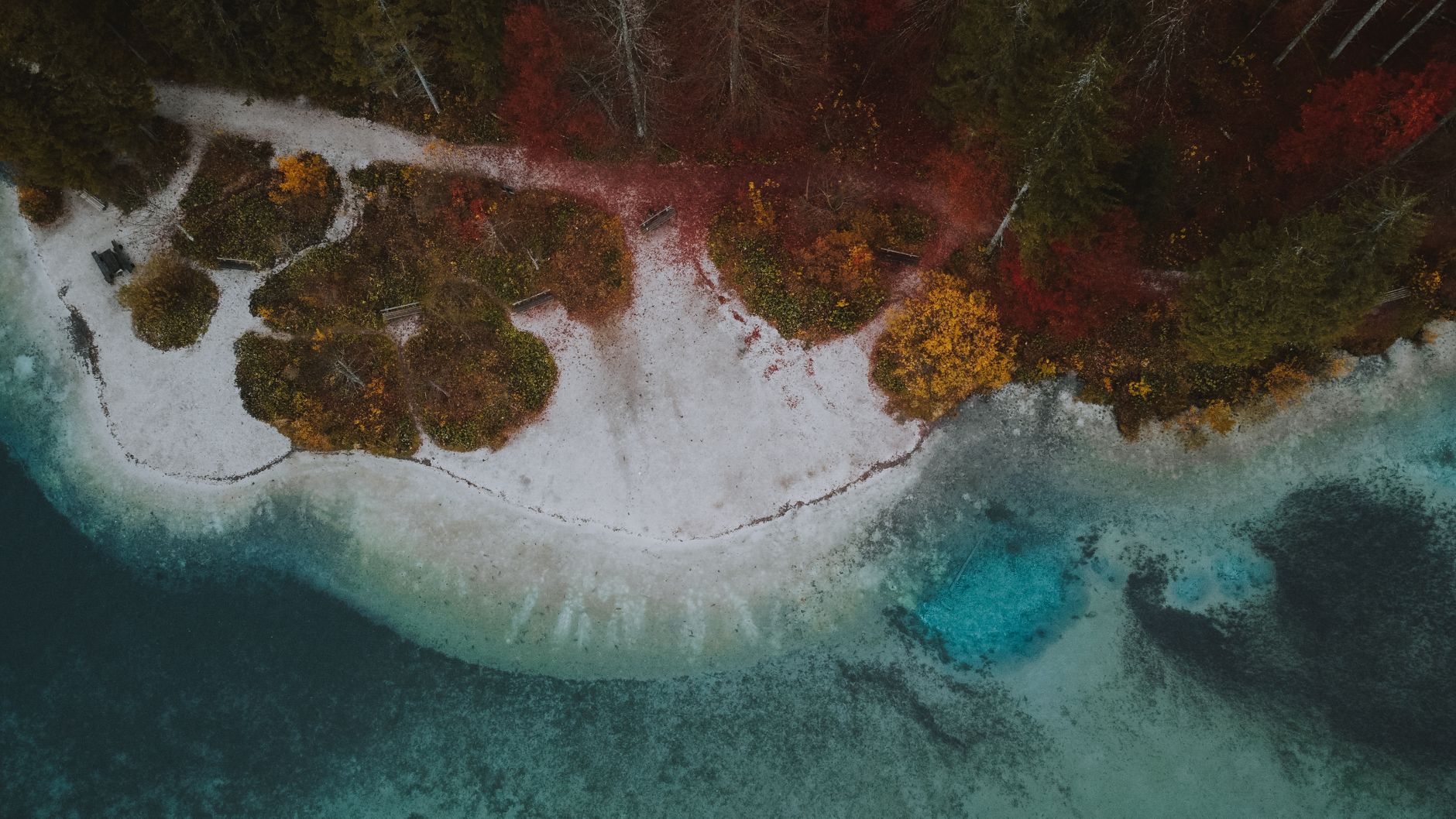
Frame Your Aerial Shots
Composition matters in the air as on the ground. Applying the rule of thirds, using leading lines like roads and rivers, and finding interesting patterns and symmetry from above creates compelling aerial shots.
The aerial perspective reveals compositions invisible from the ground — patterns, shapes, and lines in the landscape. Thinking about framing and composition, rather than just flying around, is what elevates aerial footage from mere height to genuine visual interest.
Set Your Camera Settings
Drone cameras follow the same principles as any camera. Setting the right frame rate, using the 180-degree shutter rule with ND filters for natural motion blur, and shooting in a flat profile for grading all improve your footage.
Many drones support manual settings and flat color profiles for maximum quality. Applying proper exposure and shutter technique, and grading the flat footage afterward, gives drone footage the same cinematic polish as ground-based video.
Practice and Build Confidence
Flying well takes practice. Starting in open, safe areas, practicing smooth movements, and gradually building your skills develops the confidence and control needed for cinematic shots, while rushing leads to crashes and poor footage.
Beginning conservatively and building up as your skills grow keeps flying safe and your footage improving. Like any craft, drone videography rewards practice, so investing time in flying smoothly and safely pays off in better, more confident aerial work.
Drone Video Best Practices
- Know and follow drone laws and fly safely.
- Fly smoothly with gentle, deliberate movements.
- Learn classic shots like reveals, orbits, and top-downs.
- Frame with composition in mind and use proper settings.
Common Drone Mistakes
- Flying without knowing the local regulations.
- Jerky stick inputs that make footage look amateur.
- Ignoring composition and just flying around.
- Rushing instead of building skills with practice.
A Real Drone Shot Example
Imagine opening a travel film with a drone shot of a coastline. You start low behind a cliff, then rise smoothly and push forward so the vast turquoise bay reveals itself over the rock — a classic reveal that delivers instant scale and a wow factor. Slow, gentle stick inputs keep the motion floating and cinematic rather than jerky.
Shot with the right shutter speed and an ND filter for natural motion blur, then graded from a flat profile, the footage looks genuinely professional. That single reveal sets the tone for the whole film, demonstrating how a well-flown, well-exposed drone shot adds production value that ground-based footage simply can’t match.
Plan Your Drone Flights
Great drone footage starts before takeoff with planning. Scouting your location, checking the weather and wind, confirming it’s legal to fly, and visualizing the shots you want all set you up to capture clean footage efficiently in the limited battery time a drone offers, rather than improvising and wasting flights.
Thinking through your shot list and flight path in advance, much like the pre-production in our storyboarding guide, makes each flight purposeful. Combined with checking conditions and regulations, this planning keeps your drone work safe, legal, and productive, so you come home with the cinematic aerials you envisioned.
Drones and Storytelling
Drone shots are most effective when they serve the story rather than showing off. A well-placed aerial that establishes a location, reveals scale, or follows action adds meaning, while gratuitous swooping for its own sake quickly feels like a gimmick that distracts from the content.
Choosing aerial shots that genuinely contribute — an establishing view, a dramatic reveal, a perspective impossible from the ground — integrates the drone into the edit purposefully. Thinking about why each aerial belongs, like any camera movement, is what makes drone footage enhance a video rather than just decorate it.
Drone Footage in the Edit
Drone shots edit beautifully as establishing shots and dramatic transitions. Opening a sequence with a sweeping aerial sets the scene grandly, while a well-timed aerial reveal or a flyover can transition between locations with cinematic scale that ground footage can’t match.
Grading drone footage to match the rest of your edit, and cutting aerials to the rhythm of your music and pacing, integrates them seamlessly. Used as purposeful punctuation rather than constant spectacle, drone shots add production value and scope that elevate the whole piece.
Key Takeaways
- Drones add cinematic aerial perspectives and scale.
- Fly safely and legally — know the rules first.
- Move smoothly and learn the classic drone shots.
- Frame with composition and use proper camera settings.
Frequently Asked Questions
How do I get smooth drone footage?
Fly gently with gradual stick inputs, slow flight, and steady, deliberate movements — jerky inputs create amateur-looking footage. Many drones have automated modes for smooth orbits and reveals to help beginners capture polished moves.
Do I need a license to fly a drone?
Drone regulations vary by country and location, often requiring registration and restricting where you can fly, especially near airports and crowds. Research and follow your local laws before flying — it’s an essential first step.
What camera settings should I use for drone video?
Follow the same principles as any camera: set the right frame rate, use the 180-degree shutter rule with ND filters for natural motion blur, and shoot in a flat color profile for grading. Many drones support manual settings.
Sources: Wikipedia’s overview of camera drones.
Take to the skies at Adobe Video World
Train hands-on with Adobe Certified Instructors across 100+ Premiere Pro & After Effects sessions.



