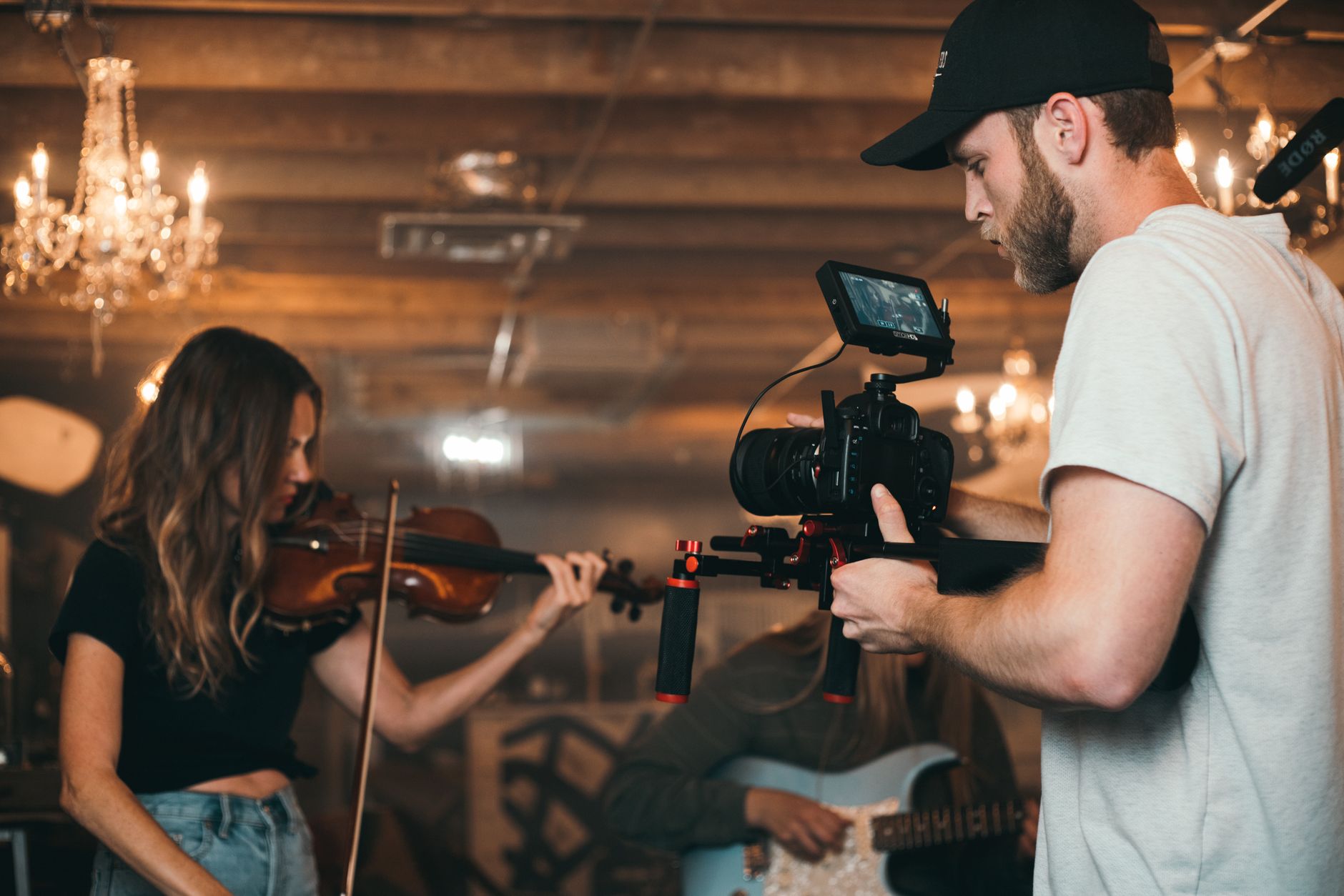
A workflow taught by Adobe Certified Instructors at Adobe Video World.
Music video editing is a distinct craft — driven entirely by the song, demanding tight rhythm, energy, and style. From syncing performances to cutting on the beat, the editor shapes the music’s visual life. This guide covers editing a music video that’s dynamic, rhythmic, and visually striking, in time with the track.
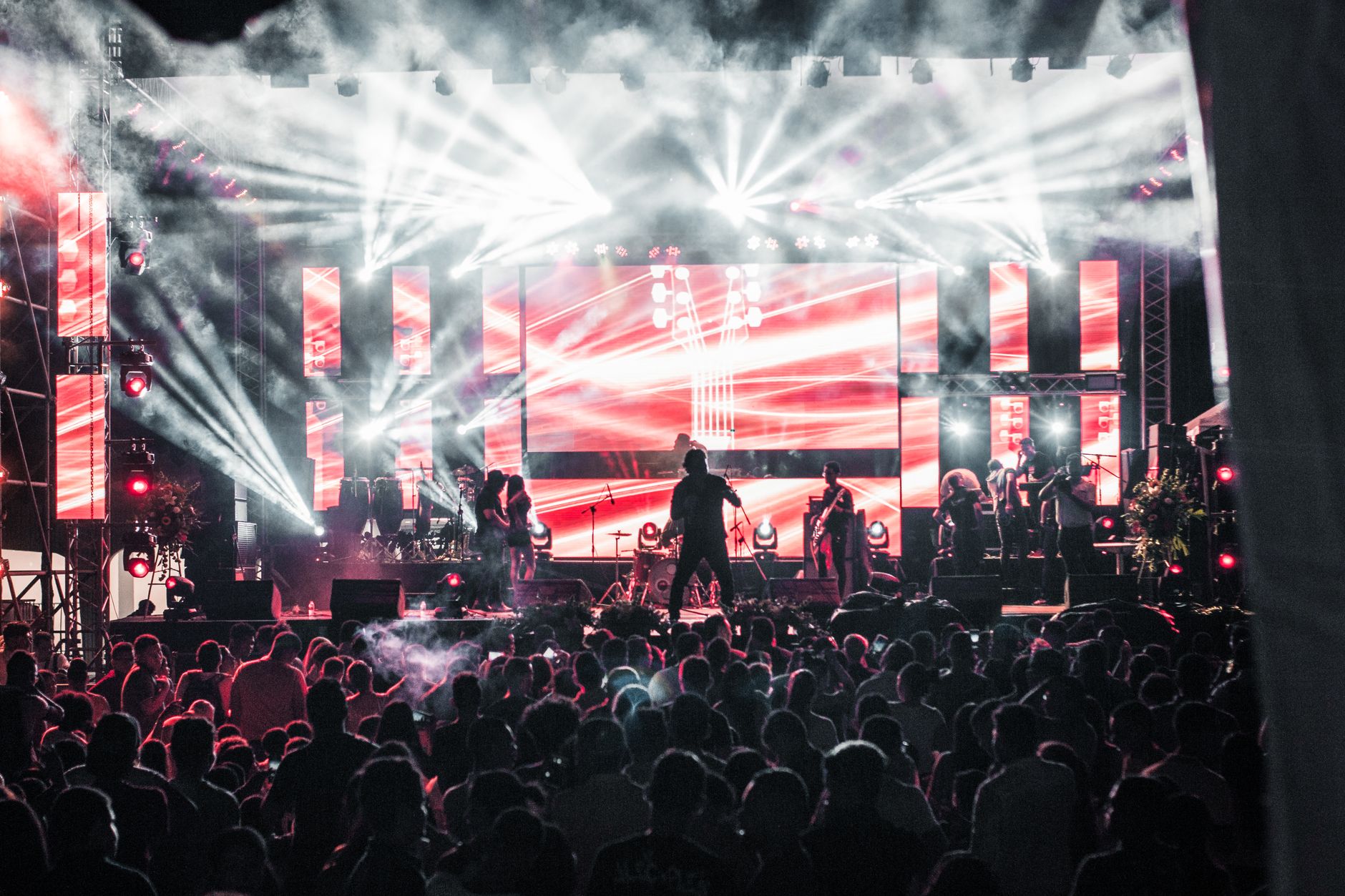
Music Drives Everything
In a music video, the song is the foundation that every edit serves. The track’s rhythm, energy, structure, and mood dictate the pacing, cuts, and style, so the music drives every decision rather than the visuals leading.
This music-first approach distinguishes music video editing. Understanding the song deeply — its beats, builds, drops, and sections — and editing in service of it is what makes a music video feel synchronized and alive, rather than visuals loosely set to sound.
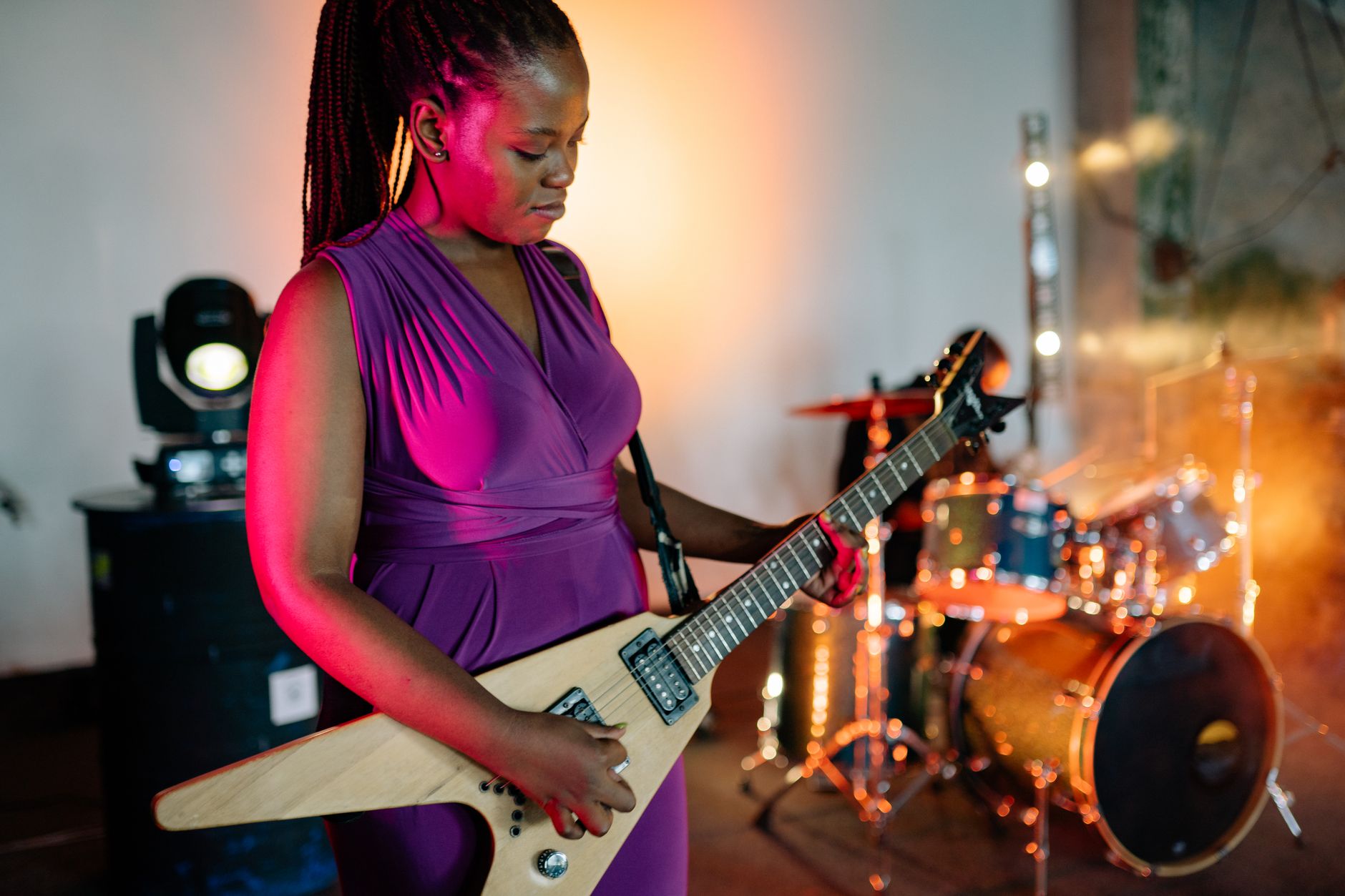
Sync the Performances
Most music videos feature performance footage that must sync to the track. Aligning the artist’s lip-sync and instrument playing precisely to the music, using the audio waveform and sync techniques, is essential for a believable performance.
Tight lip-sync is critical, since off-sync performance looks instantly wrong. Carefully aligning each performance take to the song, frame by frame where needed, ensures the artist appears to genuinely sing and play along with the track.
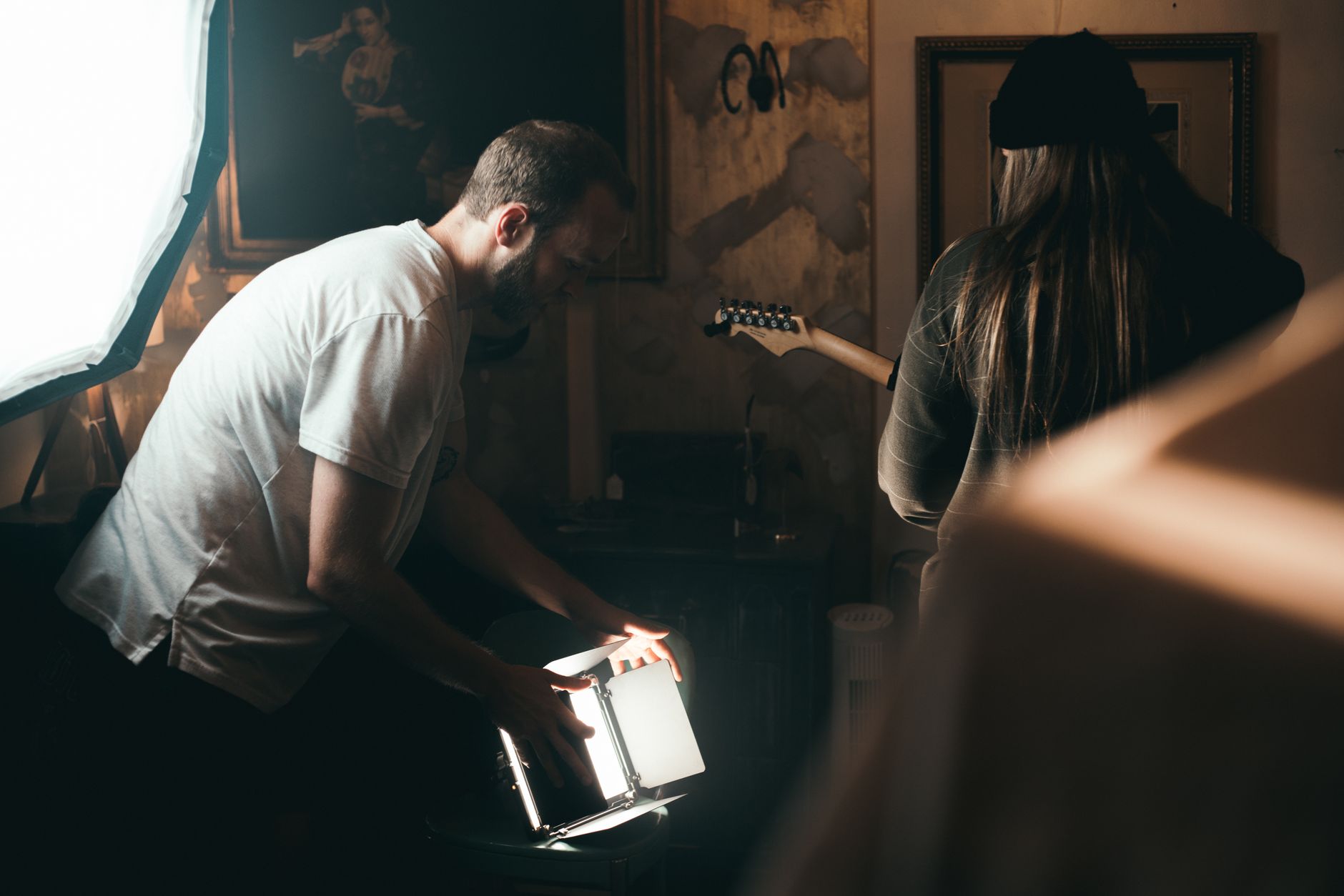
Cut to the Beat
Music video editing lives on the beat. Cutting on the music’s beats, phrases, and accents creates the rhythmic, synchronized feel that defines the format, with the visual changes dancing to the audio.
Marking the beats first, using our markers, and placing cuts on them builds the tight rhythm. This beat-driven cutting, varying with the song’s energy, is the core technique that makes a music video feel locked to its track.
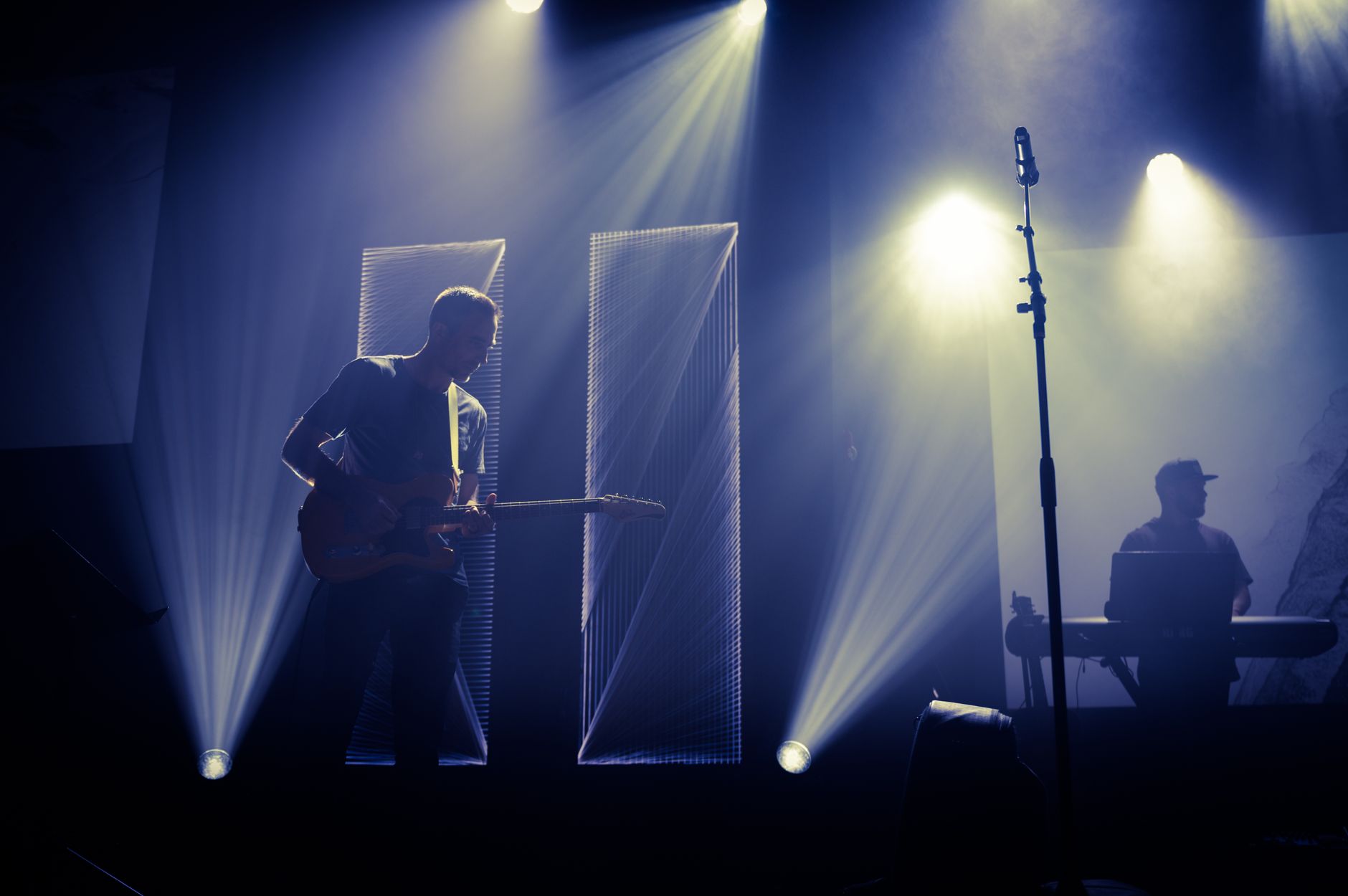
Build Energy and Dynamics
Songs have dynamics, and the edit should follow them. Matching the cutting pace and intensity to the song’s sections — calmer in verses, explosive in choruses and drops — gives the video an energy arc that mirrors the music.
Accelerating cuts into a drop, or holding shots in a quiet bridge, makes the video breathe with the song. This dynamic editing, using our pacing techniques, ensures the visuals rise and fall with the track’s energy.

Use Effects and Style
Music videos are a playground for visual style. Speed ramps, transitions, glitches, color effects, and creative treatments add energy and personality, matching the song’s vibe and the artist’s aesthetic.
These stylized effects, used to enhance the rhythm and mood, give a music video its distinctive look. Layering effects and transitions that suit the genre and energy, drawing on our effects techniques, builds a dynamic, eye-catching visual style.
Vary the Footage
Music videos mix performance and concept footage. Cutting between performance shots, narrative or conceptual scenes, and B-roll keeps the video visually varied and engaging across the song’s length, avoiding monotony.
This variety, with different angles, locations, and visual ideas, maintains interest. Weaving together the performance and the creative footage, all cut to the beat, gives a music video the visual richness that holds attention through the full track.
Color Grade for Mood
Grading sets the music video’s visual mood. A strong, stylized color grade that matches the song’s emotion and the artist’s brand unifies the footage and amplifies the feeling, often with a bold, distinctive look.
Music videos often embrace dramatic, stylized color rather than natural grades. Crafting a look that suits the track’s mood and the artist’s image, using our color principles, gives the video a cohesive, striking visual identity.
Music Video Editing Best Practices
- Let the song drive every editing decision.
- Sync performances tightly and cut on the beat.
- Build energy matching the song’s dynamics.
- Use effects, varied footage, and a bold color grade.
Common Music Video Mistakes
- Cuts that don’t align with the beat.
- Loose or off lip-sync in performances.
- Flat pacing that ignores the song’s dynamics.
- Monotonous footage with no variety.
A Real Music Video Edit Example
Picture cutting a music video for an upbeat track. You sync the artist’s performance takes tightly so the lip-sync is flawless, mark every beat, and cut on them — calm and held in the verses, then a rapid-fire flurry of cuts exploding into the chorus drop. Conceptual B-roll weaves between performance shots, and a bold, saturated grade gives it a striking, branded look.
Speed ramps and snappy transitions punctuate the energy, all locked to the music. The result feels alive and synchronized, the visuals dancing to the song exactly as a music video should. That beat-driven, dynamic, tightly-synced approach is the essence of the craft, where every cut serves the track.
Match the Edit to the Genre
Different musical genres call for different editing styles. A hard-hitting hip-hop track wants punchy, rhythmic cuts and bold effects, an ambient or acoustic song suits longer, flowing shots and gentle pacing, and an electronic track invites glitchy, energetic visuals synced to its drops.
Reading the genre and the artist’s identity, then shaping the cutting style and effects to match, makes the video feel authentic to the music. Combined with a fitting grade from our color grading guide, this genre-aware approach ensures the visuals amplify the song’s character rather than fighting it.
Music Videos and Artist Branding
A music video is a key part of an artist’s branding, shaping how audiences perceive them as much as the song itself. The visual style, color, and aesthetic of the video become associated with the artist, contributing to their identity and image.
Editing a music video therefore means serving not just the song but the artist’s brand, ensuring the visuals align with their identity and the message they want to project. A cohesive look across an artist’s videos builds a recognizable signature.
Collaborating closely with the artist on the style, and understanding their vision and audience, produces a video that strengthens their brand. This branding role, beyond the technical craft, is part of what makes music video editing a valued, creative specialty.
Even when the music drives the cut, Premiere Pro’s Remix tool can tailor a track’s length without obvious edits.
Key Takeaways
- The song drives every decision in music video editing.
- Sync performances tightly and cut on the beat.
- Build energy matching the song’s dynamics.
- Use effects, varied footage, and a bold grade for style.
Frequently Asked Questions
How do I edit a music video?
Let the song drive everything — sync the performances tightly to the track, cut on the beat using markers, build energy matching the song’s dynamics, use effects and varied footage, and apply a bold color grade for mood.
How do I sync footage to music in a music video?
Align performance lip-sync and instrument playing precisely to the track using the audio waveform, and mark the beats first so you can cut on them. Tight sync is essential, since off-sync performance looks instantly wrong.
How do I make a music video feel dynamic?
Match your cutting pace and intensity to the song’s sections — calmer in verses, explosive in choruses and drops — cut on the beat, vary the footage, and use effects and speed ramps to build energy that mirrors the music.
Sources: Wikipedia’s overview of music videos.
Cut to the beat at Adobe Video World
Train hands-on with Adobe Certified Instructors across 100+ Premiere Pro & After Effects sessions.



