A workflow taught by Adobe Certified Instructors at Adobe Video World.
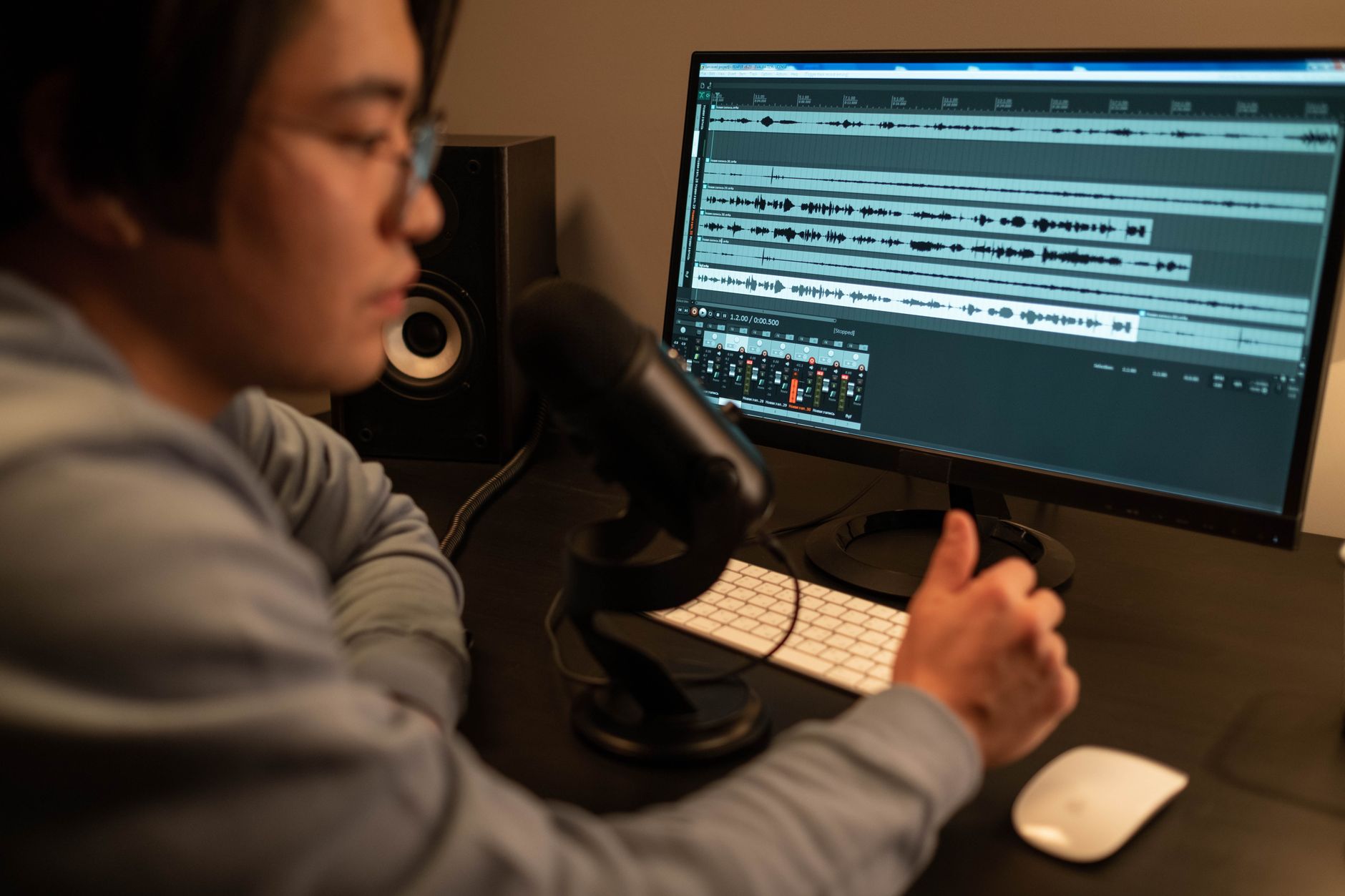
Sound design is the often-overlooked layer that makes video feel immersive and professional — the whooshes, impacts, ambience, and effects that bring an edit to life. Great visuals with flat audio fall short, while thoughtful sound design transforms a video. This guide covers adding sound effects, building atmosphere, and layering audio into a rich, engaging soundscape.
What Sound Design Is
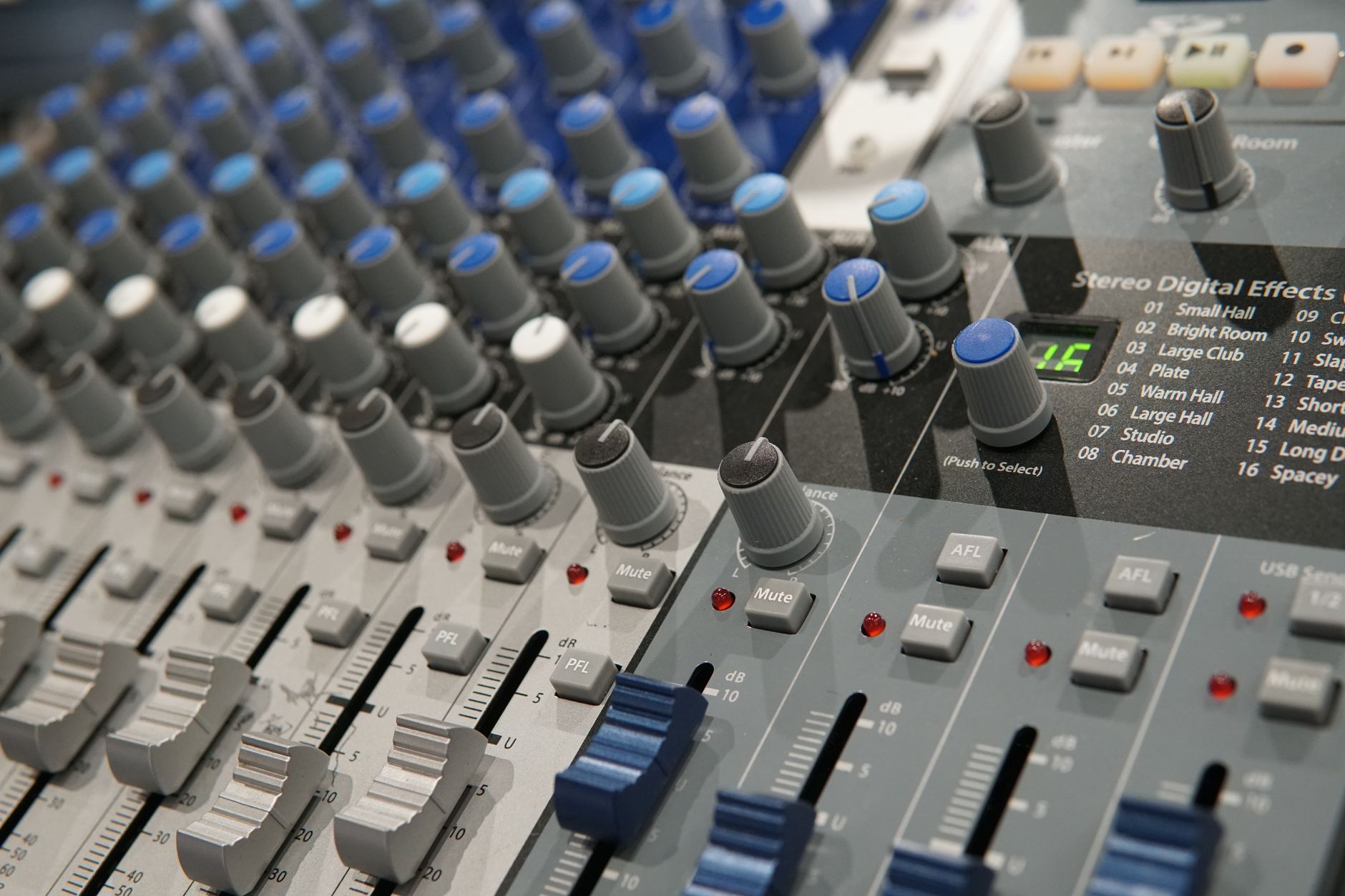
Sound design is the art of creating and arranging the audio elements of a video beyond dialogue and music — sound effects, ambience, transitions, and textures that build a believable, immersive world. It’s what makes an edit feel alive.
Often invisible when done well, sound design profoundly affects how a video feels. Audiences may not consciously notice it, but they feel the difference between a flat soundtrack and a rich one, which is why it’s a hallmark of professional production.
Why Sound Design Matters
Sound design adds realism, emotion, and polish. A whoosh on a transition adds energy, an impact sells a hit, and ambient sound makes a scene feel real, all guiding the viewer’s emotional experience alongside the visuals.
Without sound design, even well-shot, well-edited video can feel empty and amateurish. The added layers of audio fill out the soundscape, making the video immersive and engaging in a way visuals alone can’t achieve.
Add Sound Effects
Sound effects punctuate and enhance your edit. Adding the right effect to an action — a click, a swoosh, an impact — reinforces what’s on screen and adds satisfying detail, drawing from libraries of royalty-free sounds.
Syncing effects precisely to the visuals, much like the placement covered in our audio guide, is key to their impact. A well-timed sound effect makes an action feel tactile and real, adding a layer of polish viewers feel immediately.
Build Atmosphere with Ambience
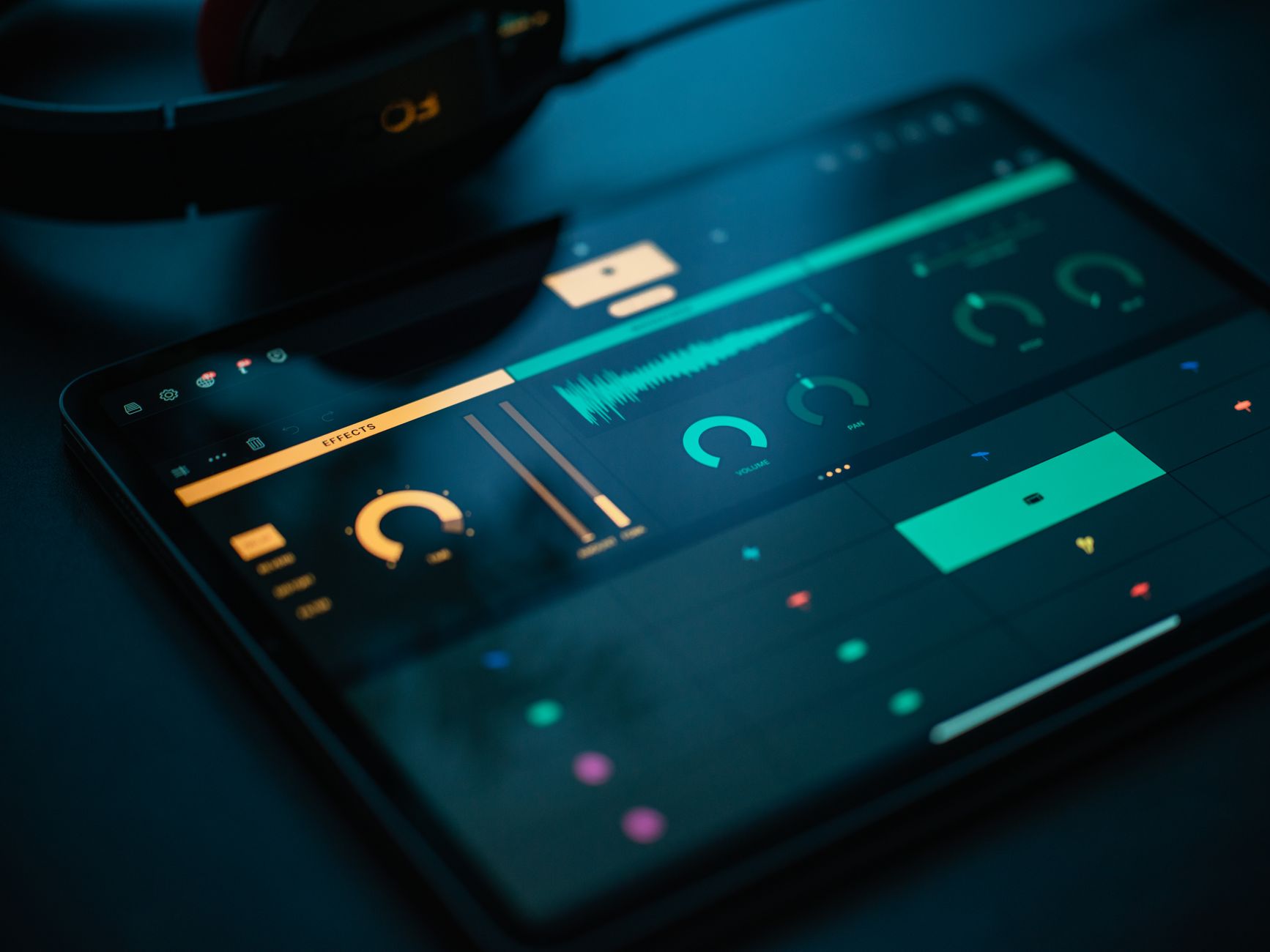
Ambient sound — room tone, nature, city noise — grounds a scene in a place. Adding a quiet bed of appropriate ambience under your footage makes a location feel real and immersive, filling the silence with a believable sense of space.
Ambience is subtle but powerful, and its absence leaves a scene feeling sterile. Layering the right background atmosphere under your visuals is one of the most effective sound design techniques for creating an immersive, professional feel.
Use Whooshes and Transitions
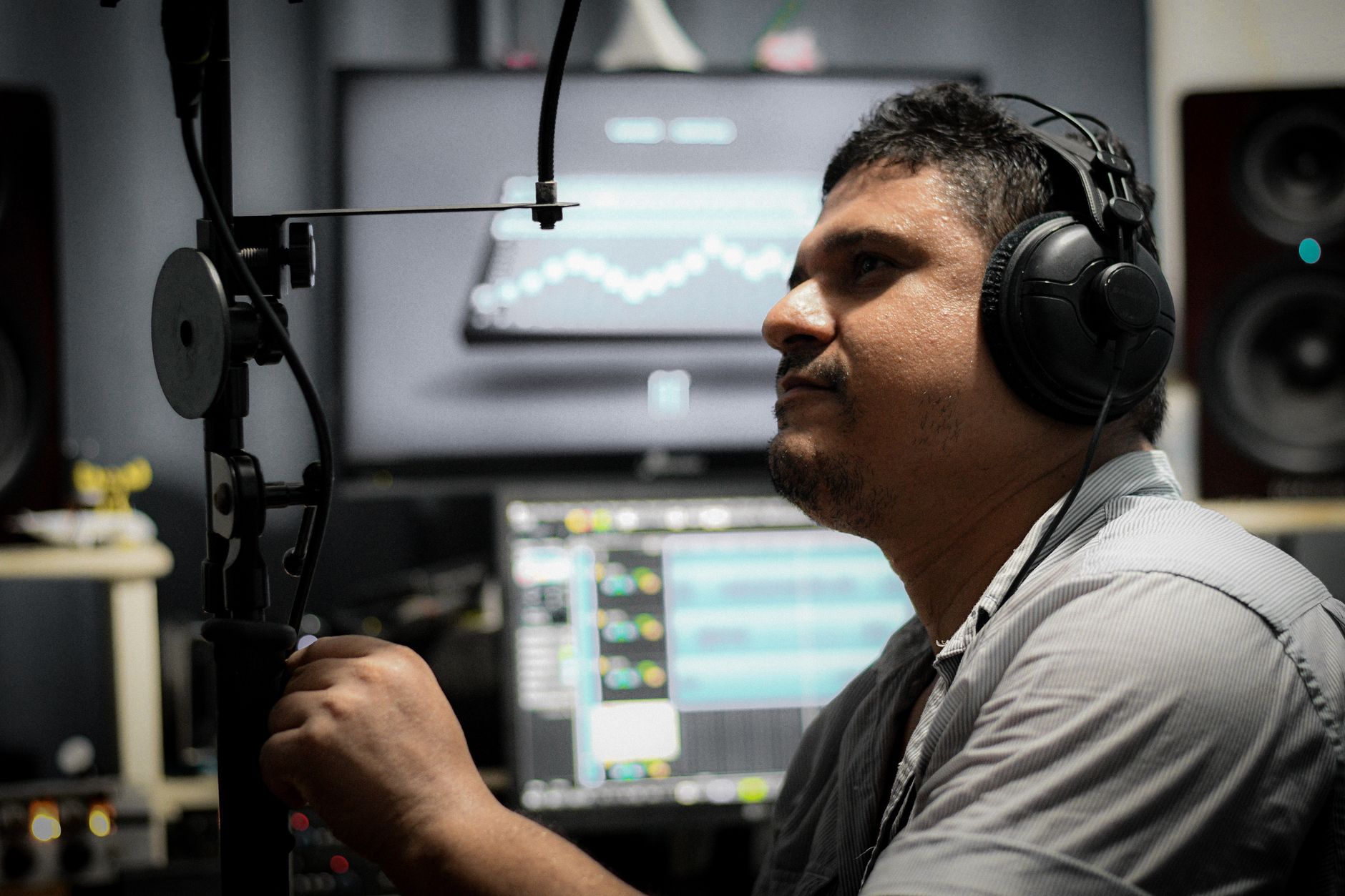
Whooshes and transition sounds add energy to cuts and movements. A whoosh as the camera moves or a transition occurs reinforces the motion, while risers build anticipation toward a moment, adding dynamic flow to your edit.
These transitional sounds, synced to your transitions and movements, make an edit feel kinetic and intentional. Used tastefully, they give a video momentum and polish, especially in fast-paced or stylized content.
Layer Your Sounds
Rich sound design comes from layering. Combining multiple sounds — an impact made of several elements, or ambience built from layered textures — creates fuller, more convincing audio than any single sound effect alone.
Professional sound effects are often built from many layers blended together. Stacking and balancing sounds, the way you’d layer visual elements, gives your sound design depth and a custom quality that single library sounds can’t match.
Mix Everything Together
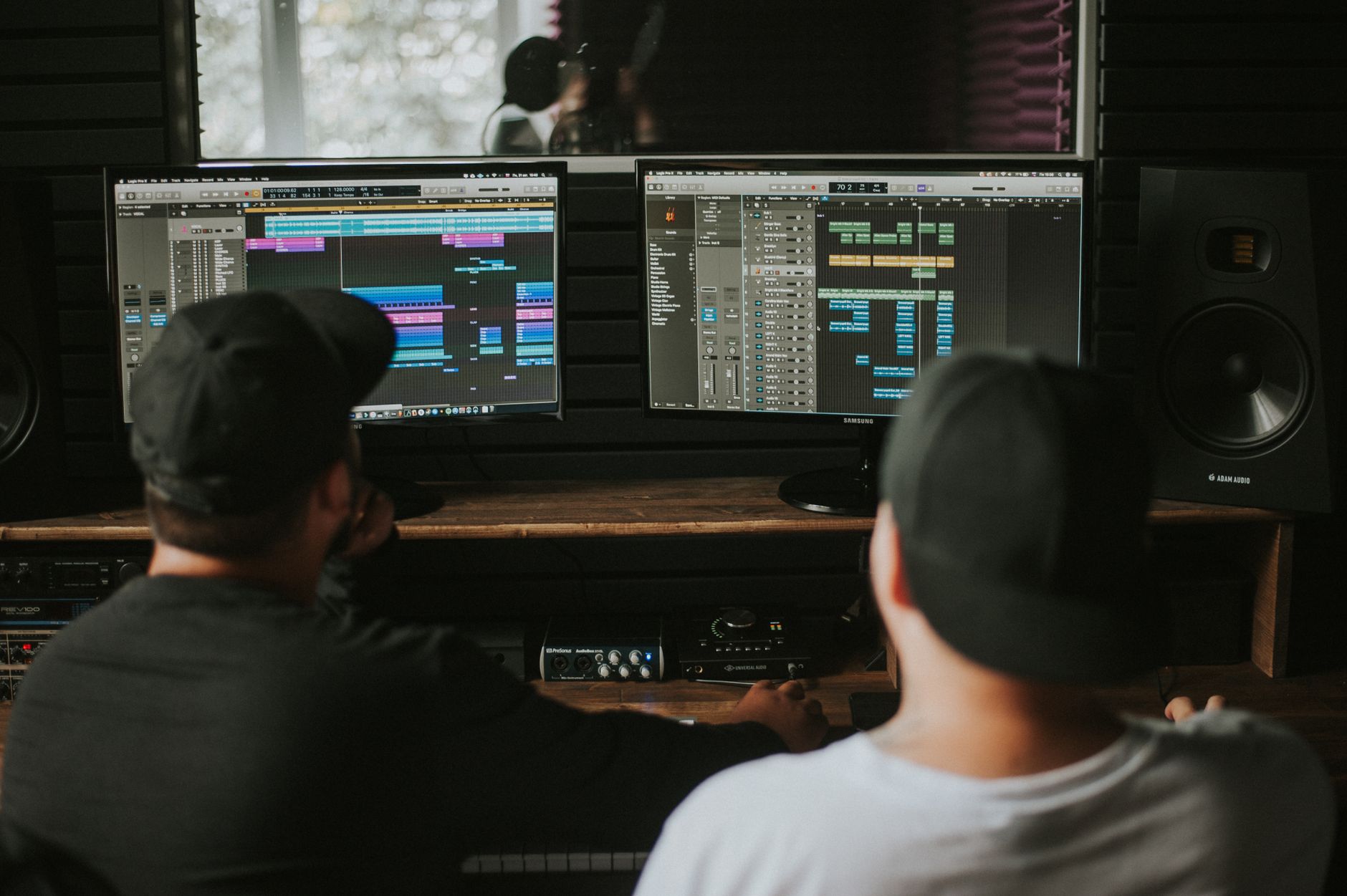
All these elements must be balanced so they work together, not against each other. Mixing your dialogue, music, effects, and ambience at the right relative levels, so each is heard at the right moment, is essential to a clean soundscape.
Using the Audio Track Mixer and proper leveling keeps the mix clear. The goal is a balanced blend where dialogue stays intelligible, effects punch through, and ambience fills the space without anything overwhelming the rest.
Build a Sound Library
Working creators keep a personal library of go-to sounds. Organizing whooshes, impacts, ambiences, and effects so you can find them quickly keeps your sound design efficient and consistent, with trusted sounds always at hand.
Sourcing from quality royalty-free libraries and curating your favorites builds a toolkit you reuse across projects. A well-organized sound library, like any asset collection, makes adding professional sound design fast rather than a hunt each time.
Sound Design Best Practices
- Sync sound effects precisely to on-screen actions.
- Layer ambience under scenes to ground them in a place.
- Use whooshes and risers to energize transitions and builds.
- Layer multiple sounds and mix everything in balance.
Common Sound Design Mistakes
- Leaving scenes silent with no ambience, feeling sterile.
- Sound effects that don’t sync to the visuals.
- Overusing whooshes until they become noise.
- An unbalanced mix where elements fight each other.
A Real Sound Design Example
Picture finishing a product reveal. Under the footage you lay a quiet room ambience so the space feels real, add a rising whoosh as the camera pushes toward the product, and place a satisfying soft impact exactly as the logo lands. A subtle high-frequency shimmer accents the moment the product catches the light.
Each sound is synced precisely and mixed so it supports without overwhelming, and together they transform a silent, flat clip into an immersive, premium moment. That layering of ambience, movement, and accent — none of it consciously noticed by the viewer — is the quiet craft of sound design making a video feel genuinely professional.
Sound Design Tells the Story
Beyond polish, sound design is a storytelling tool that shapes emotion and directs attention. A low, tense drone builds unease, a warm ambience signals comfort, and a sudden silence can be more powerful than any sound — the audio guides how the viewer feels about what they’re seeing, often more than the visuals alone.
Thinking about the emotional job each sound does, not just whether it’s realistic, elevates sound design from decoration to narrative. Combined with the pacing instincts in our pacing guide, intentional sound design becomes part of how you tell the story, making the whole video resonate more deeply with the audience.
Source Sounds Legally and Well
Sound design relies on a library of effects, and the same licensing care that applies to music applies to sound effects. Using royalty-free or properly licensed sounds keeps your videos safe from claims, and many excellent free and subscription libraries offer high-quality whooshes, impacts, and ambiences for creators at any level.
Building a curated, well-organized collection of legally-sourced sounds means you can design audio quickly and confidently. Keeping records of your licenses, much as our royalty-free music guide recommends, protects your work while a tidy library keeps the creative flow of sound design fast and frustration-free.
Layering and balancing sound design benefits from accurate headphones that reveal your audio truthfully.
Scoring a scene gets faster when using the Remix tool in Premiere Pro restructures a track to your timing.
Key Takeaways
- Sound design adds realism, emotion, and polish to video.
- Add synced effects and ground scenes with ambience.
- Use whooshes and risers, and layer sounds for depth.
- Mix all elements in balance for a clean soundscape.
Frequently Asked Questions
What is sound design in video?
Sound design is the art of creating and arranging audio elements beyond dialogue and music — sound effects, ambience, transitions, and textures — that build an immersive, believable world and make an edit feel alive.
How do I make my video sound more professional?
Add synced sound effects to actions, layer ambient sound under scenes to ground them, use whooshes and risers on transitions, layer multiple sounds for depth, and mix everything in balance so each element is heard clearly.
Why do my videos sound empty?
They likely lack ambience and sound effects. Adding a quiet bed of appropriate ambient sound fills the silence and makes a scene feel real, while synced effects add tactile detail that flat audio is missing.
Sources: Wikipedia’s article on sound design.
Design immersive sound at Adobe Video World
Train hands-on with Adobe Certified Instructors across 100+ Premiere Pro & After Effects sessions.



