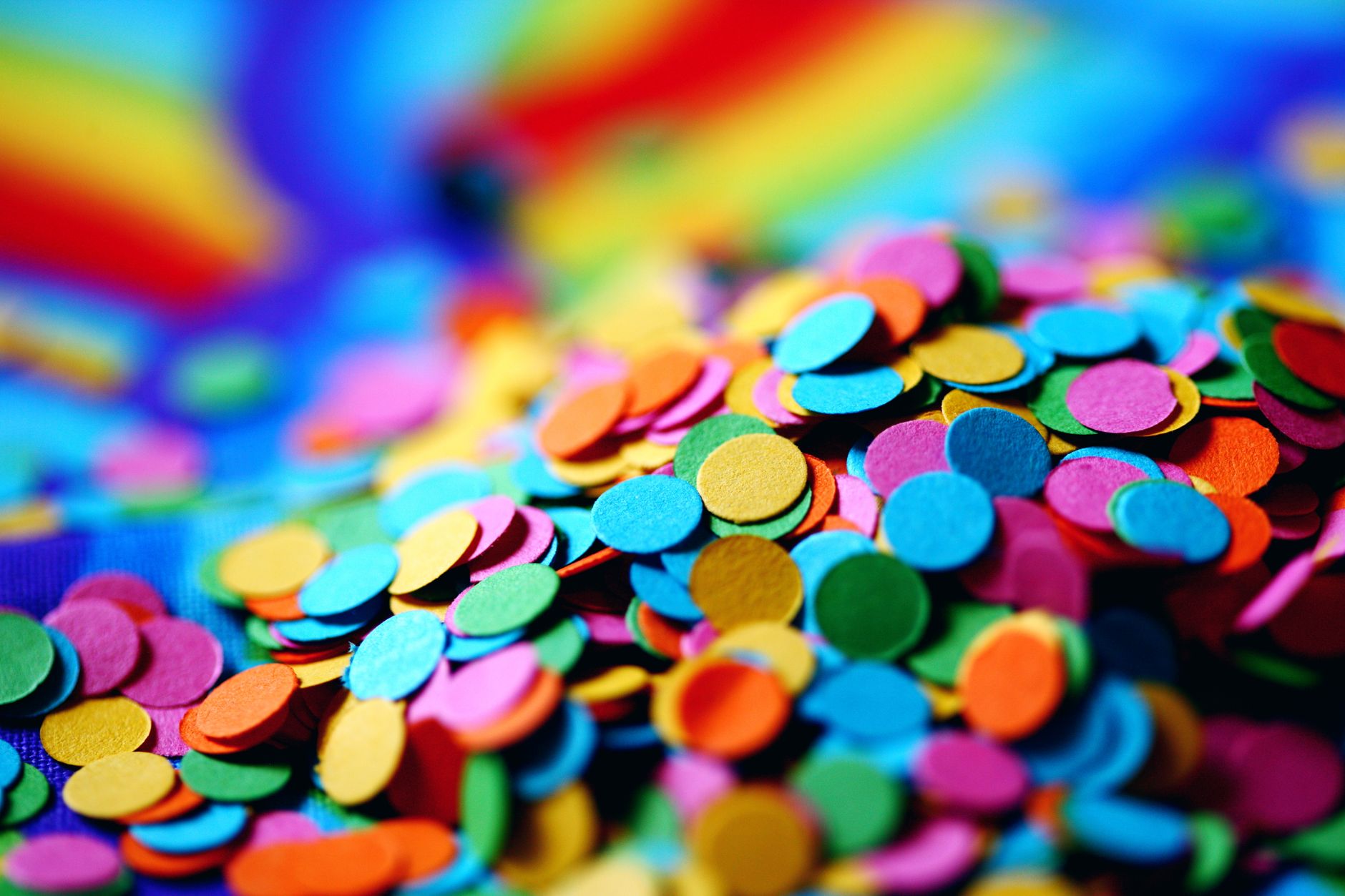
A workflow taught by Adobe Certified Instructors at Adobe Video World.
Confetti adds instant celebration and energy — a burst of colorful pieces raining down for a party, a win, or a festive moment. After Effects creates confetti with particle systems, giving you control over color, motion, and the burst. This guide covers building a confetti effect, shaping the fall, and making it feel lively and three-dimensional.

What Makes Confetti Look Good
Convincing confetti has variety and motion: pieces of different colors and shapes, falling and fluttering at different speeds, tumbling and rotating as they drift down. This variation gives confetti its lively, chaotic, celebratory feel.
Flat, uniform pieces falling straight down look fake, while confetti that flutters, spins, and varies in color reads as real. Capturing this liveliness is the key to a confetti effect that genuinely conveys celebration and energy.
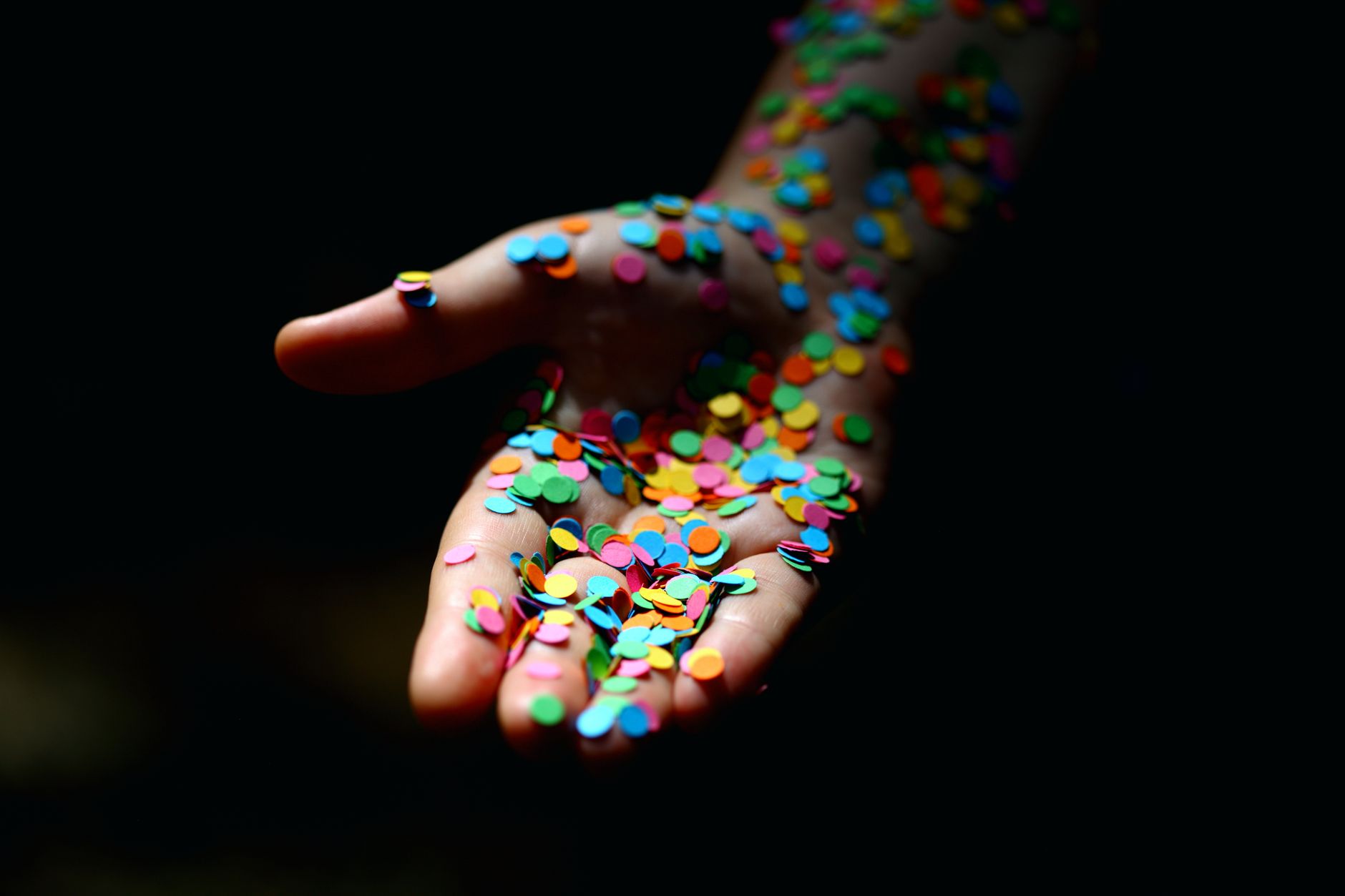
Use a Particle System
Confetti is built with a particle system like CC Particle World. Apply it to a solid, and it generates many particles you can shape into confetti by controlling their color, size, motion, and how they’re born.
The particle system handles generating and animating hundreds of pieces automatically, which would be impossible by hand. Configuring it for confetti — small, colorful, fluttering particles — is the foundation of the effect.
Make the Particles Colorful
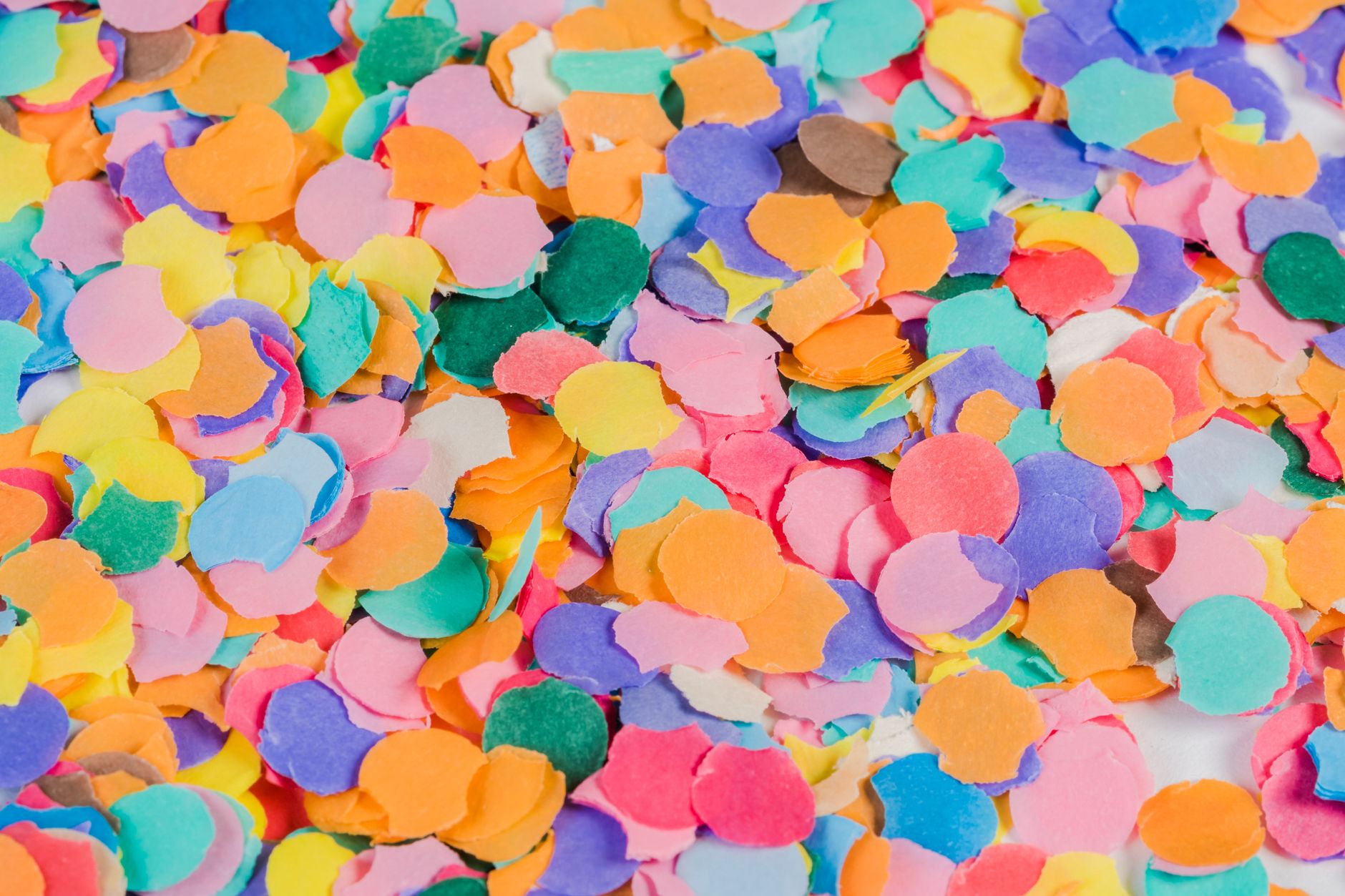
Confetti is defined by its colors, so vary them. Setting the particle system to use multiple colors, or applying a colorful gradient or color map, gives you the mix of bright pieces that makes confetti festive rather than monotone.
Some particle setups let you assign a range of colors directly, while others need a color effect on top. Either way, a vibrant, varied palette is essential — confetti in a single color loses the celebratory chaos that defines it.

Shape the Fall with Physics
The particle system’s physics control how confetti falls. Adding gravity makes pieces drift downward, while velocity and resistance settings control their speed and how they slow, and a little randomness makes them flutter rather than drop straight.
Tuning these so the confetti gently tumbles down, varying in speed, creates the realistic fluttering fall. The goal is pieces that float and drift like real lightweight confetti, not heavy objects plummeting uniformly.

Create a Burst
A confetti cannon or burst is a popular variation. Animating the particle birth rate to spike for a moment, with particles launching outward and upward before gravity pulls them down, creates an explosive burst of confetti.
Keyframing the emission so it erupts then settles mimics a real confetti cannon firing. This burst-and-fall motion adds dynamic energy, perfect for a celebratory moment where confetti explodes into the frame.
Add Depth and Motion Blur
Layering confetti at different distances adds depth — large, fast, blurred pieces in the foreground and smaller, slower ones behind. Enabling motion blur smears the fast-moving pieces, making the fall feel natural.
This depth and blur transform flat confetti into a three-dimensional shower the camera seems immersed in. The foreground pieces especially, large and blurred as they fall past, sell the sense of being in the middle of the celebration.
Composite the Confetti
Confetti usually sits on its own layer over your scene. Because the particle layer has a transparent or black background, it composites cleanly over footage or graphics, or you blend it with a mode so only the confetti shows.
Placing the confetti over a celebratory moment, a logo reveal, or a festive title ties the effect to your content. Layering it on top, with the background showing through, integrates the celebration into whatever scene needs it.
Confetti Best Practices
- Build confetti with a particle system like CC Particle World.
- Use multiple colors for a festive, varied look.
- Tune physics so pieces flutter and tumble naturally.
- Add depth and motion blur, and animate a burst for energy.
Common Confetti Mistakes
- Uniform pieces falling straight down, looking fake.
- A single color, losing the celebratory feel.
- No flutter or rotation, making pieces look heavy.
- Forgetting motion blur and depth for a natural fall.
A Real Confetti Burst Example
Imagine celebrating a giveaway winner with a confetti cannon. You set up CC Particle World, give the particles a bright multi-color palette, and keyframe the birth rate to spike for a few frames so a burst erupts upward from the bottom of the frame. Gravity then pulls the pieces into a fluttering, tumbling fall across the screen.
Layering a few large blurred pieces in the foreground and enabling motion blur makes the shower feel three-dimensional and immersive. Composited over the winner’s name, the burst delivers instant celebration and energy — a perfect demonstration of how birth-rate animation plus good physics turns a particle system into a joyful confetti cannon.
Confetti for Holidays and Promos
Confetti is a versatile festive ingredient, perfect for New Year’s greetings, birthday animations, sale promos, and any moment that should feel celebratory. A tasteful confetti shower over a holiday title or a limited-time-offer graphic instantly signals fun and excitement, drawing the eye to the message.
Matching the confetti colors to the occasion or your brand keeps it cohesive rather than random, and keeping the density sensible prevents it from burying your content. Combined with the festive styling in our motion graphics guide, confetti is one of the quickest ways to give seasonal and promotional content a celebratory lift.
Keep Confetti Tasteful
Confetti is fun, but too much of it quickly becomes overwhelming or obscures your message. A dense, frame-filling shower that buries a logo or makes text hard to read works against the celebration it’s meant to convey, so controlling the density and duration keeps the effect joyful rather than chaotic.
Often a brief, well-timed burst that clears to reveal your content reads better than a constant downpour. Matching the amount of confetti to the moment, and letting it settle so the message stays clear, is the difference between a celebratory accent and a distracting mess.
Confetti Shapes and Variation
Real confetti comes in many shapes — rectangles, circles, streamers, stars — and varying yours adds authenticity. A particle system that mixes shapes and sizes, with pieces tumbling and catching light differently, reads as far more convincing than uniform identical dots falling together.
You can map small shape elements onto your particles or use a system that supports textured particles for this variety. Combined with the multi-color palette and fluttering physics that define good confetti, varied shapes complete the lively, festive realism, drawing on the wider control in our particle effects guide.
Swap colorful pieces for soft white flakes and a snow effect in After Effects becomes a gentle cousin of a confetti burst.
Where confetti showers loose pieces, the Shatter effect in After Effects breaks a solid layer into flying shards.
Key Takeaways
- Good confetti varies in color, shape, speed, and rotation.
- Build it with a particle system and a colorful palette.
- Tune physics for a fluttering, tumbling fall.
- Add depth, motion blur, and a burst for lively celebration.
Frequently Asked Questions
How do I create confetti in After Effects?
Use a particle system like CC Particle World, set it to use multiple colors, and tune the physics so pieces flutter and tumble as they fall. Add depth with layers, enable motion blur, and animate a burst for energy.
How do I make a confetti burst?
Animate the particle birth rate to spike for a moment, with particles launching outward and upward before gravity pulls them down. Keyframing the emission so it erupts then settles mimics a real confetti cannon.
Why does my confetti look fake?
Usually it lacks variety and motion — uniform pieces falling straight down read as fake. Use multiple colors, add flutter and rotation, vary the fall speeds, and enable motion blur so the pieces feel light and natural.
Sources: Adobe’s guide to the particle and simulation effects in After Effects.
Add celebration at Adobe Video World
Train hands-on with Adobe Certified Instructors across 100+ Premiere Pro & After Effects sessions.



