A workflow taught by Adobe Certified Instructors at Adobe Video World.
Camera movement adds energy, emotion, and production value to video. From a simple pan to a sweeping tracking shot, how you move the camera shapes how a scene feels. This guide covers the essential camera movement techniques, when to use each, and how to keep your moves smooth and motivated rather than distracting.
Why Camera Movement Matters
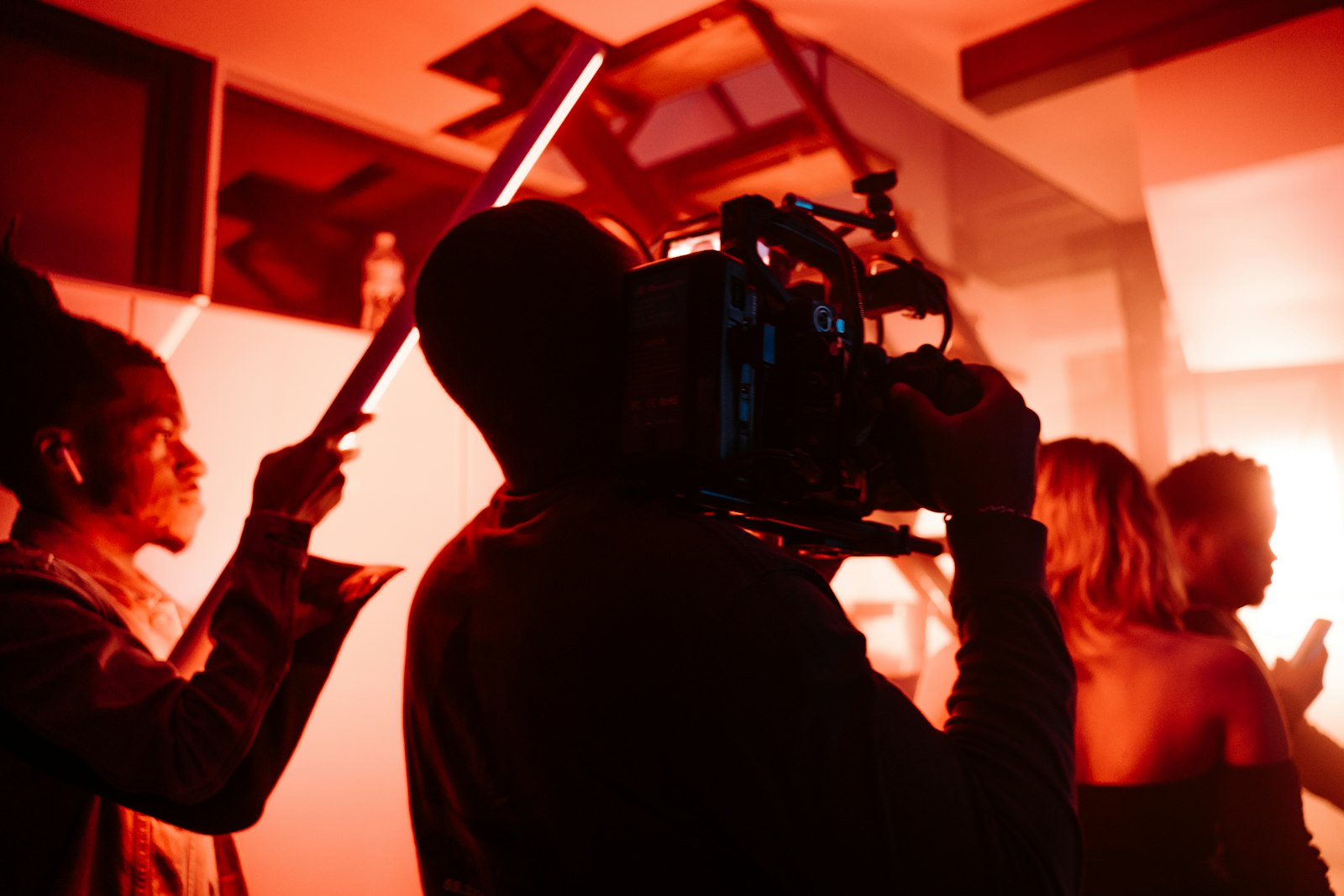
Camera movement brings a scene to life, adding dynamism, guiding attention, and conveying emotion. A well-executed move can reveal information, follow action, or build tension, transforming a static shot into a cinematic one.
But movement should serve a purpose, not just add motion for its own sake. Understanding the techniques and when to use them lets you move the camera intentionally, elevating your video rather than distracting from it.
Pans and Tilts
A pan rotates the camera horizontally, and a tilt rotates it vertically, both from a fixed position. These simple moves reveal a scene, follow a subject across the frame, or shift attention from one element to another.
Pans and tilts are foundational and easy to execute on a tripod. Used smoothly and with motivation — following a subject or revealing something — they add controlled movement, while jerky or aimless pans quickly look amateurish.
Tracking and Dolly Shots
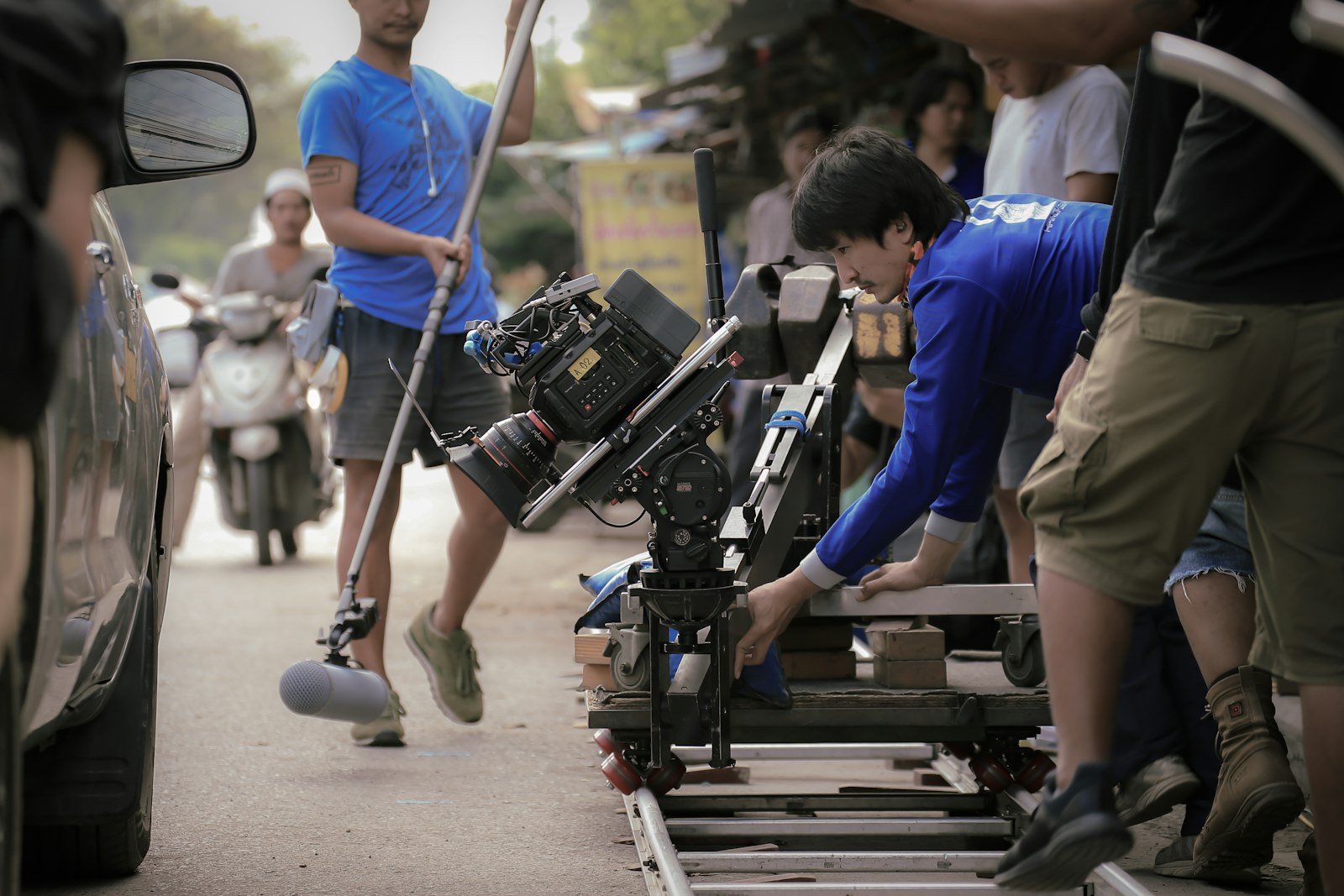
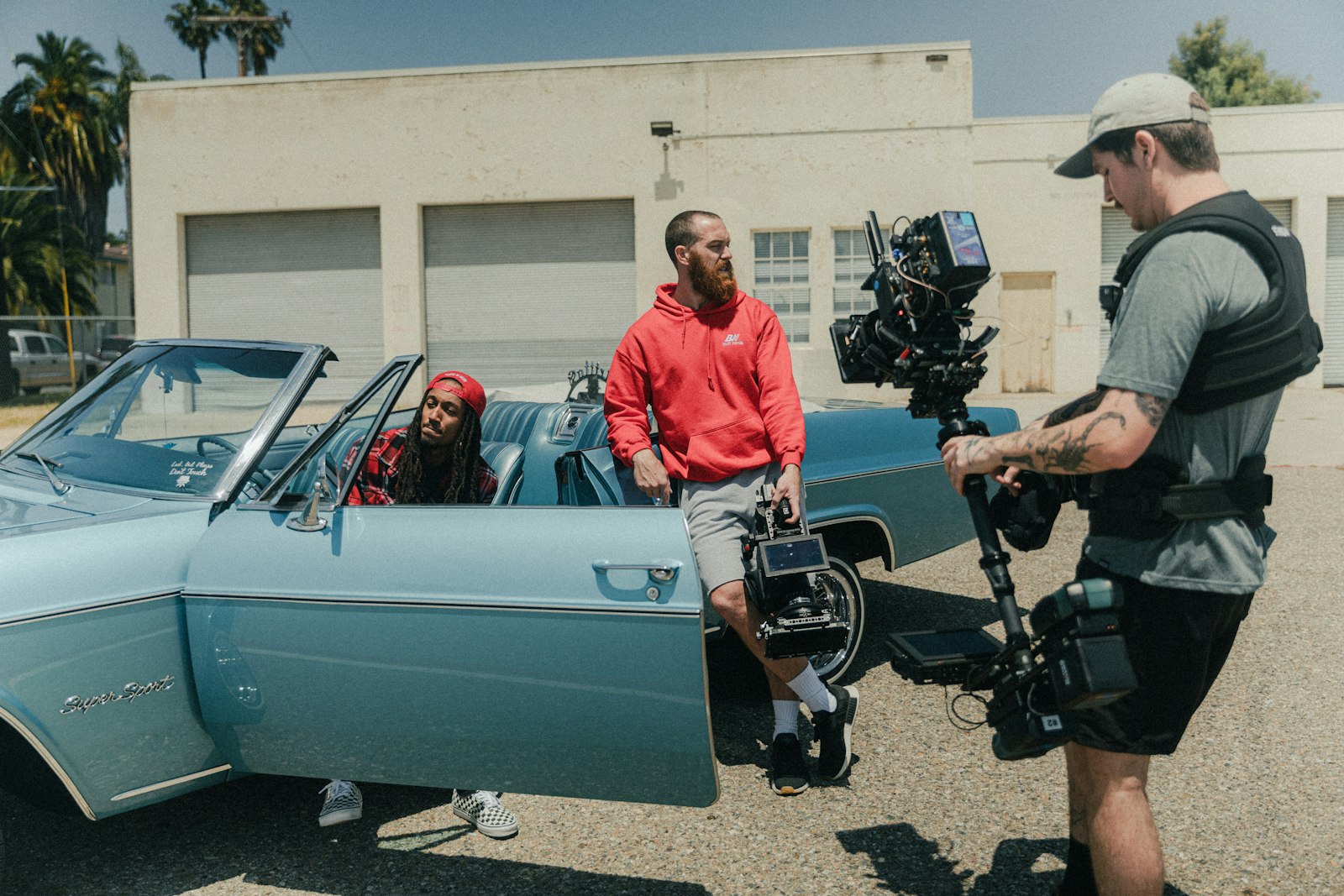
A tracking or dolly shot moves the whole camera through space — alongside a subject, toward them, or through an environment. This creates immersive, dynamic movement that draws the viewer into the scene.
These moves add significant production value, suggesting a smooth, deliberate camera traveling through the world. Achieved with dollies, sliders, gimbals, or careful handheld work, tracking shots are a powerful way to make video feel cinematic and engaging.
The Push-In and Pull-Out
Moving the camera toward a subject (a push-in) builds intensity and draws focus, while moving away (a pull-out) reveals context or creates emotional distance. These moves carry strong storytelling weight.
A slow push-in during an emotional moment intensifies it, mirroring the digital version in our zoom and pan guide. Whether done physically or in post, the push and pull are among the most expressive camera movements you can use.
Crane and Aerial Moves
Crane shots move the camera vertically through space, rising or descending for dramatic reveals, while drones enable sweeping aerial movement. These moves deliver scale and spectacle that ground-level shots can’t.
A rising crane or drone shot revealing a landscape is instantly cinematic. While they require more equipment, these elevated moves add production value and a sense of grandeur, perfect for establishing shots and dramatic reveals.
Handheld Movement
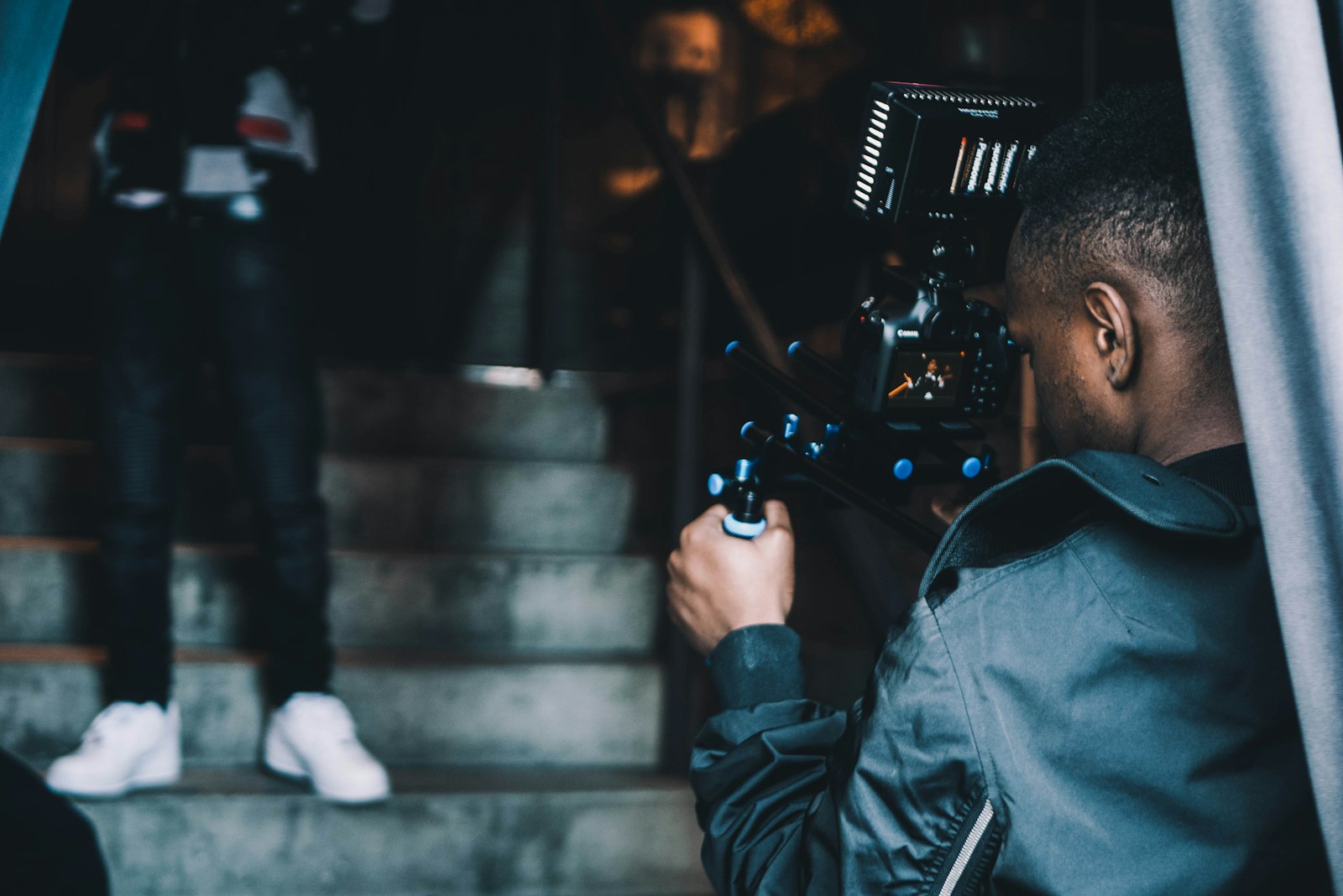
Handheld camera work adds energy, immediacy, and a raw, documentary feel. The subtle, organic motion of a handheld shot creates intimacy and tension, used deliberately in everything from action to emotional drama.
The key is controlling the handheld feel — enough movement for energy, not so much it’s nauseating. This natural motion can also be recreated in post, as our camera shake guide covers, when you want to add life to a static shot.
Keep Movement Smooth and Motivated
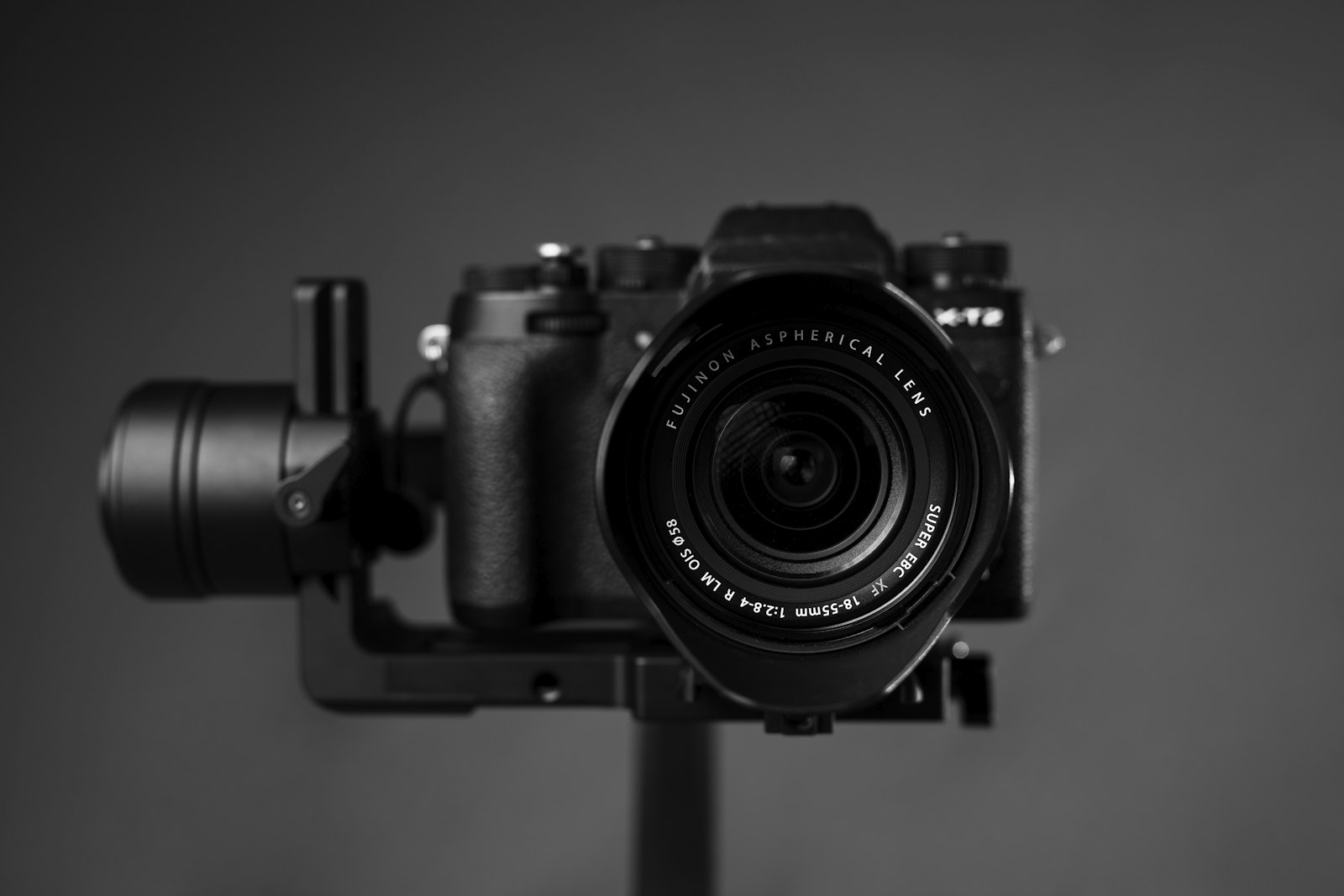
Two principles govern good camera movement: smoothness and motivation. Use stabilization tools — gimbals, sliders, tripods — to keep moves fluid, and ensure each movement has a reason, like following action or revealing something.
Smooth, motivated movement reads as professional, while shaky, aimless movement looks amateur. If footage is a little unsteady, you can stabilize it in post, but planning smooth, purposeful moves on set always gives the best results.
Match Movement to Emotion
The pace and type of movement should match the scene’s emotion. Slow, smooth moves suit calm or emotional moments, while faster, more energetic movement suits action and excitement, so the camera’s motion reinforces the feeling.
Thinking about what each move communicates, not just how it looks, makes your camera work expressive. Matching movement to the mood — gentle for tenderness, dynamic for energy — is what turns camera motion into a storytelling tool.
Camera Movement Best Practices
- Use pans and tilts to reveal and follow from a fixed point.
- Use tracking and dolly moves for immersive movement.
- Push in to build intensity, pull out to reveal context.
- Keep every move smooth and motivated by a purpose.
Common Camera Movement Mistakes
- Aimless movement with no motivation.
- Shaky, unstabilized moves that look amateur.
- Movement so fast it disorients the viewer.
- Motion that contradicts the scene’s emotion.
A Real Camera Movement Example
Picture opening a short documentary about a craftsman. You begin with a slow drone descent over his workshop for scale, cut to a smooth gimbal tracking shot following his hands as he walks to the bench, then settle into a gentle push-in on his face as he begins to speak. Each move is motivated and eased, never calling attention to itself.
The sequence feels cinematic because every movement serves the story — establishing the place, following the action, then drawing us into the subject. That deliberate progression of motivated, smooth moves, rather than random motion, is exactly what separates polished camera work from footage that simply wobbles around without purpose.
Recreate Camera Moves in Post
When you can’t get a move on set, you can often fake it in editing. A subtle digital push-in, a simulated handheld wobble, or a slow drift across a high-resolution still can add the energy of camera movement to otherwise static footage, using the reframing and shake techniques covered across our guides.
These post-production moves are no substitute for genuine camera work, but they rescue flat shots and add polish where needed. Pairing real movement on set with the digital reframing in our zoom and pan guide gives you a complete toolkit for adding motion and life to any shot.
Combine Movements for Dynamic Shots
The most cinematic camera work often layers several movements into one shot. A single move might track alongside a subject while slowly pushing in and gently rising, blending dolly, push-in, and crane motion so the shot evolves continuously and draws the viewer deeper into the moment.
These compound moves feel rich and deliberate when executed smoothly, but they demand practice and stabilization to avoid looking chaotic. Building up from single, well-controlled movements before combining them, and recreating subtle versions in post with the techniques in our zoom and pan guide, is how you develop toward these advanced, layered camera moves.
Among all the ways to move a camera, shooting handheld video is the most accessible and the most prone to shake.
Key Takeaways
- Camera movement adds energy, emotion, and production value.
- Pans, tilts, tracking, push-ins, cranes, and handheld each have a use.
- Keep movement smooth with stabilization and tools.
- Motivate every move and match it to the scene’s emotion.
Frequently Asked Questions
What are the main camera movement techniques?
The essentials are pans and tilts (rotating from a fixed point), tracking and dolly shots (moving through space), push-ins and pull-outs, crane and aerial moves, and handheld movement. Each serves a different storytelling purpose.
How do I keep camera movement smooth?
Use stabilization tools like gimbals, sliders, and tripods to keep moves fluid, and plan motivated movements. If footage is slightly unsteady, you can also stabilize it in post, but smooth moves on set give the best results.
When should I move the camera?
Move the camera when it serves a purpose — following action, revealing information, building intensity, or conveying emotion. Match the pace to the scene’s mood, and avoid aimless movement that distracts rather than enhances.
Sources: Wikipedia’s overview of camera movement.
Move with purpose at Adobe Video World
Train hands-on with Adobe Certified Instructors across 100+ Premiere Pro & After Effects sessions.



