A workflow taught by Adobe Certified Instructors at Adobe Video World.
After Effects offers powerful color-mapping effects — Colorama, Tint, and Tritone — that recolor footage in creative, stylized ways far beyond standard grading. They create duotones, psychedelic color cycles, and bold artistic looks. This guide covers these color effects and how to use them to transform the look of any clip.

What Color-Mapping Effects Do
Color-mapping effects reassign the colors in an image based on brightness or existing color, replacing them with new ones you choose. This goes beyond adjusting color — it remaps the image entirely, enabling duotones, color cycles, and bold stylized looks.
Unlike grading, which shifts existing colors, these effects substitute colors according to a map. This makes them powerful for artistic, graphic, and psychedelic treatments, transforming footage in ways traditional grading can’t.
Use the Tint Effect
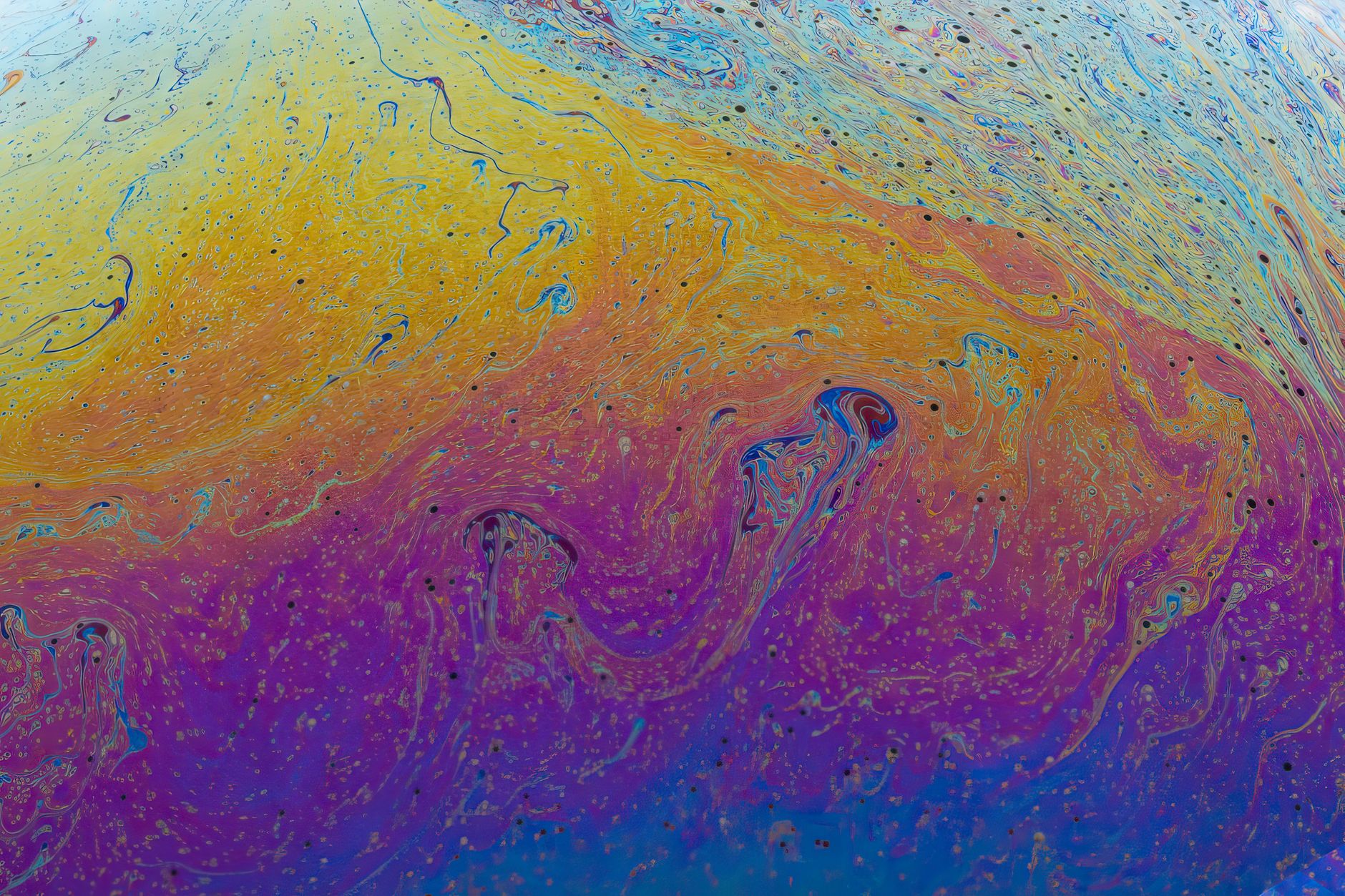
Tint is the simplest, mapping the image’s black and white points to two colors you choose. It converts footage to a two-color version — the shadows become one color, the highlights another — creating a quick duotone or monochrome tint.
Tint is perfect for fast stylized looks, like a sepia tone or a colored monochrome. With just two color pickers and an amount, it quickly transforms footage into a unified two-tone treatment, a clean and simple recoloring.

Create Duotones with Tritone
Tritone extends Tint with three colors, mapping the shadows, midtones, and highlights to separate colors. This creates richer duotone and tritone effects with more tonal nuance than the two-color Tint.
Tritone’s three-point mapping gives the trendy duotone look — popular in branding and posters — more depth. Choosing harmonious colors for the shadows, mids, and highlights produces a sophisticated, stylized recoloring that’s both bold and refined.
Use Colorama for Creative Mapping
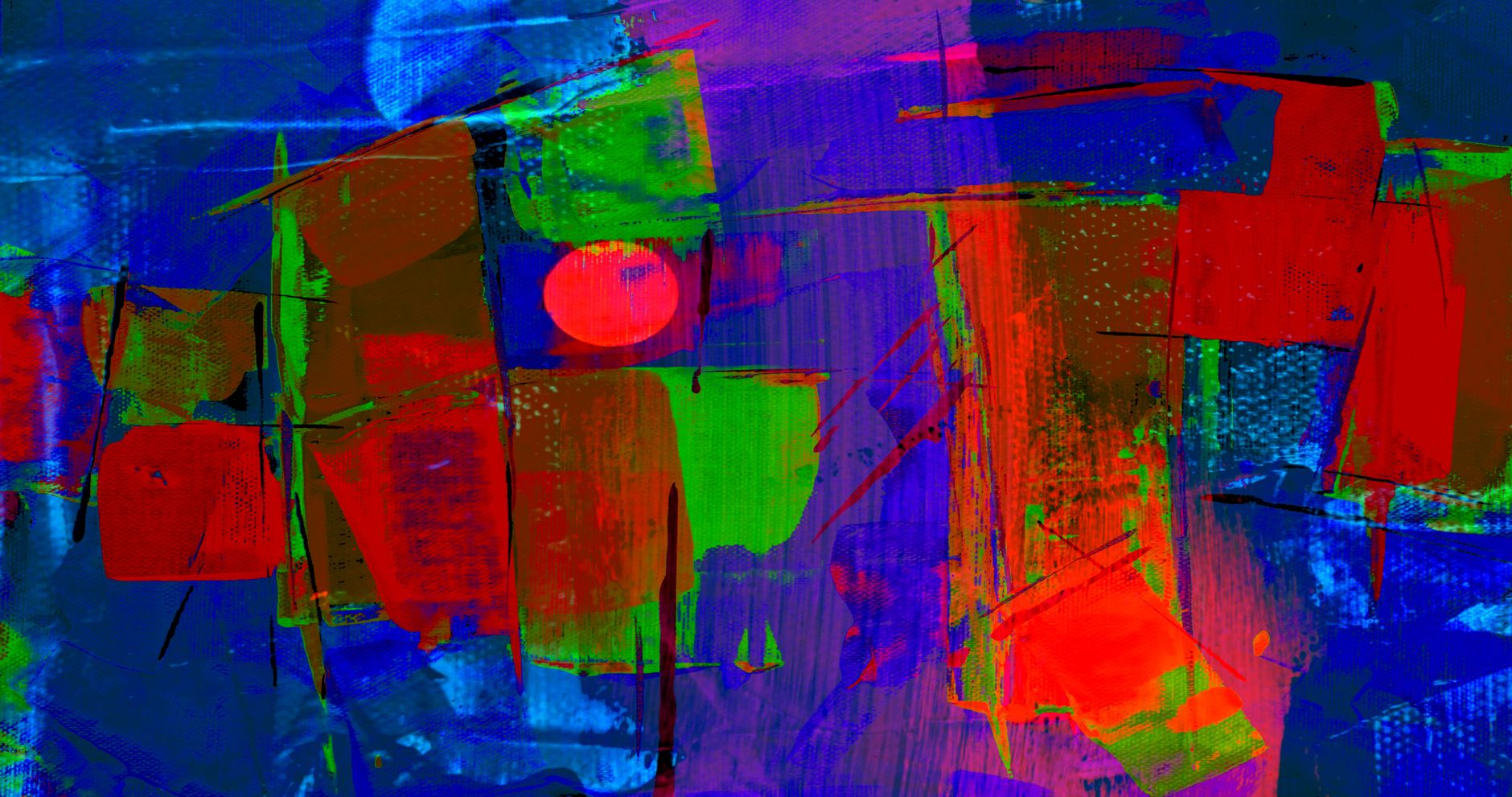
Colorama is the most powerful and complex, mapping image values to a customizable color cycle. It can create psychedelic color shifts, cycle hues, and produce wild, animated color effects far beyond simple tinting.
Colorama’s output cycle lets you map brightness to a gradient of colors, and animating the cycle creates flowing, shifting color. It’s the go-to for trippy, energetic color effects and creative recoloring, though its many controls take some learning.
Apply a Duotone Look
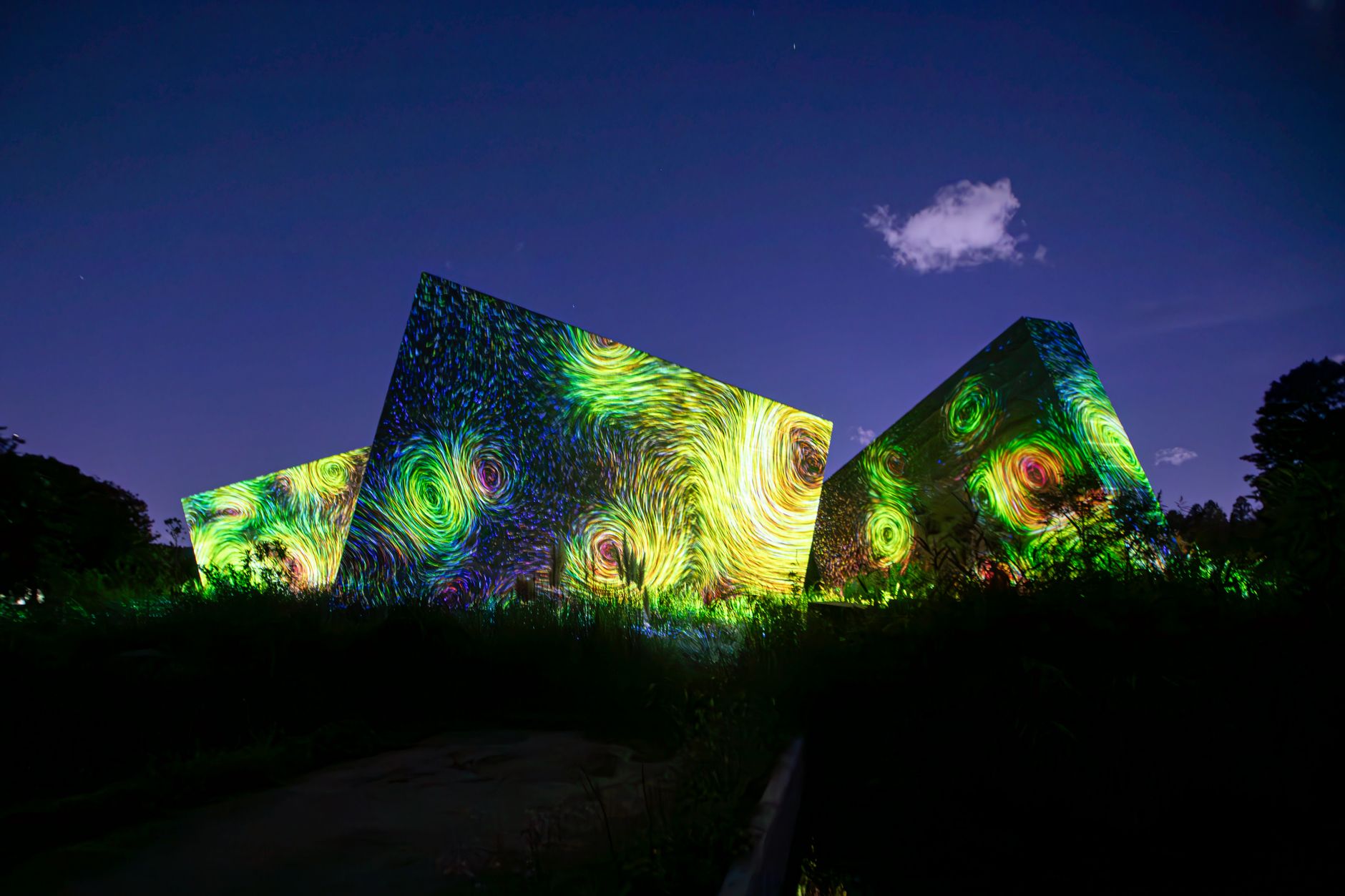
The duotone — an image in two complementary colors — is a popular modern look, and Tint or Tritone create it easily. Mapping the footage to a bold color pair, using our color theory, produces the striking, graphic duotone seen in branding.
Choosing the right color pair is key — complementary or harmonious colors give the most pleasing duotones. This treatment unifies footage under a bold, branded color scheme, a stylish look for title sequences, promos, and graphic-driven content.
Animate Color Effects
These effects can animate for dynamic color. Animating Colorama’s cycle, or the colors in Tint and Tritone, makes the recoloring shift over time, creating flowing, psychedelic color motion or a treatment that evolves through a clip.
Animated color mapping suits music videos and abstract visuals, where shifting color adds energy. Keyframing the color effect, especially Colorama’s cycle, produces the hypnotic, ever-changing color that static grading can’t achieve.
Combine with Other Effects
Color-mapping effects pair well with others. Applying them to Fractal Noise colors a generated pattern, while combining them with glow, blending, or grading builds complex stylized treatments.
Their role as color transformers makes them building blocks in larger looks. Using Tint or Colorama to recolor an effect or footage, then layering glow and grading, creates rich, distinctive visuals that go beyond what any single effect produces.
Color Effects Best Practices
- Use Tint for quick two-color duotones and monochrome.
- Use Tritone for richer three-color tonal mapping.
- Use Colorama for creative color cycles and psychedelic shifts.
- Choose harmonious color pairs for pleasing duotones.
Common Color Effect Mistakes
- Clashing colors that make a duotone look muddy.
- Overusing Colorama until the result is garish.
- Using a color effect where simple grading would suffice.
- Forgetting these effects can animate for dynamic color.
A Real Duotone Example
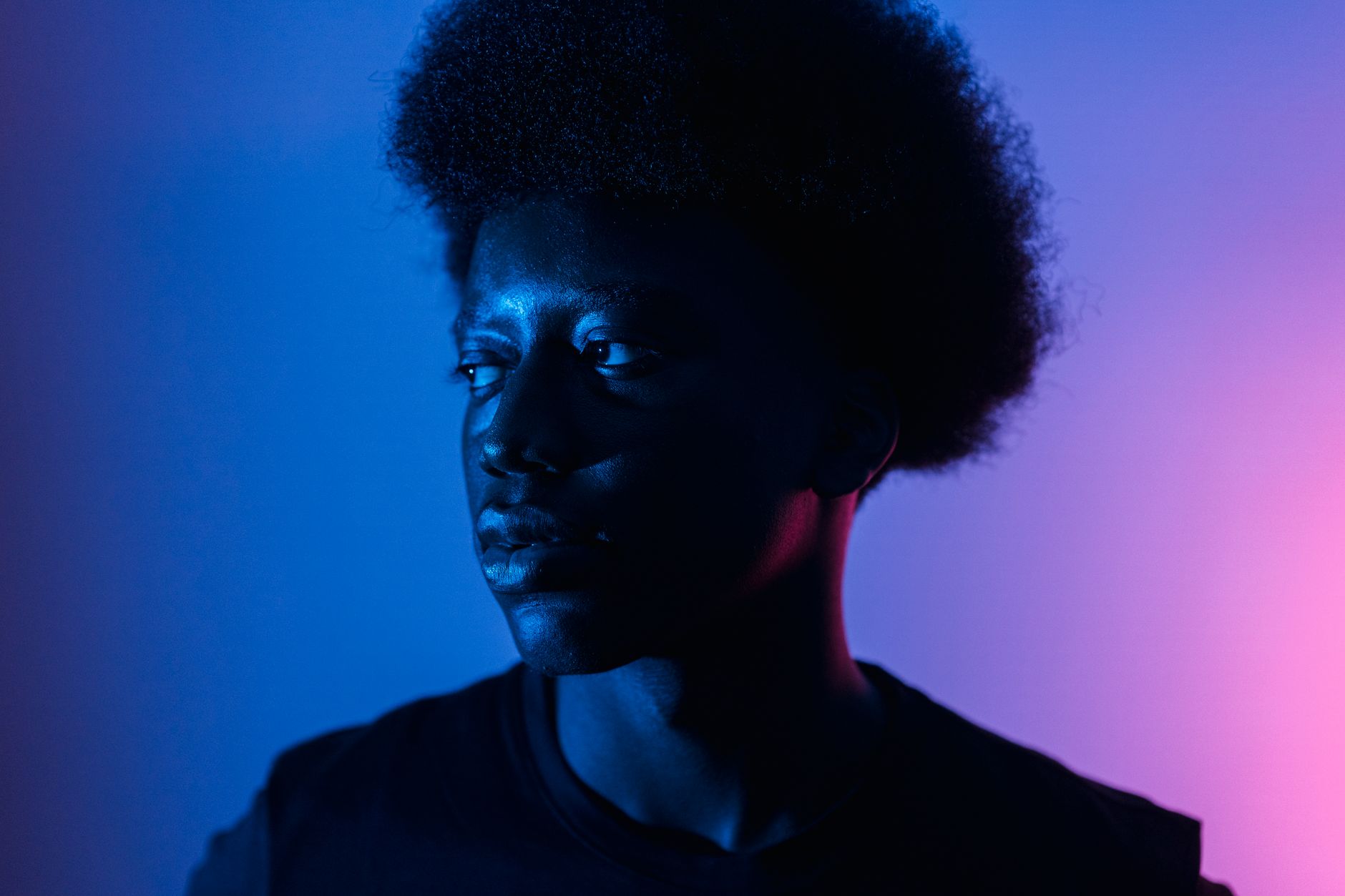
Imagine branding a tech promo with a bold duotone look. You apply Tritone to the footage, mapping the shadows to deep navy, the midtones to a vivid magenta, and the highlights to a soft pink. The clip transforms into a striking, on-brand graphic image where every frame shares the same punchy two-color identity.
Because the colors are harmonious and tied to the brand palette, the duotone feels designed rather than gimmicky, and it unifies footage from different sources under one cohesive look. That instant, bold recoloring — achieved with a single effect and three well-chosen colors — is exactly why duotone treatments are so popular in modern branding and promos.
Colorama for Music and Abstract Visuals
Colorama’s animated color cycling makes it a favorite for music videos and abstract visuals, where shifting, psychedelic color adds energy and movement. Mapping a clip or a generated pattern to a vivid color cycle and animating it produces flowing, ever-changing hues that pulse with a track.
Linking the cycle to the beat, using the audio-reactive ideas in our audio spectrum guide, ties the color shifts to the music for an immersive effect. Whether on footage or abstract Fractal Noise, Colorama turns simple source material into hypnotic, color-cycling visuals that suit concerts, lyric videos, and experimental motion graphics.
Color Effects for Brand Looks
Color-mapping effects are powerful for building consistent brand looks across footage. Applying the same duotone or color treatment to all your clips unifies them under a recognizable palette, turning varied source material into a cohesive, branded visual identity in a single step.
Because the effect remaps rather than merely adjusts color, it creates bold, graphic looks that stand out and stay consistent. Tying the colors to your brand palette, and reusing the treatment across projects, gives your content a distinctive, instantly recognizable color signature.
Color Effects and Performance
Color-mapping effects like Colorama are relatively light, but when stacked with glow, blending, and other treatments, the combined load can slow previews on complex compositions. Keeping your effect stack efficient and pre-rendering finished color looks helps the timeline stay responsive while you work.
For projects applying the same color treatment across many clips, an adjustment layer carrying the effect is far more efficient than copying it onto every clip. This keeps the look consistent and the project manageable, letting you adjust the entire treatment from a single place.
Styling graphics with color leads naturally into using layer styles in After Effects for dimensional polish.
A bold tinted graphic gains depth the moment you add creating a long shadow in After Effects.
Key Takeaways
- Color-mapping effects remap an image’s colors creatively.
- Tint creates duotones; Tritone adds a third color.
- Colorama enables psychedelic color cycles and shifts.
- Choose harmonious colors and animate for dynamic effects.
Frequently Asked Questions
How do I recolor footage in After Effects?
Use color-mapping effects: Tint maps black and white points to two colors for a duotone, Tritone adds a third color for shadows, mids, and highlights, and Colorama remaps values to a customizable color cycle for creative effects.
How do I create a duotone in After Effects?
Apply the Tint effect and choose two colors for the black and white points, or use Tritone for a richer three-color version mapping shadows, midtones, and highlights. Choose complementary or harmonious colors for the best result.
What does Colorama do?
Colorama maps an image’s values to a customizable color cycle, enabling psychedelic color shifts, hue cycling, and wild animated color effects far beyond simple tinting. It’s powerful but has many controls to learn.
Sources: Adobe’s documentation on Colorama and color correction effects in After Effects.
Transform color at Adobe Video World
Train hands-on with Adobe Certified Instructors across 100+ Premiere Pro & After Effects sessions.



