Browse
Category: Tutorials
Premiere Pro & After Effects tutorials from Adobe Video World instructors.
-
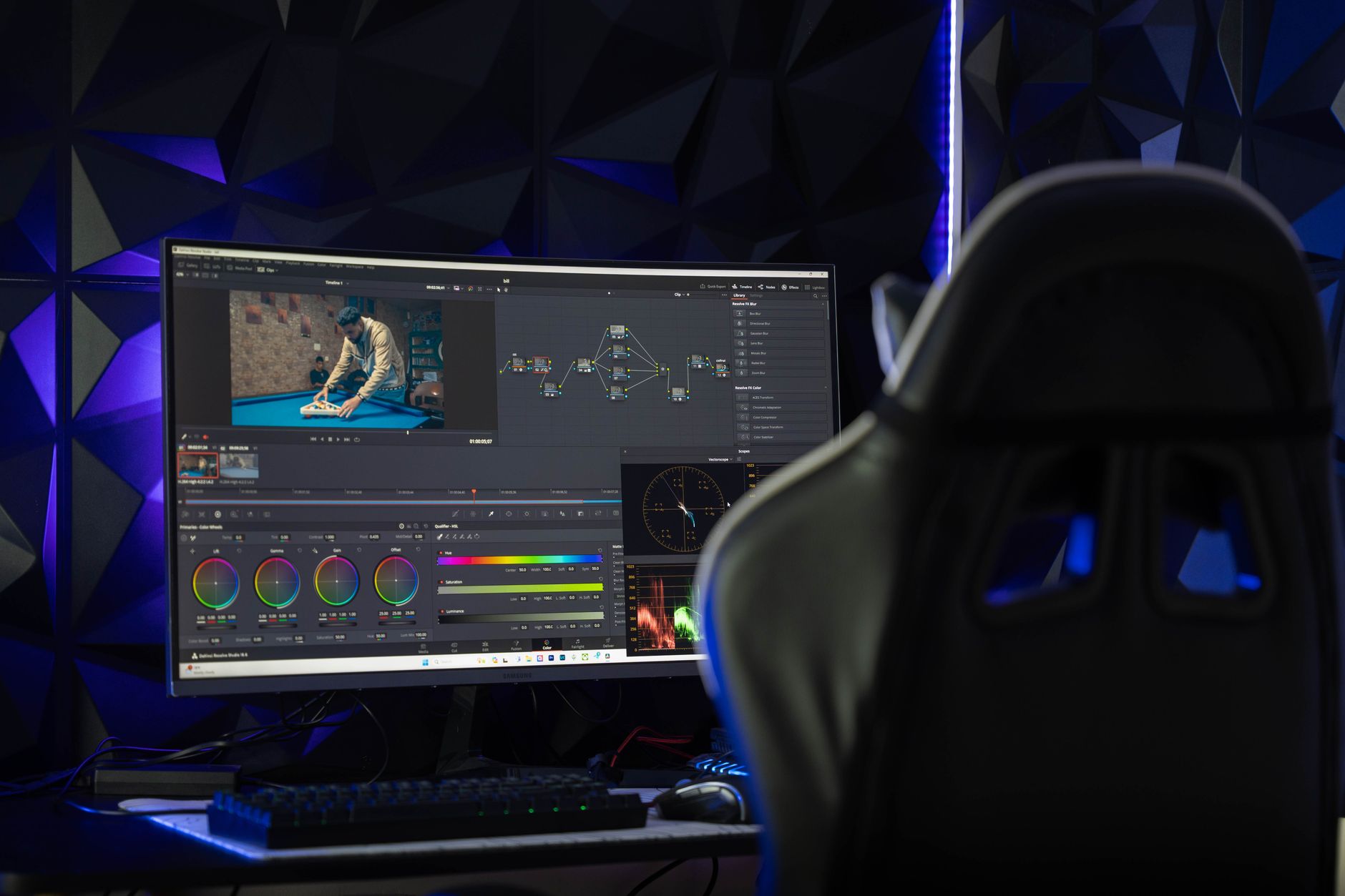
How to Use Proxies for Smooth 4K Editing in Premiere Pro
Edit 4K and high-res footage smoothly with proxies in Premiere Pro — create low-res copies, toggle them on, and switch back to…
-

How to Use Adjustment Layers in Premiere Pro
Use adjustment layers in Premiere Pro to apply effects and color grades across multiple clips at once — create one, stack effects,…
-

How to Edit Multicam Footage in Premiere Pro
Edit multicam footage in Premiere Pro — sync angles by audio, create a multi-camera source sequence, and cut between cameras live in…
-
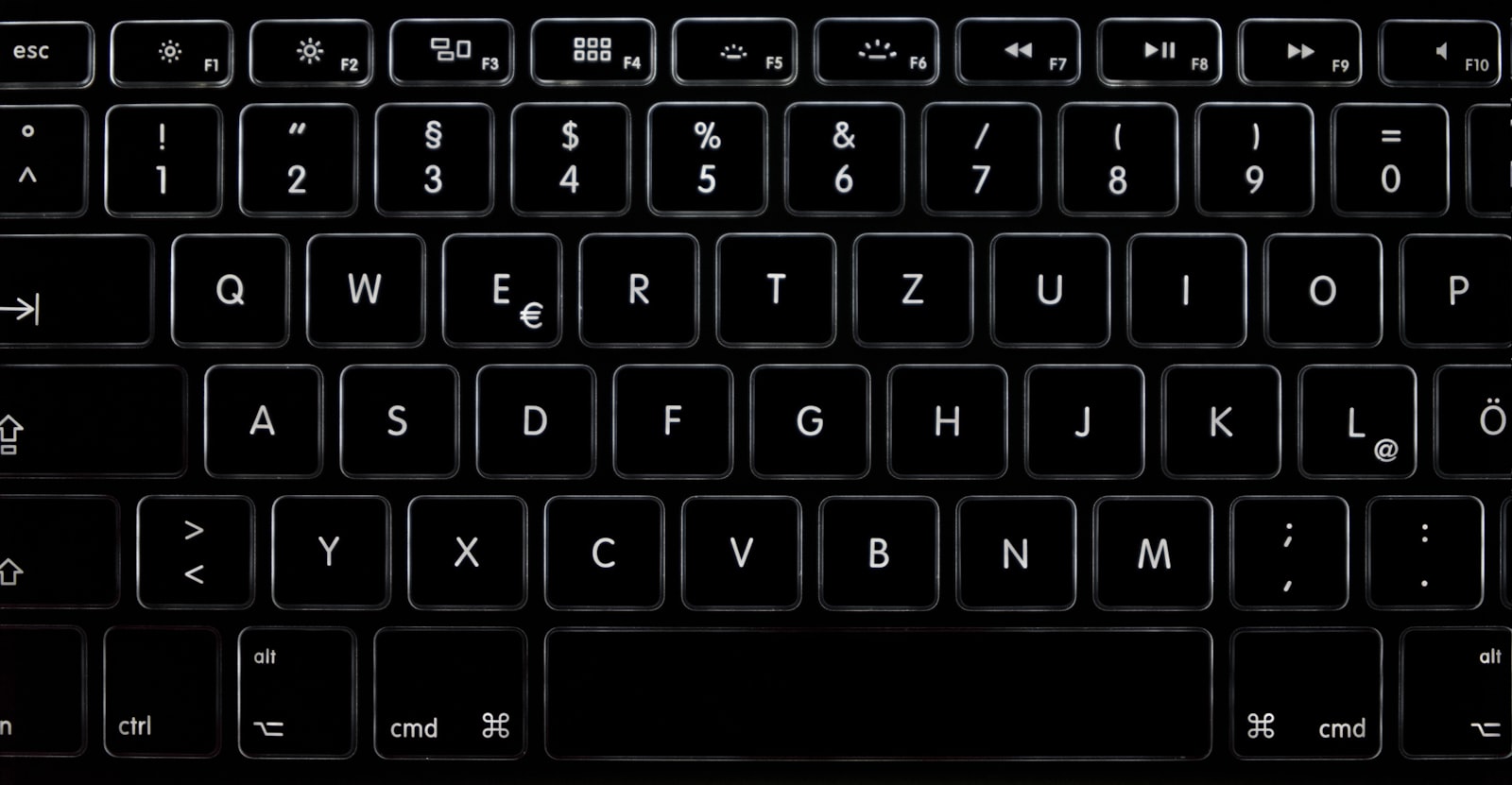
Essential Premiere Pro Keyboard Shortcuts for Faster Editing
The Premiere Pro keyboard shortcuts that matter most — playback, cutting, trimming, timeline navigation, and how to customize your own for faster…
-

How to Add Captions and Subtitles in Premiere Pro
Add captions and subtitles in Premiere Pro — auto-transcribe speech, style and position captions, edit timing, and export SRT or burned-in subtitles.
-

How to Speed Up or Slow Down Video in Premiere Pro
Change clip speed in Premiere Pro — speed/duration, the Rate Stretch tool, smooth slow motion with Time Interpolation, and speed ramps with…
-
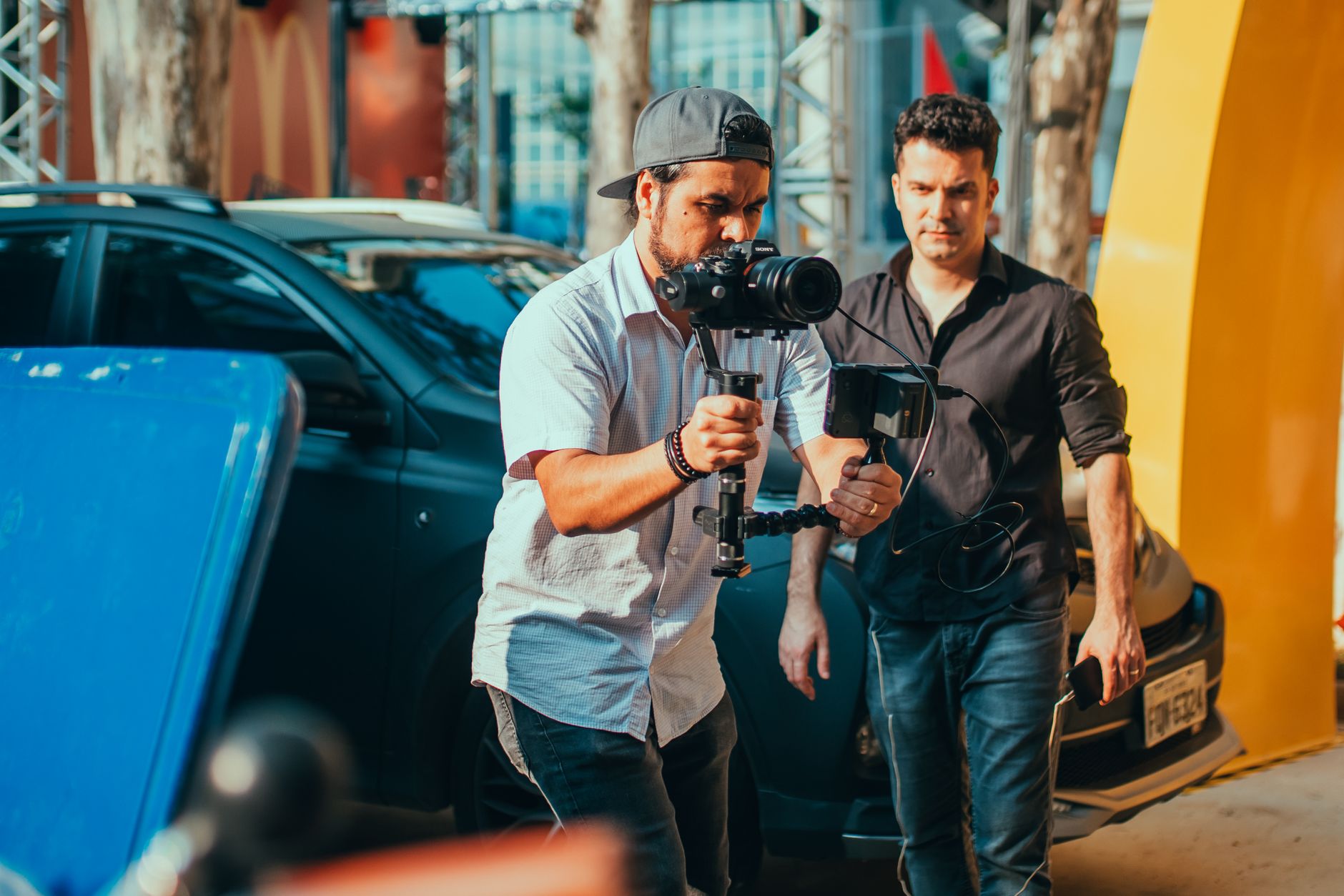
How to Stabilize Shaky Footage in Premiere Pro
Fix shaky video in Premiere Pro with the Warp Stabilizer effect — apply it, choose smoothness, fix warping and rolling-shutter artifacts, and…
-

How to Add Text and Titles in Premiere Pro
Add text and titles in Premiere Pro with the Type tool and Essential Graphics panel — style fonts, create lower thirds, and…
-
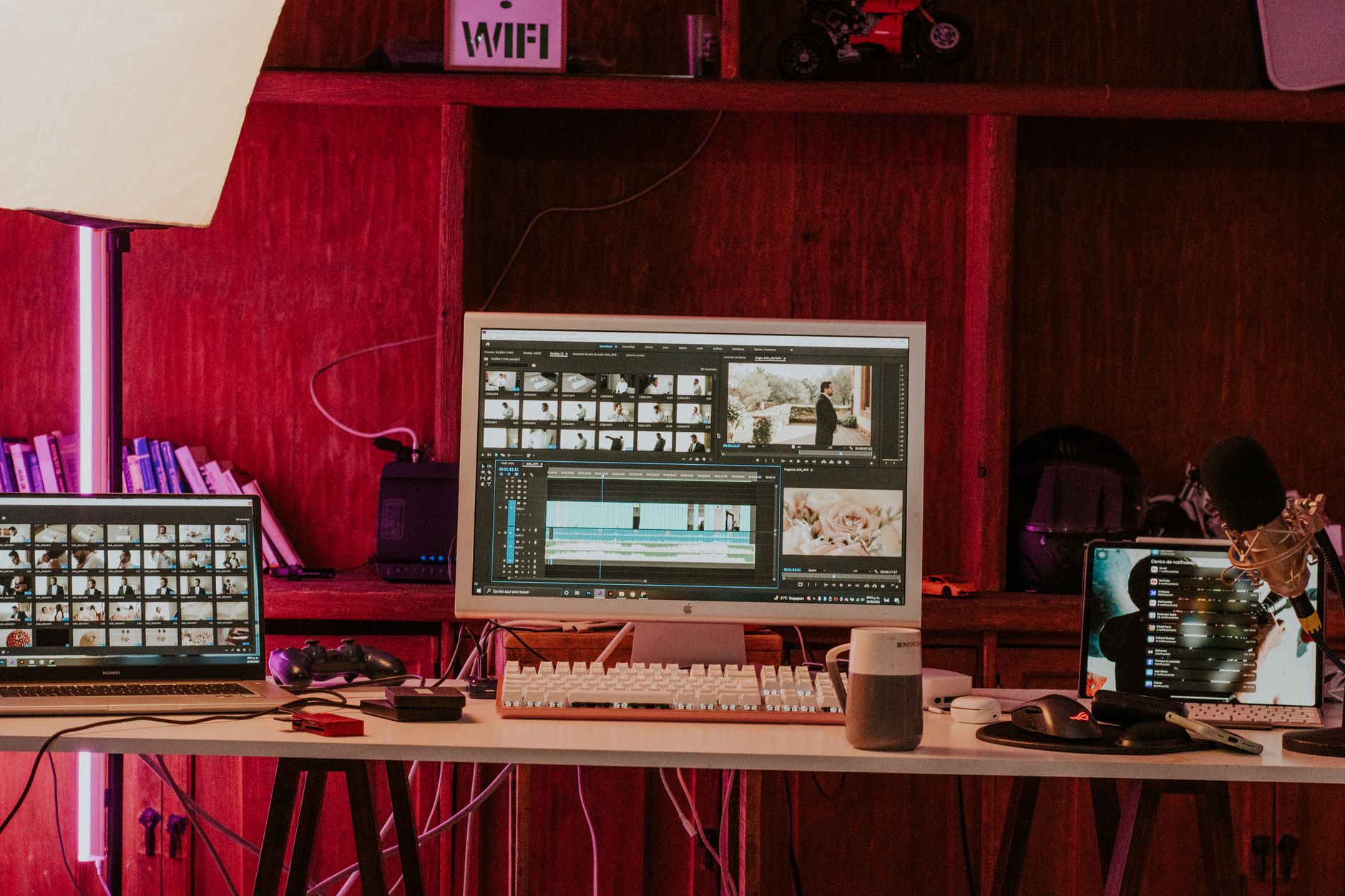
How to Cut, Trim, and Split Clips in Premiere Pro
Learn how to cut, trim, and split clips in Premiere Pro — the razor tool, keyboard shortcuts, ripple delete, and trimming in…
-
How to Add Transitions in Premiere Pro (Beginner’s Guide)
Learn how to add transitions in Premiere Pro — apply a cross dissolve, fix the ‘insufficient media’ error, adjust duration, and avoid…