Browse
Category: Tutorials
Premiere Pro & After Effects tutorials from Adobe Video World instructors.
-
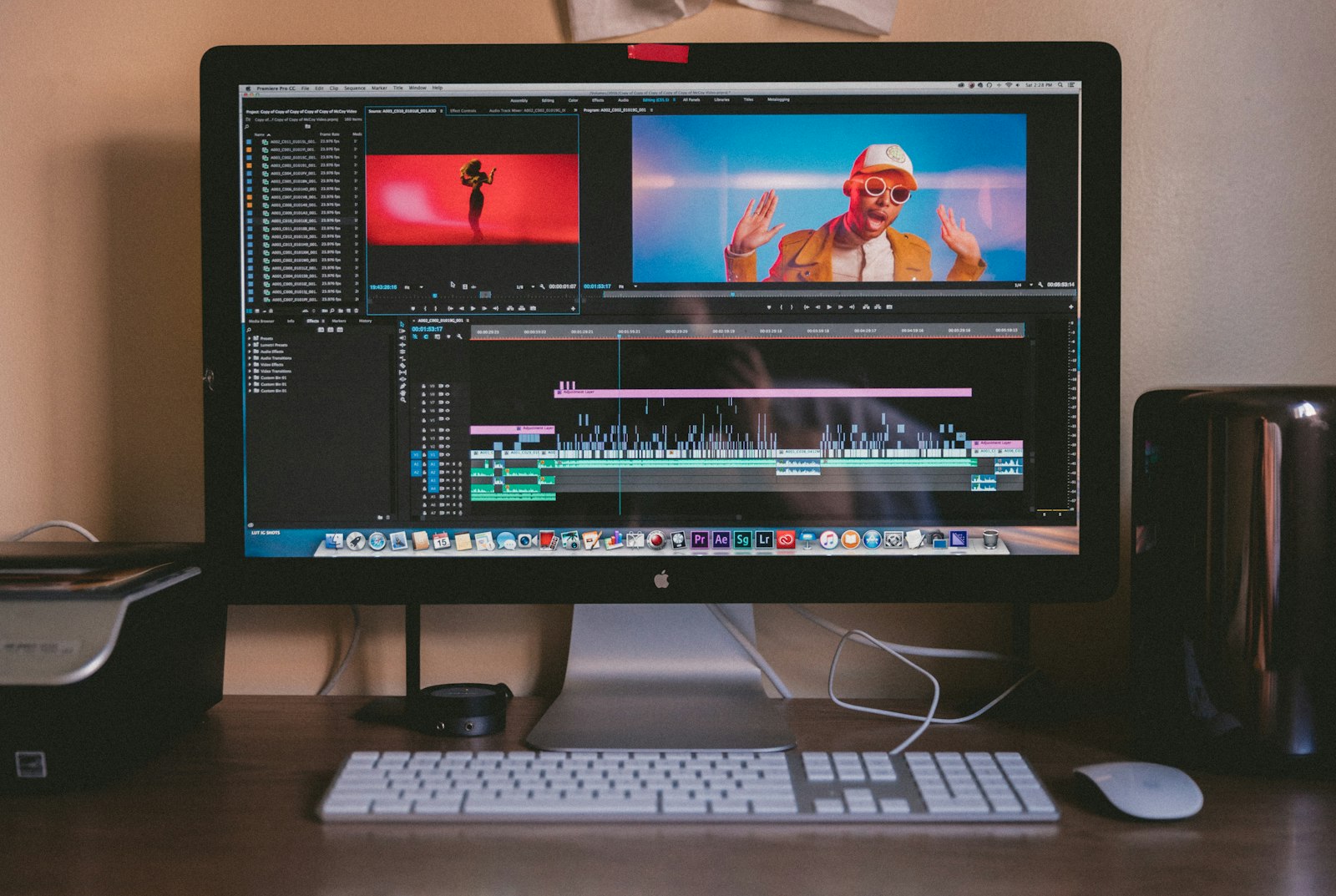
How to Render and Export from After Effects
Render and export from After Effects the right way — use Media Encoder for MP4, the Render Queue for high quality, and…
-
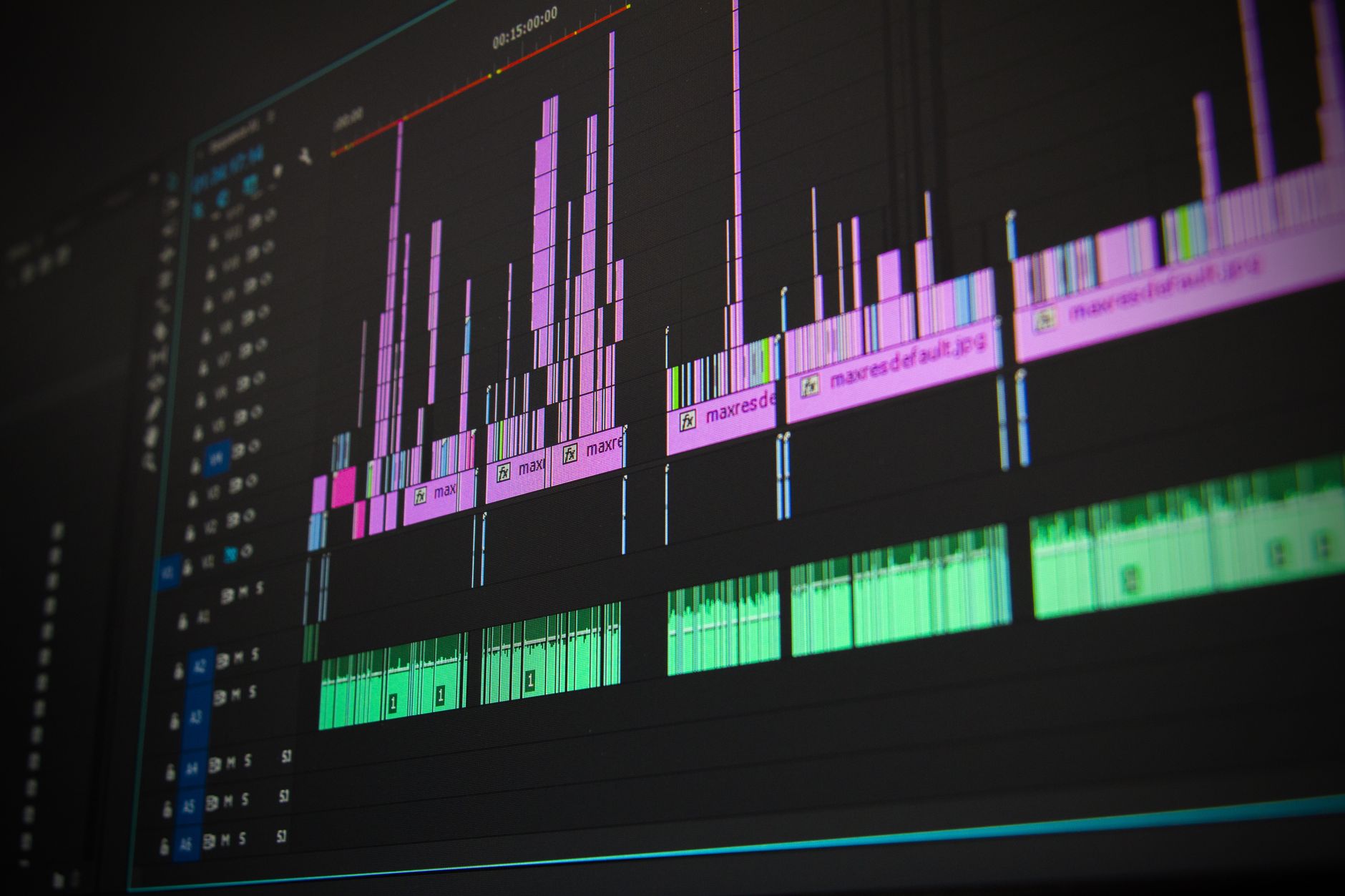
How to Remove Objects with Content-Aware Fill in After Effects
Remove unwanted objects from video with Content-Aware Fill in After Effects — mask the object, generate a fill, and clean up the…
-

How to Use Shape Layers in After Effects
Master shape layers in After Effects — draw vector shapes, edit paths, add fills and strokes, and use shape modifiers like Trim…
-

How to Rotoscope in After Effects
Learn rotoscoping in After Effects with the Roto Brush — separate a subject from its background, refine the edge, and composite it…
-

How to Create Lower Thirds in After Effects
Create professional lower thirds in After Effects — build the bar and text, animate a slick reveal with easing, and save it…
-
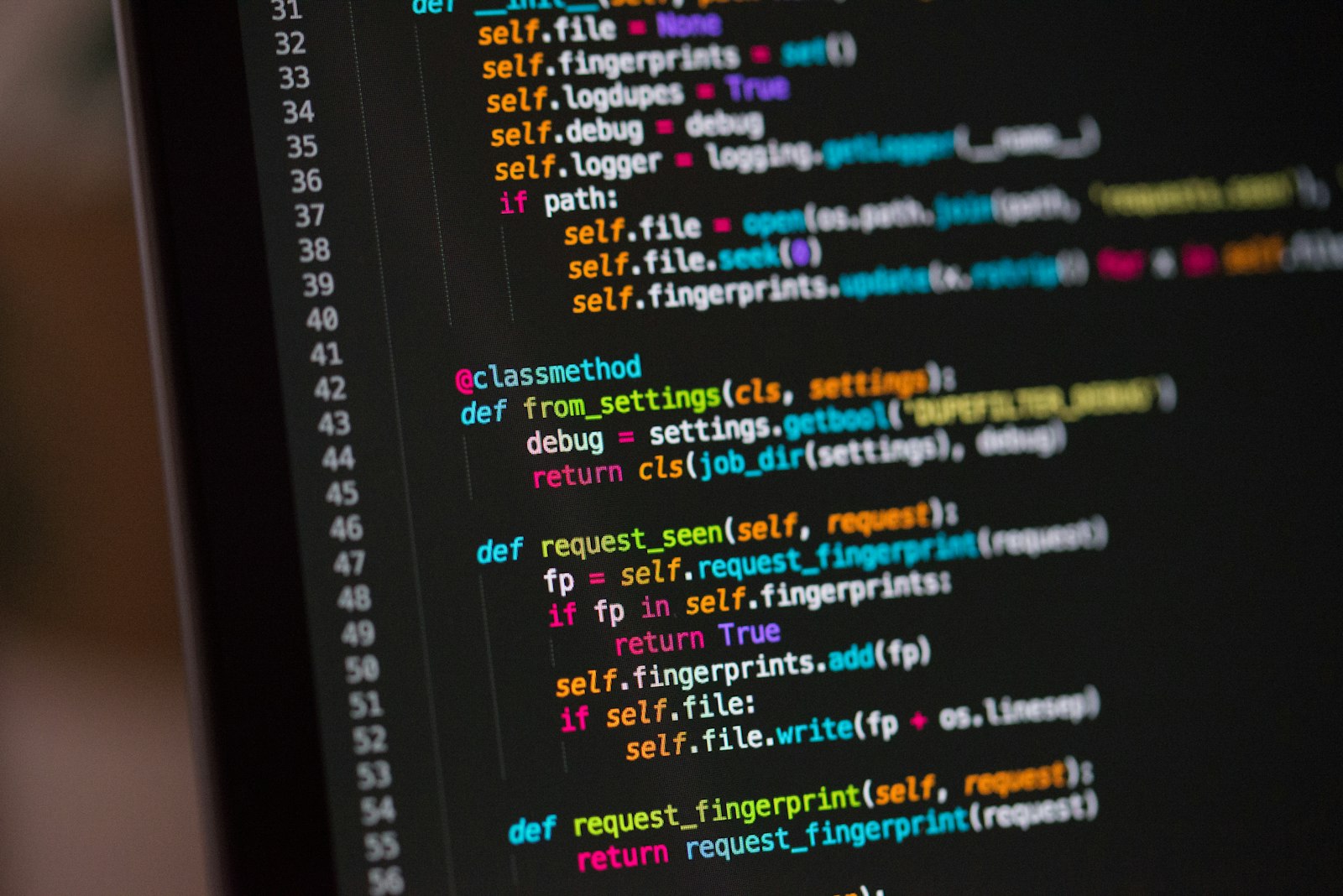
How to Use Expressions in After Effects (Beginner’s Guide)
A beginner’s guide to After Effects expressions — link properties with the pick whip, automate motion with wiggle, loop animation, and save…
-
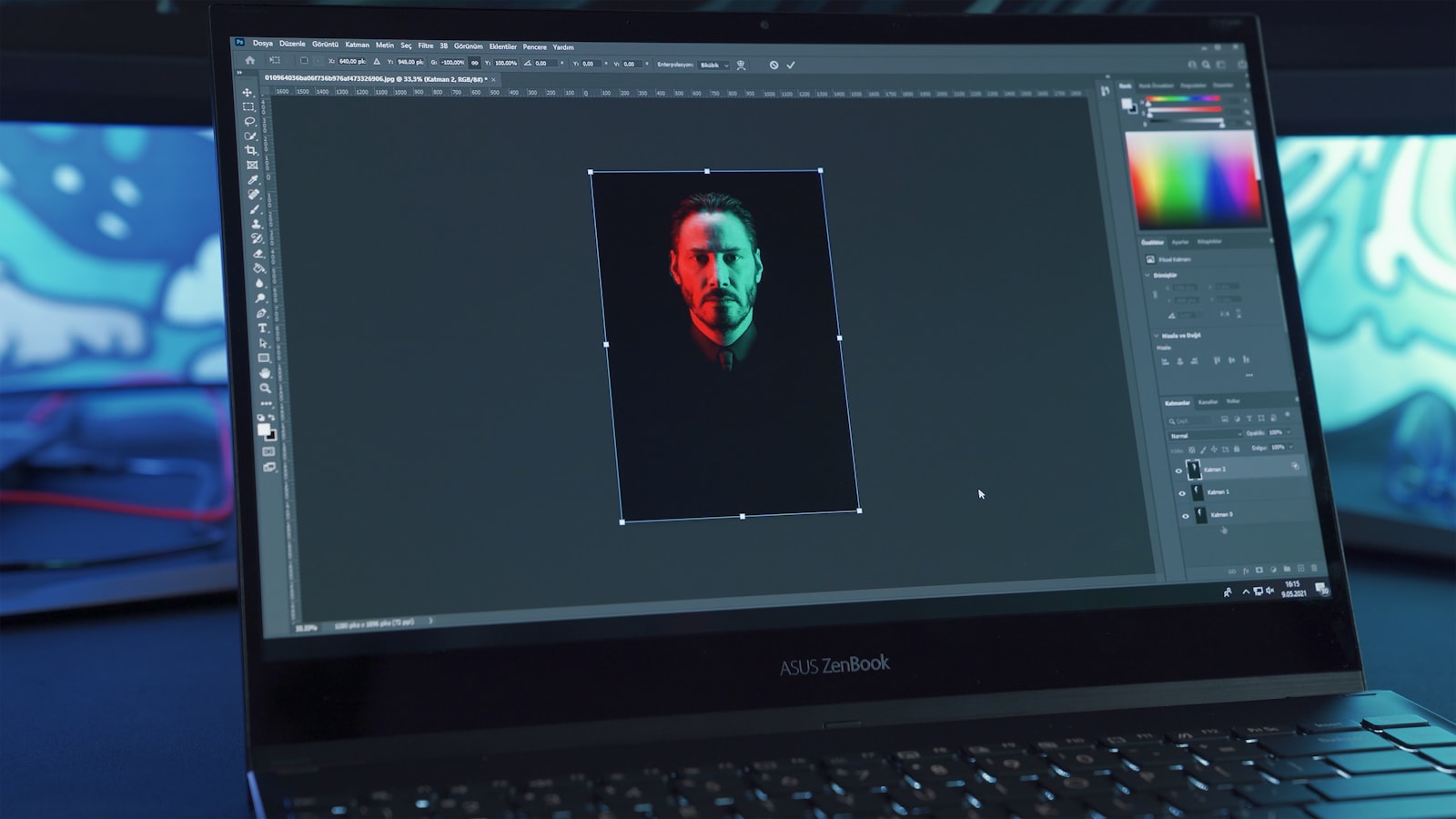
How to Motion Track in After Effects
Learn motion tracking in After Effects — track a point to attach graphics, use the 3D Camera Tracker for scene tracking, and…
-
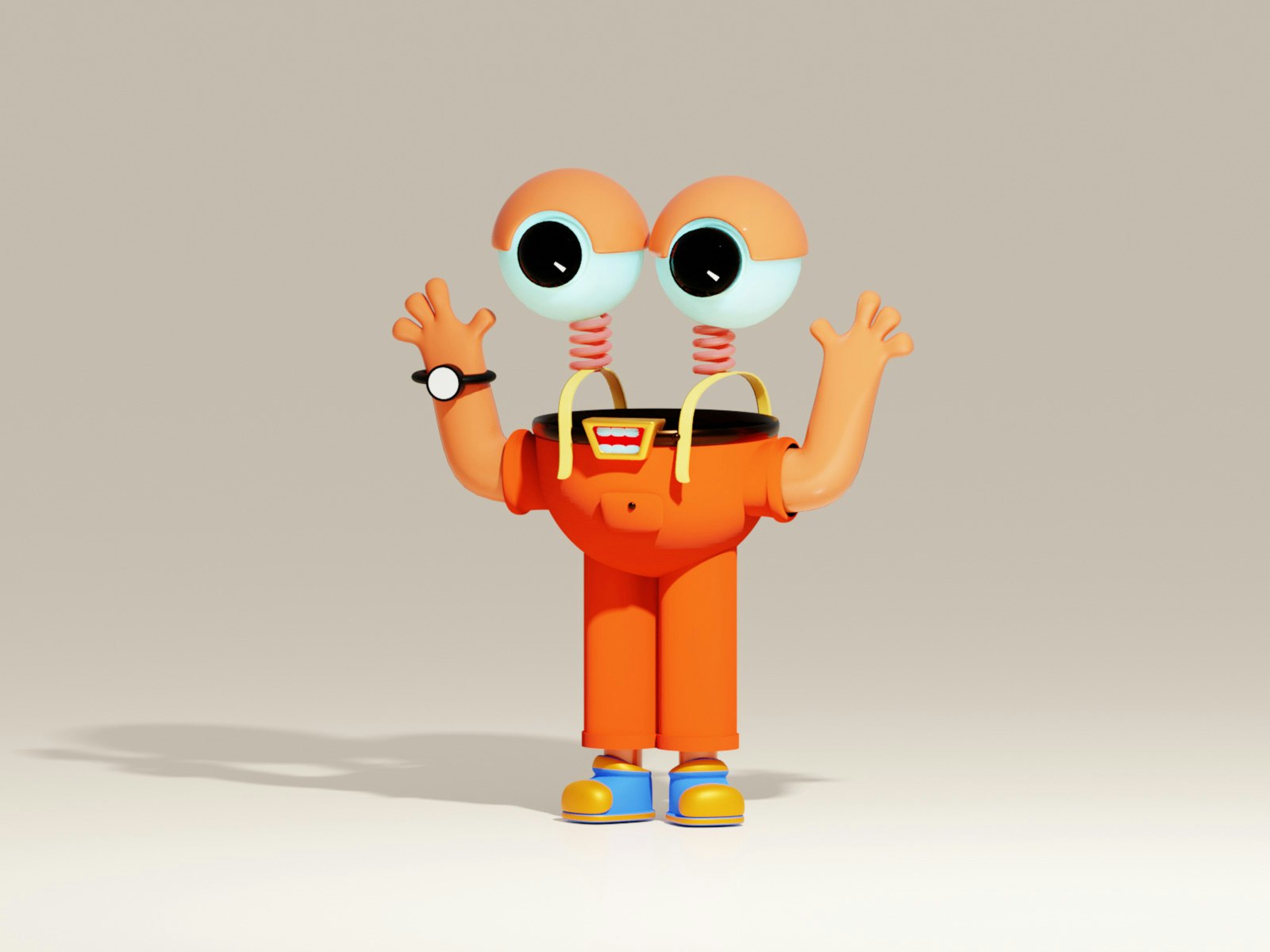
How to Use the Puppet Tool in After Effects
Learn the After Effects Puppet tool — place pins, animate natural character movement, use Starch pins to stiffen areas, and record motion…
-

How to Create Motion Graphics in After Effects
A beginner’s guide to creating motion graphics in After Effects — compositions, shape layers, keyframe animation, easing, and exporting your animation.
-
How to Animate with Keyframes in After Effects
Learn keyframe animation in After Effects — set keyframes on position, scale, and opacity, smooth motion with Easy Ease, and shape it…