Browse
Category: Tutorials
Premiere Pro & After Effects tutorials from Adobe Video World instructors.
-
How to Create Smoke and Fog in After Effects
Create smoke and fog in After Effects — use fractal noise for drifting haze, composite smoke overlays, add atmosphere to scenes, and…
-
How to Use the Roto Brush in After Effects
Use the Roto Brush in After Effects to cut out a moving subject fast — paint a selection, propagate it across frames,…
-
How to Animate Strokes with Trim Paths in After Effects
Use Trim Paths in After Effects to animate strokes drawing on — create write-on lines, animated icons, signatures, and self-drawing shapes with…
-
How to Add Camera Shake in After Effects
Add camera shake in After Effects — use the wiggle expression, keyframe handheld motion, add impact shakes, and control intensity for realistic,…
-
How to Create a Lens Flare in After Effects
Create a lens flare in After Effects — use the built-in Lens Flare effect, animate it across the frame, blend it with…
-
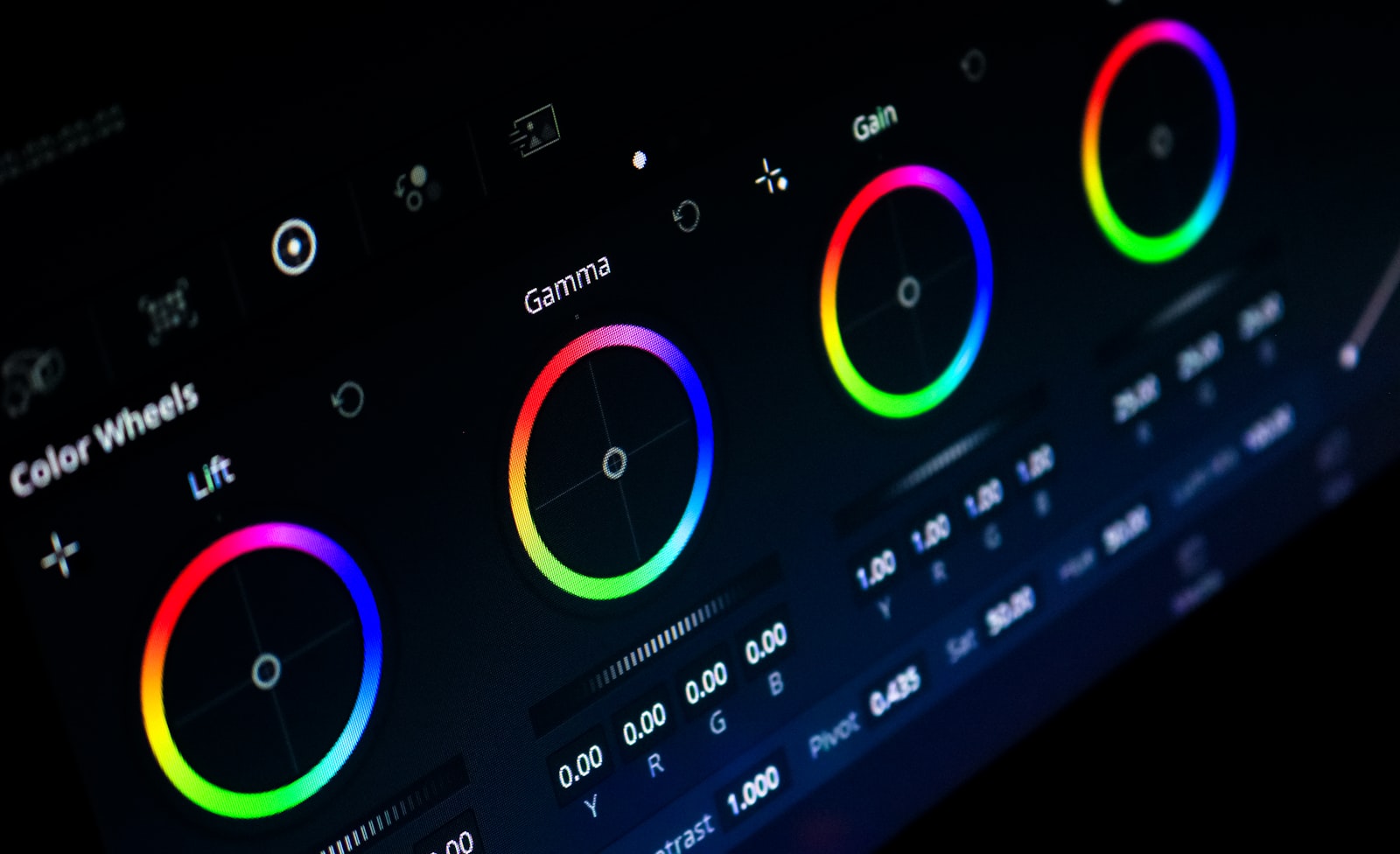
How to Read Lumetri Scopes in Premiere Pro
Read Lumetri Scopes in Premiere Pro — understand the waveform, vectorscope, histogram, and parade to judge exposure, color balance, and skin tones…
-
How to Blur a Face or Object in Premiere Pro
Blur a face or object in Premiere Pro — apply a Gaussian or Mosaic blur, mask the area, track it as it…
-
How to Use Motion Graphics Templates in Premiere Pro
Use Motion Graphics templates (.mogrt) in Premiere Pro — install them, customize text and color in Essential Graphics, and speed up titles,…
-
How to Reverse Video in Premiere Pro
Reverse video in Premiere Pro — play clips backward with Speed/Duration, reverse part of a clip, handle audio, and create seamless reverse…
-
How to Create a Freeze Frame in Premiere Pro
Create a freeze frame in Premiere Pro — add a frame hold, insert a frozen still, time freezes for effect, and combine…