Browse
Category: Tutorials
Premiere Pro & After Effects tutorials from Adobe Video World instructors.
-
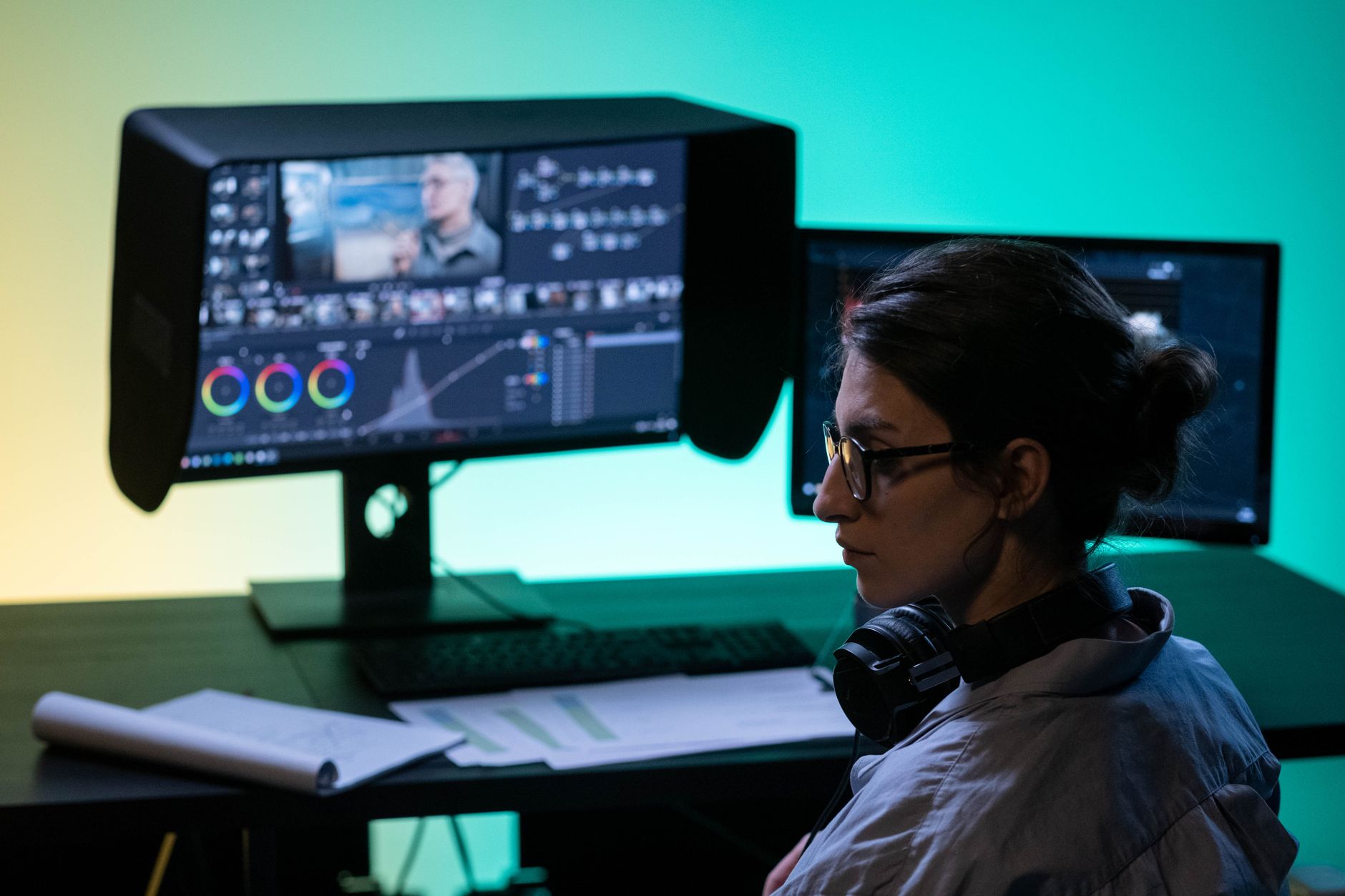
Premiere Pro vs DaVinci Resolve: Which Should You Use?
Premiere Pro vs DaVinci Resolve compared — editing, color grading, audio, pricing, and performance, so you can choose the right video editor…
-
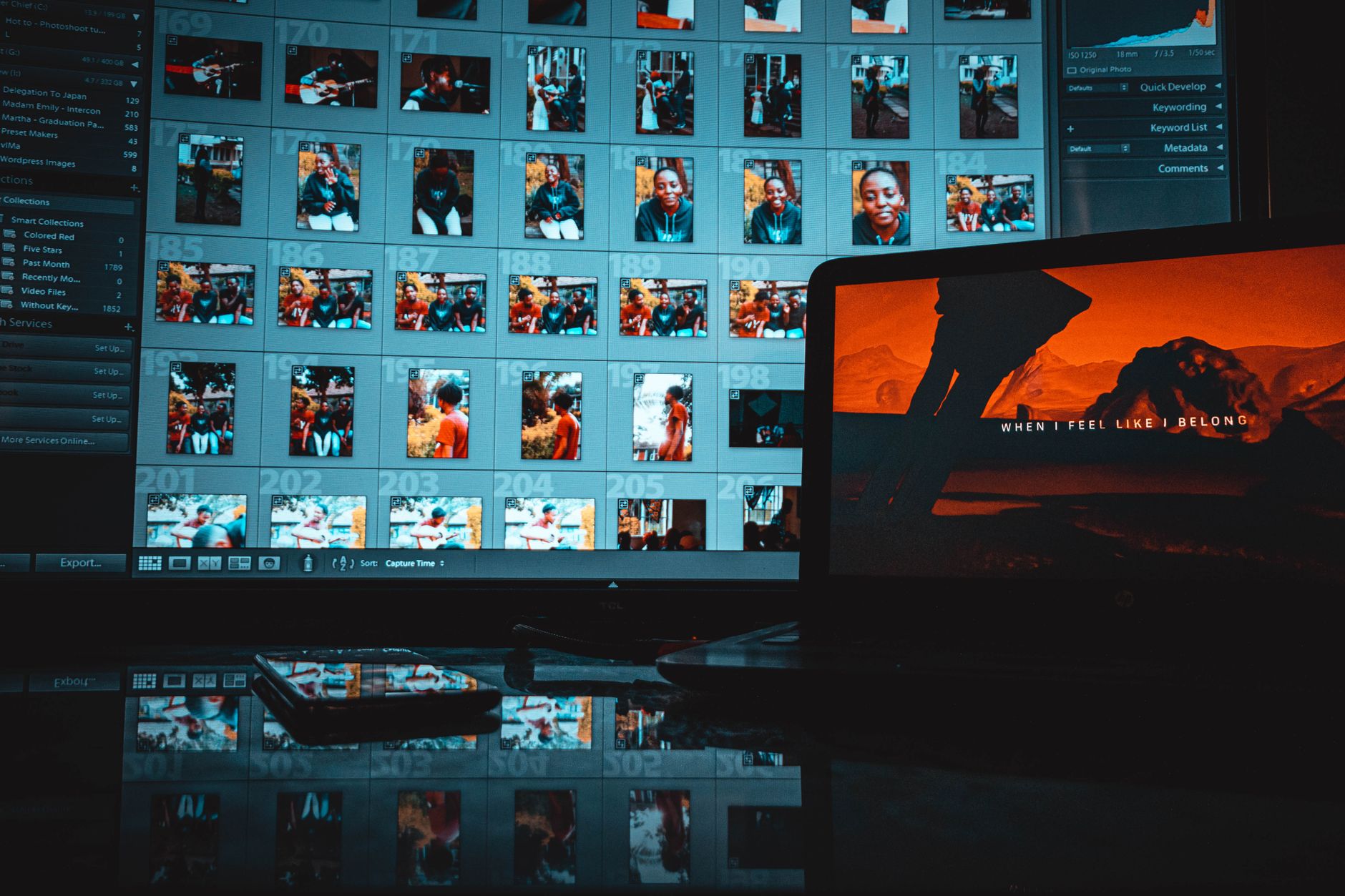
How to Edit Video in Photoshop
Edit video in Photoshop — import clips to the timeline, trim and arrange them, add text and adjustment layers, animate, and export…
-
How to Use Adobe Media Encoder
Use Adobe Media Encoder to export and convert video — queue renders, apply presets, batch process files, and free up Premiere Pro…
-

How to Use Blending Modes in After Effects
Use blending modes in After Effects to composite layers — apply Add, Screen, Multiply, and Overlay to blend light effects, textures, and…
-
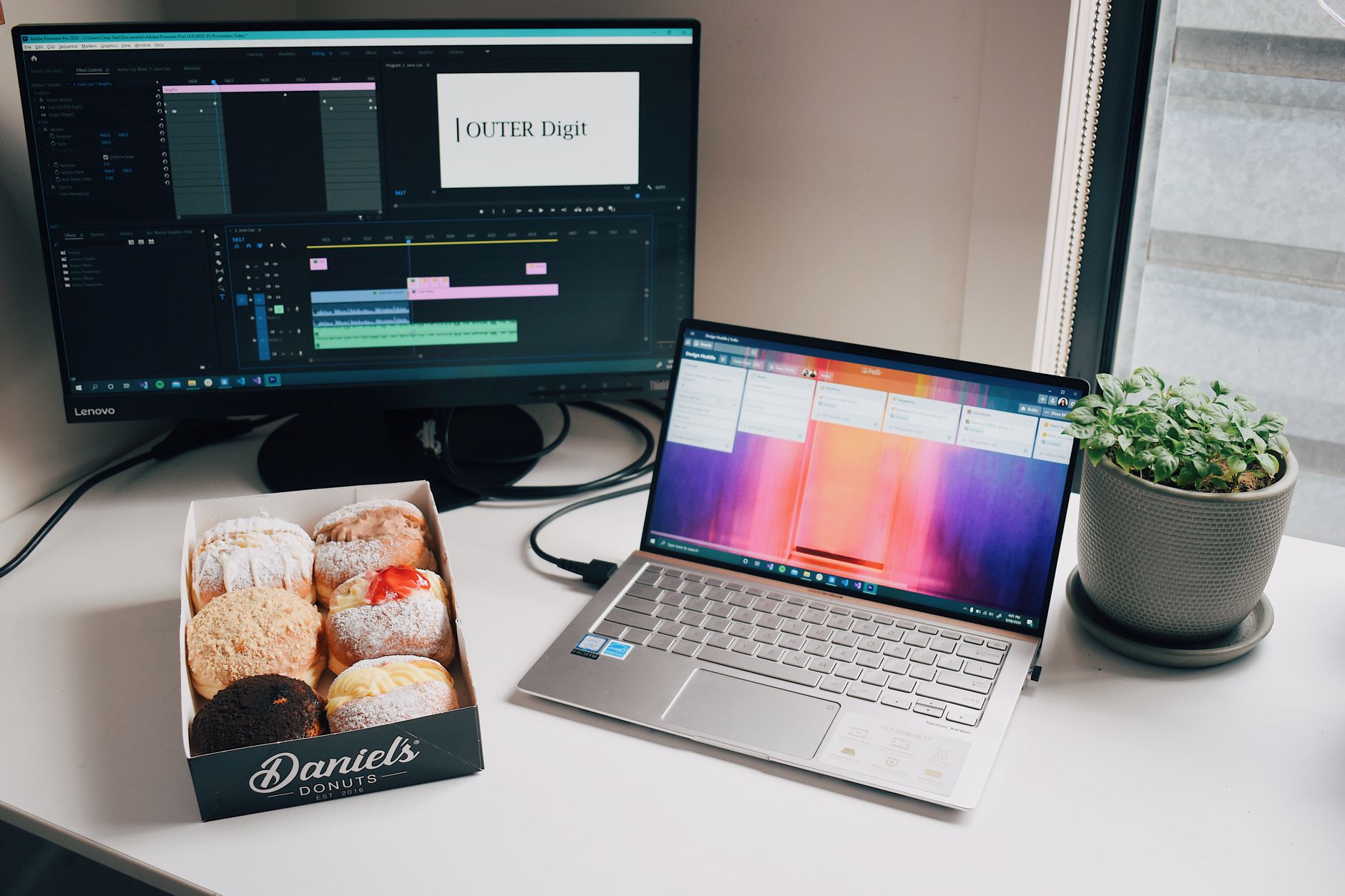
How to Replace a Clip or Footage in Premiere Pro
Replace a clip or footage in Premiere Pro — swap a clip while keeping effects and timing with Replace Footage and Replace…
-
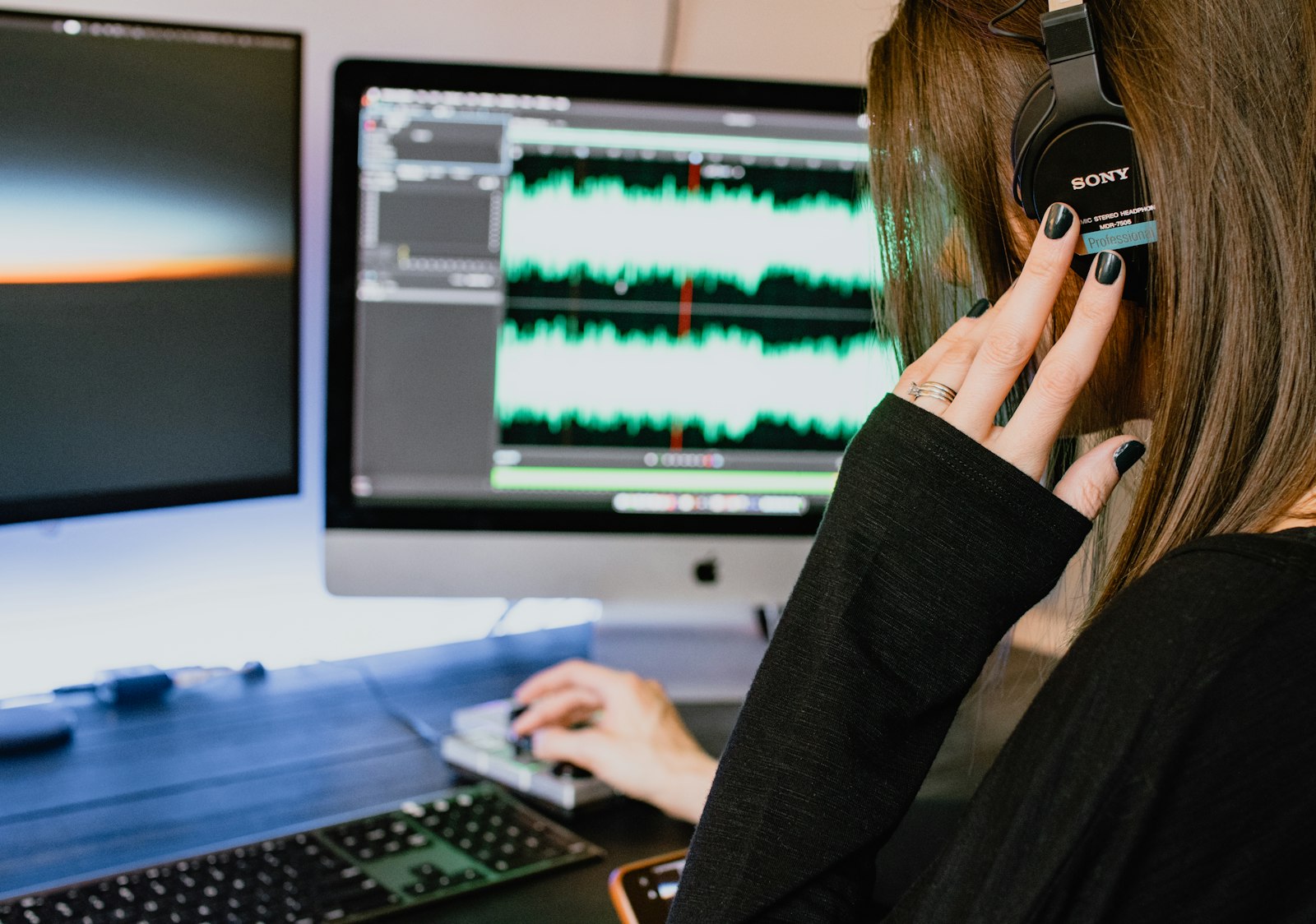
How to Fade Audio In and Out in Premiere Pro
Fade audio in and out in Premiere Pro — use audio transitions, keyframe volume by hand, create smooth crossfades between clips, and…
-
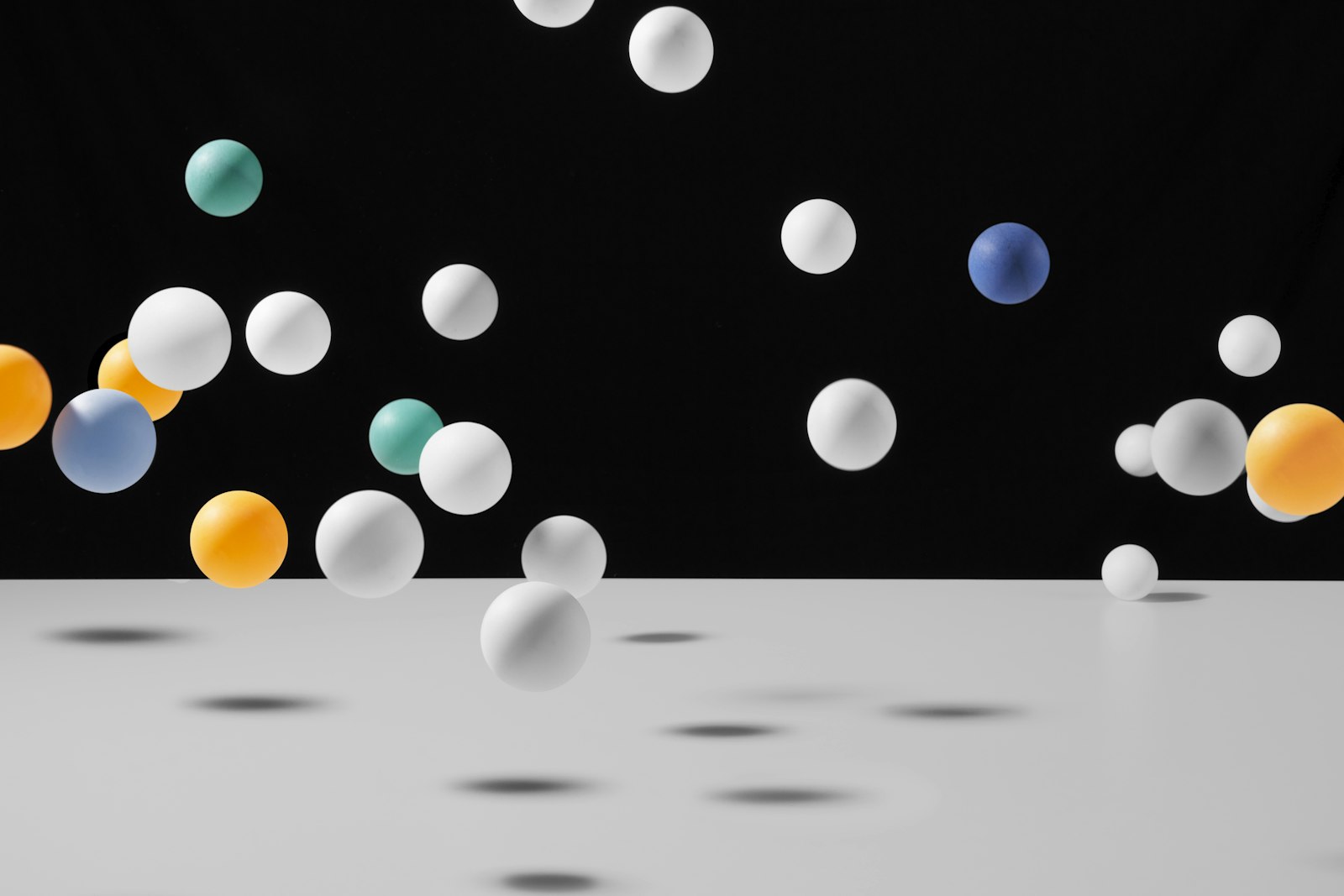
How to Create a Bounce Animation in After Effects
Create a bounce animation in After Effects — keyframe a natural bounce by hand, use an expression for automatic elastic motion, and…
-

How to Use Track Mattes in After Effects
Use track mattes in After Effects to reveal layers through shapes and text — set up alpha and luma mattes, create text-masked…
-
How to Use 3D Layers in After Effects
Use 3D layers in After Effects to add depth — enable the 3D switch, move layers in Z space, add cameras and…
-

How to Create a Typewriter Text Effect in After Effects
Create a typewriter text effect in After Effects — use the Type On text animator, add a blinking cursor, control speed, and…