Search
Search results for: “video editing”
-
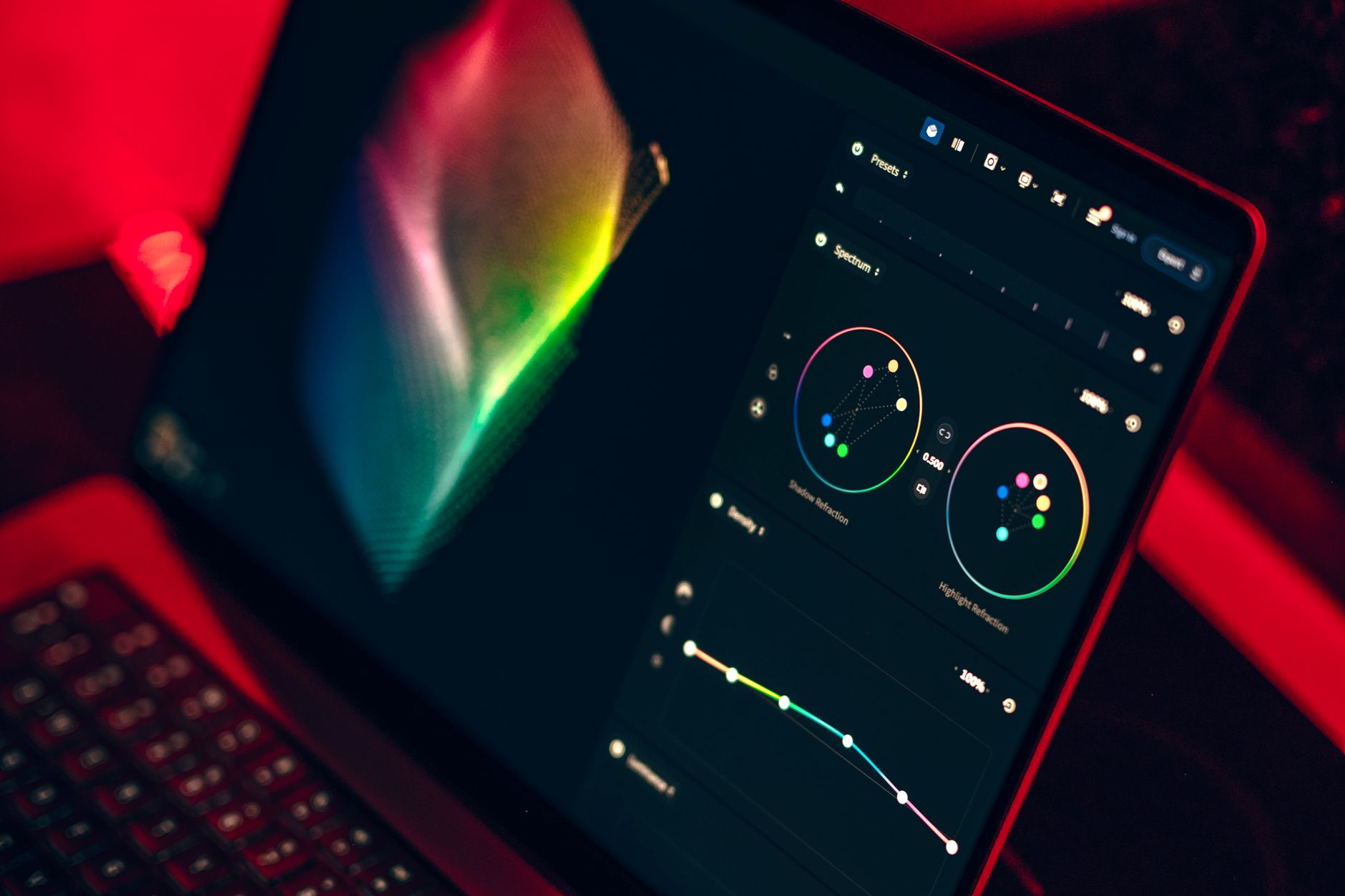
How to Use Lumetri Curves in Premiere Pro
Use Lumetri Curves in Premiere Pro — master RGB curves for contrast, hue vs saturation curves for targeted color, and shape exposure…
-

How to Normalize and Adjust Audio Levels in Premiere Pro
Normalize and adjust audio levels in Premiere Pro — set clip gain, normalize peaks, balance dialogue and music, and hit broadcast loudness…
-
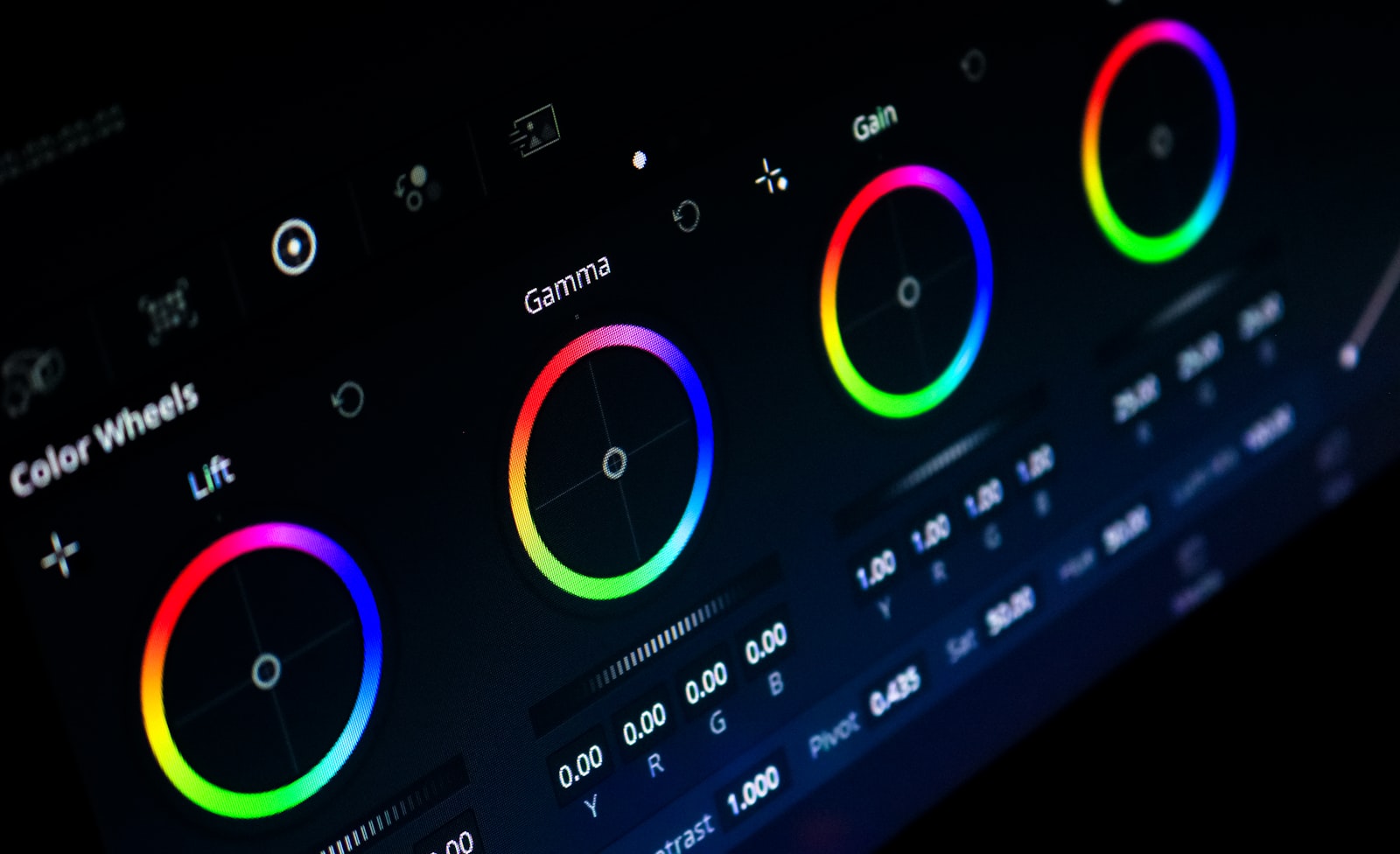
How to Read Lumetri Scopes in Premiere Pro
Read Lumetri Scopes in Premiere Pro — understand the waveform, vectorscope, histogram, and parade to judge exposure, color balance, and skin tones…
-
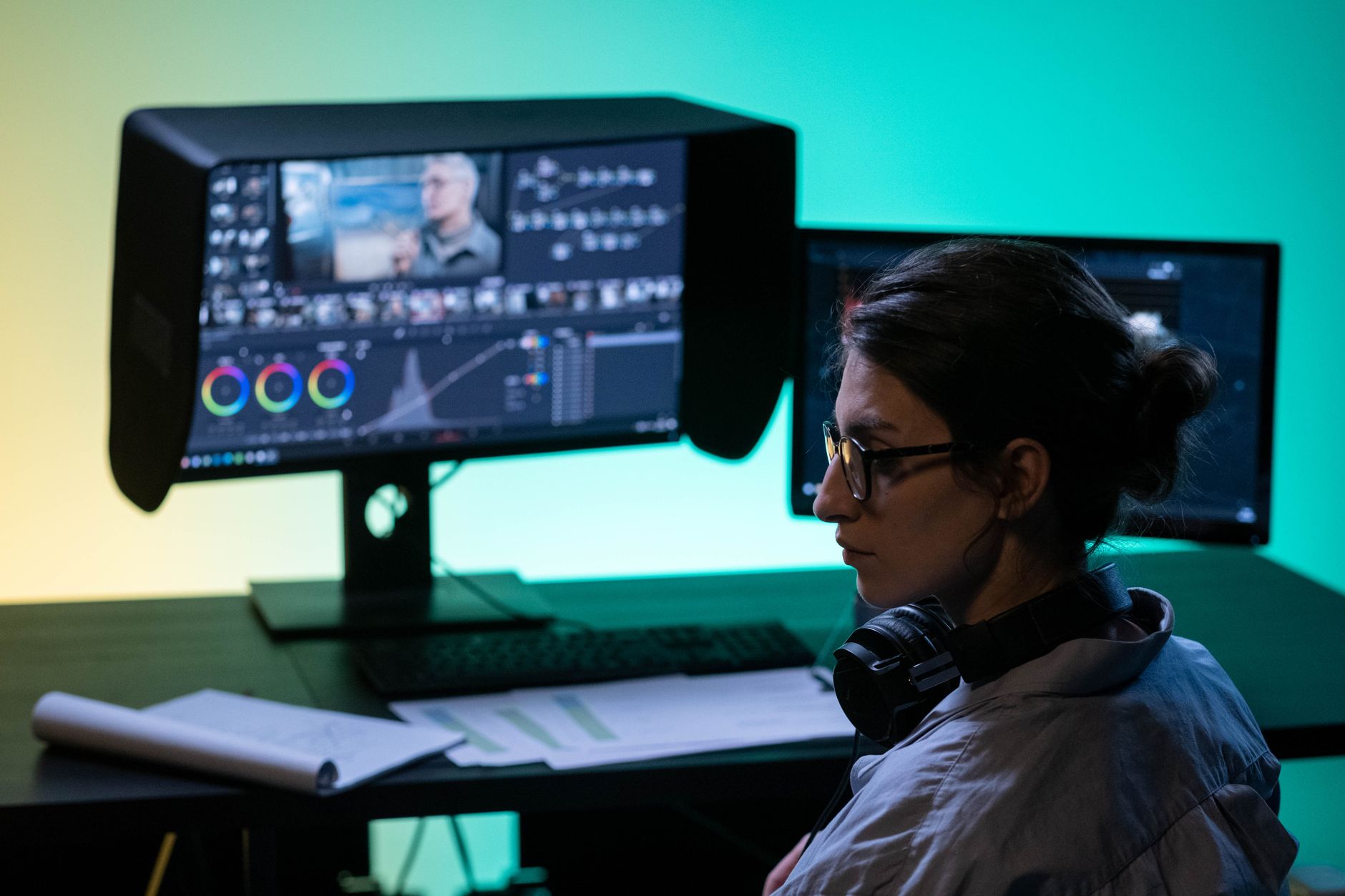
Premiere Pro vs DaVinci Resolve: Which Should You Use?
Premiere Pro vs DaVinci Resolve compared — editing, color grading, audio, pricing, and performance, so you can choose the right video editor…
-

How to Use Time Remapping in After Effects
Use time remapping in After Effects to speed up, slow down, freeze, and reverse footage with keyframes — plus smooth speed ramps…
-
How to Add a Watermark or Logo Overlay in Premiere Pro
Add a watermark or logo overlay in Premiere Pro — import a transparent logo, position and scale it, set opacity, apply it…
-
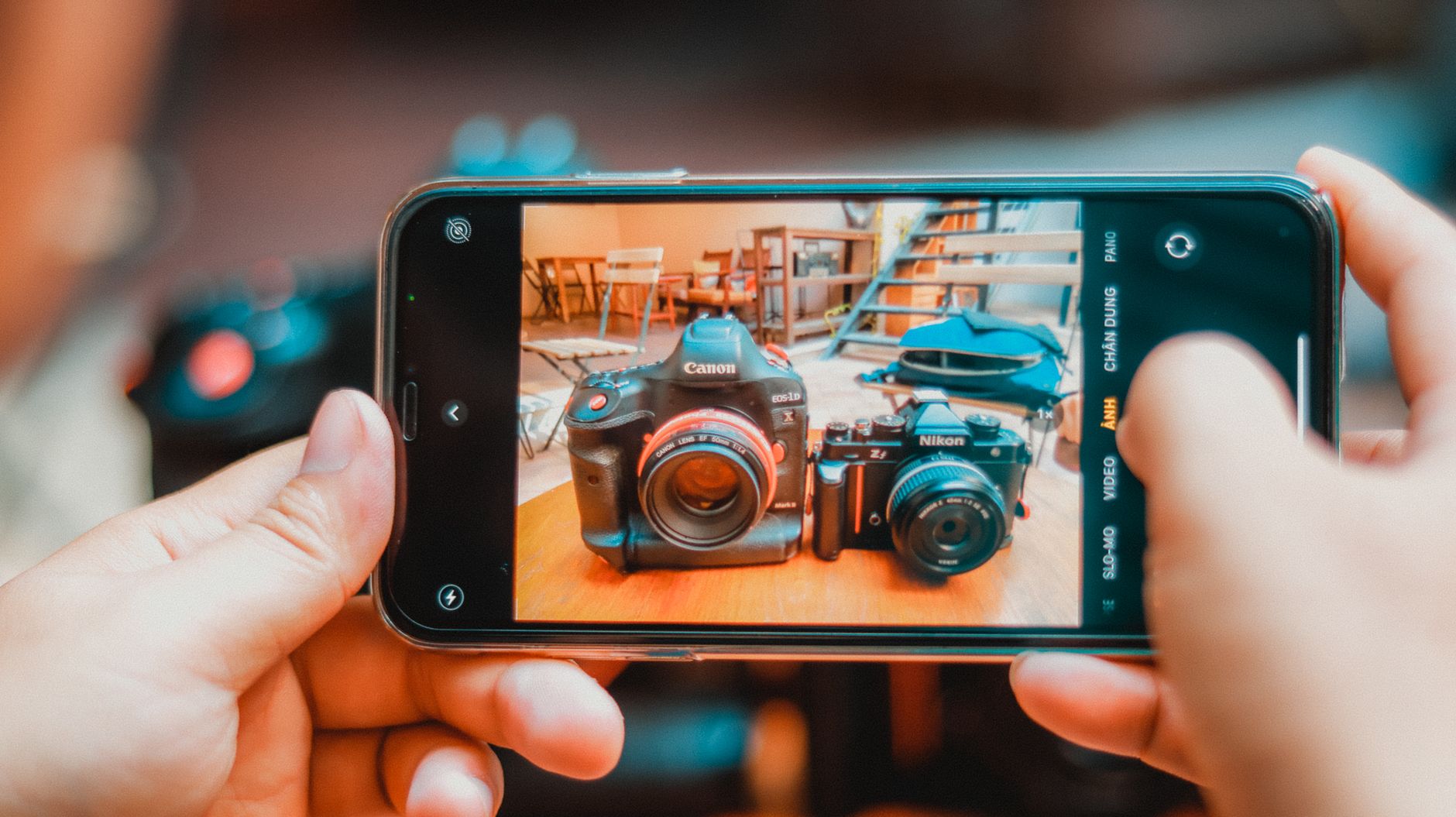
How to Create a Split Screen in Premiere Pro
Create a split screen in Premiere Pro — stack clips, crop or scale each side, add dividers, and build two-up, three-up, and…
-
How to Speed Up Premiere Pro Performance
Fix slow, laggy Premiere Pro with these performance tips — enable GPU acceleration, use proxies, clear the cache, lower playback resolution, and…
-
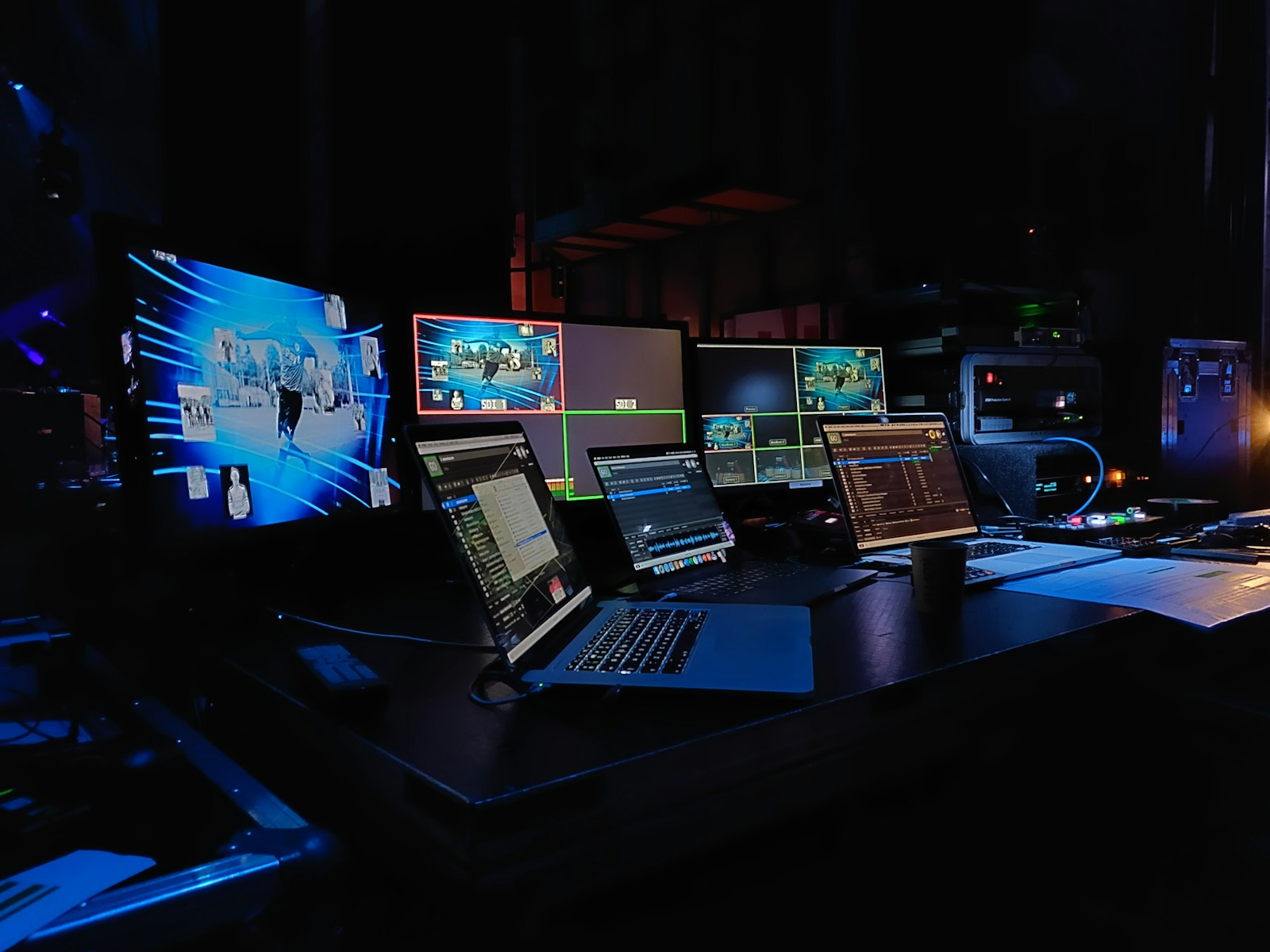
How to Color Match Clips in Premiere Pro
Color match clips in Premiere Pro with the Lumetri Color Match tool — balance shots from different cameras and lighting so your…
-

How to Use Masks in Premiere Pro
Use masks in Premiere Pro to blur faces, apply effects to part of the frame, create vignettes, and reveal text — with…