Search
Search results for: “video editing”
-
How to Zoom In and Pan on Video in Premiere Pro
Zoom and pan on video in Premiere Pro — create a digital punch-in, keyframe a smooth zoom, add the Ken Burns effect…
-
How to Crop and Resize Video in Premiere Pro
Crop and resize video in Premiere Pro — use the Crop effect, scale and reposition clips, change aspect ratio, and fix black…
-
How to Export Vertical Video for Instagram and TikTok in Premiere Pro
Make and export vertical video in Premiere Pro for Reels, TikTok, and Shorts — set a 9:16 sequence, reframe horizontal footage, and…
-

How to Sync Audio and Video in Premiere Pro
Sync external audio to video in Premiere Pro — use Merge Clips and automatic waveform sync, fix out-of-sync clips, and keep dialogue…
-
How to Use Proxies for Smooth 4K Editing in Premiere Pro
Edit 4K and high-res footage smoothly with proxies in Premiere Pro — create low-res copies, toggle them on, and switch back to…
-
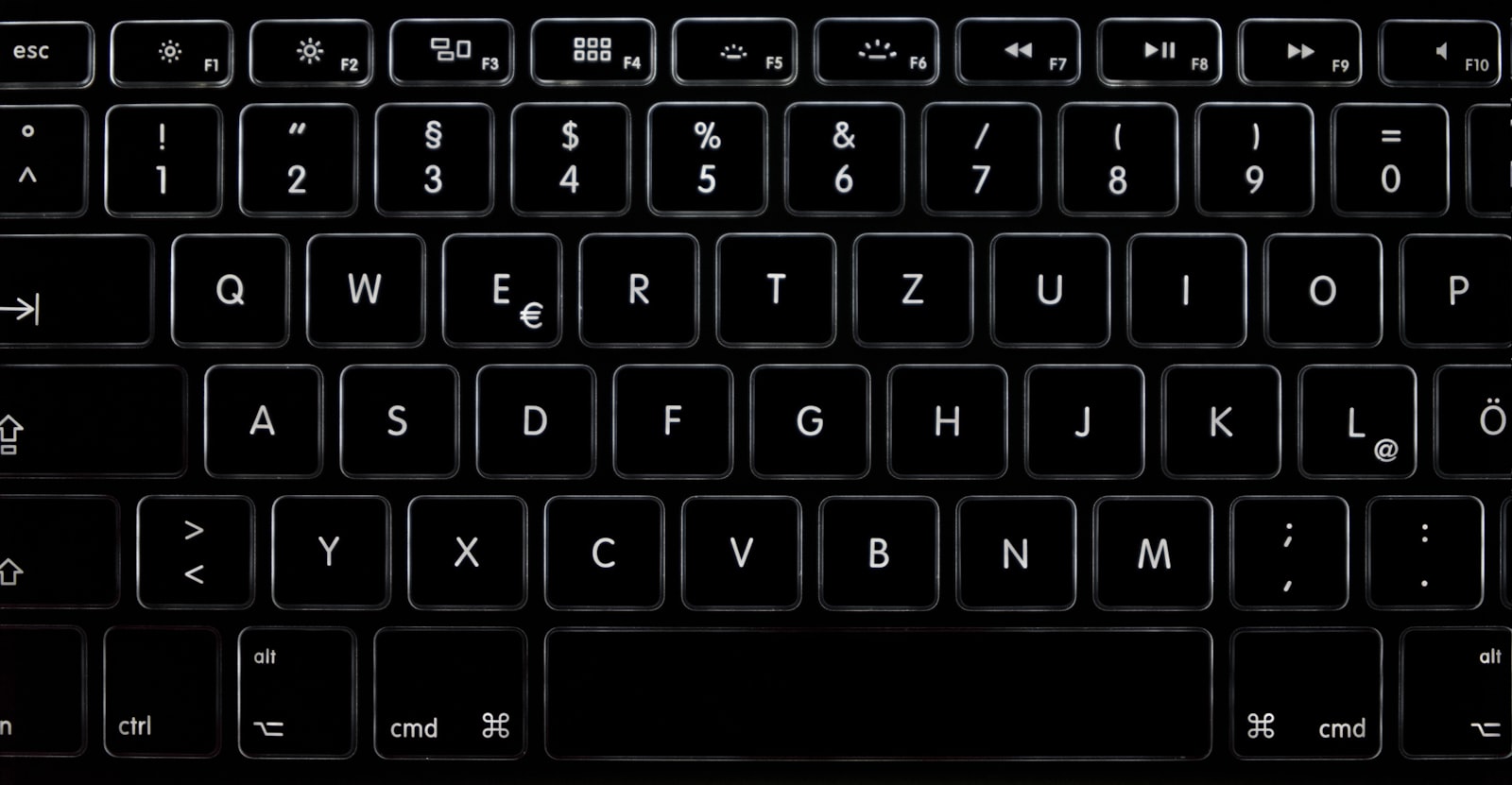
Essential Premiere Pro Keyboard Shortcuts for Faster Editing
The Premiere Pro keyboard shortcuts that matter most — playback, cutting, trimming, timeline navigation, and how to customize your own for faster…
-

How to Speed Up or Slow Down Video in Premiere Pro
Change clip speed in Premiere Pro — speed/duration, the Rate Stretch tool, smooth slow motion with Time Interpolation, and speed ramps with…
-
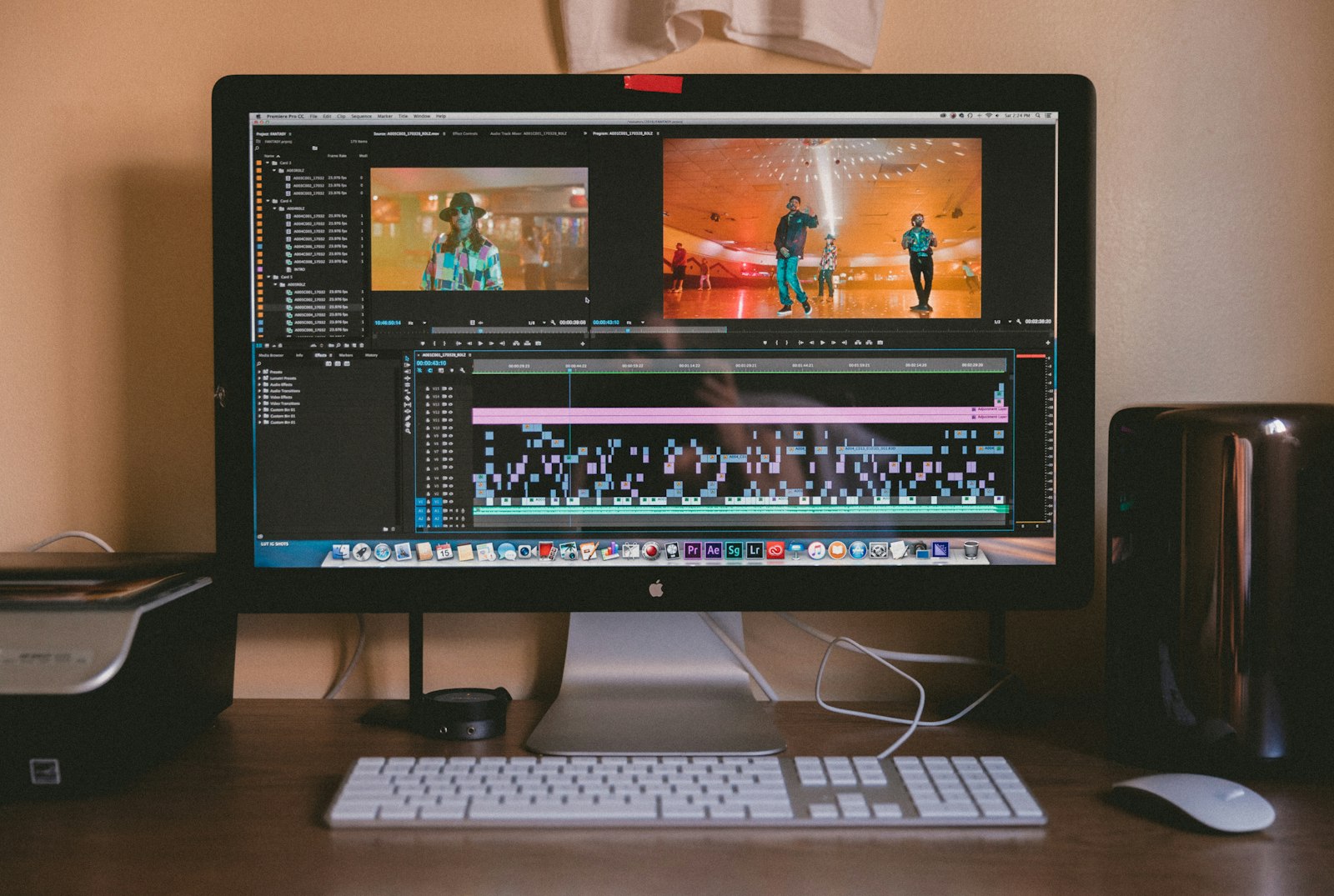
How to Export Video in Premiere Pro: Best Settings for YouTube & Social
The best Premiere Pro export settings for sharp YouTube and social video — the fast preset, manual H.264 bitrate settings, and how…
-
Los Angeles
Los Angeles December 1-2, 2022 Register Here Los Angeles Overview – December 1-2, 2022 During this event, you will learn essential techniques…
-
New York City
New York City December 8-9, 2022 Register Here New York City Overview – December 8-9, 2022 During this event, you will learn…