Search
Search results for: “video editing”
-
Atlanta
Atlanta December 5-6, 2022 Register Here Atlanta Overview – December 5-6, 2022 During this event, you will learn essential techniques in video…
-
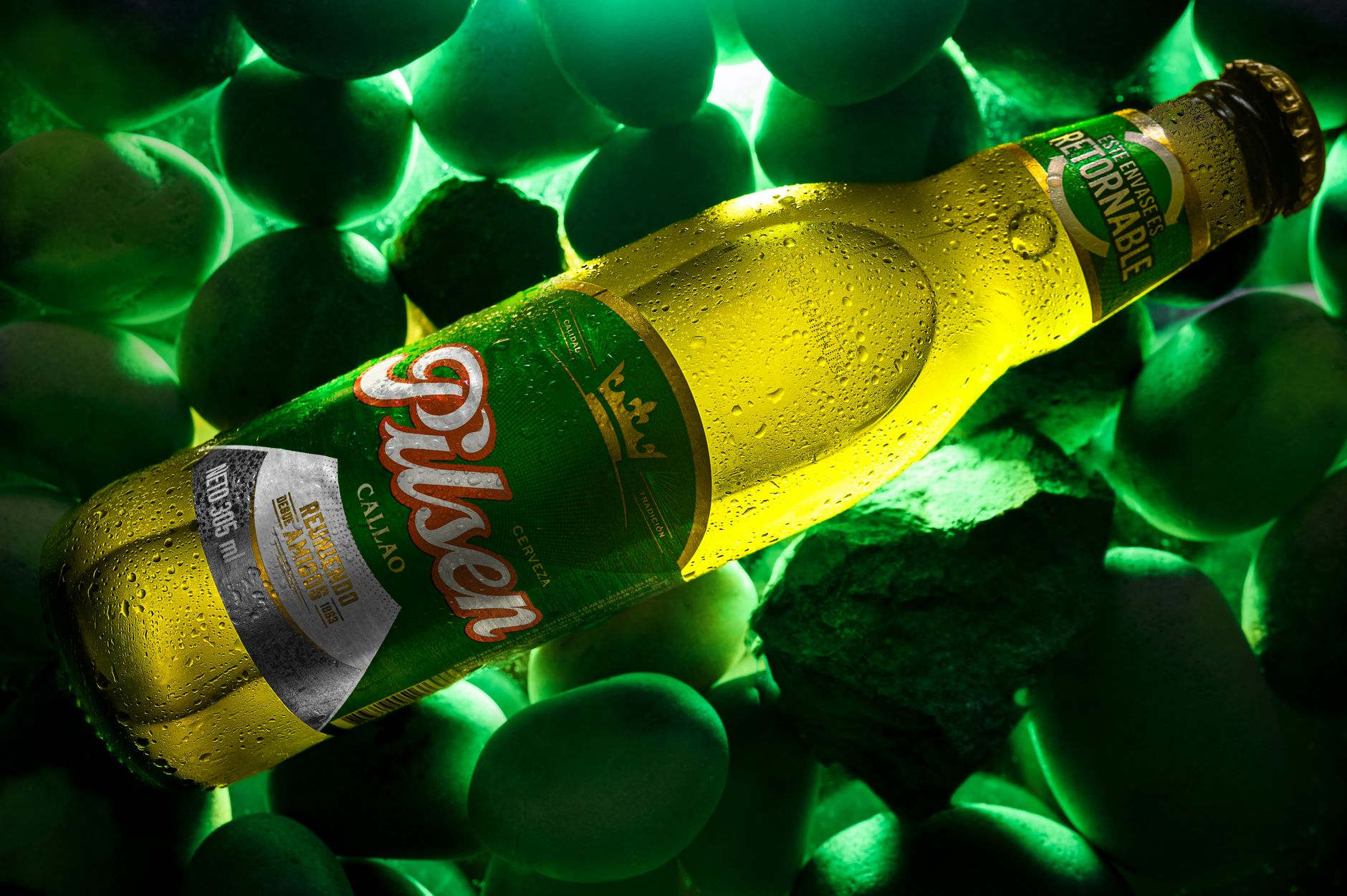
How to Edit a Commercial or Ad
Edit a commercial or ad — hook fast, deliver a clear message, build to a call to action, cut tight, and craft…
-
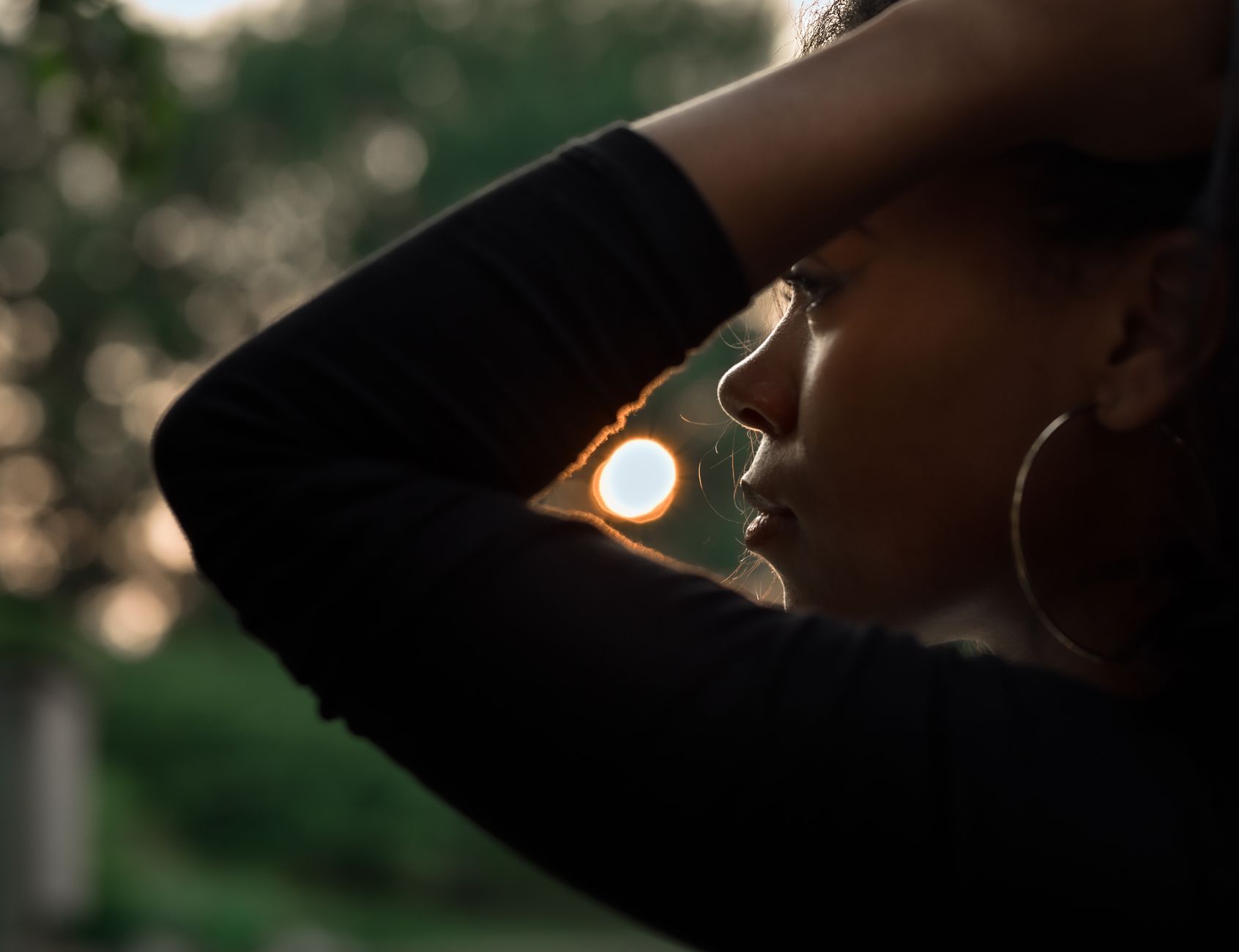
How to Shoot in Golden Hour and Natural Light
Shoot in golden hour and natural light — use the warm, soft light of sunrise and sunset, position your subject, work with…
-
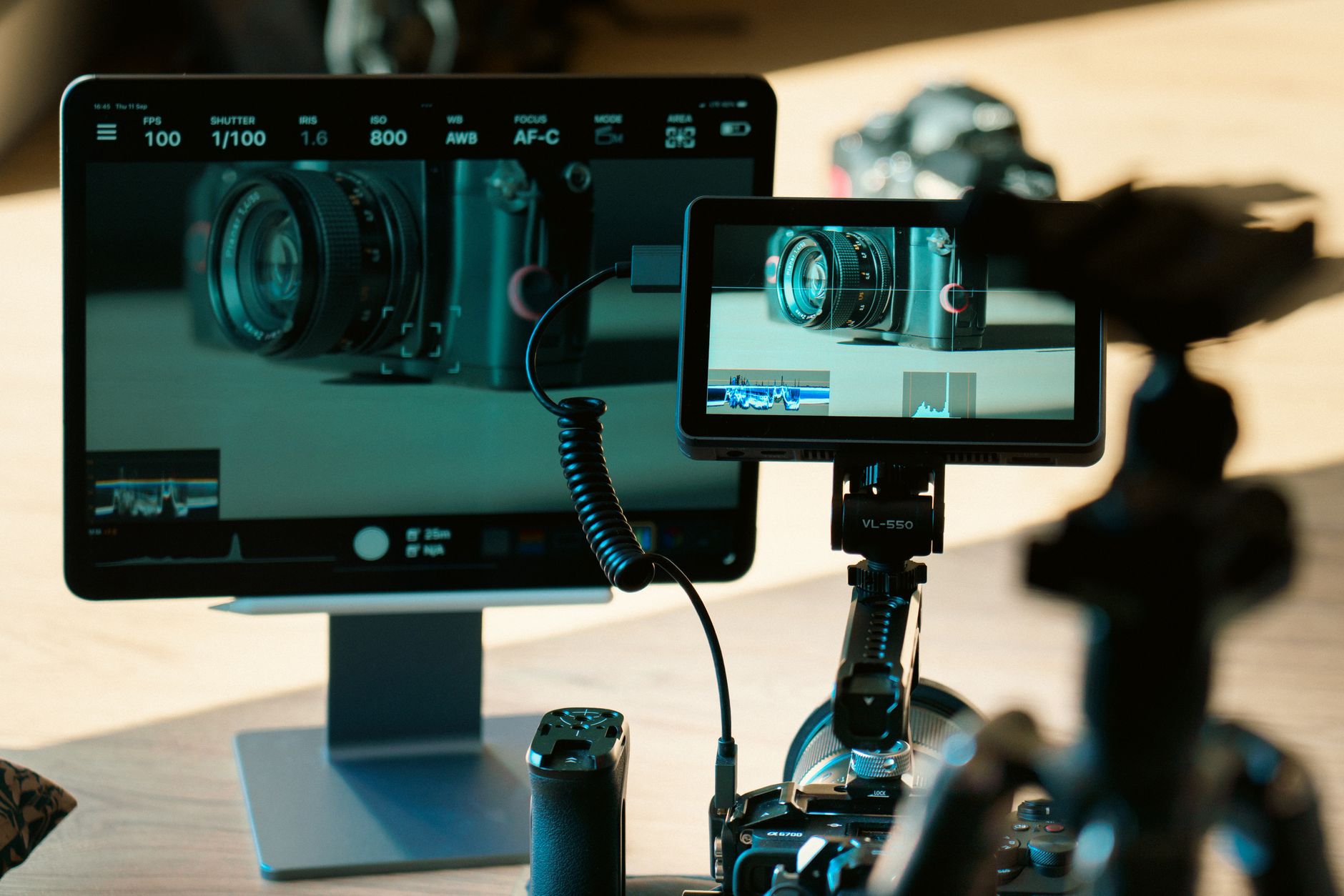
How to Use the Source and Program Monitors in Premiere Pro
Use the Source and Program monitors in Premiere Pro — preview and trim clips before editing, set in and out points, and…
-
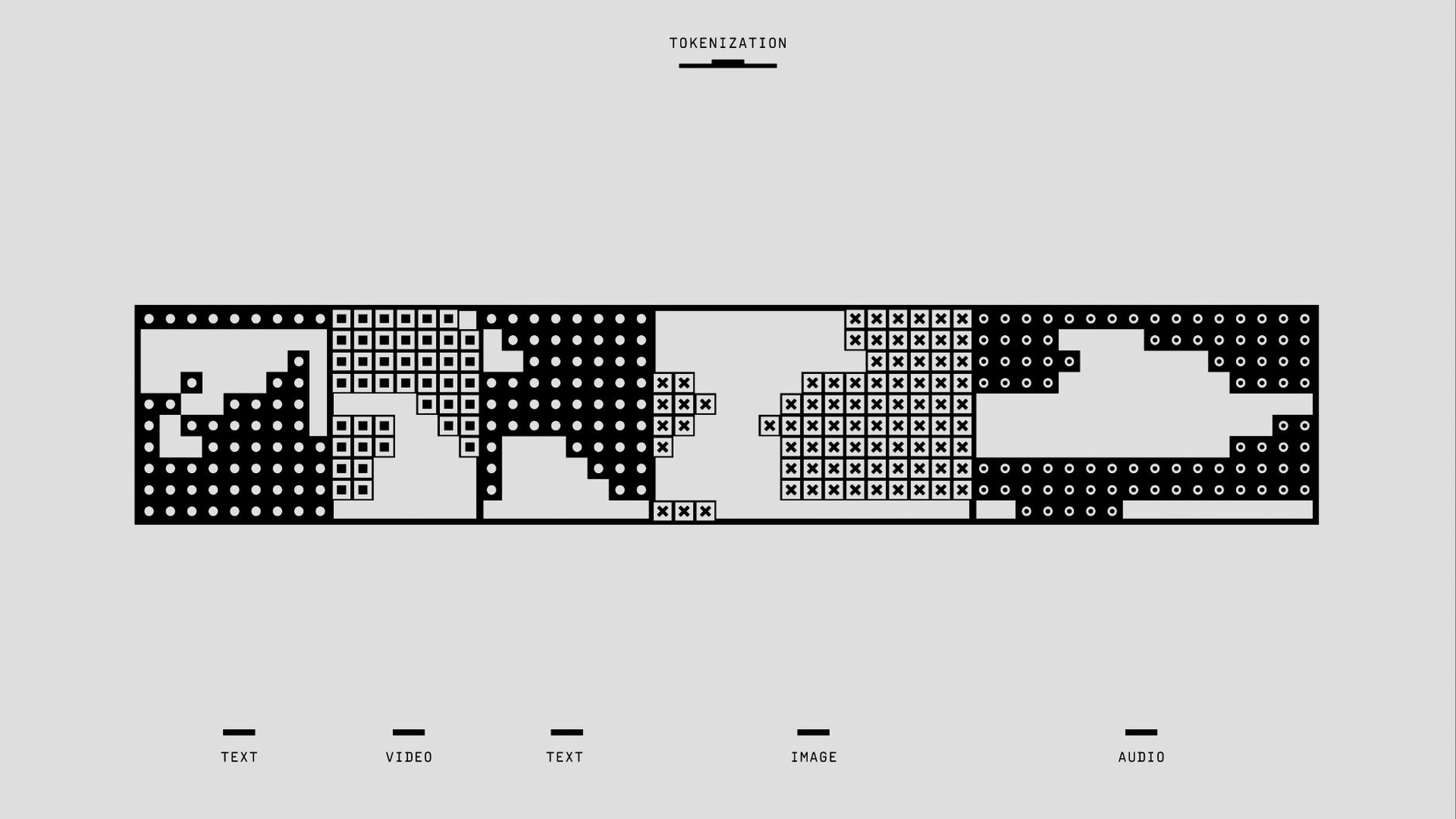
How to Set Up Sequence Settings in Premiere Pro
Set up sequence settings in Premiere Pro — match your footage, choose resolution and frame rate, pick the right preset, and create…
-
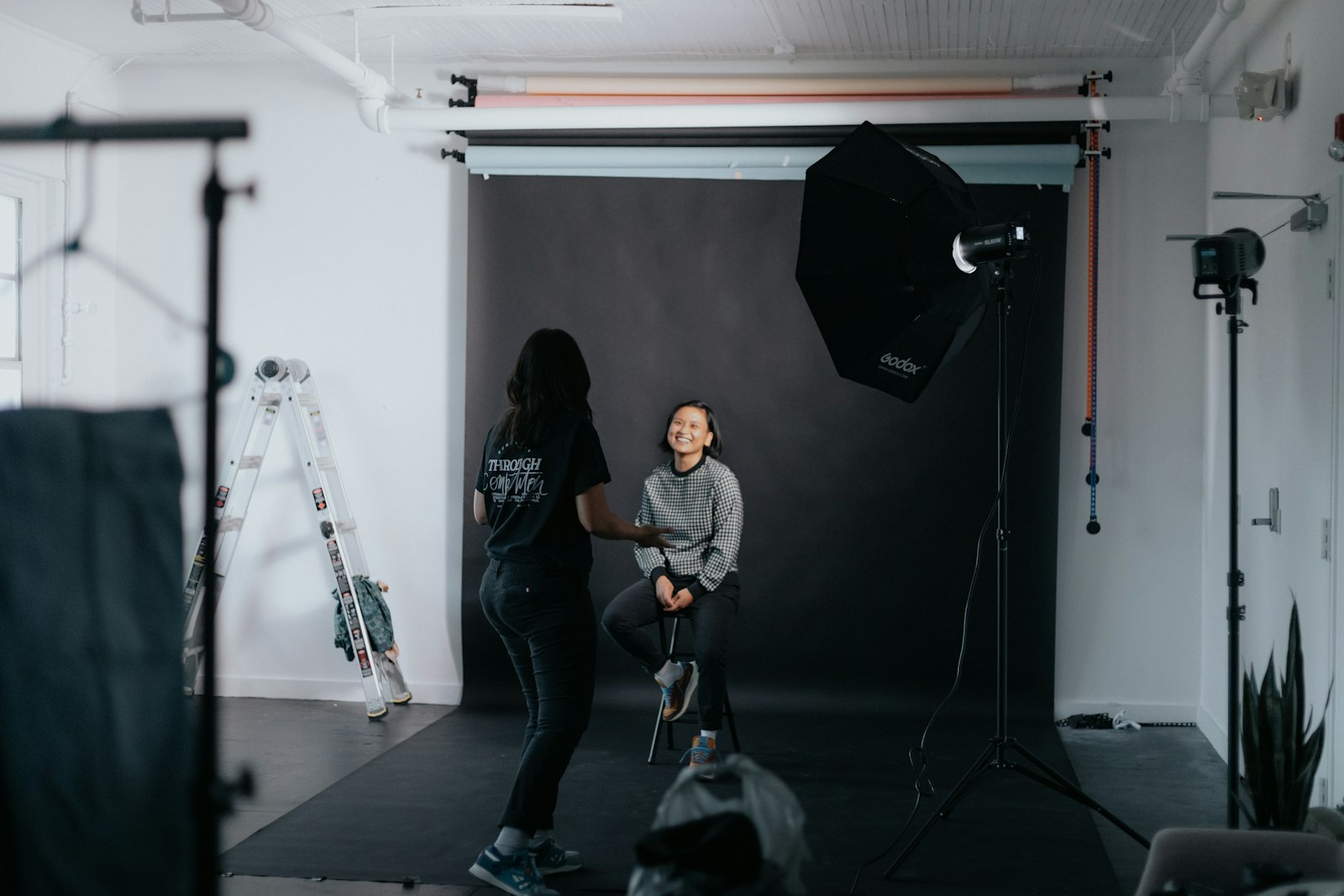
How to Shoot a Professional Interview
Shoot a professional interview — frame the subject, light them well, capture clean audio, set up two cameras, and direct your subject…
-
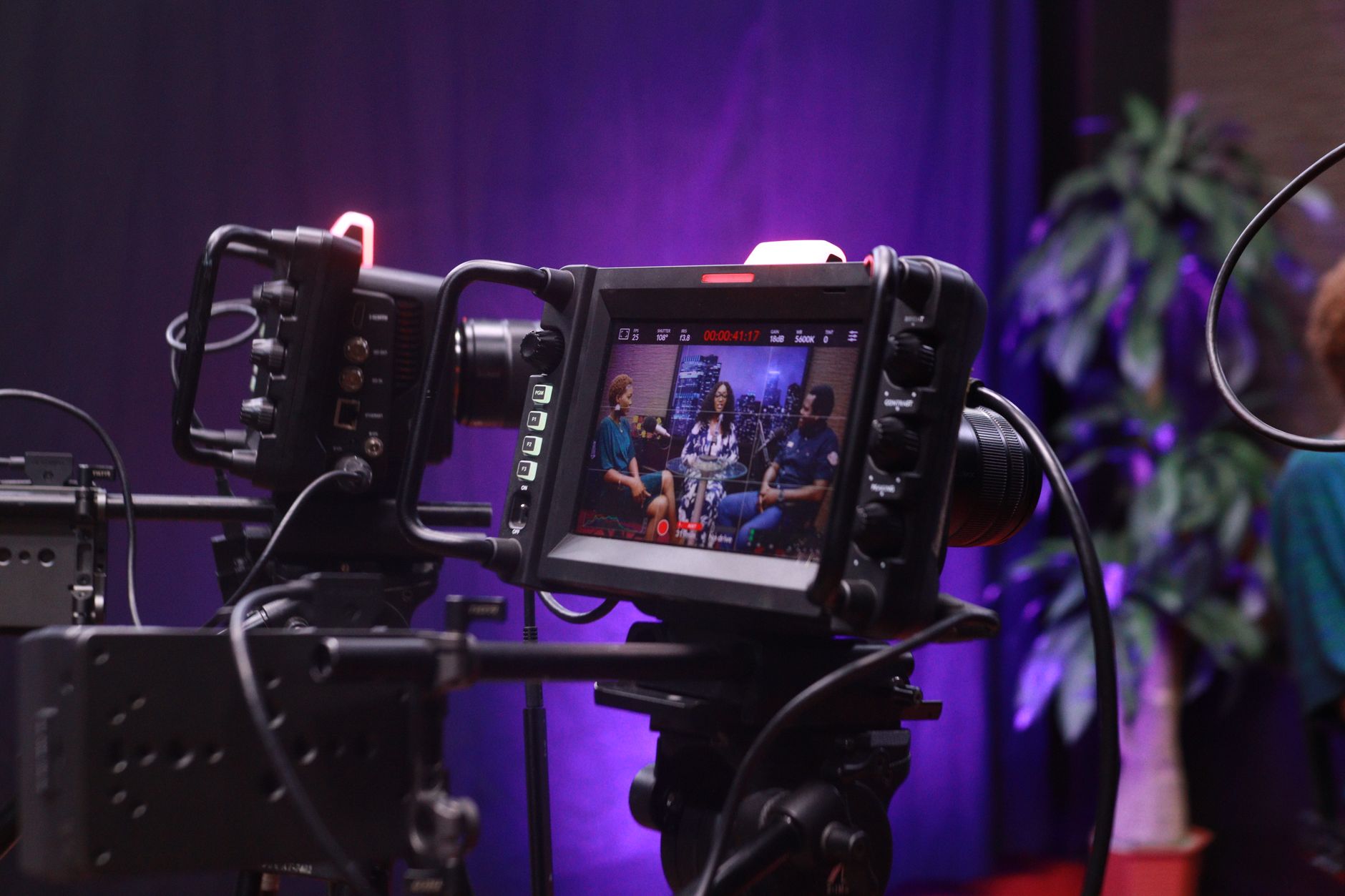
How to Use Morph Cut in Premiere Pro
Use Morph Cut in Premiere Pro to hide jump cuts in interviews — smooth out edits between talking-head clips, remove ums and…
-
How to Create Lower Thirds in Premiere Pro
Create lower thirds in Premiere Pro — use the Essential Graphics panel and text tool to build name titles, style them, animate…
-
How to Export a GIF from Premiere Pro
Export an animated GIF from Premiere Pro — set up the export, keep file size small, optimize length and dimensions, and create…
-

How to Use Ripple and Rolling Edits in Premiere Pro
Use ripple and rolling edits in Premiere Pro — trim clips without leaving gaps, adjust cut points between shots, and edit faster…