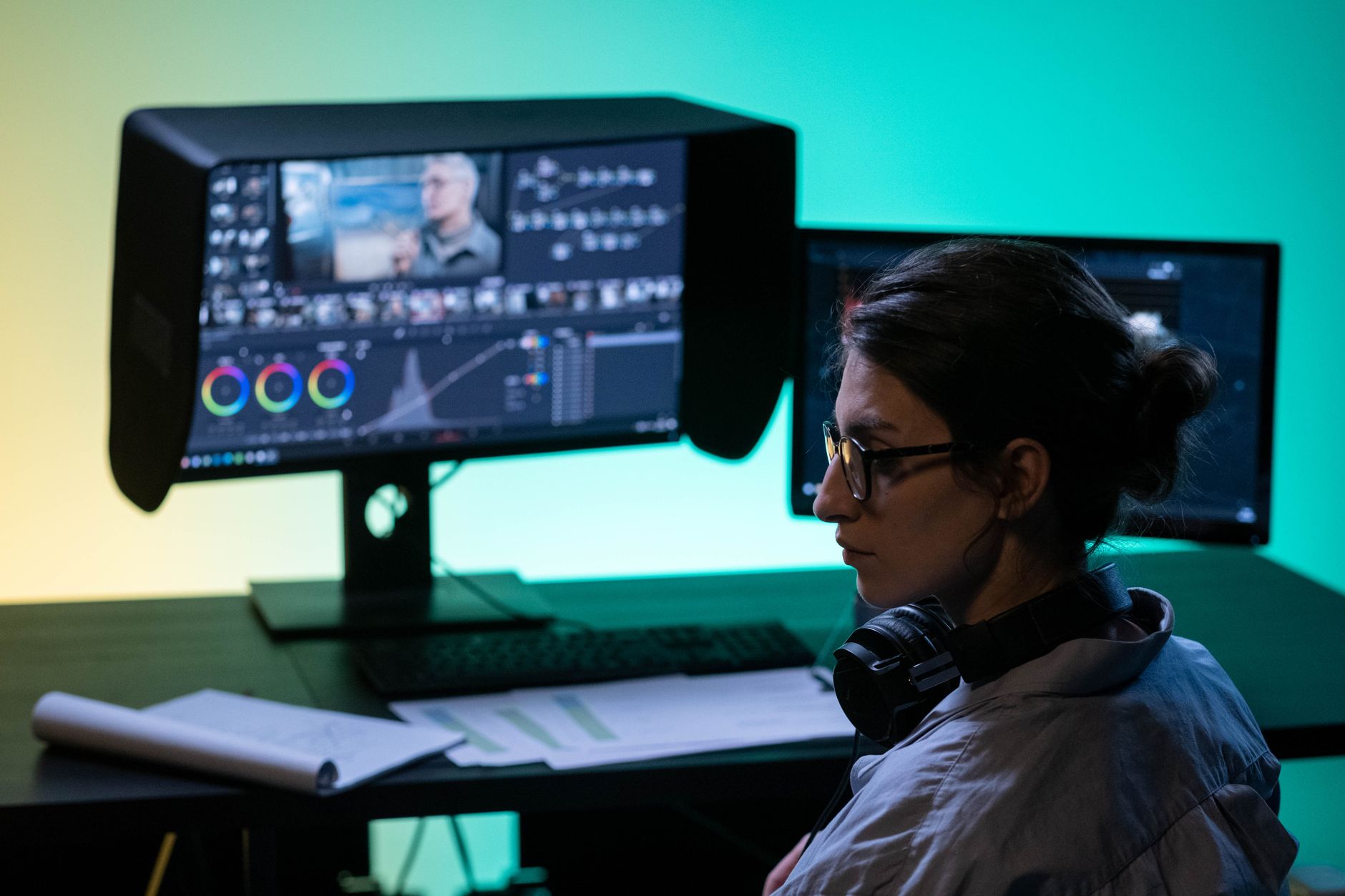
A workflow taught by Adobe Certified Instructors at Adobe Video World.
Premiere Pro and DaVinci Resolve are two of the most powerful video editors available, and choosing between them is one of the most common questions editors face. Each has real strengths, and the right pick depends on your work, budget, and priorities. This guide compares them across editing, color, audio, pricing, and performance.
The Two Editors at a Glance
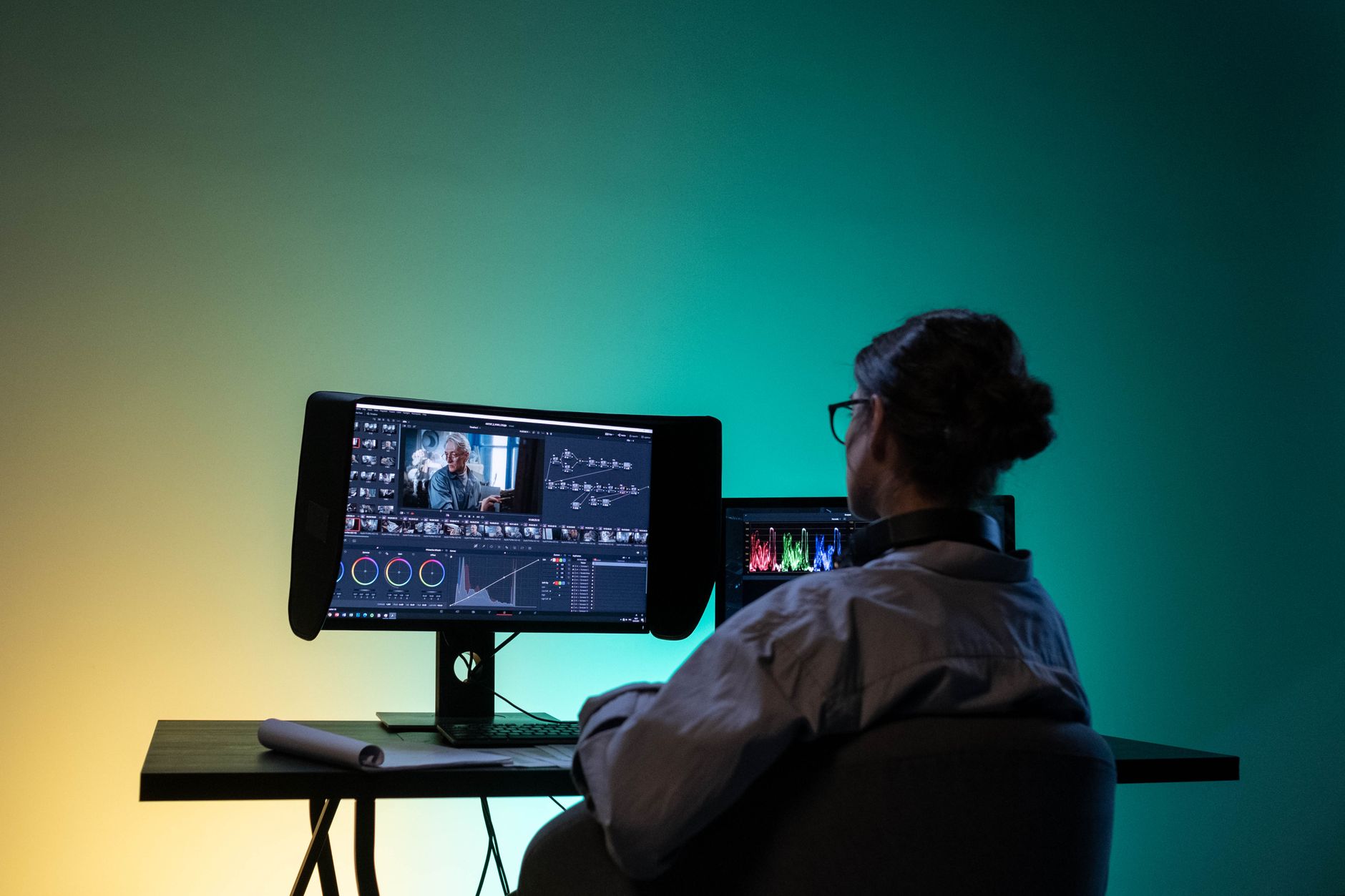
Premiere Pro is Adobe’s industry-standard editor, deeply integrated with After Effects, Photoshop, and the rest of Creative Cloud. DaVinci Resolve is Blackmagic’s all-in-one powerhouse, famous for the best color grading in the business and a remarkably capable free version.
Both are professional-grade tools used on everything from YouTube videos to feature films. The choice isn’t about which is better overall, but which fits your workflow, since each excels in different areas that may matter more or less to you.
Editing Experience
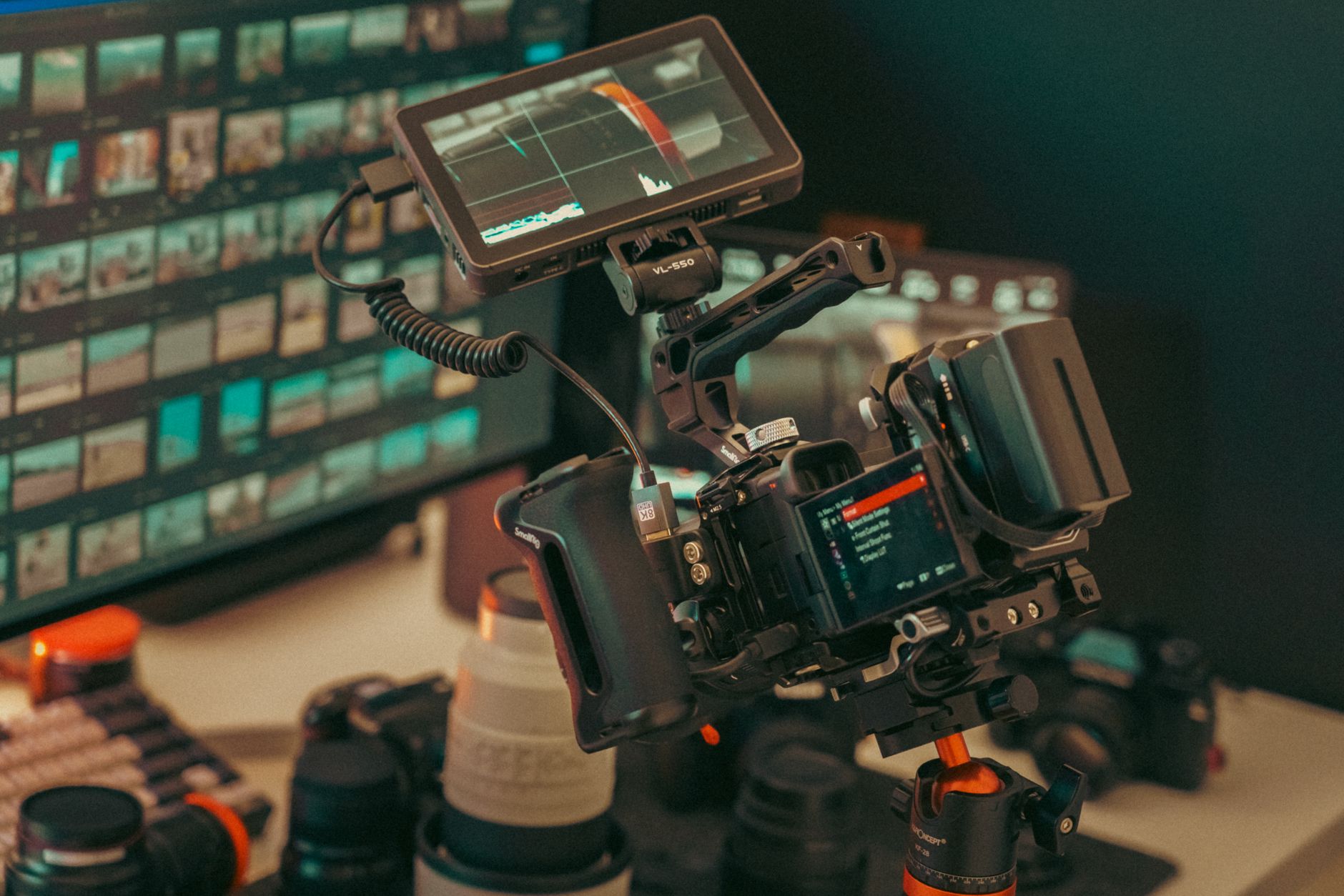
Both offer fast, mature editing toolsets, and editors are highly productive in either. Premiere’s interface is familiar to many and flexible, while Resolve’s Cut and Edit pages are fast and modern, with the Cut page designed for speedy turnarounds.
If you’re coming from another Adobe app, Premiere will feel natural, while Resolve’s editing has matured enormously and rivals it. For pure editing, the gap is small — both handle the techniques in our trimming guide with ease.
Color Grading
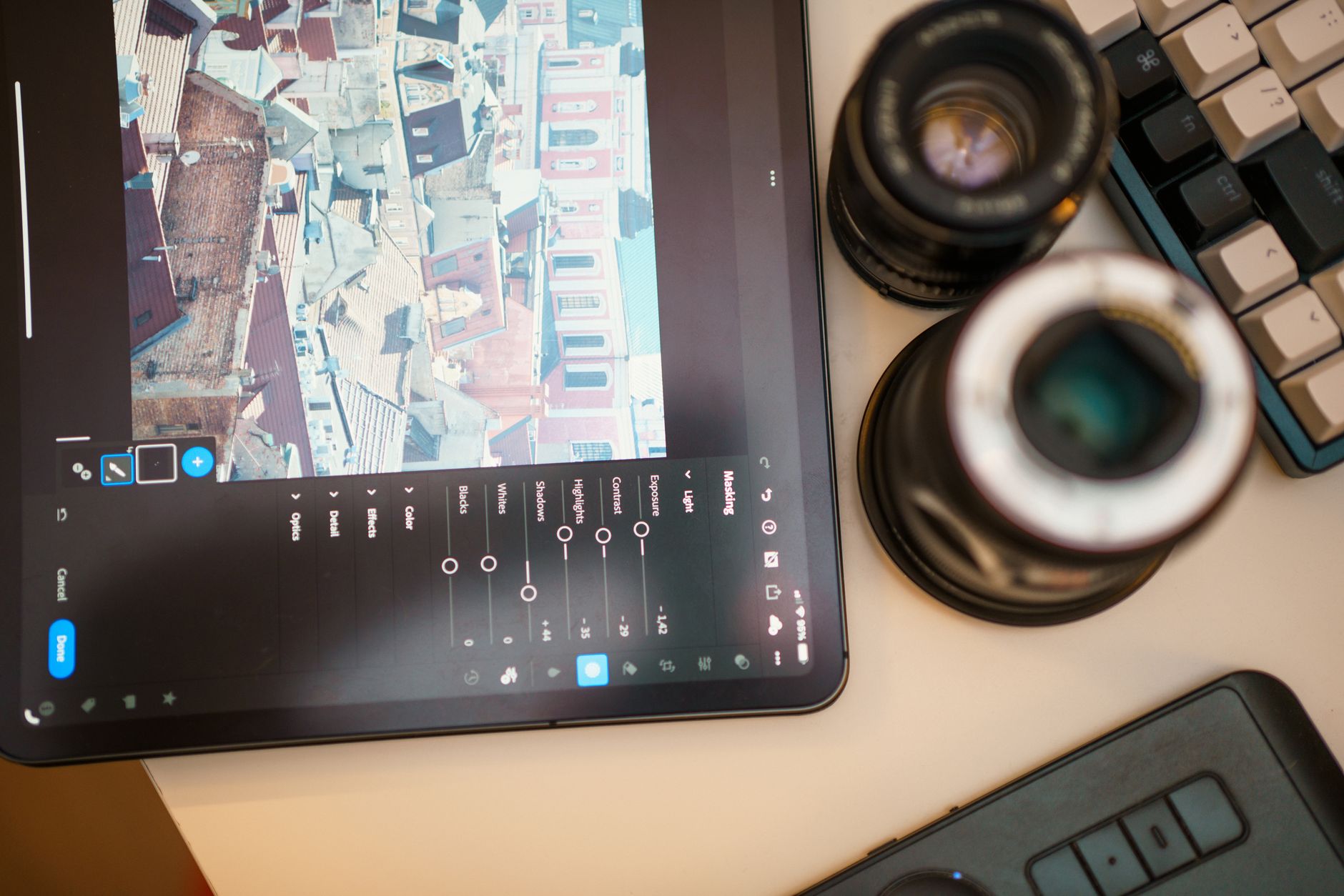
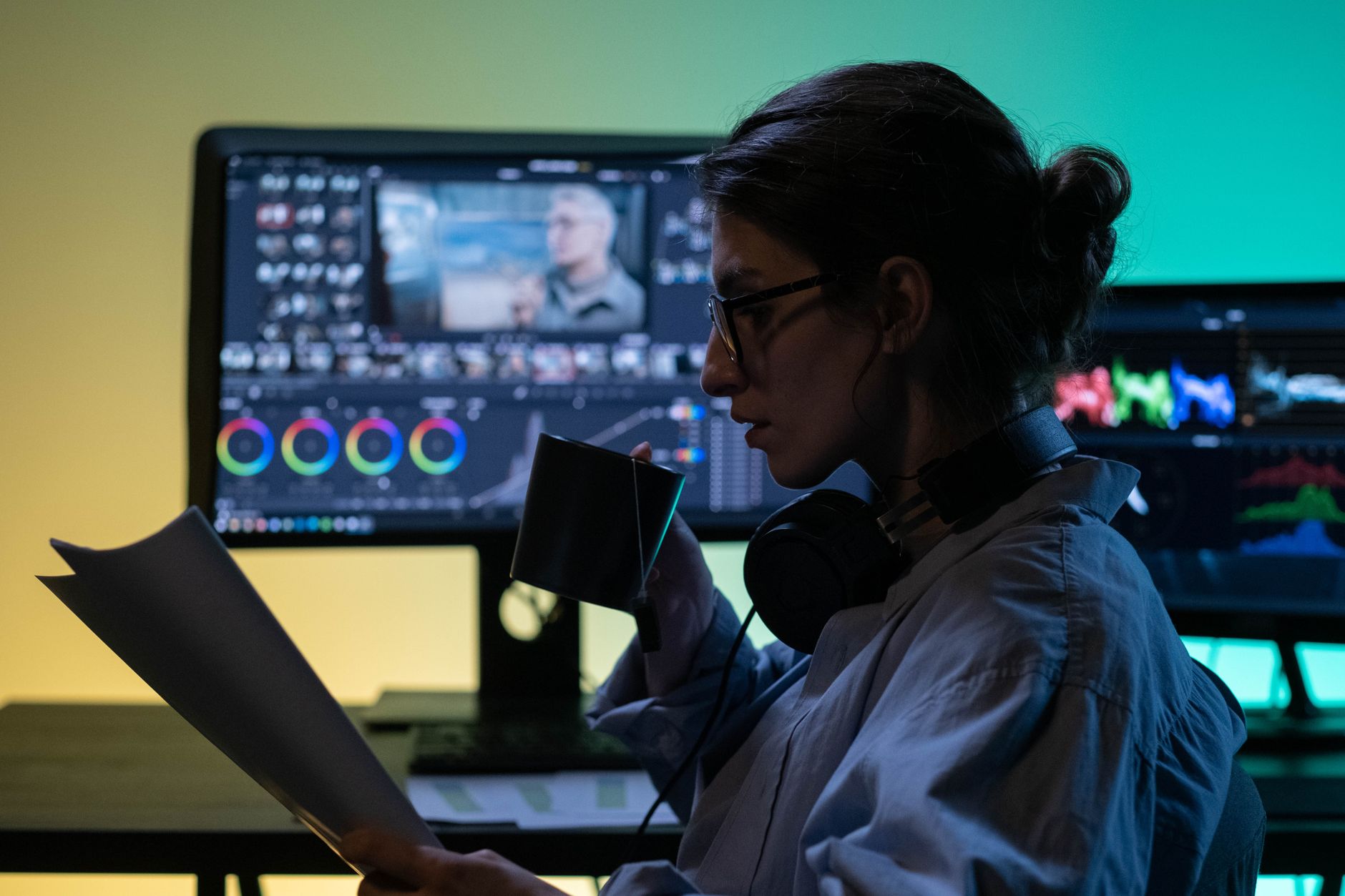
This is DaVinci Resolve’s crown jewel. Born as a color grading system, Resolve offers node-based grading with unmatched depth, precision, and power — it’s the tool many professional colorists use to grade Hollywood films.
Premiere’s Lumetri color tools are genuinely good and sufficient for most editors, as our color grading guide shows. But for serious, advanced grading, Resolve is in a class of its own, which is a deciding factor for color-focused work.
Audio and Motion Graphics
Each leans on a different strength here. Resolve includes Fairlight, a full professional audio suite built right in, while Premiere relies on its Essential Sound panel and integration with Adobe Audition for deeper work.
For motion graphics, Premiere’s tight link with After Effects is a major advantage, letting you round-trip effortlessly. Resolve counters with Fusion, a powerful built-in compositing page, though many find After Effects more approachable for everyday motion design.

Pricing
Pricing is where the two diverge sharply. Premiere Pro is subscription-only, billed monthly or yearly as part of Creative Cloud, so you pay continuously to keep using it. DaVinci Resolve offers a genuinely powerful free version and a one-time-purchase Studio upgrade.
For budget-conscious creators, Resolve’s free tier is remarkable, covering far more than most free software. Premiere’s subscription brings the whole Adobe ecosystem, but the cost model is a real consideration, especially for individuals and beginners.
Performance and Hardware
Resolve is known for leaning heavily on the GPU, often delivering snappy performance on capable graphics hardware. Premiere has improved its performance considerably and runs well across a wide range of systems, including more modest machines.
Your hardware can tip the balance: a strong GPU favors Resolve, while Premiere’s broad optimization suits varied setups. Either way, the right export settings matter, as covered in our export guide, regardless of which editor you choose.
Ecosystem and Collaboration
Premiere’s biggest strength is the Adobe ecosystem — seamless movement between Premiere, After Effects, Photoshop, and Audition makes it a hub for creative teams already using Creative Cloud. Many studios are built entirely around this integration.
Resolve counters with strong built-in collaboration and the advantage of being one self-contained app for editing, color, audio, and effects. Which ecosystem suits you depends on whether you value Adobe’s breadth or Resolve’s all-in-one completeness.
Which Should You Choose?
Choose Premiere Pro if you’re embedded in the Adobe ecosystem, rely on After Effects, or work in environments where it’s the standard. Its integration and familiarity make it the pragmatic choice for many professionals and teams.
Choose DaVinci Resolve if color grading is central to your work, you want a powerful free option, or you prefer one app for everything. Many editors even learn both, using each for what it does best — a skill set our Adobe Video World sessions help you build.
Premiere vs Resolve Best Practices
- Pick Premiere for Adobe integration and After Effects workflows.
- Pick Resolve for advanced color grading and a free option.
- Consider your hardware — a strong GPU favors Resolve.
- Learning both lets you use each for its strengths.
Common Decision Mistakes
- Choosing on price alone without weighing your real needs.
- Ignoring how much you rely on the Adobe ecosystem.
- Overlooking Resolve’s powerful free version.
- Assuming one is universally better instead of fit-for-purpose.
How the Two Fit Real Workflows
In practice, many professionals don’t treat this as a strict either-or. A common workflow edits and assembles in Premiere Pro for its speed and After Effects integration, then sends the timeline to DaVinci Resolve purely for the final color grade, before bringing it back for delivery. Each tool does the part it does best.
Solo creators and YouTubers, meanwhile, often pick one and stay there to keep things simple. Whether you specialize in a single app or build a hybrid pipeline, understanding both tools — exactly the kind of well-rounded skill set our Adobe Video World sessions teach — makes you more adaptable on any project.
Learning Curve and Community
Both editors are deep, but their learning paths differ. Premiere benefits from an enormous community, decades of tutorials, and familiarity for anyone who’s used Adobe software, so help is never far away. Resolve has a fast-growing community and excellent official training, though its sheer breadth across editing, color, audio, and effects can feel like a lot at first.
Whichever you choose, the core concepts transfer: cuts, transitions, keyframes, and grading work similarly across both. Mastering the fundamentals in guides like our keyframe animation guide means you can move between editors far more easily than the different interfaces might suggest.
Key Takeaways
- Both are professional editors with different strengths.
- Resolve leads on color grading and offers a strong free tier.
- Premiere leads on Adobe ecosystem and After Effects integration.
- The best choice depends on your work, budget, and hardware.
Frequently Asked Questions
Is DaVinci Resolve better than Premiere Pro?
Neither is universally better. Resolve leads on color grading and offers a powerful free version, while Premiere leads on Adobe ecosystem integration and After Effects workflows. The best choice depends on your needs, budget, and hardware.
Is DaVinci Resolve really free?
Yes, Resolve has a genuinely capable free version that covers far more than most free software. A one-time-purchase Studio upgrade adds advanced features, with no subscription required, unlike Premiere Pro.
Should a beginner use Premiere Pro or DaVinci Resolve?
Beginners on a budget often start with Resolve’s free version, while those in Adobe-centric environments or who plan to use After Effects benefit from Premiere. Both are approachable, so consider your budget and ecosystem.
Sources: Wikipedia’s overview of DaVinci Resolve.
Choose the right tools at Adobe Video World
Train hands-on with Adobe Certified Instructors across 100+ Premiere Pro & After Effects sessions.



