Search
Search results for: “audio”
-

How to Use the Wave Warp Effect in After Effects
Use the Wave Warp effect in After Effects to create rippling waves — make flags, water surfaces, wavy text, and rhythmic distortion…
-
How to Use the Remix Tool in Premiere Pro
Use the Remix tool in Premiere Pro to automatically retime music to any length — fit a song to your edit, shorten…
-
How to Use Three-Point Editing in Premiere Pro
Master three-point editing in Premiere Pro — set in and out points in the source and timeline, use insert and overwrite, and…
-
How to Storyboard and Plan a Video
Storyboard and plan a video — sketch shots, plan sequences, write a shot list, and map your story before filming to shoot…
-
Video Codecs and Formats Explained
Video codecs and formats explained simply — understand H.264, H.265, ProRes, codecs vs containers, bitrate, and which to use for editing, delivery,…
-
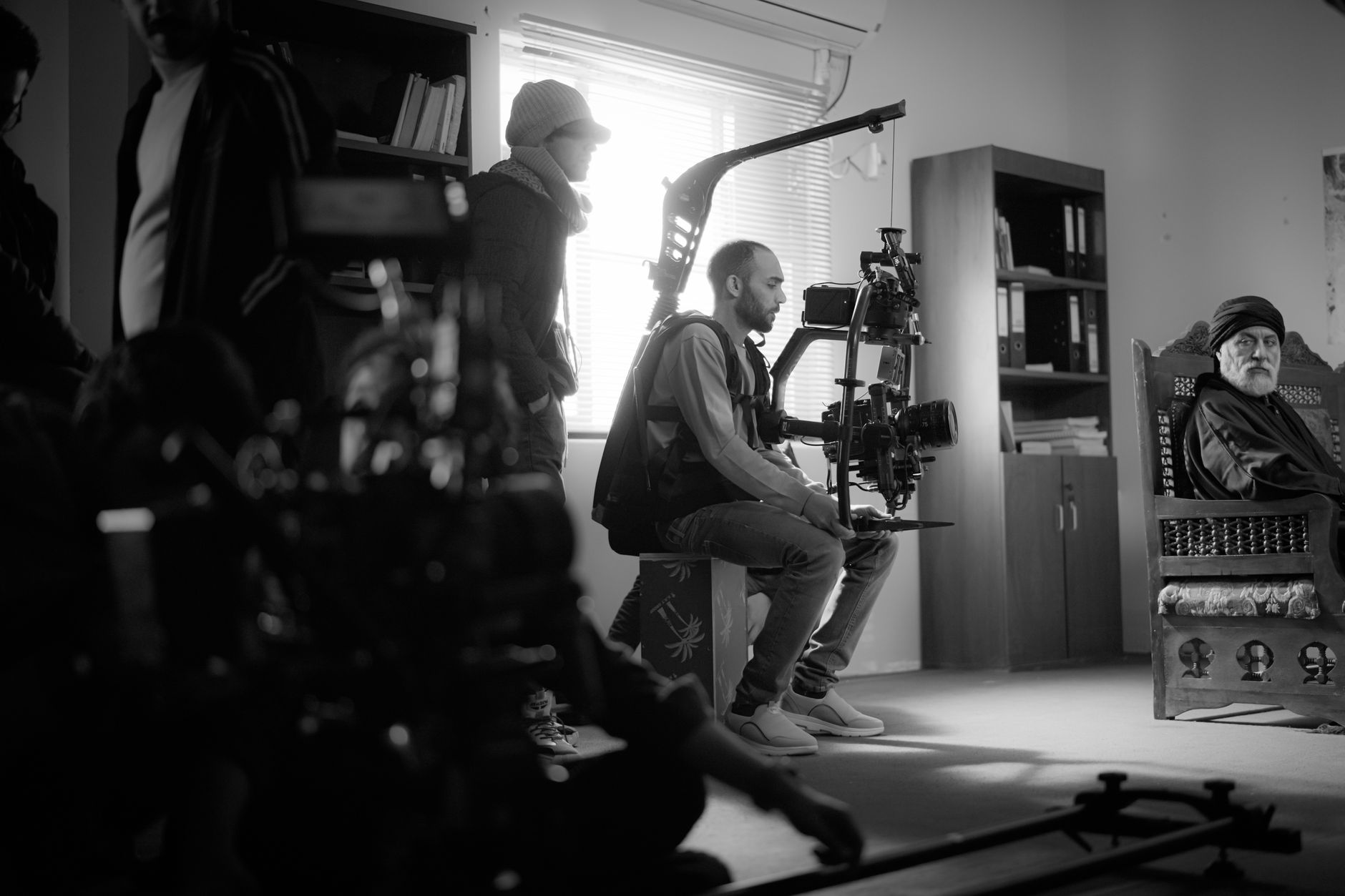
How to Shoot and Use B-Roll Footage
Learn what B-roll is and how to shoot and use it — gather supporting footage, cover cuts, add visual interest, and edit…
-

How to Create a Hologram Effect in After Effects
Create a hologram effect in After Effects — add scan lines, glitch, glow, transparency, and flicker to build a futuristic sci-fi holographic…
-

How to Use Ripple and Rolling Edits in Premiere Pro
Use ripple and rolling edits in Premiere Pro — trim clips without leaving gaps, adjust cut points between shots, and edit faster…
-
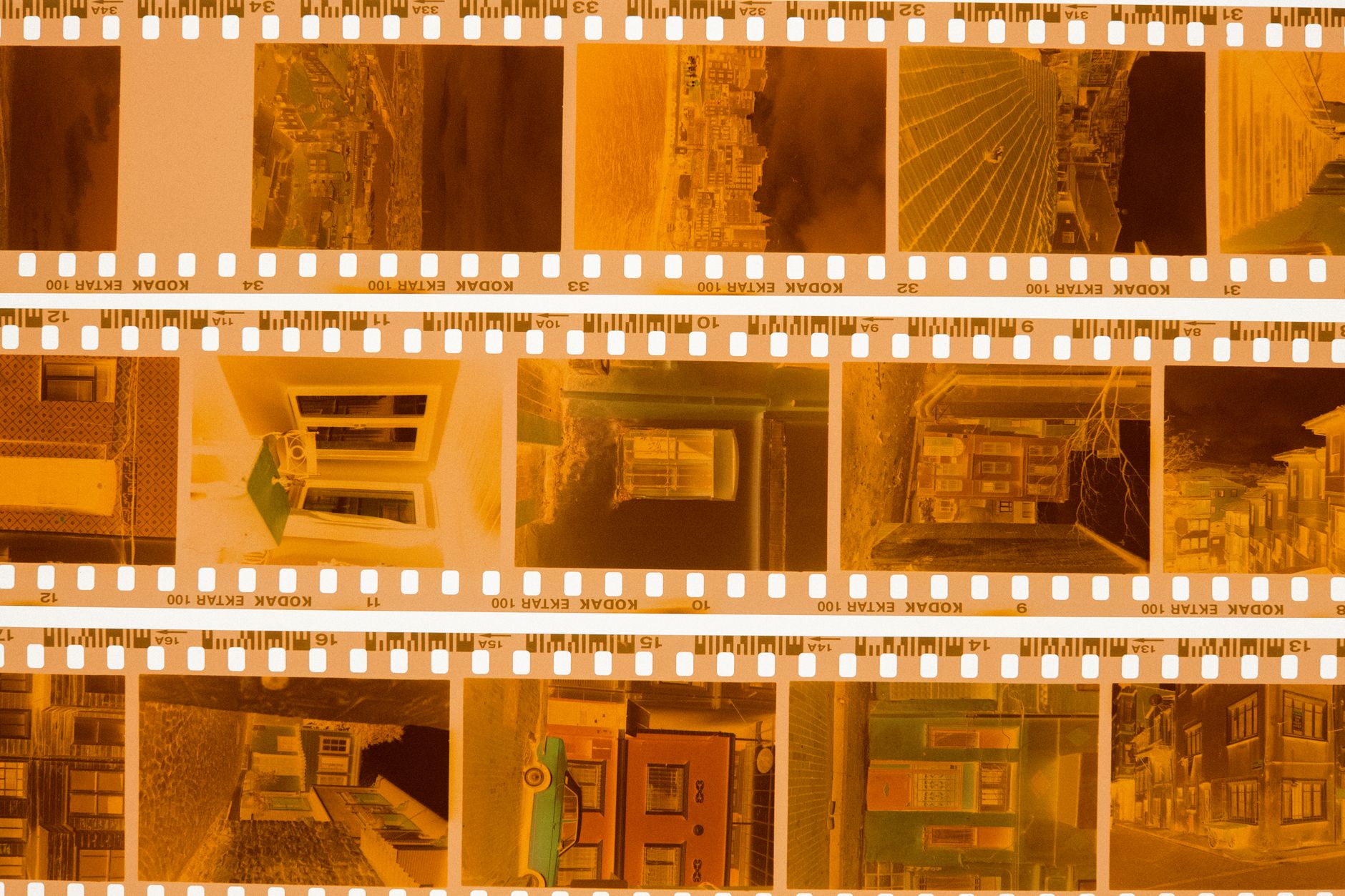
How to Use Scene Edit Detection in Premiere Pro
Use Scene Edit Detection in Premiere Pro to automatically find cuts in a flattened video — split clips at every edit, add…
-
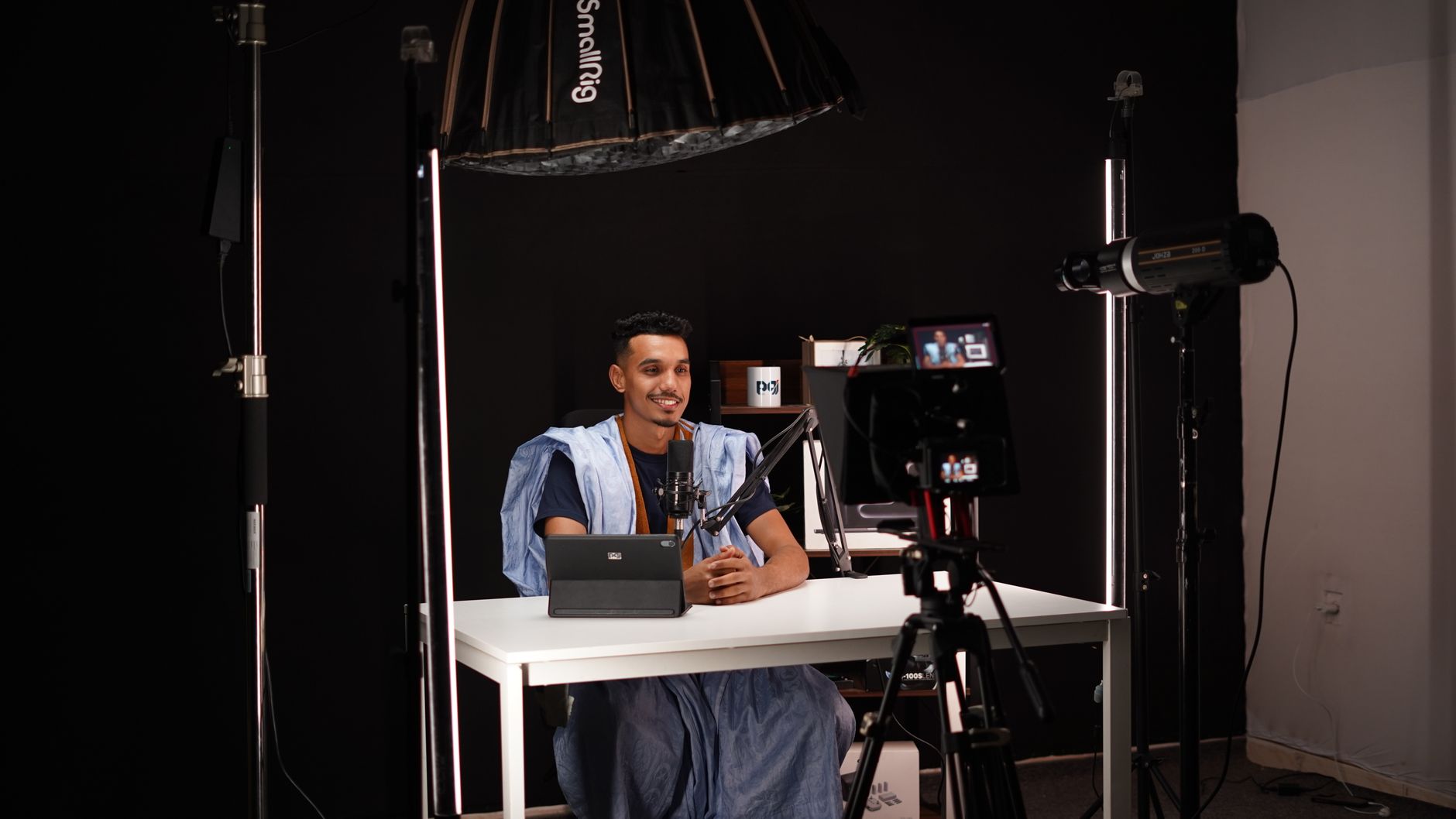
How to Light a Video Interview
Light a video interview with three-point lighting — set up key, fill, and back lights, shape soft flattering light, control shadows, and…