Search
Search results for: “audio”
-
How to Use Nested Sequences in Premiere Pro
Use nested sequences in Premiere Pro to group clips, apply effects to a whole section, stay organized, and reuse edits — plus…
-

How to Create a Split Screen in Premiere Pro
Create a split screen in Premiere Pro — stack clips, crop or scale each side, add dividers, and build two-up, three-up, and…
-
How to Animate a Logo in After Effects
Animate a logo in After Effects — prepare layered artwork, reveal it with scale and masks, add motion blur and easing, and…
-

How to Create a Glitch Effect in After Effects
Create a glitch effect in After Effects — use displacement, RGB split, and noise to build digital distortion, then time it for…
-

How to Create a Picture-in-Picture Effect in Premiere Pro
Create a picture-in-picture effect in Premiere Pro — stack clips, scale and position the inset, add a border and shadow, animate it,…
-
How to Make a Slideshow in Premiere Pro
Make a photo slideshow in Premiere Pro — import images, set duration, add the Ken Burns pan-and-zoom effect, transitions, and music for…
-
How to Use Markers in Premiere Pro
Use markers in Premiere Pro to flag beats, add comments, sync edits to music, and organize long timelines — plus color-coded and…
-

How to Remove Background Noise in Premiere Pro
Remove background noise in Premiere Pro with the Essential Sound panel — reduce hiss, hum, and reverb, clean dialogue, and avoid over-processing…
-
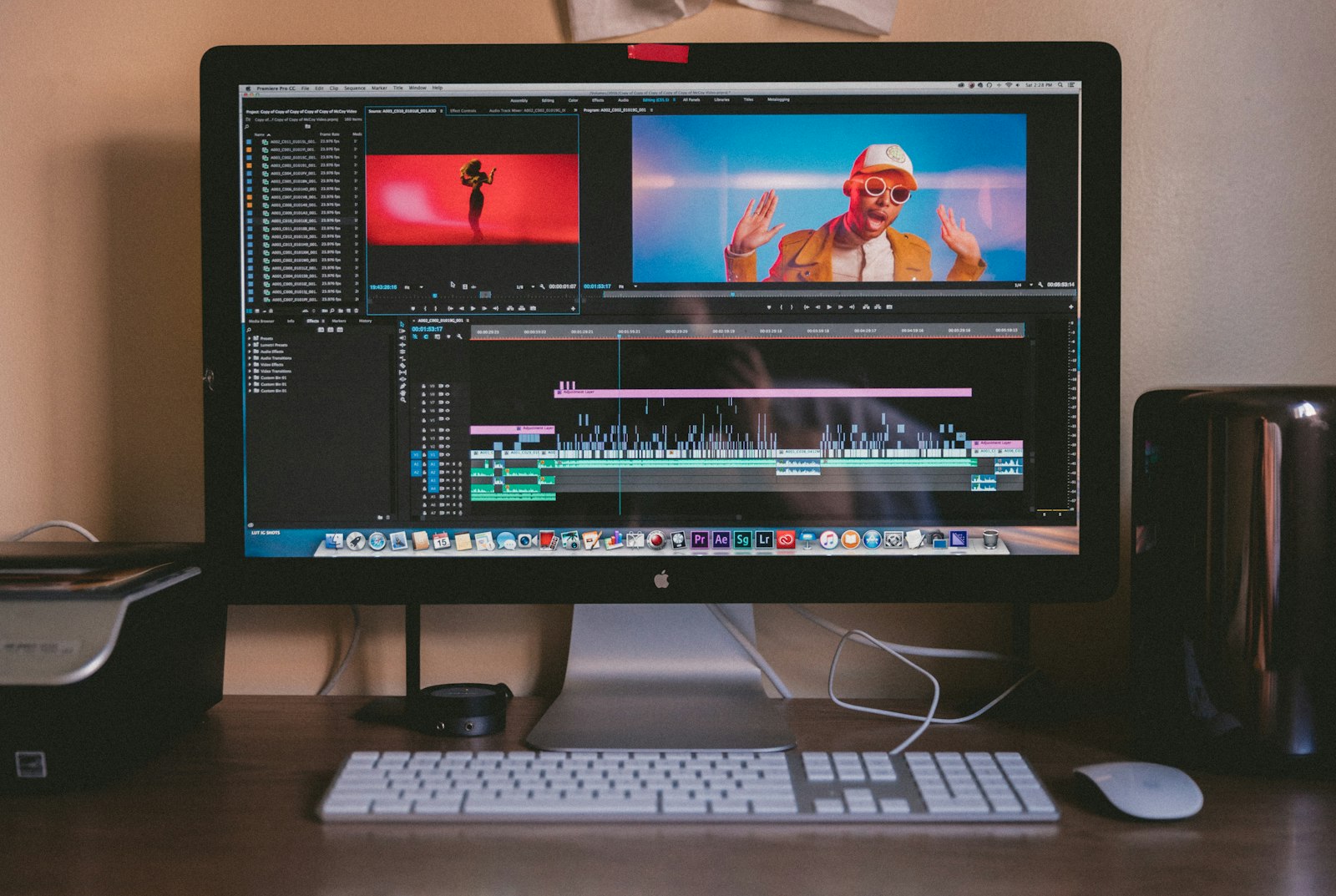
How to Render and Export from After Effects
Render and export from After Effects the right way — use Media Encoder for MP4, the Render Queue for high quality, and…
-
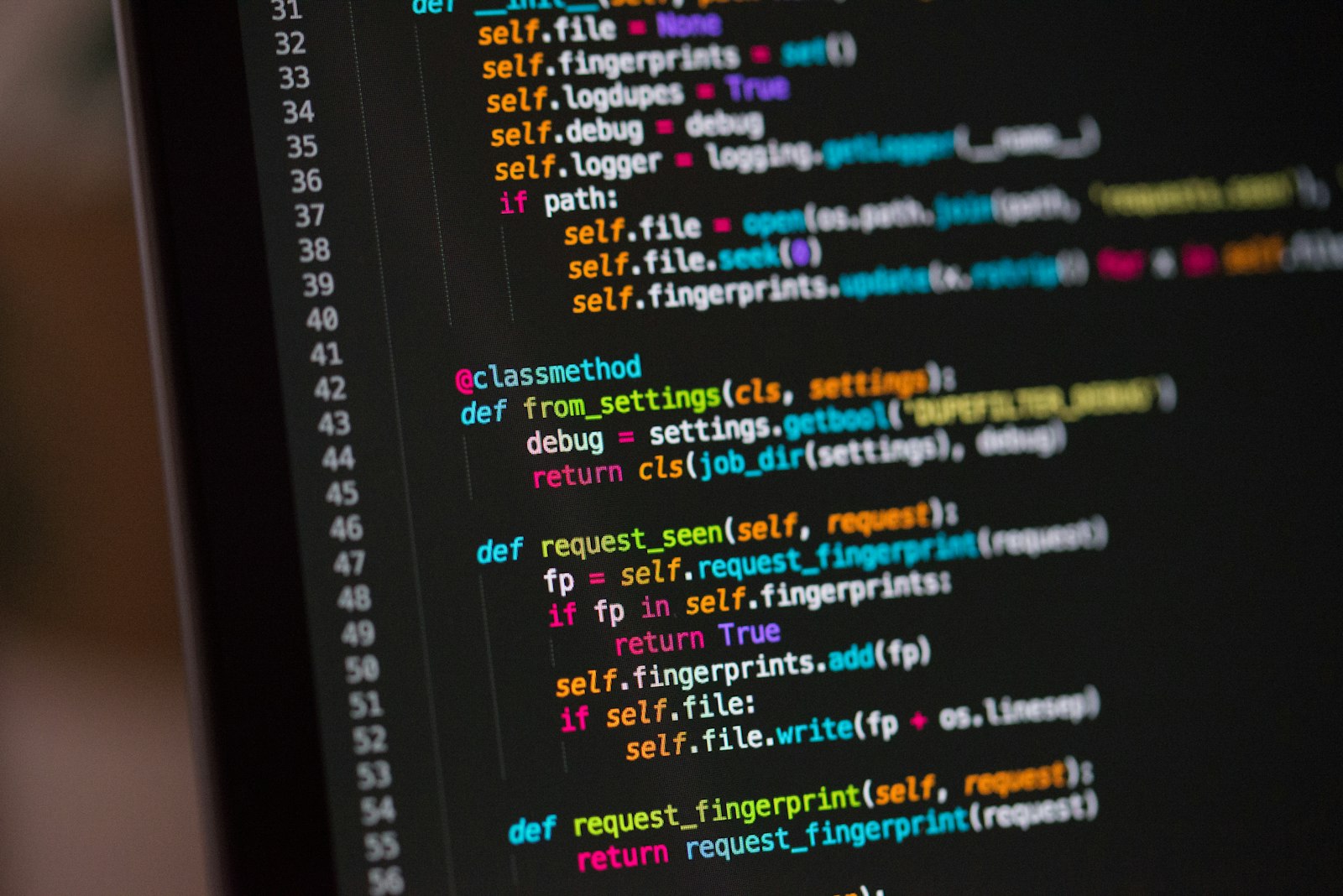
How to Use Expressions in After Effects (Beginner’s Guide)
A beginner’s guide to After Effects expressions — link properties with the pick whip, automate motion with wiggle, loop animation, and save…