Search
Search results for: “audio”
-
How to Create Rolling End Credits in Premiere Pro
Create rolling end credits in Premiere Pro — use the Essential Graphics roll feature, format names and roles cleanly, control scroll speed,…
-
How to Add Royalty-Free Music to Your Videos
Add royalty-free music to videos the right way — understand licensing, find safe music sources, avoid copyright strikes, and mix tracks under…
-
How to Use Markers in After Effects
Use markers in After Effects to sync animation to music, leave notes, navigate comps, and hit precise timing — comp markers, layer…
-
How to Add Camera Shake in After Effects
Add camera shake in After Effects — use the wiggle expression, keyframe handheld motion, add impact shakes, and control intensity for realistic,…
-

How to Reverse Video in Premiere Pro
Reverse video in Premiere Pro — play clips backward with Speed/Duration, reverse part of a clip, handle audio, and create seamless reverse…
-
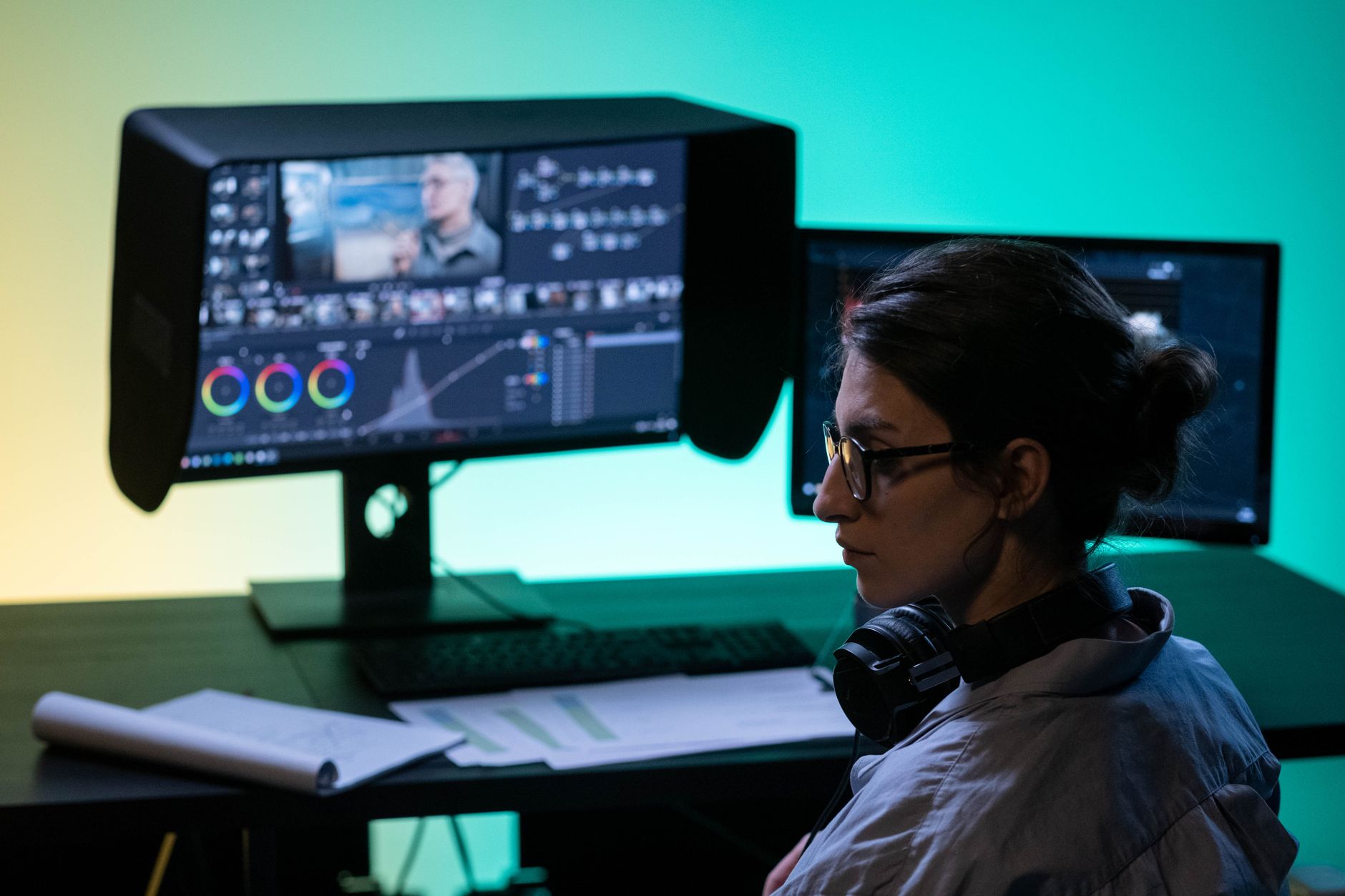
Premiere Pro vs DaVinci Resolve: Which Should You Use?
Premiere Pro vs DaVinci Resolve compared — editing, color grading, audio, pricing, and performance, so you can choose the right video editor…
-
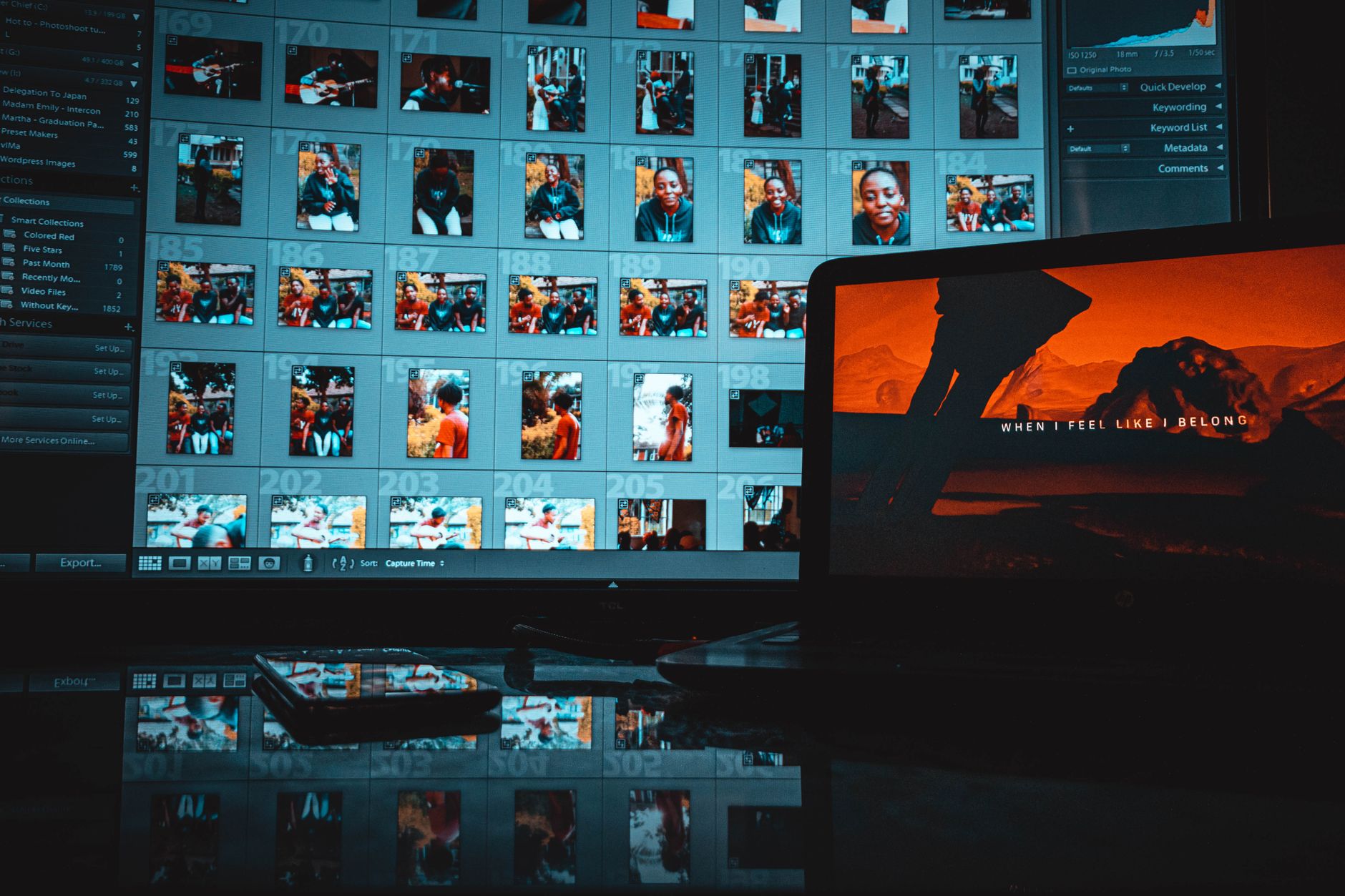
How to Edit Video in Photoshop
Edit video in Photoshop — import clips to the timeline, trim and arrange them, add text and adjustment layers, animate, and export…
-

How to Create a Typewriter Text Effect in After Effects
Create a typewriter text effect in After Effects — use the Type On text animator, add a blinking cursor, control speed, and…
-

How to Use Time Remapping in After Effects
Use time remapping in After Effects to speed up, slow down, freeze, and reverse footage with keyframes — plus smooth speed ramps…
-
How to Zoom In and Pan on Video in Premiere Pro
Zoom and pan on video in Premiere Pro — create a digital punch-in, keyframe a smooth zoom, add the Ken Burns effect…