A workflow taught by Adobe Certified Instructors at Adobe Video World.
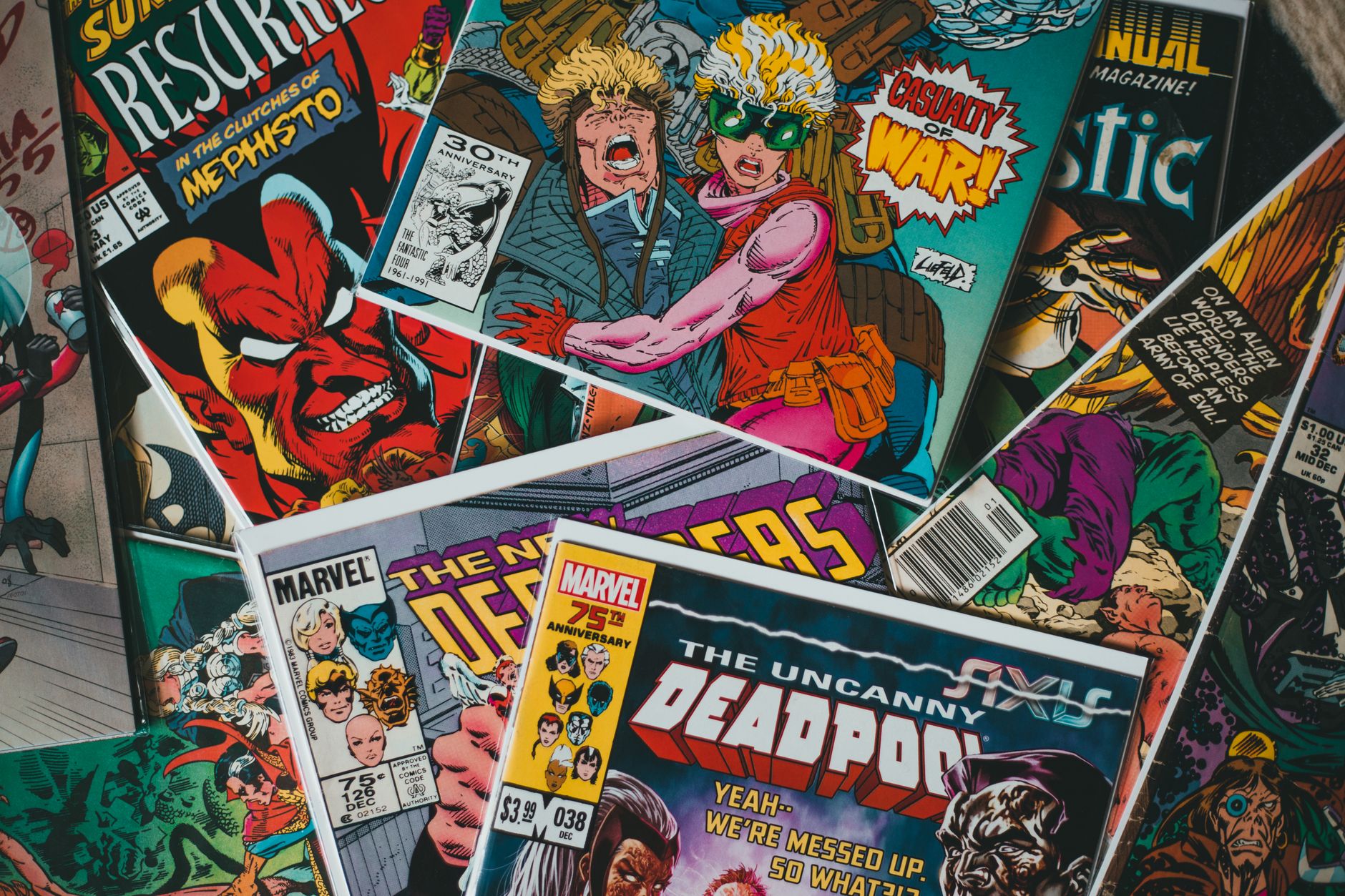
The comic book effect transforms footage into a stylized, illustrated look — bold outlines, flat posterized colors, and halftone dots like a printed comic. It’s a striking treatment for intros, music videos, and stylized content. This guide covers building a convincing comic book effect in After Effects, layering the elements that create the printed-comic look.
What Makes the Comic Look
The comic book look combines several elements: bold black outlines around shapes, flat areas of posterized color instead of smooth gradients, and halftone dot patterns mimicking printed ink. Together these turn footage into an illustrated, printed-comic style.
Each element contributes — outlines define the drawing, posterized color flattens it into cells, and halftone dots add the print texture. Layering these convincingly is what transforms realistic footage into the stylized, hand-drawn comic aesthetic.
Posterize the Colors
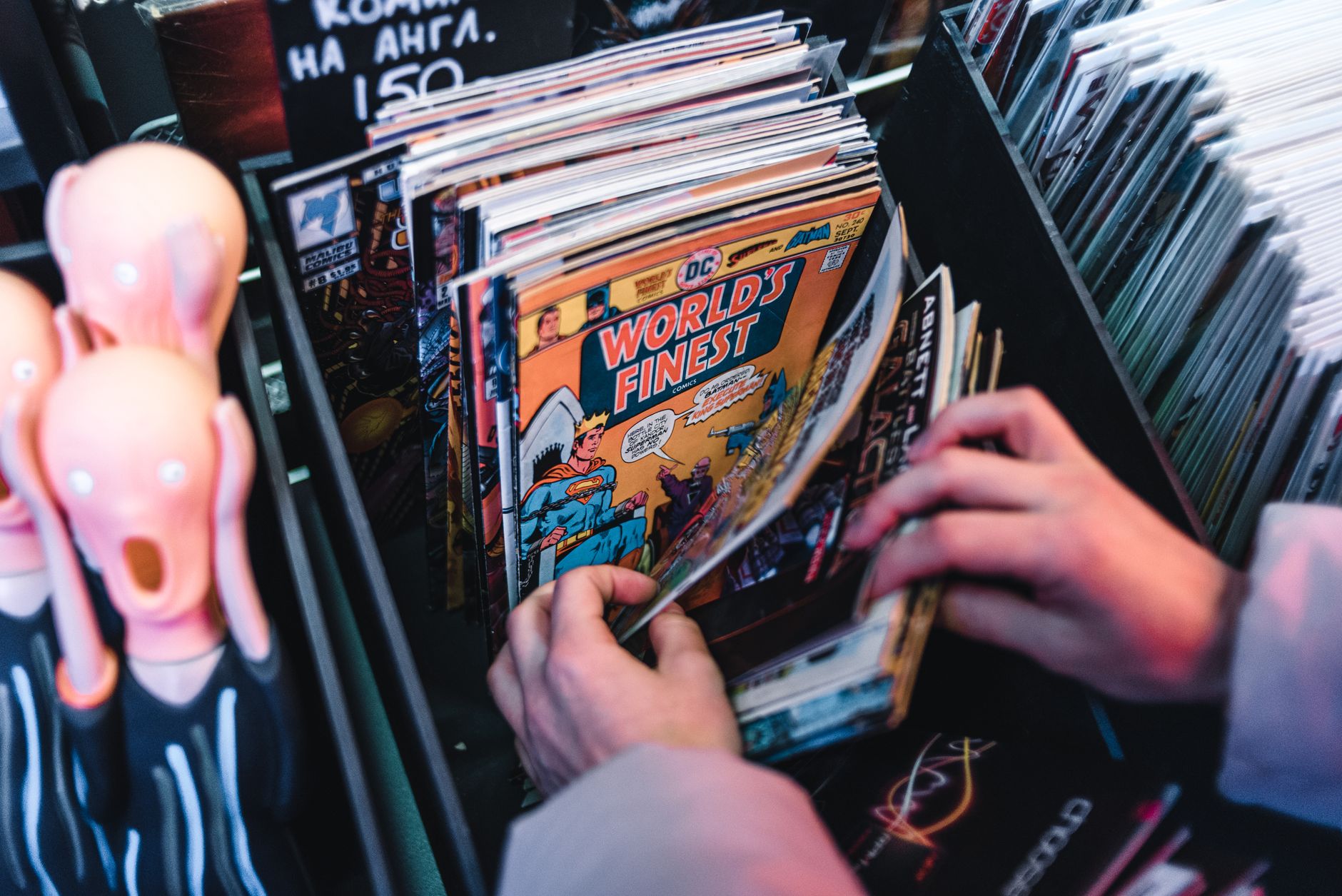
Comics use flat areas of color, not smooth gradients. Applying a Posterize effect reduces the footage’s colors to a limited number of flat tones, creating the cell-shaded look of comic and cartoon coloring.
This color reduction is foundational to the look, replacing photographic gradients with bold flat color. Adjusting the posterize level controls how flat and graphic the result is, with fewer levels giving a more stylized, illustrated appearance.
Add Bold Outlines
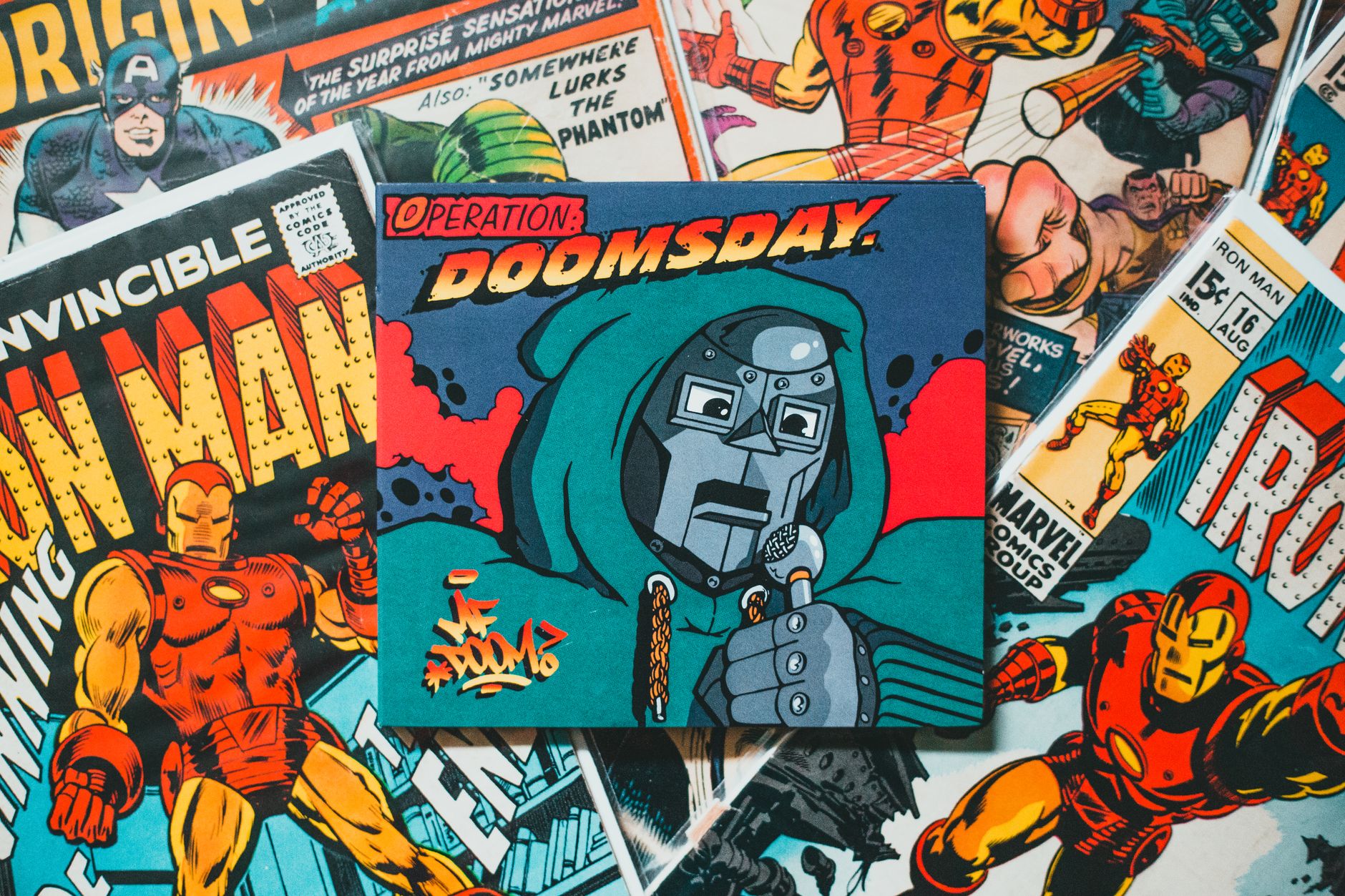
Outlines define a comic’s drawing. Using the Find Edges or a similar effect to detect edges, then making them bold and black, adds the inked outlines around shapes and figures that characterize comic art.
These outlines, layered over the posterized color, create the drawn quality of a comic. Tuning their thickness and darkness so they define forms boldly, like an inker’s lines, gives the footage the illustrated structure of comic book art.
Add Halftone Dots
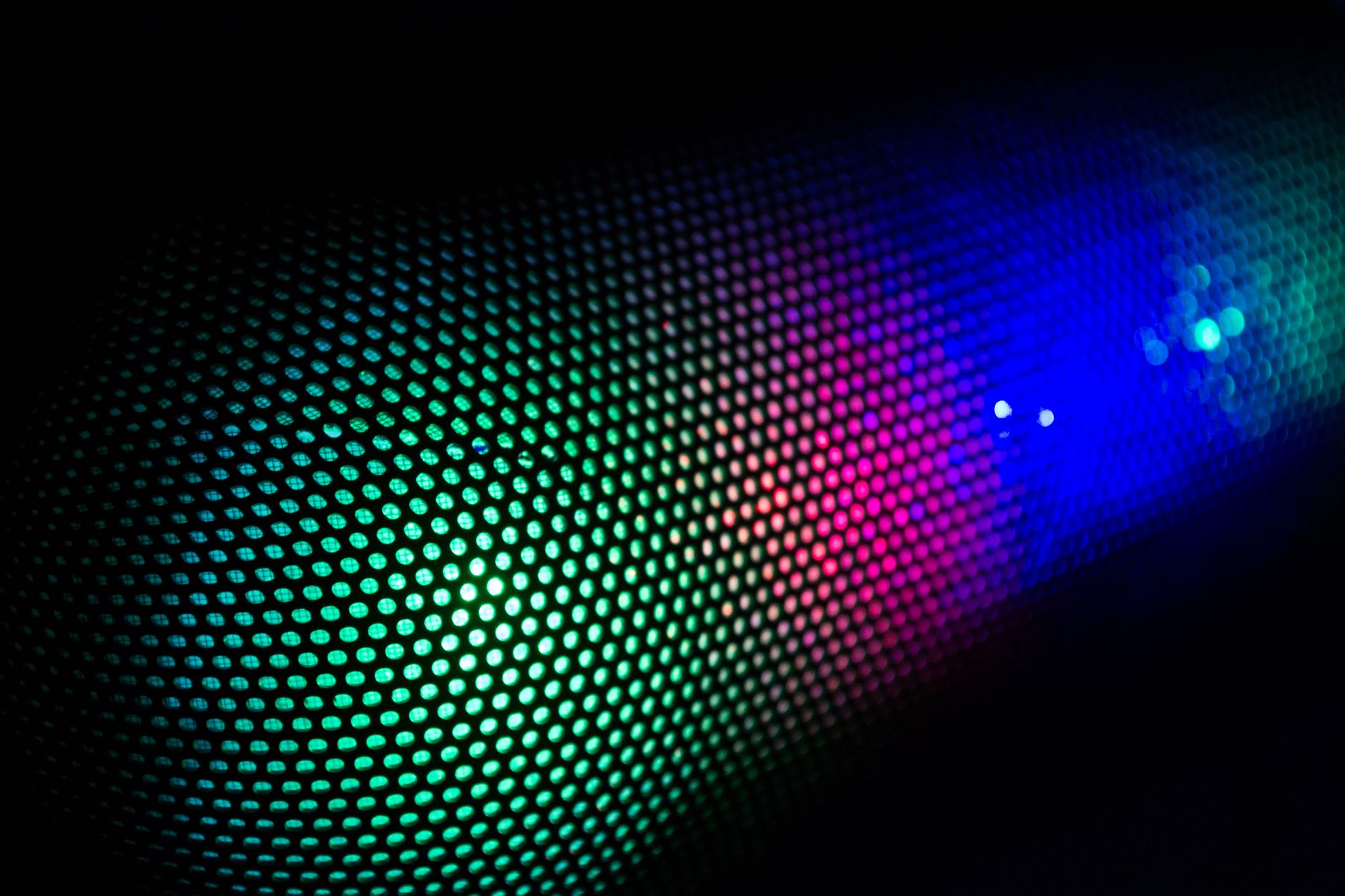
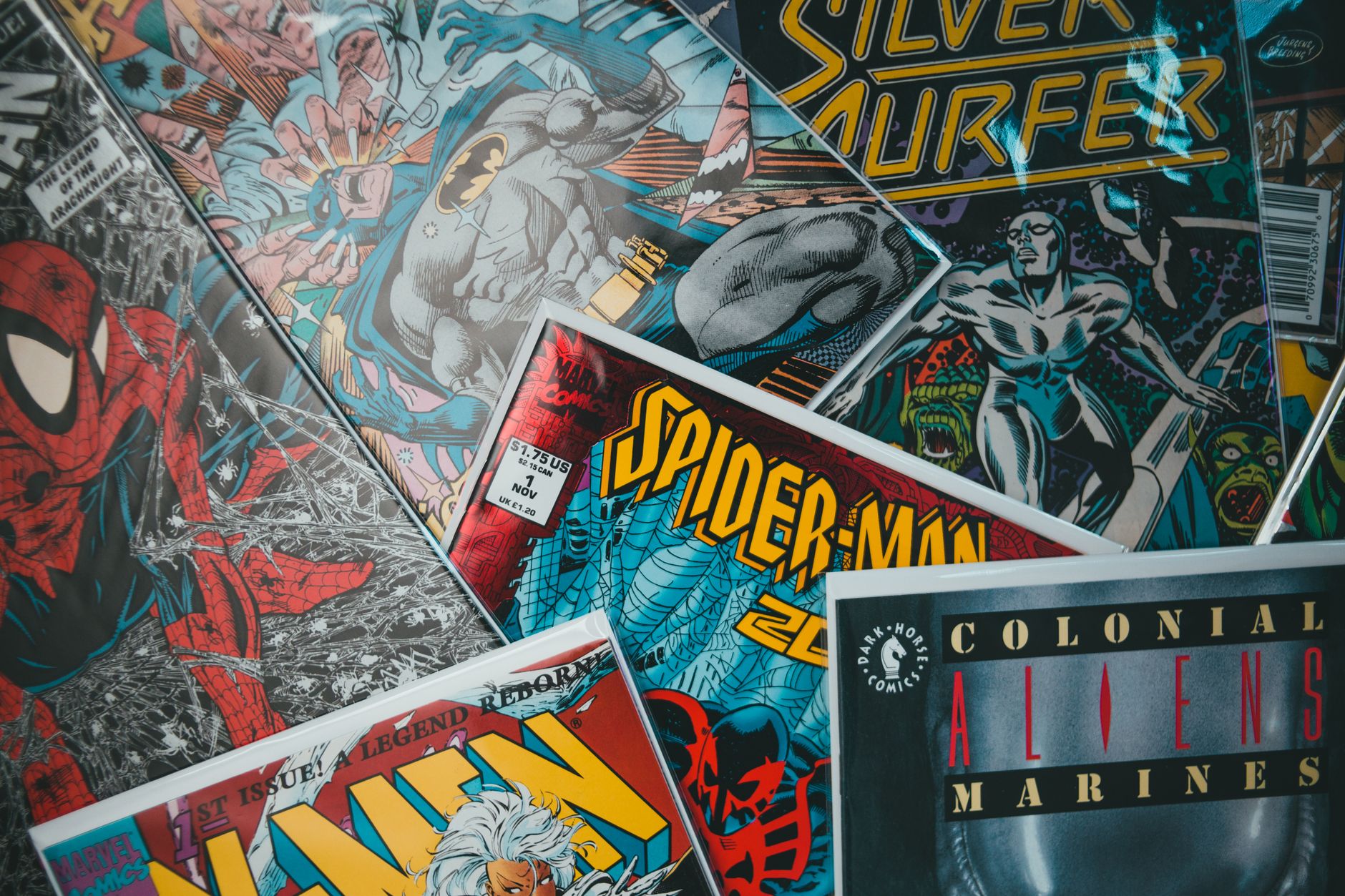
Printed comics use halftone dot patterns for shading and texture. Adding a halftone or dot pattern effect, especially in shadow areas, mimics the dotted ink of old comic printing, adding authentic print texture.
These dots are a signature of the comic look, evoking the pulp printing of classic comics. Applying a halftone pattern, often subtly in the darker tones, gives the effect the printed, ink-on-paper quality that completes the comic aesthetic.
Boost the Contrast and Saturation
Comics are bold and vibrant, so punch up the image. Increasing contrast and saturation makes the colors pop and the look graphic, matching the bold, high-impact style of comic art rather than muted realism.
This boldness, using our grading tools, reinforces the stylized look. Vibrant, contrasty color is part of what makes comics eye-catching, so pushing these qualities helps the footage read as illustrated rather than photographic.
Add Comic Elements
Genuine comic flair comes from added elements. Including speech bubbles, action words like ‘POW’ and ‘BAM’, panel borders, and speed lines layers on the storytelling devices of actual comics.
These elements, styled in classic comic fonts and shapes, complete the immersion. Adding a ‘BAM’ on an impact or a speech bubble on dialogue transforms the treated footage into something that genuinely feels like a living comic book page.
Animate the Comic Style
Animating comic elements adds energy. Having action words burst in on impacts, panels assemble, and speed lines flash brings the static comic style to life, combining illustration with motion.
These animations, timed to the action and eased with our keyframe techniques, give the comic look dynamism. A comic-styled video where the elements animate feels far more alive than a static treatment, blending the printed aesthetic with kinetic motion.
Comic Book Effect Best Practices
- Posterize the colors into flat comic-style tones.
- Add bold black outlines with an edge-detection effect.
- Add halftone dots for printed ink texture.
- Boost contrast and add comic elements like action words.
Common Comic Effect Mistakes
- Smooth gradients instead of flat posterized color.
- No outlines, losing the drawn quality.
- Skipping halftone dots and the printed texture.
- Muted color instead of bold, vibrant comic tones.
A Real Comic Book Example
Imagine turning an action clip into a living comic. You posterize the footage into flat bold tones, run Find Edges to lay inky black outlines over it, and add a halftone dot pattern in the shadows for that printed-pulp texture. Cranking the contrast and saturation makes it pop like a comic page, and on each punch a hand-lettered ‘POW’ bursts in with a jagged speech-bubble shape.
The realistic footage transforms into a dynamic comic book sequence, complete with panels and action words animating on the hits. That layered build — posterize, outlines, halftone, bold color, comic elements — is exactly what turns ordinary video into the stylized, illustrated energy of a comic book come to life.
Comic Style for Intros and Transitions
The comic look is a striking choice for title sequences, intros, and transitions, not just full videos. Flashing a comic-treated frame with a ‘BAM’ panel as a scene-change, or opening a video with a comic-styled montage, grabs attention and sets an energetic, playful tone.
Combined with speed lines and animated panels, the comic effect makes a memorable, high-energy opener. Using it as an accent — a burst of comic style at key moments rather than throughout — often has more impact, letting the bold aesthetic punctuate the edit rather than overwhelm it.
Comic Effects in Modern Media
The comic book aesthetic has surged in popularity thanks to superhero films and stylized animation that borrow comic conventions directly. Audiences now strongly associate halftone dots, bold outlines, and panel layouts with energy and fun, making the look a powerful shorthand for action and excitement.
This cultural familiarity means a comic treatment instantly communicates a playful, dynamic tone, which is why it appears in promos, music videos, and title sequences far beyond literal comics. Tapping into those associations gives your content an immediate, recognizable energy.
Whether you apply a full comic conversion or just borrow elements like action words and halftones, understanding why the style resonates helps you use it intentionally. Pairing it with the kinetic energy of speed lines and bold color keeps it feeling authentic to its comic roots.
Key Takeaways
- The comic look combines outlines, flat color, and halftone dots.
- Posterize the colors and add bold black outlines.
- Add halftone dots and boost contrast for a bold look.
- Add and animate comic elements like action words.
Frequently Asked Questions
How do I create a comic book effect in After Effects?
Posterize the colors into flat tones, add bold black outlines with an edge-detection effect like Find Edges, add halftone dots for printed texture, boost contrast and saturation, and add comic elements like speech bubbles and action words.
What makes the comic book look?
Three elements combine: bold black outlines around shapes, flat areas of posterized color instead of gradients, and halftone dot patterns mimicking printed ink. Boosting contrast and adding comic elements completes the printed-comic style.
How do I make footage look like a cartoon?
Posterize the colors to flatten gradients into cell-shaded tones and add bold outlines with an edge-detection effect. This combination of flat color and inked outlines gives footage the illustrated, cartoon look.
Sources: Wikipedia’s overview of comics art styles.
Go graphic at Adobe Video World
Train hands-on with Adobe Certified Instructors across 100+ Premiere Pro & After Effects sessions.



