A workflow taught by Adobe Certified Instructors at Adobe Video World.
A portal — a glowing doorway to another place — is a magical, sci-fi staple for transporting characters between worlds. Built from a glowing shape, a masked reveal of another scene, and energy effects, it’s a spectacular effect to create. This guide covers building a convincing portal in After Effects, from the opening to the world beyond.
What a Portal Looks Like
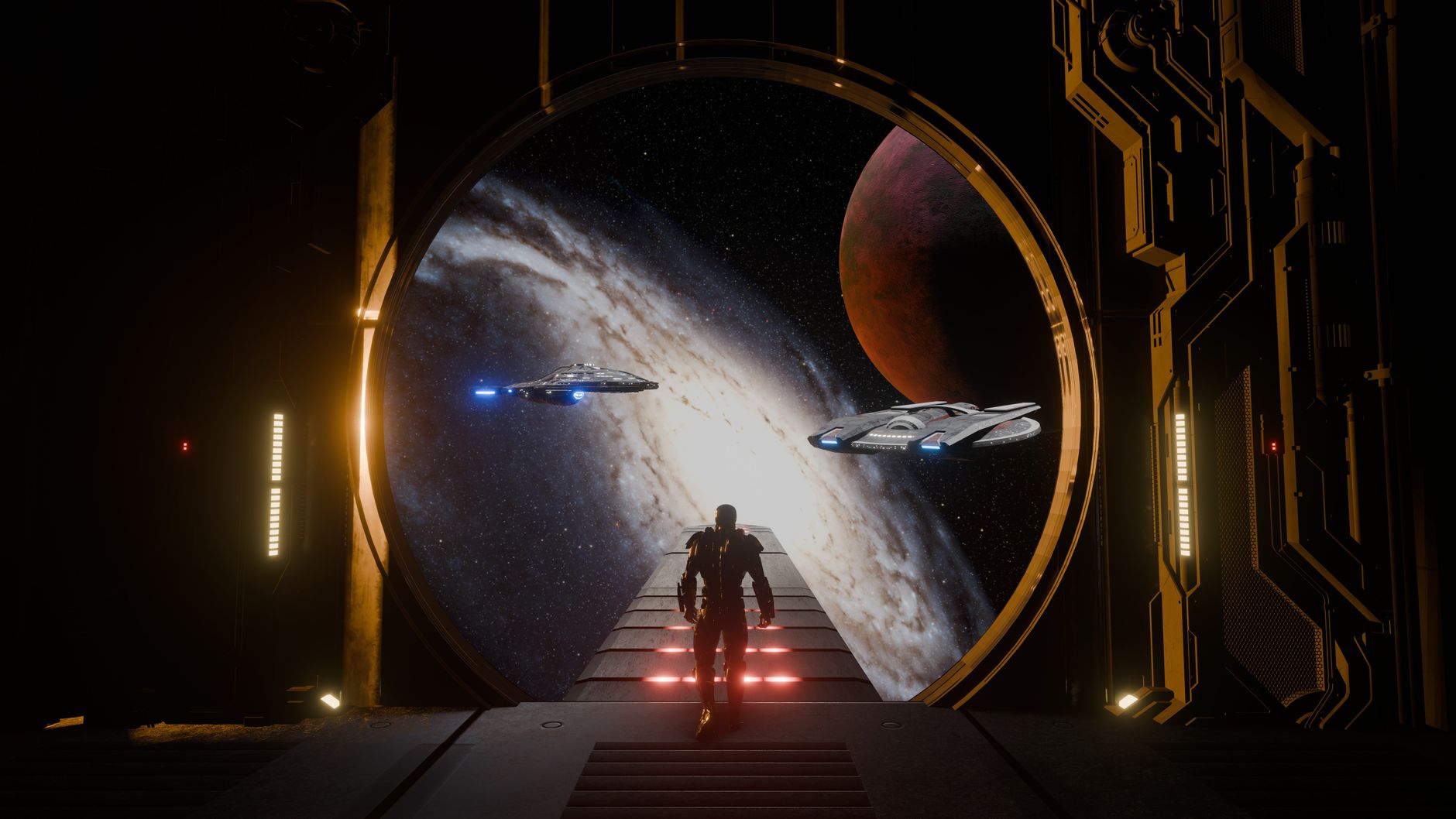
A portal is a glowing opening — circular, oval, or any shape — through which another scene is visible. It has an energetic, glowing edge, swirling or rippling energy, and shows a different environment beyond it, suggesting a gateway between places.
The key elements are the glowing rim, the energy within, and the revealed world on the other side. Recreating these — a luminous boundary framing a view into elsewhere — is what makes a portal read as a magical or technological gateway.
Create the Portal Shape
Start with the portal’s opening. Building a shape — often a circle or oval — defines the gateway, which you’ll fill with the other scene and surround with glowing energy.
This shape is the window into the other world. Keeping its form clear, whether a perfect circle or an organic opening, establishes the portal’s boundary, the frame through which the destination will be revealed and the energy will emanate.
Reveal Another Scene
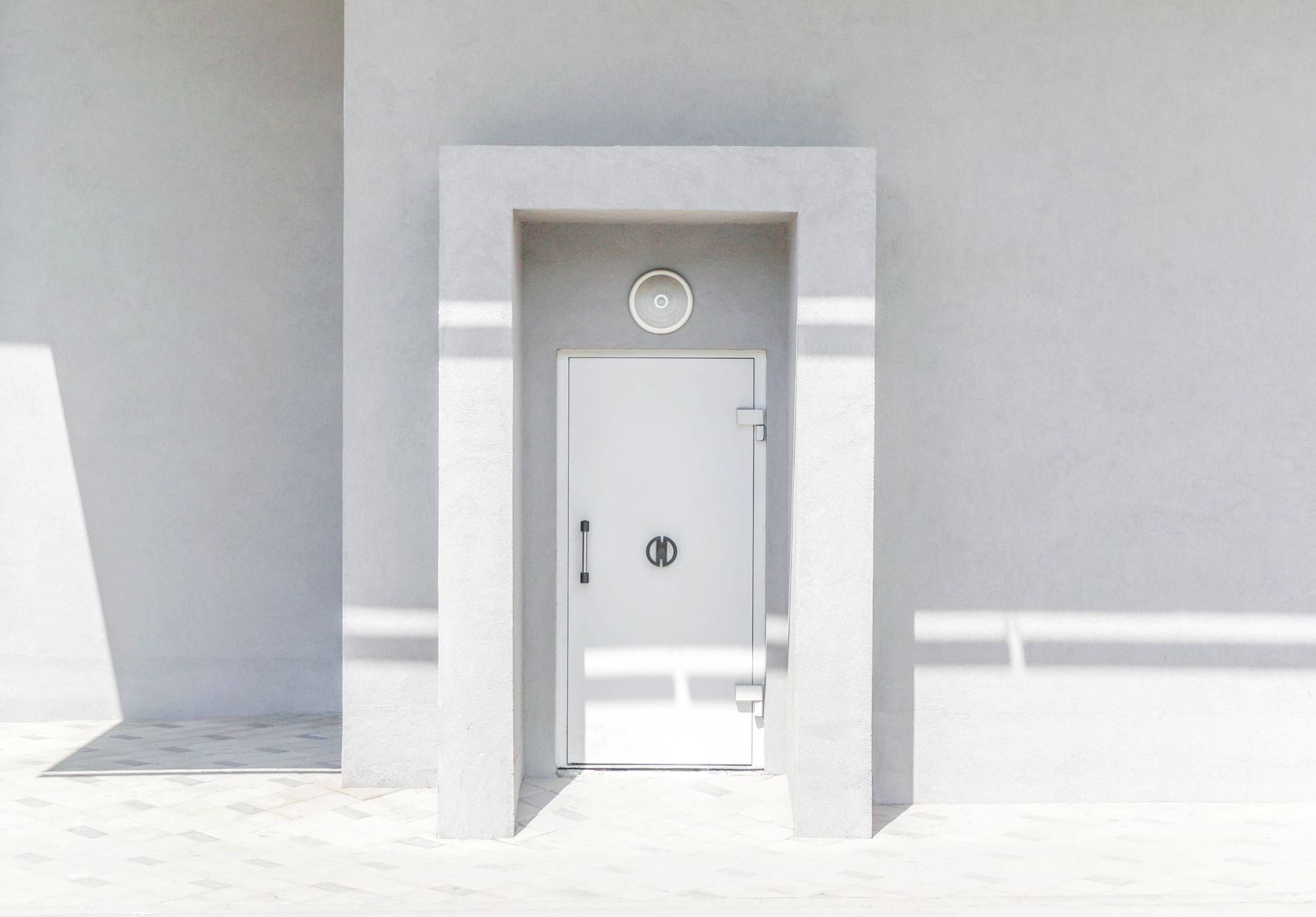
The portal shows a different place. Using the portal shape as a matte to reveal footage of another environment inside it makes the gateway show a view into elsewhere, the heart of the portal illusion.
Placing the destination footage so it appears only within the portal shape creates the window effect. Choosing a contrasting environment beyond — a different landscape, a glowing void, another world — sells the idea of a genuine gateway to a separate place.
Add the Glowing Edge
The portal’s rim glows with energy. Adding a bright, glowing edge around the opening, often in a magical or sci-fi color, frames the gateway and gives it the energetic boundary that defines a portal.
This glowing rim is essential, separating the portal from the scene and signaling its power. A vibrant, slightly pulsing edge — blue and orange for magic, electric blue for sci-fi — makes the opening read as a charged, active gateway.
Add Energy and Swirl
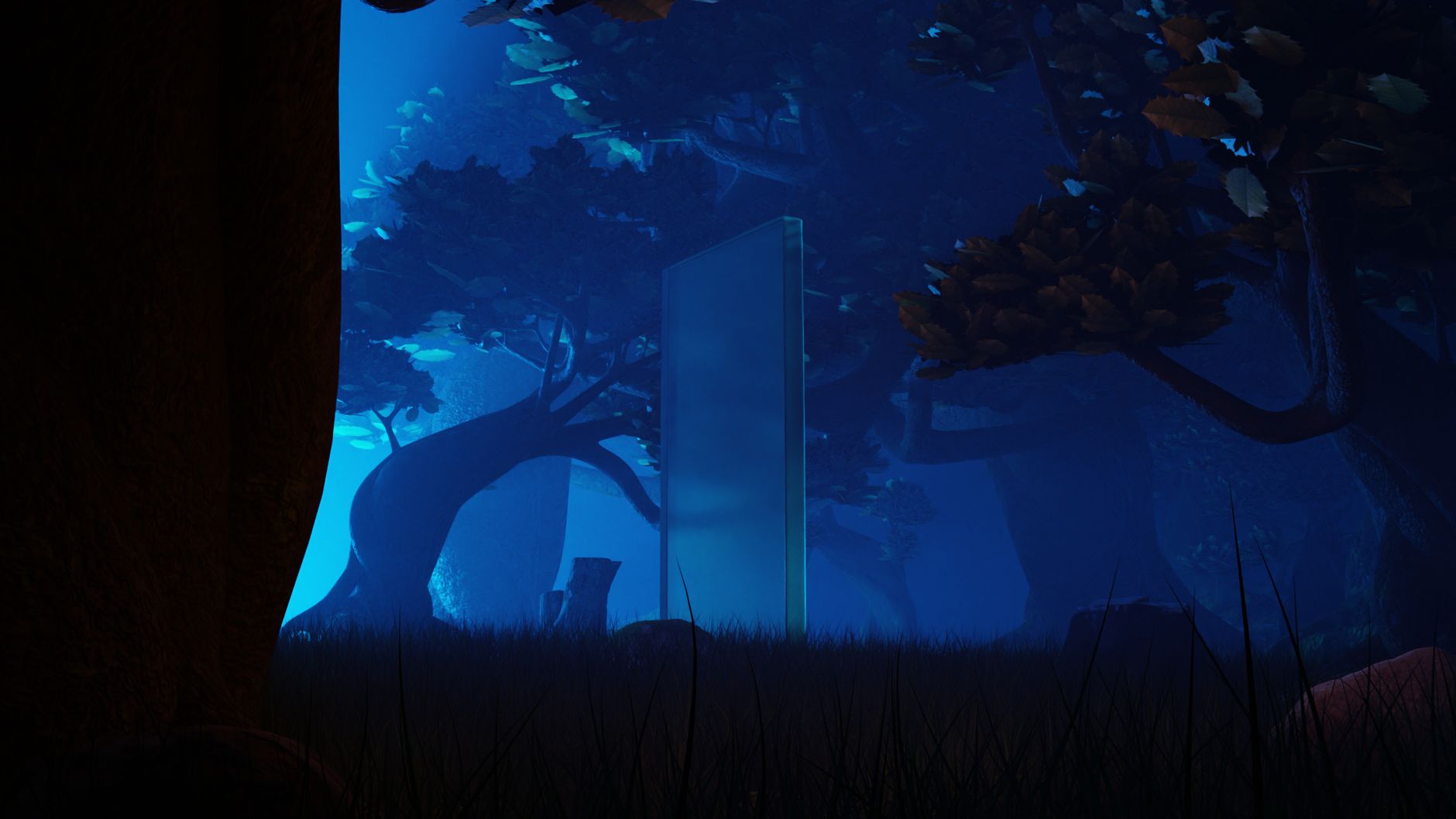
Portals have churning energy. Adding swirling, rippling, or flowing energy within and around the opening, using Fractal Noise or particles, gives the portal a living, powered quality beyond a static window.
This internal energy, animated to churn and flow, suggests the portal is an active phenomenon, not just a hole. A swirling vortex of energy around the rim or across the opening adds the dynamic, magical movement that brings the portal to life.
Add Distortion
Space around a portal often warps. Adding subtle distortion at the portal’s edge, bending the scene slightly where it meets the opening, suggests the portal is affecting reality, enhancing its supernatural feel.
This distortion at the boundary, like a heat-haze or gravitational warp, makes the portal feel powerful and otherworldly. Bending the surrounding scene where it meets the glowing edge adds the sense that the gateway is tearing through space.
Animate the Portal Opening
A portal is most dramatic when it opens. Animating the gateway forming — expanding from a point, swirling into being, or tearing open — gives it a powerful entrance, and reversing the animation closes it.
Timing the opening to a character’s spell or a device activating, with the energy building as it forms, makes the portal feel summoned. This animated entrance, eased with our keyframe techniques and synced to sound, is a spectacular moment.
Portal Effect Best Practices
- Build the portal shape and reveal another scene inside it.
- Add a bright, glowing energy edge around the opening.
- Add swirling energy and subtle distortion at the boundary.
- Animate the portal opening dramatically with synced sound.
Common Portal Mistakes
- A flat opening with no glowing energy edge.
- A static portal with no swirling energy or motion.
- No distortion, leaving it a plain window.
- A portal that appears instantly instead of opening dramatically.
A Real Portal Example
Picture a character opening a portal to another world. You animate a swirling vortex of energy expanding from a point into a glowing orange-rimmed oval, then reveal a lush alien landscape through it using the portal shape as a matte. Churning Fractal Noise energy ripples around the edge, the surrounding scene warps slightly where it meets the rim, and the character steps through.
Timed to a deep whoosh and a building hum, the gateway feels genuinely summoned and powerful. The combination of an animated opening, a matted reveal of the world beyond, a glowing energetic edge, and edge distortion is what makes the portal read as a real tear between two places rather than a flat hole in the frame.
Portals for Transitions
A portal makes a spectacular transition between scenes. Having the camera move through an opening portal to emerge in a completely different location hides the cut inside the gateway, creating a seamless, magical handoff between shots that a standard transition can’t match.
Timing the densest energy or the moment of passing through to the cut point conceals the edit entirely. Built alongside the techniques in our transitions guide, portal transitions give fantasy and sci-fi edits a dramatic, story-driven way to travel between worlds and scenes.
Portals in Storytelling
Portals are more than a flashy effect — they’re a storytelling device that instantly conveys travel between worlds, escape, or the supernatural. The moment a portal opens, the audience understands a threshold is being crossed, which carries narrative meaning beyond the visual spectacle.
Using a portal at a meaningful story beat — a character fleeing danger, discovering a new world, or returning home — gives the effect emotional weight rather than mere decoration. The visual drama reinforces a turning point in the narrative.
Matching the portal’s color, energy, and mood to its story role deepens the effect. A warm, inviting portal feels like hope, while a dark, chaotic one feels threatening, so designing the gateway to support the moment turns a technical effect into genuine storytelling.
A character stepping through a doorway and one blinking away share a toolkit, so the teleport effect in After Effects builds on the same masking and tracking.
Key Takeaways
- A portal is a glowing gateway revealing another scene.
- Use the portal shape as a matte to reveal the world beyond.
- Add a glowing edge, swirling energy, and edge distortion.
- Animate the portal opening dramatically with sound.
Frequently Asked Questions
How do I create a portal effect in After Effects?
Build a portal shape, use it as a matte to reveal footage of another scene inside it, add a bright glowing energy edge, include swirling energy and subtle distortion at the boundary, and animate the portal opening dramatically with synced sound.
How do I show another world through a portal?
Use the portal shape as a track matte to reveal footage of a different environment, so the destination appears only within the portal’s opening. Choose a contrasting world beyond to sell the idea of a genuine gateway.
How do I make a portal look magical?
Add a vibrant glowing edge, swirling churning energy within and around the opening, subtle distortion that warps the surrounding scene, and animate it opening dramatically. Synced sound and the right color complete the magical feel.
Sources: Wikipedia’s overview of portals in fiction.
Open a portal at Adobe Video World
Train hands-on with Adobe Certified Instructors across 100+ Premiere Pro & After Effects sessions.



