
A workflow taught by Adobe Certified Instructors at Adobe Video World.
A good microphone is the single biggest upgrade for your video’s audio, but choosing among lavalier, shotgun, USB, and XLR options can be confusing. The right mic depends on how you shoot. This guide explains the main microphone types for video and how to choose the one that fits your needs.
Why the Microphone Matters
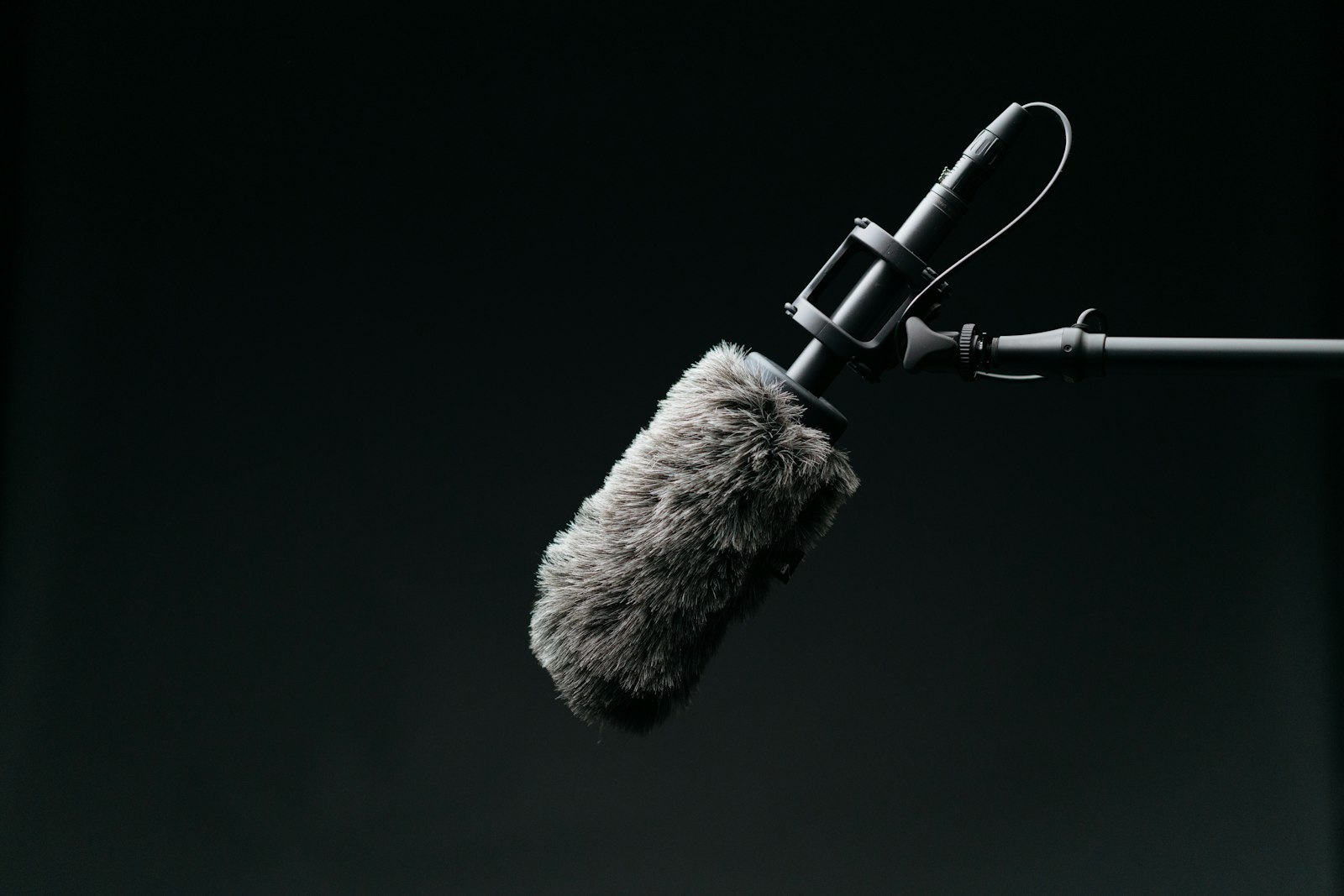
Audio quality makes or breaks a video, and the microphone is the foundation of good sound. A dedicated mic dramatically outperforms a camera’s built-in microphone, making it the most impactful audio investment you can make for clear, professional results.
Viewers forgive imperfect visuals but abandon videos with bad audio, so the microphone matters enormously. Understanding the types and choosing the right one for your situation, as our audio guide stresses, is key to capturing clean sound.
Lavalier Microphones
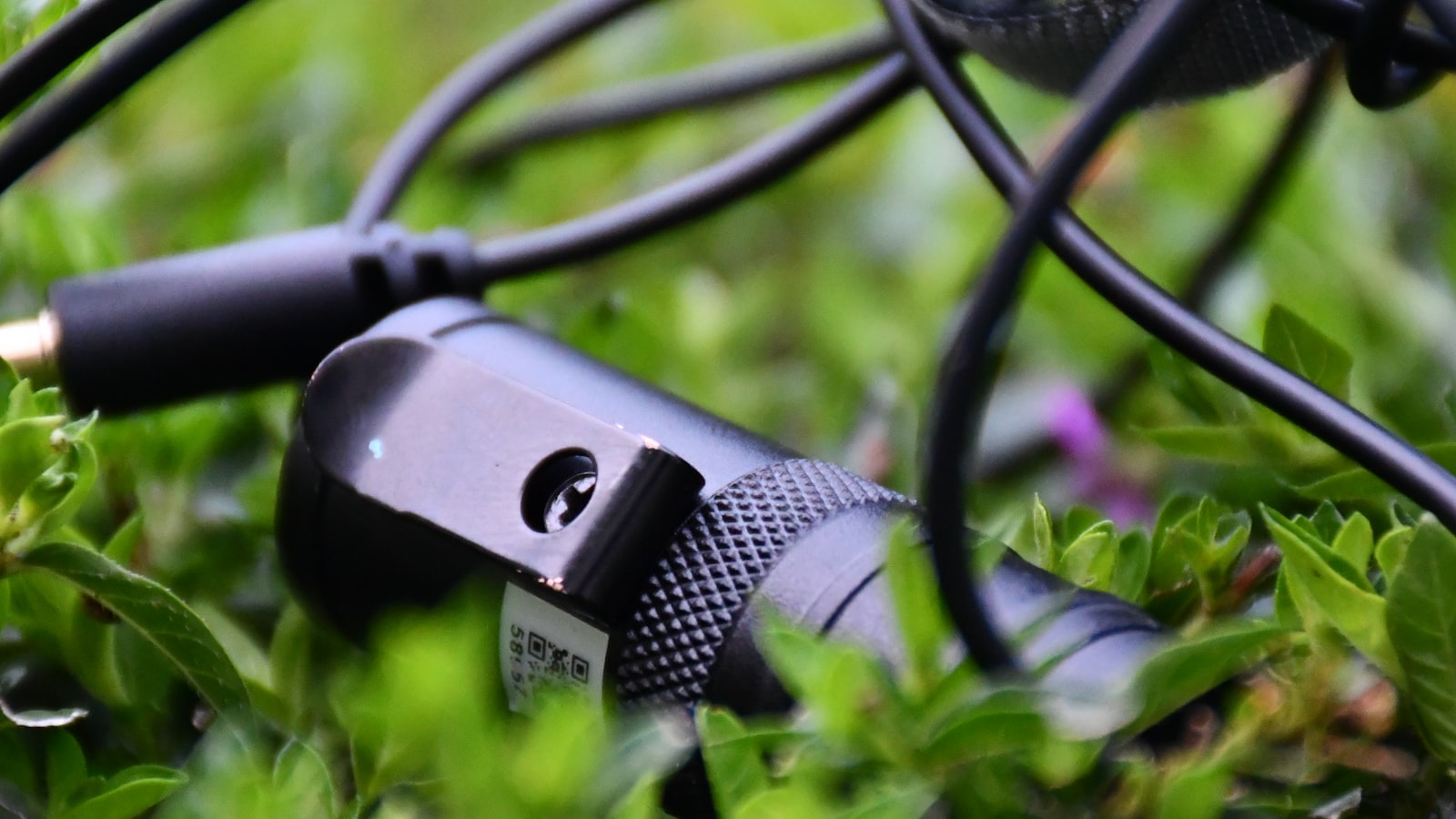
Lavalier (lapel) mics are small mics that clip onto a subject, sitting close to their mouth. They’re ideal for interviews, presentations, and any situation where someone is speaking, capturing clear, consistent dialogue close to the source.
Available wired or wireless, lavs are discreet and excellent for hands-free speaking. Their proximity to the speaker delivers clean voice with minimal room noise, making them a go-to for interviews and talking-head content where dialogue clarity matters.
Shotgun Microphones
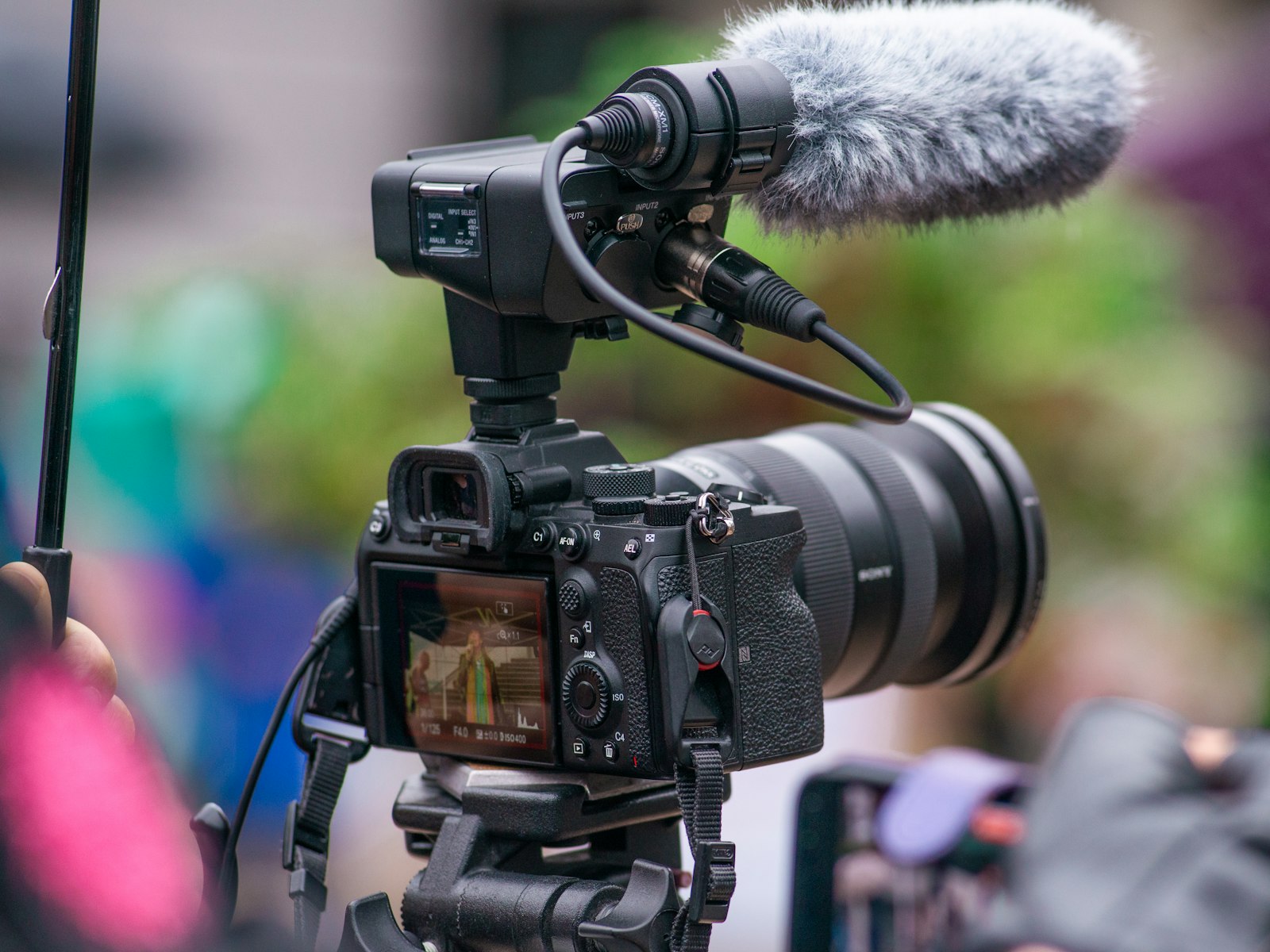
Shotgun mics are directional, picking up sound from where they’re pointed while rejecting off-axis noise. Mounted on a camera or a boom pole, they’re versatile for capturing dialogue and sound while keeping the subject in frame.
Their directional pickup makes shotguns great for run-and-gun shooting, film, and any situation needing focused audio from a distance. A boom-mounted shotgun held just out of frame is a standard for capturing clean dialogue on set.
USB Microphones
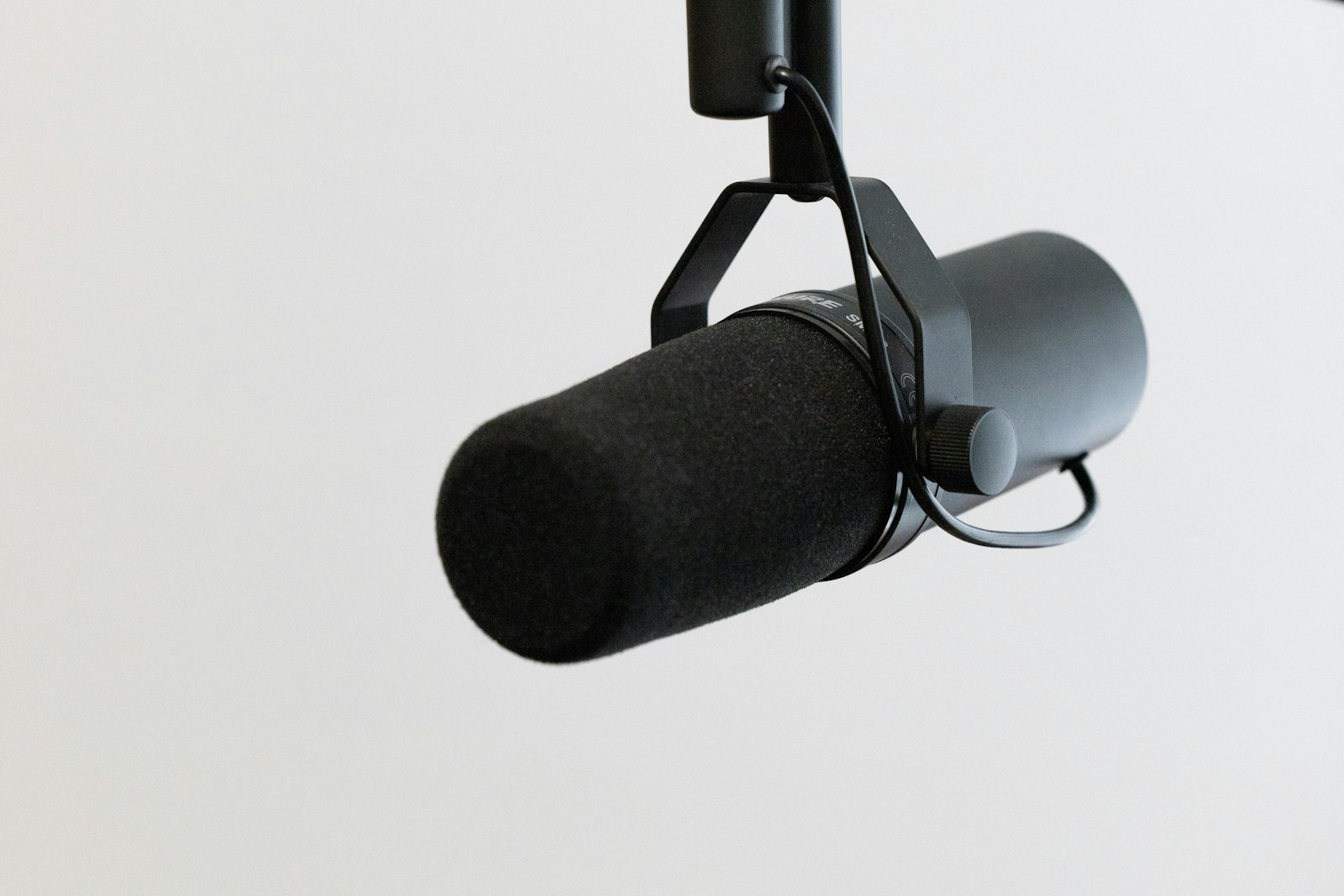
USB mics plug directly into a computer, making them simple and affordable. They’re ideal for voiceover, podcasting, and recording narration at a desk, offering good quality without an audio interface or complex setup.
For creators recording voiceover or podcasts, a USB mic is an easy, capable starting point. Plugging straight into your computer, it captures quality audio for narration and online content with minimal fuss, perfect for desk-based recording.
XLR Microphones
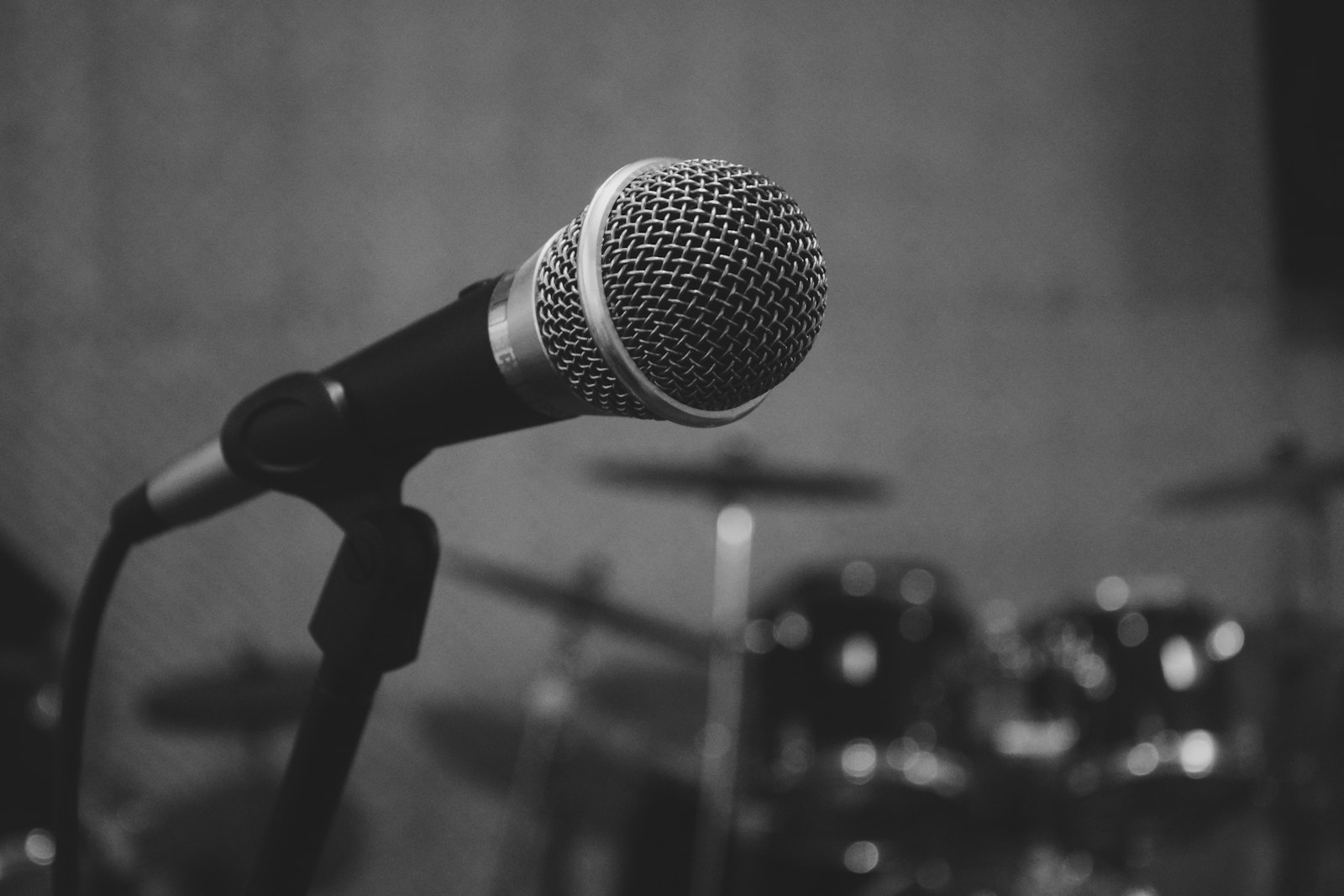
XLR mics connect through professional XLR cables to an audio interface or recorder, offering the highest quality and flexibility. They’re the professional standard, used with mixers and recorders for film, music, and serious audio work.
XLR setups require more equipment but deliver superior quality and control. For professional productions and the best audio, XLR microphones with a proper interface or recorder are the standard, offering the flexibility and fidelity that serious work demands.
Match the Mic to Your Situation
The right mic depends on how you shoot. Use a lavalier for interviews and presentations, a shotgun for film and run-and-gun, a USB mic for voiceover and podcasting, and XLR mics for professional, high-quality production.
Matching the microphone to your specific use is more important than spending the most money. Choosing the type that fits your shooting situation ensures you capture the clean, appropriate audio your content needs, which is the foundation of good sound.
Consider Wireless vs. Wired
Many mics come in wireless and wired versions. Wireless offers freedom of movement, ideal for active subjects and run-and-gun, while wired is more reliable and affordable, suiting controlled setups without the risk of interference or battery issues.
Choosing between them depends on your need for mobility versus reliability and budget. Wireless lavaliers are great for moving subjects, while wired connections suit fixed setups, so weighing freedom against simplicity guides the choice for your situation.
Microphone Best Practices
- Use a lavalier for interviews and presentations.
- Use a shotgun for film and run-and-gun shooting.
- Use a USB mic for voiceover and podcasting.
- Use XLR mics for professional, high-quality production.
Common Microphone Mistakes
- Relying on the camera’s built-in microphone.
- Choosing a mic that doesn’t fit the shooting situation.
- Overspending on a mic when a simpler one would suffice.
- Ignoring wireless vs. wired needs for your shoot.
A Real Microphone Choice Example
Imagine you shoot a mix of seated interviews and run-and-gun street content. For the interviews you clip a wireless lavalier on each subject, getting clean, consistent dialogue close to their mouths. For the street work you mount a shotgun on the camera so it captures whoever you point it at while rejecting the surrounding noise, and at your desk a USB mic handles voiceover.
With three affordable mics matched to three situations, every kind of content you shoot gets clean, appropriate audio. That matching of microphone type to use — rather than chasing one do-everything mic — is exactly how creators capture professional sound across varied work without overspending.
Microphone Accessories Matter
A microphone is only as good as its support gear. Windscreens and dead cats protect against wind outdoors, shock mounts isolate handling noise, a boom pole positions a shotgun close to the subject, and good cables and recorders ensure clean signal, so budgeting for these accessories completes a capable audio kit.
Skipping these essentials undermines even a great mic — a shotgun with no windscreen is useless outdoors, and a lav with no proper placement picks up rustle. Pairing the right mic with the accessories it needs, alongside the techniques in our audio guide, is what consistently delivers clean, professional sound.
Build Your Audio Kit Over Time
An audio kit grows with your needs rather than all at once. Starting with one versatile microphone suited to your main work, then adding others as different situations arise, builds a capable kit affordably without buying everything upfront.
This gradual approach lets you learn each mic and understand your real needs before expanding. Adding a shotgun, lavaliers, or a recorder as specific projects require them ensures every purchase is justified and used, rather than gathering dust.
Over time, a thoughtfully-built audio kit covers your common situations with the right tool for each. Combined with good technique from our recording guides, this growing collection gives you clean, professional audio across the range of work you take on.
A microphone is just one of the essential camera accessories for reliable video shoots worth building into your kit.
Choosing the right mic matters even more once you start recording audio in the field.
Mic choice sets the ceiling for quality in podcast editing.
Key Takeaways
- A dedicated mic is the biggest upgrade for video audio.
- Lavaliers suit interviews; shotguns suit film and run-and-gun.
- USB mics suit voiceover; XLR mics suit professional work.
- Match the microphone to your shooting situation.
Frequently Asked Questions
What microphone should I use for video?
It depends on your situation: a lavalier (lapel) mic for interviews and presentations, a shotgun mic for film and run-and-gun shooting, a USB mic for voiceover and podcasting, and XLR mics for professional, high-quality production.
What’s the difference between a lavalier and a shotgun mic?
A lavalier clips onto a subject close to their mouth for clear dialogue, ideal for interviews. A shotgun is directional, picking up sound from where it’s pointed while rejecting off-axis noise, ideal for film and capturing audio from a distance.
Do I need an XLR microphone?
Only for professional, high-quality work. XLR mics connect through an audio interface or recorder, offering the best quality and flexibility but requiring more equipment. For voiceover and online content, a USB mic is simpler and sufficient.
Sources: Wikipedia’s overview of microphones.
Capture clean sound at Adobe Video World
Train hands-on with Adobe Certified Instructors across 100+ Premiere Pro & After Effects sessions.



