A workflow taught by Adobe Certified Instructors at Adobe Video World.
Choosing your first video camera is exciting but overwhelming, with countless options and specs. The good news is that many cameras shoot great video, and the right choice depends on your needs and budget. This guide explains what matters when choosing a beginner video camera, so you can start shooting quality footage confidently.
What Matters in a Video Camera
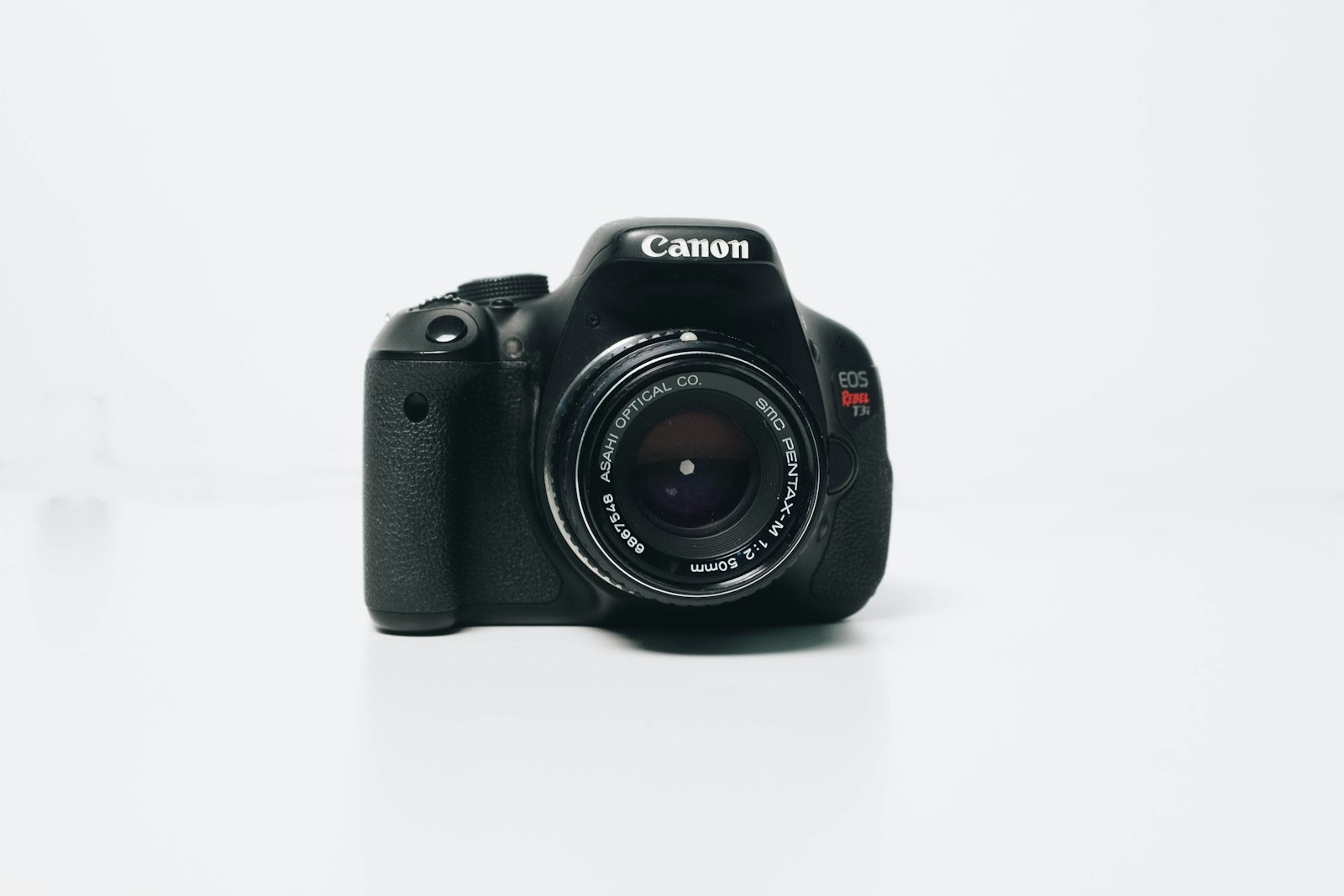
For video, several features matter more than megapixels: good video resolution and frame rates, decent low-light performance, autofocus quality, and the ability to use external mics. Focusing on these video-relevant features guides a smart choice.
It’s easy to get lost in specs, but the features that affect your video matter most. Prioritizing the camera’s video capabilities, audio options, and usability over photo-centric specs ensures you choose a camera that serves your filmmaking well.
Understand Sensor Size
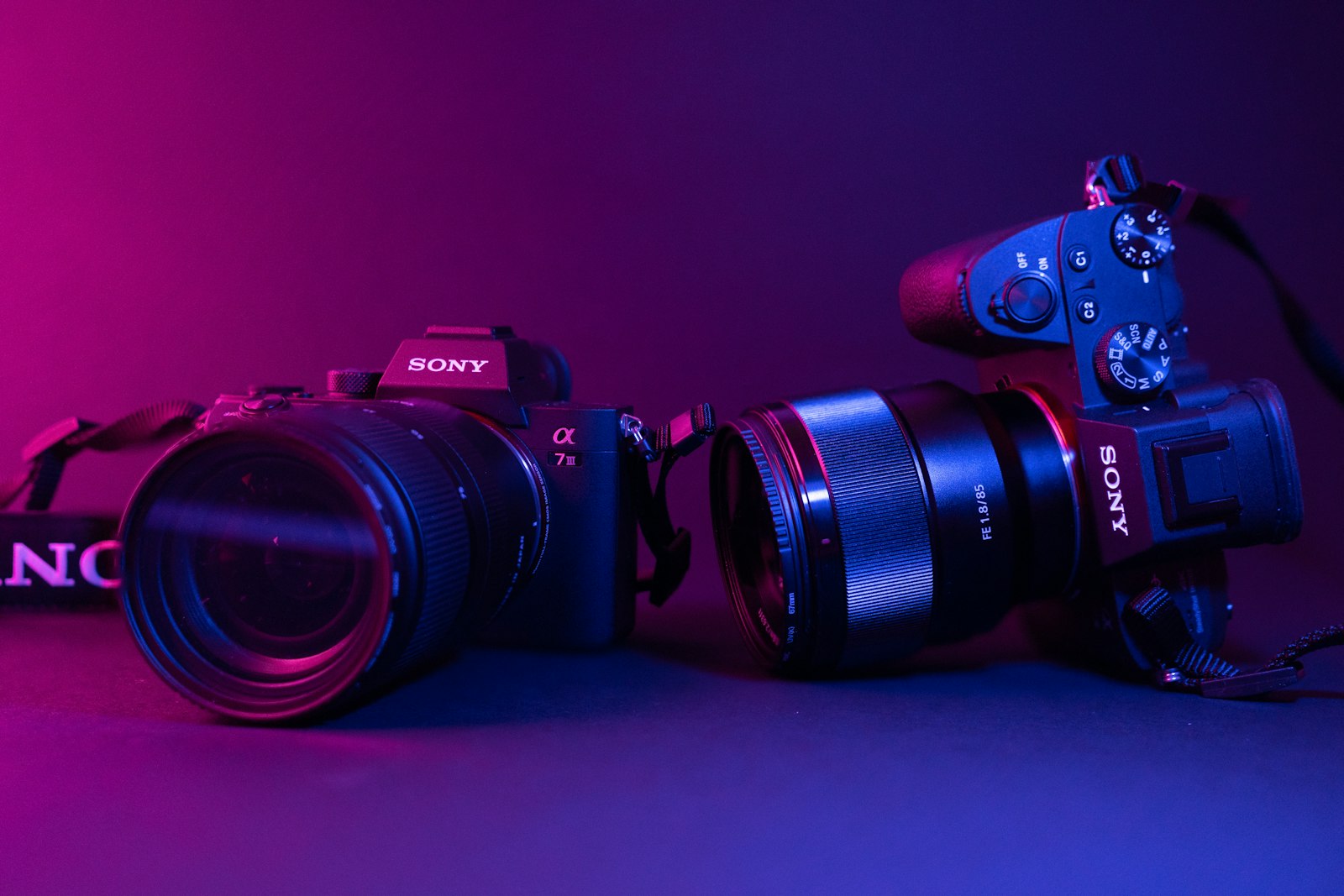
Sensor size affects image quality, low-light performance, and the look of your footage. Larger sensors like full-frame gather more light and create more background blur, while smaller sensors are more affordable and compact, with crop factors to consider.
Sensor size influences the depth of field and low-light ability, as our depth of field guide covers. Understanding the trade-offs — larger sensors for image quality, smaller for budget and portability — helps you balance quality against cost.
Camera Types
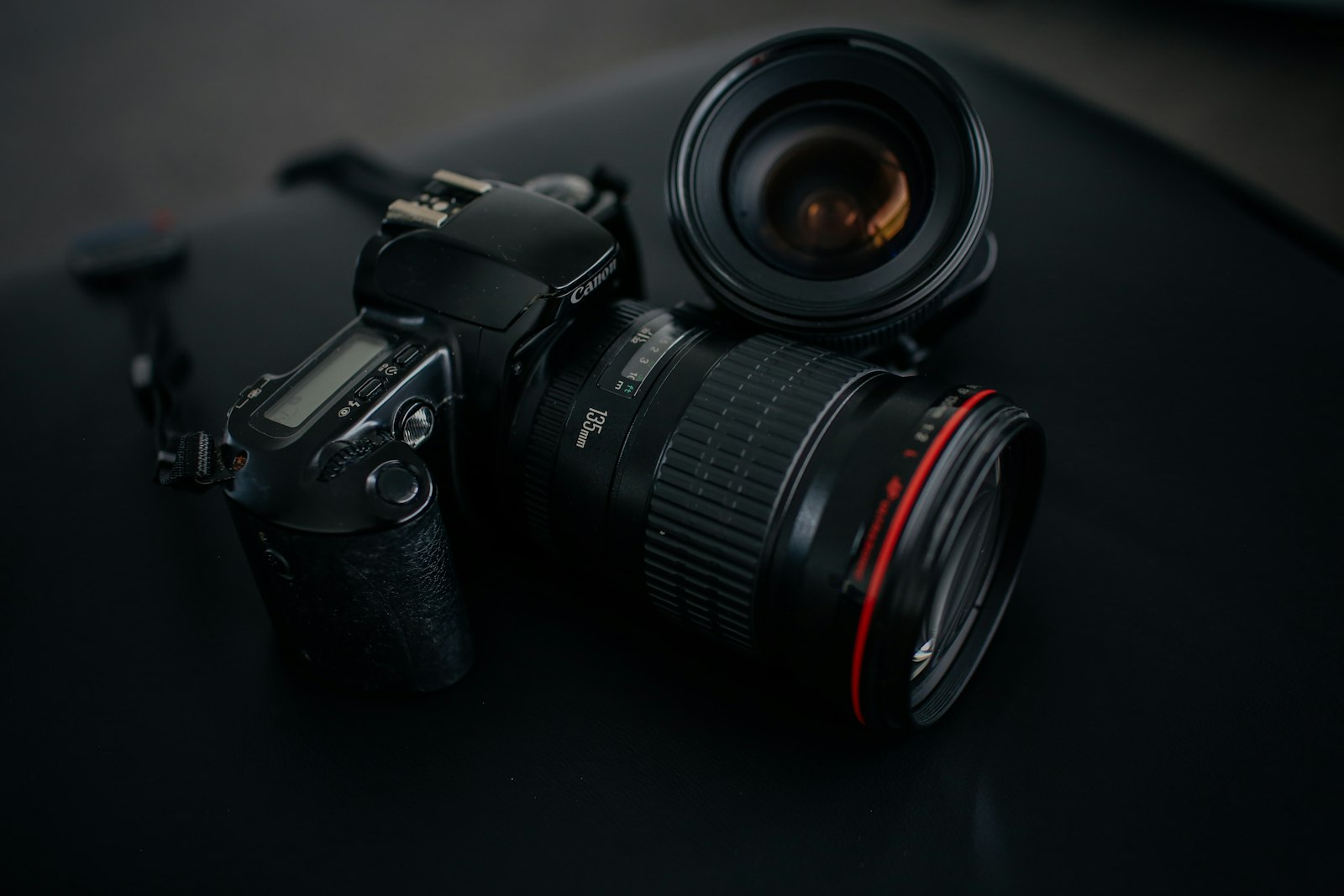
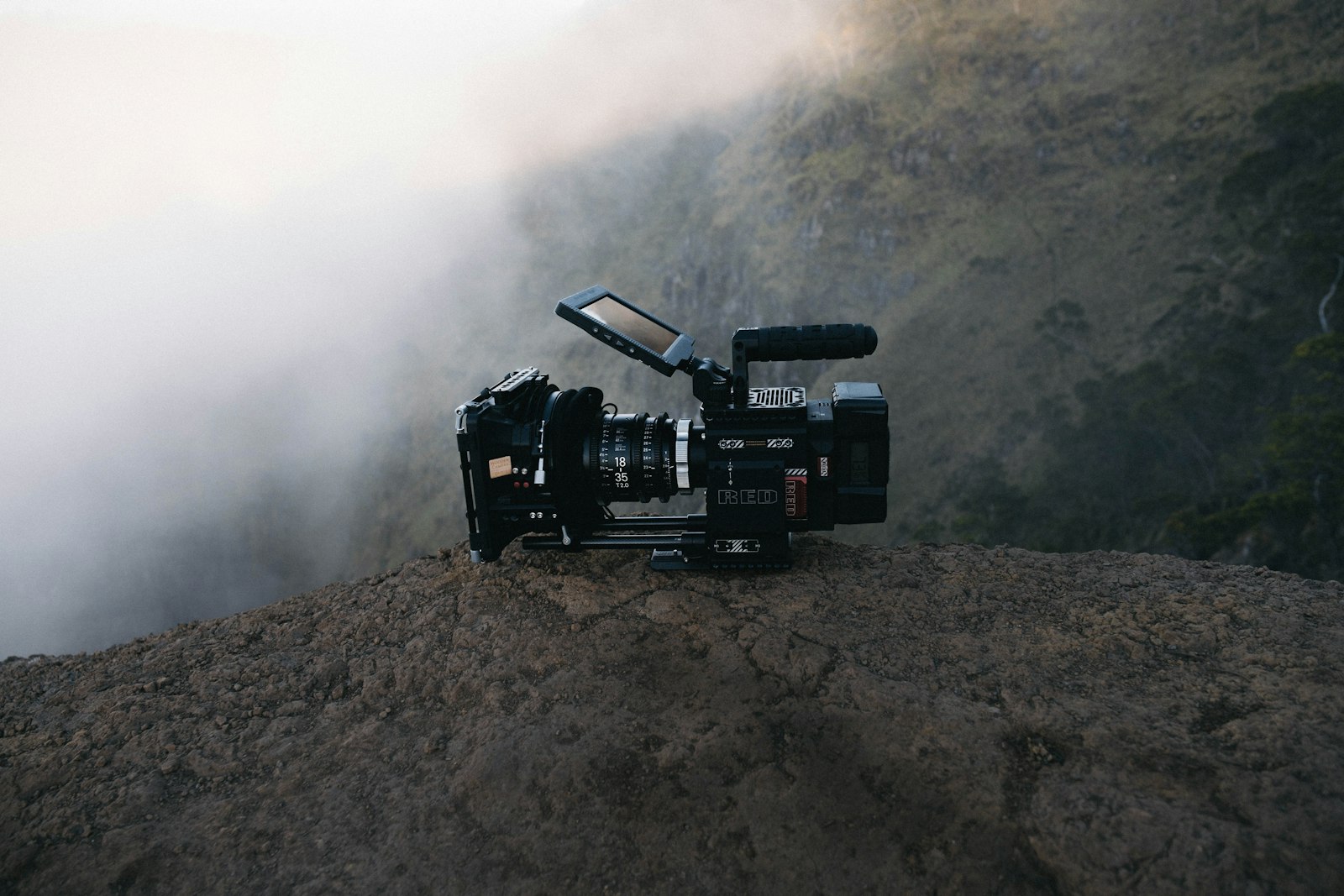
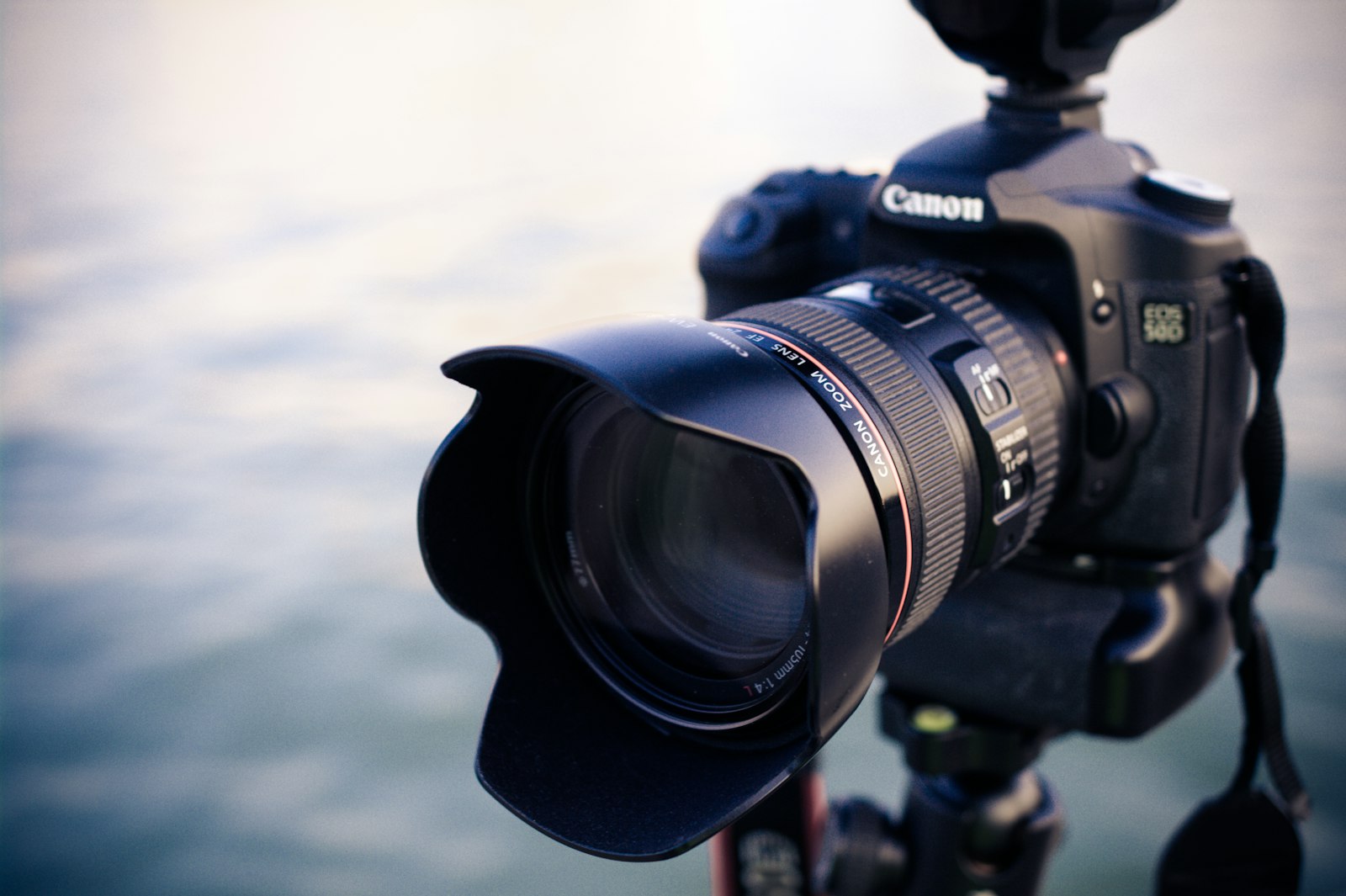
Several camera types suit video. Mirrorless cameras are popular for their quality, compactness, and video features, DSLRs are capable and affordable, while dedicated cinema cameras and even smartphones serve different needs.
Mirrorless cameras have become the go-to for many video creators, balancing quality and features. Choosing the type that fits your goals and budget — mirrorless for versatility, a phone for accessibility — is the first step toward the right camera.
Check Video Features
Look at the specific video capabilities. Resolution (1080p or 4K), frame rates for slow motion, and color profiles for grading all affect what you can create, as our resolution guide explains.
These video features determine your creative options. A camera that shoots 4K with high frame rates and flat profiles offers more flexibility, so checking that a camera’s video specs match your ambitions ensures it won’t limit your work.
Consider Autofocus and Stabilization
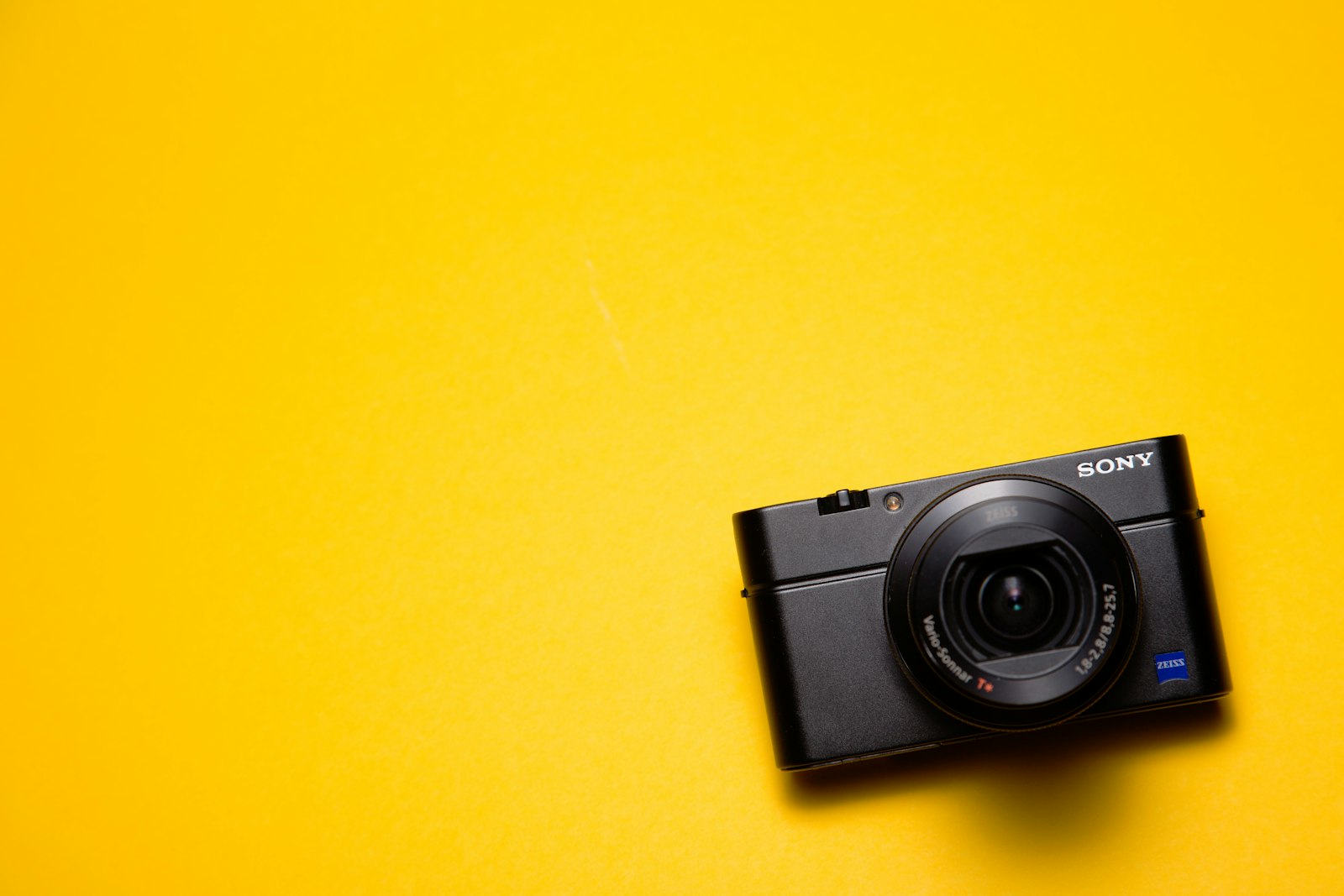
Good autofocus and stabilization make shooting easier, especially for beginners. Reliable continuous autofocus keeps subjects sharp, while in-body stabilization smooths handheld footage, both reducing the technical burden of getting good shots.
These features are especially valuable when starting out, handling focus and steadiness for you. A camera with strong autofocus and stabilization lets you focus on creativity rather than fighting technical challenges, smoothing the learning curve.
Set a Realistic Budget
Cameras range enormously in price, so set a budget that fits your needs. Many affordable cameras shoot excellent video, and you don’t need the most expensive option to create quality content, especially while learning.
Spending more than you need, or on the wrong features, wastes money. Choosing a camera that meets your actual needs at a sensible price, and investing in lenses, audio, and lighting too, gives better results than the most expensive body alone.
Remember the Whole Kit
The camera is one part of a system. Budgeting for lenses, a microphone, lighting, and support alongside the camera ensures you can actually create good video, since the body alone isn’t enough.
Many beginners overspend on the camera and neglect the rest, but lenses, audio, and lighting matter enormously. Balancing your budget across the whole kit, rather than just the camera, is what lets you produce quality video as a beginner.
Beginner Camera Best Practices
- Prioritize video features over megapixels.
- Understand sensor size’s effect on quality and look.
- Check resolution, frame rates, and color profiles.
- Set a realistic budget and invest in the whole kit.
Common Camera Buying Mistakes
- Chasing megapixels instead of video features.
- Overspending on the body and neglecting lenses and audio.
- Ignoring autofocus and stabilization for beginners.
- Buying more camera than your needs require.
A Real Beginner Camera Example
Picture a beginner choosing their first camera for YouTube and short films. Rather than chasing the highest megapixels, they pick a mid-range mirrorless that shoots clean 4K, has reliable autofocus and in-body stabilization, and accepts an external mic. Crucially, they leave budget for a versatile lens, a microphone, and a basic light rather than spending everything on the body.
The result is a balanced kit that punches well above the camera’s price, producing sharp, well-lit, clean-sounding video. That whole-system thinking — a capable but sensible camera plus the lenses, audio, and lighting around it — is exactly how beginners get professional-looking results without overspending on the body alone.
Upgrade Lenses Before the Body
A common revelation for new shooters is that lenses affect the image more than the camera body, and they hold their value far longer. A good lens on a modest body often outperforms a kit lens on an expensive one, so investing in quality glass — a fast prime for depth of field, a versatile zoom for flexibility — pays off enormously.
Because lenses outlast camera bodies through many upgrades, building a lens collection is a long-term investment. Pairing thoughtful lens choices with the depth-of-field control in our lenses guide gives beginners the cinematic look they want, often more affordably than upgrading the camera itself.
Future-Proof Your Camera Choice
When choosing a camera, considering where your work is heading helps the purchase last. A camera that meets your current needs with some room to grow — better resolution, features you’ll grow into — serves you longer than one you’ll quickly outgrow.
Balancing buying for today against future-proofing avoids both overspending and outgrowing your gear too fast. Choosing a camera that handles your foreseeable needs, while not paying for capabilities you’ll never use, is the sensible middle ground.
Remember too that lenses and accessories outlast camera bodies, so investing in good glass future-proofs your kit more than the body. A sensible camera paired with quality lenses gives you a foundation that grows with you across future upgrades.
Budget for the whole kit too, since the camera accessories that make shooting smoother matter as much as the camera body itself.
A light, well-balanced body makes shooting handheld far less tiring over a long day.
Key Takeaways
- Prioritize video features, not megapixels.
- Understand sensor size’s effect on quality and depth.
- Check video specs and consider autofocus and stabilization.
- Set a realistic budget and invest in the whole kit.
Frequently Asked Questions
How do I choose a camera for video as a beginner?
Prioritize video features over megapixels — good resolution and frame rates, decent low-light, reliable autofocus, and external mic support. Understand sensor size’s effect on quality, set a realistic budget, and invest in lenses, audio, and lighting too.
What camera type is best for beginners?
Mirrorless cameras are popular for their quality, compactness, and video features, making them a great go-to. DSLRs are capable and affordable, and even a smartphone can start you off. Choose the type that fits your goals and budget.
Do I need an expensive camera to shoot good video?
No — many affordable cameras shoot excellent video. You don’t need the most expensive option, especially while learning. Spending on a sensible camera plus lenses, audio, and lighting gives better results than an expensive body alone.
Sources: Wikipedia’s overview of digital cameras.
Start shooting at Adobe Video World
Train hands-on with Adobe Certified Instructors across 100+ Premiere Pro & After Effects sessions.



