A workflow taught by Adobe Certified Instructors at Adobe Video World.
Headphones are essential for editing audio, catching problems, and mixing, but the wrong pair gives a misleading impression of your sound. Choosing editing headphones means prioritizing accuracy over flattering bass. This guide covers what matters when choosing headphones for video editing, so you hear your audio as it really is.
Why Accurate Headphones Matter
Editing headphones must reveal your audio accurately, not flatter it. Consumer headphones with boosted bass make your audio sound better than it is, leading to mixes that sound wrong on other devices, which is why accuracy is key for editing.
You can only mix and catch problems in audio you hear faithfully, so flat, accurate headphones are essential. Choosing headphones that represent your sound truthfully, as our audio guide complements, ensures your audio decisions translate correctly.
Look for a Flat Response
Editing headphones should have a flat frequency response, reproducing all frequencies evenly without boosting any. This neutral sound lets you hear your audio as it really is, so your mix balances correctly across all frequencies.
A flat response is the opposite of bass-heavy consumer headphones, revealing your audio’s true balance. Headphones designed for monitoring and studio use prioritize this accuracy, making them the right choice for editing where faithful sound matters more than flattering it.
Open vs. Closed Back
Headphones come in open-back and closed-back designs. Open-back offer a more natural, spacious sound favored for mixing in quiet rooms, while closed-back isolate sound, suiting noisy environments and recording where leakage matters.
Choosing between them depends on your environment and use. Open-back excel for critical mixing in a quiet space, while closed-back are versatile for recording and noisy settings, so matching the design to your situation guides the choice.
Prioritize Comfort
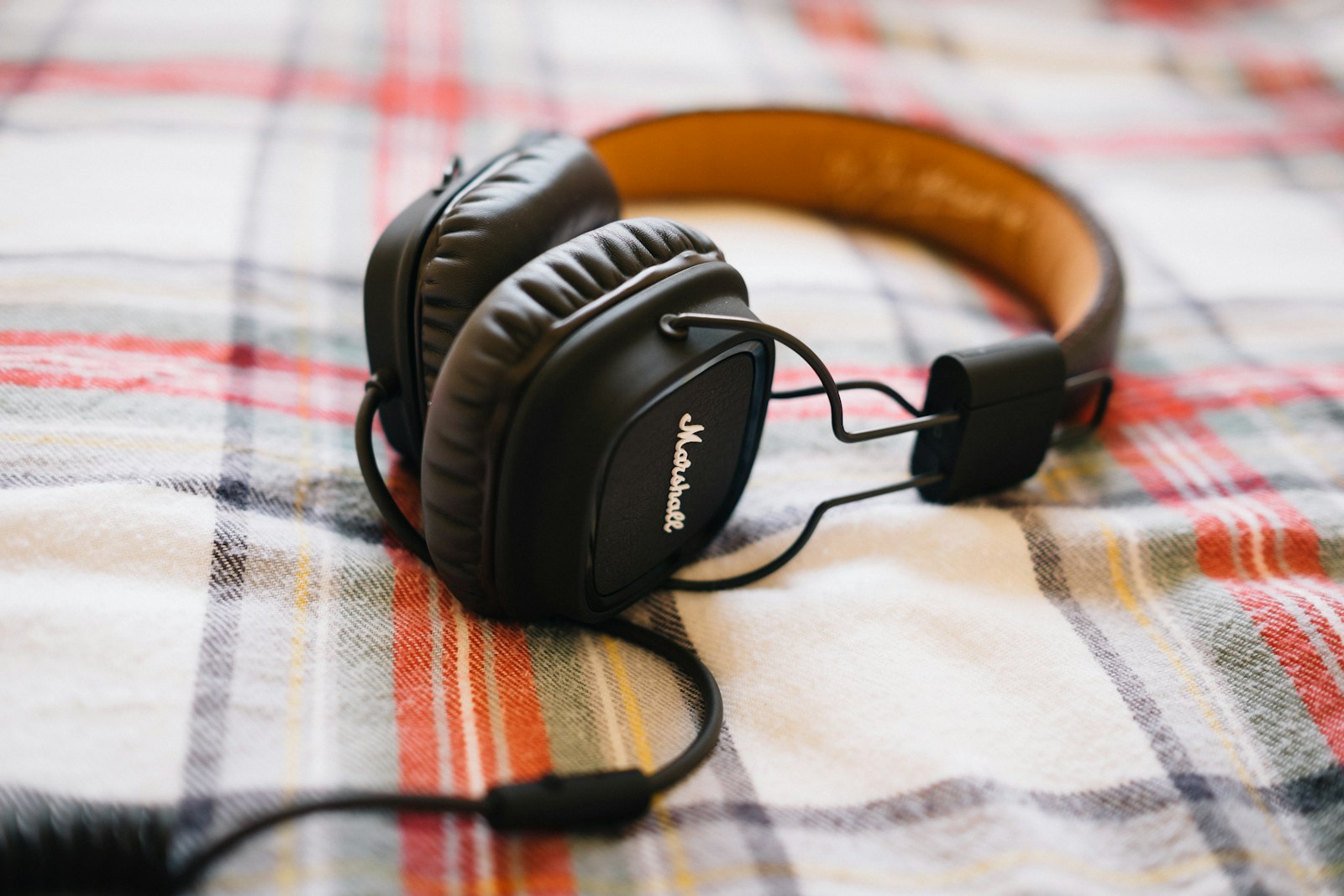
Editing involves long hours wearing headphones, so comfort matters. Headphones that fit well, aren’t too heavy, and stay comfortable over extended sessions prevent fatigue, letting you work longer without discomfort distracting you.
Uncomfortable headphones become painful during long edits, hampering your work. Choosing a comfortable pair you can wear for hours ensures you can focus on the audio rather than the discomfort, which matters for the long sessions editing demands.
Consider Detail and Resolution
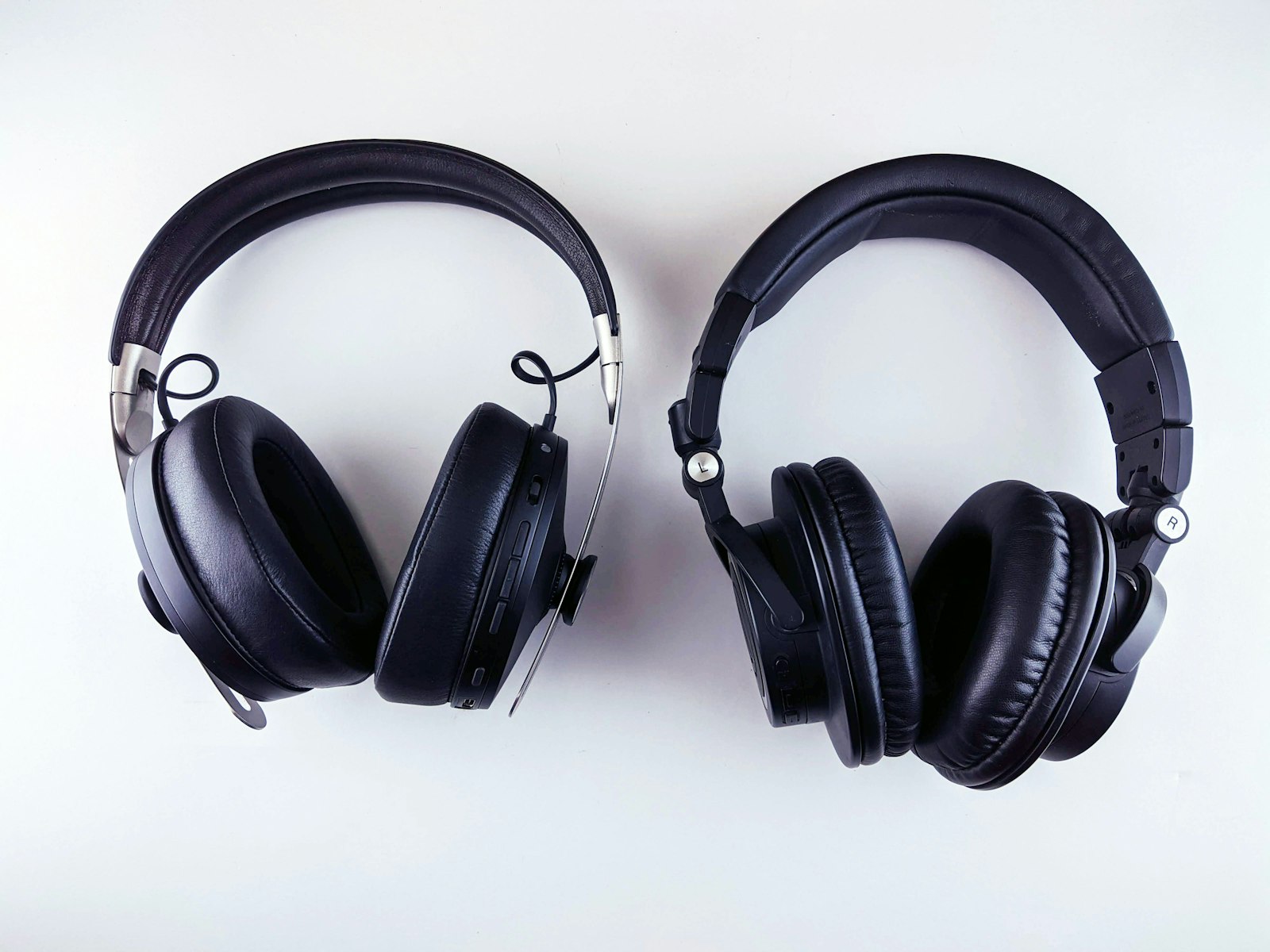
Good editing headphones reveal detail. Headphones that resolve fine detail let you hear subtle issues — noise, clicks, distortion — that you need to catch and fix, making detailed, revealing headphones valuable for cleaning audio.
Hearing the small problems is essential for clean audio editing, as our cleanup guide covers. Headphones that expose the details you might otherwise miss help you catch and address issues, producing cleaner, more professional audio.
Check on Multiple Devices
Headphones are one reference, but checking your mix elsewhere is wise. Listening to your audio on different devices — speakers, phone, earbuds — confirms it translates well, since headphones alone can mislead about how a mix sounds broadly.
Even accurate headphones don’t represent how everyone will hear your audio, so cross-checking matters. Verifying your mix on multiple playback systems, as our mixing guide stresses, ensures it sounds good everywhere, not just in your headphones.
Match the Headphones to Your Work
The right headphones depend on your needs. Serious audio work warrants accurate studio headphones, while general editing needs a decent, reasonably flat pair, so matching the headphones to your work and budget makes sense.
Considering how audio-critical your work is guides the choice. A general editor benefits from comfortable, accurate headphones at a sensible price, while detailed audio work justifies higher-end monitoring headphones, so choosing based on your needs ensures the right tool.
Editing Headphones Best Practices
- Prioritize a flat, accurate frequency response.
- Choose open-back for quiet mixing, closed-back for noisy settings.
- Prioritize comfort for long editing sessions.
- Cross-check your mix on multiple devices.
Common Headphone Mistakes
- Using bass-heavy consumer headphones for editing.
- Ignoring comfort during long sessions.
- Relying on headphones alone without cross-checking.
- Choosing the wrong open or closed design for your environment.
A Real Headphone Choice Example
Imagine an editor frustrated that their mixes sound bass-heavy on their car stereo. The culprit is their bass-boosted consumer headphones, which hid how much low end they were adding. Switching to a flat-response studio pair, they immediately hear the true balance, pull back the bass, and their mixes finally translate cleanly to other systems.
That fix came entirely from hearing the audio accurately instead of flatteringly. Flat, honest headphones don’t make your mix sound impressive in the moment, but they let you make decisions that hold up everywhere — which is exactly the point of monitoring headphones for editing.
Headphones and Room Acoustics
Headphones are valuable precisely because they bypass room acoustics, letting you hear your audio without the reflections and coloration of an untreated space. This makes accurate headphones especially useful for editors without a treated studio, giving a consistent reference regardless of the room.
That said, headphones present a slightly unnatural, in-your-head soundstage, which is why cross-checking on speakers matters when possible. Using accurate headphones as your primary reference, with the cross-checking discipline from our mixing guide, gives reliable results even without acoustic treatment.
Protect Your Hearing
Your ears are your most important editing tool, so protecting them matters for a long career. Editing at sensible volumes, taking breaks, and avoiding prolonged loud listening prevents the hearing fatigue and damage that gradually erode your ability to judge audio accurately.
Listening fatigue also creeps in during long sessions, making your judgment less reliable as the hours pass, so regular breaks keep your ears fresh. Treating your hearing as the precious, irreplaceable asset it is ensures you can keep making accurate audio decisions for years, no matter how good your headphones are.
Train Your Ears
Beyond the headphones themselves, training your ears to hear accurately is what makes you a better audio editor. Learning to identify problems, balance frequencies, and judge a mix develops over time, turning accurate headphones into a tool you can fully use.
This ear training comes from listening critically, comparing your mixes to references, and learning from feedback. Accurate headphones reveal the sound truthfully, but your developing ability to interpret what you hear is what lets you make good decisions.
Investing in both quality monitoring and your own listening skills compounds your audio abilities. Combined with cross-checking on multiple systems, well-trained ears on accurate headphones give you the reliable judgment that clean, professional audio depends on.
Key Takeaways
- Editing headphones must reveal audio accurately, not flatter it.
- Prioritize a flat response and choose open or closed by environment.
- Prioritize comfort for long sessions.
- Cross-check your mix on multiple devices.
Frequently Asked Questions
What headphones should I use for video editing?
Choose headphones with a flat, accurate frequency response that reveal your audio truthfully rather than flattering it with boosted bass. Pick open-back for quiet mixing or closed-back for noisy settings, prioritize comfort, and cross-check on other devices.
Why shouldn’t I use consumer headphones for editing?
Consumer headphones often boost bass and flatter your audio, making it sound better than it is. This leads to mixes that sound wrong on other devices. Editing needs flat, accurate headphones that reveal your sound as it really is.
What’s the difference between open and closed-back headphones?
Open-back headphones offer a more natural, spacious sound favored for critical mixing in quiet rooms but leak sound. Closed-back isolate sound, suiting noisy environments and recording. Choose based on your environment and use.
Sources: Wikipedia’s overview of headphones.
Hear it accurately at Adobe Video World
Train hands-on with Adobe Certified Instructors across 100+ Premiere Pro & After Effects sessions.



