A workflow taught by Adobe Certified Instructors at Adobe Video World.
Laser beams — bright bolts of energy — are a sci-fi staple for weapons, eyes, and futuristic technology. After Effects has a built-in Beam effect, enhanced with glow and impact, to create convincing lasers. This guide covers building a laser beam effect, animating it firing, and adding the light and impact that make it believable.
What Makes a Laser Look Real
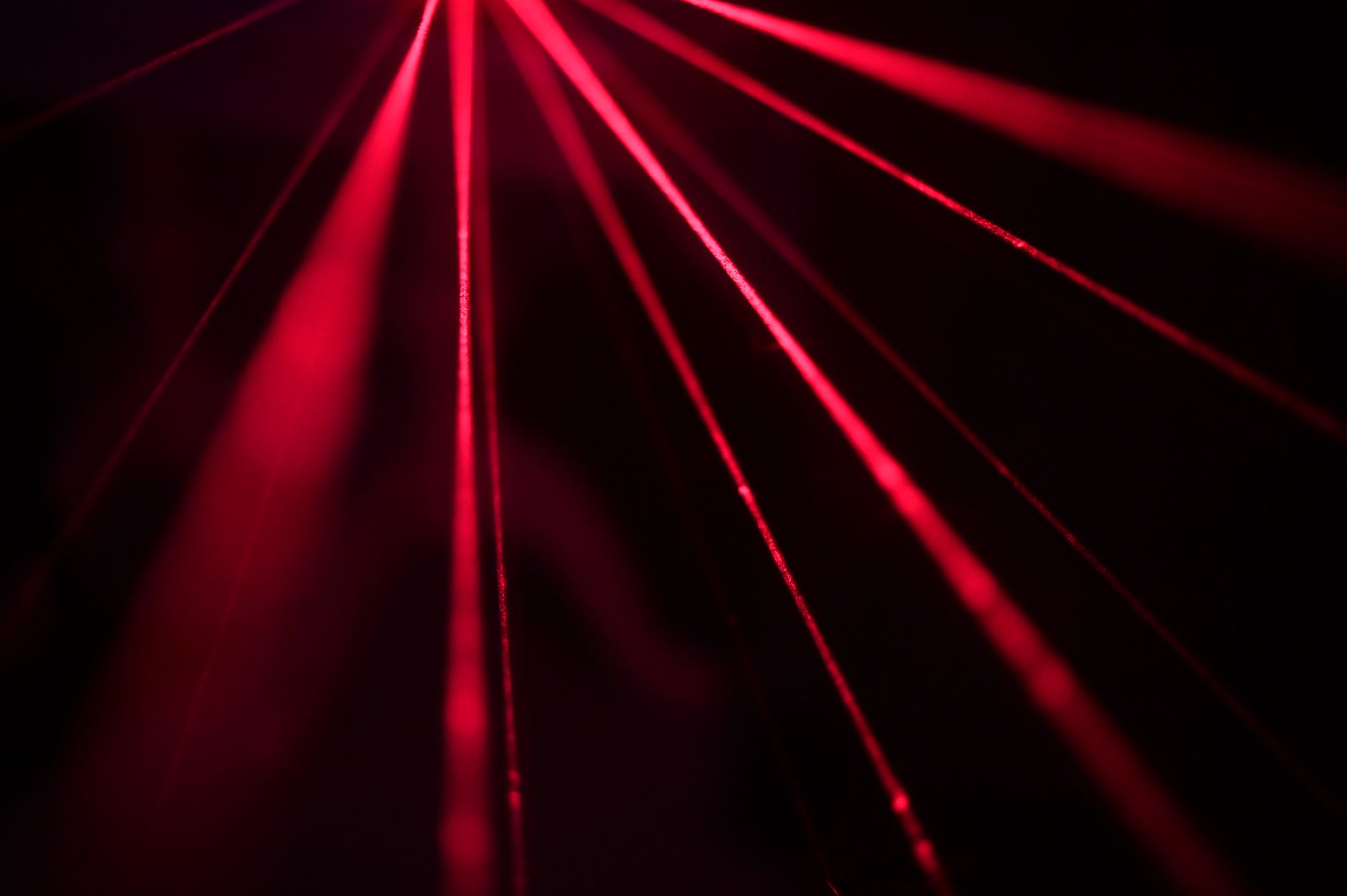
A convincing laser has a bright, hot core, a colored glow around it, and it lights its surroundings. It fires sharply, often with a flash at the source and an impact where it lands, and moves with energy and speed.
These qualities — a glowing core, colored radiance, scene lighting, and dynamic firing — are what sell a laser beyond a simple colored line. Recreating them transforms a basic beam into a powerful energy weapon that feels real within a scene.
Use the Beam Effect
After Effects includes a Beam effect (under Generate) built for this. Applying it to a solid, you set the beam’s start and end points, thickness, color, and softness, creating a glowing bolt between two points.
The Beam effect handles the core of the laser, with controls for its appearance and a built-in glow. Setting the starting and ending points to define the beam’s path, and tuning the thickness and color, gives you a laser bolt to enhance.
Build the Core and Glow
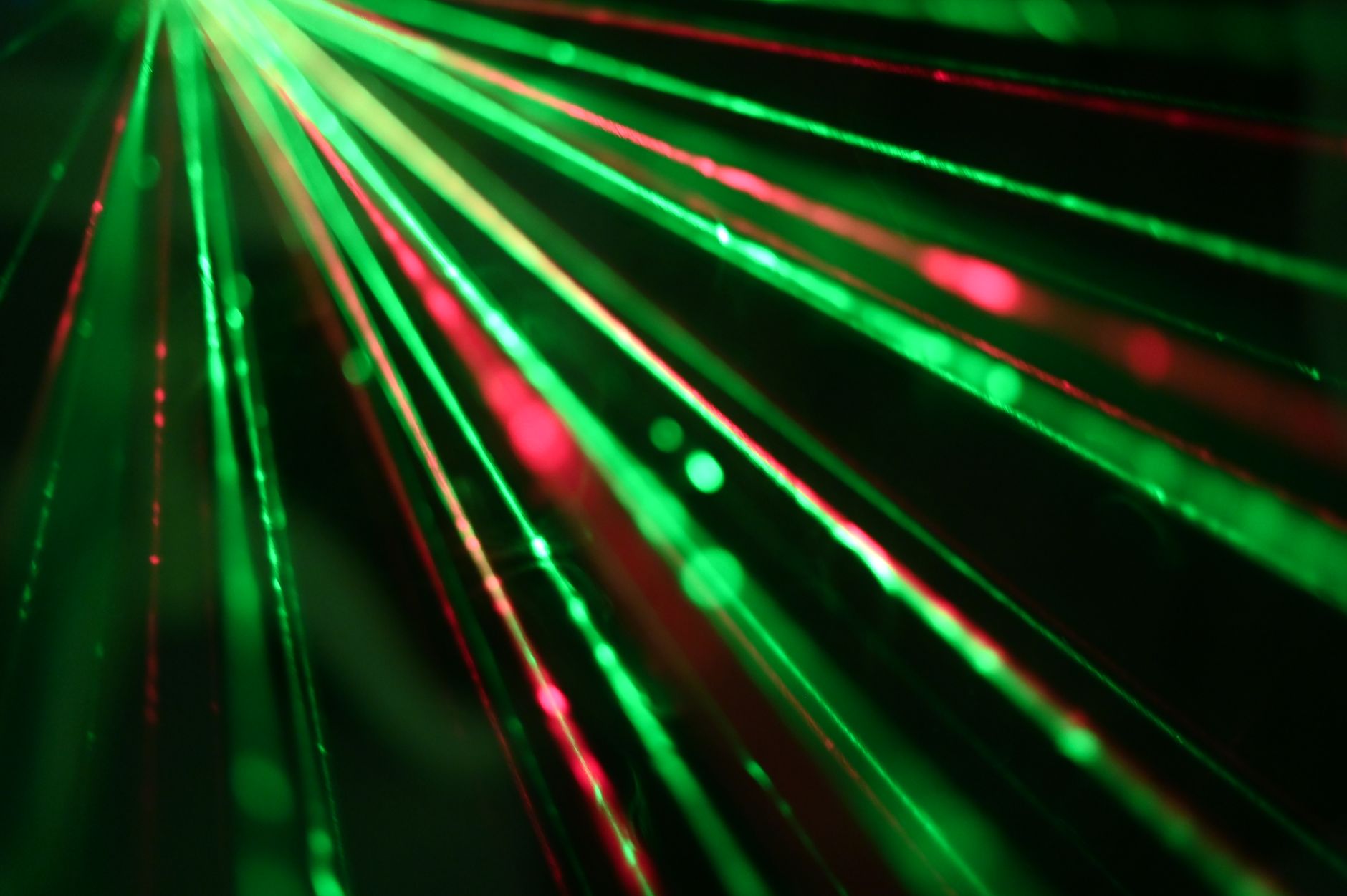
A great laser has a bright, near-white core with a colored glow. Keeping the beam’s center hot and bright, then layering a glow in the laser’s color, creates the intense energy look of a real beam.
This hot-core-with-colored-glow structure, the same as a lightsaber, gives the laser its energy quality. Layering a tight inner glow and a wider soft one around the bright core makes the beam radiate convincingly.
Animate the Beam Firing
Lasers fire dynamically, so animate the beam. Using the Beam effect’s Length or animating the start and end points so the bolt shoots from the source to its target makes the laser fire rather than simply appearing.
Animating the beam extending rapidly from the weapon to the impact point creates the firing motion. Timing this to be fast and sharp, eased appropriately, gives the laser the snappy, energetic discharge that real-feeling laser fire needs.
Add a Source Flash
A flash at the firing point sells the discharge. Adding a bright flash and glow at the source as the laser fires, like a muzzle flash, shows the energy being released and adds impact to the moment of firing.
This source flash, timed to the beam firing, gives the laser a powerful launch. A quick bright burst at the weapon or eye as the beam shoots out, synced with the firing animation, makes the discharge feel forceful and real.
Add Impact at the Target
Where the laser hits, an impact completes the effect. Adding a burst, flash, sparks, or scorch at the point the beam lands shows the laser striking its target, with energy and debris suggesting its power.
This impact, timed to when the beam reaches the target, demonstrates the laser’s force. A flash and particle burst where the beam lands, plus a scorch or damage, gives the laser fire a satisfying, powerful conclusion.
Light the Scene
A laser casts light as it fires. Adding a flash of the laser’s color onto the surroundings, the shooter, and the target, timed to the firing, integrates the beam into the scene and adds drama, especially in darker shots.
This scene lighting, brightening surfaces as the laser fires and hits, makes the beam feel like it’s genuinely illuminating its environment. Synced colored light along the beam’s path completes the integration, selling the laser as a real energy weapon.
Add Sound
Laser sound effects are iconic and essential. Syncing a laser firing sound to the beam, and an impact sound to the hit, completes the effect, since the distinctive zap is half of what makes a laser feel real and powerful.
The right laser audio, timed to the firing and impact, gives the beam its sci-fi punch. Layering firing and impact sounds, using our sound design techniques, provides the sonic energy that completes a convincing laser weapon.
Laser Beam Best Practices
- Use the Beam effect for the core bolt, set its points and color.
- Build a bright core with a layered colored glow.
- Animate the beam firing with a source flash and target impact.
- Light the scene and sync laser sound effects.
Common Laser Mistakes
- A flat colored line with no bright core or glow.
- A beam that appears instantly instead of firing dynamically.
- No source flash or impact at the target.
- Forgetting scene lighting and the iconic laser sound.
A Real Laser Beam Example
Picture a sci-fi turret firing on an enemy. You apply the Beam effect from the turret to the target, give it a near-white core with a tight red inner glow and a wide soft outer glow, then animate the beam’s length so it shoots rapidly across the gap. A bright flash bursts at the turret as it fires and a sparking impact erupts where it lands.
Colored light flashes across the scene with each shot, and a sharp laser zap and impact sound land precisely on the firing and hit. The flat solid becomes a powerful, dynamic laser weapon — built from the Beam effect plus glow, a source flash, a target impact, scene lighting, and synced audio all timed together.
Lasers for Eyes, Weapons, and Tech
The laser technique adapts to many uses beyond a turret. Eye beams shoot from a character’s eyes with the same core-and-glow build, energy weapons fire bolts in any color, and futuristic technology uses thin scanning lasers, each just a Beam with appropriate color, thickness, and timing.
Matching the laser’s color, intensity, and behavior to its source — a menacing red weapon, a cool blue scanner, a hero’s bright energy blast — keeps it consistent with your world. Combined with the impact and sound details, this versatility makes the laser technique a workhorse for any sci-fi or fantasy effect involving directed energy.
The glowing energy you build for a beam is the foundation of a force field effect in After Effects.
If you can build a laser, you’re ready for a muzzle flash effect in After Effects, since both rely on glows, blend modes, and precise timing.
Key Takeaways
- A laser has a bright core, colored glow, and lights the scene.
- Use the Beam effect and build a hot core with glow.
- Animate the firing with a source flash and target impact.
- Light the scene and sync laser sound effects.
Frequently Asked Questions
How do I create a laser beam in After Effects?
Apply the Beam effect (under Generate) to a solid, set its start and end points, thickness, and color, then build a bright core with a layered glow. Animate the beam firing, add a source flash and target impact, light the scene, and sync sound.
How do I make a laser fire dynamically?
Animate the Beam effect’s Length or its start and end points so the bolt shoots rapidly from the source to the target, rather than appearing instantly. Add a bright flash at the source and an impact burst where it lands, timed sharply.
What makes a laser beam look real?
A bright near-white core, a colored glow radiating around it, scene lighting cast as it fires, a source flash, an impact at the target, and a synced laser sound. These together make the beam read as a powerful energy weapon.
Sources: Adobe’s documentation on the Beam and generate effects in After Effects.
Fire the lasers at Adobe Video World
Train hands-on with Adobe Certified Instructors across 100+ Premiere Pro & After Effects sessions.



